FaceTime Like a Pro
Get our exclusive Ultimate FaceTime Guide 📚 — absolutely FREE when you sign up for our newsletter below.

FaceTime Like a Pro
Get our exclusive Ultimate FaceTime Guide 📚 — absolutely FREE when you sign up for our newsletter below.


Everything you need to know about using WhatsApp Status.
Locked out of your Apple ID? Here’s the fastest way back in with no stress, just a few simple steps.
Simple steps to remove water from your iPhone speaker by yourself.
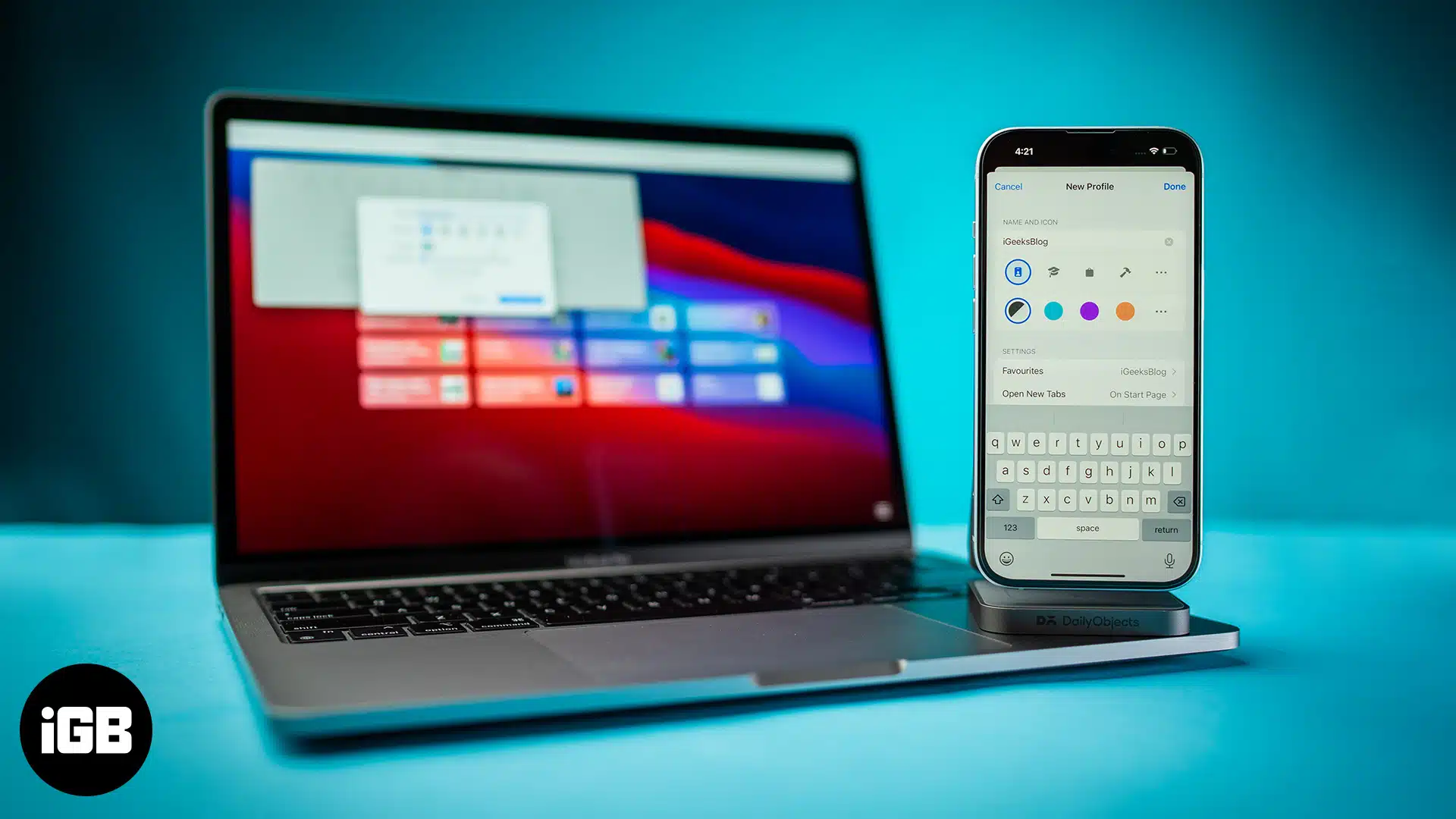
Learn how to create and use Safari Profiles on your iPhone, iPad, and Mac to keep your browsing perfectly organized.
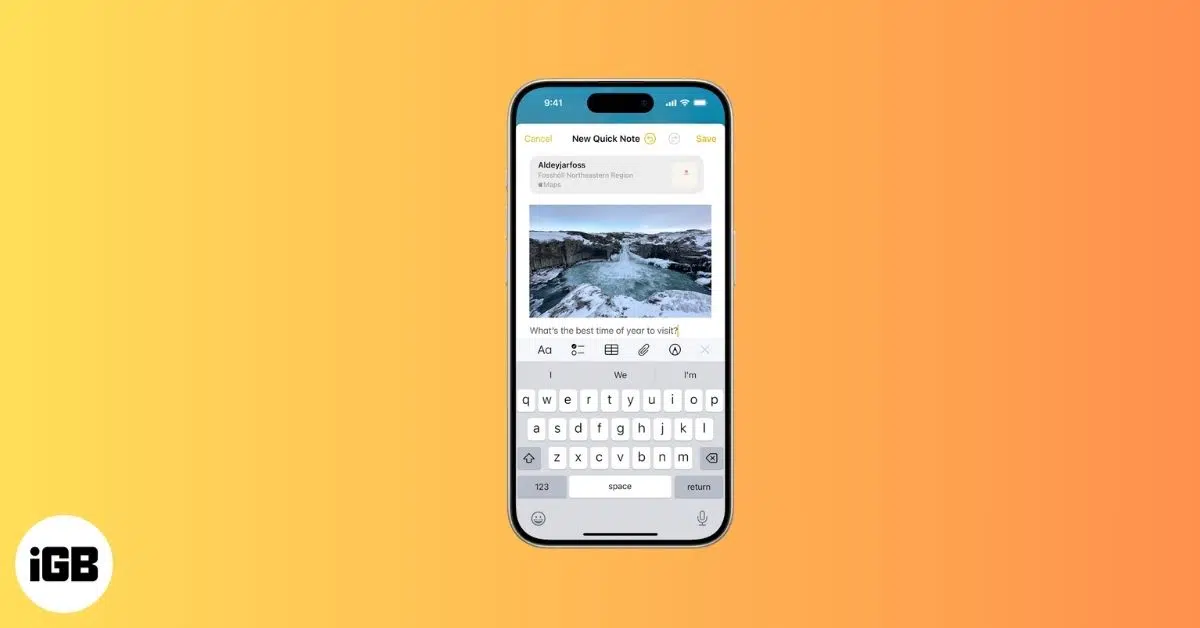
Quick Notes on iPhone let you capture ideas in seconds, from links and reminders to thoughts, without breaking your flow.
Want to organize your Safari downloads on your iPhone or iPad. This guide covers everything you need to know to manage downloads in Safari on an iPhone or iPad.
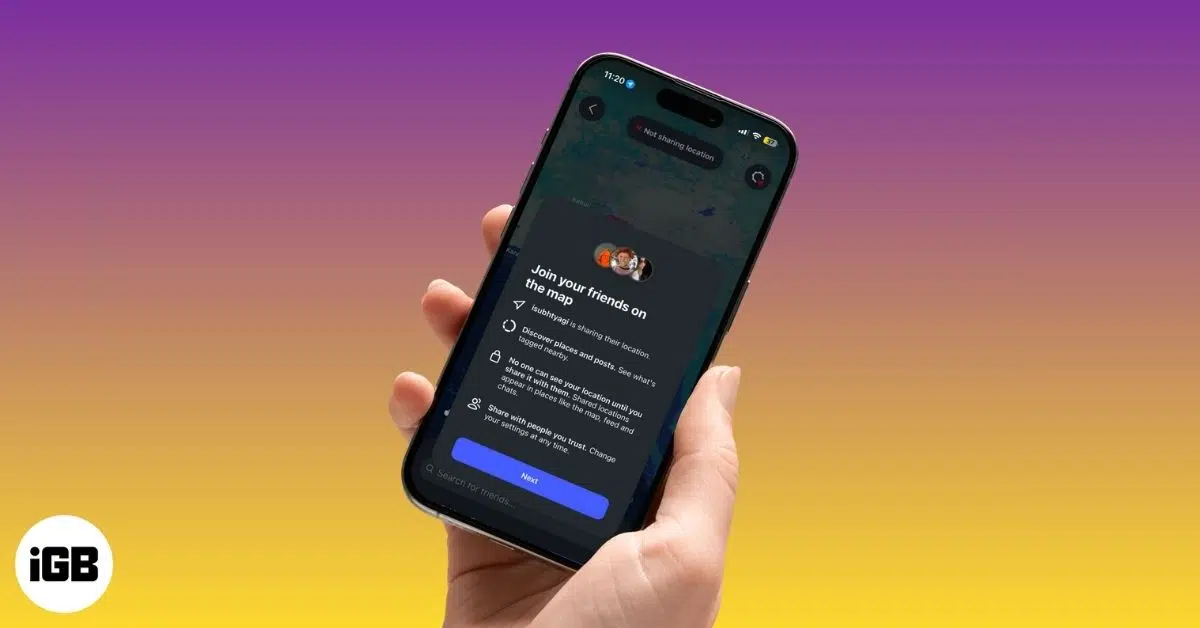
Instagram Map lets you share your location with friends, see where they’re hanging out, and explore Reels and Stories tagged with nearby places while keeping full control of your privacy.
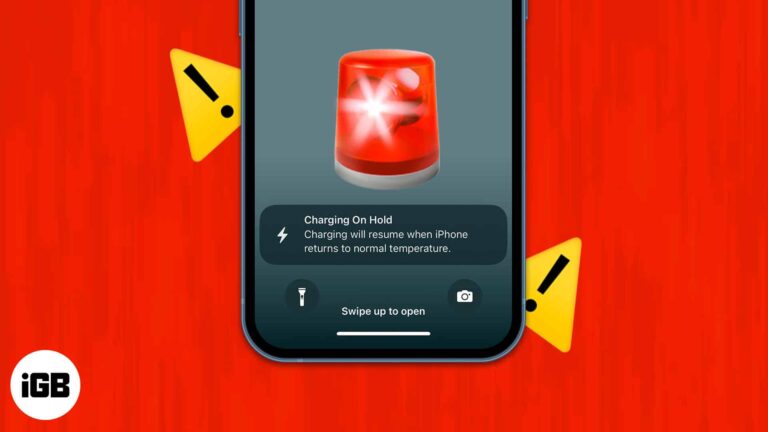
To fix "Charging On Hold" warning on iPhone, Unplug your iPhone from charging point and stop using it until it returns to normal temperature.

Is your MacBook keyboard acting up? Here are some easy troubleshooting solutions that can help you fix a MacBook keyboard that isn't working.
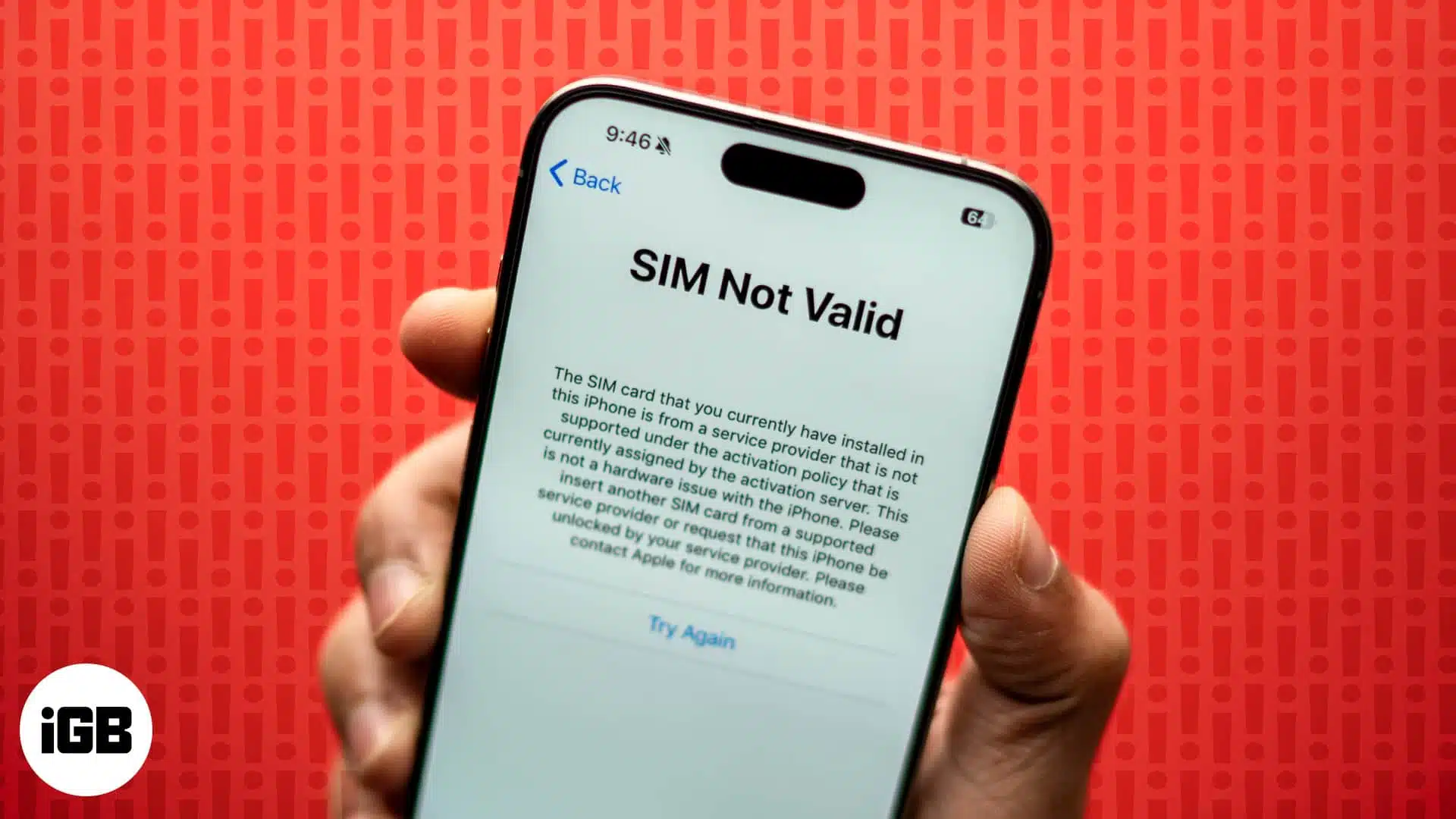
Does your iPhone say "No SIM" or "Invalid SIM?" We've got a few solutions you can try to fix the "No SIM" or "Invalid SIM" error on your iPhone.
Shop Amazon like a local—anywhere in the world. Here’s how to switch your country in a snap!

 Ava Biswas and Dhvanesh
Snapchat Planets decoded! Discover the meaning, order, and hidden truths in your cosmic friend list.
Learn how to use Facebook’s Lock Profile feature to control who can see your photos, posts, and personal info plus what to do if the option isn’t available on your account.
Learn how to save Instagram Reel audio using simple tools and methods for offline use or future editing.
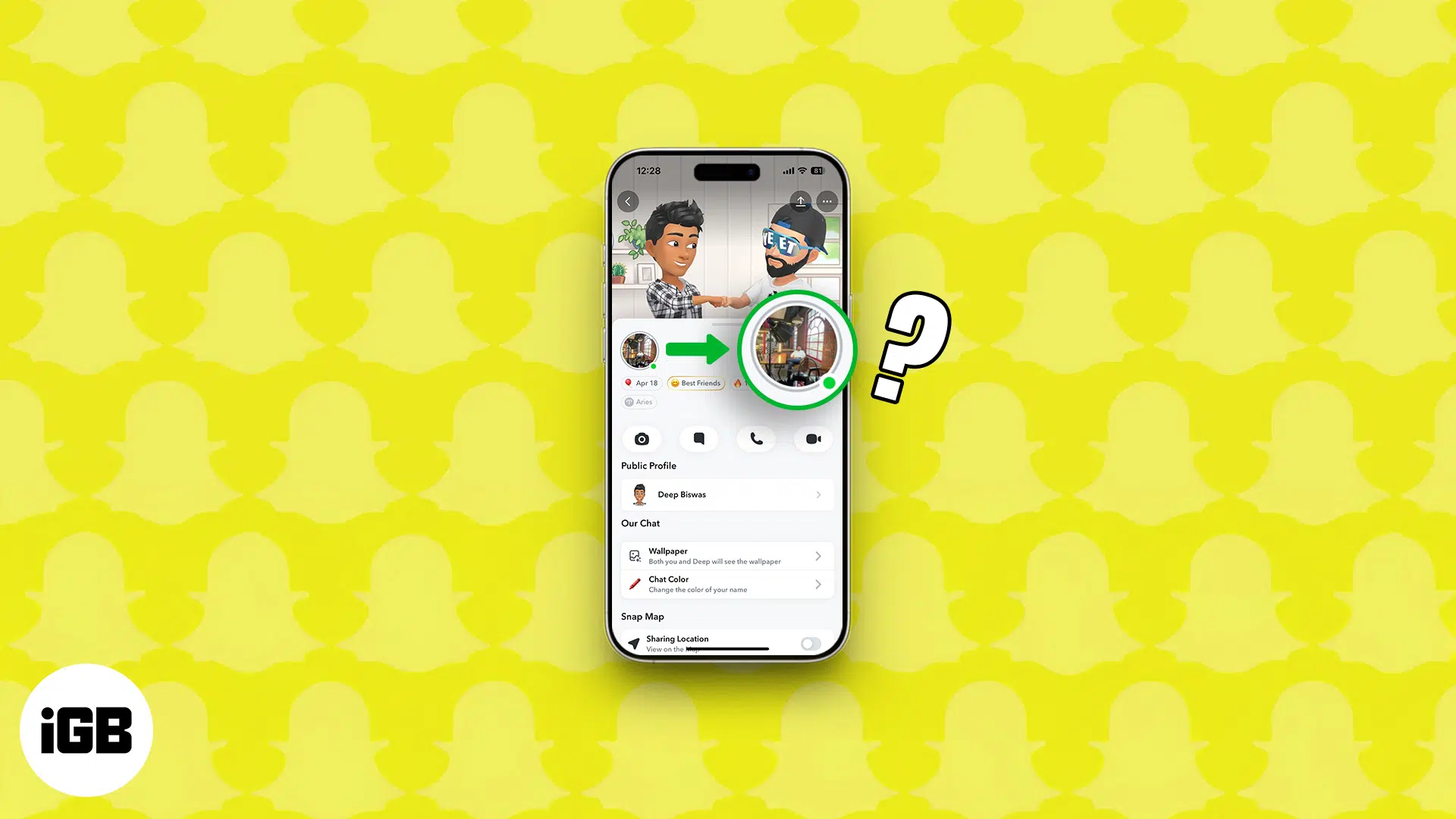
Snapchat's green dot decoded: see what it reveals and how to disappear when you want!

You don’t always need an iPhone to use Apple Watch. From music and fitness tracking to payments and calls, here are 16 things your Apple Watch can do completely on its own.
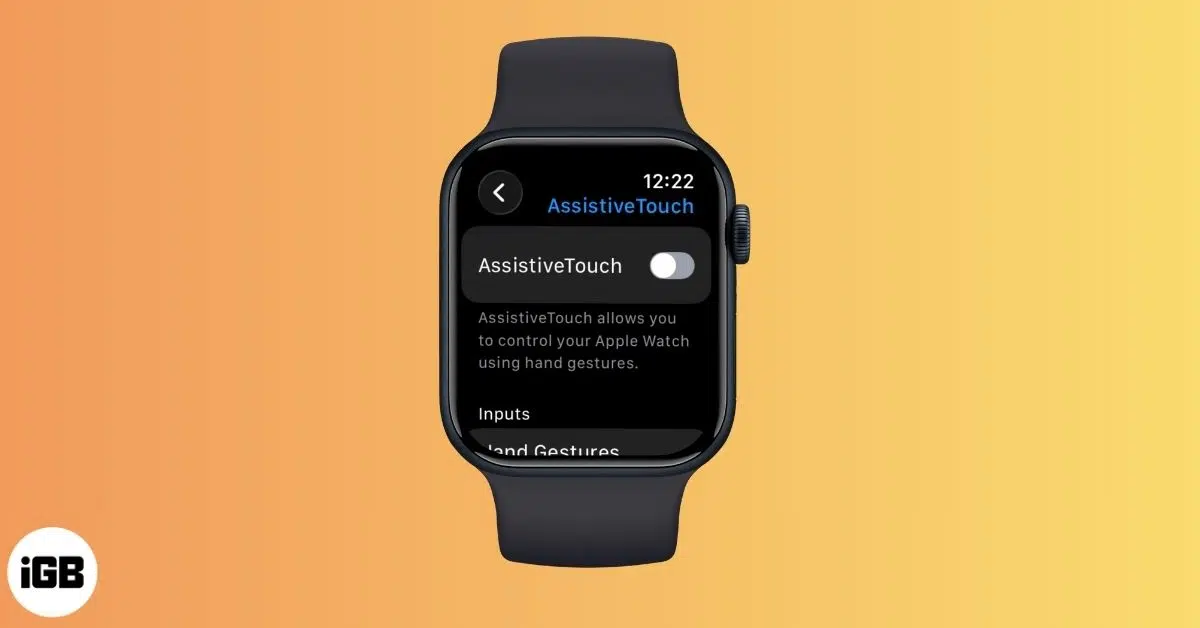
AssistiveTouch on Apple Watch lets you control your watch with hand gestures and wrist movements. Learn how to enable it, customize gestures, and make everyday navigation faster and easier.
Learn how to permanently delete your TikTok account on iPhone while keeping a backup of your videos and data.
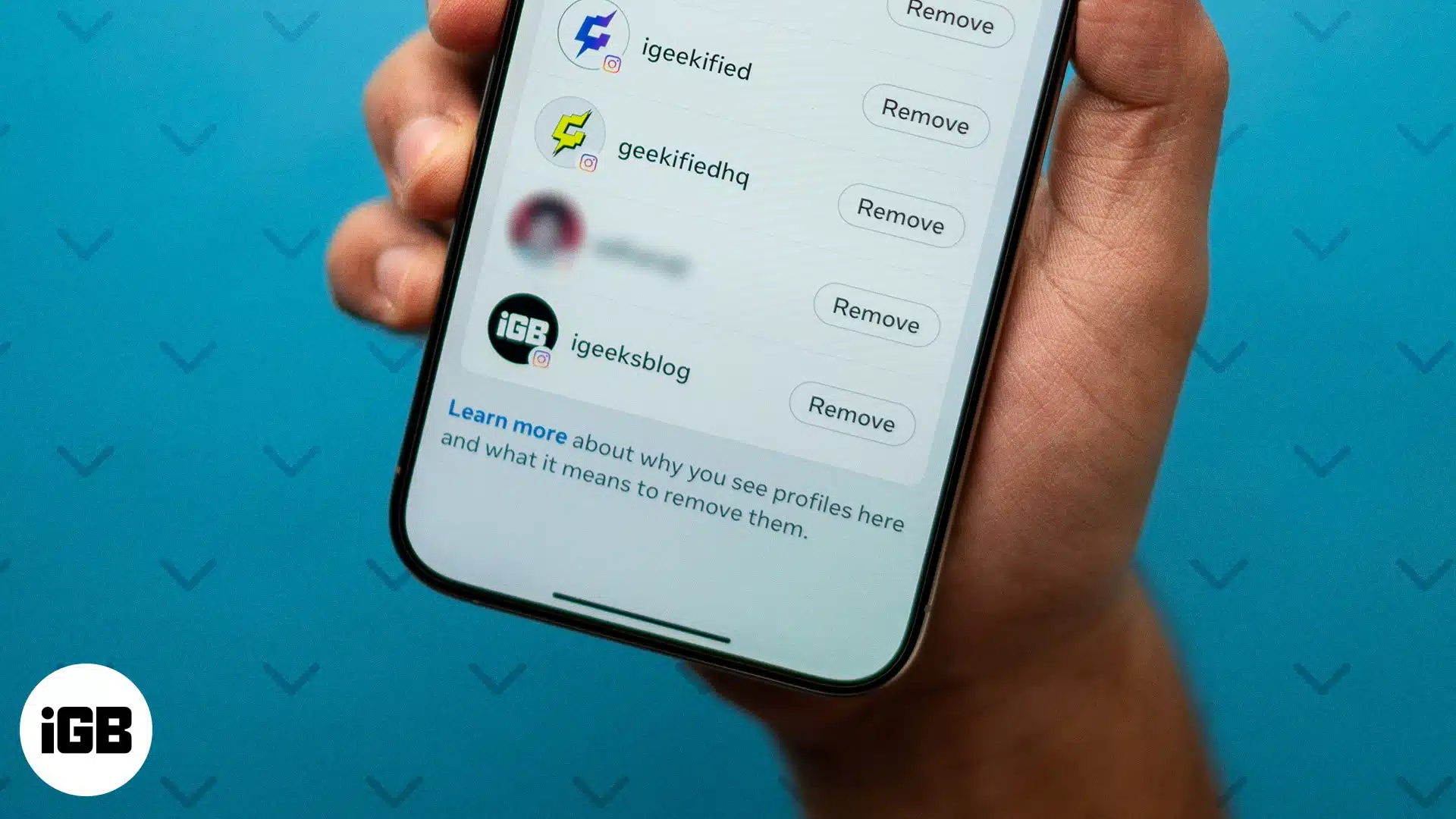
Protect your Instagram account from hacks and misuse. Learn why and how to remove remembered Instagram accounts on your iPhone or computer to safeguard your login info.
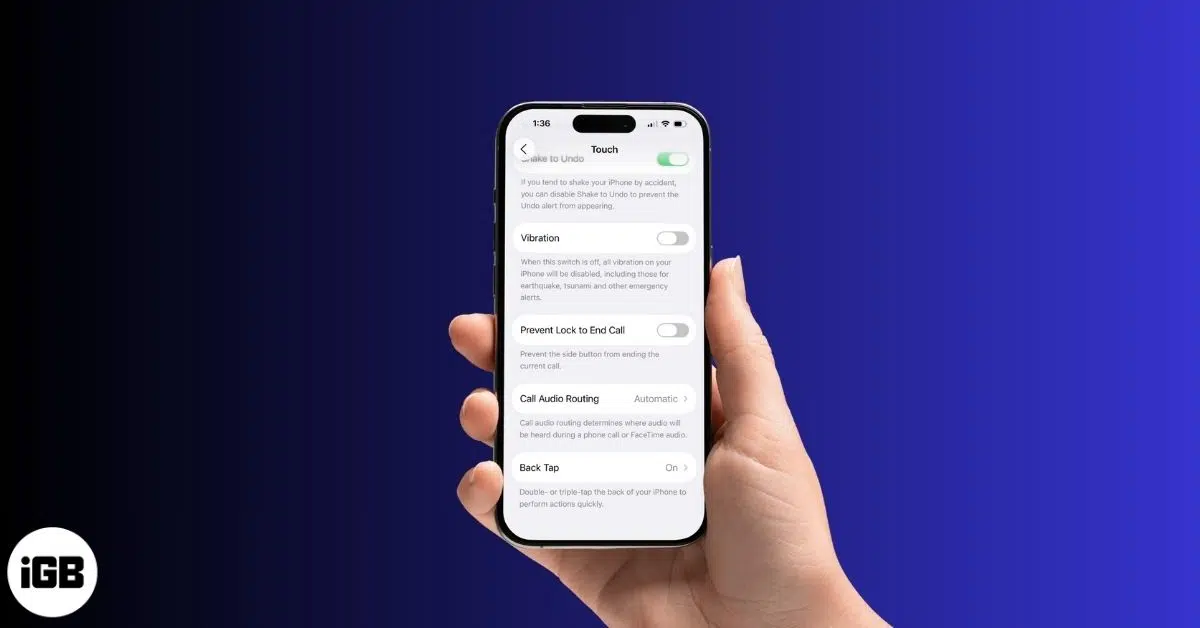
Tired of constant buzzing? This guide shows you how to turn off vibration on your iPhone, whether for calls, keyboard typing, or all system haptics.
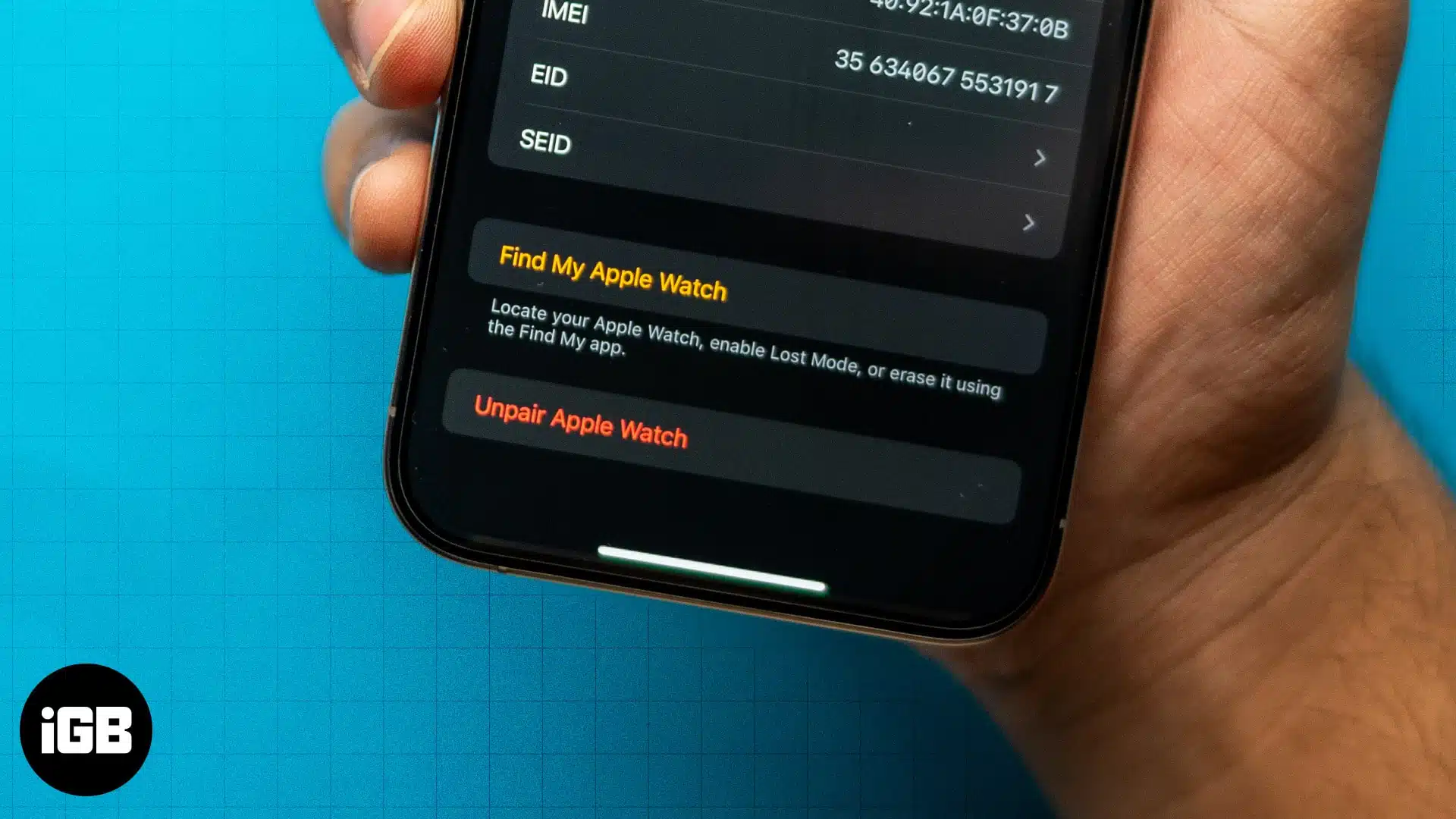
Learn the simple steps to unpair an Apple Watch with or without the paired iPhone, whether selling an Apple Watch or gifting it to someone special.

CVS Pharmacy accepts Apple Pay. This guide will explain how to use Apple Pay at CVS, its benefits, and the forms of payment accepted at CVS Pharmacy.

Want to track sleep on your Apple Watch? This guide covers everything about sleep tracking using Apple Watch and iPhone.
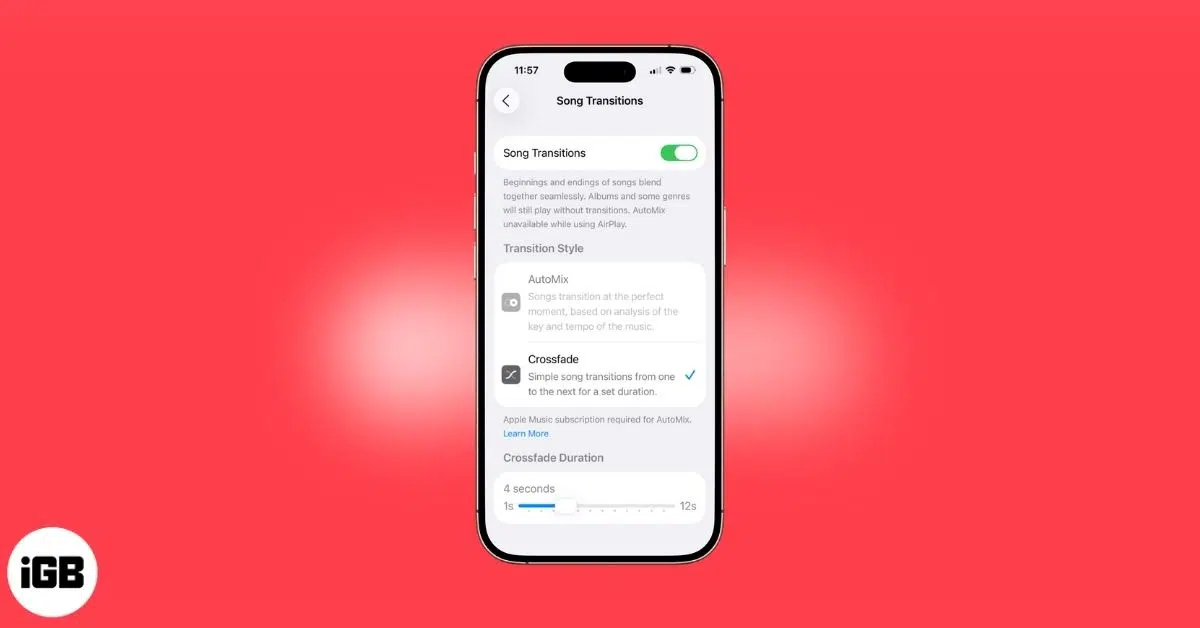
Apple Music’s Crossfade feature seamlessly blend songs for smoother transitions in your playlists. Here's how!
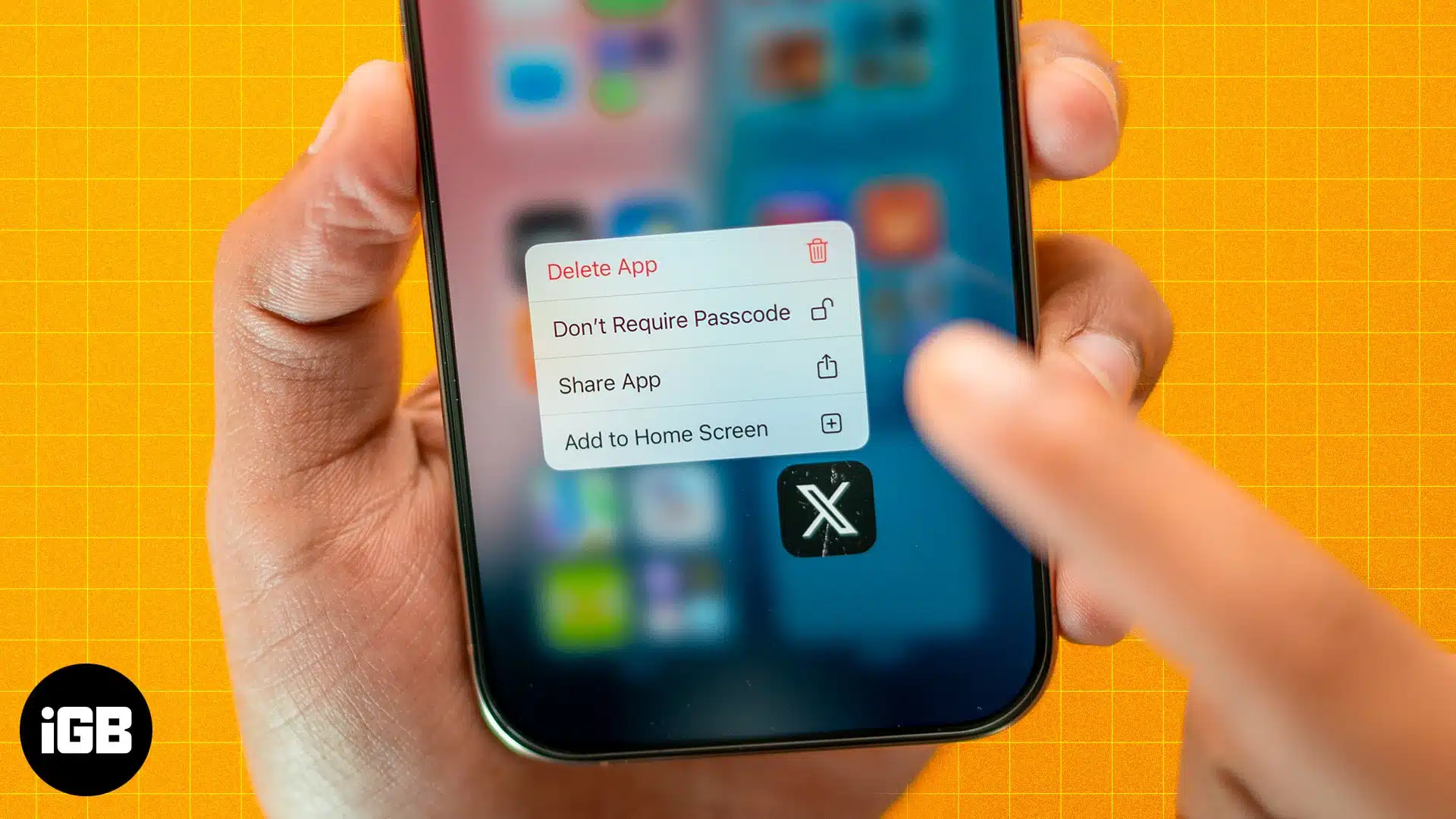
Struggling to find hidden apps? Learn how to unhide apps on your iPhone in seconds and get full control of your home screen.
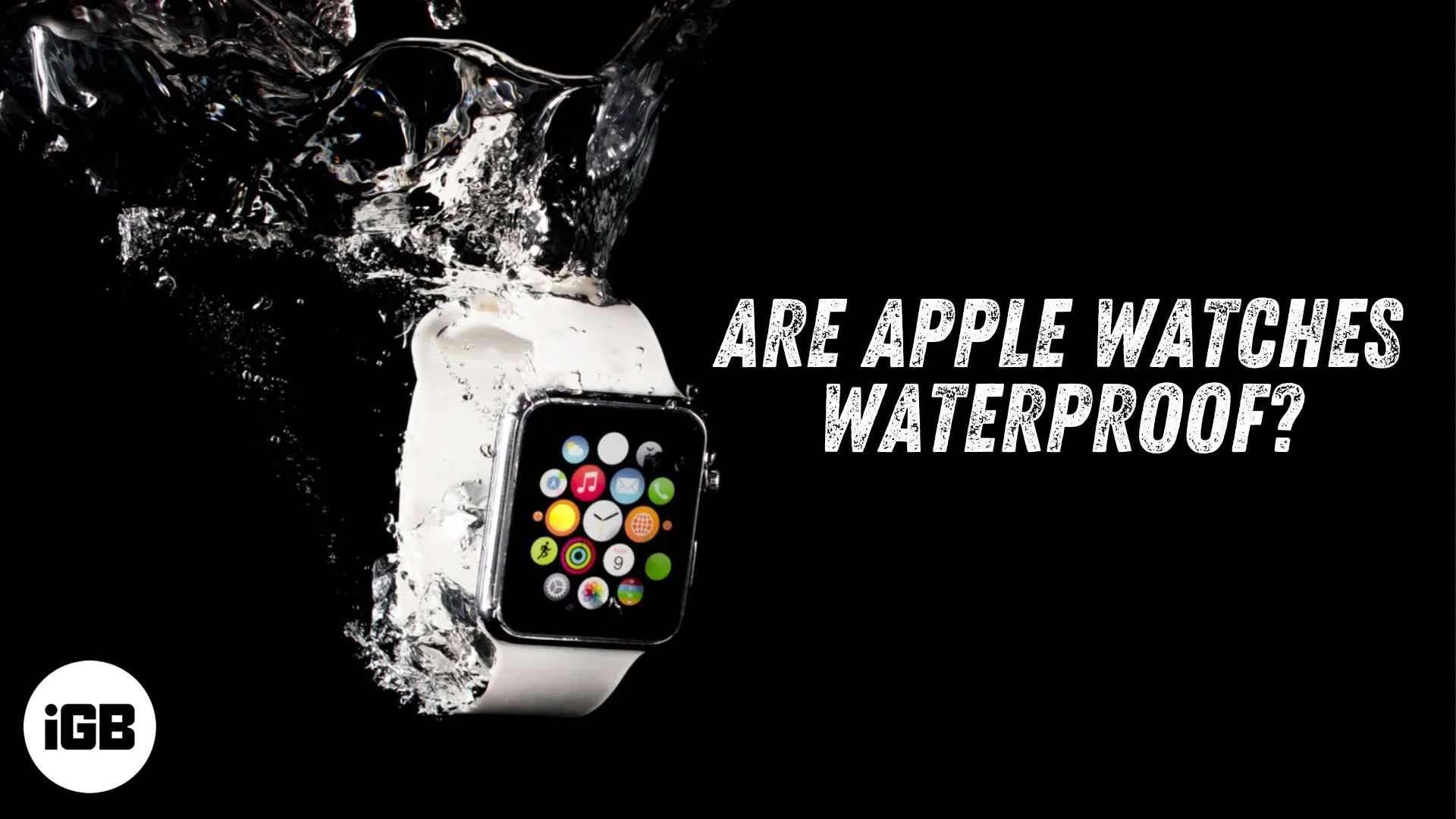
Wondering if your Apple Watch can swim? Get the quick facts on water resistance, safe activities, and care tips!
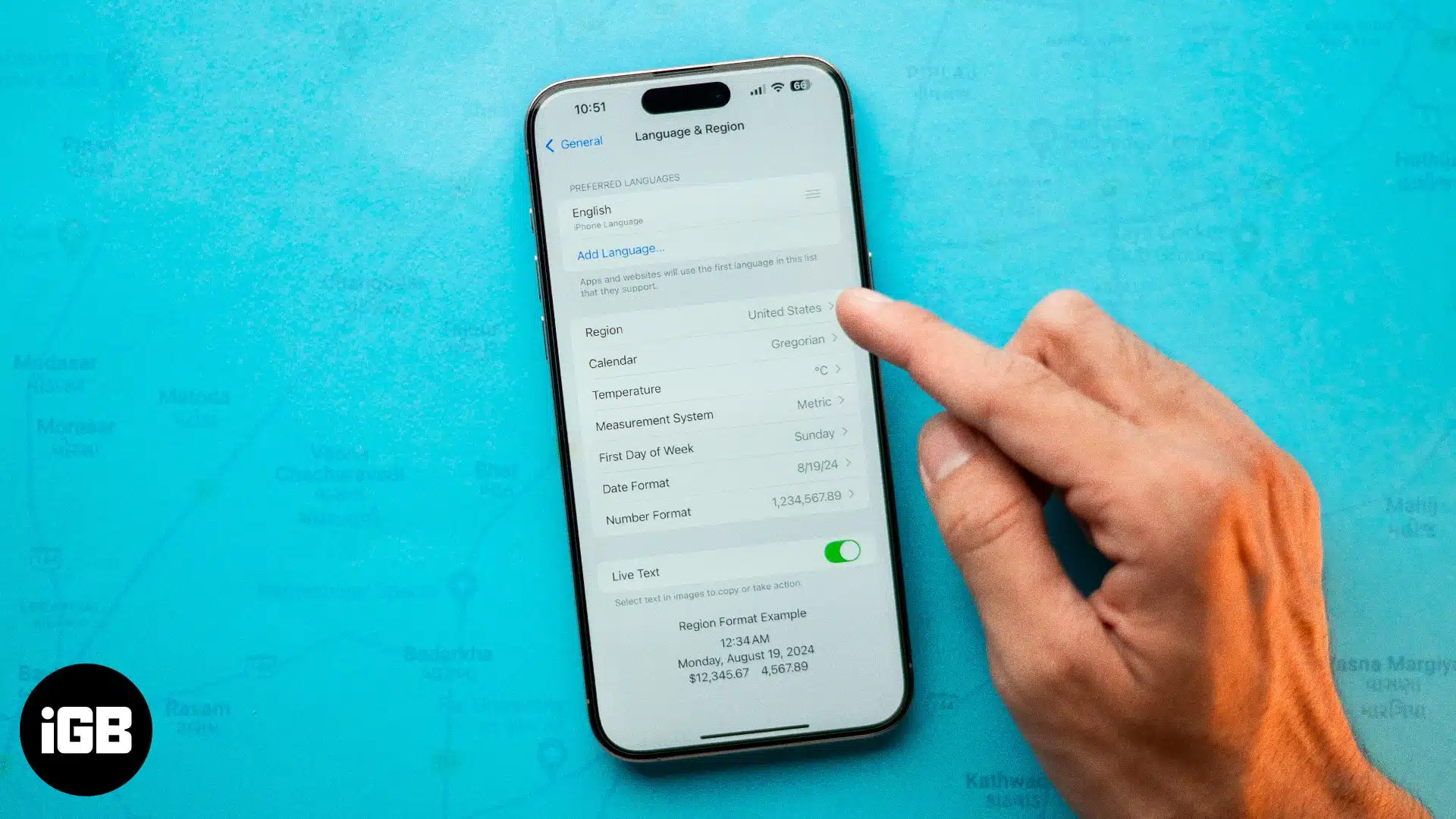
Want to prevent your apps from accessing your real location on your iPhone? Here are 4 ways to change your location on an iPhone for better privacy.
Annoyed by ads or other distracting elements on websites? Learn how to turn on and use Reader mode in Safari on your iPhone.