
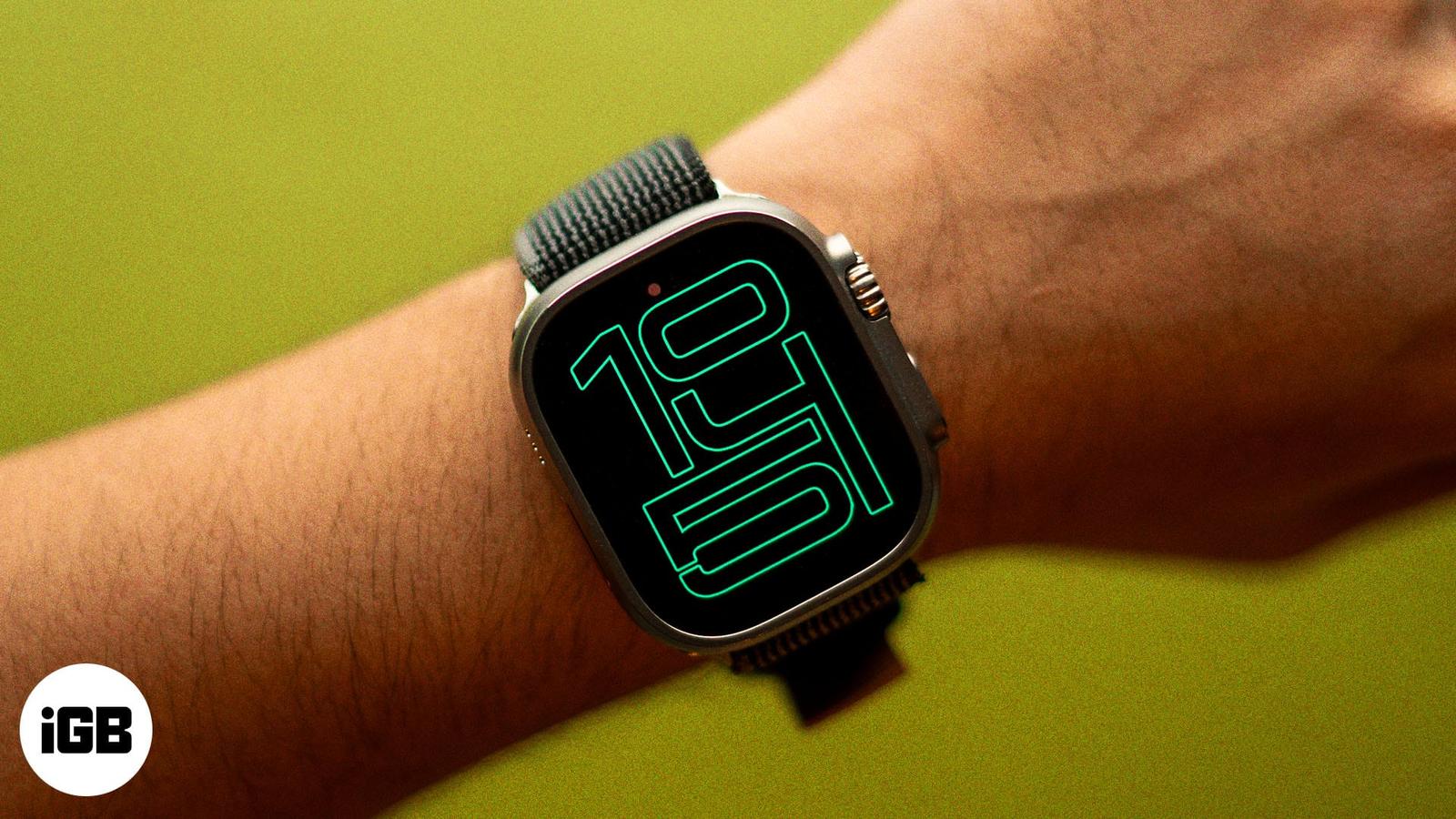
Apple Watch
How to use Apple Watch Always On display and customize it
Always On is on by default on Series 5 and later, SE 3 and every Ultra. Here’s how to switch it back on, hide apps, and manage battery drain
October 22, 2026

Supreeth has been an Apple fanboy ever since he got his hands on an iPod Touch 5 in 2012. After finishing his education in engineering in 2021, he started writing about technology. Ever since then, he's written hundreds of blogs on iPhone, iPad and the Apple Watch. Previously, he worked at Guiding Tech and GadgetsToUse Media.
Employer
iGeeks Media Pvt Ltd.
Education
Bachelor of Engineering (B.E.) in Mechanical Engineering
Always On is on by default on Series 5 and later, SE 3 and every Ultra. Here’s how to switch it back on, hide apps, and manage battery drain
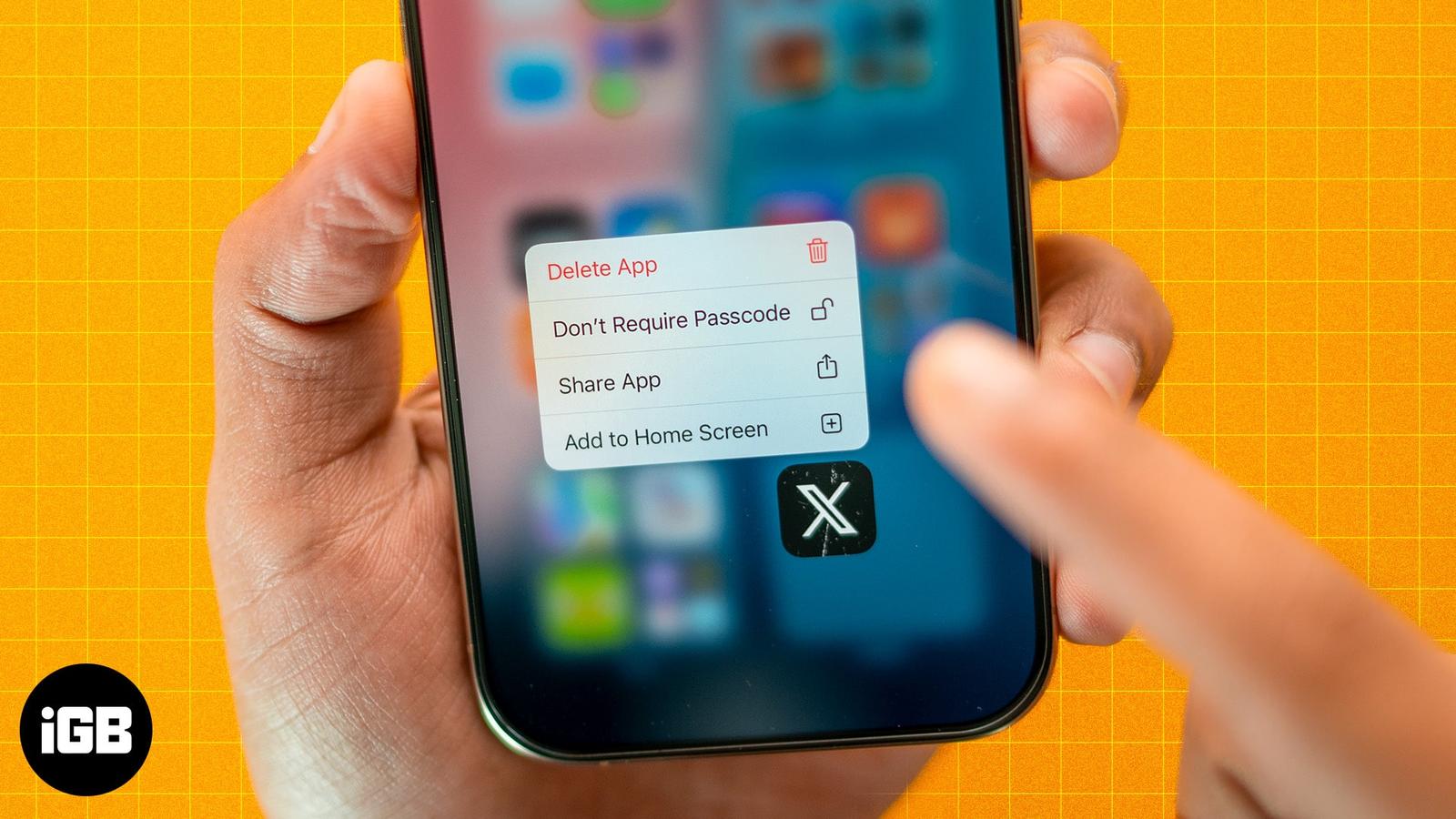
Struggling to find hidden apps? Learn how to unhide apps on your iPhone in seconds and get full control of your home screen.
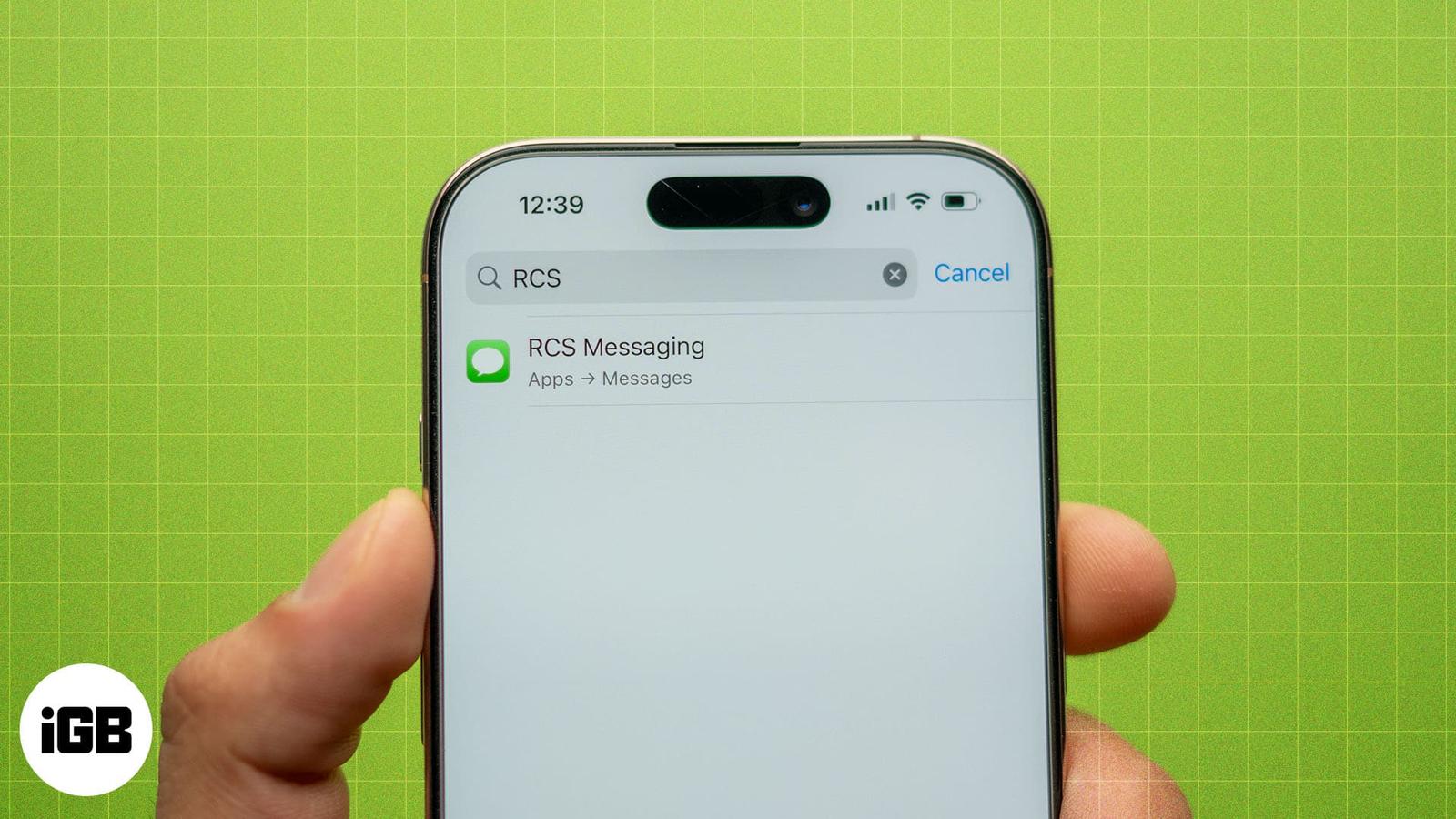
Learn how to fix RCS not working on your iPhone with these simple yet effective solutions.
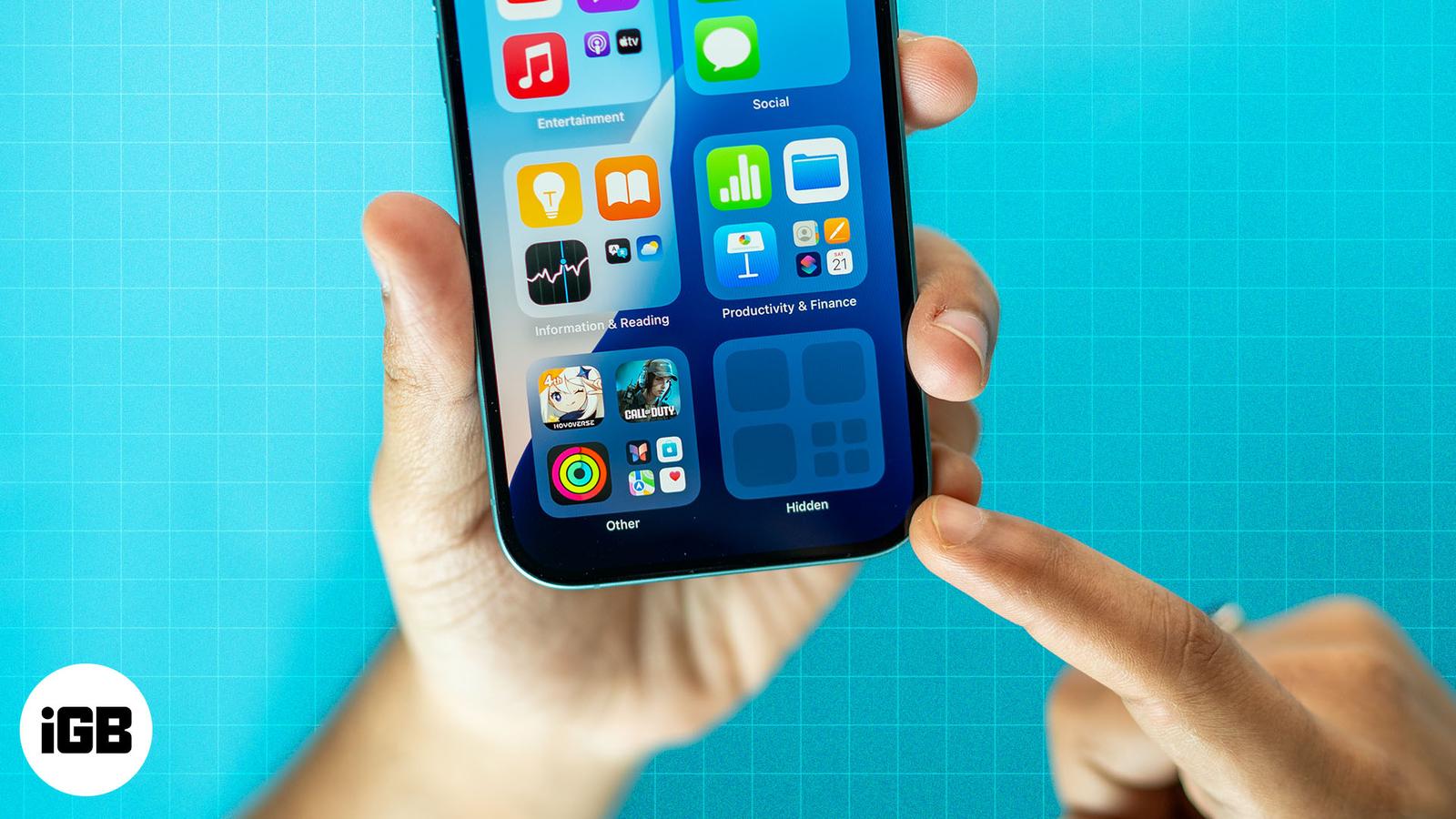
Apple now lets you lock and hide apps on iPhone with just a tap. Whether you want to secure banking apps, block kids from games, or keep per