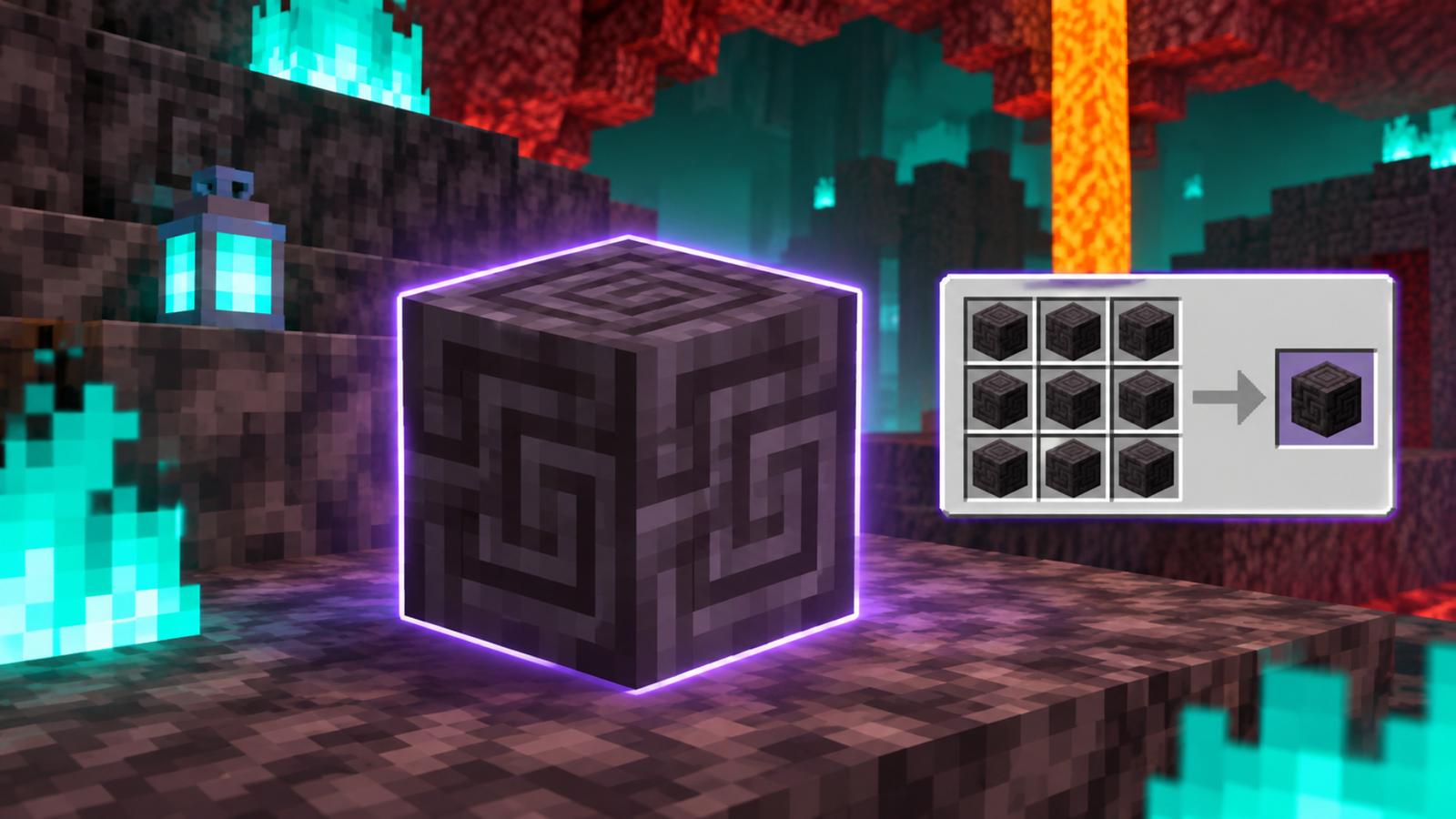

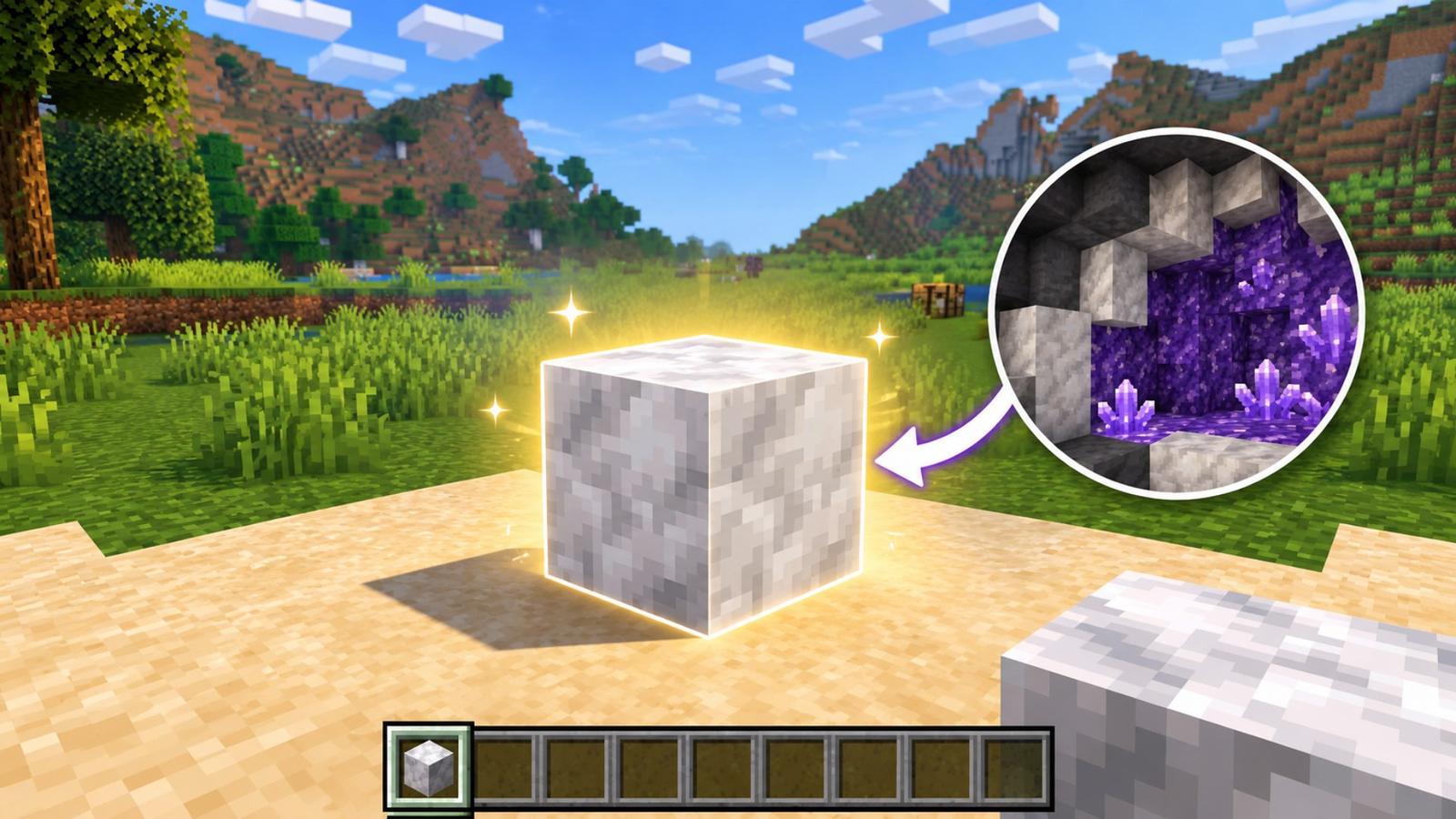
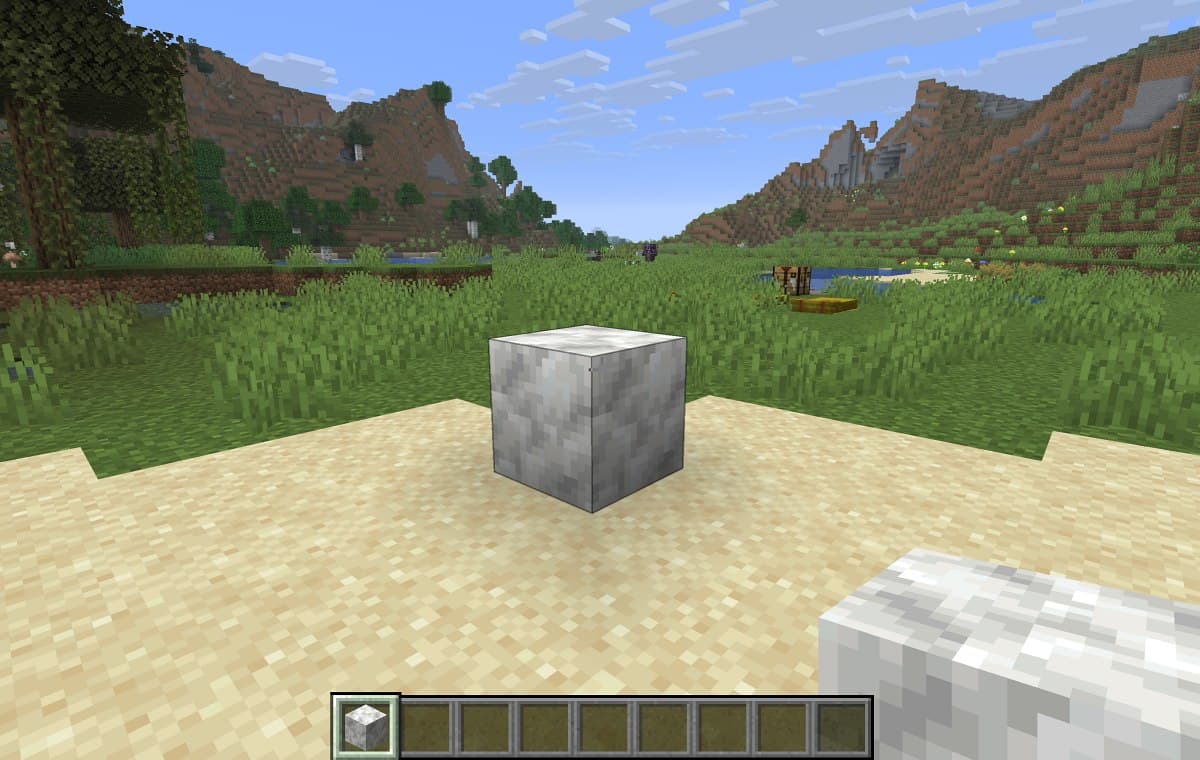
Minecraft 26.4 Snapshot 7 has finally given Calcite more building possibilities, allowing players to turn this decorative block into several new variants. If you’re unfamiliar with it, Calcite is a naturally generated block with a smooth, marble-like appearance. Its light color makes it an excellent choice for building palaces, modern houses, and other decorative structures.
However, finding Calcite can be challenging if you don’t know where to look. It generates naturally in Amethyst Geodes and Stony Peaks, with Ice Caves becoming another source in the upcoming 26.4 update.
Don’t worry, though! Here’s how to find and mine Calcite in Minecraft, along with everything you can craft with it.
Where to find Calcite in Minecraft
| Location | Where to Look |
| Stony Peaks | Make sure to check the exposed mountain surfaces. |
| Amethyst Geodes | Mine the white middle layer of underground geodes |
| Ice Caves | Look inside the Ice Caves |
Keep in mind that although Calcite can be found in Ice Caves, this feature isn’t available in the public versions of Minecraft Java or Bedrock Edition just yet. You’ll need to download the latest Snapshot or Preview build to access it, as Ice Caves are an upcoming addition to the 26.4 update.
How to get Calcite from Amethyst Geodes
One of the easiest ways to find Calcite in Minecraft is by exploring Amethyst Geodes. These structures spawn naturally in the Overworld, with Calcite forming in their middle layer. In order to find one, you need to look in underground cave systems, as Amethyst Geodes can sometimes generate partially exposed inside them.
Look for the layer of Smooth Basalt. You might also see glowing Amethyst Blocks and crystals through any openings in the structure. Once you find a geode, break through the outer layers to find the white Calcite blocks.
How to find Calcite in the Stony Peaks biome
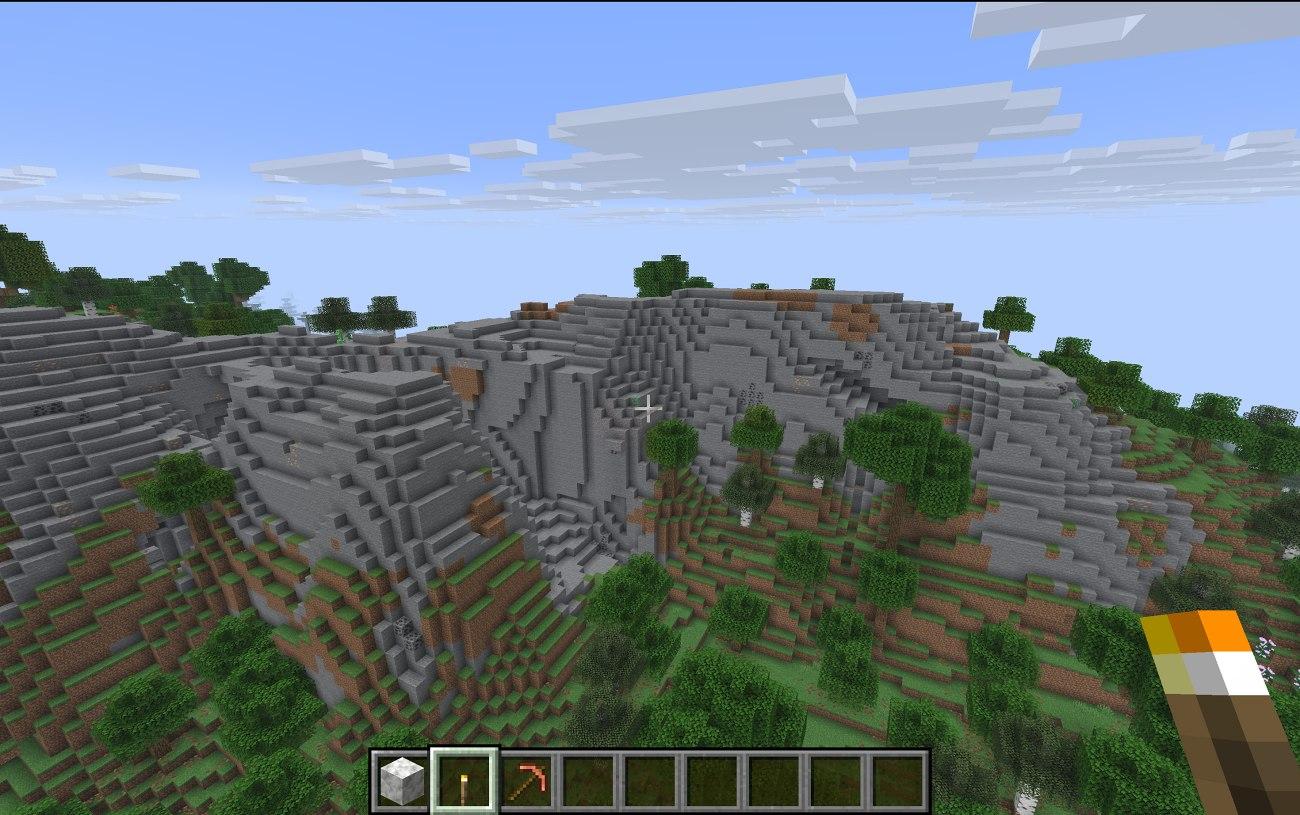
If you don’t want to venture into underground caves, you can also find Calcite by exploring the Stony Peaks biome. Look for tall mountains in the Overworld, particularly those located near warmer biomes. These mountains have a steep, rocky terrain with little to no snow or vegetation.
Calcite naturally generates on the exposed surfaces of these mountains. This will make it easier for you to spot it against the surrounding stone. Once you find a deposit, it’s yours to collect.
How to mine Calcite in Minecraft
Once you’ve found Calcite in Minecraft at any of the locations mentioned above, collecting it is quite a simple process. All you need is a pickaxe, regardless of whether it’s made of wood, stone, iron, or diamond. Calcite is easy to mine, so you don’t need any special tools or enchantments. Here’s a step-by-step process:
- Locate Calcite inside Amethyst Geodes or across the Stony Peaks biome.
- Equip your pickaxe and use it to break the Calcite blocks.
- Once mined, Calcite will drop as an item that can be picked up and added to your inventory.
Tip:
Carry an extra pickaxe if you’re planning a long mining session. This will save you from having to return to your base when your primary tool runs out of durability.
What is Calcite used for in Minecraft?
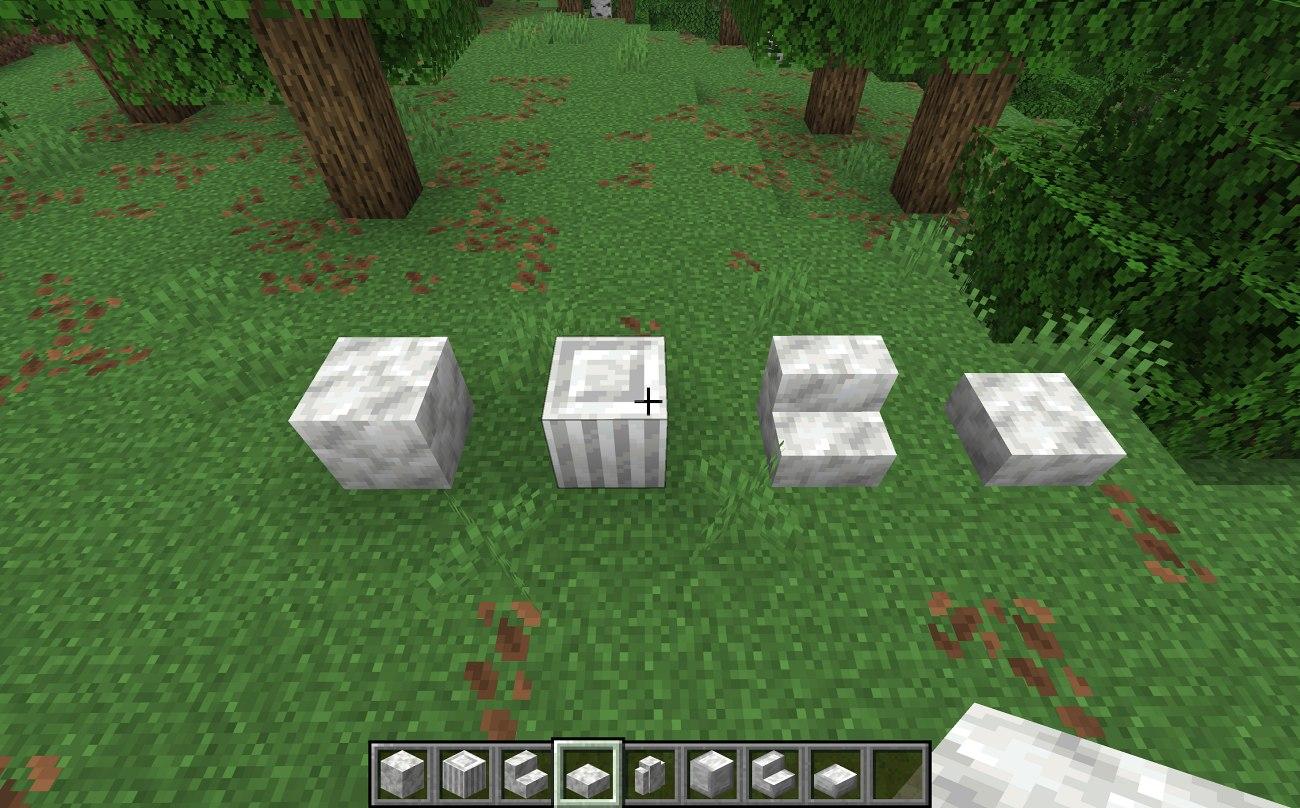
Calcite has traditionally been used as a decorative block in Minecraft. Its smooth texture and light, marble-like appearance make it a great choice for minimalist builds, palaces, modern houses, and other architectural designs.
However, Minecraft 26.4 Snapshot 7 makes the block much more useful by introducing an entire Calcite building set.
Here are the new variants you can create:
- Calcite Pillar: A vertical decorative block that works well for columns and architectural details.
- Calcite Slabs: Half-height blocks that help create smoother surfaces and layered designs.
- Calcite Stairs: Useful for building staircases and adding depth to structures.
- Calcite Walls: Decorative barriers that fit naturally into castles, houses, and other builds.
- Polished Calcite: A refined version of the original block with a cleaner appearance.
- Polished Calcite Bricks: A brick-style variant that adds more texture to decorative builds.
You can also create slabs, stairs, and walls from the Polished Calcite and Polished Calcite Bricks sets.
These additions give builders more flexibility when working with light-colored materials. Calcite can also serve as an alternative to quartz when you want a similar bright aesthetic without relying entirely on quartz blocks.
Can you craft Calcite in Minecraft?
No, you cannot craft the original Calcite block in Minecraft. It generates naturally in specific locations, including Amethyst Geodes and the Stony Peaks biome.
In compatible Minecraft 26.4 development builds, you can also find it inside Ice Caves.
However, once you collect Calcite, you can use it to craft several decorative variants, including Polished Calcite, Calcite Pillars, and Polished Calcite Bricks.
Tips for finding Calcite faster
Finding Calcite in Minecraft isn’t particularly difficult, as it generates naturally in a bunch of locations. However, there are a few tricks you can use to speed up your search and collect more blocks in less time.
- Equip an Elytra: If you don’t have an Elytra already, check out our guide on how to get one. You can use it to glide across mountain ranges, cover more ground, and quickly spot Calcite deposits in Stony Peaks.
- Explore large Caves: Amethyst Geodes typically generate inside underground caves. Exploring large cave systems can save you the trouble of digging randomly underground and make finding these structures easier.
- Carry an extra Pickaxe: Calcite is easy to mine, but carrying a spare pickaxe ensures you won’t have to return to your base if your primary tool breaks while collecting it.
Wrapping up
Whether you explore underground Amethyst Geodes or climb the Stony Peaks, there are several ways to collect Calcite in Minecraft. The upcoming Ice Caves also provide another location to find this decorative block.
Minecraft 26.4 Snapshot 7 makes Calcite even more useful by introducing Pillars, Slabs, Stairs, Walls, Polished Calcite, and Polished Calcite Bricks. So, grab your pickaxe, collect a few stacks, and start experimenting with the new building options!
You must like to read: