
We’re just weeks away from the Minecraft 26.4 Winter Update, and Mojang continues to share bits about what’s coming with the update through Snapshots. The developer has now dropped Minecraft 26.4 Snapshot 7, which introduces a new Calcite Block, the Flurry Music Disc, a secret block, and tons of quality-of-life improvements.
If you want to know everything about the update, here’s a complete breakdown of Minecraft 26.4 Snapshot 7 and how you can download it.
What’s new in Minecraft 26.4 Snapshot 7?
| Changes | Details |
|---|---|
| Calcite Block Set | Minecraft 26.4 Snapshot brings a Calcite building set, including Pillars, Stairs, Slabs, and Walls. |
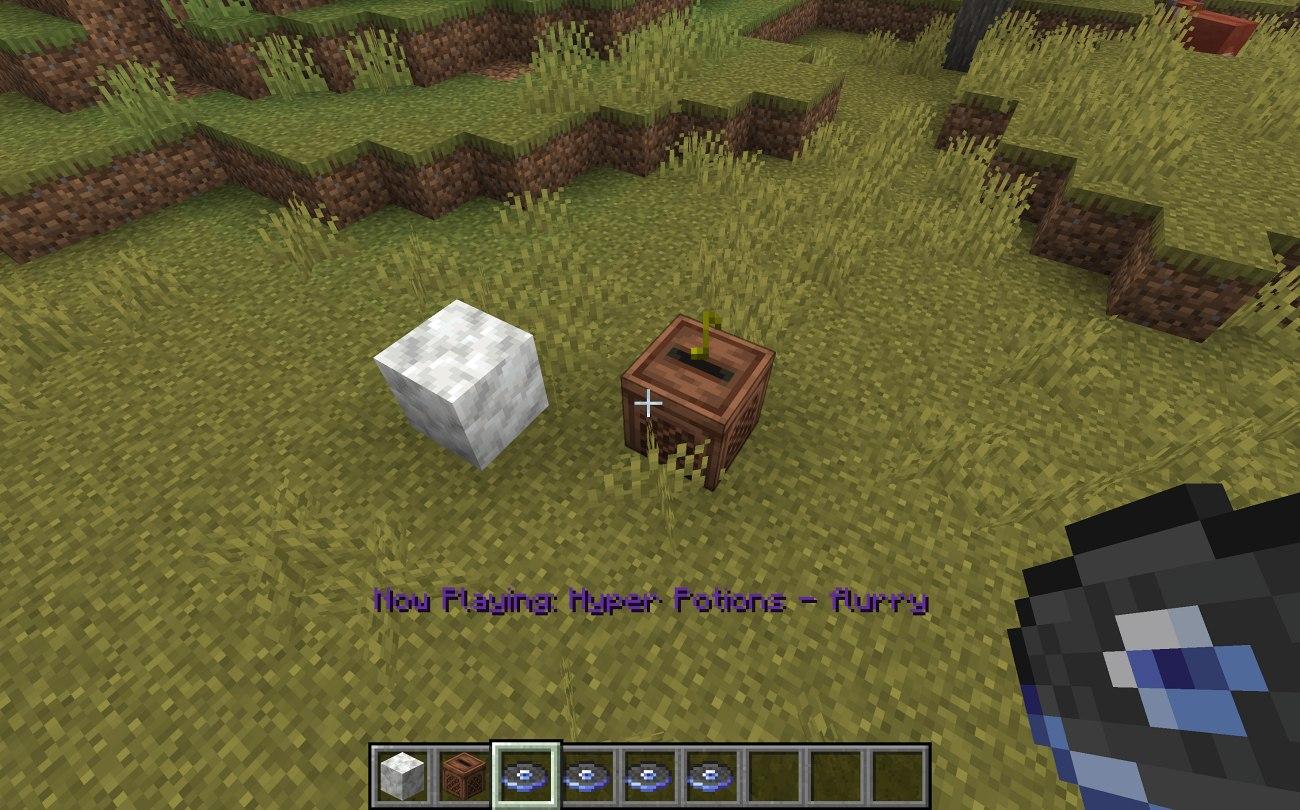
| Flurry Music Disc | The snapshot brings a new music disc featuring “Flurry” by Hyper Potions. |
| Secret Decorative Block | A new decorative block that players have to discover themselves. |
| Freezing Effect Tweaks | Being on fire now counters the Freezing Effect. Zombies/Skeletons wearing leather armour won’t transform into Frostbites. |
| Stray Biome Changes | Stays can now spawn in six additional biomes. |
| Keyboard Navigation | Improved keyboard navigation across gameplay screens. |
Is Snapshot 7 on Bedrock? Java vs. Bedrock comparison
Unfortunately, Minecraft 26.4 Snapshot is exclusive to the Java Edition. However, Bedrock players can try out the same upcoming features through Preview 26.70.23. Both builds bring the same features to the table, including the likes of the Calcite blocks and Flurry Music Disc. However, there are some differences between the two versions, in terms of available features and how players can access them.
| Comparsion | Java Edition | Bedrock Edition |
|---|---|---|
| Build | 26.4 Snapshot 7 | Preview 26.70.23 |
| Release Date | November 3, 2026 | November 3, 2026 |
| Platforms | Windows, Linux, and macOS | Windows, Xbox, iOS, iPadOS, PlayStation, Android and ChromeOS |
| Calcite Block Set | Available | Available |
| Flurry Music Disc | Available | Available |
| Freezing Effect Changes | Available | Available |
| Extra Features | Stay biome changes, updated main menu panorama and Java fixes | Improvements to Packed Ice, off-hand swapping and Music Features Add-On improvements |
All 12 new Calcite blocks and how to craft them
Snapshot 7 adds 12 Calcite building blocks across three families: Calcite, Polished Calcite, and Polished Calcite Bricks. Each family includes Pillars, Slabs, Stairs, and Walls.
You can craft the polished variants at a Crafting Table, then use a Stonecutter to make the different shapes.
| Set | Blocks | How to Make |
|---|---|---|
| Calcite | Pillars, Slabs, Stairs and Walls | Use the Stonecutter |
| Polished Calcite | Pillars, Slabs, Stairs and Walls | Arrange Calcite blocks in a 2×2 pattern on the Crafting Table to craft Polished Calcite. Now, use the Stonecutter to create different versions. |
| Polished Calcite Bricks | Pillars, Slabs, Stairs and Walls | Arrange four Polished Calcite blocks in a 2×2 pattern on the Crafting Table to craft Polished Calcite Bricks. Now, use the Stonecutter to create different versions. |
Where to find the Flurry music disc
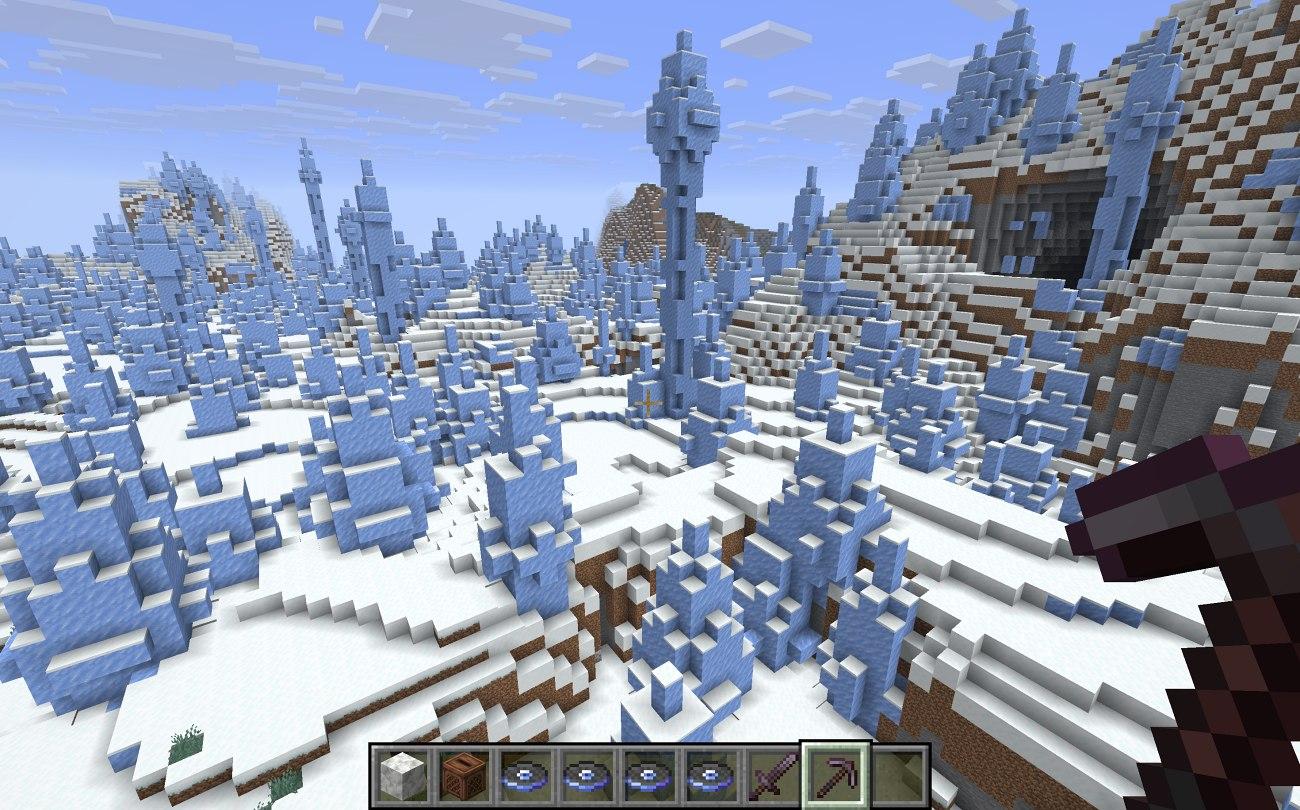
Another major addition that’s worth checking out in Minecraft 26.4 Snapshot 7 is the Flurry Music Disc. To get your hands on this disc, you’ll need to go explore Igloo basements and search through the chests for it.
If you don’t want to spend time searching for Igloos, you can use Minecraft commands to locate one instead. Simply enter /locate structure minecraft: igloo to find the nearest igloo and head there to check its chests. Keep in mind that not every Igloo generates with a basement. So, be prepared to explore several of them before eventually finding the Music Disc.
Freezing, Frostbite and Stray changes
The Freezing Effect has seen some changes with the latest update. Previously, wearing Leather Armor was the most effective way to protect yourself from freezing.
But with the new update, being on fire also counters it. As long as you’re burning, the Freezing Effect will no longer build up on you. This can come in handy when exploring snowy and cold biomes.
Another significant change affects how Frostbites and Strays spawn. Previously, Zombies and Skeletons exposed to cold environments could transform into Frostbites and Strays, respectively. With Minecraft 26.4 Snapshot 7, Zombies and Skeletons even wearing a single piece of Leather armor will no longer undergo this transformation.
Additionally, Strays are no longer restricted to Snowy Plains, Ice Spikes, and Frozen Rivers. They can now spawn in six additional biomes, which include:
- Deep Frozen Ocean
- Frozen Peaks
- Frozen Ocean
- Frozen River
- Snowy Slopes
- Jagged Peaks
Other changes: keyboard navigation, UI, and graphics testing
Minecraft 26.4 Snapshot 7 also brings several quality-of-life changes. Mojang continues to focus on making the game more accessible, refining UI navigation, and testing different graphics settings. Here’s a breakdown of all the major changes included in the update:
1. Accessibility improvements
Keyboard navigation across various gameplay screens has been improved. Players can now navigate screens such as the Crafting Table, Loom, and Enchanting Table without completely relying on a mouse. For instance, pressing the Tab key allows you to switch between different groups of inventory slots. Similarly, Ctrl + Enter now functions like right-click. This should be quite useful when you’re crafting items and battling other players on the best Minecraft servers.
2. UI improvements
Snapshot 7 also brings several UI changes to make navigating menus easier. When you hover over entries in the list, such as worlds or friends, they will now be highlighted with a grey outline. Text fields also behave differently depending on whether you’re navigating them using the Tab key or arrow keys. Additionally, the mouse cursor will automatically disappear when you navigate the UI using a keyboard, alongside tons of other minor changes.
3. Graphics API testing
Mojang has also updated its graphics API testing settings. Choosing the Default option will now randomly switch between Vulkan and OpenGL every time the game is launched. The developers have been testing Vulkan in recent Snapshots, and OpenGL has received less testing. This change is meant to help the developers test both rendering systems following changes to the game’s rendering code. However, this is a temporary change and will be reverted in a future update.
What’s the mystery decorative block?
In Minecraft 26.4 Snapshot, Mojang has also introduced a mysterious decorative block that’s been added “somewhere” in the game. So, what exactly is it? Well, after playing the new snapshot, we found that the new block is called Chiseled Soulshale.
This block has a dull green appearance and can be found in Ancient Cities. You can also break it using any tool. Its true purpose beyond decoration still remains unknown, but players speculate that it could be connected to the portal leading to the Sift dimension.
How to play Minecraft 26.4 Snapshot 7
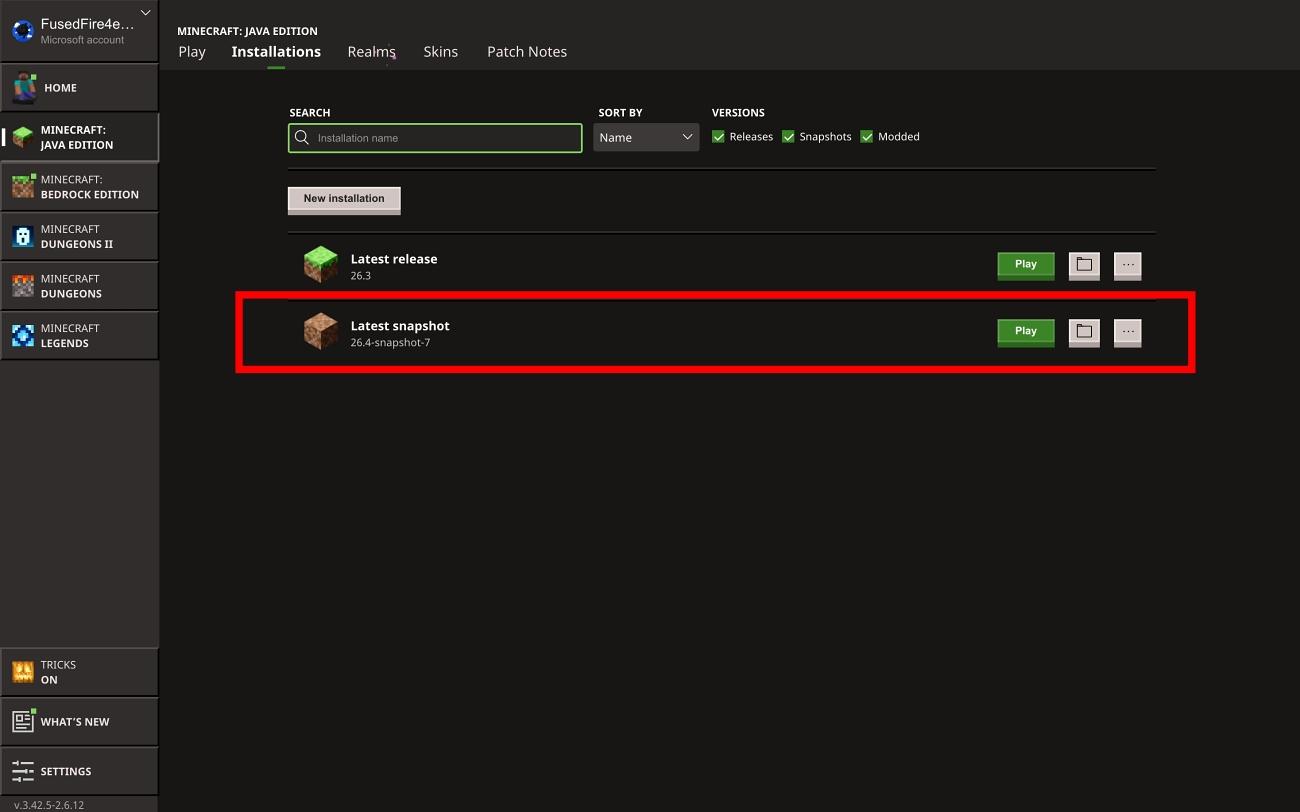
If you want to try out all the new features introduced in Minecraft 26.4 Snapshot 7, you can easily download and install the experimental build through the Minecraft Launcher. Just follow these steps to get started:
- Open the Minecraft Launcher on your PC.
- Select the Installations tab.
- Enable the Snapshots option.
- Select New Installation and open the Version menu.
- Choose 26.4 Snapshot 7.
- Name the installation, select Create, and launch it from the Play tab.
When does Minecraft 26.4 release?
Minecraft 26.4 is planned for Q4 2026, but Mojang has not announced an exact release date. Snapshot 7 introduces what Mojang described as the final gameplay features for the upcoming game drop, but that does not confirm a launch date or mean testing is complete.