

For yet another season, sprites have been retained in Fortnite and introduced afresh, with new theme-relevant critters rolled out this mini-season. After debuting in their current form in Chapter 7 Season 3, sprites have been chosen to feature in Fortnite Treasure Hunters as well, which is the third consecutive season that they are now a part of.
Among the new lot of Fortnite sprites this time, Sweet Dreams Sprite is perhaps among the most difficult to find, owing to its Mythic status. As a matter of fact, at present, it is the only Mythic sprite in the game, besides the Plundarrgh Sprite. Below, you can learn more about the Sweet Dreams Sprite and how you can find one.
What does Sweet Dreams Sprite do in Fortnite?
Rather than providing any direct gameplay benefit, the Sweet Dreams Sprite offers the player a random item at every level, with mythic-tier loot spawning once you max it out. Unlike most other sprites, it doesn’t have this in any other sprite variant. The only other sprite that shares this trait is the Transponder Snail Sprite.
Given the ability it grants, the Sweet Dreams Sprite should come in handy for those who want to spend less time ransacking chests, as it automatically provides an item from the loot pool upon leveling up each time. However, since realistically it may be challenging to take the sprite from zero to max level in a single match, you may have to carry it over to a second consecutive match if you want to trigger its mythic item-giving mechanic.
How to get Sweet Dreams Sprite in Fortnite
1. Grab it from a chest
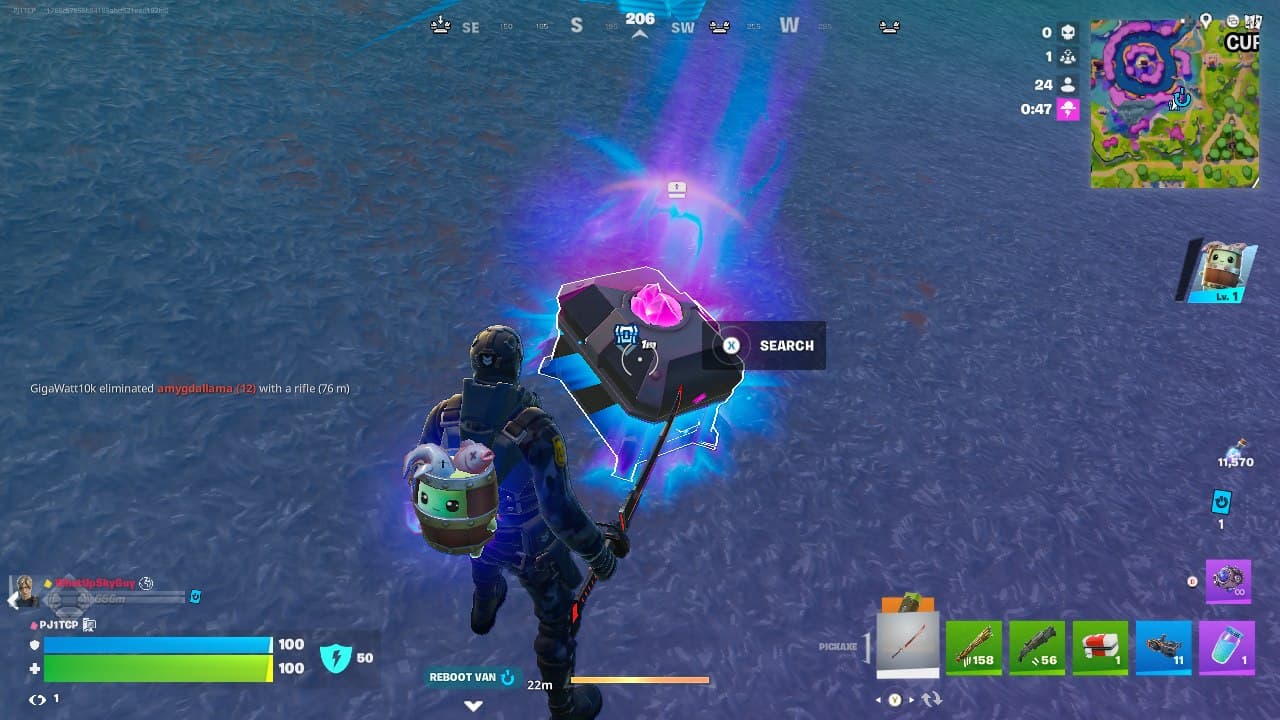
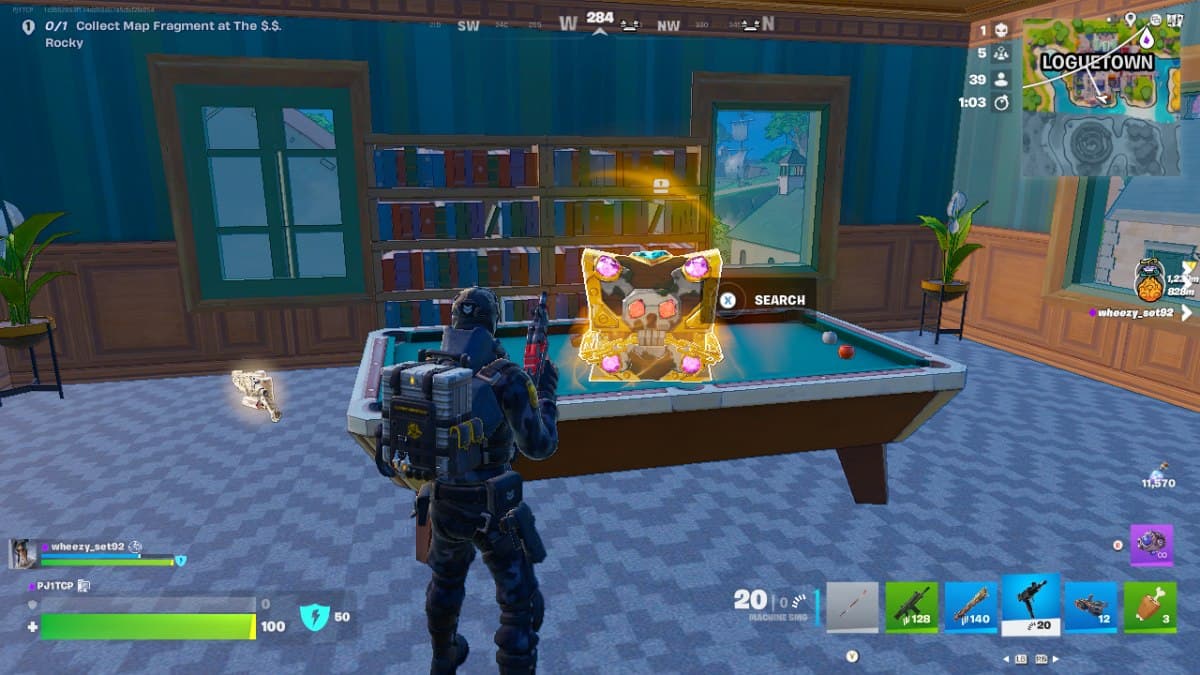
Chests are once again a primary source of finding sprites in Fortnite. There are various types of chests available in the Treasure Hunters season, including Treasure Chests, Sprite Chests, Rare Chests, and standard chests. Among them, the best chances of spawning a Sweet Dreams Sprite are offered by Sprite Chests, which, as the name suggests, guarantee at least one critter appearing when you open any one of them.
These Sprite Chests are scattered throughout the Battle Royale map, but there are a few hotspots that house two or more such chests. These noteworthy POIs are Rubber Resort island, Cursed Cavern, Lantern Landing, Windmill Village island, and The $.$. Rocky.
Since hidden vaults and buried chests often give a sprite, it is advisable to not skip those either. For the former, you would have to obtain a vault key (hidden near the vicinity of the vault itself) and, for the latter, you would have to claim a Wanted Poster and then hunt for the buried chest. Both these options are reliable ways to get your hands on the Sweet Dreams Sprite.
2. Use a Lucky Locator or Sprite Locator gizmo
Gizmos in Fortnite come in handy for sprite-catchers, as they can facilitate the hunt for new sprites and also the quick extraction of an equipped sprite. Lucky Locator is a gizmo that helps with the former. To be specific, it helps you track the location of a buried Sprite Chest that is more likely to spawn a sprite you don’t already have.
On the other hand, a Sprite Locator has a similar purpose and directs the player to a buried Sprite Chest. However, the discrepancy between the two gizmos is that the chest marked by a Sprite Locator can give any random sprite, regardless of whether you already have it or not.
Both these gizmos are part of Fortnite’s Treasure Chest pool and can be obtained from one of such chests during a match. It’s also worth noting that they only work when you are in the safe zone, away from the Storm.
3. Borrow Sweet Dreams from a friend
One of the easiest and quickest ways of getting the Sweet Dreams Sprite is to simply borrow it from another player to index the same into your sprite collection. For this, you and the other player have to join the same match twice. In the first one, the player offering the sprite can drop it for you to extract. In the second match, you can do the same and return the critter to its original owner.
After that, you can just head back to the Fortnite menu, go to the Treasure tab, and then the Sprites section. From here, you can navigate to the slot of the sprite you had just borrowed and spend some Sprite Dust to recall it. From here on, it’s yours to equip ahead of a match.
Return of sprites in Treasure Hunters
Sprites have returned for another season in Fortnite, continuing a feature that first appeared in Chapter 7 Season 3. The Treasure Hunters mini-season introduces a fresh collection of companions with abilities that fit its treasure-hunting theme.
Sweet Dreams is one of the most interesting additions because it focuses on loot progression rather than a direct combat or exploration ability. Other Sprites offer different benefits, such as revealing treasure, restoring health, or helping players collect additional items.
Epic has also continued expanding the Sprite collection and mastery system, giving players more reasons to explore the island and complete their collections.
With more seasonal content expected, it will be interesting to see what other Sprite abilities and variants arrive before the Treasure Hunters mini-season ends.