Minecraft is all about exploring a massive world that’s made out of blocks, collecting resources, crafting items, building incredible structures, and taking on dangerous mobs. As a sandbox game, it gives you the freedom to play your way, whether you want to build an entire city or simply survive in the wild.
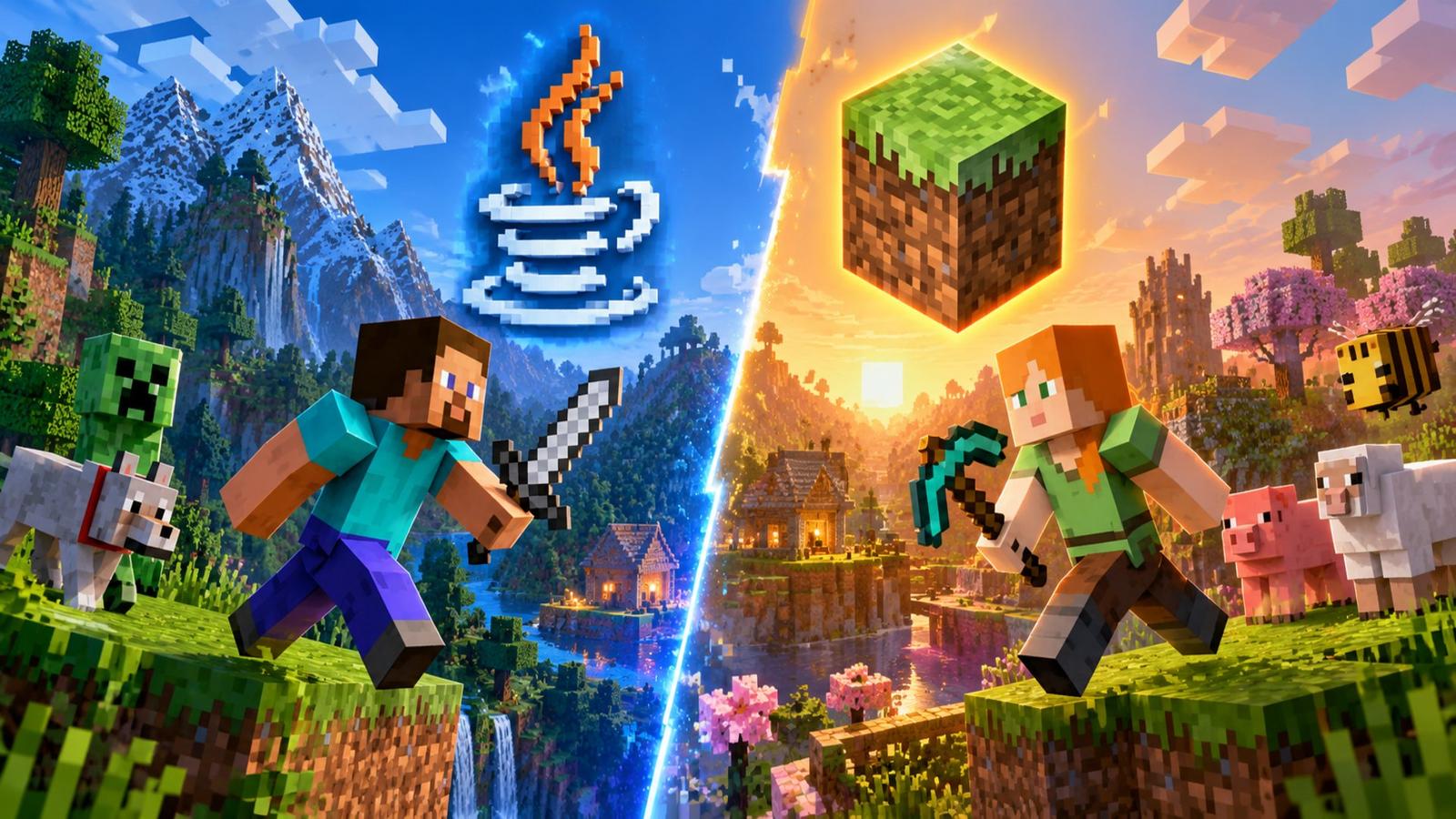
However, your experience depends partly on which edition you choose. Minecraft has two main editions: Java and Bedrock. Both offer the same core sandbox experience, but they differ in platform support, multiplayer, modding, controls, and graphics. If you’re wondering which one to choose, here’s everything you need to know about Minecraft Java vs. Bedrock Edition.
Minecraft Java vs. Bedrock Edition at a glance
| Feature | Java Edition | Bedrock Editon | Which is better? |
|---|---|---|---|
| Mod support | Extensive third-party mods | Add-ons and Marketplace content | Java |
| Performance | It is more demanding | Generally optimised across devices | Bedrock |
| Controls | Keyboard and mouse | Keyboard, mouse, controller, and touch | Bedrock |
| Multiplayer servers | Tons of community servers and custom experiences | Featured servers and cross-platform multiplayer | Java |
| Snapshots & Previews | Java snapshots and selectable game versions | Bedrock previews and betas, depending on platform | Java |
| Platforms | Windows, macOS, Linux | Windows, consoles, and mobile devices | Bedrock |
What is the difference between Minecraft Java and Bedrock Edition?
Minecraft Java and Bedrock Edition bring the same basic sandbox experience, but each of them caters towards a different set of players.
For Java Edition, it runs on Windows, macOS, and Linux, which makes it a solid choice for anyone who wants to experiment with mods, join custom servers, slap on shaders, and explore all sorts of advanced gameplay features. Not only that, but you can also revisit older versions of Minecraft to see how the game has changed over time.
On the other hand, Bedrock Edition is available on Windows, consoles, and mobile devices, which makes cross-platform multiplayer much easier. Developer Mojang has specifically optimised this version to run across a range of hardware, and it also comes with the Minecraft Marketplace where players can purchase official add-ons, texture packs, maps, and cosmetic items.
Minecraft Java vs. Bedrock Edition: Every major difference explained
1. Supported platforms
One of the biggest differences between Minecraft Java and Bedrock Edition is platform availability.
Java Edition is designed for PC players and runs on Windows, macOS, and Linux. It offers plenty of flexibility for players who want to customize their game and experiment with community-created content.
Bedrock Edition is available on Windows, Xbox, PlayStation, Nintendo Switch, and supported iOS and Android devices. This broader availability makes it easier to enjoy Minecraft on a console, computer, or phone.
If you primarily play on a console or mobile device, Bedrock is the version to choose. If you’re using a Mac or Linux computer, Java is the native edition available to you.
2. Crossplay
Both versions of Minecraft allow you to play with friends, but the way multiplayer works is different. In Java Edition, you can join all sorts of servers and explore different worlds, but everyone in your group must be playing on the same Java version.
However, Bedrock Edition allows you to team up with friends across supported devices. For instance, you can play Minecraft on your PlayStation while your friend joins the same world from an Android phone, as long as you’re both using Bedrock Edition.
3. Mods vs. add-ons
Mods have been a huge part of Minecraft Java Edition for a decade, with the community pumping out new ways to change the game. Right from bringing new mobs, items, dimensions and skins to overhauling gameplay performance and changing existing mechanics, Java Edition allows you to mod almost every single aspect of the game.
However, the Bedrock Edition doesn’t follow the same approach. What you instead get is the Minecraft Marketplace. This is where Mojang offers community-made content, including skins, texture packs, and gameplay add-onset, which can be bought with real money. Sure, there’s a lot to explore, but the selection is limited, and you have to pay.
4. Performance and FPS
Minecraft Bedrock Edition is built from the ground up to run across a wide range of platforms, which includes the likes of consoles, mobile devices, and PCs. This means it’s well optimised to run even on relatively low-end hardware, which makes it a solid choice for anyone who wants an experience without worrying about performance.
The Java edition is a more demanding version for any system. This is especially noticeable when you install multiple mods or use shaders to change up the game’s visuals. However, the performance ultimately comes down to your hardware, graphics settings, and the number of mods you’re running
5. Graphics, shaders and visual features
The two Minecraft editions have the same blocky art style, with the same textures and environments. However, the Java edition brings the freedom to change how the game looks through community-made shader packs. These can transform the way lighting, shadows, and reflections work in the game. Most of the mods are available for free and help give your world a fresh look.
Bedrock Edition also allows you to change the game’s visuals. You can easily enable the Vibrant Visuals option through the settings or even explore community-made shaders and add-onset. However, the range of customisation options is more limited compared to Java Edition.
6. Servers and realms
Minecraft Java Edition has no shortage of servers packed with different ways to experience the game. Whether you’re into RPGs, survival challenges, or competitive PVP, there’s something for everyone. If you’re looking for a place to start, check out our list of the best Minecraft servers to find one that suits your playstyle.
Bedrock Edition has no shortage of multiplayer servers either, with the added benefit of cross-platform support. However, the variety of servers and custom game modes available generally is more limited than what you’ll find in Java Edition.
Both versions also come with Minecraft Realms. For the unaware, this is a subscription service that lets you set up private worlds and invite your friends over to play.
Minecraft Java vs. Bedrock: Which edition is better for mods?
If you’re comparing Minecraft Java vs. Bedrock and modding is your top priority, the Java edition is the clear winner. Its modding community has been around for over a decade, giving players access to an endless collection of custom content. You can bring in new biomes, weapons, machines, and even gameplay systems that can’t be found in the core experience.
If that wasn’t enough, you can even bring in aspects of other game franchises into Minecraft with modding. What’s the best part about all of this? Most of these mods are generally free to download, which means you can experiment with countless ways to switch up your gameplay and have a blast.
Minecraft Java vs. Bedrock: Which is better for multiplayer?
If playing with friends is your main priority, Minecraft Bedrock Edition is without a doubt the version to purchase. Its biggest advantage is simply the fact that it is cross-platform. It doesn’t matter whether your friends are on a PC, Xbox, PlayStation, Nintendo Switch or a mobile phone; as long as they own the Bedrock edition, you can play together. Everyone gets access to the same world and multiplayer features.
What’s also great about Bedrock, particularly on consoles, is that players get access to split-screen multiplayer. This means the game can be enjoyed with friends and family on the screen without needing separate devices.
Can you switch between Minecraft Java and Bedrock Edition?
Still can’t pick between Minecraft Java and Bedrock Edition? Don’t worry, as you don’t have to choose just one. If you’re playing on PC, buying Minecraft gives you access to both editions at no additional cost. In order to switch between them, simply launch the official Minecraft Launcher and select your preferred version from the sidebar.
However, keep in mind that both editions store their game files, saved worlds, and progress separately. This means your worlds, settings, and progress won’t automatically transfer when you switch from one edition to another.
Wrapping up!
Minecraft offers two editions with the same core sandbox appeal but different strengths. Neither is universally better; the right choice depends on how you prefer to play.
Choose Java Edition if you want extensive mods, shader packs, community servers, and the flexibility to experiment with different game versions. Choose Bedrock Edition if you want to play across supported devices, use controller or touch controls, enjoy console split-screen, or access its Marketplace and official Vibrant Visuals mode on compatible hardware.
If you’re playing on a Windows PC, you can get both editions in the Java & Bedrock Edition for PC package. That gives you the flexibility to choose whichever version suits your next Minecraft adventure.