
FaceTime Like a Pro
Get our exclusive Ultimate FaceTime Guide 📚 — absolutely FREE when you sign up for our newsletter below.

FaceTime Like a Pro
Get our exclusive Ultimate FaceTime Guide 📚 — absolutely FREE when you sign up for our newsletter below.


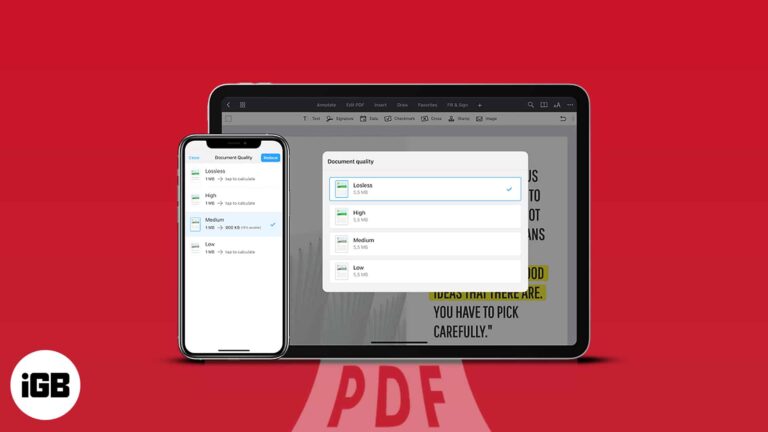
Compressing huge PDF files is one of the greatest ways to save space on your iPhone. However, in most methods, there is a high chance that the quality of the file may get hampered in the compressed version. So in this…
Your Apple ID is your key to accessing Apple services such as the App Store, Apple Music, iCloud, etc. Besides, it contains your contact, payment, and security information you use across these services. Therefore, you need to keep your Apple…
After downloading an app, you might discover that it has disappeared from your iPhone home screen when it is time to open it. It can be frustrating to have apps seemingly disappear on your device, but fear not. In this…
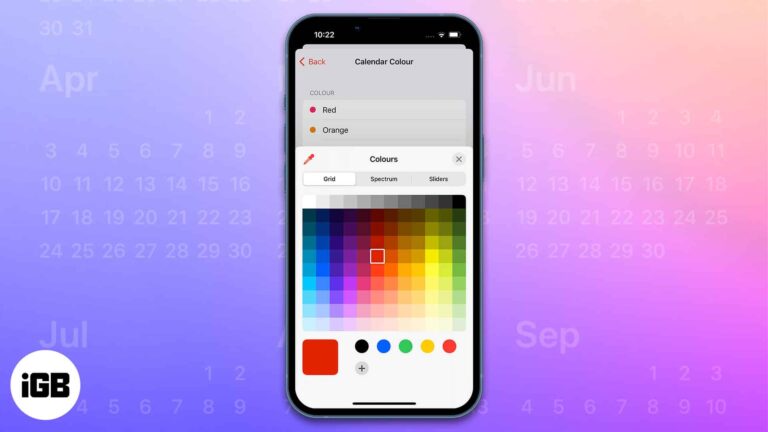
The Calendar app on Apple devices has several beneficial features like sharing the calendar with other users, creating and editing events, sending or replying to invitations, and much more. My favorite feature among them all is the ability to color…

If you’ve ever wondered about streaming your PS5 or PS4 games on iPhone or iPad, wonder no further! Thanks to Sony and its PS Remote Play app, you can now stream all your favorite console games onto your Apple device.…
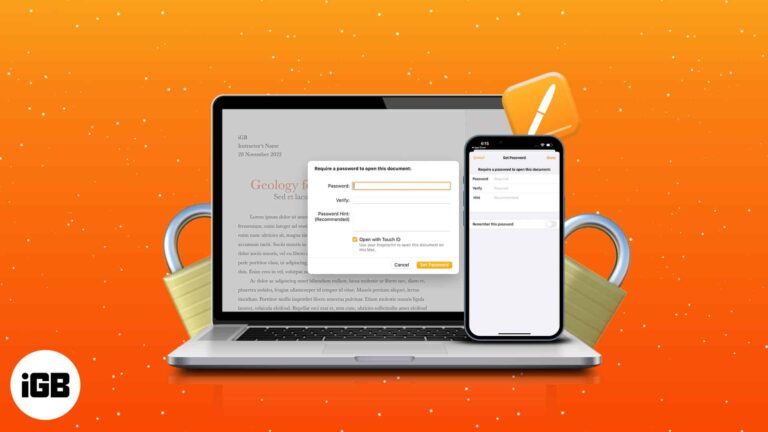
Apple’s native Pages app allows you to create documents and personalize them to your liking. Data security is critical when writing secret documents such as contracts, agreements, and other files. This article will demonstrate how to add a password to a Pages document…
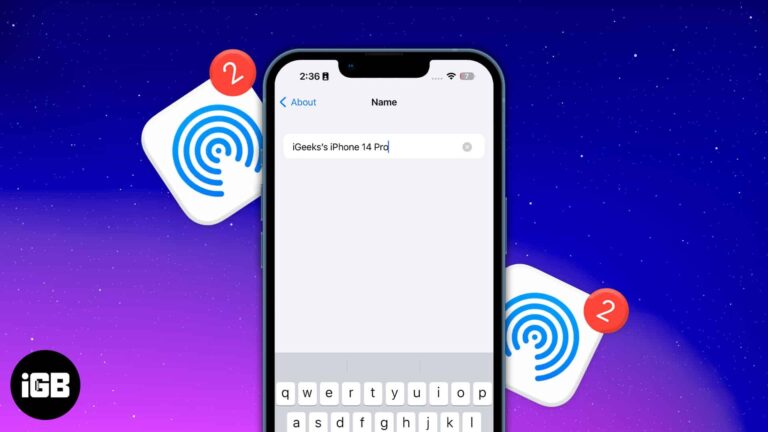
When using AirDrop, ensure your name is professional and accurate, making it easy for others to identify your device.
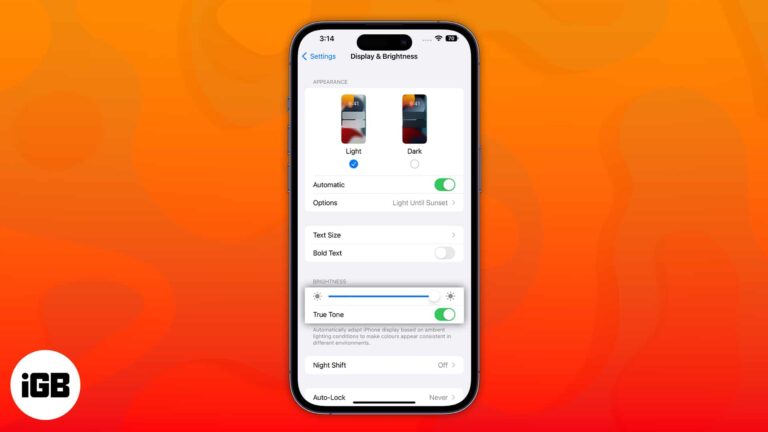
Apple devices have a display feature called True Tone to reduce eye strain. Though it is developed to help us, it might be irritating for some, particularly because of the color shift. This article will cover what True Tone means…
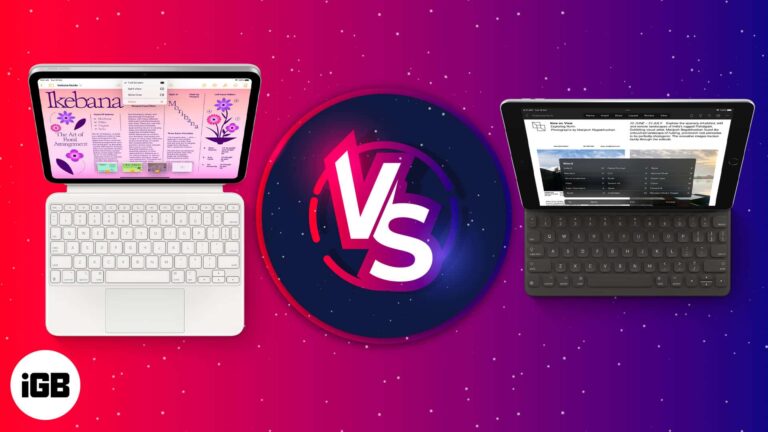
There was a time when we anticipated if iPad could replace a Mac. Today, the iPad resembles a laptop more than ever, and all the credit goes to Apple’s stunning Magic Keyboard with a trackpad. However, users must pay a…
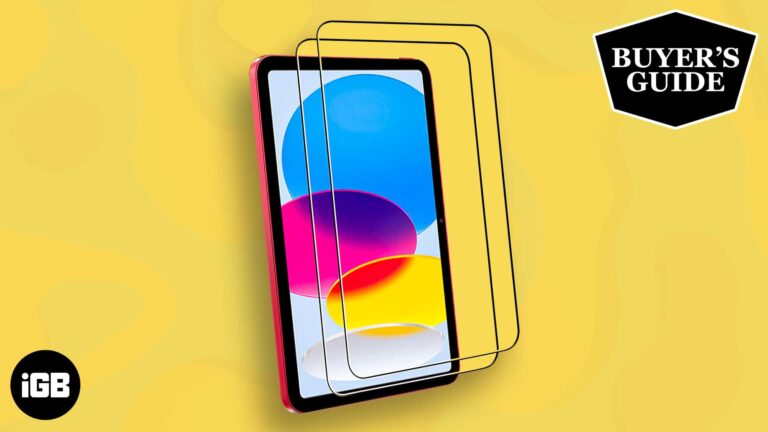
The 10th-generation iPad is a spectacular October 2022 release. Although pricey, some unique features set it apart from other iPad generations. And I bet you want your new gadget protected. You’ve probably already invested in a protective case. Now, pair that…
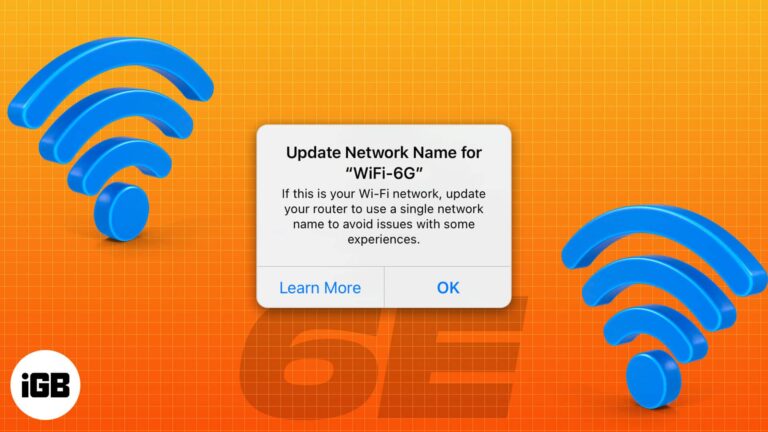
Apple has been a pioneer in Wi-Fi technology, and its devices have always used the latest advancements in Wi-Fi. The tech giant recently announced the 11-inch and 12.9-inch iPad Pro M2, the first Apple devices that support the latest Wi-Fi…

One of the most terrible things one can ever experience is losing an iPhone. So, what do you do when you don’t find your pricey smartphone anywhere? One of the first things that Apple recommends you to do is to…
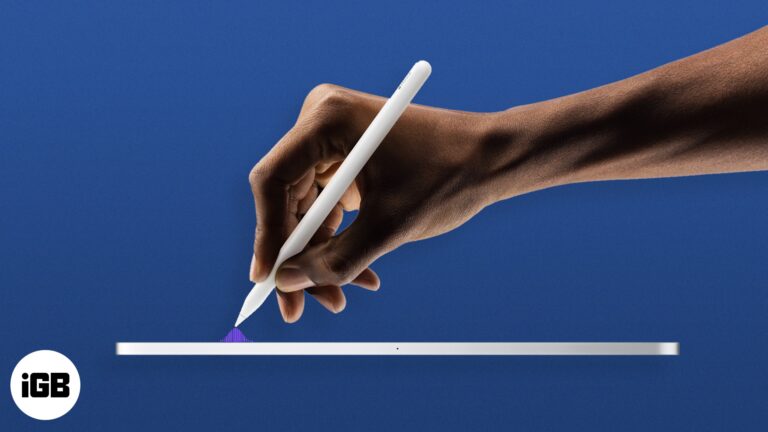
Apple launched the new iPad Pro lineup on 18th October, retaining the look but adding a slew of new functions. The new 11-inch and 12.9-inch iPad Pros will come in silver and space gray colors and will have storage options…
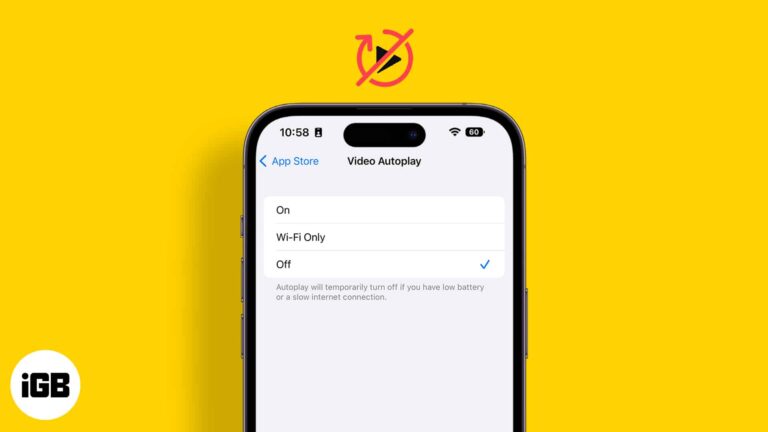
The autoplay of videos in apps may be annoying for some users. Whether it’s about scrolling endless feeds in social media apps like Facebook and Twitter or while using YouTube and Photos app, they appear intrusive. Besides, they also eat…

Emails have become a primary mode of communication, and everyone has more than one email address. Having more than one email address also makes it easy to keep professional and personal connections sorted. If you are new to the iPhone…
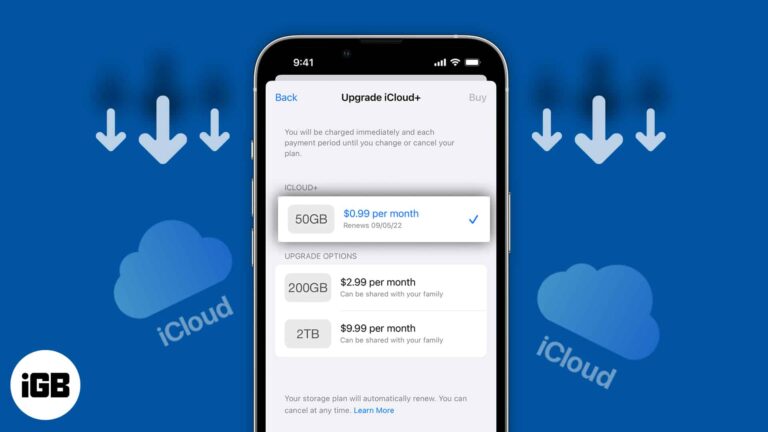
iCloud+, a paid data storage service for your Apple devices, has made it easy to back up important images and files. When you sign up for iCloud, you get free storage of 5GB. Post that, you’ll need to pay extra…
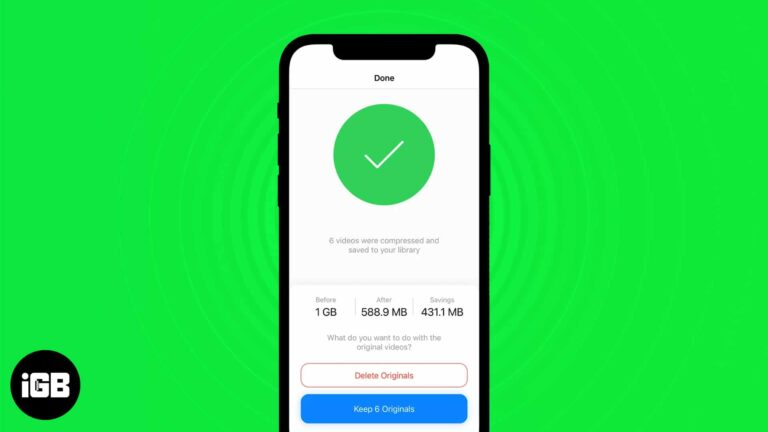
No smartphone comes close to the quality or the consistency of videography of the iPhone. The videos shot on iPhone are hands down the best. But with higher quality comes higher storage space, and thereby arrives the need to compress…

The Files app is the native file manager on the iPhone and iPad. But since it’s Apple, it has made sure to make this app stand out from the crowd by providing support for third-party cloud storage apps like Google Drive, Dropbox,…
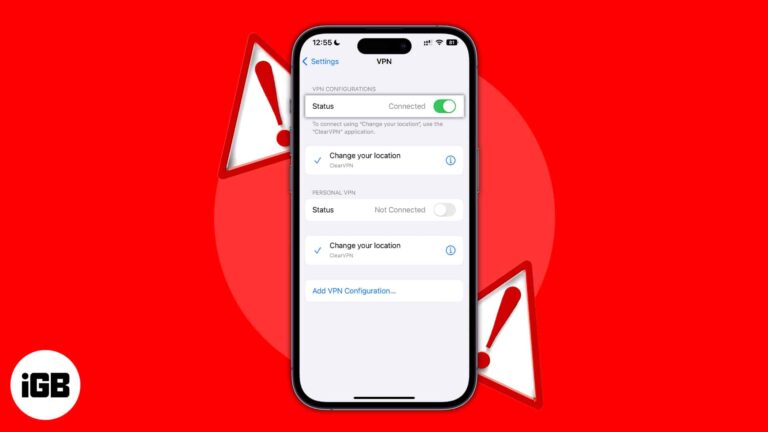
A VPN helps you browse the internet without worrying much about your privacy and data breaches. Most paid VPN services offer fast and reliable speeds. However, sometimes your VPN might get stuck on the connecting page, the data speeds might…
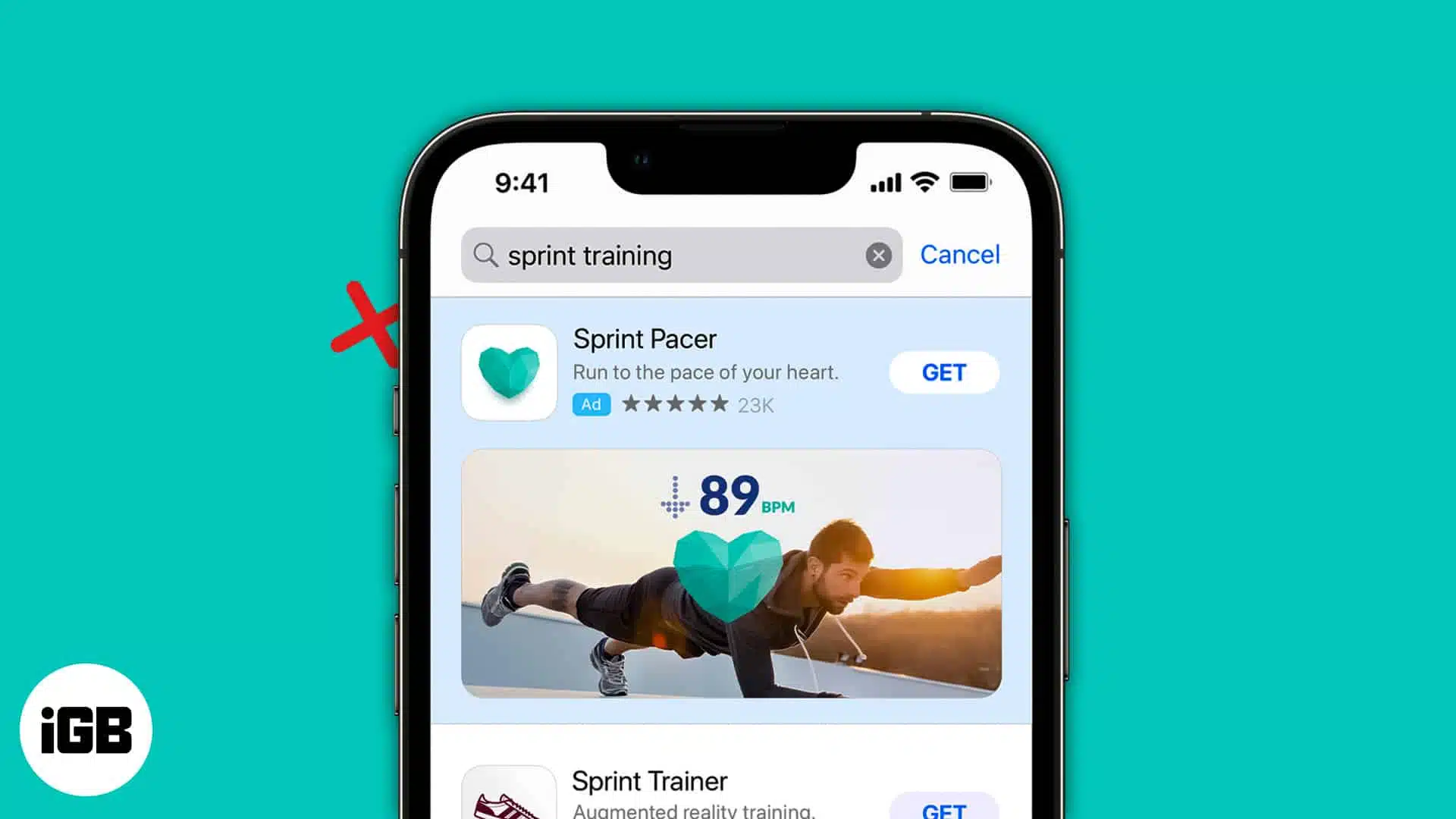
Things to know before turning off personalized ads on iPhone and iPad: Despite disabling personalized ads for native Apple apps, you will still see them on third-party apps until you disable them. Disabling personalized ads doesn’t reduce the number of…
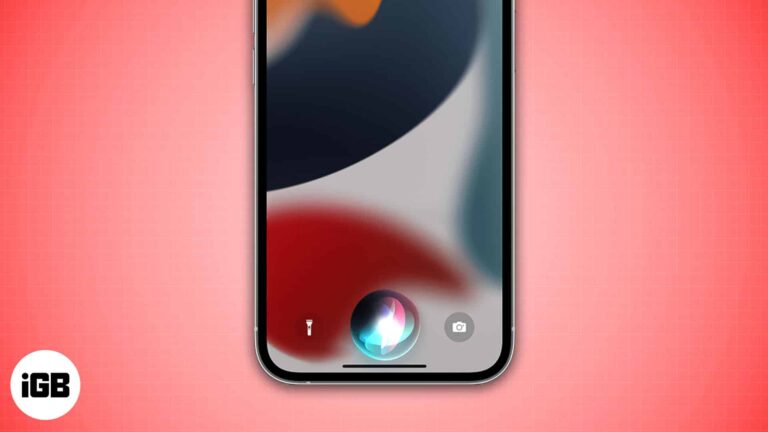
Siri is Apple’s default voice assistant. But it isn’t the best voice assistant by a wide margin and has several drawbacks. Among many, Siri not waiting long enough for users to complete talking and coming up with answers is one that…
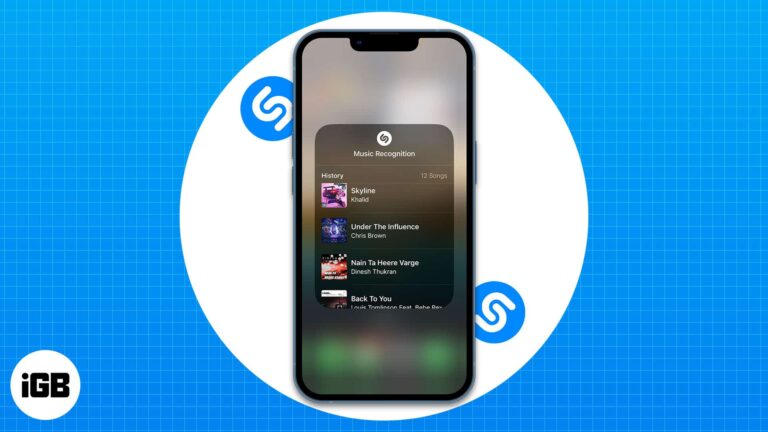
Requirements to access Shazam Music Recognition history on your iPhone and iPad: No, I didn’t believe in magic until I used Shazam. When I first used this app, I was blown away by the high accuracy with which it recognized…
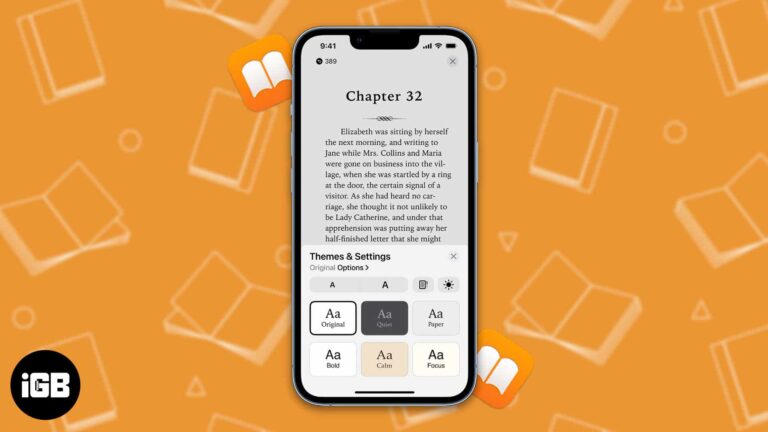
Do you want to treat your eyes to a pleasant experience on the Books app? Then you have come to the right place. In this article, I’ll explain how you can customize themes for the Books app on iPad and…
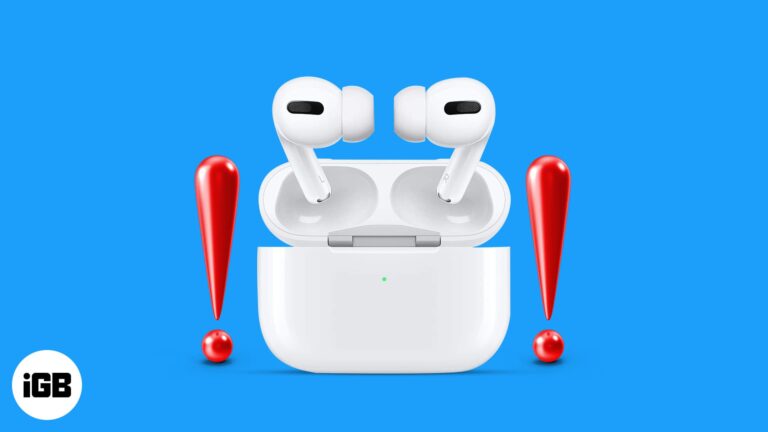
Are your new AirPods Pro 2 randomly getting disconnected? Here's the solution you need.

The Nintendo Switch is a revolutionary device in gaming. It’s been around for a while, and although gamers have been enjoying its benefits, a few may not have much of an idea about its compatibility and versatility. So, I’m going…

Things to know before using Detection Mode: Detection mode only works on iPhones and iPads with LiDAR sensors. Your iPhone needs to be running on iOS 16/iPadOS 16 or later to use all the features of Detection Mode. You can…
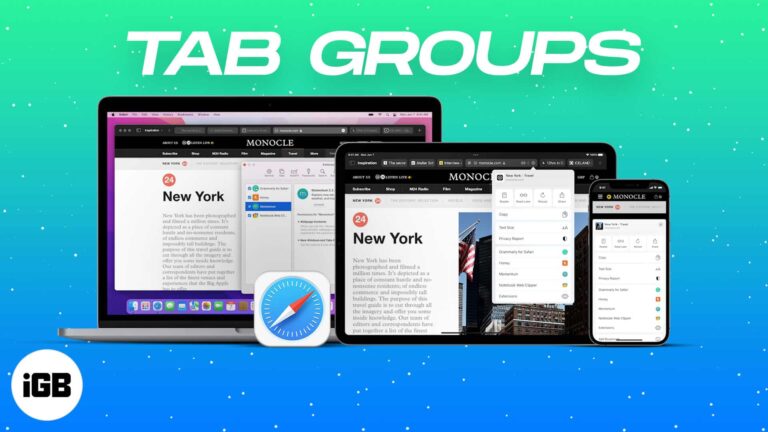
Safari on iPhone, iPad, and Mac has a Tab Group feature that makes it easy to manage several tabs. This is helpful while researching multiple things or just wanting to keep things organized. Let me tell you more about it…
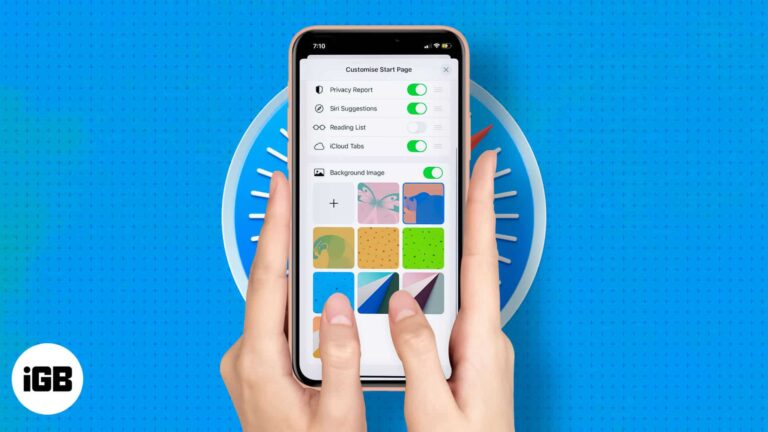
Rolled out in iOS 15 and iPadOS 15, Apple allows you to edit the Safari welcome page to your heart’s content. Like Safari on Mac, you can set a background image on safari and also add or remove display sections like…

If you care about what you hear in music like me, you probably would want to tweak your iPhone and iPad audio settings to suit each song genre. Well, it’s a little painful that, unlike third-party equalizer apps, Apple’s built-in equalizer…
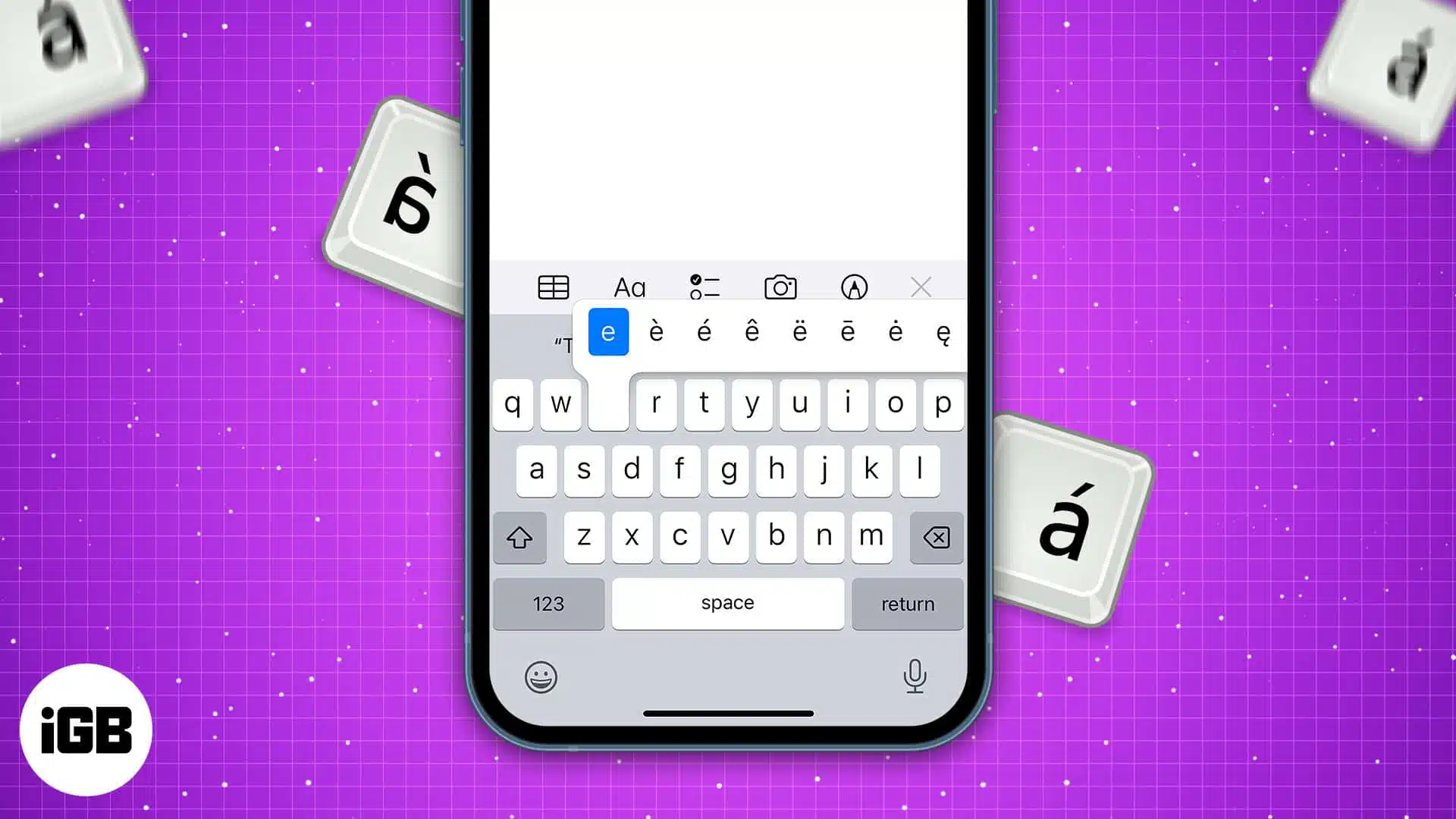
Did you know there are many hidden special characters on your iPhone, iPad, and Mac keyboard? The standard keyboard only provides a few character alternatives at first glance. But you can type special characters such as accented characters (like é…


