
FaceTime Like a Pro
Get our exclusive Ultimate FaceTime Guide 📚 — absolutely FREE when you sign up for our newsletter below.

FaceTime Like a Pro
Get our exclusive Ultimate FaceTime Guide 📚 — absolutely FREE when you sign up for our newsletter below.



Learn how to change the look of your Safari start page on Mac. This guide shows you how to add background images and choose which sections you want to see.
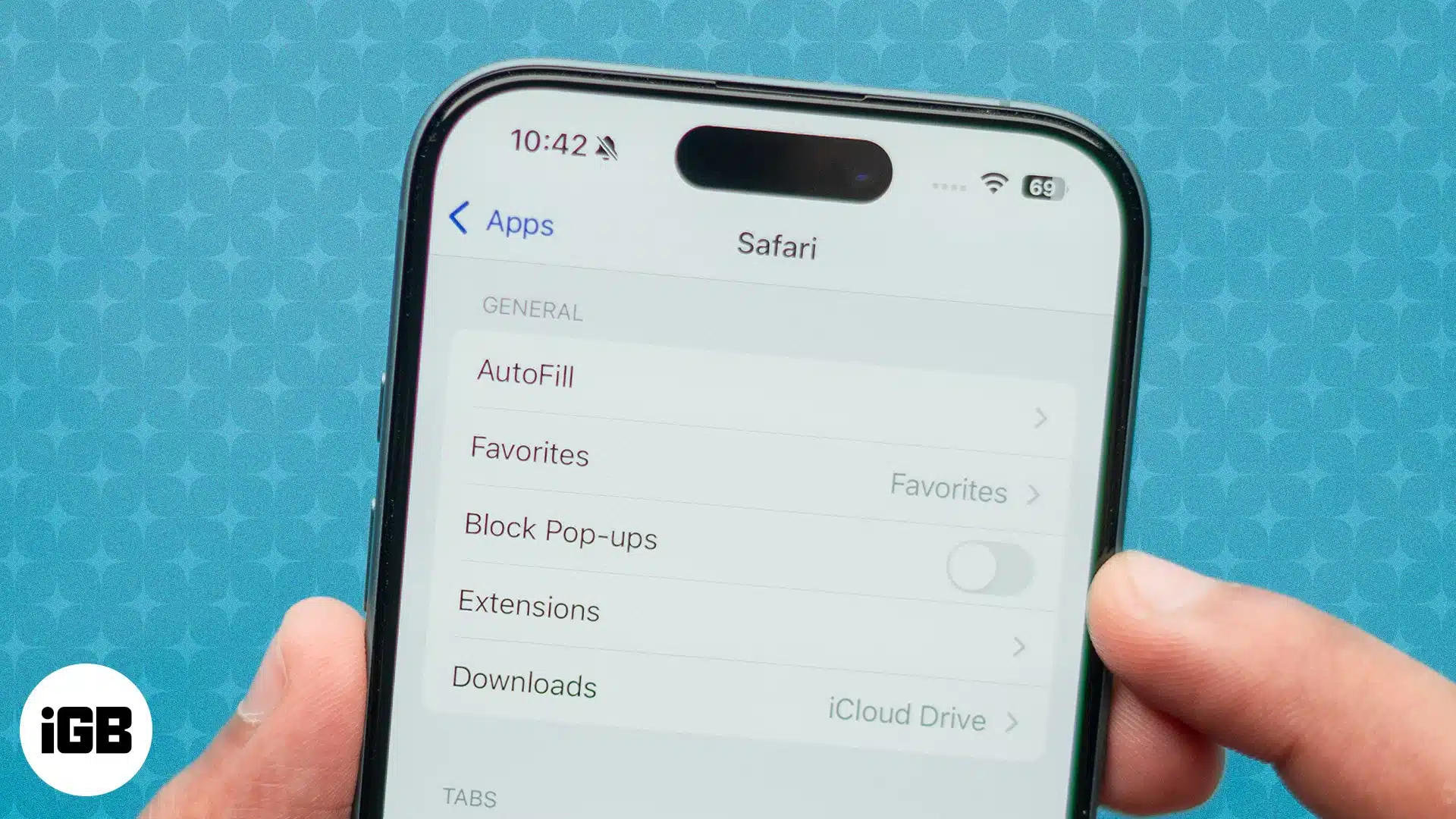
Seeing pop-up messages while browsing the web can be annoying. However, these pop-ups can sometimes be helpful as they convey important information, warnings, notifications, or error messages related to the activity you are trying to perform on the website. In…
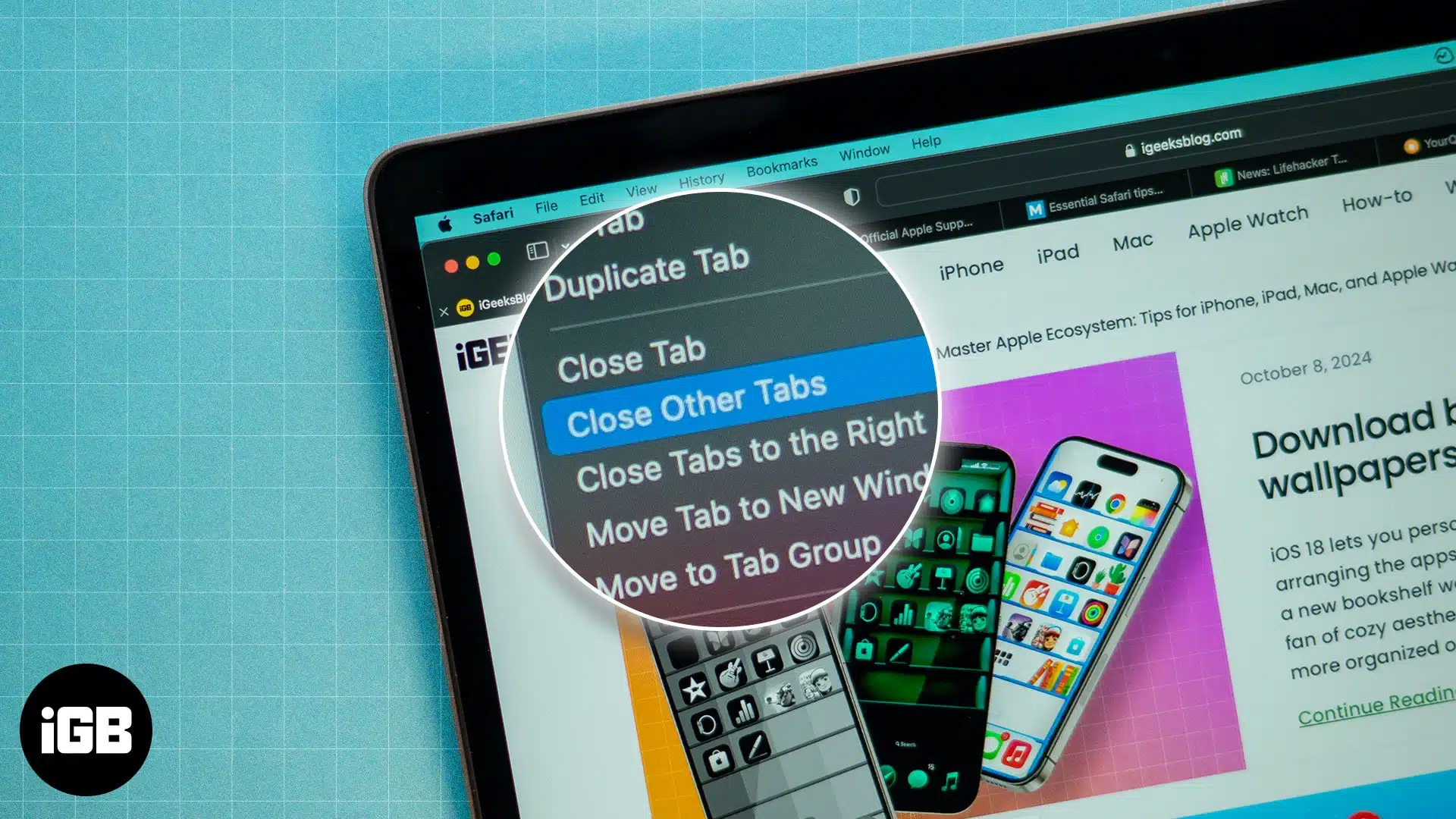
Four ways to keep the current Safari tab open while closing all other unused tabs on your Mac.
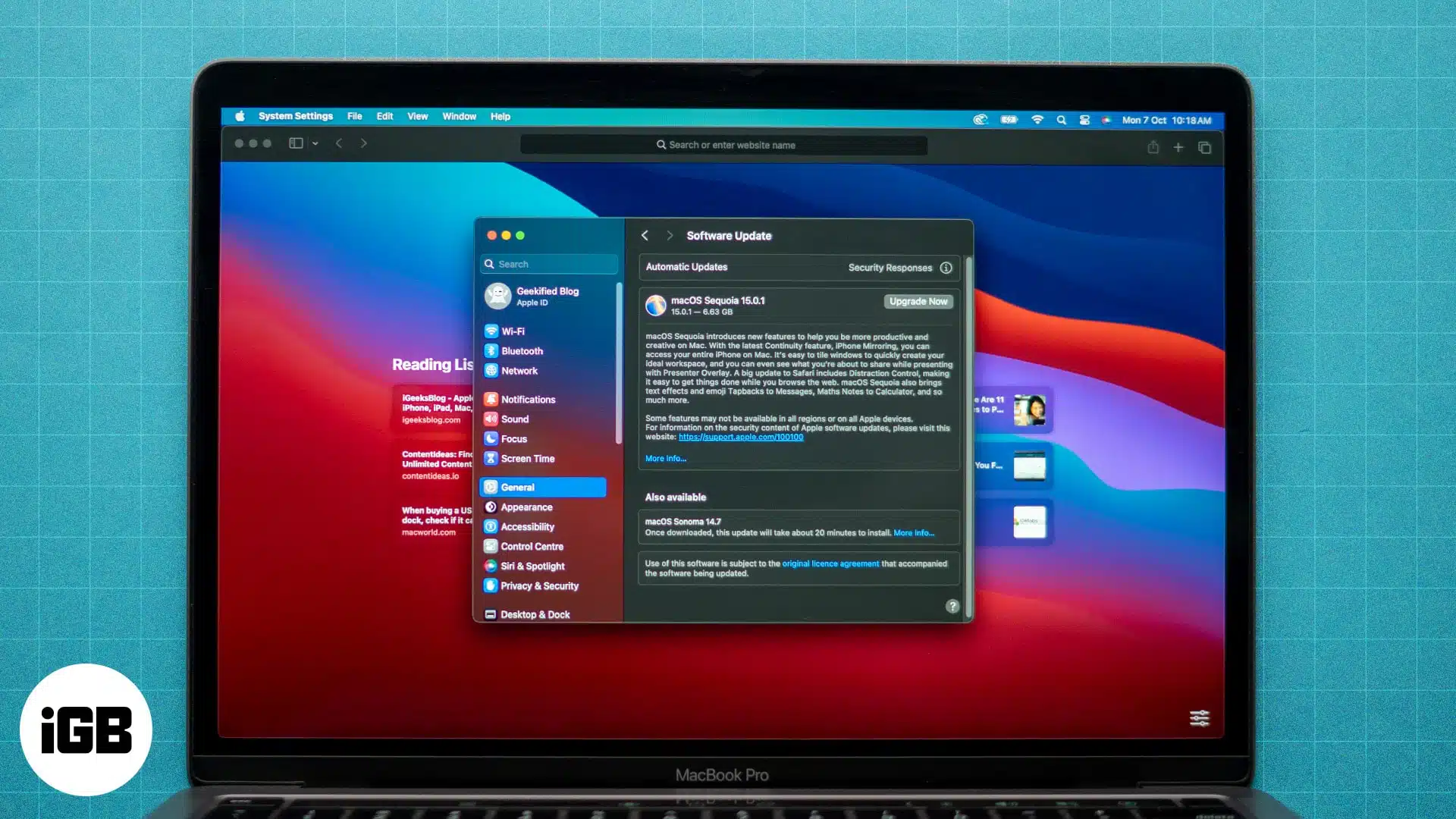
Safari is the default web browser on your Mac, known for its speed and seamless integration with macOS. It’s important to keep Safari up to date to maintain a safe and efficient browsing experience. Regular updates provide important security patches…
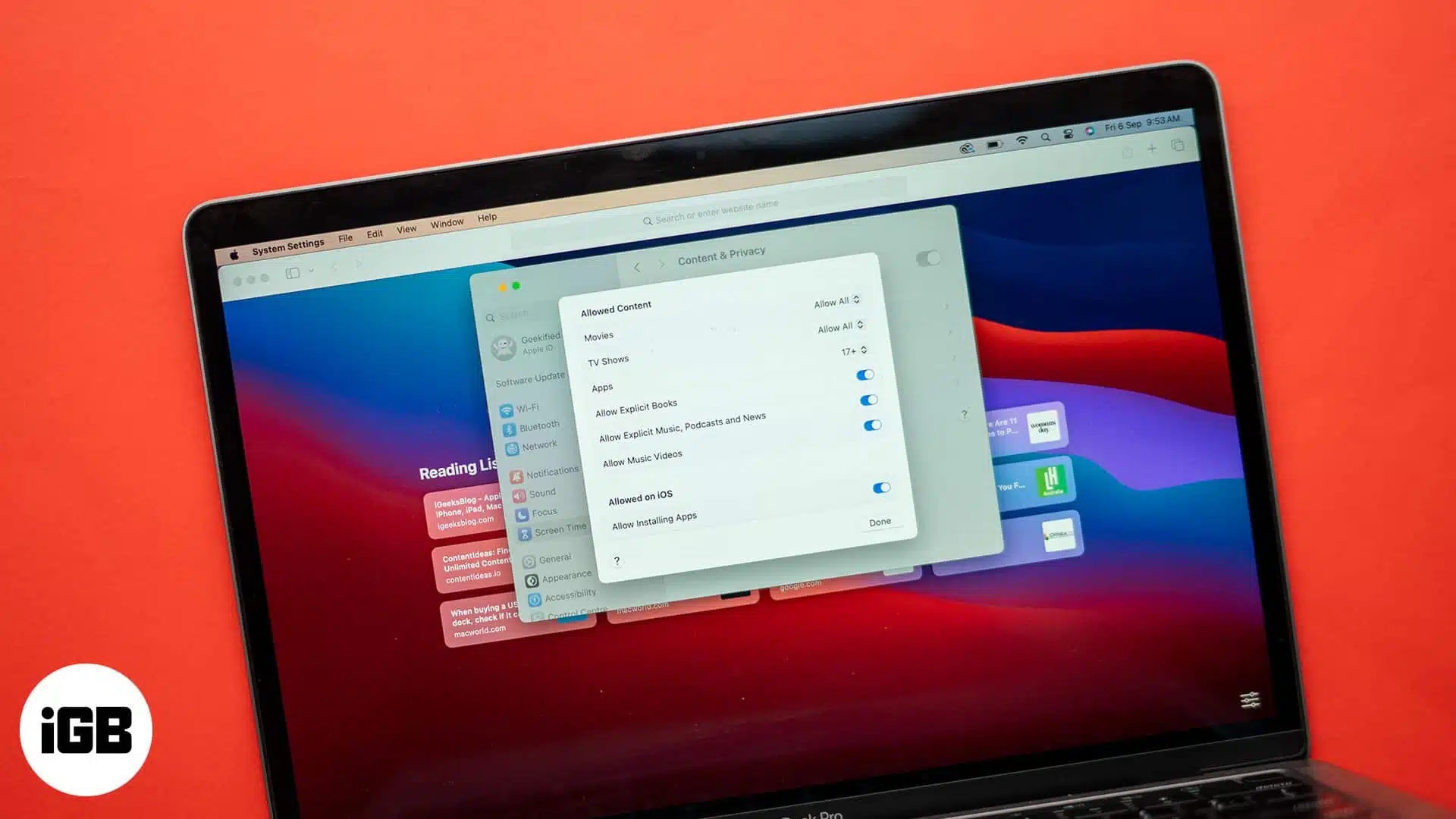
Want to block a website in Safari on your iPhone, iPad, or Mac? Check out this guide to learn all the ways to block websites on Safari.
Find Safari extensions for Mac that block ads, manage passwords, save articles, and add useful features to make everyday browsing smoother.
Your iPhone helps you to generate strong passwords on Safari automatically and syncs with iCloud Keychain. But those may be too long with special characters and don’t always satisfy some website criteria. But you can alter them effortlessly. Let’s learn…
Private tab in Safari is useful for temporarily logging in to a different social account, preventing yourself from web trackers profiling you, or browsing the web privately. However, if you hand over your Mac to someone else, especially kids, at…
Safari is the browser that comes with your iPhone — and all Apple devices, for that matter. But what if Safari isn’t quite your cup of tea? The good news is Apple not only lets you download a different browser…

Have you landed on a webpage in a foreign language when browsing Safari but can’t read it? Though many translation tools are available, Safari also offers a built-in translation feature to understand web pages in different languages. So, you don’t…
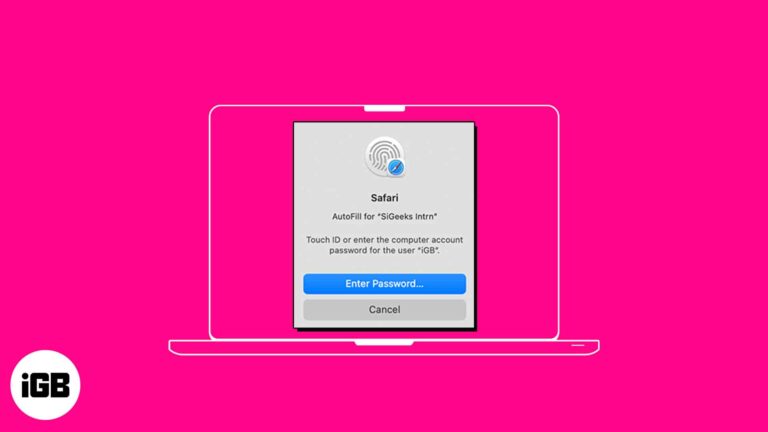
AutoFill feature on Safari saves you time by streamlining your input in various fields. So, you don’t need to manually input your passwords each time you check in to your favorite websites. Interesting, right? In this guide, I’ll show you…
Whether it’s the ability to send your tabs over to other Apple devices using Handoff or protect your privacy with Intelligent Tracking Prevention, Safari is full of useful features. However, this doesn’t mean it’s perfect. There’s a possibility that you…

Have you been working with multiple tabs in Safari and suddenly hearing a sound coming from an unknown source? With the autoplay feature in Safari on Mac, advertisement videos can start playing without any action. Whether you despise the feature or…

Whether you’re learning a new language or frequently visit sites that display in another dialect, you can translate a web page in Safari on Mac. Without a third-party tool, you can take advantage of Safari’s built-in translation feature. Read along to…
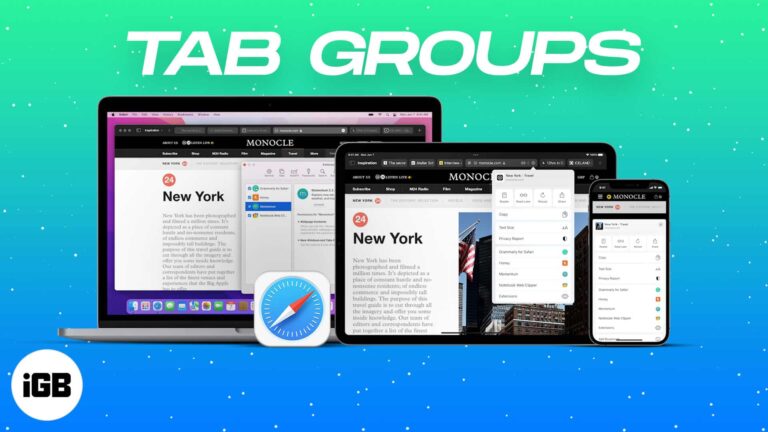
Safari on iPhone, iPad, and Mac has a Tab Group feature that makes it easy to manage several tabs. This is helpful while researching multiple things or just wanting to keep things organized. Let me tell you more about it…
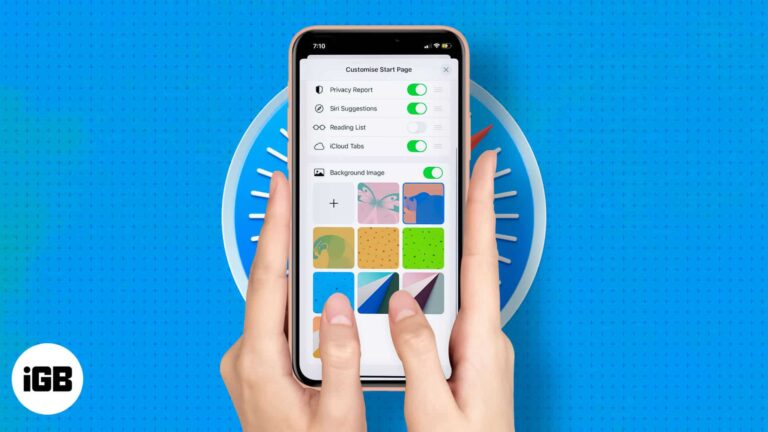
Rolled out in iOS 15 and iPadOS 15, Apple allows you to edit the Safari welcome page to your heart’s content. Like Safari on Mac, you can set a background image on safari and also add or remove display sections like…

It’s no secret that websites track our online activity for varied reasons, such as giving targeted ads or offering a better user experience. But if privacy is your concern, then you can stop websites from tracking you on iOS. By…
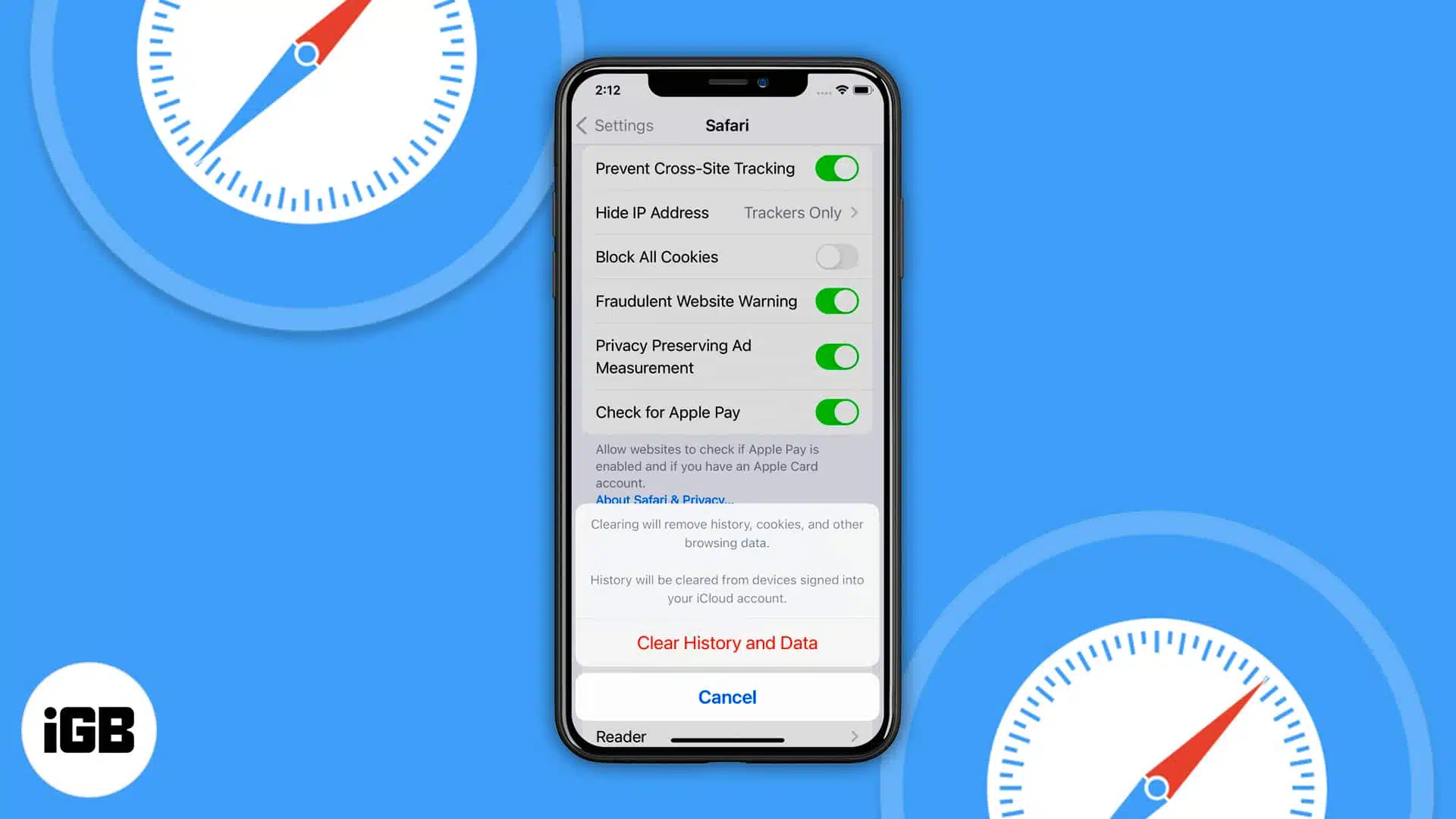
You’ve been surfing Safari for a while, and you want to clear your history. In many cases, clearing your history data helps fix loading issues with certain websites. But if the option “Clear History and Website Data” is grayed out…
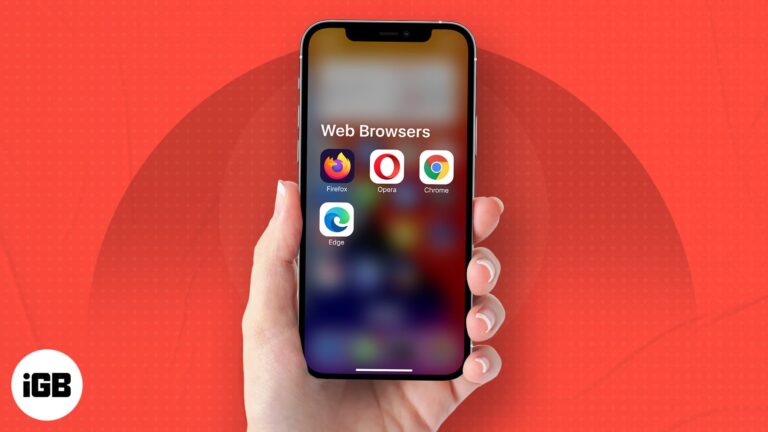
Want a different browser on your iPhone or iPad? These Safari alternatives give you faster browsing, more privacy, and extra features.

When you have two or more Safari tabs open, hovering the mouse pointer on a tab shows you its preview. This feature was made available in Safari 14 for macOS Big Sur, Catalina, and Mojave. However, there is no option…
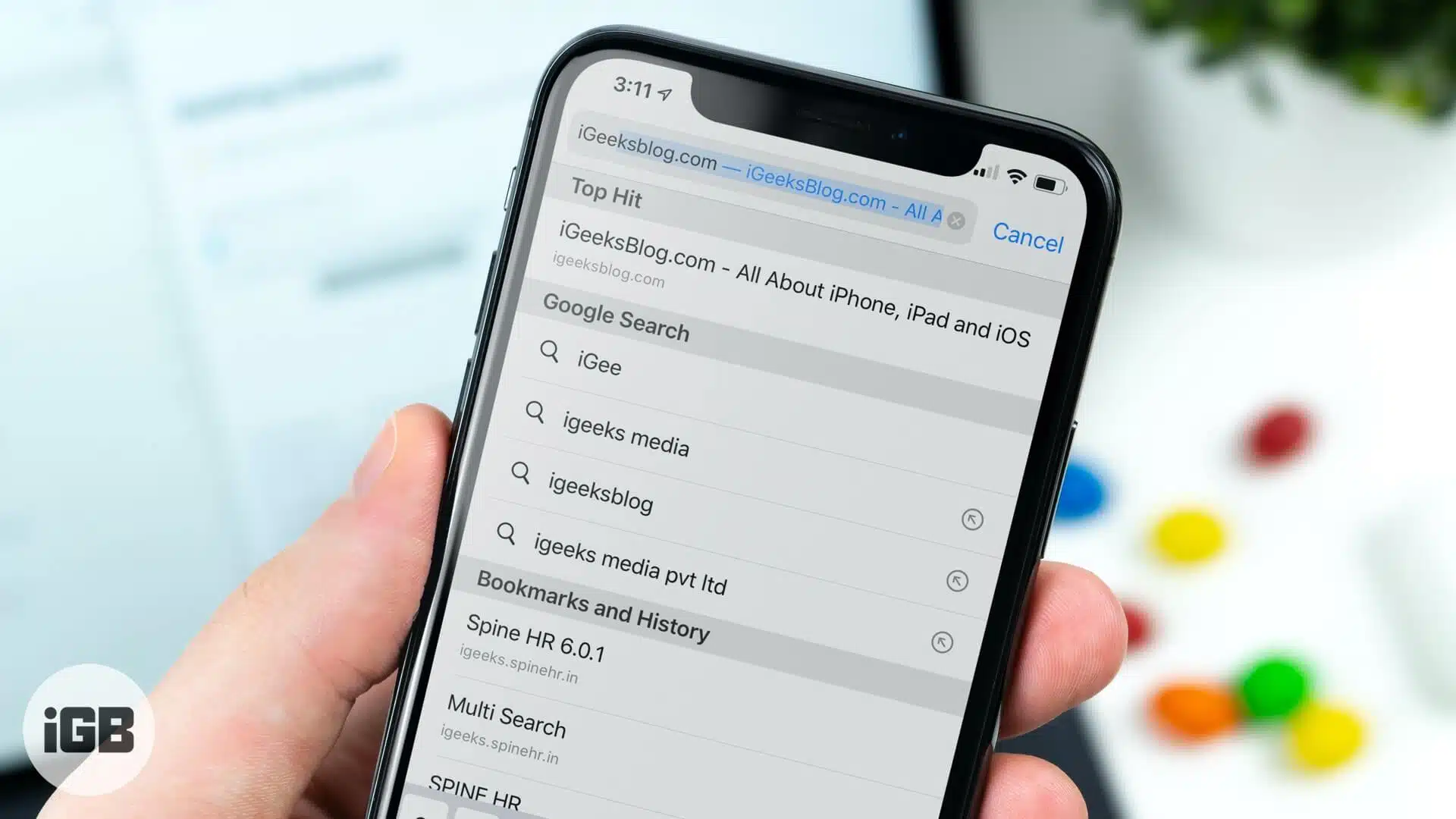
When you search/enter a keyword in the unified bar in Safari on the iPhone or iPad, you should see a ‘Top-Hit’. This is the first result of your search (based on whatever search engine you’ve chosen). Safari has the capability…

Safari is a powerful browser that can get even better with extensions. And if you want to further enhance your browsing experience, you can also enable cookies on Safari on your Mac. Cookies are bits of data that track your…
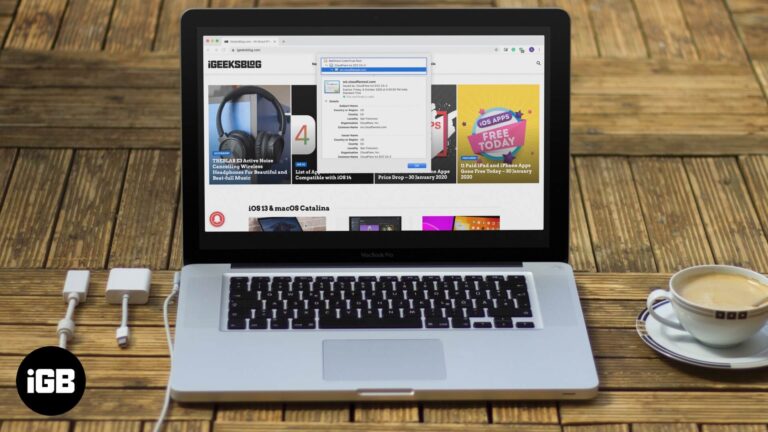
There are two simple ways to ensure that things are safe quickly, and the website uses encryption with a certificate. First is the presence of a closed padlock icon in the URL bar, and the second is the beginning of…

Apple has stopped supporting Safari for Windows for quite some time, and there are no updates, bug fixes, or patches available. Besides that, using older versions of Safari on PC might invite malware from certain websites. Given the risk, it…


