
FaceTime Like a Pro
Get our exclusive Ultimate FaceTime Guide 📚 — absolutely FREE when you sign up for our newsletter below.

FaceTime Like a Pro
Get our exclusive Ultimate FaceTime Guide 📚 — absolutely FREE when you sign up for our newsletter below.


Navigate your iPhone with one hand effortlessly with a simple gesture.

 Jignesh and Ava Biswas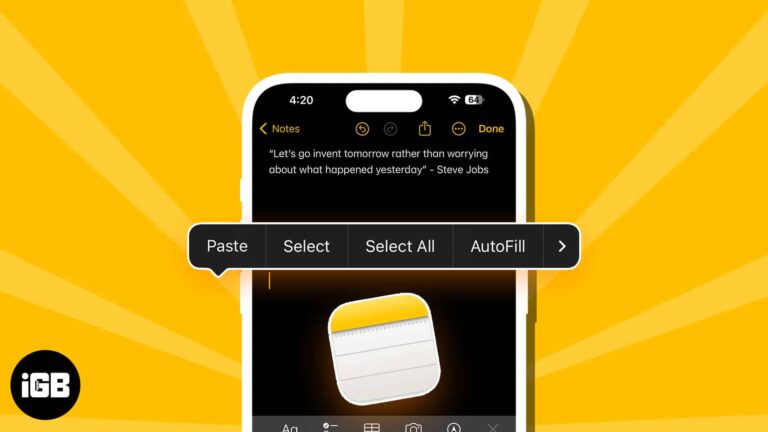
Learn how to access your iPhone clipboard. Use the Notes app to paste content, the "Adjust Clipboard" shortcut, or third-party keyboards like SwiftKey.
Shake to Undo is enabled by default, but it’s easy to turn off if you prefer not to use it.
Easily type special characters and symbols on Mac.

Mac has a lot to offer, but we often fail to use it to its optimum. That’s because we don’t tweak enough the macOS to suit our requirements. Over the years of using my Mac, I’ve found customizations that have…
Add a touch of Apple magic to your texts!

Simple solutions to get back widgets on Mac desktop.

Apple Photos only allows the users to design a slideshow. It does not provide a way to share or save them. Well, that’s where I come to the picture. So, in this post, I’ll introduce you to some innovative slideshow…

Get Find My iPhone working perfectly again with these simple fixes.
 Ava Biswas and Yash Wate
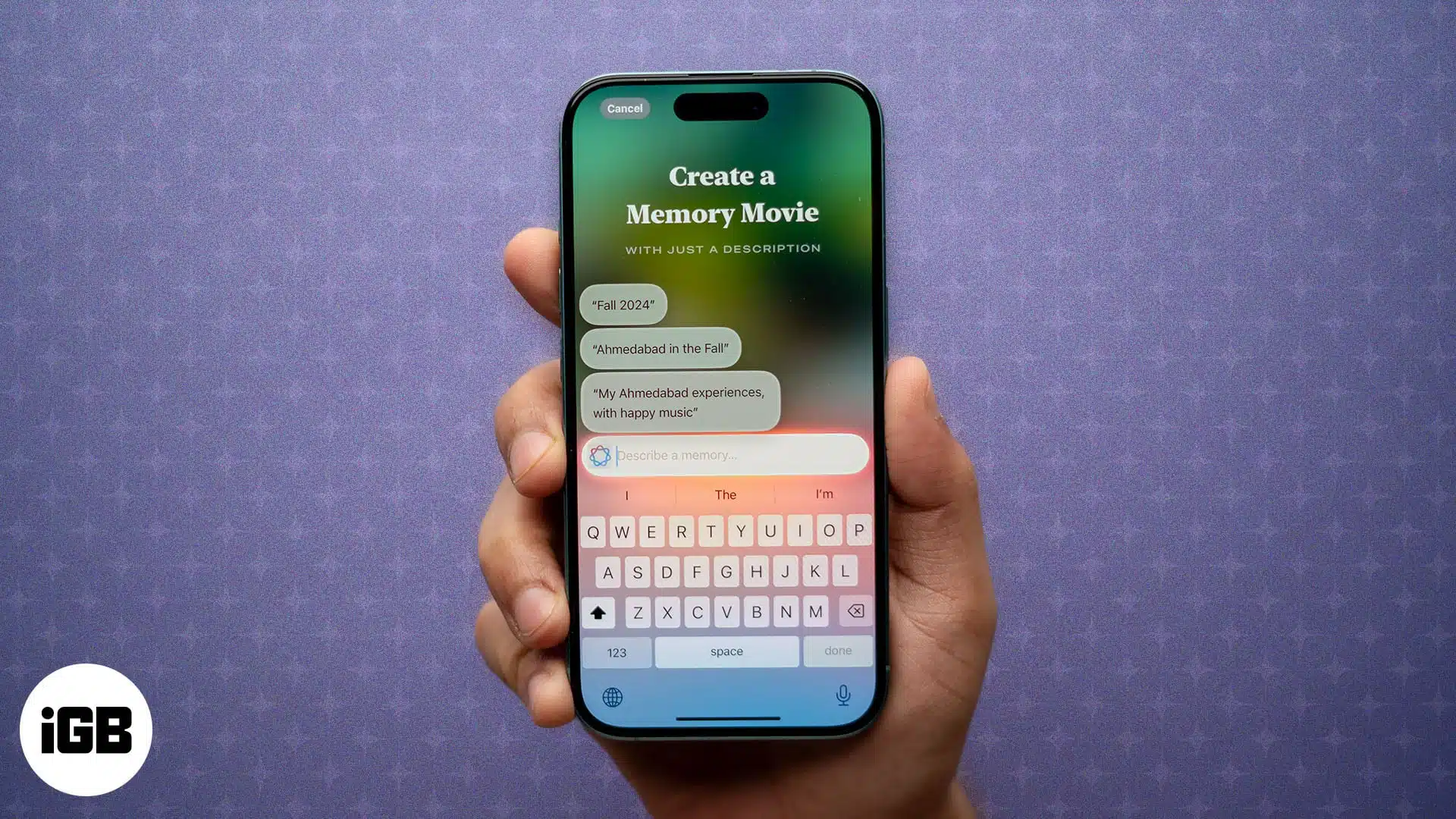
Transform your moments into memory movies on iPhone.
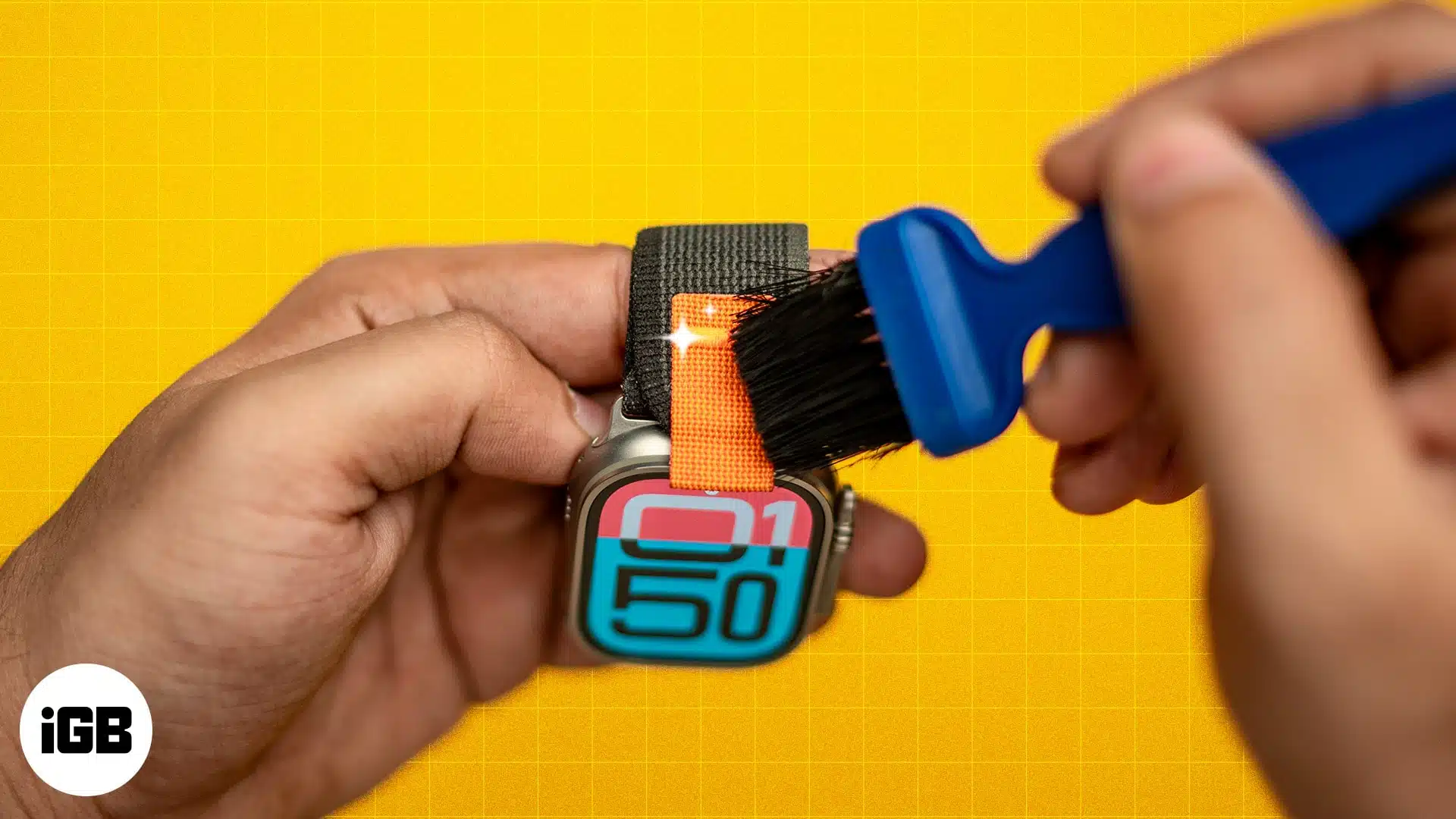
Remove dirt and stains from your Apple Watch strap with these tips.
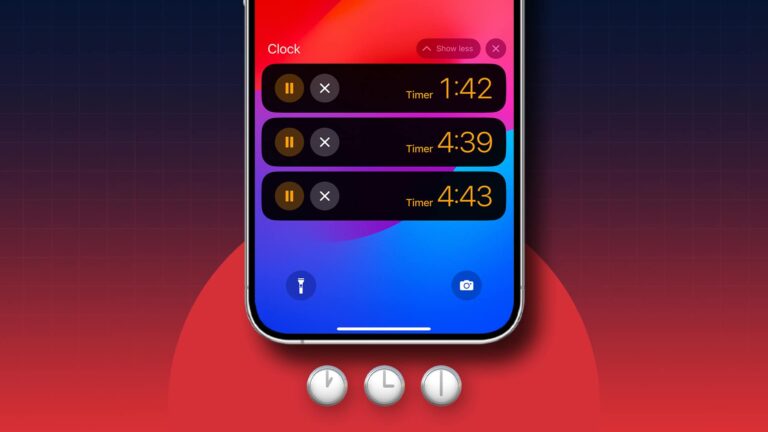
Manage time-bound tasks together like a pro!

Take control of what content you see on your Apple device.
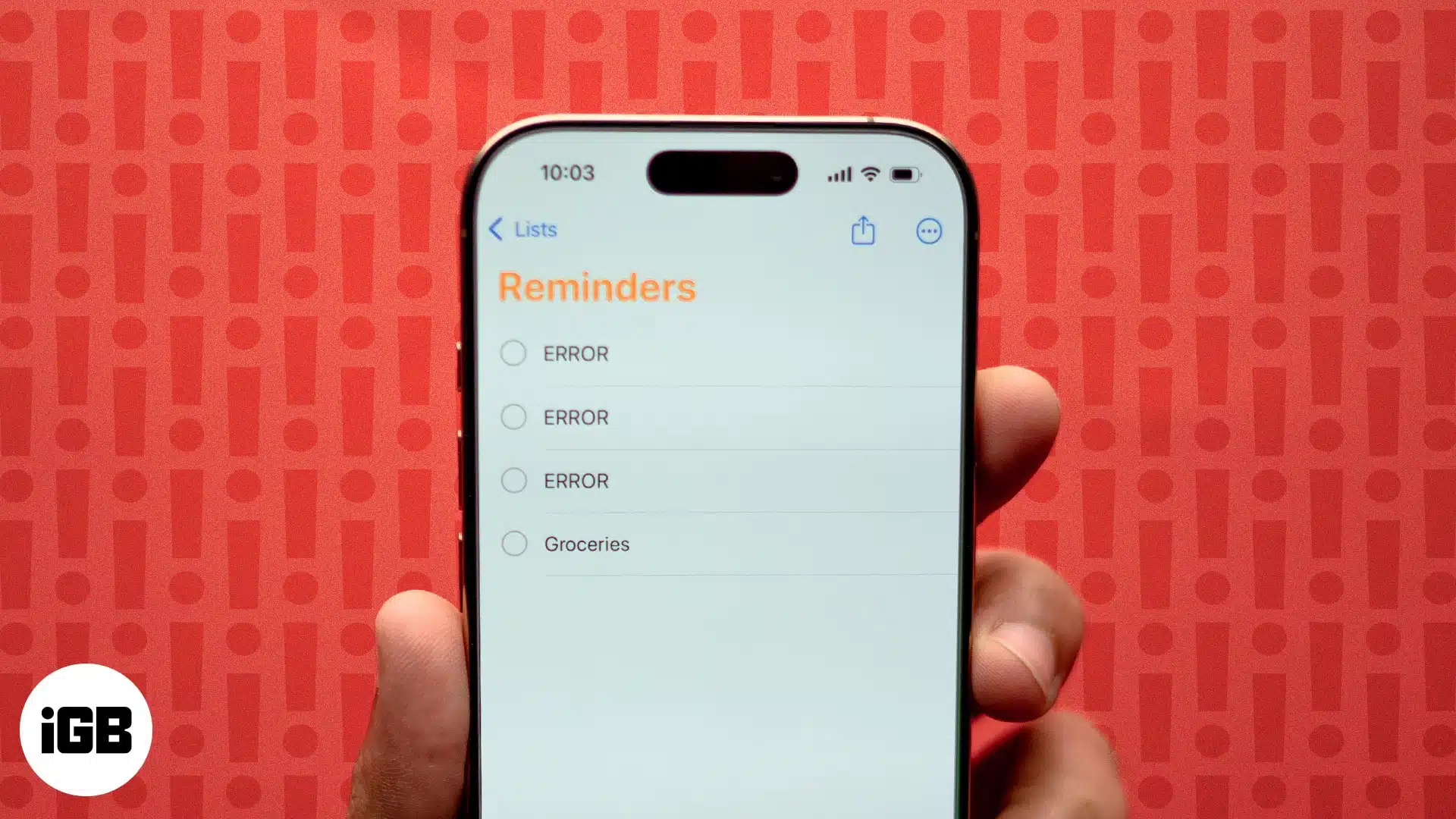
Simple solutions to get your grocery list working again.
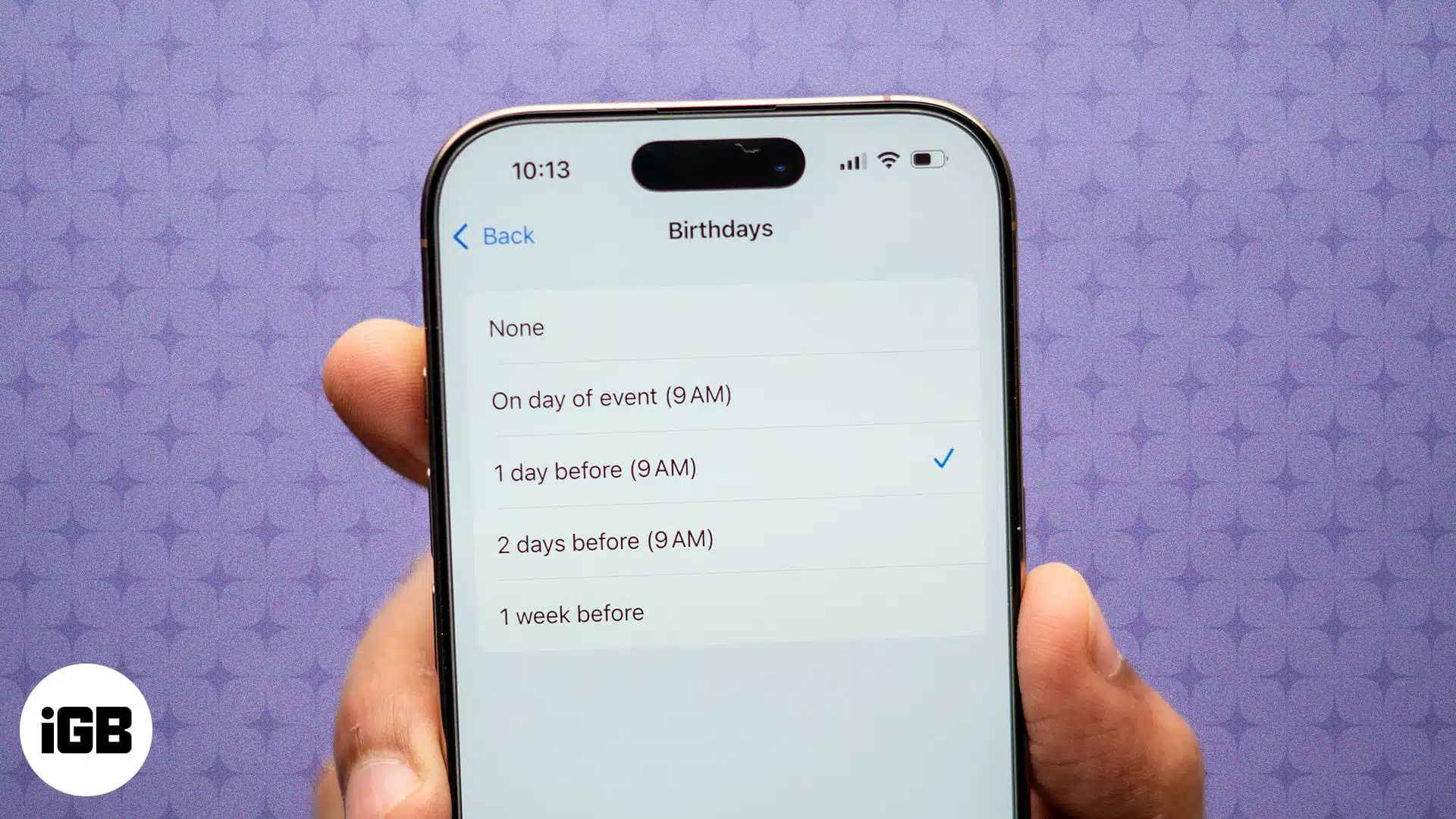
Keep track of your loved ones' birthdays by setting up reminders on your Apple devices.

Troubleshooting Pinterest issues on your iPhone and iPad.

If you haven’t yet had the epiphany that you’re holding a powerful tool when holding an Apple Pencil, you’re certainly missing something. Don’t worry. These Apple Pencil tips and tricks will help you connect the dots. And even if you…
While going to theaters and watching cable TV is still a thing, a growing number of viewers prefer consuming global content through streaming devices. Apple TV is at the forefront of this change. However, these devices come with their own…
Everything you need to know about the iOS 18.1 Inactivity Reboot feature.
Ava Biswas and Yash Wate
Edit, annotate, and manage PDFs easily with the Files app.
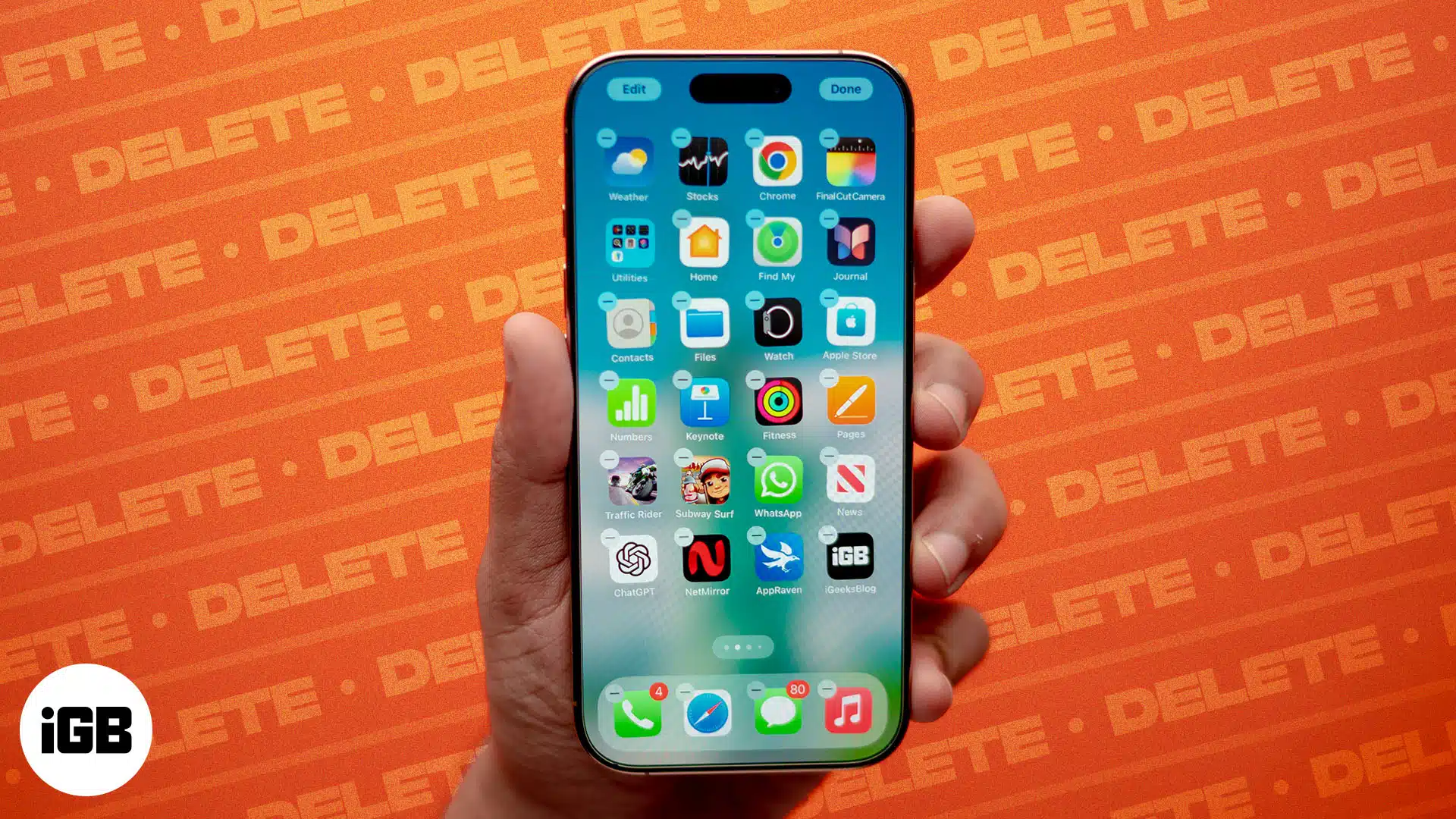
Find out simple solutions to remove unwanted apps.
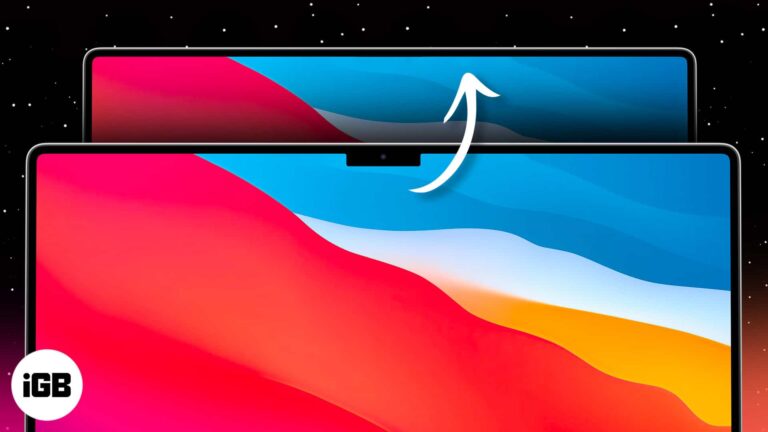
The latest models of MacBook Pro and Air feature a notch at the top, highlighting the front camera. However, while functional, the design isn’t everyone’s favorite. If you, too, find the MacBook notch obstructive or just want a distraction-free, cleaner…
5 simple ways to bring back your lost photos on Mac.
Kindle is one of the most popular book-reading apps. With over a million books, the app is ideal for avid readers. Whether you’re a bookworm or just looking for a new way to spend your time, knowing how to buy…
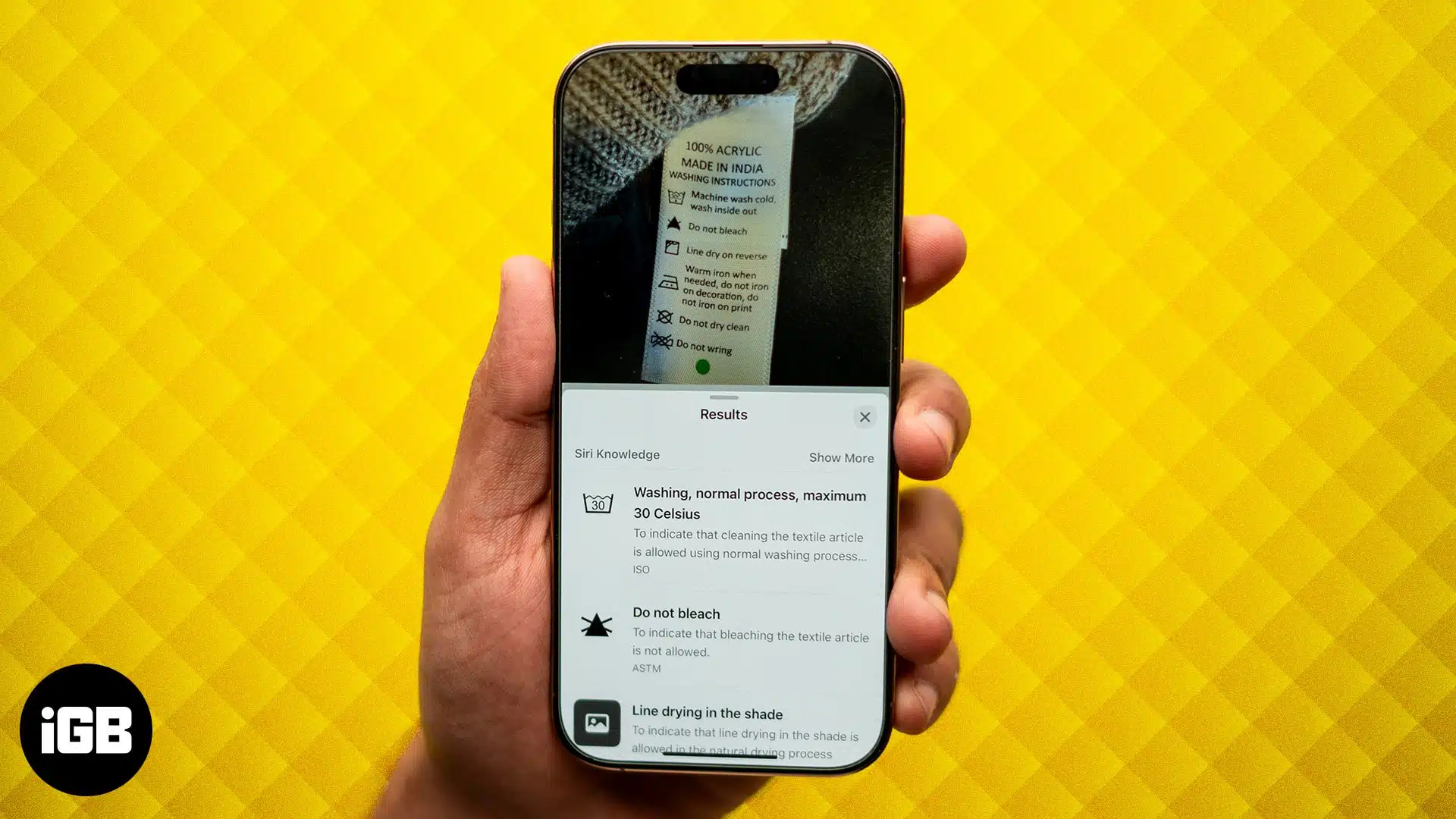
Use your iPhone camera to understand laundry and car symbols.

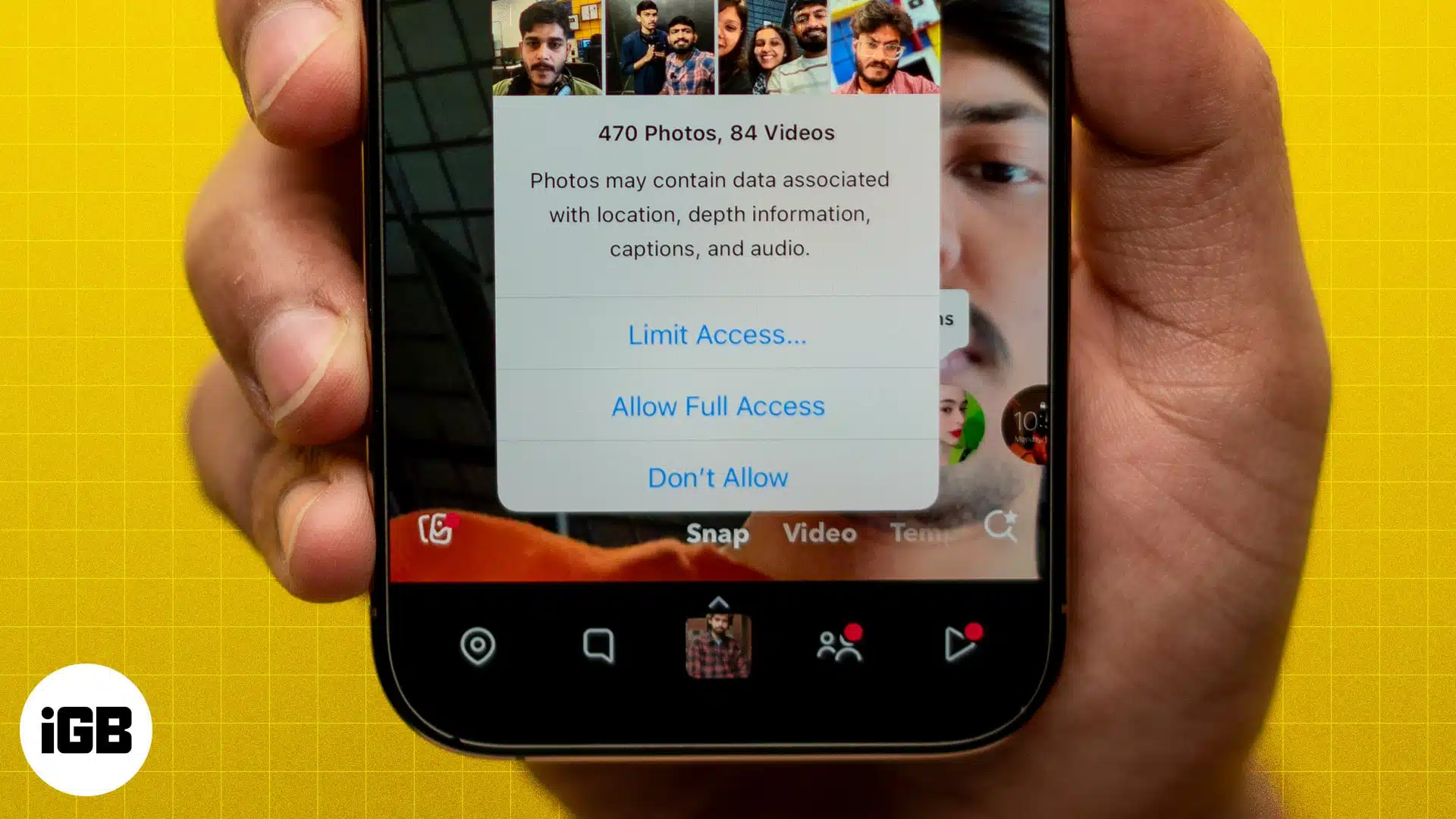
Protect your privacy and regain control of your data.

Navigate and use iPhone without touching the screen.


