
FaceTime Like a Pro
Get our exclusive Ultimate FaceTime Guide 📚 — absolutely FREE when you sign up for our newsletter below.

FaceTime Like a Pro
Get our exclusive Ultimate FaceTime Guide 📚 — absolutely FREE when you sign up for our newsletter below.


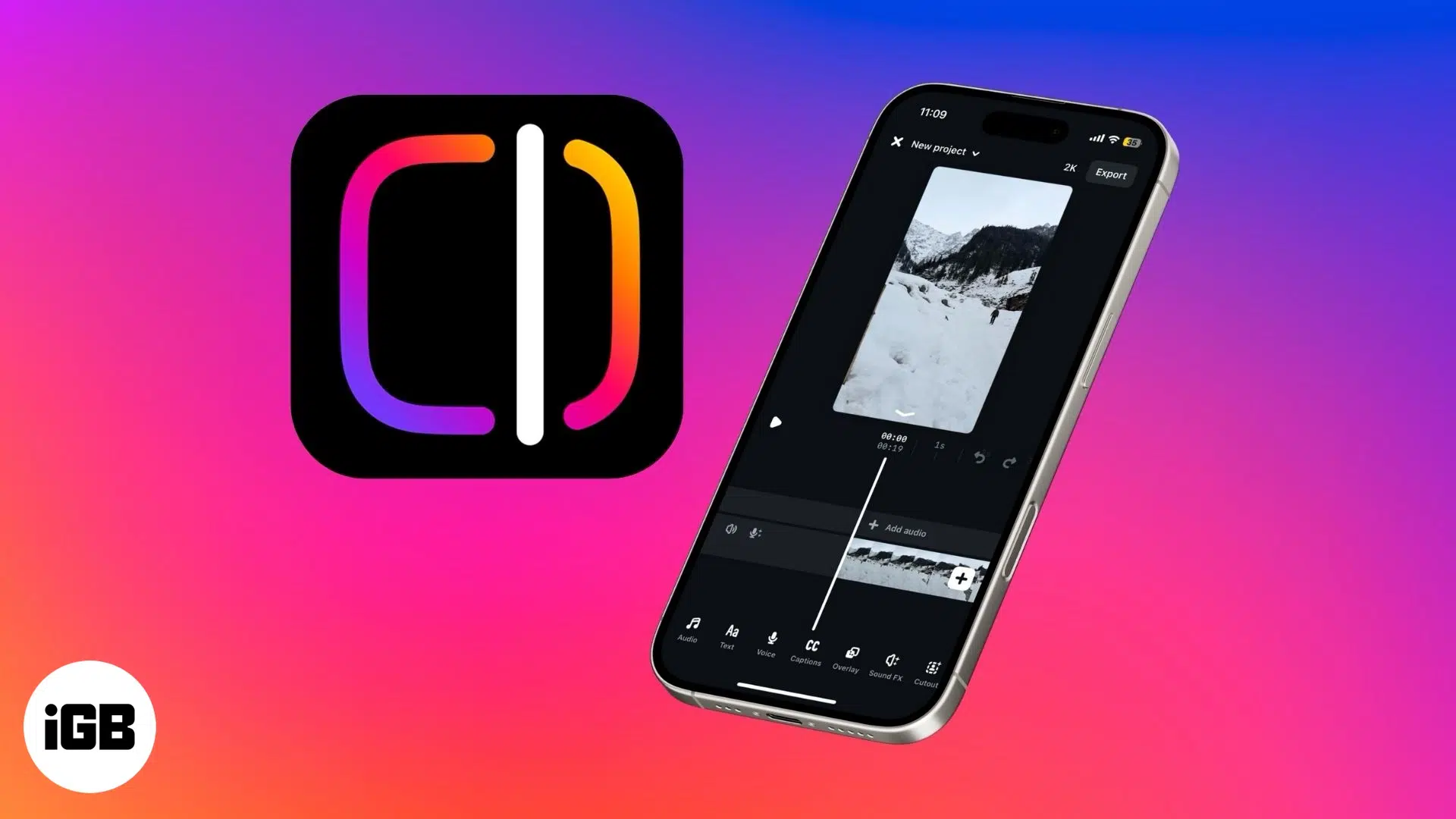
Instagram's new standalone Edits app is designed for content creators, blending intuitive tools with AI-powered features—here's everything you need to know.
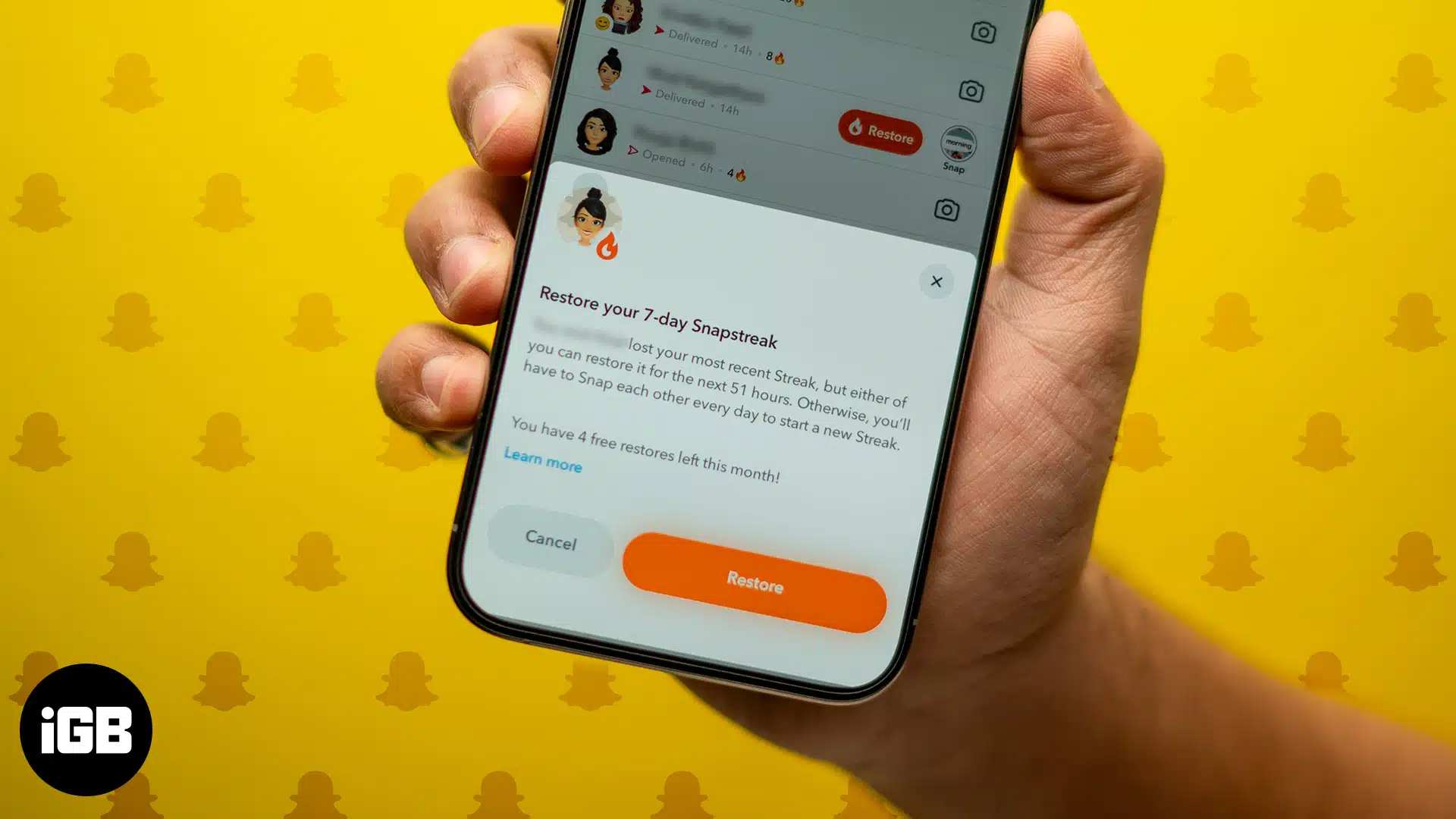
Learn how to restore a lost Snapstreak on Snapchat using the in-app Restore feature or by contacting support - Quick and easy steps for all users.
Want to personalize your iPhone? This complete guide shows you how to change font style, adjust text size, and install custom fonts - No jailbreak required.

 Ankur and Ava Biswas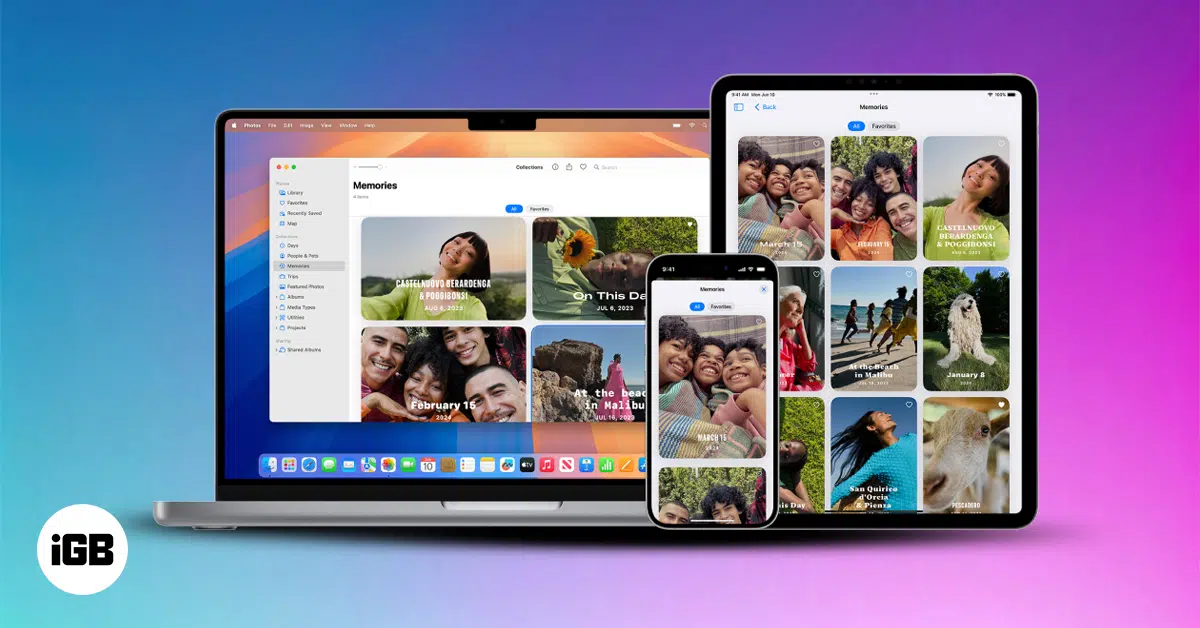
iCloud Shared Photo Library makes it easy to share and manage photos with up to five others. Learn how to set it up, use it, and stay in sync across devices.
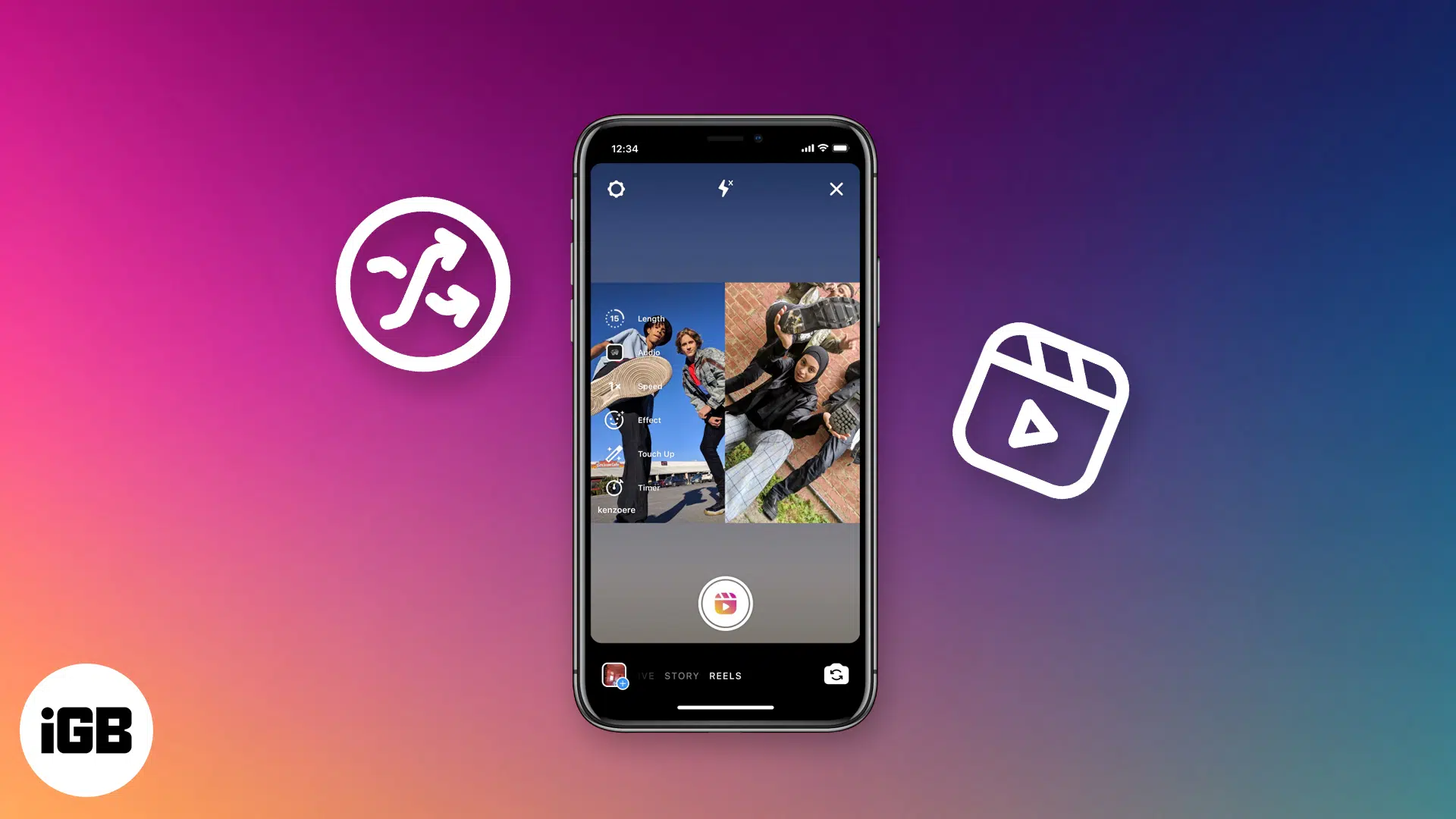
Remixing Reels on Instagram lets you react, collaborate, or join trends with your own twist. Here’s how to use the Remix feature like a pro.

Turn any song into your iPhone ringtone without iTunes or a computer using iOS 26, GarageBand, or third-party apps—step-by-step guide included.
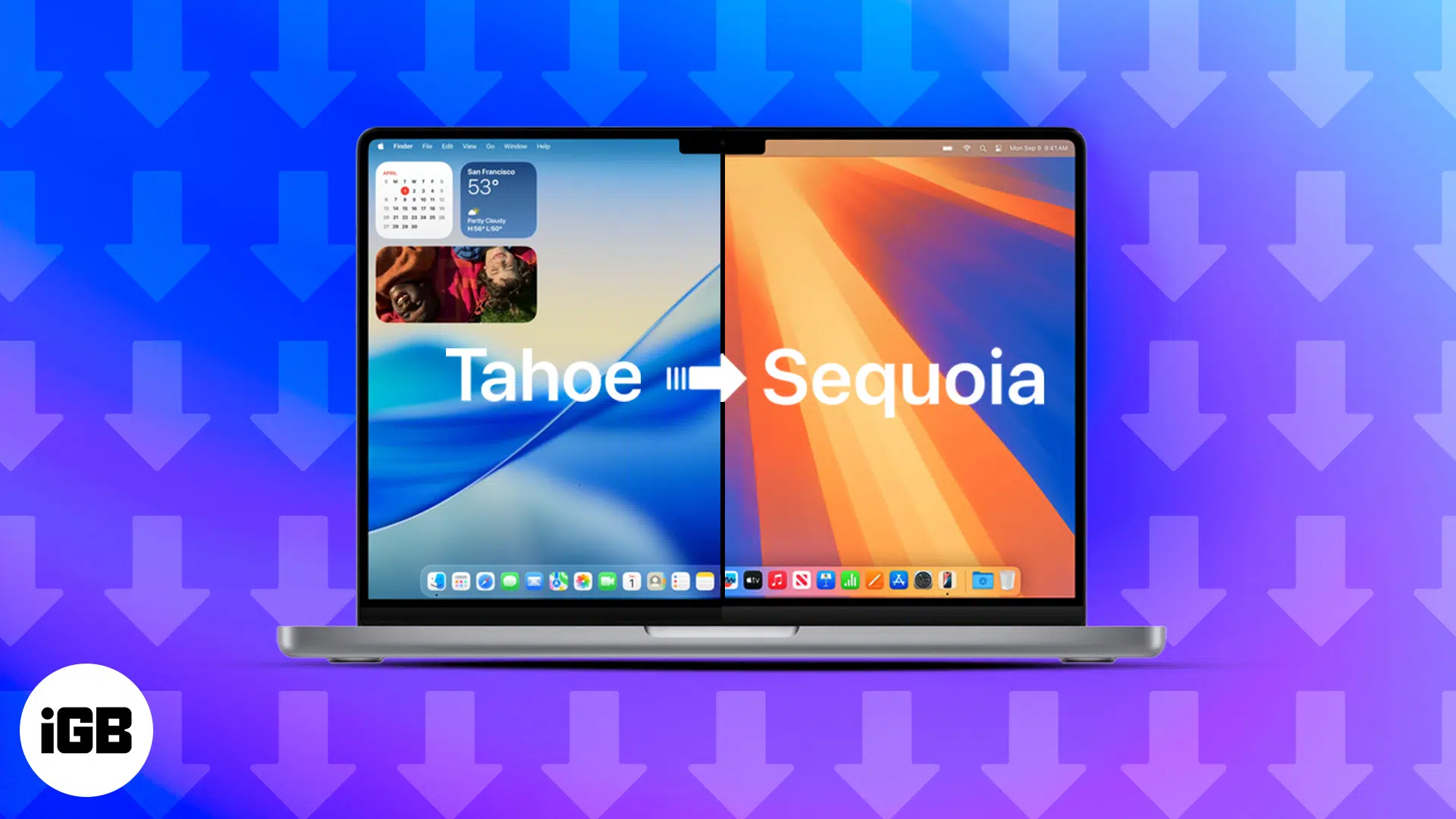
This guide walks you through the step-by-step process of safely downgrading from macOS 26 Tahoe Beta to the stable macOS 15 Sequoia without losing your data.
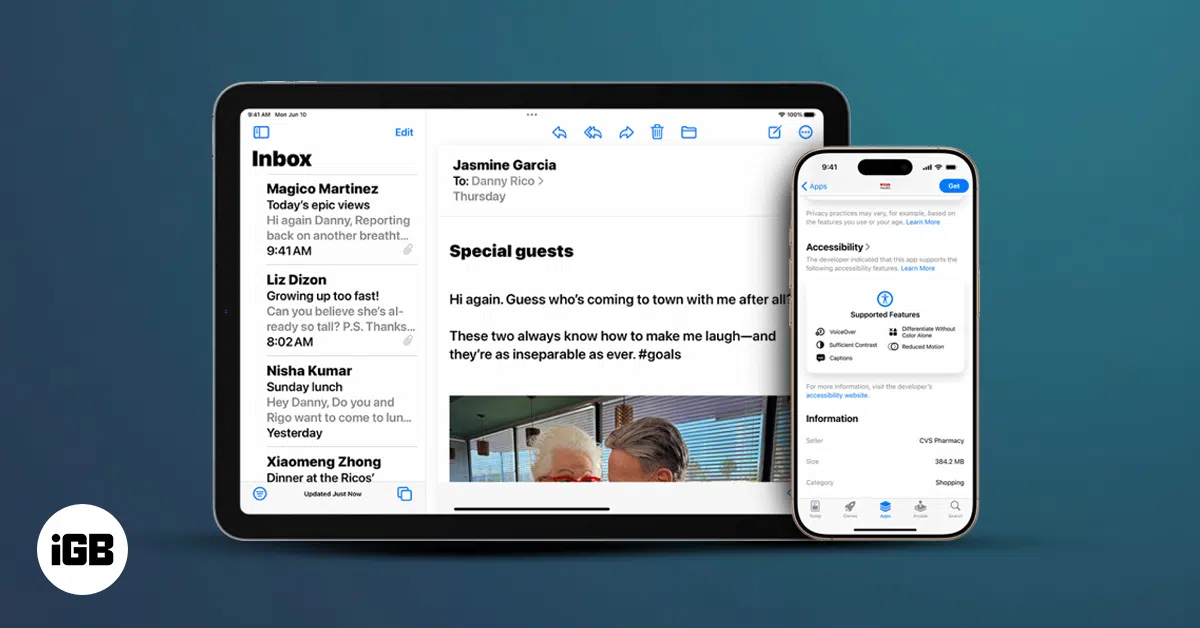
Accessibility Reader in iOS 26, iPadOS 26, and macOS Tahoe makes any text easier to read or listen to by removing clutter and adding powerful customization options.
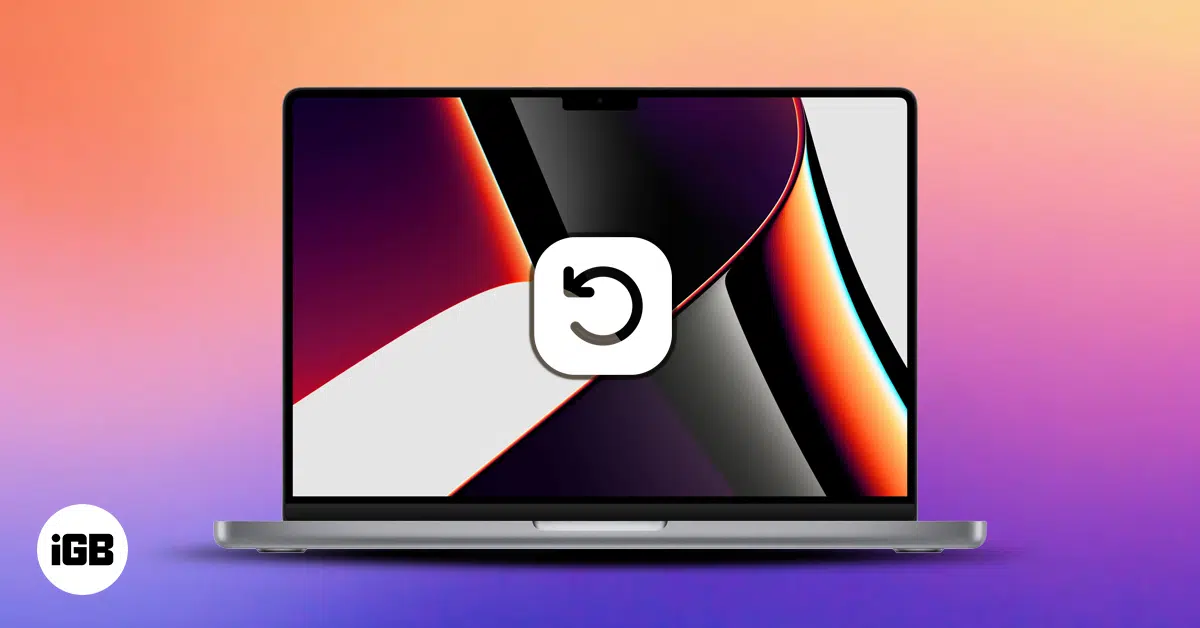
Wondering how to restore your Mac? Whether you’re using Time Machine, iCloud, or have no backup, this guide walks you through every recovery method.
 Jignesh and Ava Biswas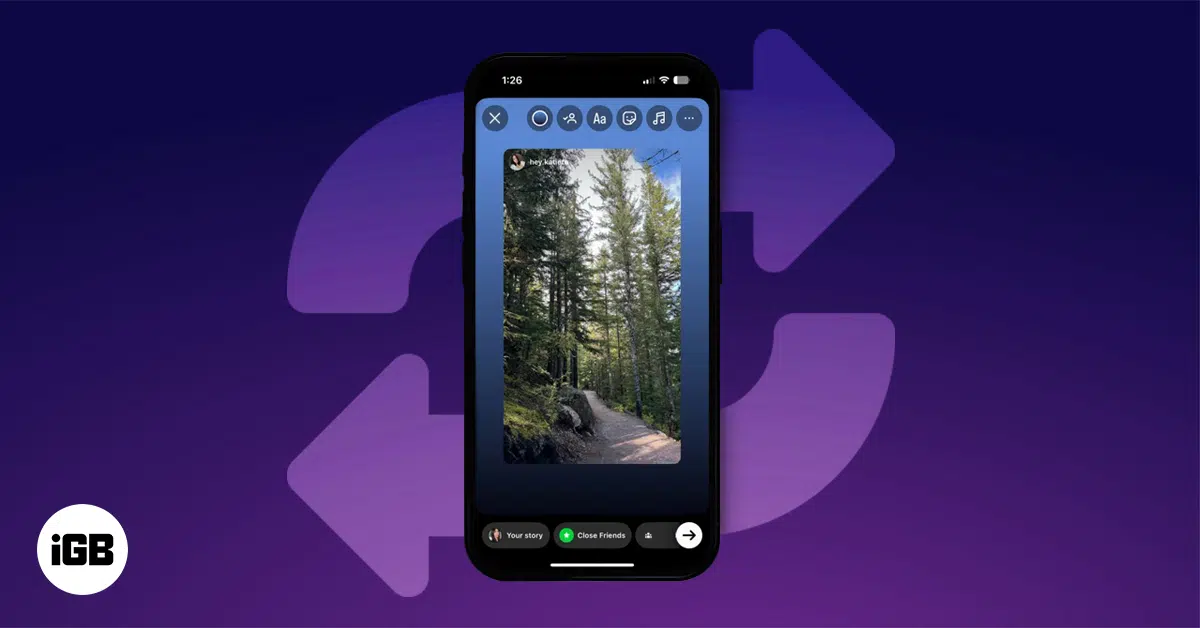
Want to repost an Instagram Story? Whether you’re tagged or not, this guide shows how to do it easily with built-in tools or trusted third-party apps.
Left your iPhone flashlight on? Discover fast, clever ways to switch it off—no more glowing pockets or drained batteries!
Solve the iPhone 'Call Failed' issue fast with these 14 proven troubleshooting steps.
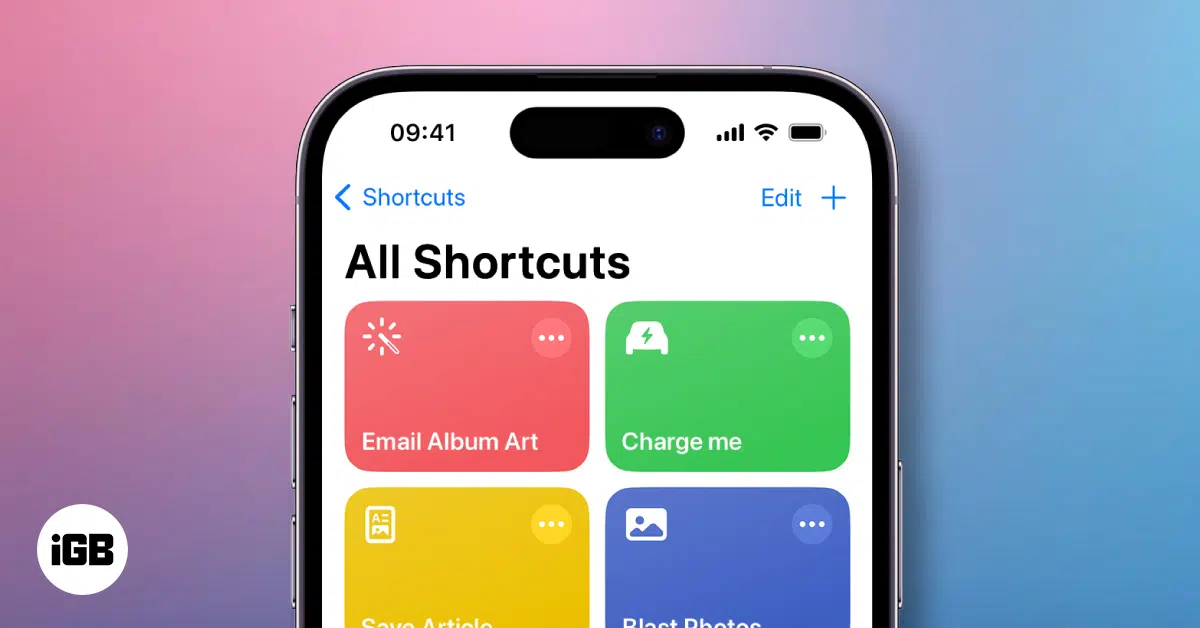
Unlock the magic of automation on your iPhone with Shortcuts! Create custom actions, run routines with Siri, and boost productivity in seconds.
Ankur and Ava Biswas
Is one AirPod silent? Get both working again fast with these simple fixes—plus, know when to
call Apple for help.
Seeing “iPhone is Disabled, Connect to iTunes” can be stressful, but you’re not stuck forever. Here’s how to unlock your iPhone safely and recover access.
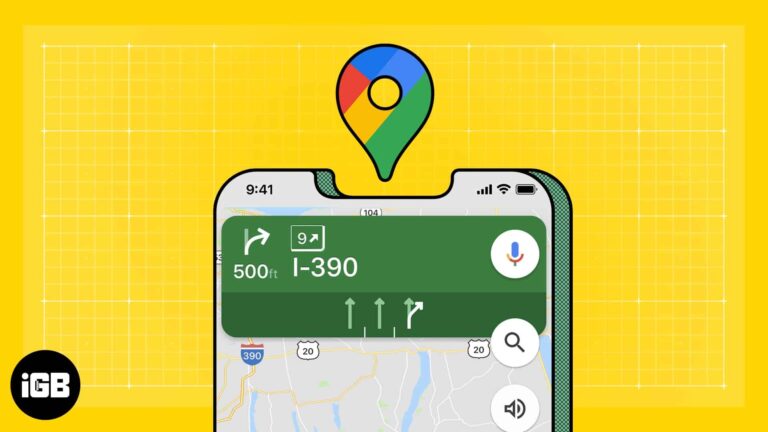
Learn how to use Google Maps as the default navigation app on your iPhone with a simple Gmail and Chrome workaround.
All the new tools in watchOS 10 and which devices can use them.
Here’s what to do when Snapchat My AI stops working on your iPhone.
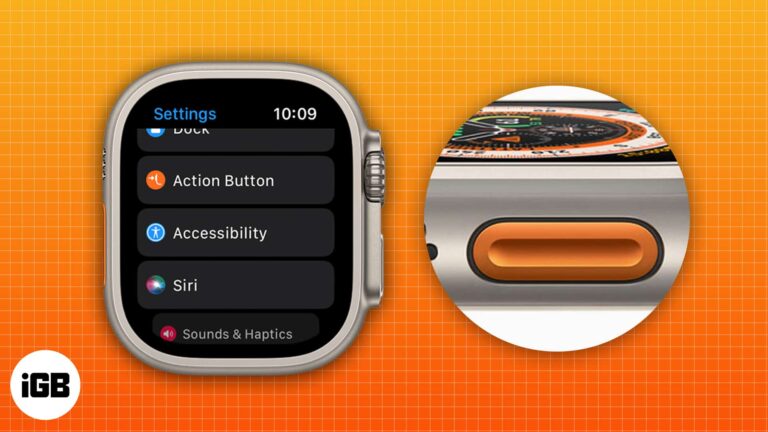
Everything you need to know about using the Action button on Apple Watch Ultra 2.

Lighten your camera roll in a snap! Discover clever ways to shrink photo files, save space, and keep your iPhone running smoothly.

This post details how to create iCloud email on an iPhone, iPad, or Mac and why you should consider using it.
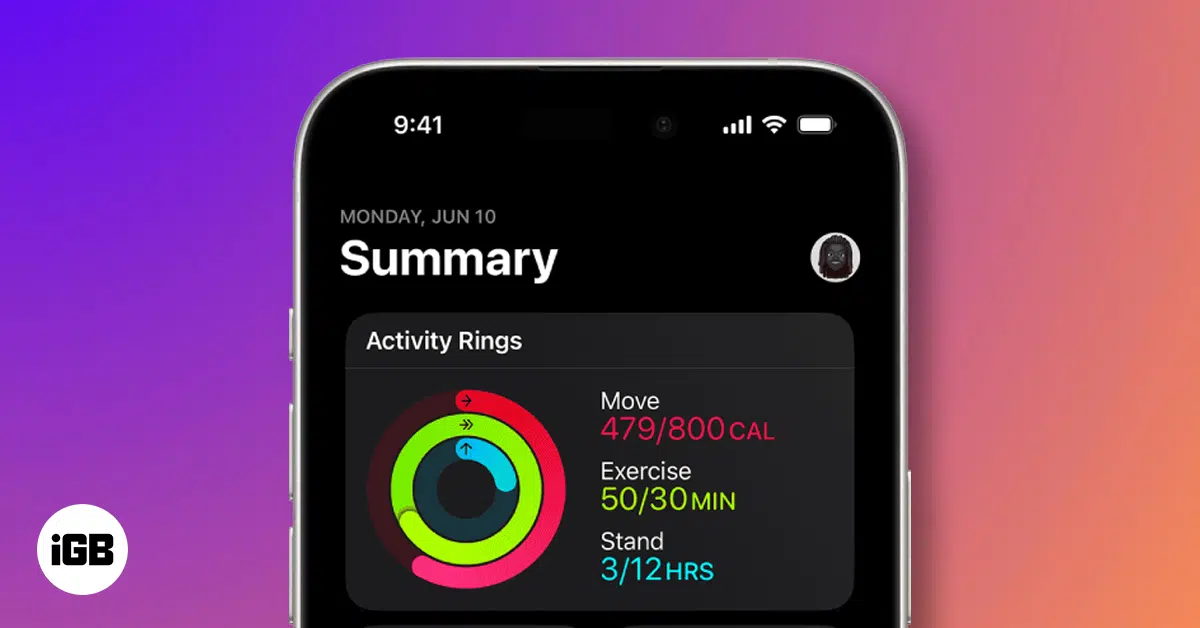
Track your steps using only your iPhone. Learn how to set it up and view your daily activity with ease.
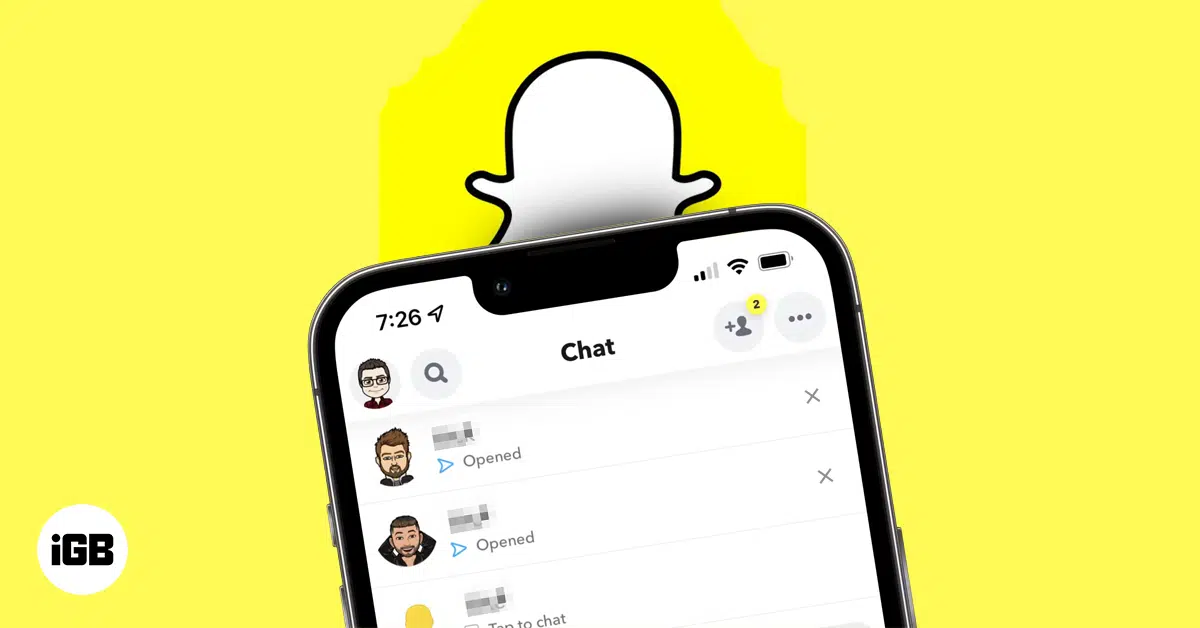
Think someone ditched you on Snapchat? From disappearing stories to the mysterious X icon, uncover the silent signs that say you’ve been unadded.
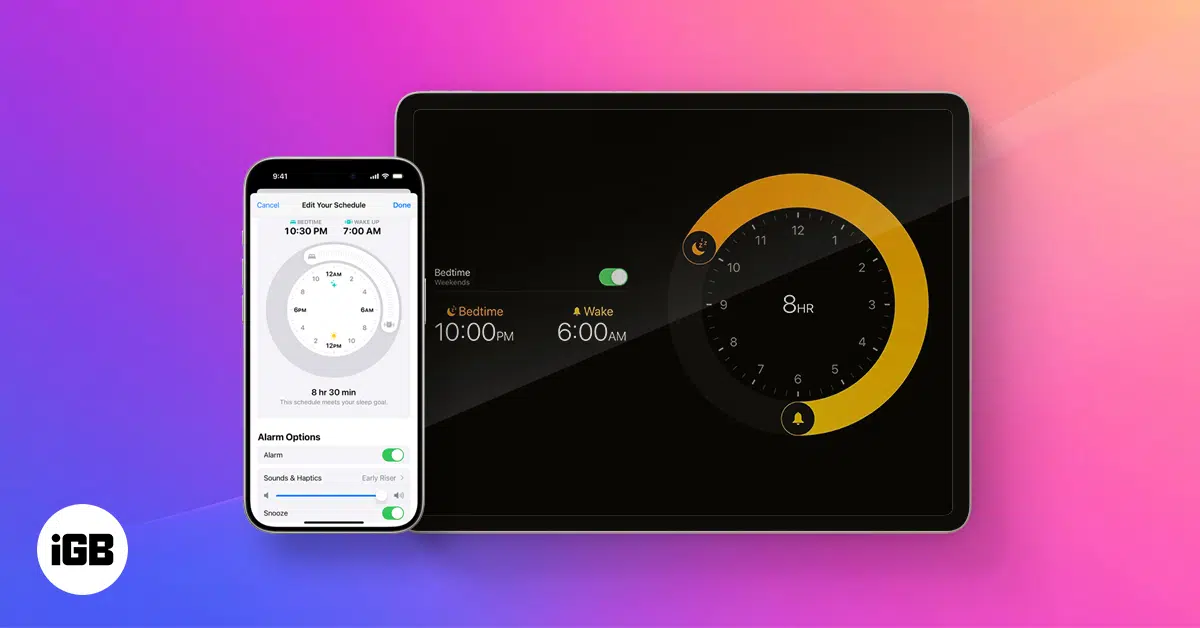
Sleep Focus on iPhone helps you monitor your sleep patterns and achieve your sleep goals. Learn how to make the most of it!
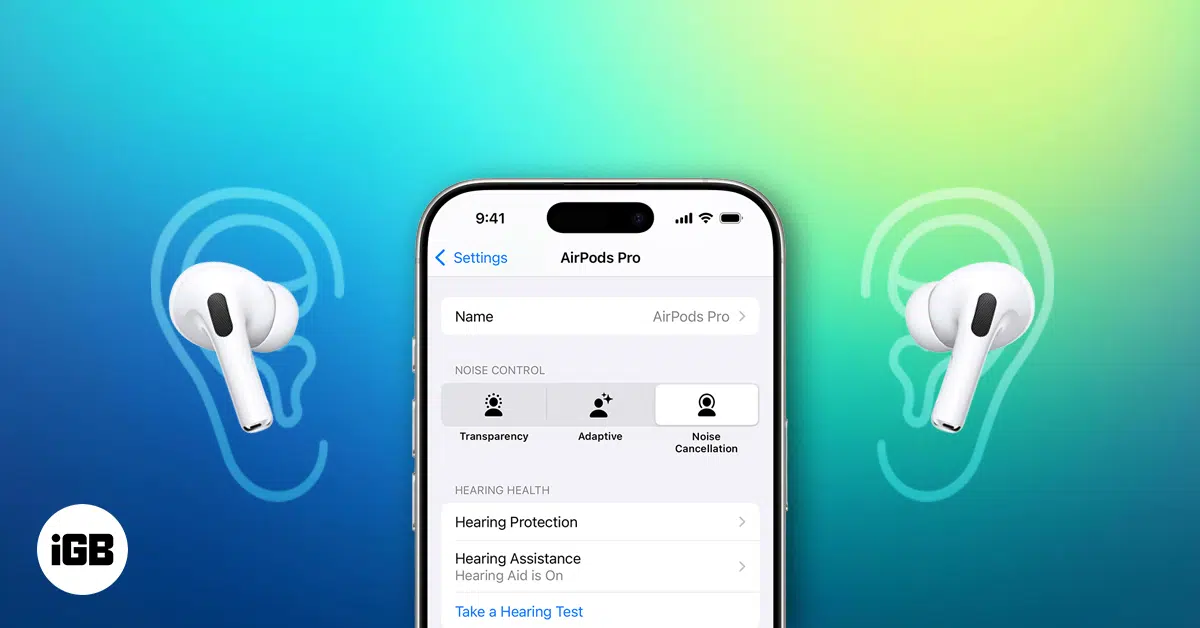
Turn your AirPods Pro 2 into personal hearing aids, using your iPhone’s built-in features for clearer hearing.
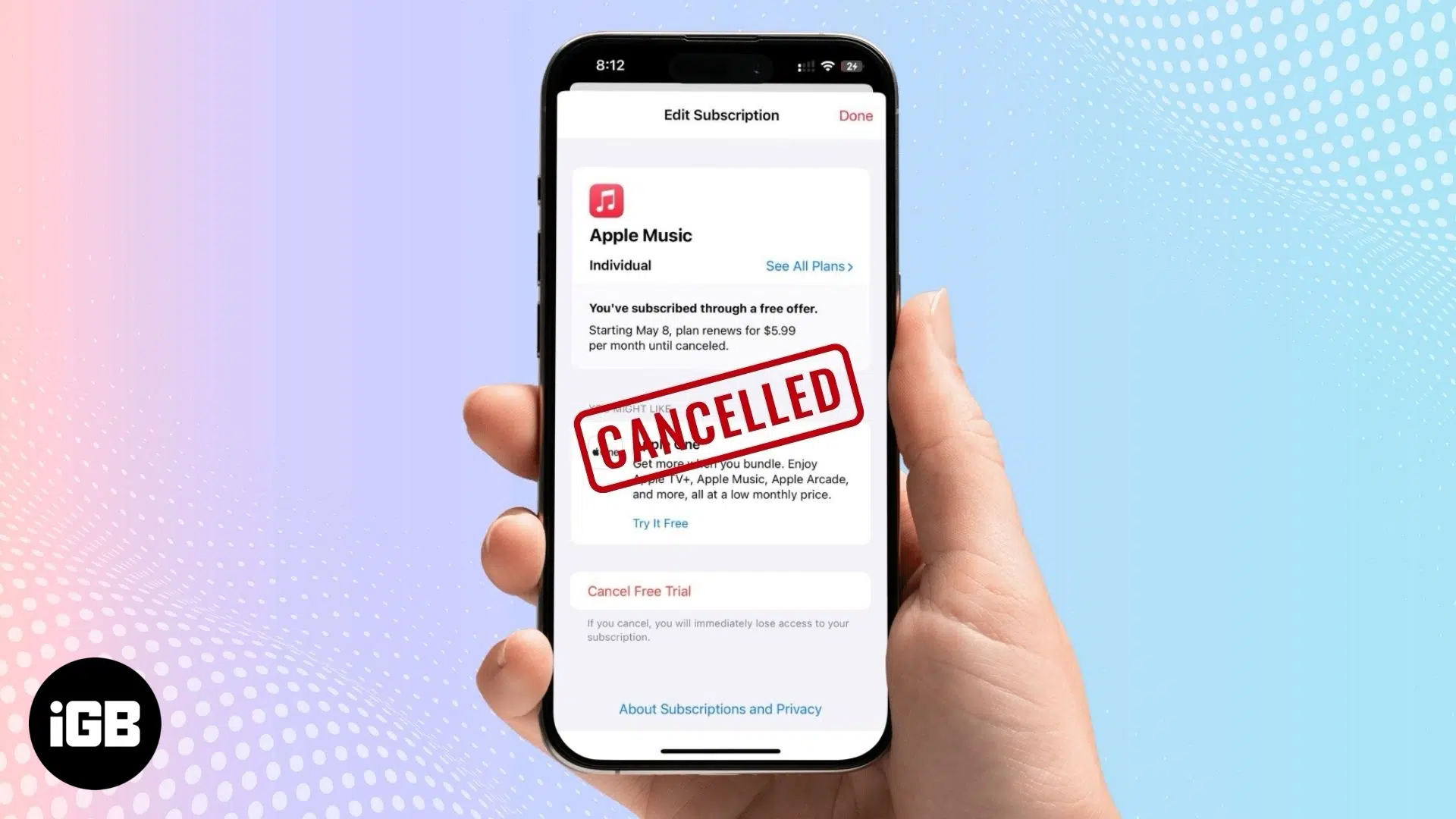
Done with Apple Music subscription? Here’s how to cancel it fast—on iPhone, Android, or desktop.
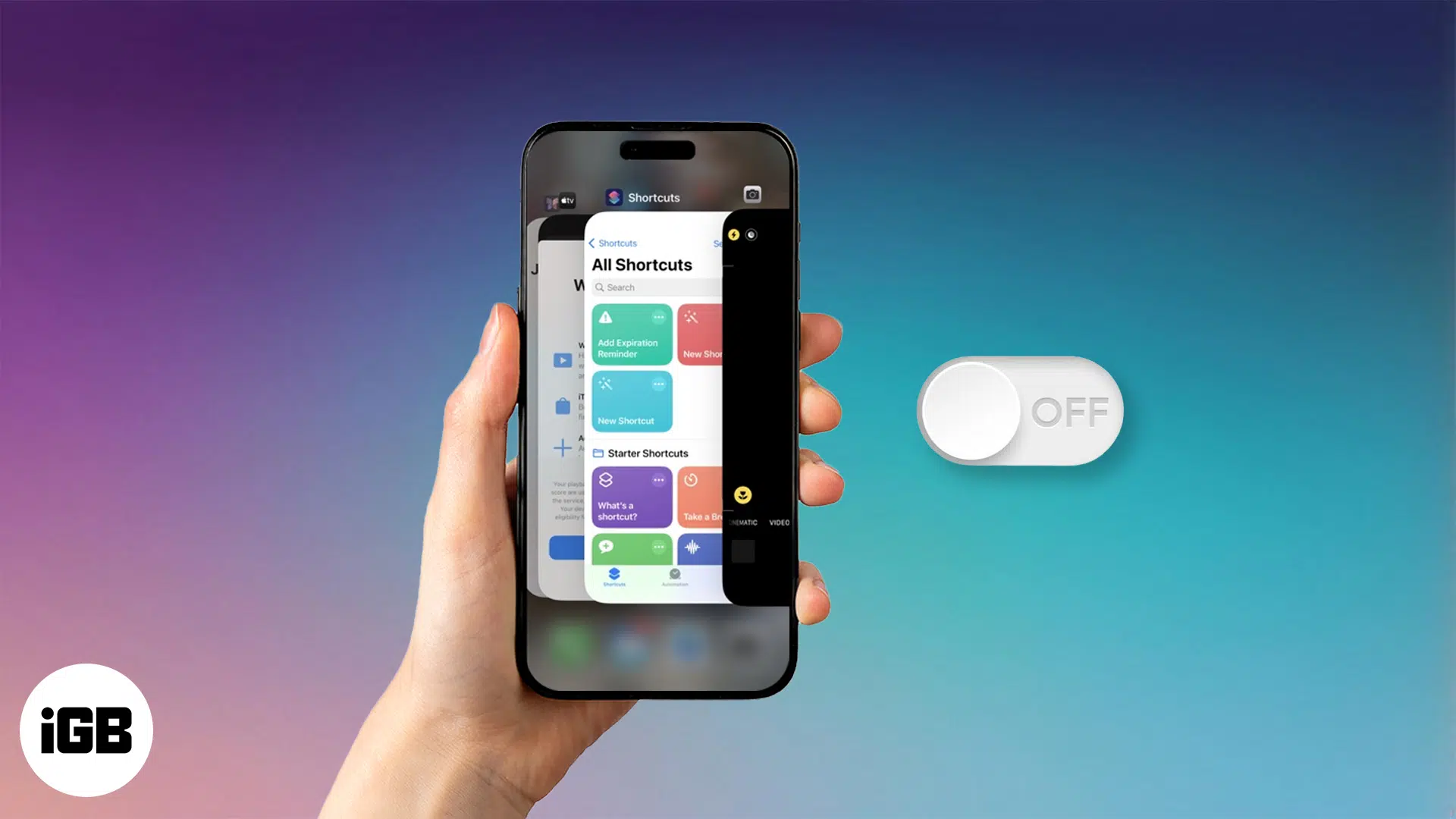
Stop background apps from draining your iPhone battery. Learn how to turn off Background App Refresh and save power the smart way.
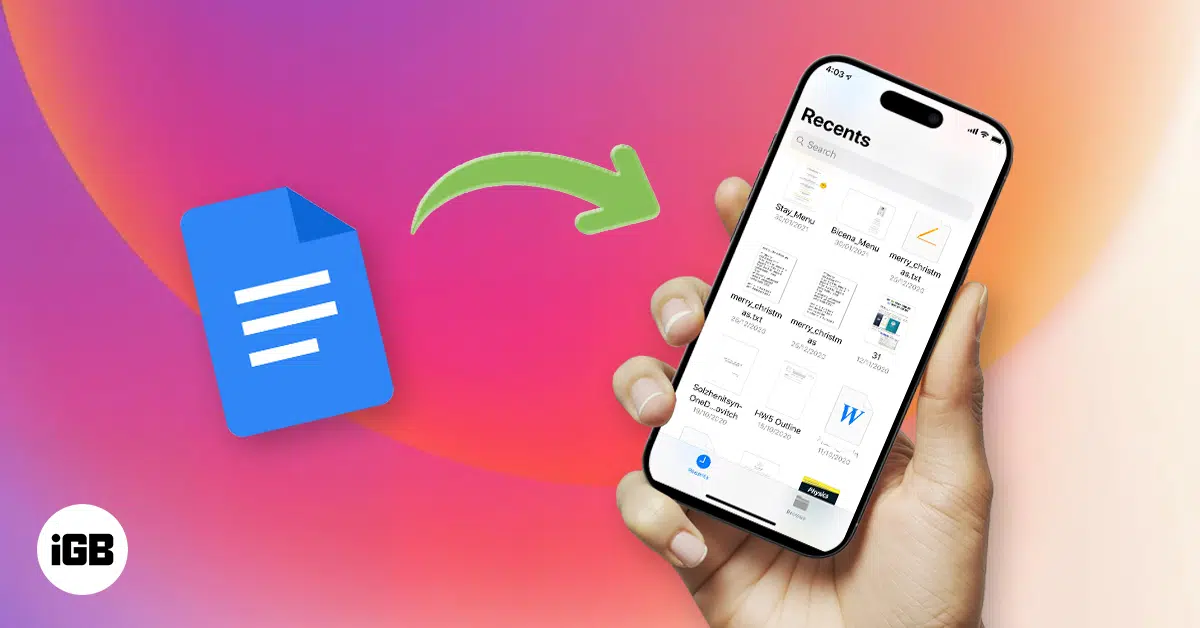
Want to save Google Docs to the Files app on your iPhone? Here’s a quick guide to help you do it for offline access and easy sharing.
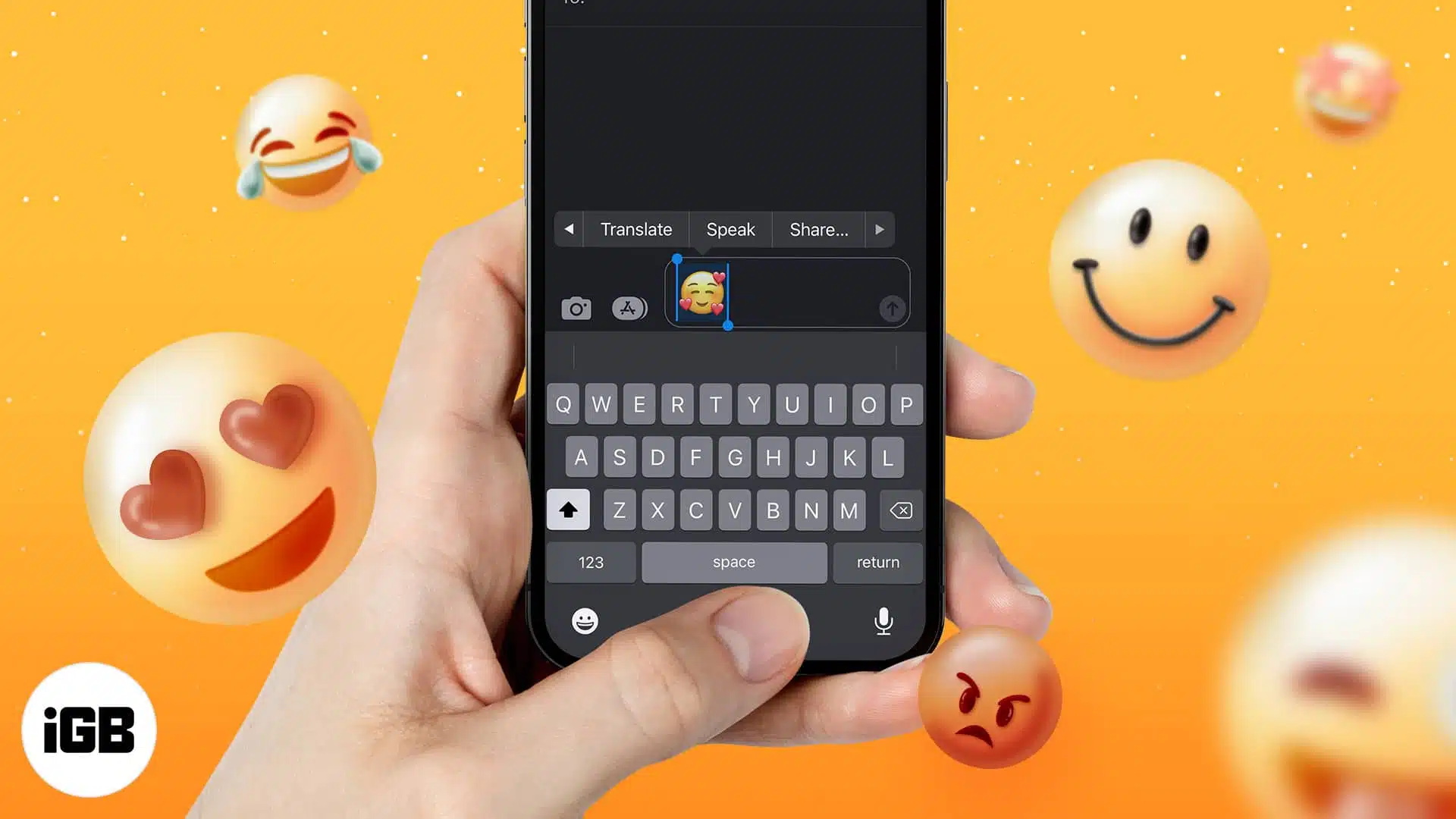
Learn what your favorite emojis mean! Follow these simple steps to quickly find out exactly what each emoji is about.
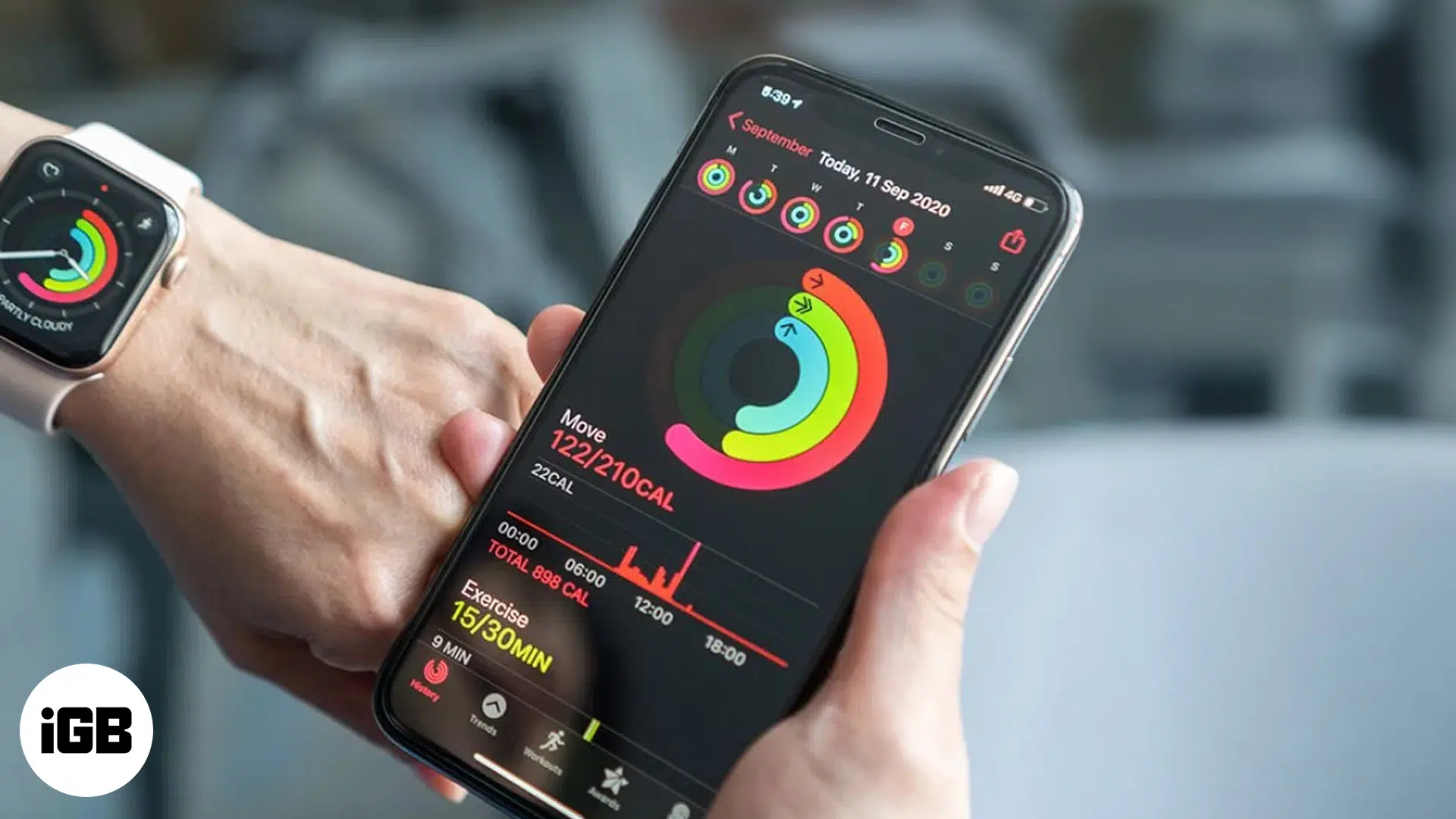
Is your Apple Watch calorie count right? Here's how accurate it is and how to make it better.


