
How to Shoot and Edit RAW Photos on iPhone and iPad
RAW files hold far more detail for editing than a standard photo. Here is why they are worth using on iPhone, how to capture them, and how to edit RAW images on iOS.

RAW files hold far more detail for editing than a standard photo. Here is why they are worth using on iPhone, how to capture them, and how to edit RAW images on iOS.

A numeric passcode is guessable in a way a password is not. Here is why an alphanumeric passcode meaningfully improves iPhone security, and
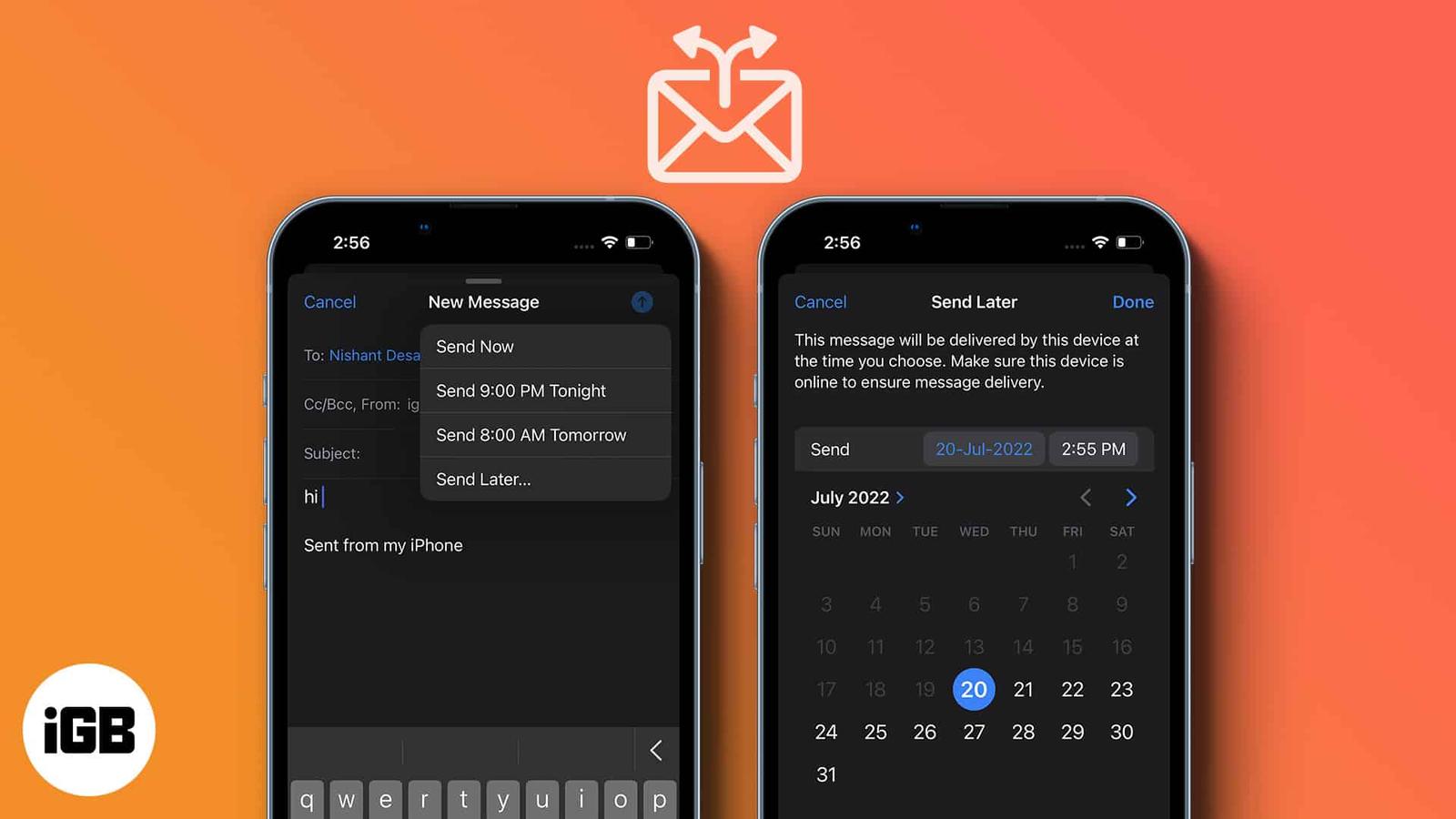
Timing changes whether an email gets read. Apple Mail can hold a message until a time you choose. Here is how to schedule one on iPhone, iPa
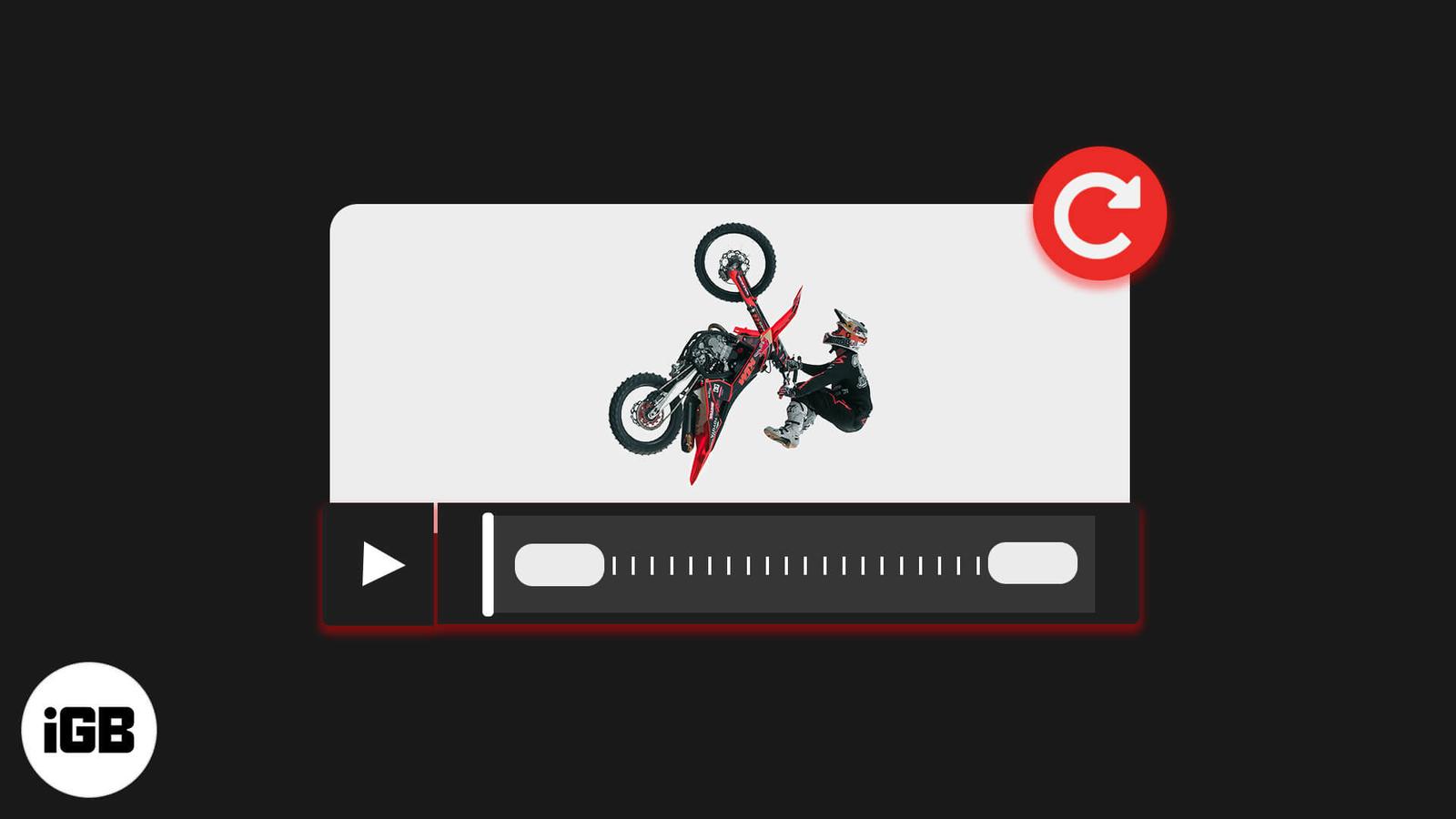
A video shot in the wrong orientation is fixable without a computer. Here is how to rotate one in the Photos app on iOS, and how to do it in
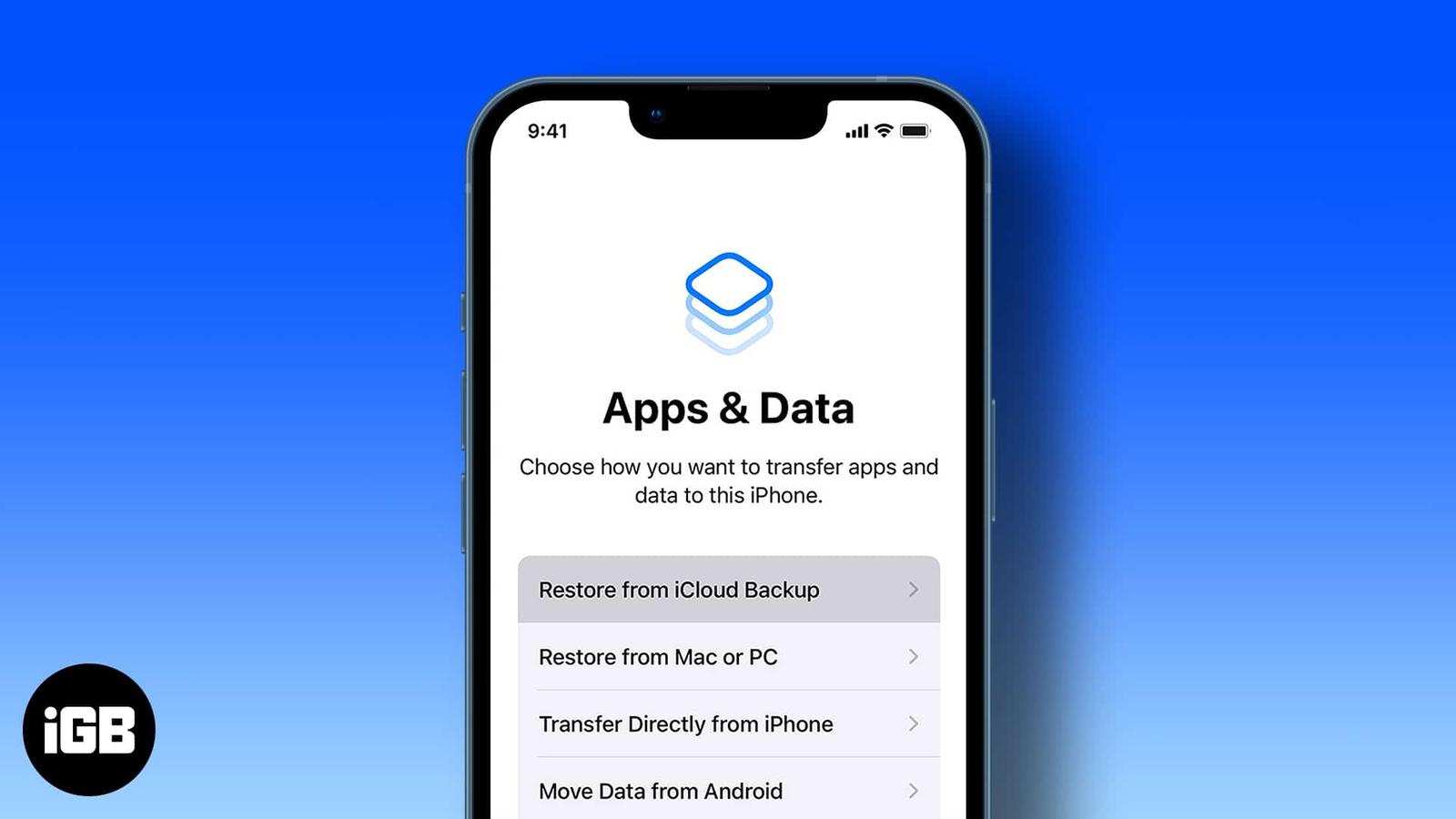
Restoring resolves persistent problems and moves everything to a new device. Here is when it makes sense, plus step-by-step instructions for
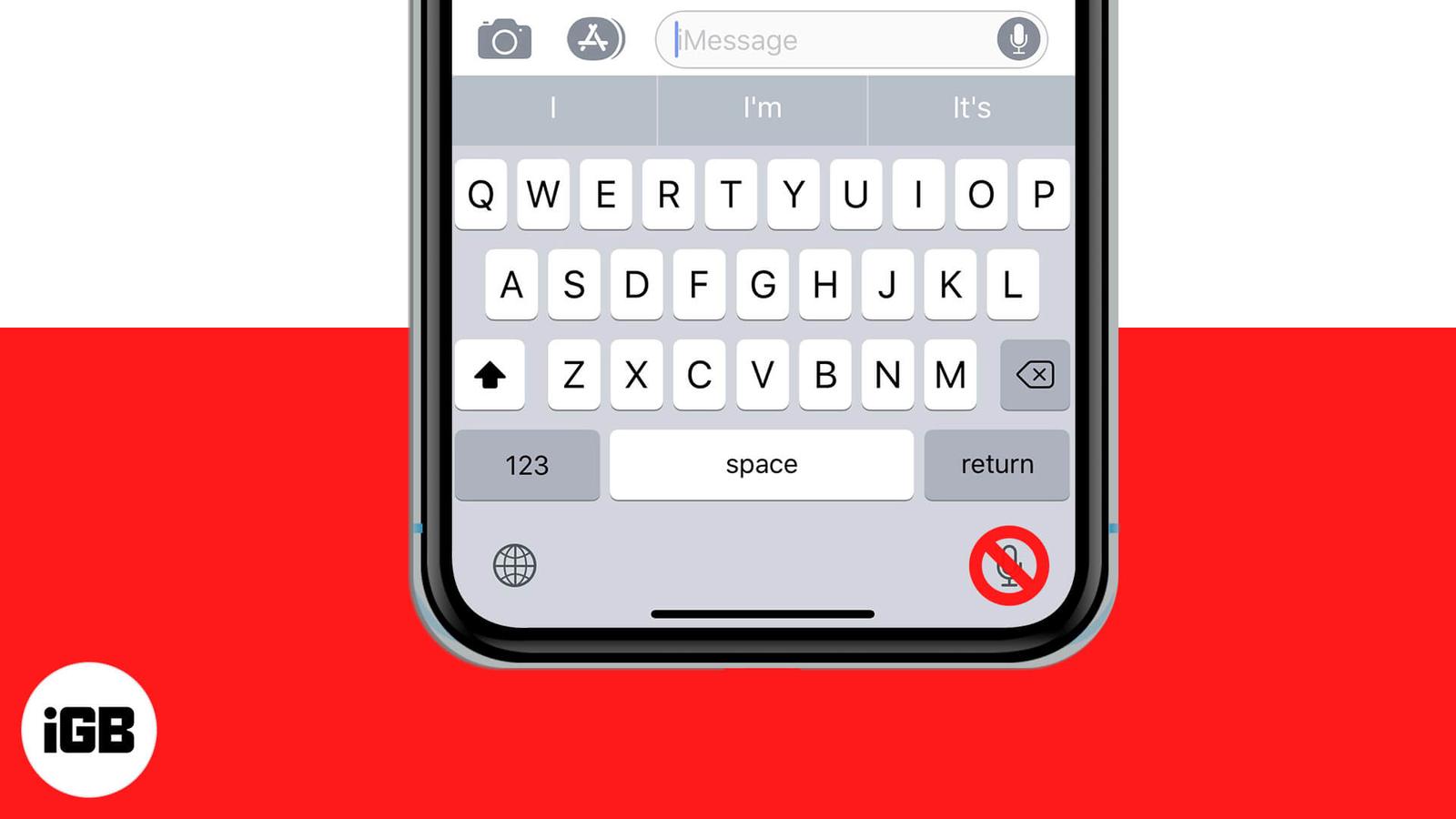
The dictation key sits next to the space bar and gets pressed by accident constantly. Here is how to remove it from the iPhone and iPad keyb
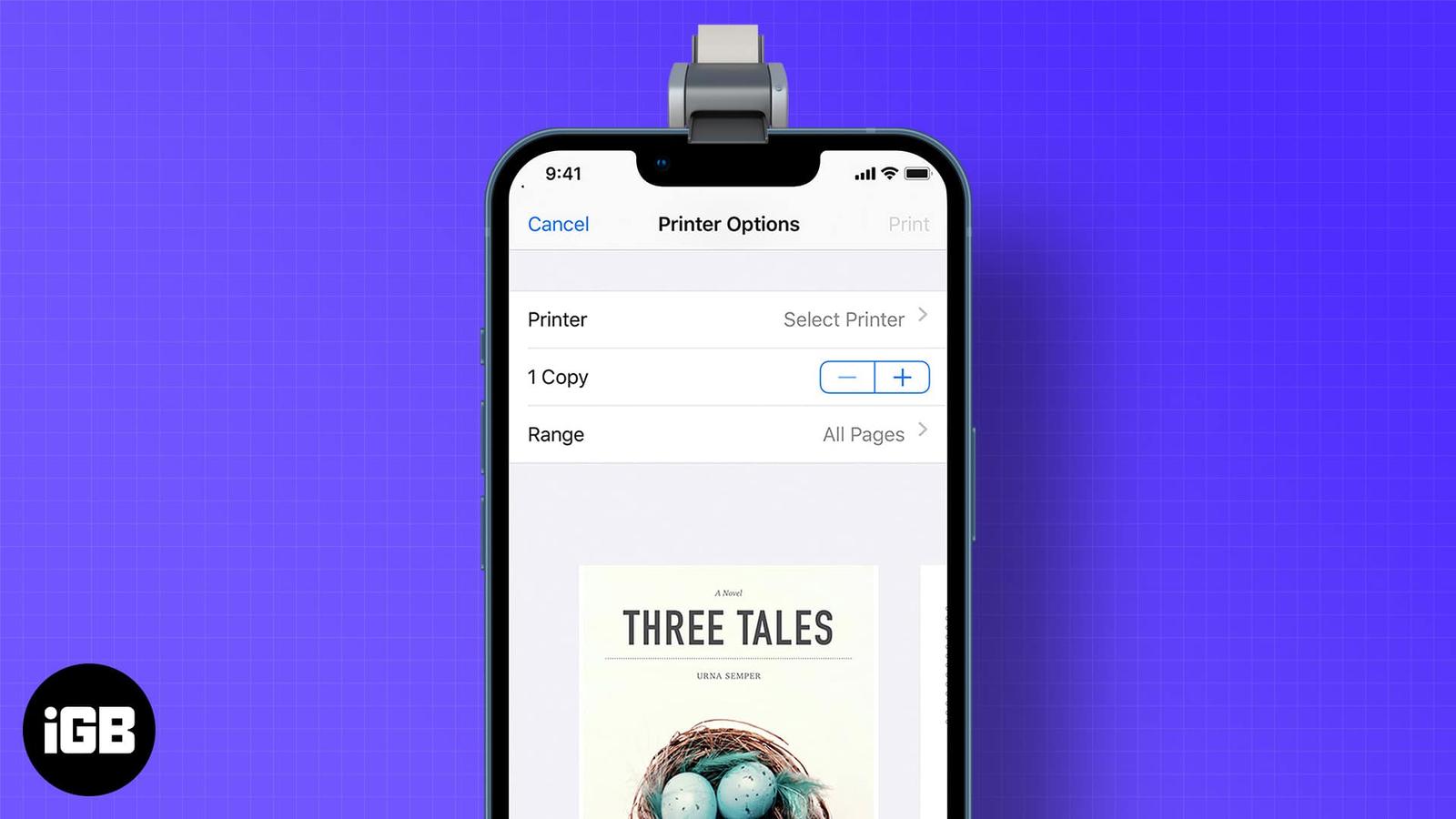
AirPrint makes wireless printing straightforward when your printer supports it. Here is how to print from iOS, how to print without a shared
A pinned post is the first thing visitors to your profile see. Here is how to pin and unpin your own posts on X across every device, and how
Deleted photos sit in Recently Deleted for 30 days and still occupy storage. Here is how to erase them for good, and how to recover an image
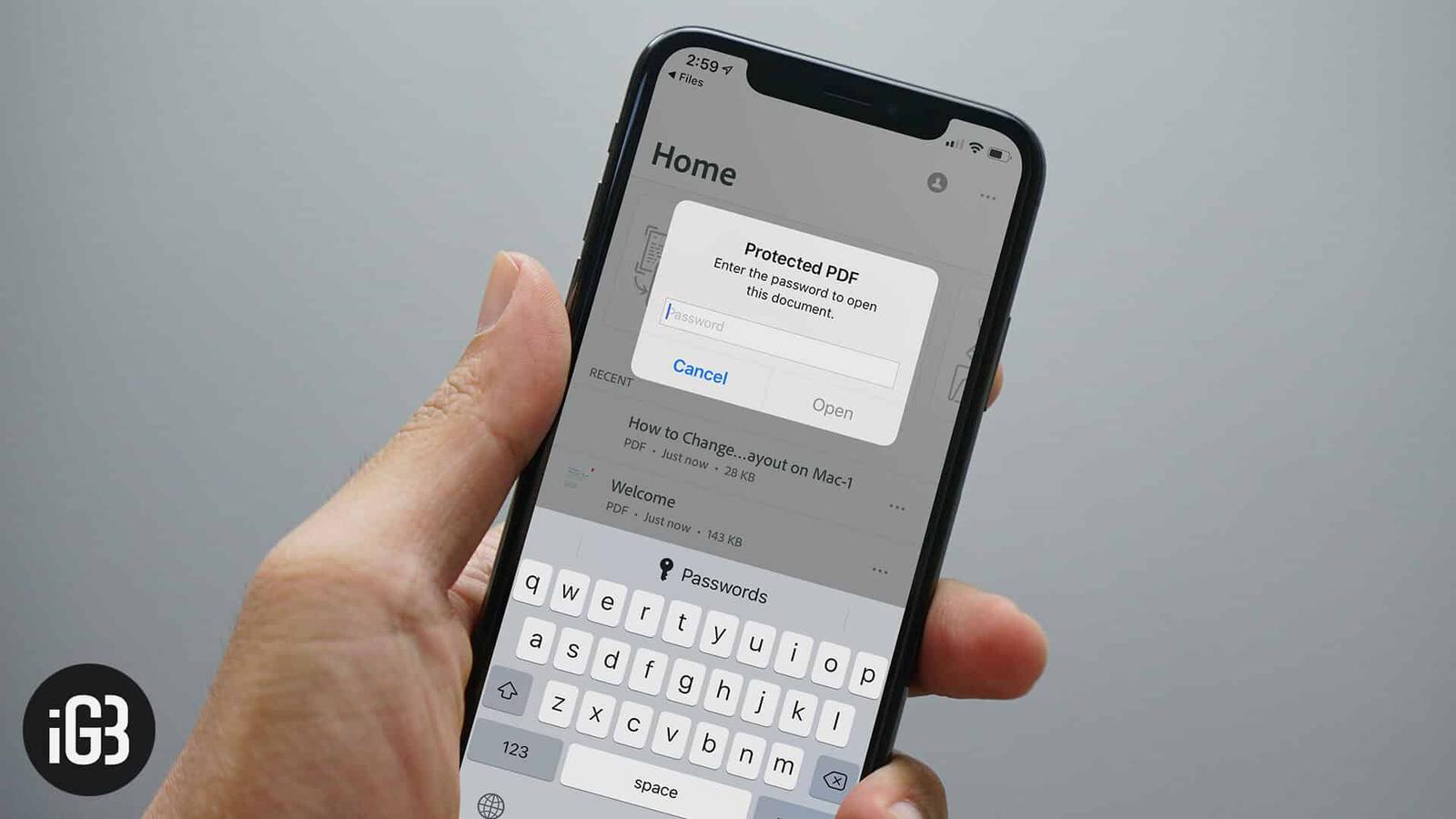
Confidential PDFs should not travel unprotected. Here is how to add a password to any PDF directly on iPhone or iPad using tools already bui

First and second generation Apple Pencils pair and charge completely differently. Here is which iPads support each, how to connect and charg