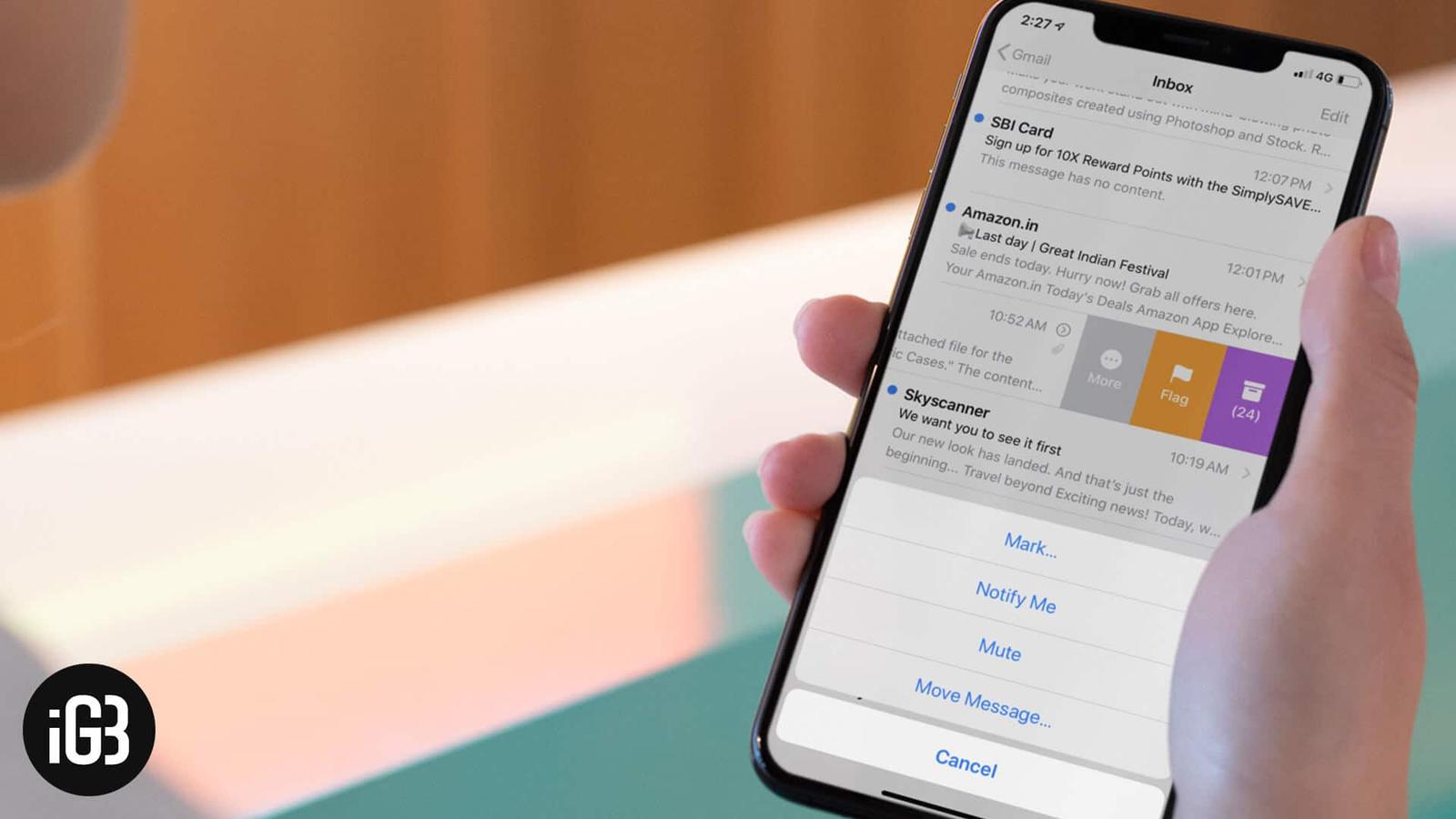
How to organize email threads in Apple Mail for iPhone and iPad
Long reply chains turn your inbox into a wall of duplicates. Here is how to configure thread organization in Apple Mail on iOS so conversations group sensibly and stay easy to follow.

Long reply chains turn your inbox into a wall of duplicates. Here is how to configure thread organization in Apple Mail on iOS so conversations group sensibly and stay easy to follow.
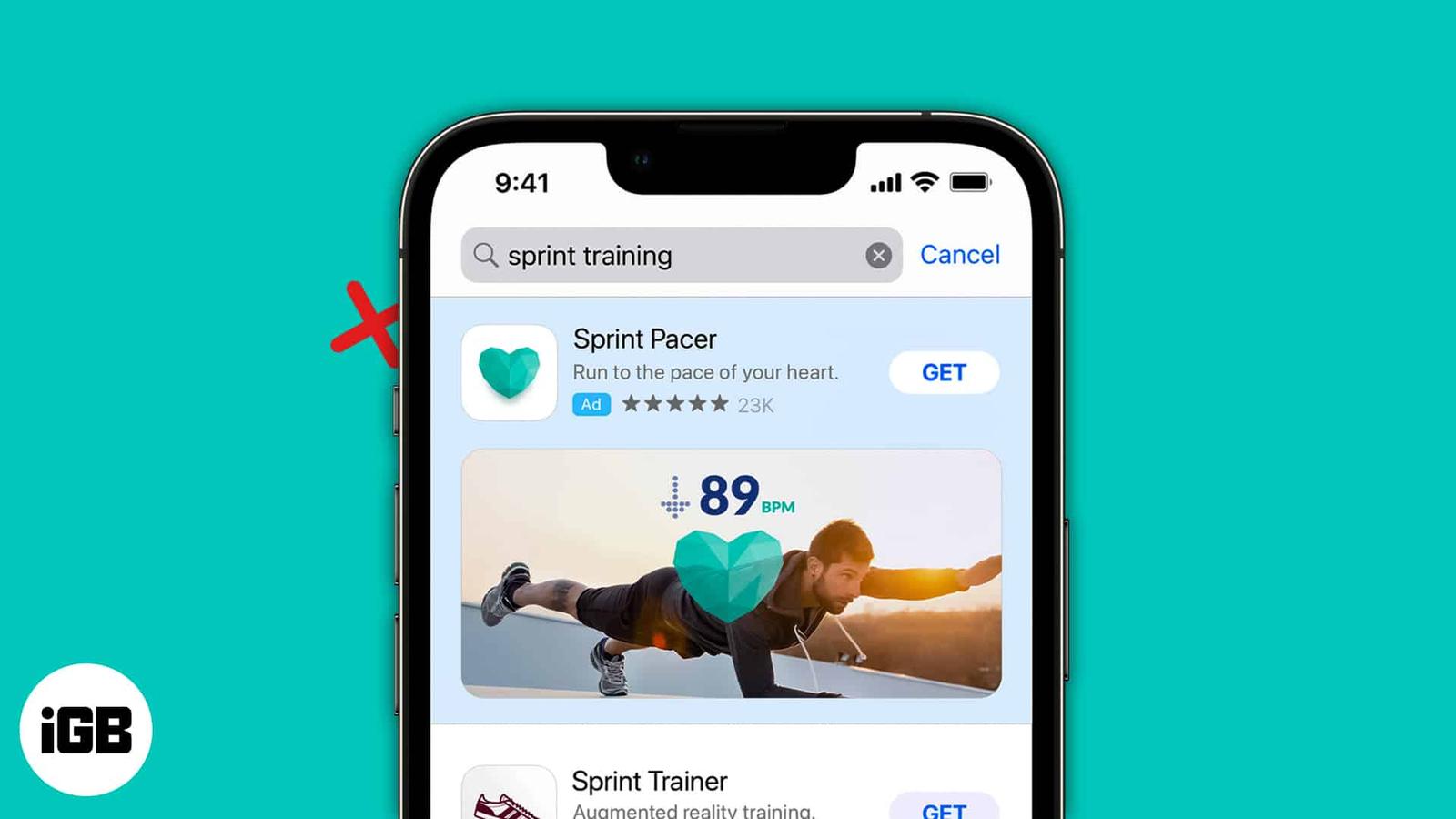
Apple serves its own ads and lets apps request tracking permission. Here is how Apple’s advertising works, how to disable personalized and l
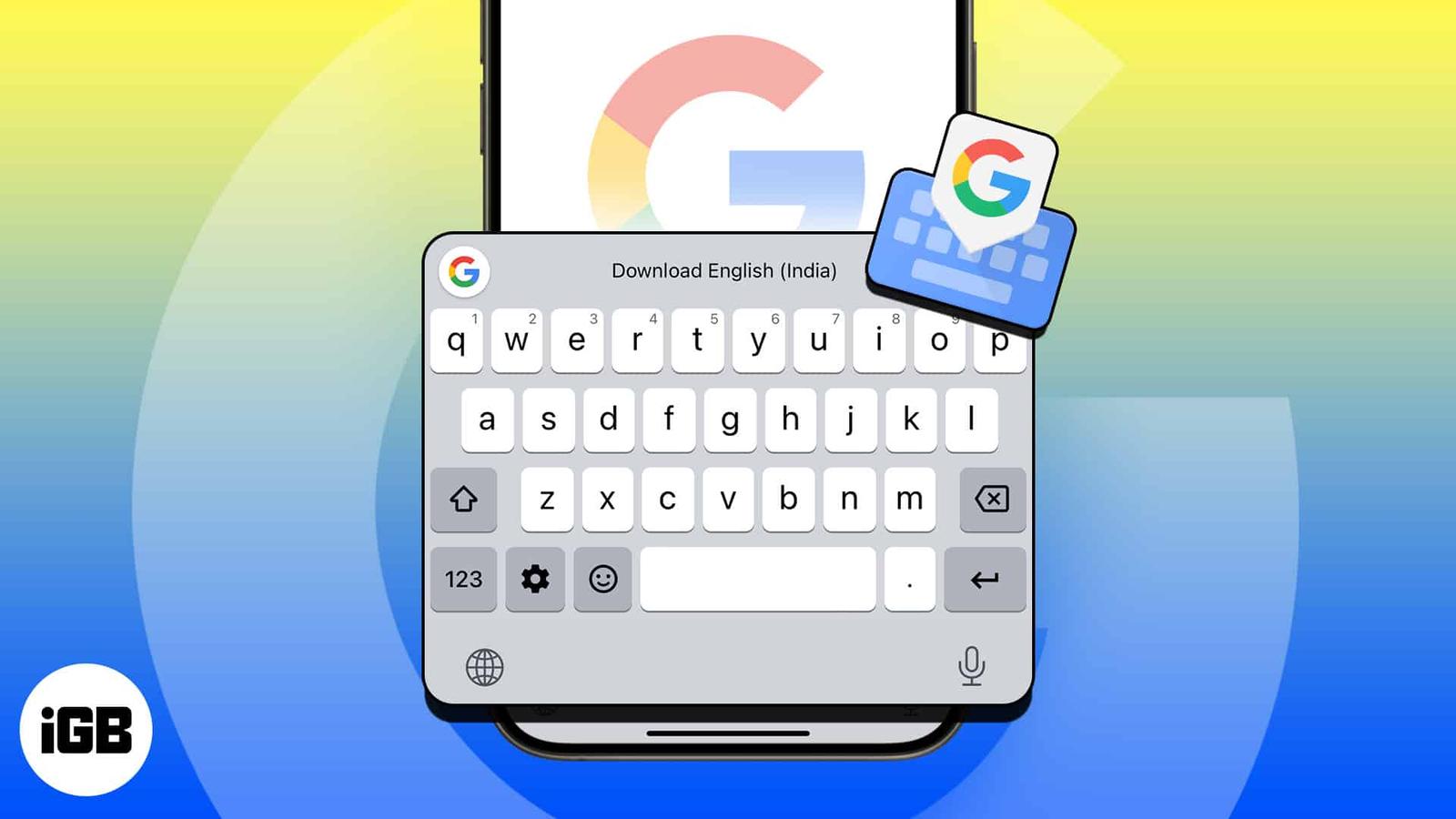
Gboard adds glide typing, search, and translation to the iOS keyboard. Here is how to install it, grant full access, set it as your keyboard
Apple rates most iPads at around ten hours, but real use rarely matches that. These settings changes cut background drain from brightness, r
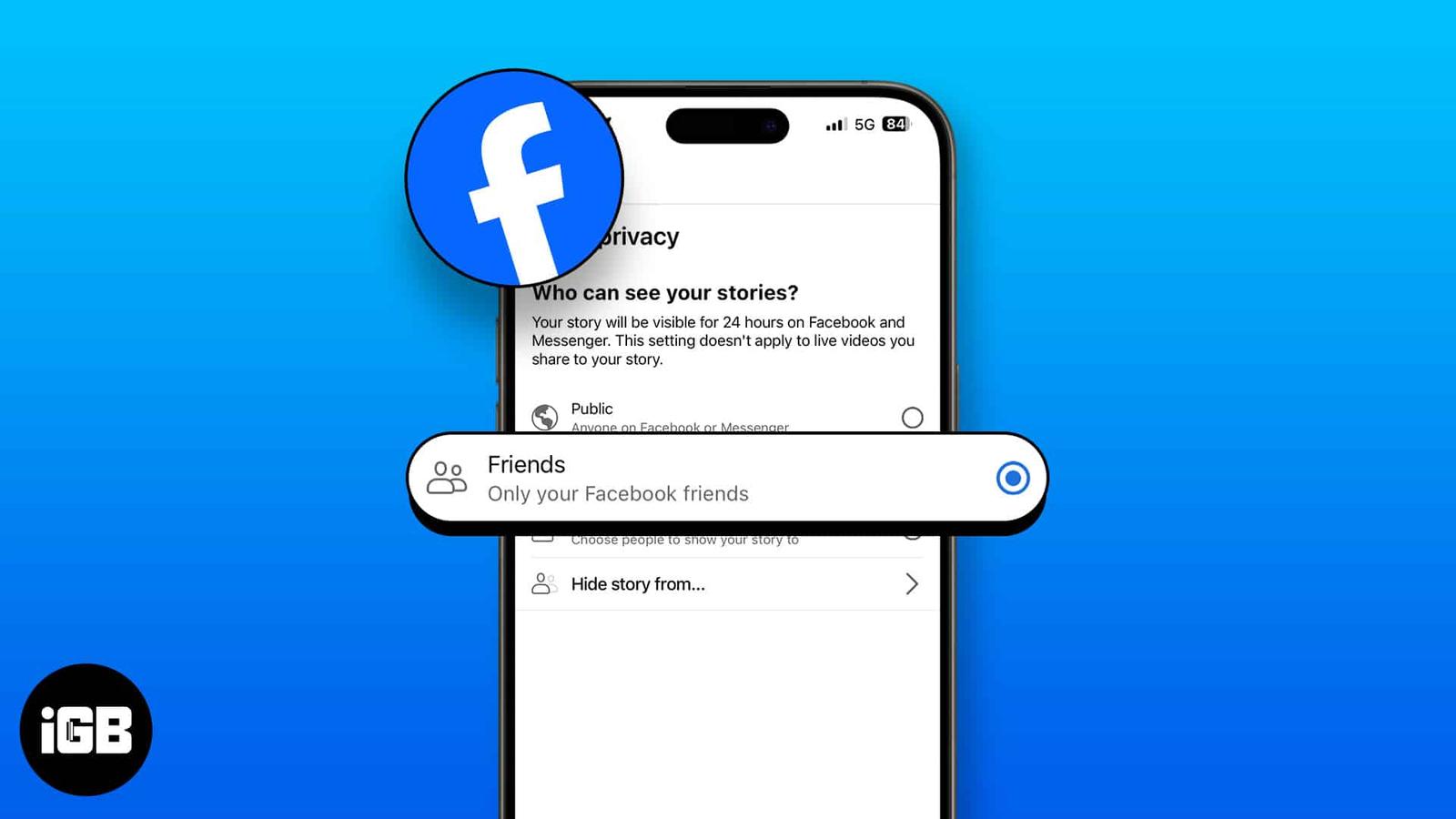
Stories default to your whole friends list, which is rarely what you want. Here is how to hide yours from specific people, control the audie
Your IP address reveals your rough location and links your browsing together. Here is why hiding it matters, and how to do it in Safari usin
Shared notes ping you every time someone types. Here are five ways to silence those alerts on iPhone and iPad, from per-note settings to mut
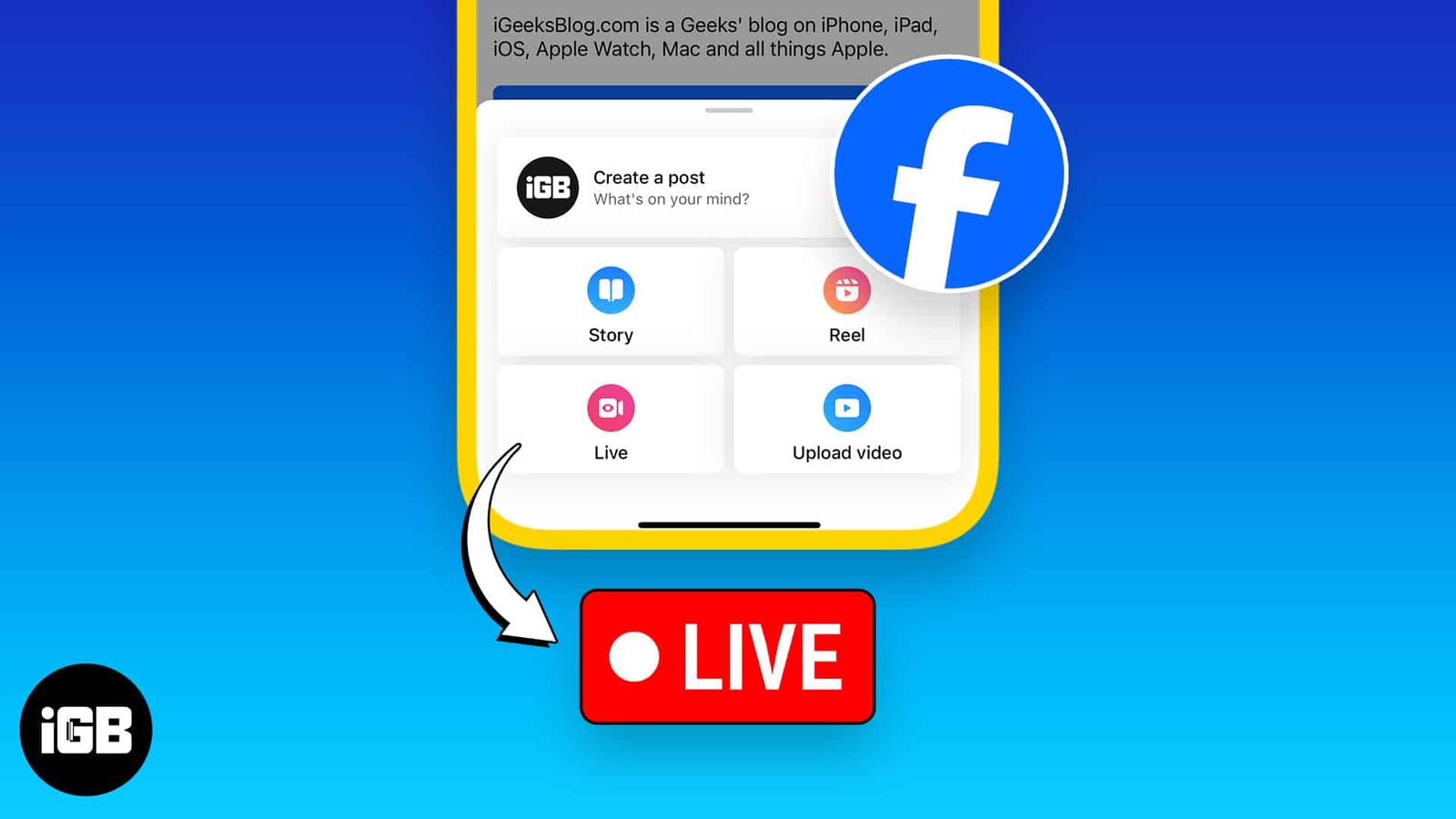
Facebook Live is the fastest way to reach followers in real time. Here is how to start a broadcast from iOS, stream into a group, and six pr
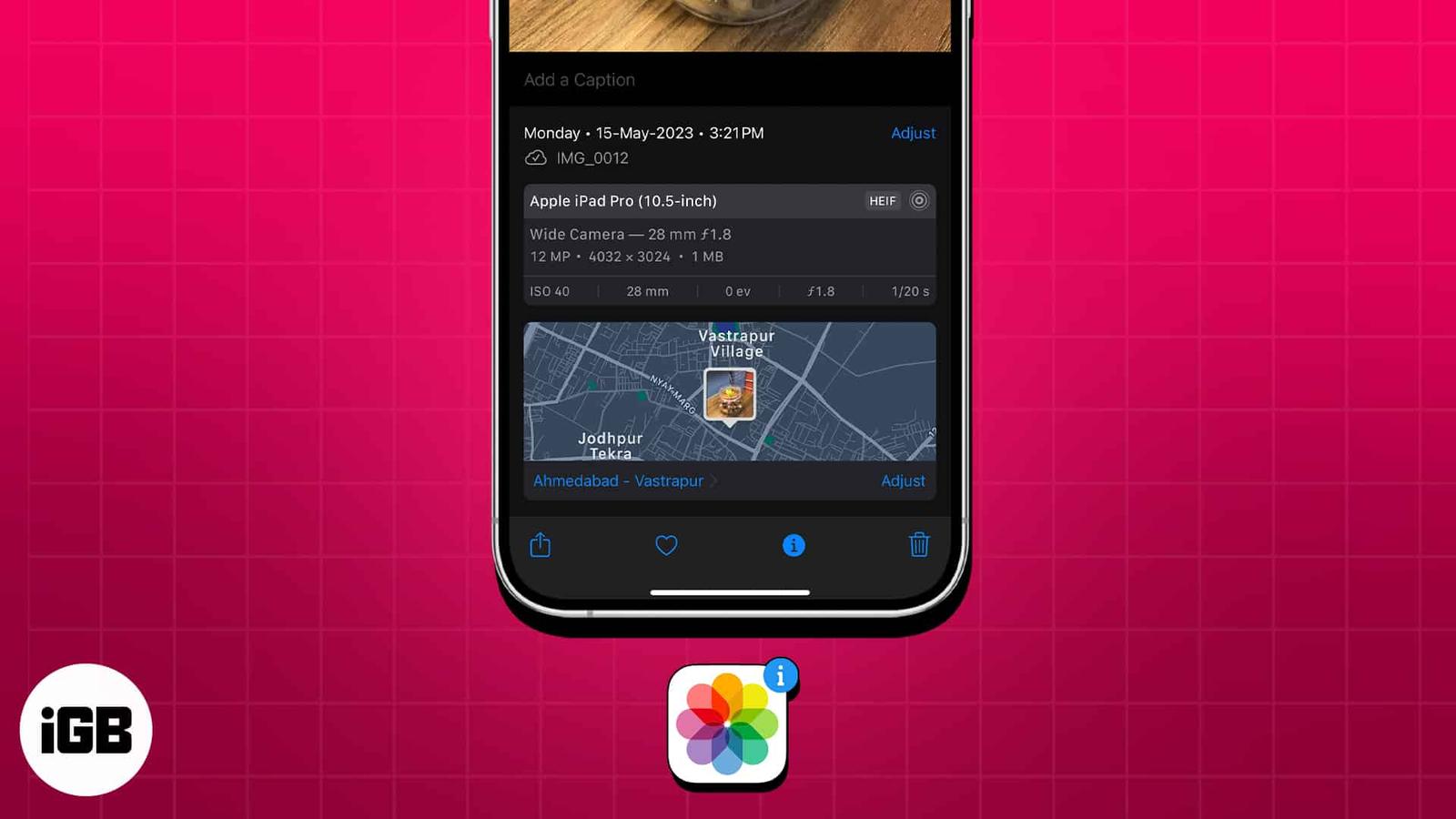
Every iPhone photo carries hidden EXIF data recording when, where, and how it was taken. Here is how to view that metadata in the Photos app
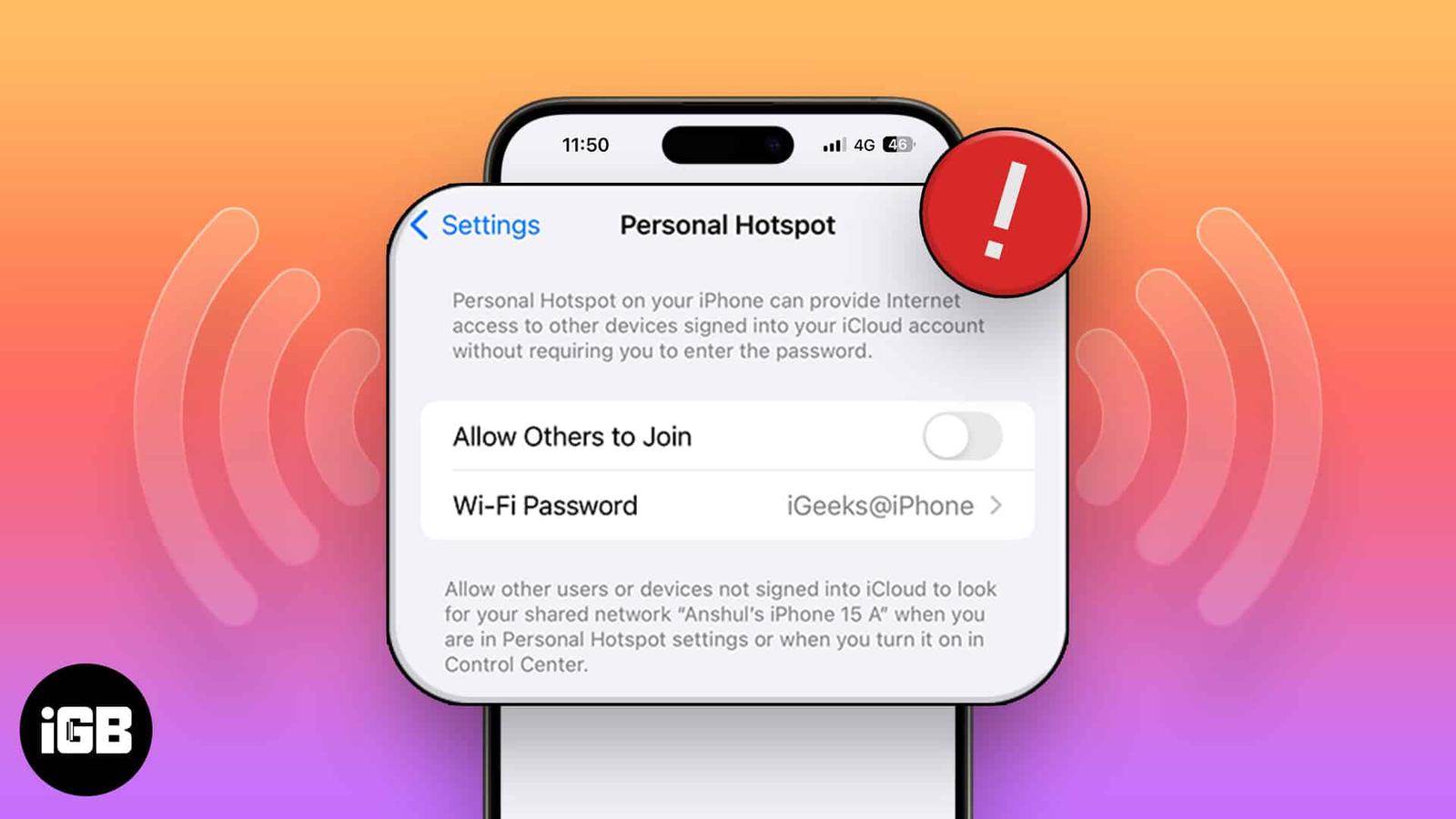
A vanished Personal Hotspot is nearly always a carrier provisioning issue. These 12 fixes cover carrier settings updates, APN certificates,
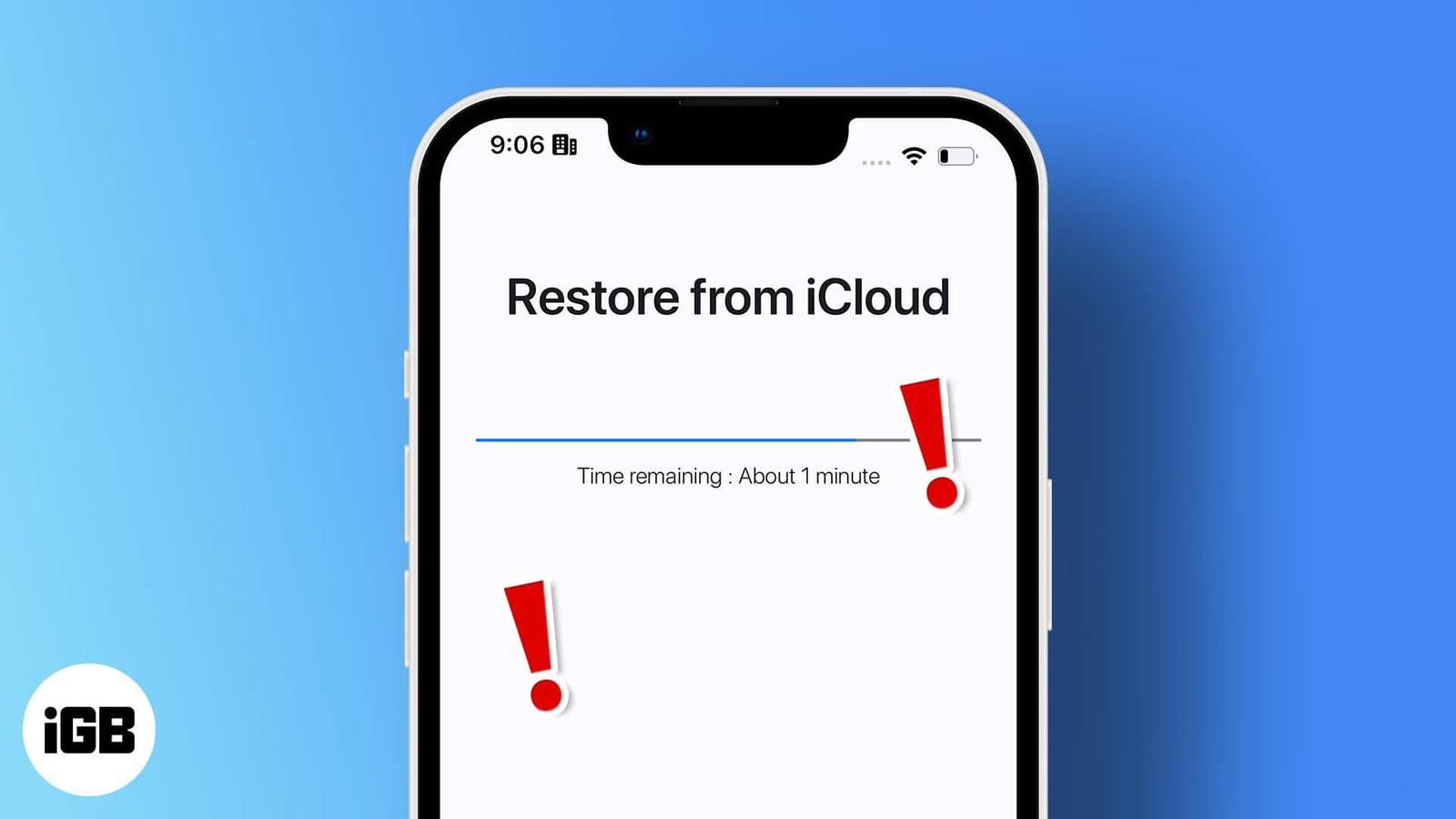
A restore that sits at the same percentage for hours is usually a connection or Apple server issue. Here is what causes the stall and how to