
#macos ventura
Latest in macOS Ventura

How to turn on or off Location Services on Mac
Whether you’re traveling, exploring a new city, or just trying to stay organized, turning on Location Services on your Mac can be a useful t
How to play white noise on iPhone, iPad, or Mac
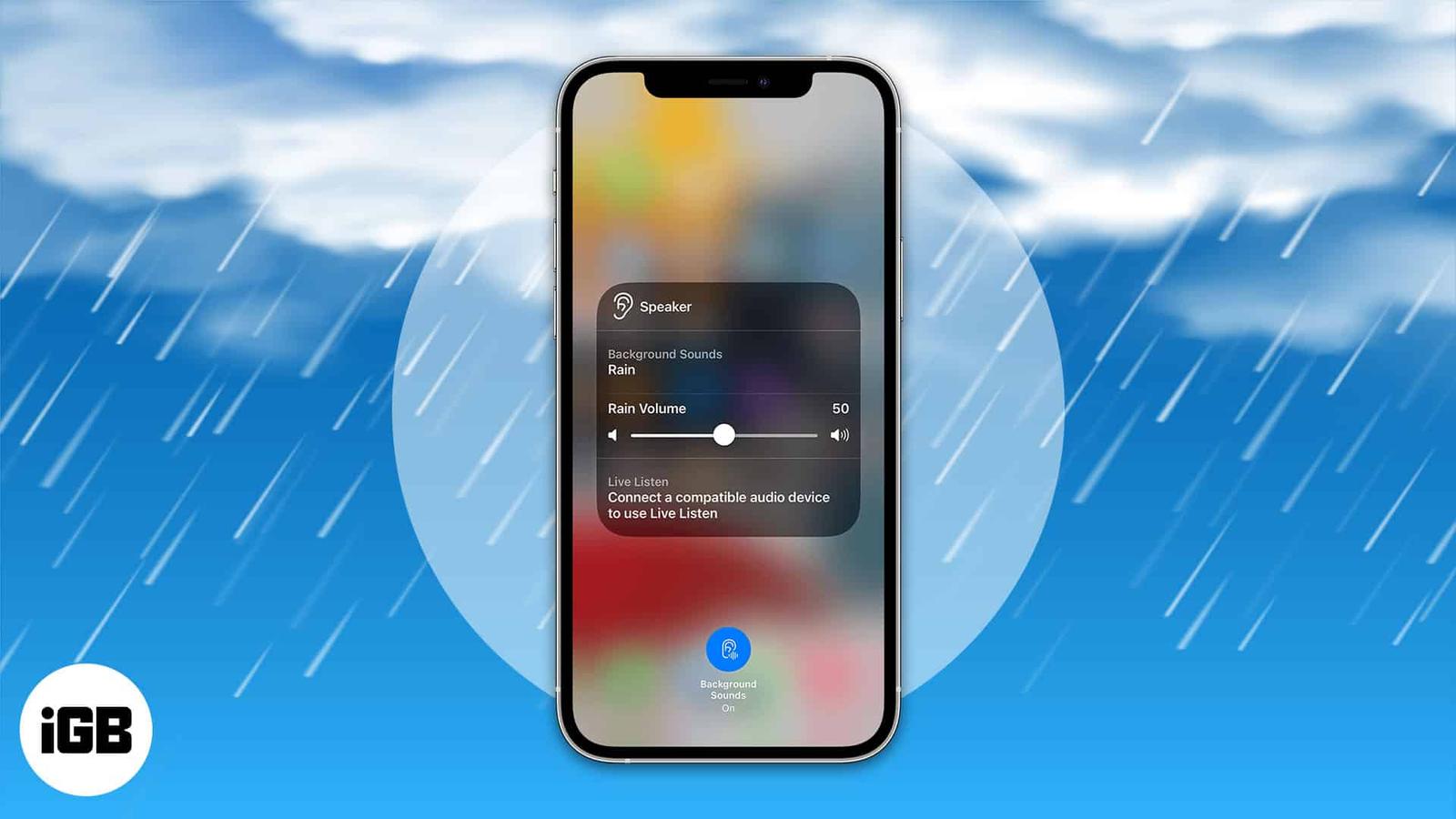
It is easy to get distracted by the noises around you while doing something or even trying to sleep. So what is the best solution? The answe
How to batch edit photos on iPhone, iPad, and Mac
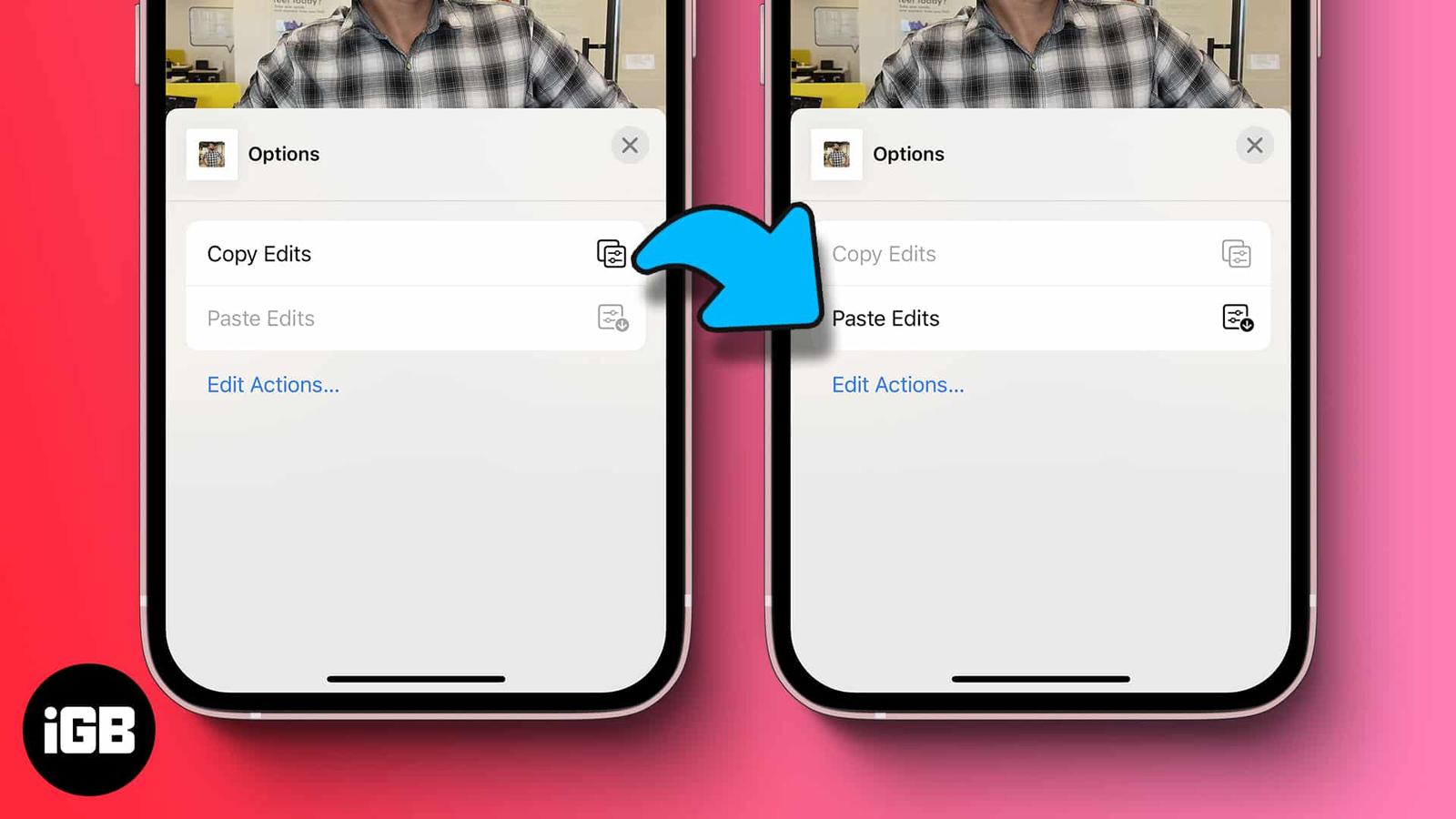
Apple’s built-in batch editing feature lets you select multiple photos and apply edits to all of them simultaneously. This hack can be reall

How to make your Mac announce the time
When you have many tasks to take care of, it’s easy to lose track of time. But with a simple setting, you can hear your Mac speak the time o
How to use Smart Folders in Notes on iPhone, iPad, and Mac
Having trouble organizing or finding the notes you need? With Smart Folders in Apple Notes, you can set up folders that automatically includ
How to change font style in Notes app on iPhone, iPad, and Mac
You can do much more with the Apple Notes app than many people think. Of course, it is a terrific note-taking tool, but you can also create
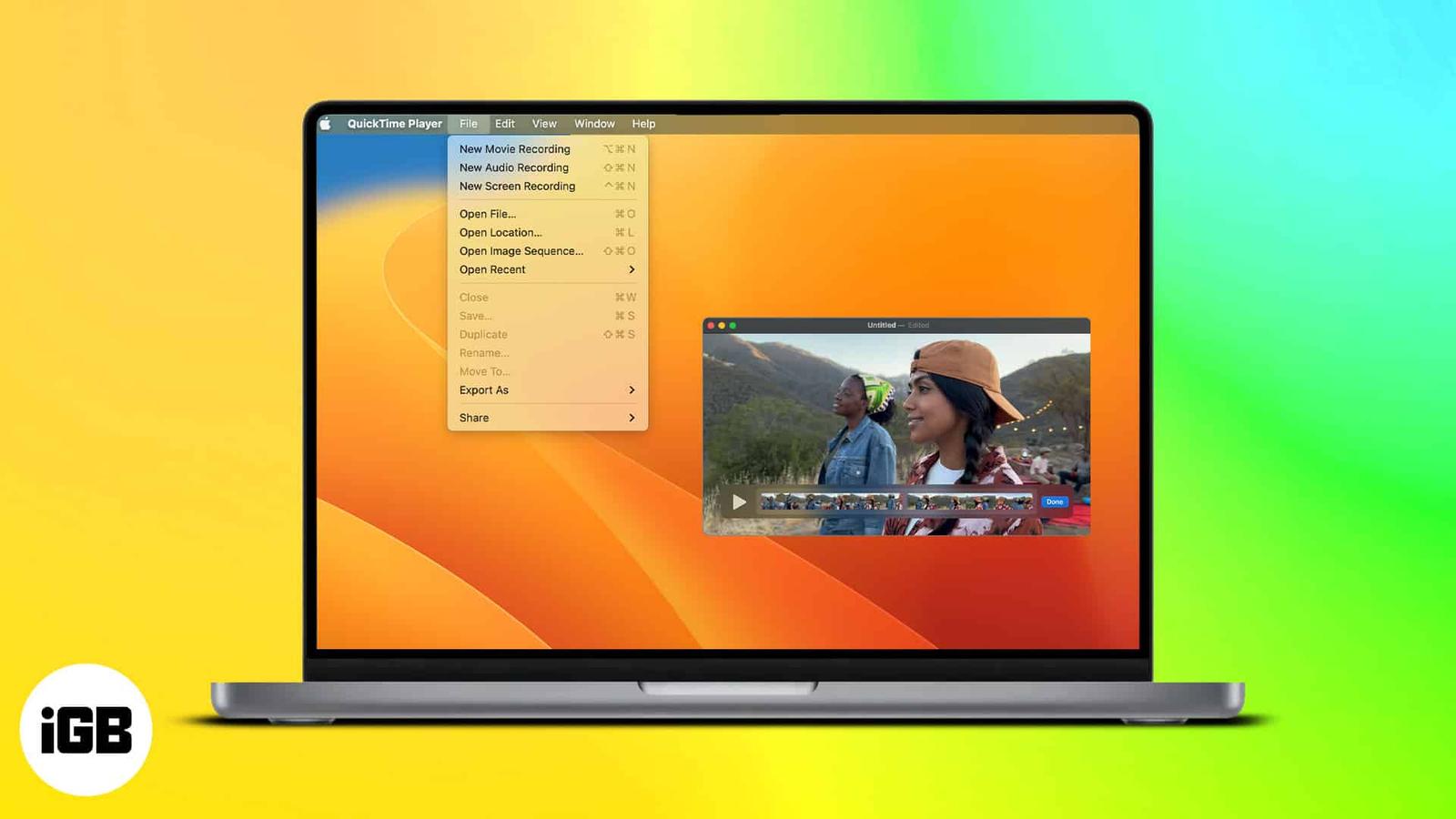
How to use QuickTime Player on Mac ( macOS Ventura )
QuickTime Player is a multimedia player introduced back in 1991. Since then, it has been holding up as the go-to media player for many Mac u
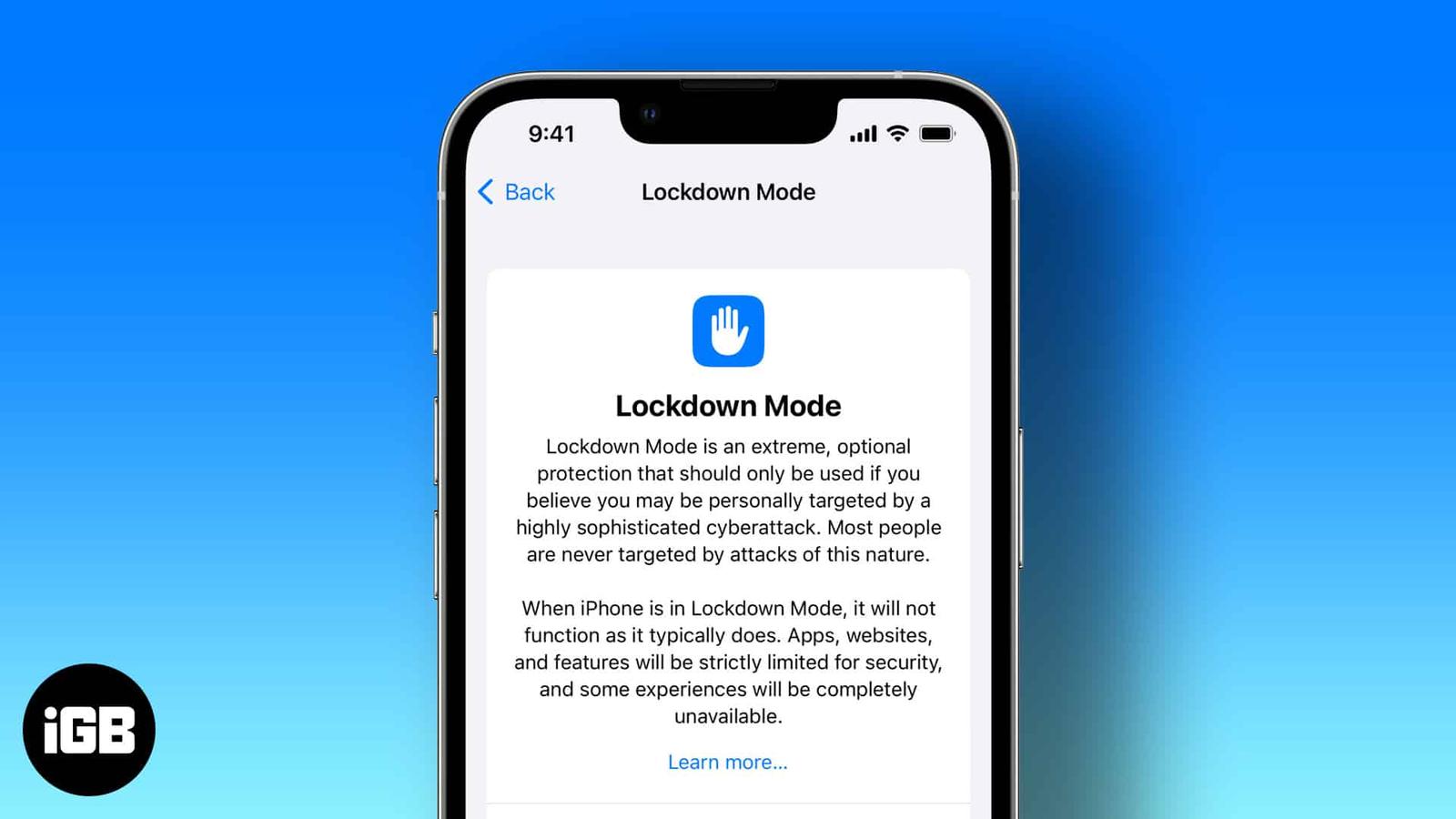
How to use Lockdown mode on iPhone, iPad, and Mac
Apple has strict security protocols, and that is one of the several reasons we use its products. The company constantly keeps implementing n
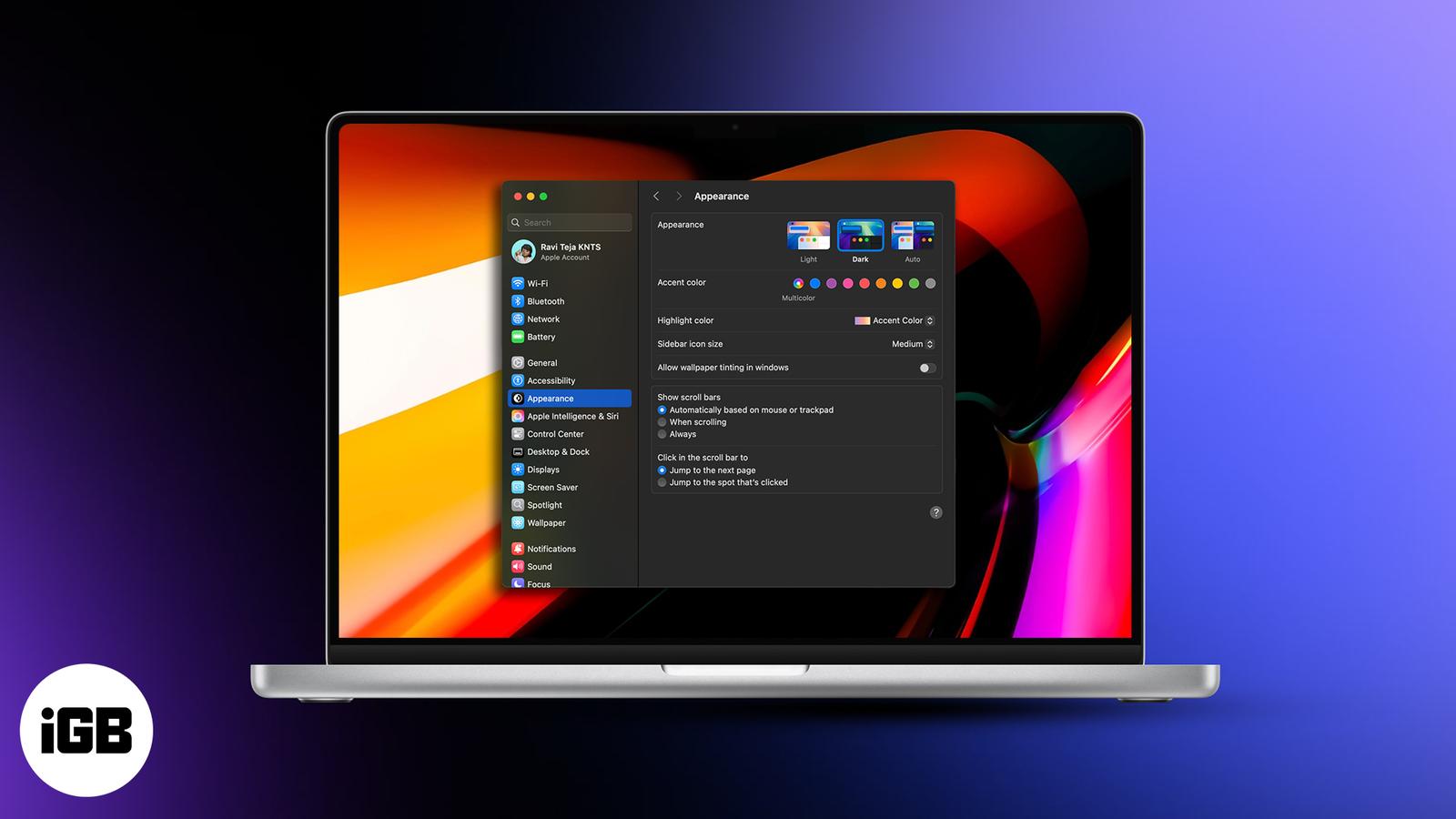
How to Use Dark Mode on a Mac: The Only Guide You Need
Reduce eye fatigue and improve focus by enabling Dark Mode on your Mac.
How to add or delete users on Mac
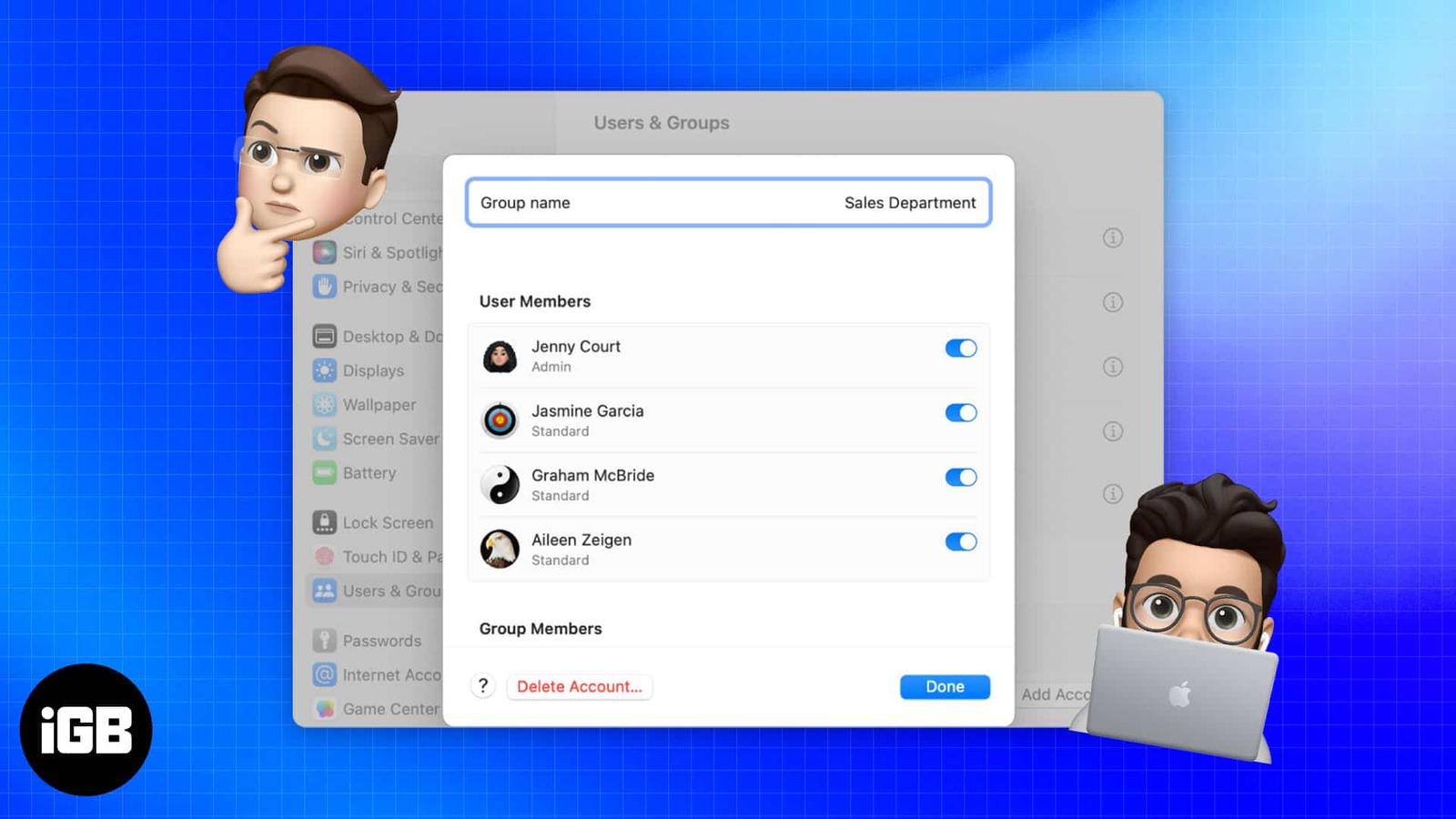
Concerned about privacy on your Mac, which your family also uses? Why not give them some breathing room? You may accomplish this by creating