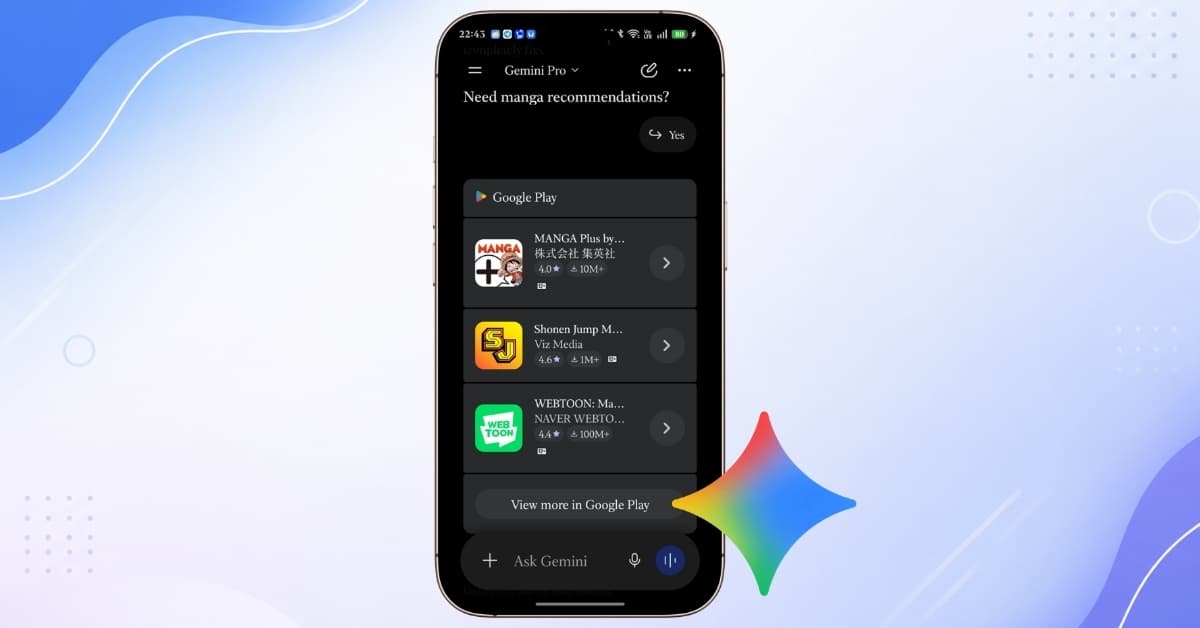
I asked Gemini to find Android apps instead of searching the Play Store: It actually worked
Learn how to use Gemini to find Android apps with natural language prompts and discover the best apps directly from Google Play without manual searching.

Learn how to use Gemini to find Android apps with natural language prompts and discover the best apps directly from Google Play without manual searching.
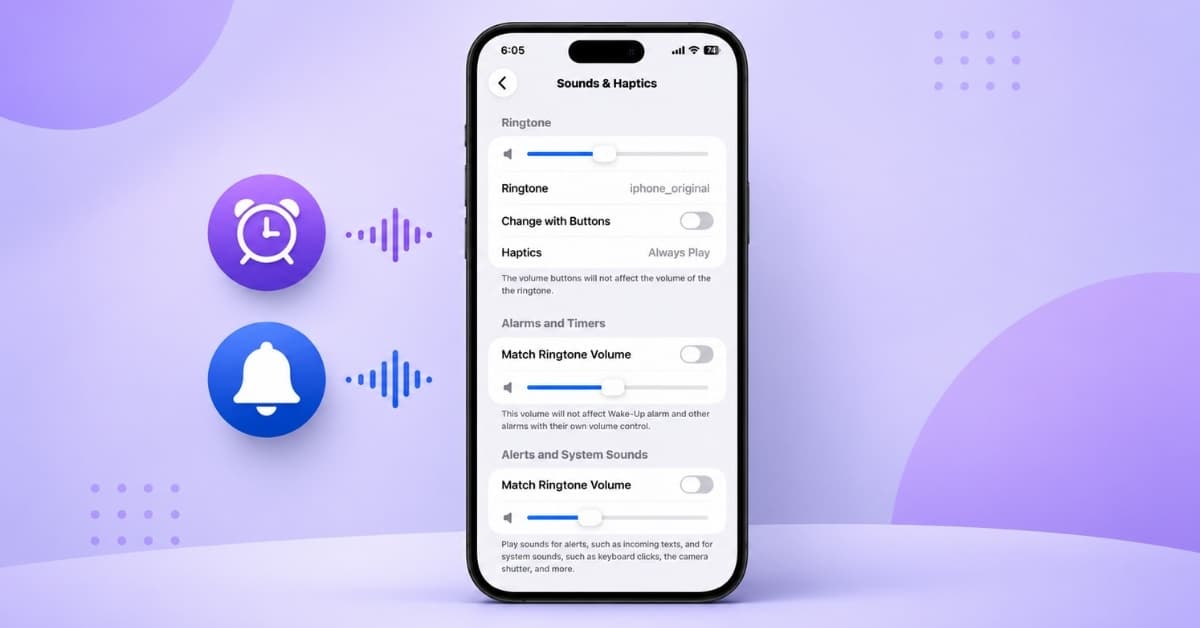
One of the most requested iPhone features is finally here and it could save you from missing your next alarm.
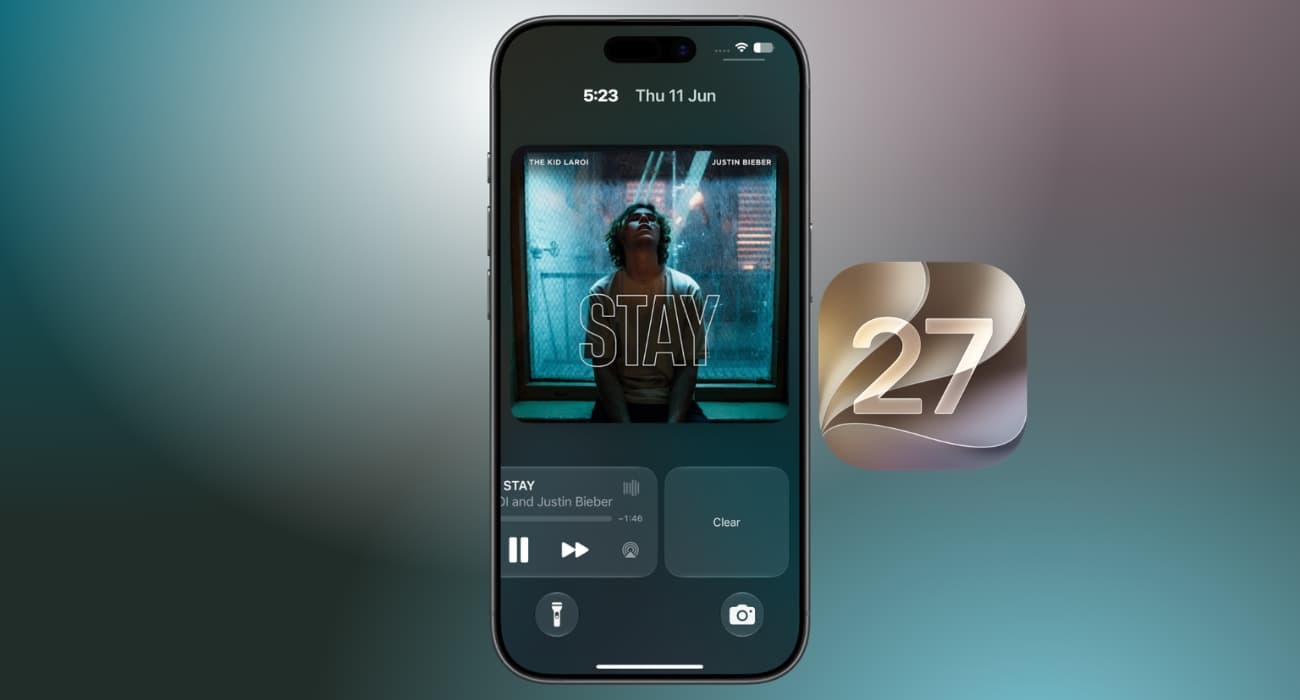
The Now Playing widget has long been a source of accidental taps and clutter on the iPhone Lock Screen. With iOS 27, Apple finally gives use
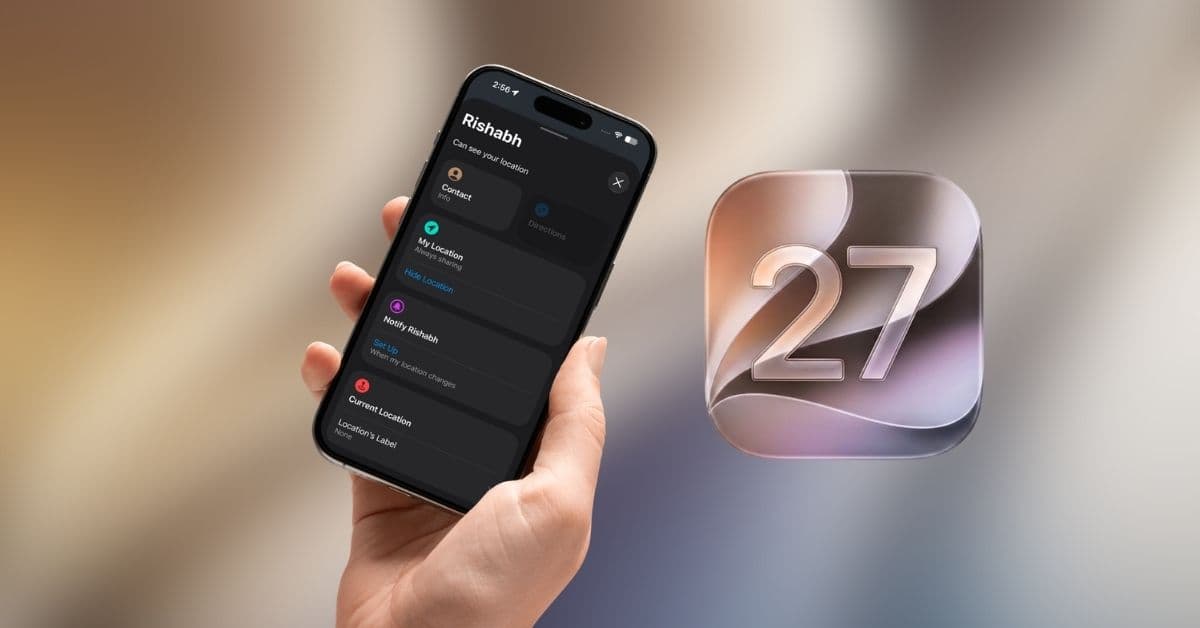
iOS 27 introduces a new Hide Location feature in Find My, letting users temporarily stop sharing their live location without disabling the s
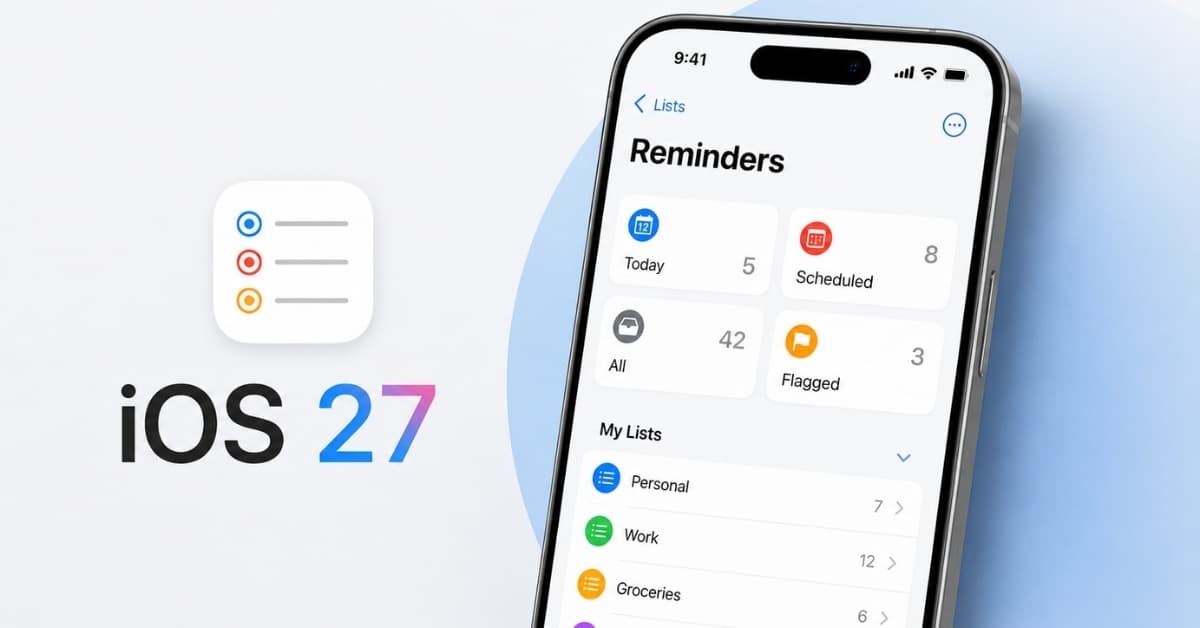
The Reminders app in iOS 27 gets smarter with natural language input, improved grocery lists, better Siri integration, and new Shortcuts act
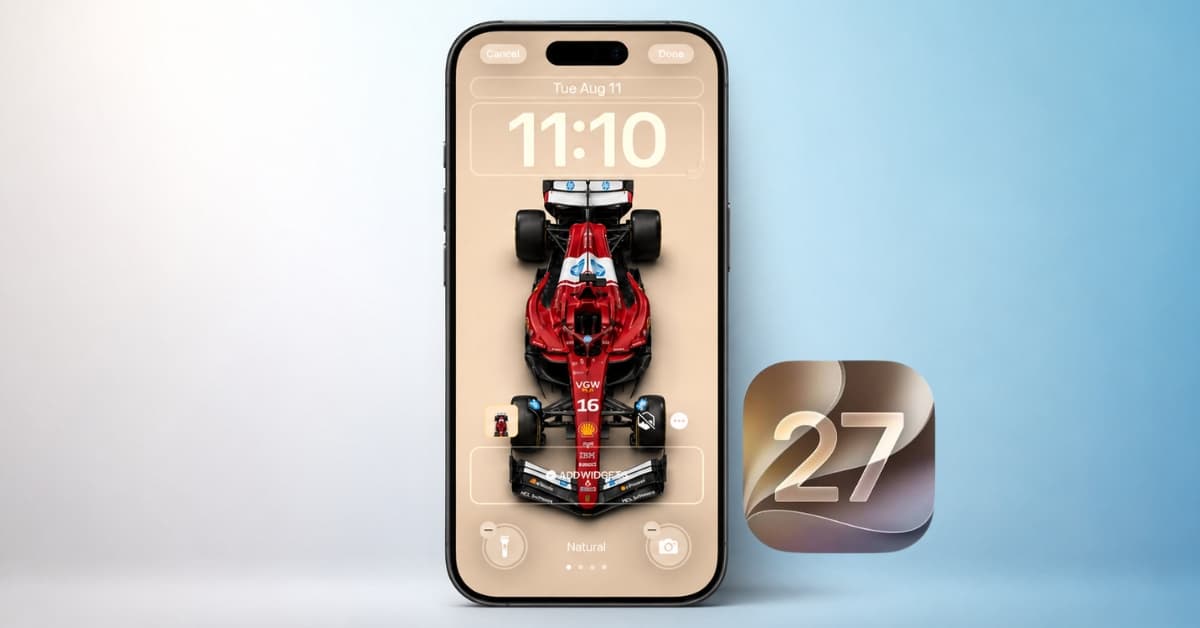
iOS 27 finally fixes the iPhone Lock Screen’s biggest annoyances. Here are the five new features, from the compact clock to AI wallpapers, a
I use CarPlay almost every time I drive, so I immediately noticed the improvements in iOS 27. After testing the latest update, here are the
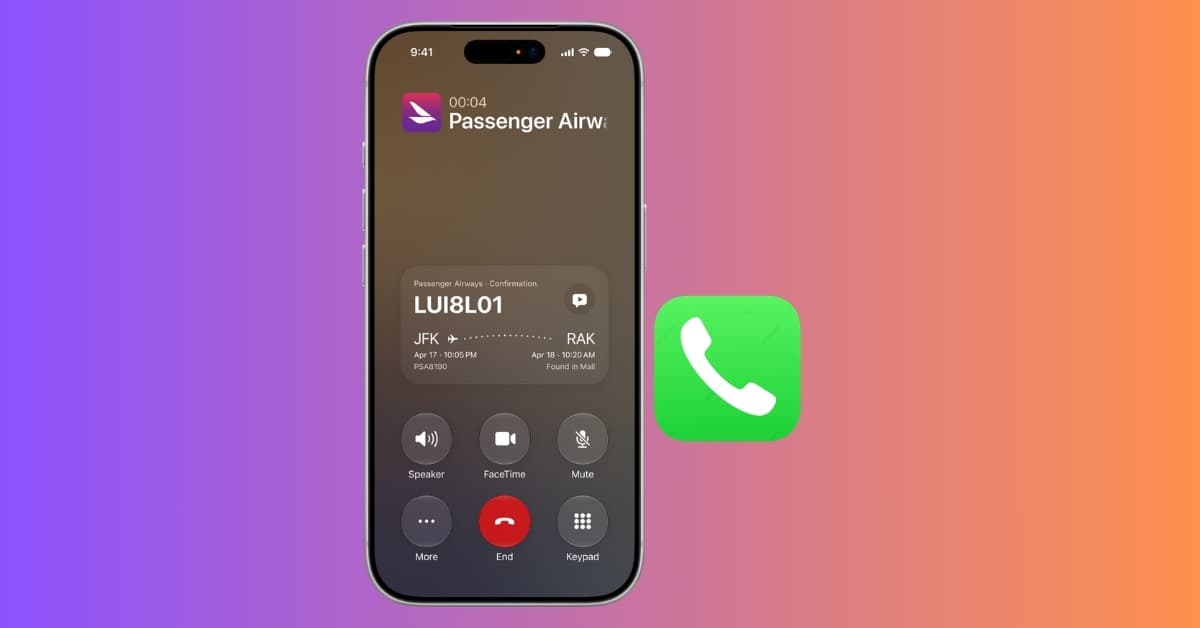
Call Context in iOS 27 automatically shows booking codes, order numbers, and reservation details during business calls. Here’s how it works.
New Siri AI features, improved sound quality, and a polished interface make Apple Music better than ever.
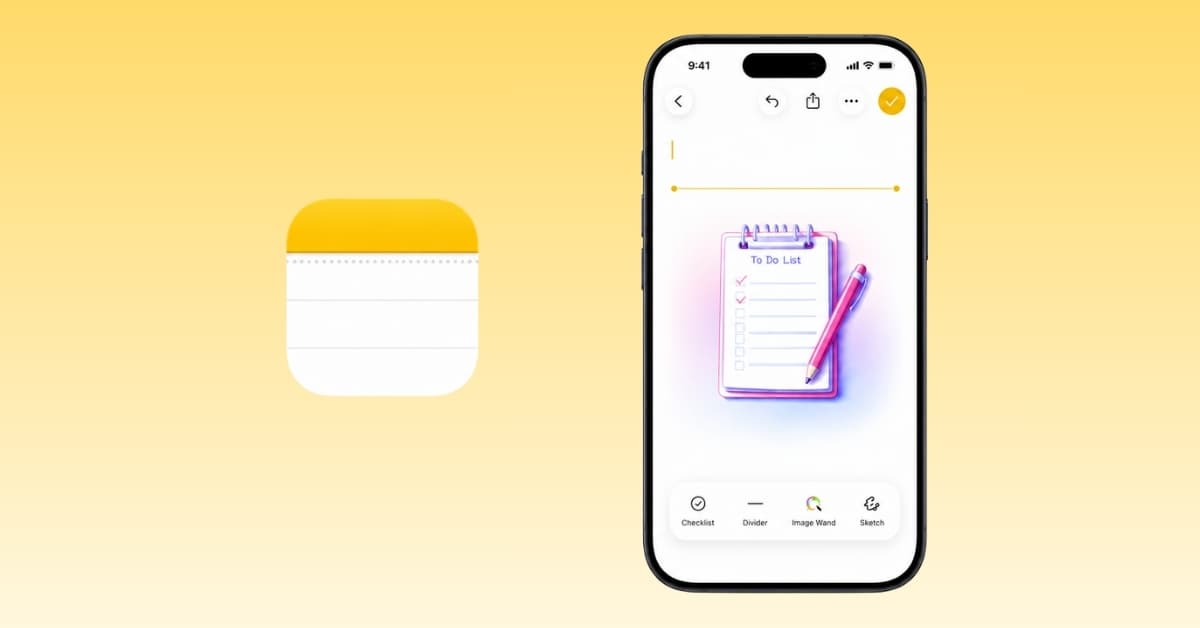
Apple Notes gets smarter with Siri AI, better organization tools, and long-overdue quality-of-life upgrades in iOS 27.
Apple Maps in iOS 27 gets a fresh redesign, smarter local discovery tools, trending restaurant recommendations, and enhanced Flyover views.