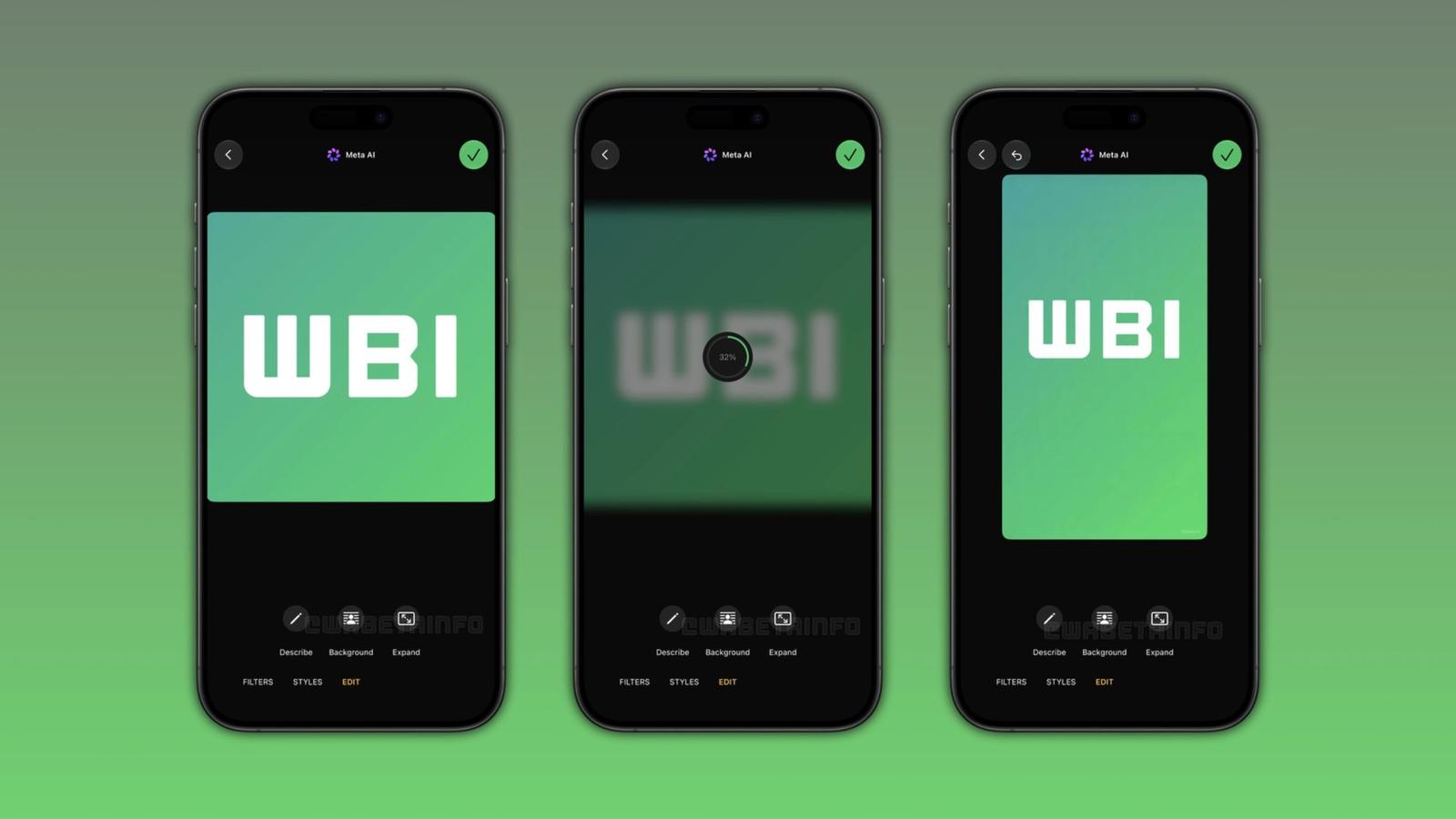

Instagram has released Edits for Mac, a desktop version of its free video editor. It runs only on macOS and needs a Mac with Apple silicon, M1 or later. Intel Macs are out, and there is no Windows version.
Edits began as a phone app, first as an iOS pre-order and then on the App Store and Google Play in April 2025. For how the phone app works, read how to use Instagram Edits for Reels. The Mac app is its first desktop version.
Edits for Mac adds a multi-track timeline and 4K export
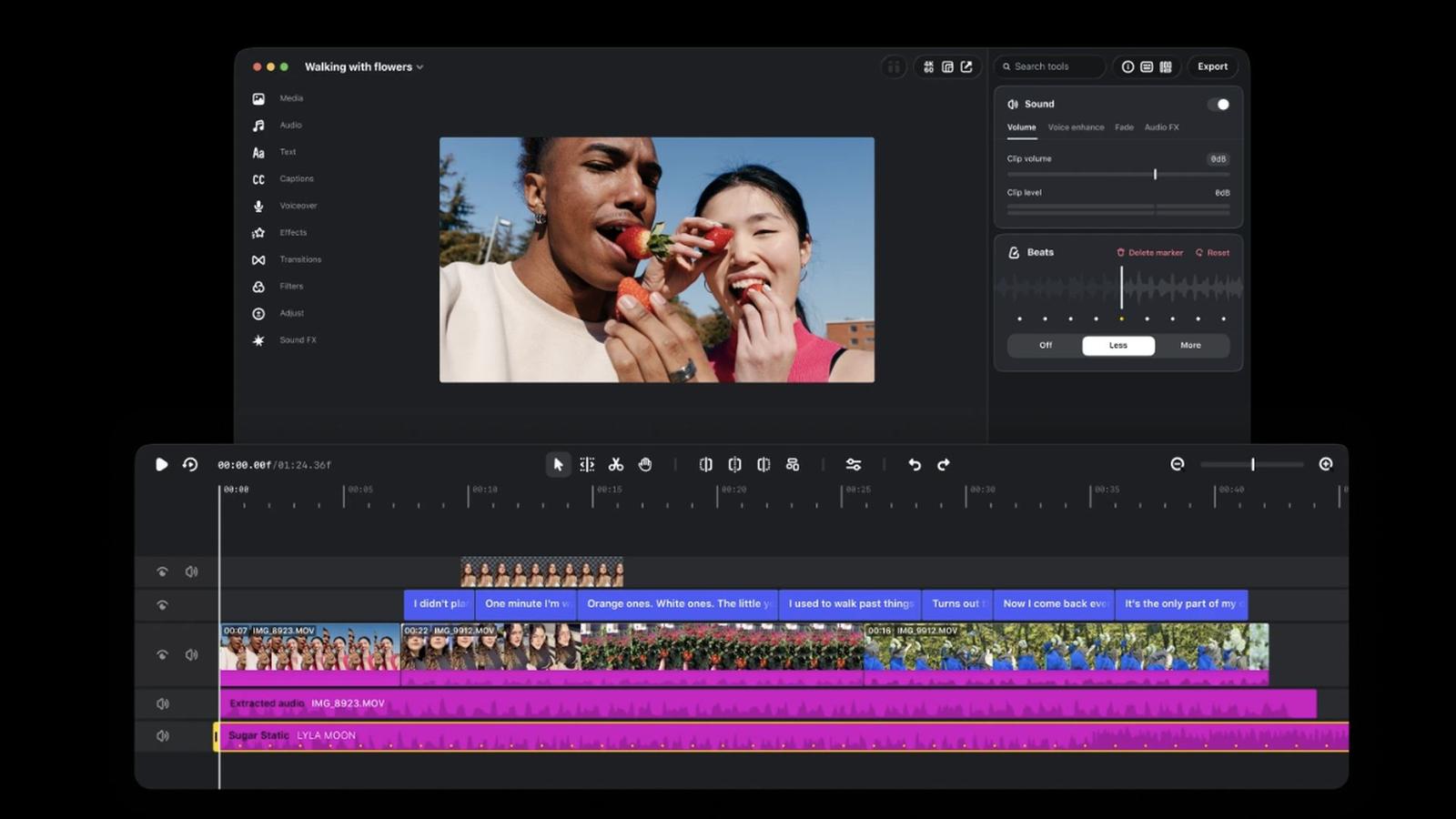
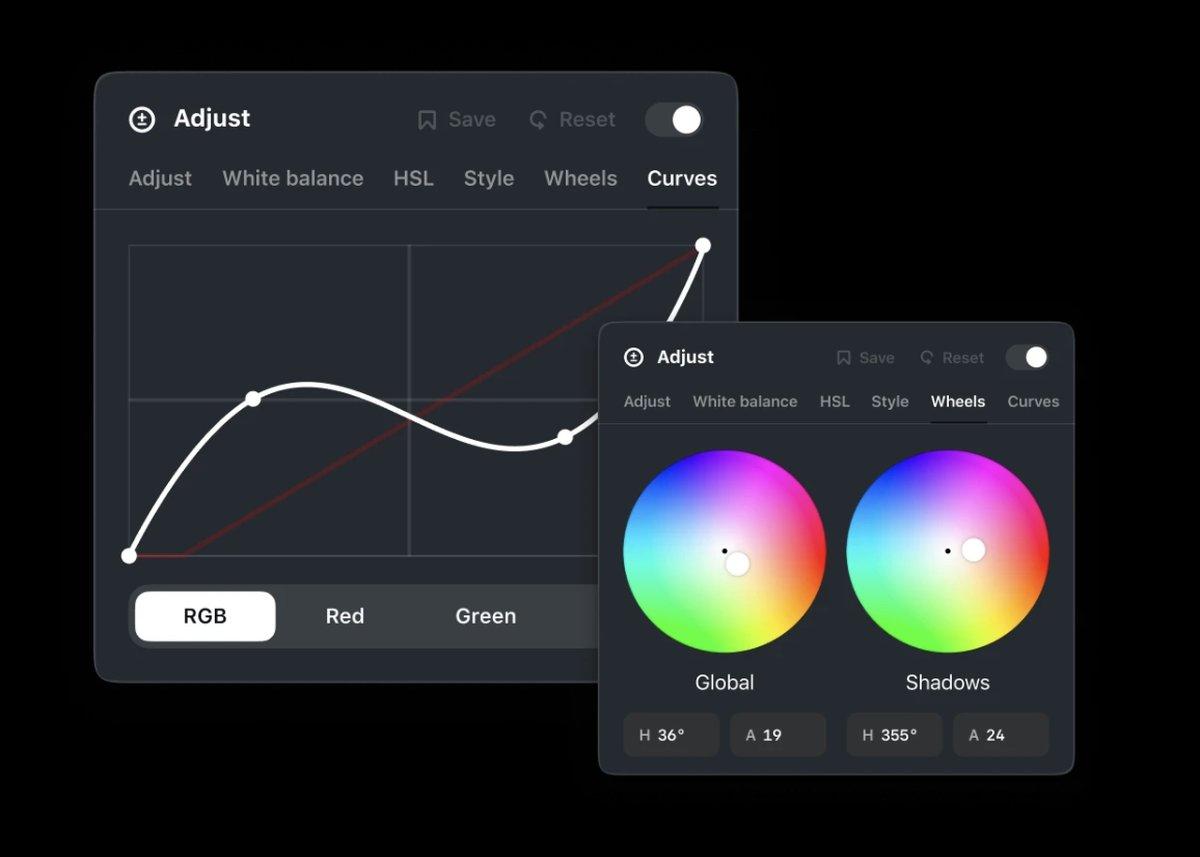
Instagram’s page describes a multi-track timeline with precise editing tools, keyframes for transitions, and audio waveforms for beat-accurate cuts. Users also get color wheels and curves for grading, layered audio for longer projects, and the option to import their own LUTs and fonts. Captions are automatic and unlimited.
Projects export in 4K with no watermark. Users can work across several aspect ratios, so one project can fit horizontal and vertical formats.
The layout is meant to feel familiar to phone users, with more room for complex edits. Instagram also says more desktop-only features are coming, but it does not name them. Its tagline for the app is “Your biggest ideas, on a bigger canvas.”
Reports from launch day add that the Mac app supports Model Context Protocol (MCP), so creators can connect an AI agent to assemble a rough cut and then refine it by hand in Edits. Instagram’s own page does not mention this feature.
Edits for Mac is free, but it requires an Instagram login and a newer Mac
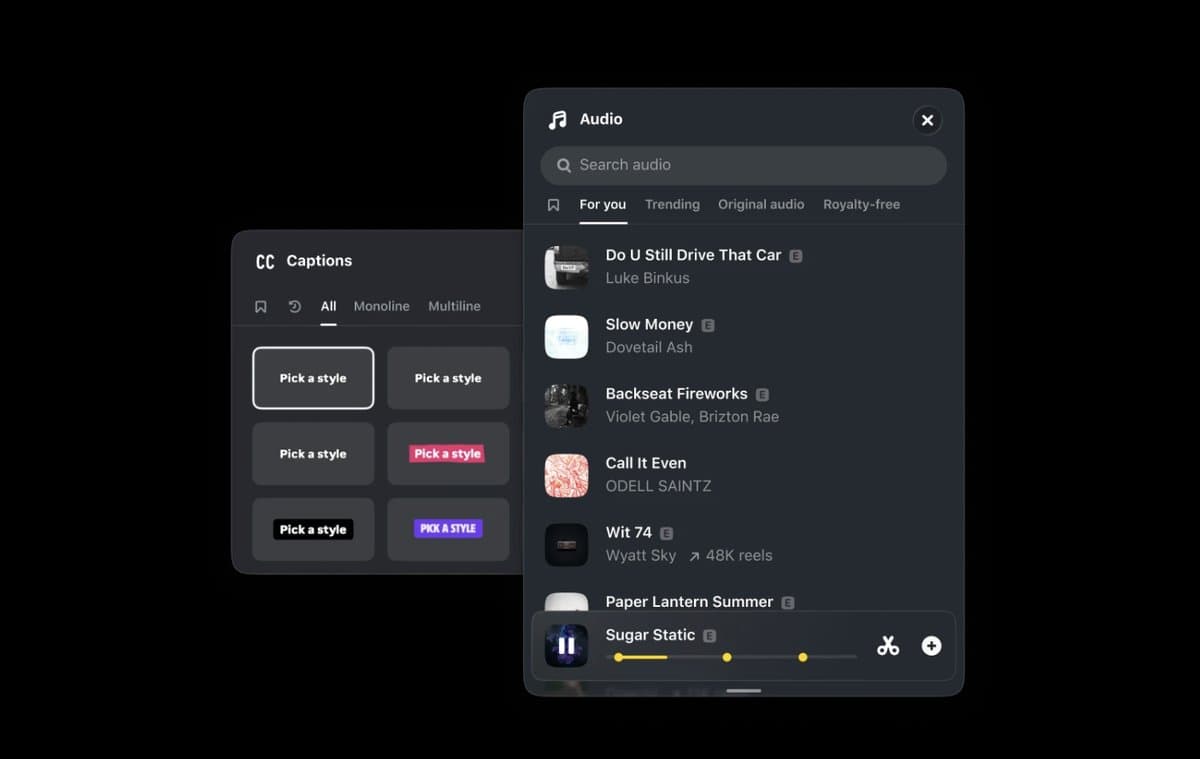
The download is free, and the page lists no paid tier. It comes as a direct download from Instagram’s website. Users must sign in to Instagram, which keeps their projects tied to their account. Projects can publish straight to Instagram without a download and re-upload. The app also includes Instagram’s licensed, royalty-free audio library, which matters most for Reels creators.
Macs already include Apple’s free editor, iMovie, and users can compare Edits with other video editors for Mac.
The page names no minimum macOS version beyond Apple silicon. It also does not say whether a project started on a phone can open on the Mac, though launch reports say cross-device projects are not supported yet; only saved audio and text styles carry over from the phone app. To check a Mac, choose the Apple menu > About This Mac. A chip such as M1 or later meets Instagram’s requirement. An Intel processor does not.