FaceTime Like a Pro
Get our exclusive Ultimate FaceTime Guide 📚 — absolutely FREE when you sign up for our newsletter below.
FaceTime Like a Pro
Get our exclusive Ultimate FaceTime Guide 📚 — absolutely FREE when you sign up for our newsletter below.
X Spaces (formerly Twitter Spaces) turns scrolling into real conversations. Here’s everything you need to know to join, host, and grow with Spaces in 2025.
With iOS 26, your AirPods can double as a wireless mic for video recording. No extra apps, no wires—just clearer audio for vlogs, social clips, and more.
The iPhone 17’s new 18MP Center Stage front camera keeps you perfectly framed in selfies, video calls, and vlogs—no more tilting, zooming, or awkward angles.
Is 'Hey Siri' not working on your iPhone? Find out the possible causes and follow our troubleshooting guide to fix Siri issues on your iPhone.

Thinking of leaving Facebook? Learn how to deactivate or delete Facebook on iPhone, iPad, and web, with backups, common fixes, and privacy settings to review.
Apple brings RCS messaging to the iPhone for a better messaging experience with Android users! Here is how to enable RCS messaging on your iPhone.
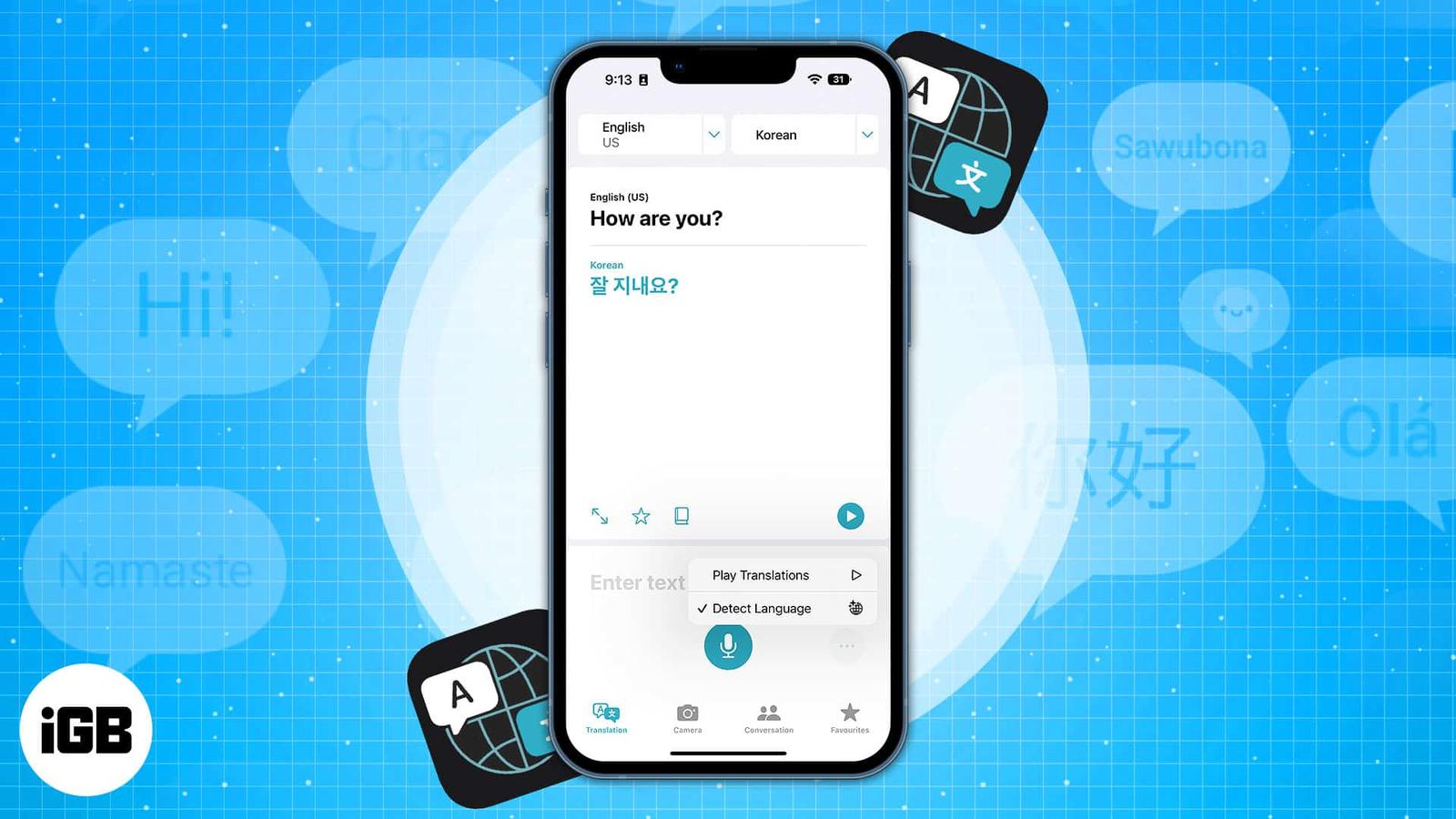
You can replace Apple's Translate with Google Translate system-wide. Here's how it works and why it's a big deal.
Apple now lets you lock and hide apps on iPhone with just a tap. Whether you want to secure banking apps, block kids from games, or keep personal apps out of sight, here’s how to do it.
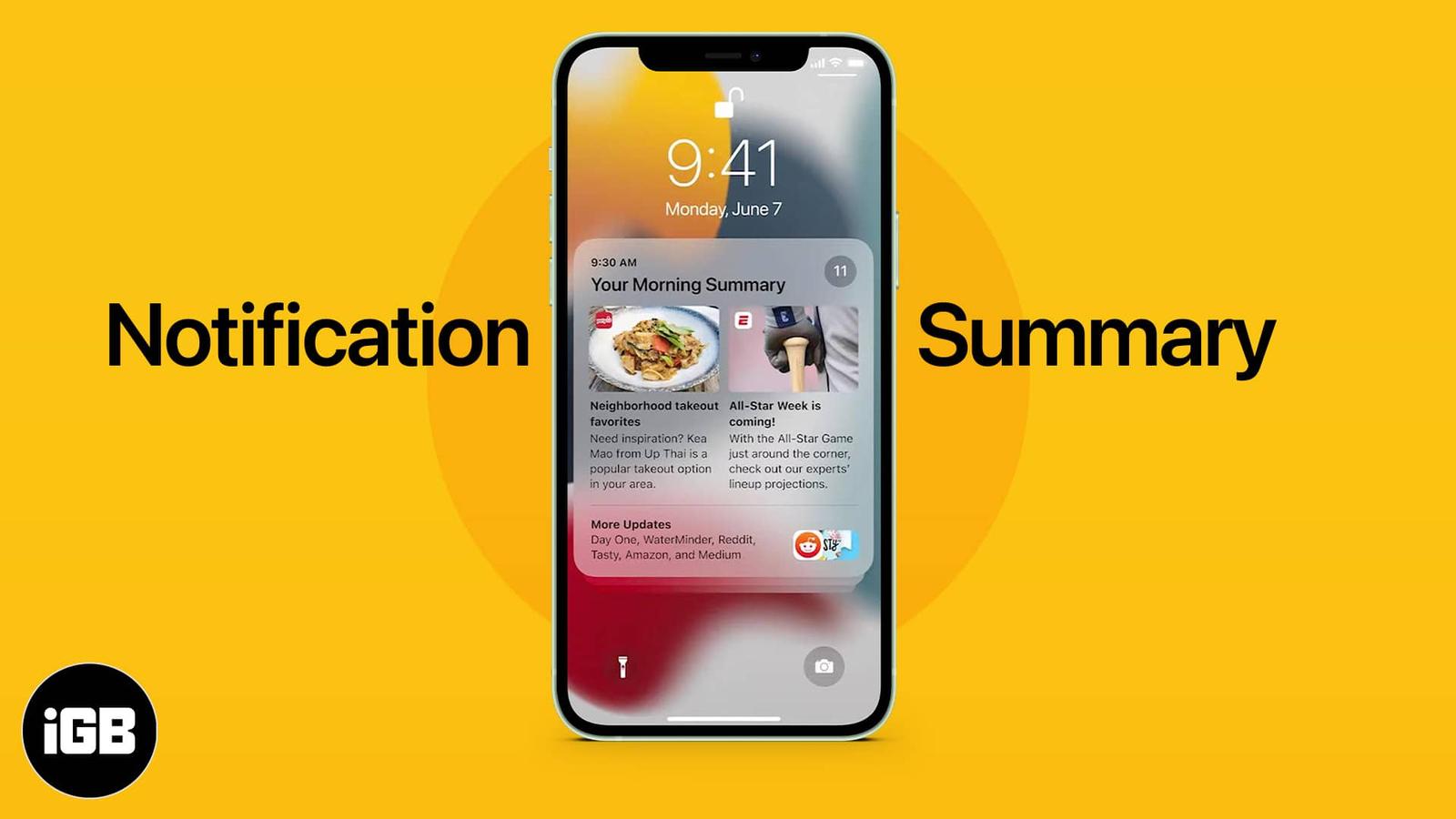
Reduce notification overload with Priority Notifications. This Apple Intelligence feature ensures you never miss important alerts.
WhatsApp’s new “Remind Me” feature helps you stay on top of conversations by letting you set reminders for messages. Here’s how you can use it to never forget replying again.
Are you experiencing an error with Screen Distance not working on your iPhone after updating iOS? Here are a few fixes to the issue.
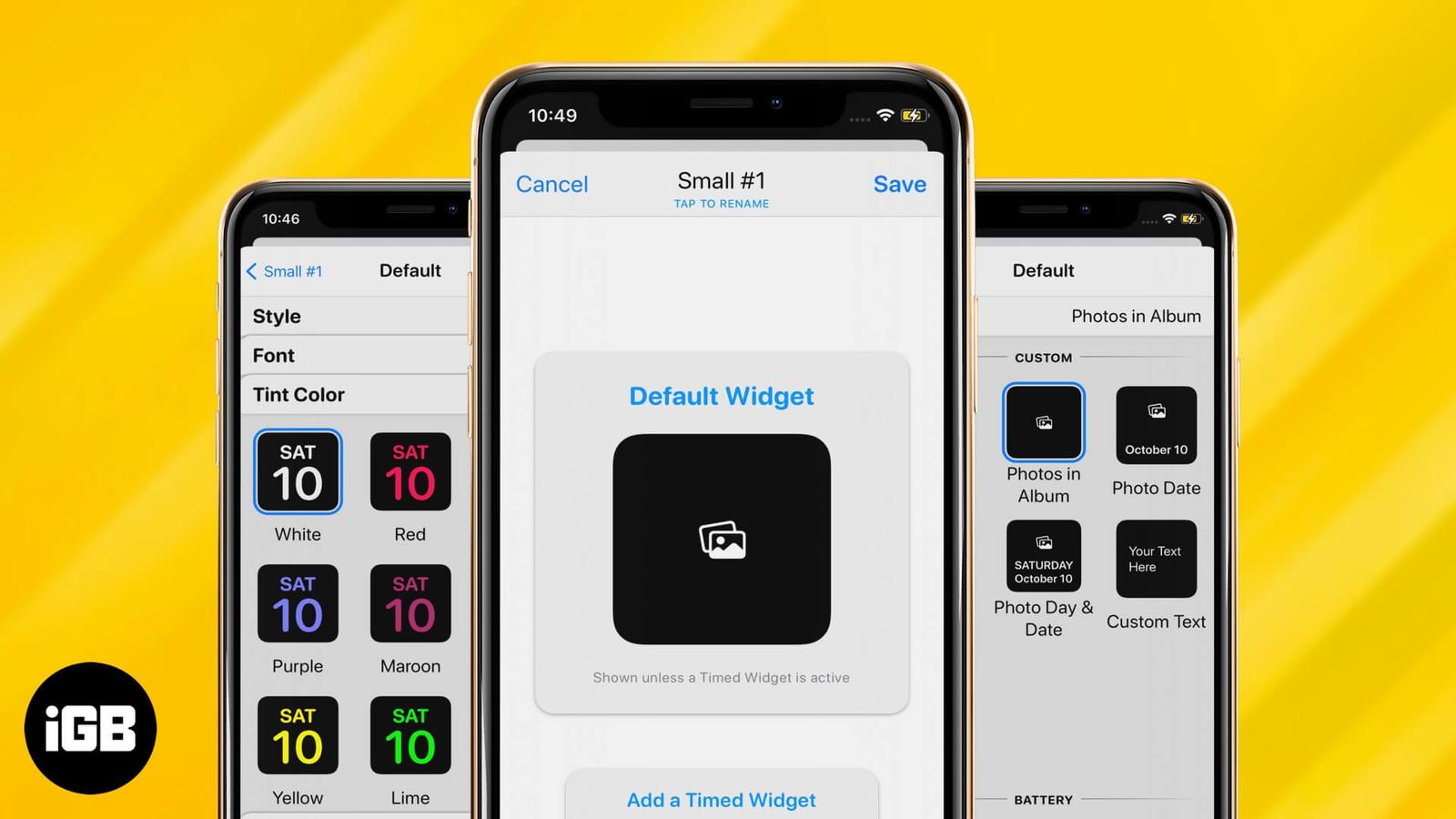
Widgets give you quick current information at a glance without opening an app on your iPhone. Here's how to add and edit widgets on iPhone.

Is iOS StandBy mode not working? Here are nine ways to get the StandBy feature to work for you again.
NameDrop lets you share contact information with just a tap of two iPhones. This article explains how NameDrop works on iPhone and how to use it.
Are noisy environments disrupting your phone calls? If you want clearer calls on your iPhone, learn how to enable Voice Isolation on current iOS to block out background noise for better conversations.
Master video editing on your iPhone with the Photos app and iMovie.
Apple’s iOS 26 brings big changes, but many iPhone owners are frustrated. From Liquid Glass to battery drain, here’s why the update is sparking backlash.
Updated to iOS 26? Here are 30+ iPhone settings you should change right now to boost privacy, battery life, and overall performance.
Apple's Notes app allows you to create links between notes. Learn how to link notes in Apple Notes on iPhone and Mac, and explore the benefits of linking notes.
With Apple Intelligence, you can summarize emails, priority sort inbox, proofread and rewrite emails in the Mail app on iPhone.
Learn how to fix iPhone Auto-Lock not working with this troubleshooting guide. Easily resolve the issue with some quick steps.
Can’t connect to Wi-Fi on your iPhone or iPad after a software update? Try these easy troubleshooting steps to fix WiFi issues.
Unable to make or receive FaceTime calls? Try these proven methods to fix FaceTime issue on your iPhone.
Get back accidentally deleted apps on your iPhone, even if you can’t remember the app name.
Want to save the embarrassment of having your iPhone play loud audio in public? The Volume Limit feature lets you set your iPhone's speaker volume.
With iOS 18.2 Apple introduced layered Voice Memos recordings on iPhone, enabling musicians to create dual-layered tracks easily.
Stuck in login loops that refuse to clear, pages half loading, spinner just sitting there? The fix is simple, clear Safari browsing data on your iPhone today.