
#how to guide
Latest in how to guide
How to Make Your iPhone Lock Screen Wallpaper Shuffle Through Photos
Photo Shuffle cycles your Lock Screen through people, pets, nature, or an album you pick. Here is how to set it up on iPhone and choose whet
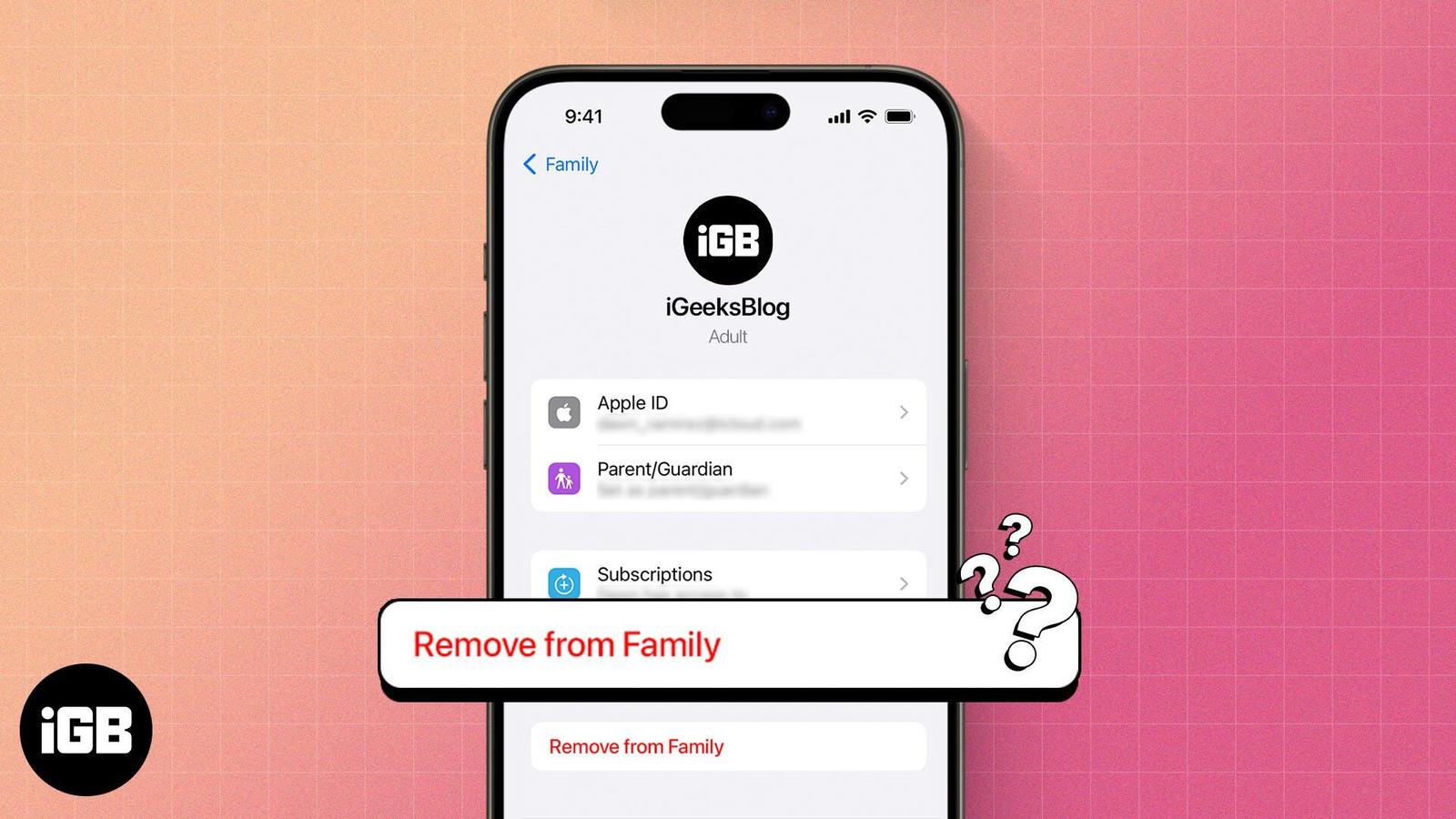
How to Leave Family Sharing on iPhone and iPad: A Complete Guide
Leaving Family Sharing cuts your access to shared purchases and subscriptions immediately. Here is what you lose, who can leave or be remove
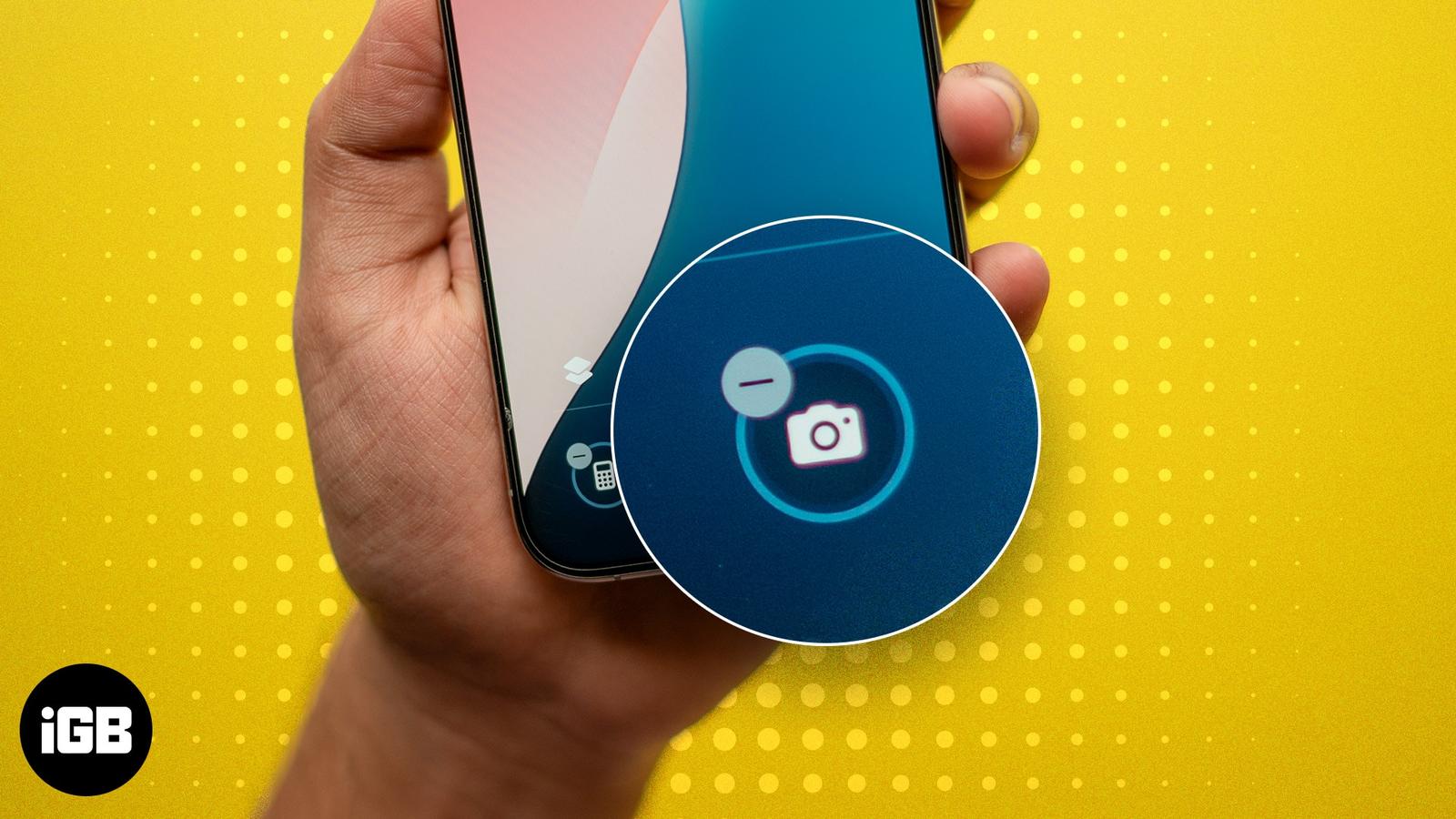
How to Disable Camera Access From Lock Screen on iPhone
A Lock Screen camera means pocket photos and a privacy gap. Here is how to remove the control in iOS 18 and later, and how to disable the ca
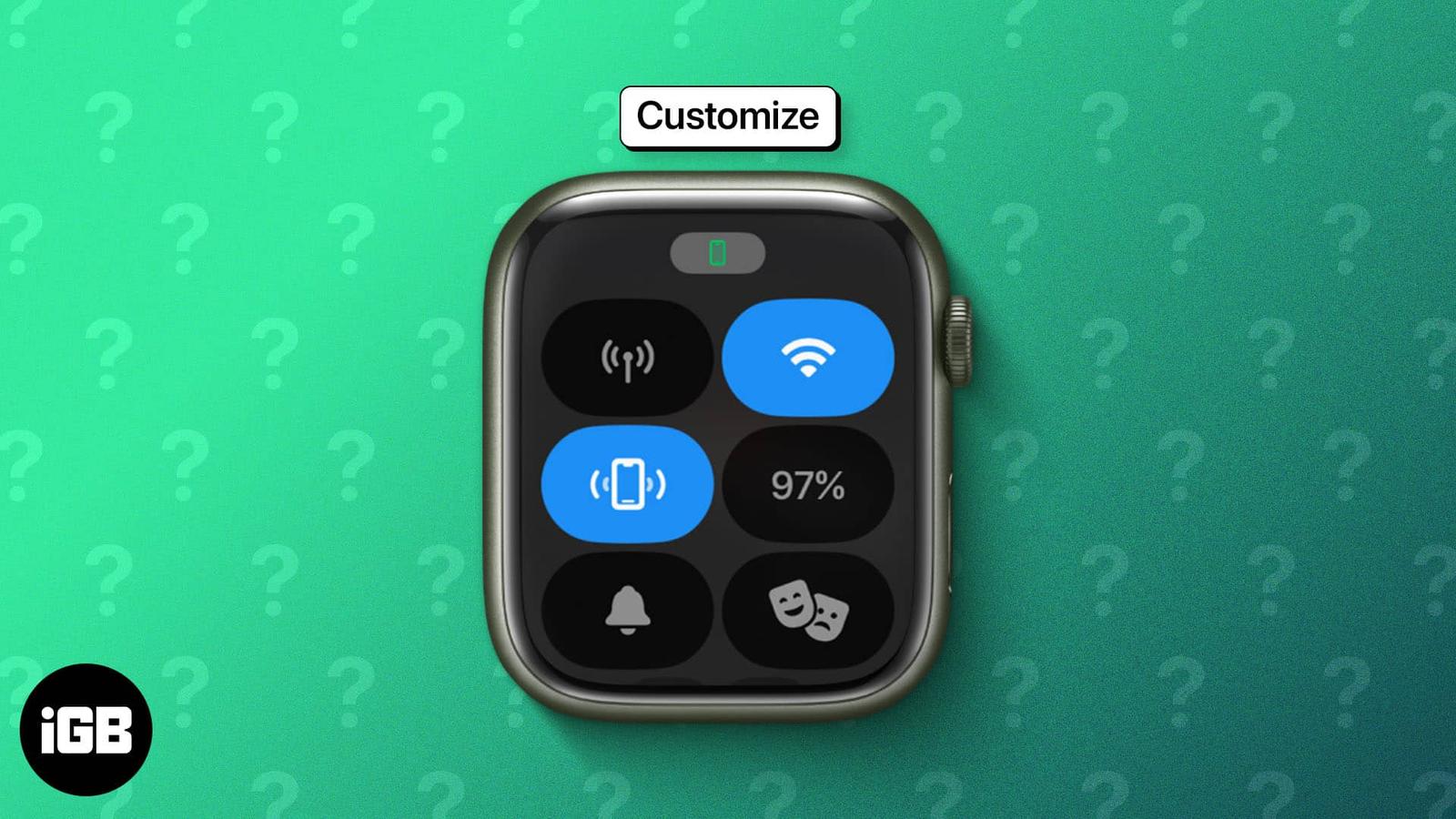
How to Use Apple Watch Control Center
Control Center moved to the Side button in watchOS 10, and the toggle order is fully editable. Here is how to open it, rearrange the control
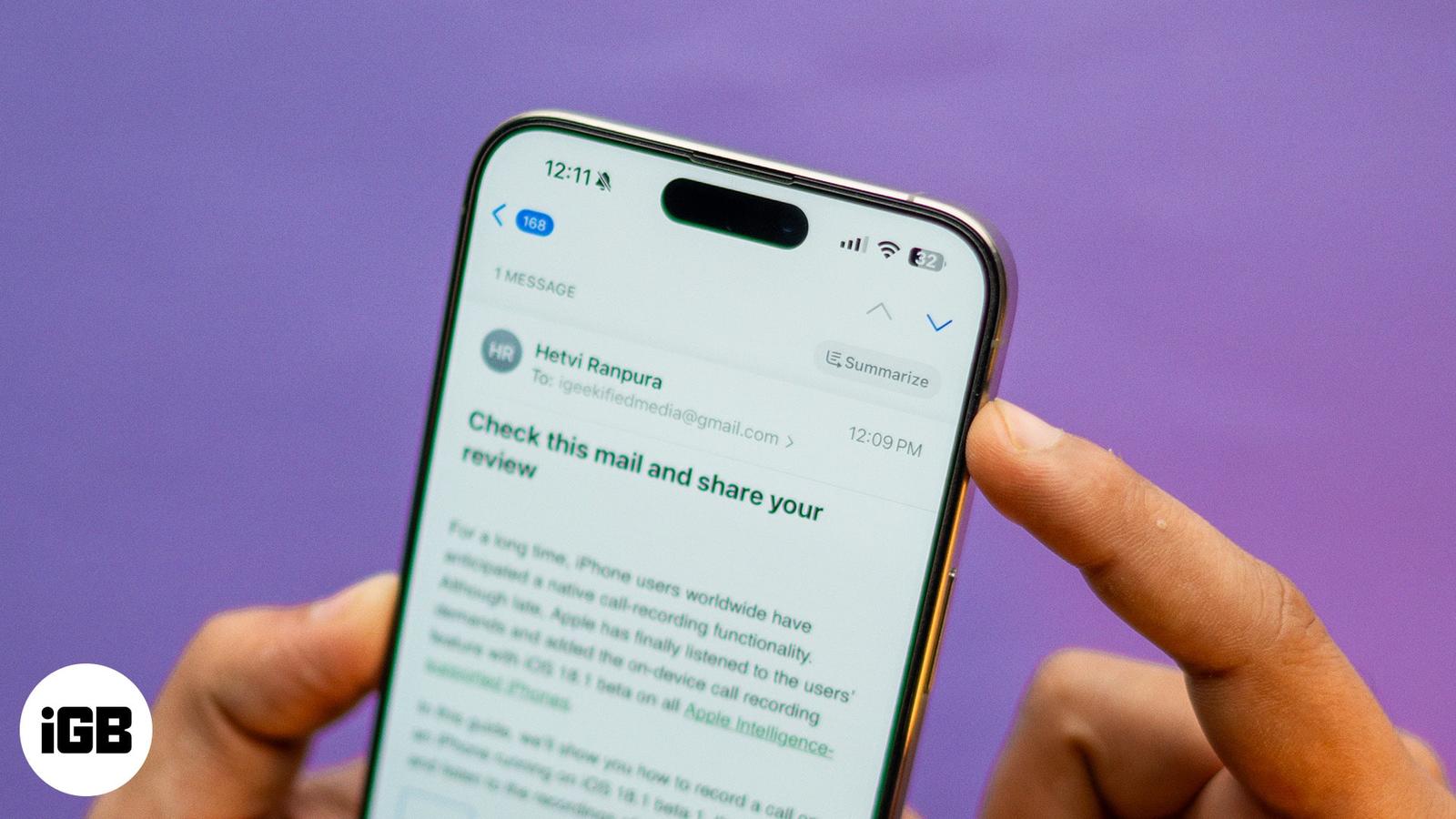
How to Use Apple Intelligence in the Mail App on iPhone
With Apple Intelligence, you can summarize emails, priority sort inbox, proofread and rewrite emails in the Mail app on iPhone.
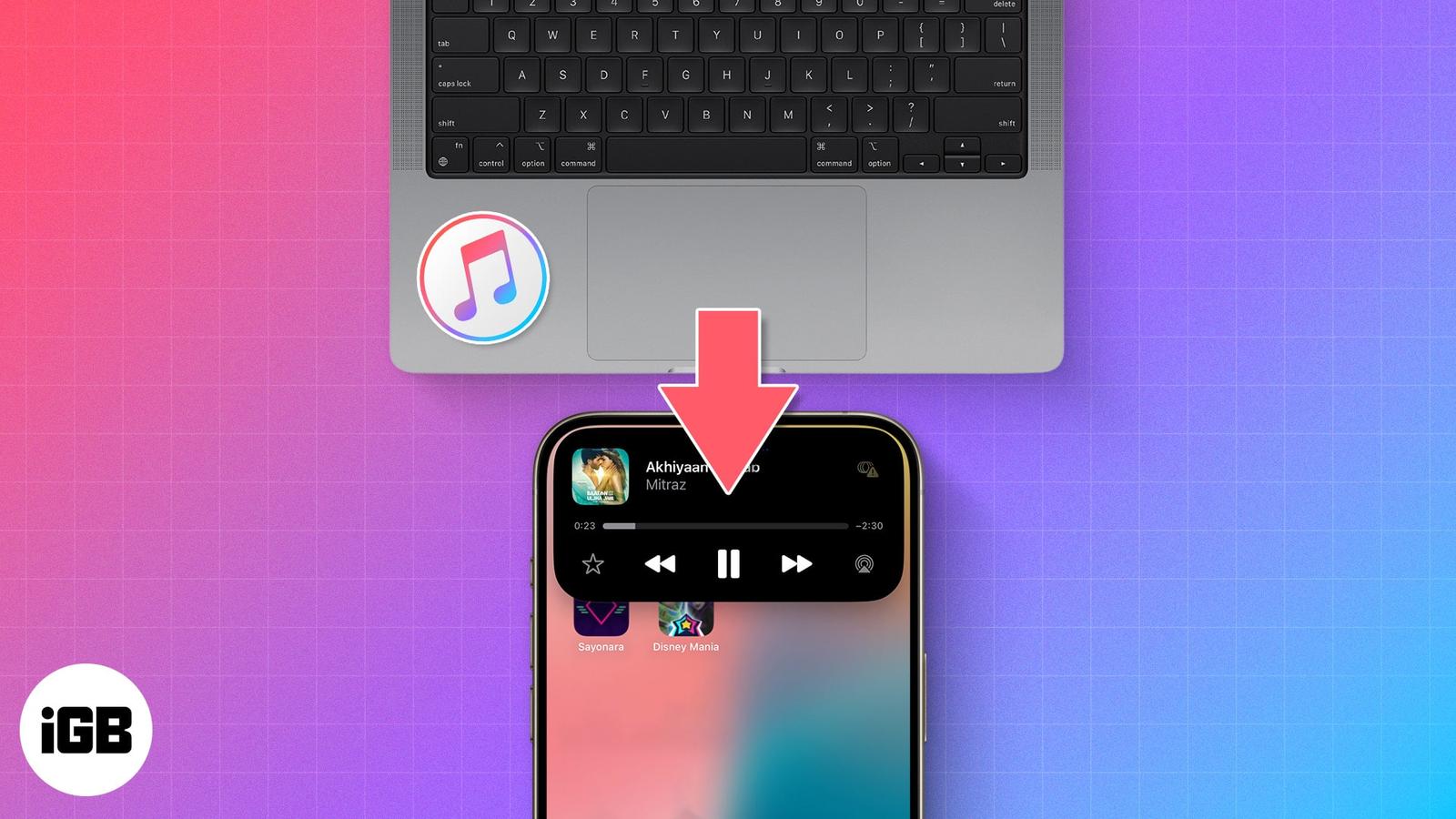
How to Transfer Music From a Computer to an iPhone and Vice Versa
Best and most reliable ways to transfer songs from PC to iPhone.
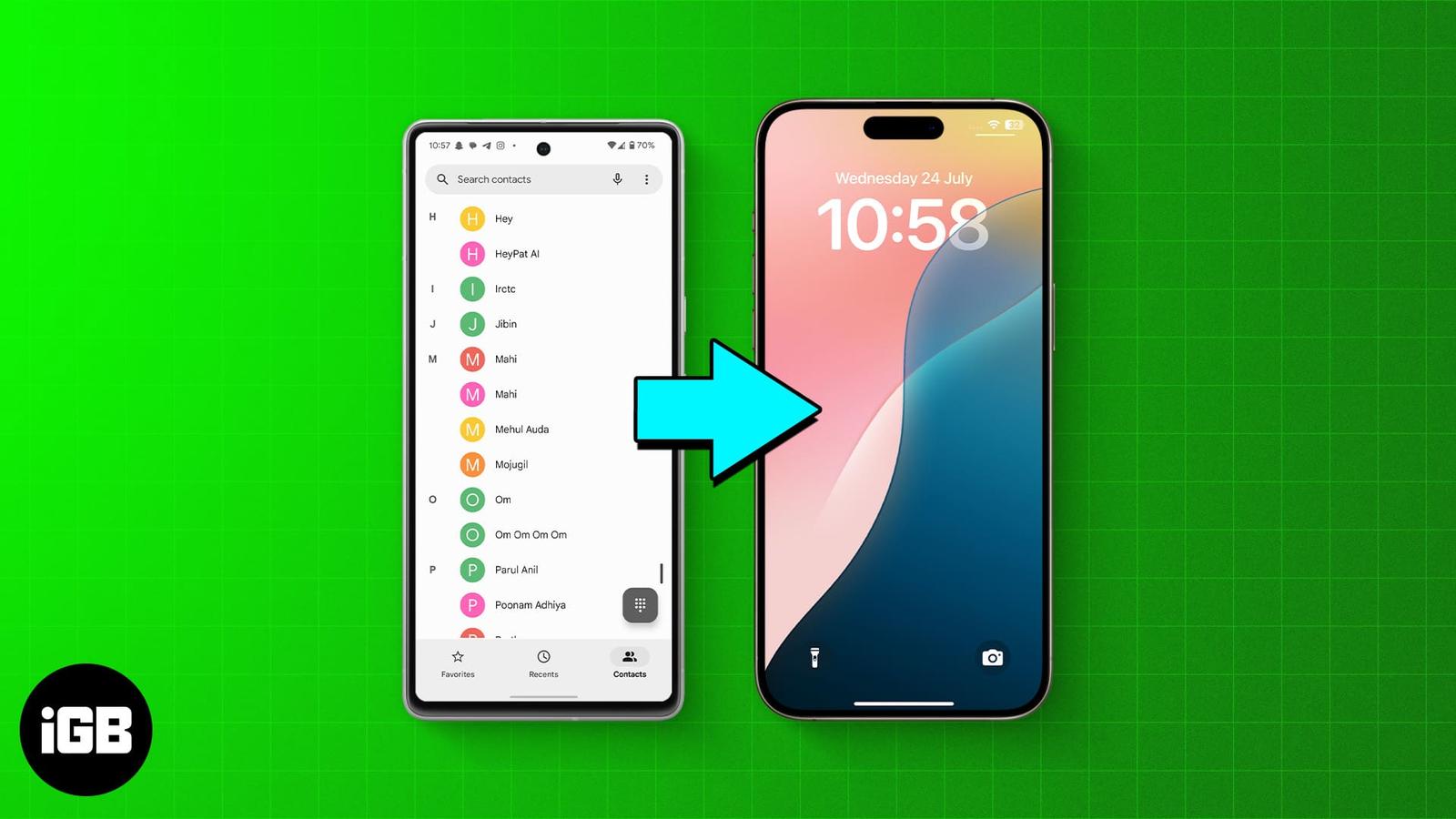
5 Ways to Transfer Contacts From Android to iPhone
Switching to an iPhone and want to move your contacts? Here are five ways to transfer contacts from Android to iPhone.
How to Schedule Text Messages on iPhone to Send Later
Learn how to schedule messages on your iPhone and iPad using the built-in Send Later feature, plus discover a handy Shortcuts method for old
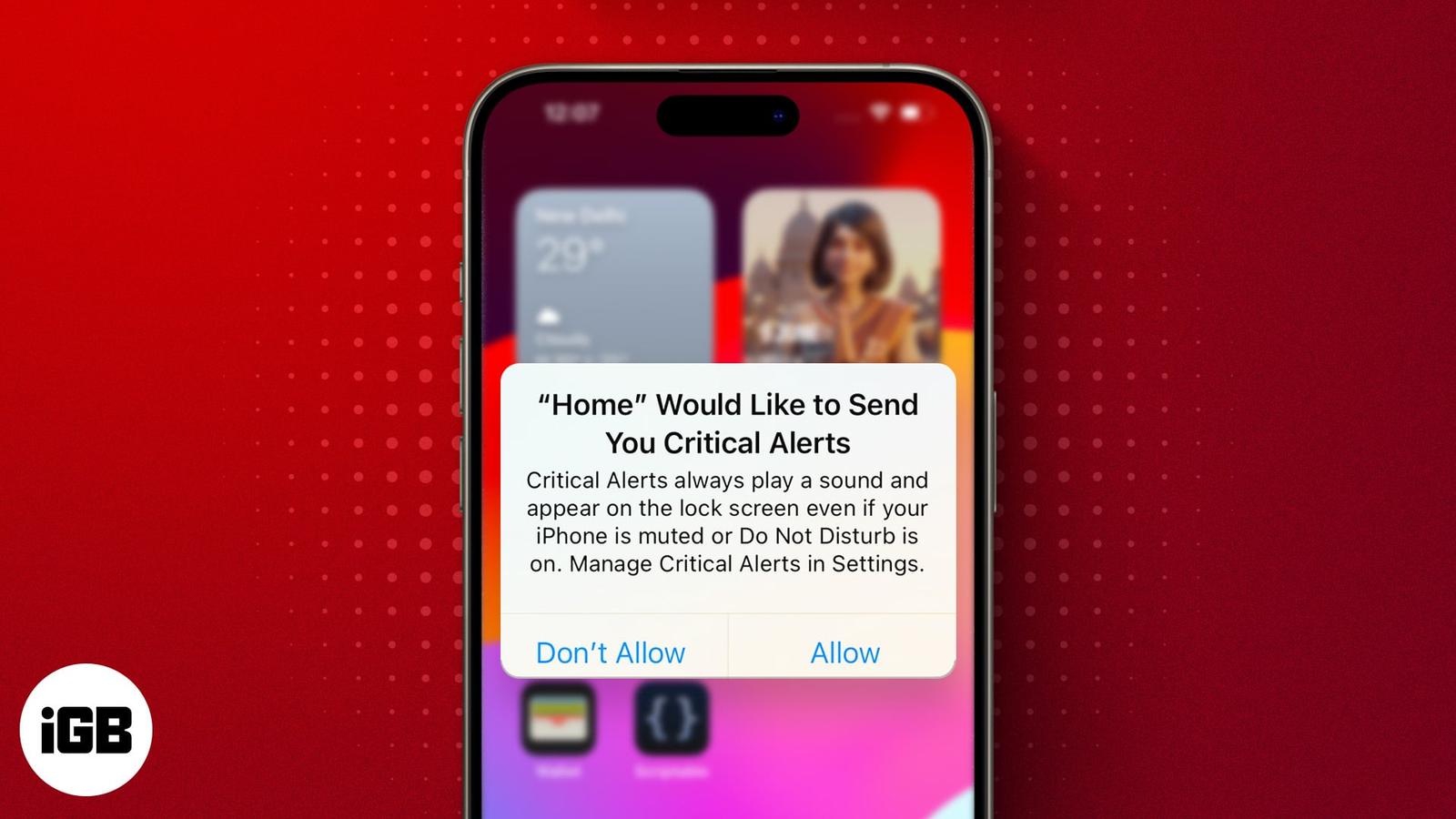
How to Fix an iPhone Stuck on “Home Would Like to Send You Critical Alerts”
Is your iPhone displaying “Home Would Like to Send You Critical Alerts?” Find out what this error means and how to fix it.
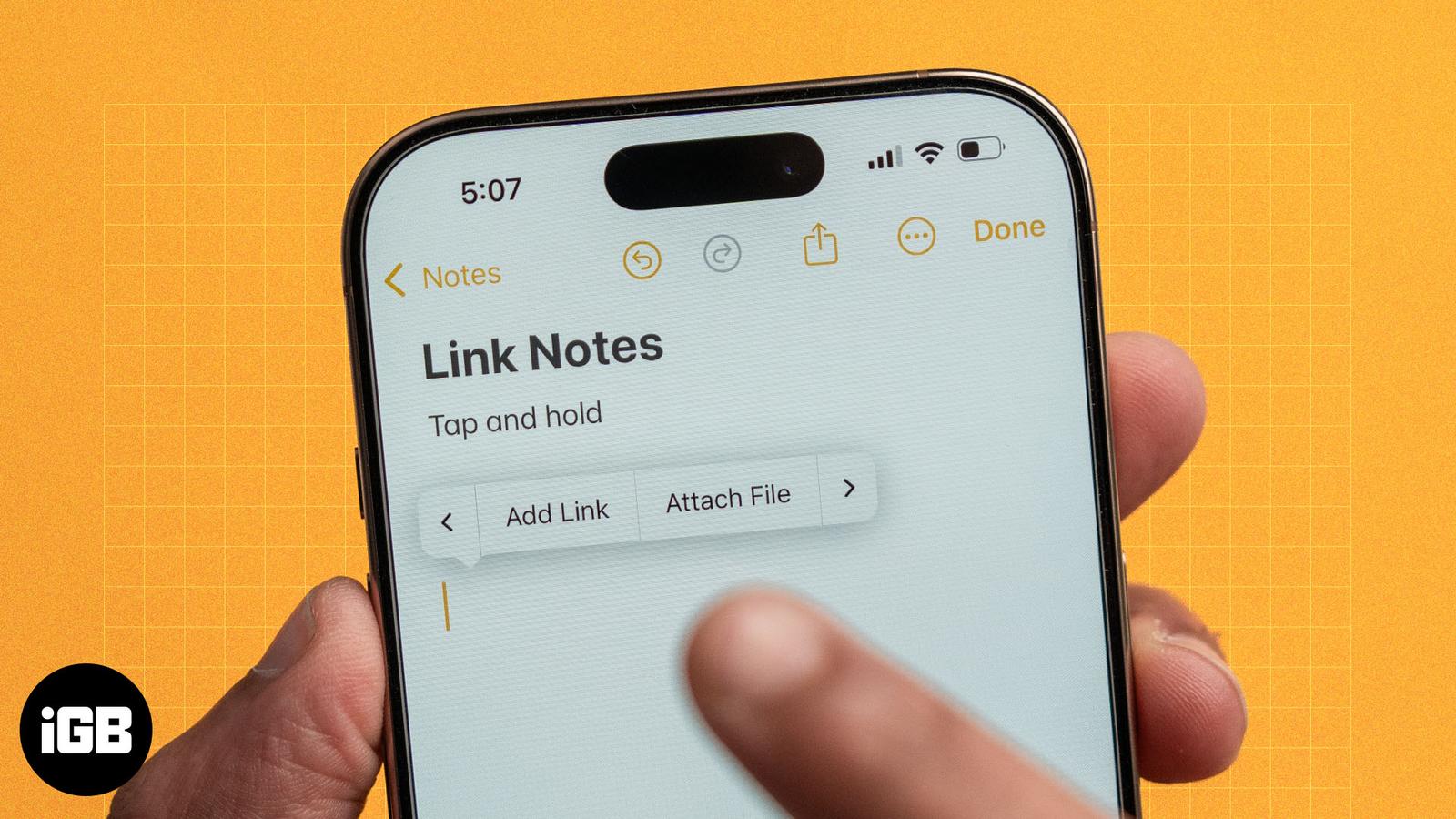
How to Link Notes in Apple Notes on iPhone, iPad, and Mac
Apple’s Notes app allows you to create links between notes. Learn how to link notes in Apple Notes on iPhone and Mac, and explore the benefi