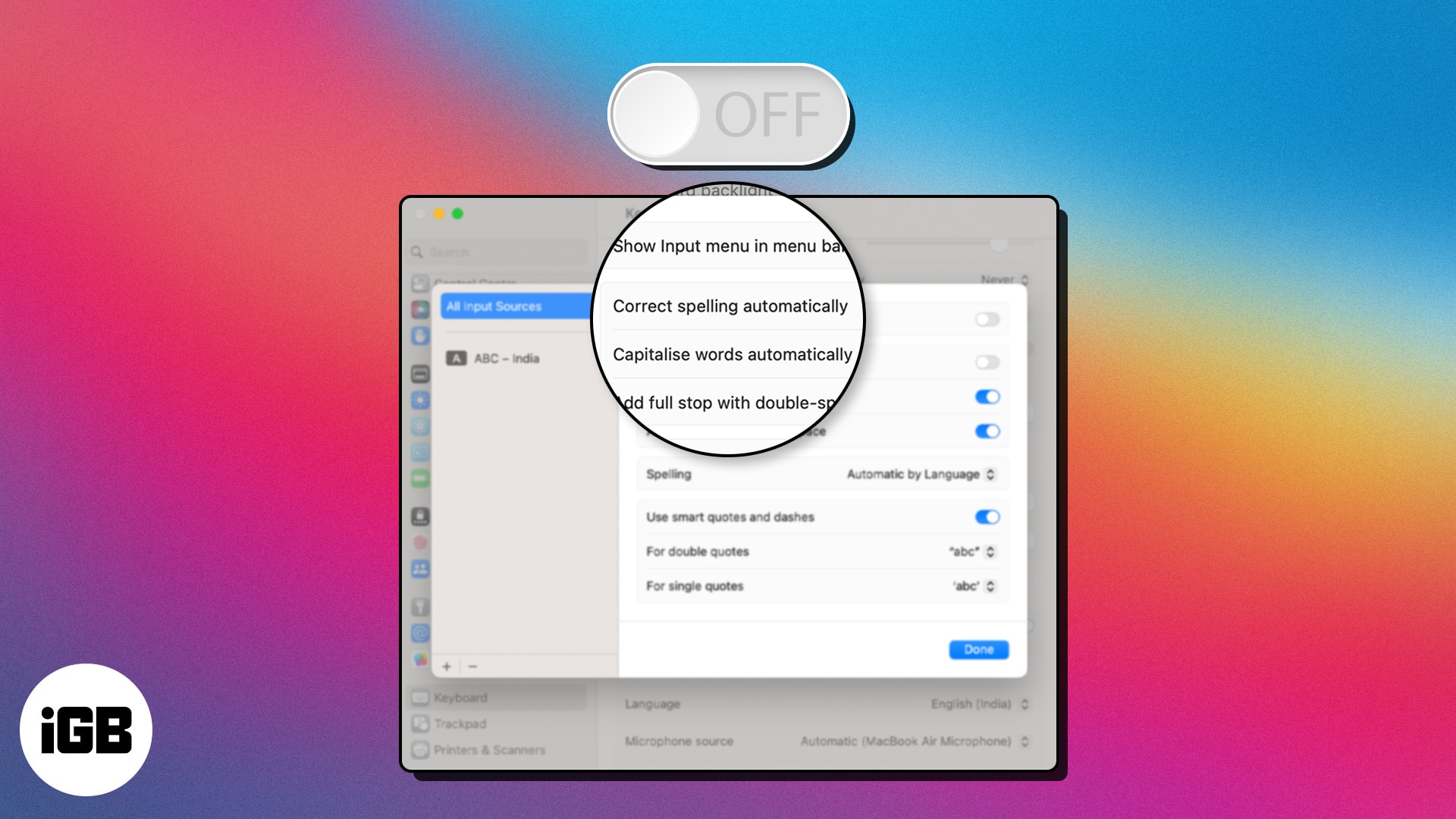
How to turn off autocorrect on Mac (In 3 quick steps)
Autocorrect on Mac helpfully mangles technical terms and proper nouns. Here is exactly where the setting lives in System Settings and how to disable it in a few clicks.

Autocorrect on Mac helpfully mangles technical terms and proper nouns. Here is exactly where the setting lives in System Settings and how to disable it in a few clicks.
A large music library will not fit on a small SSD. Here is what splitting a library means, why it helps, how to move part of it to another d
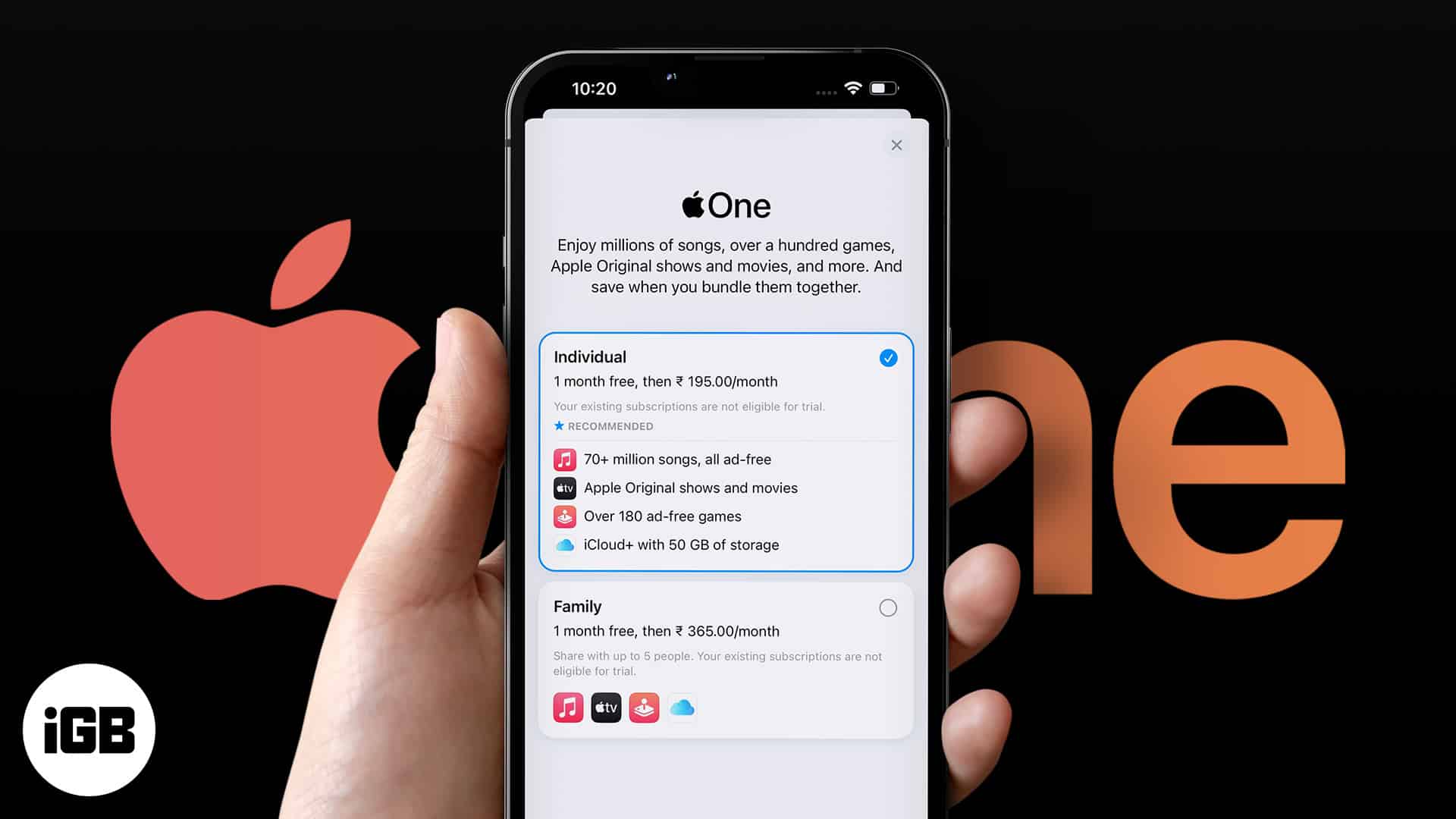
Apple One bundles Music, TV Plus, Arcade, and iCloud storage at a discount. Here is what each tier includes, where to subscribe, how to chan
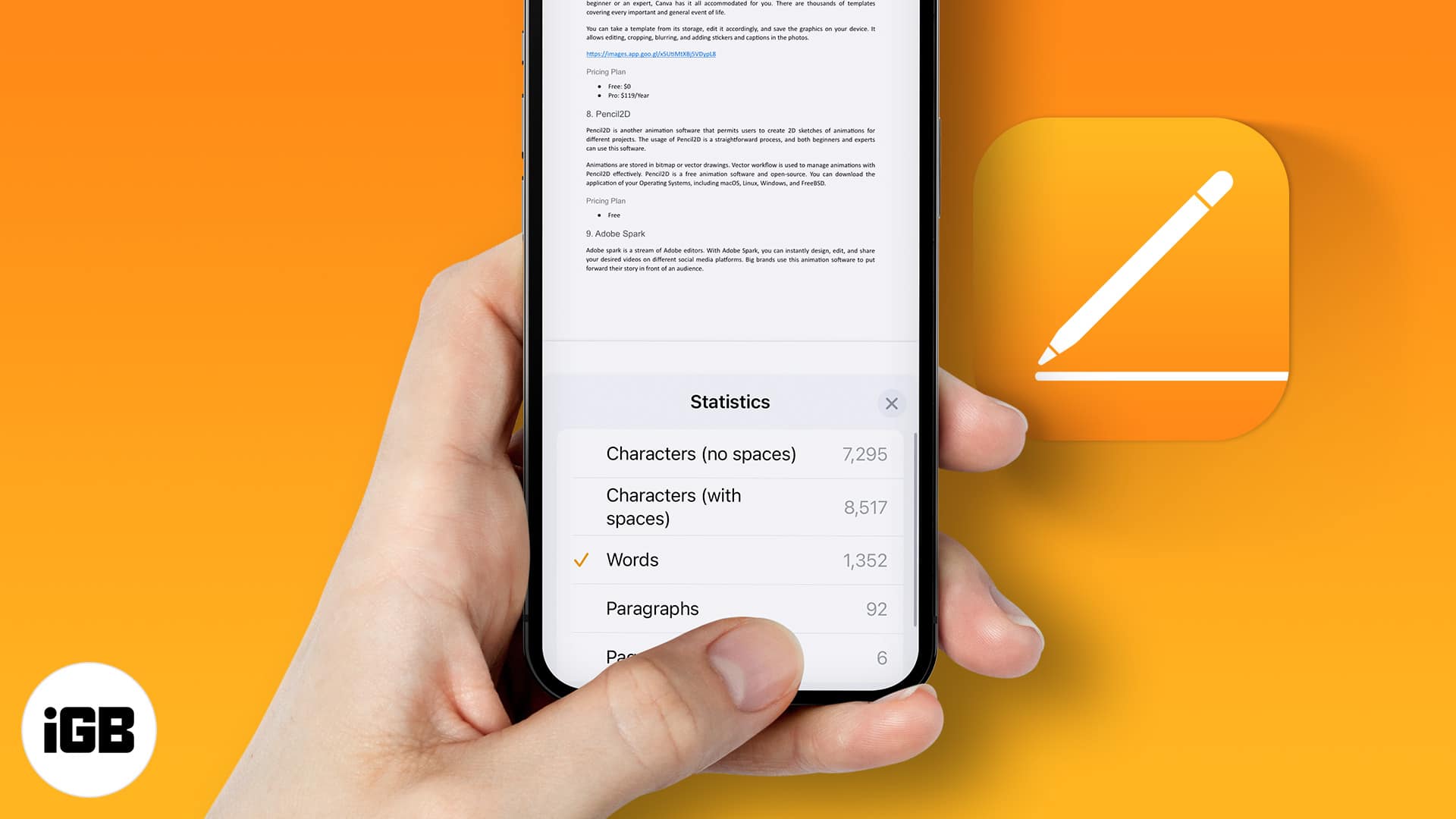
Pages hides the word count by default on every platform. Here is how to turn it on for iPhone, iPad, and Mac so you can track length as you
File paths matter for Terminal commands, scripts, and support requests. Here is what a path is, why you need it, and eight ways to find or c
Shared Albums let you send photos to specific people without filling their storage. Here is how to enable or disable the feature on every pl
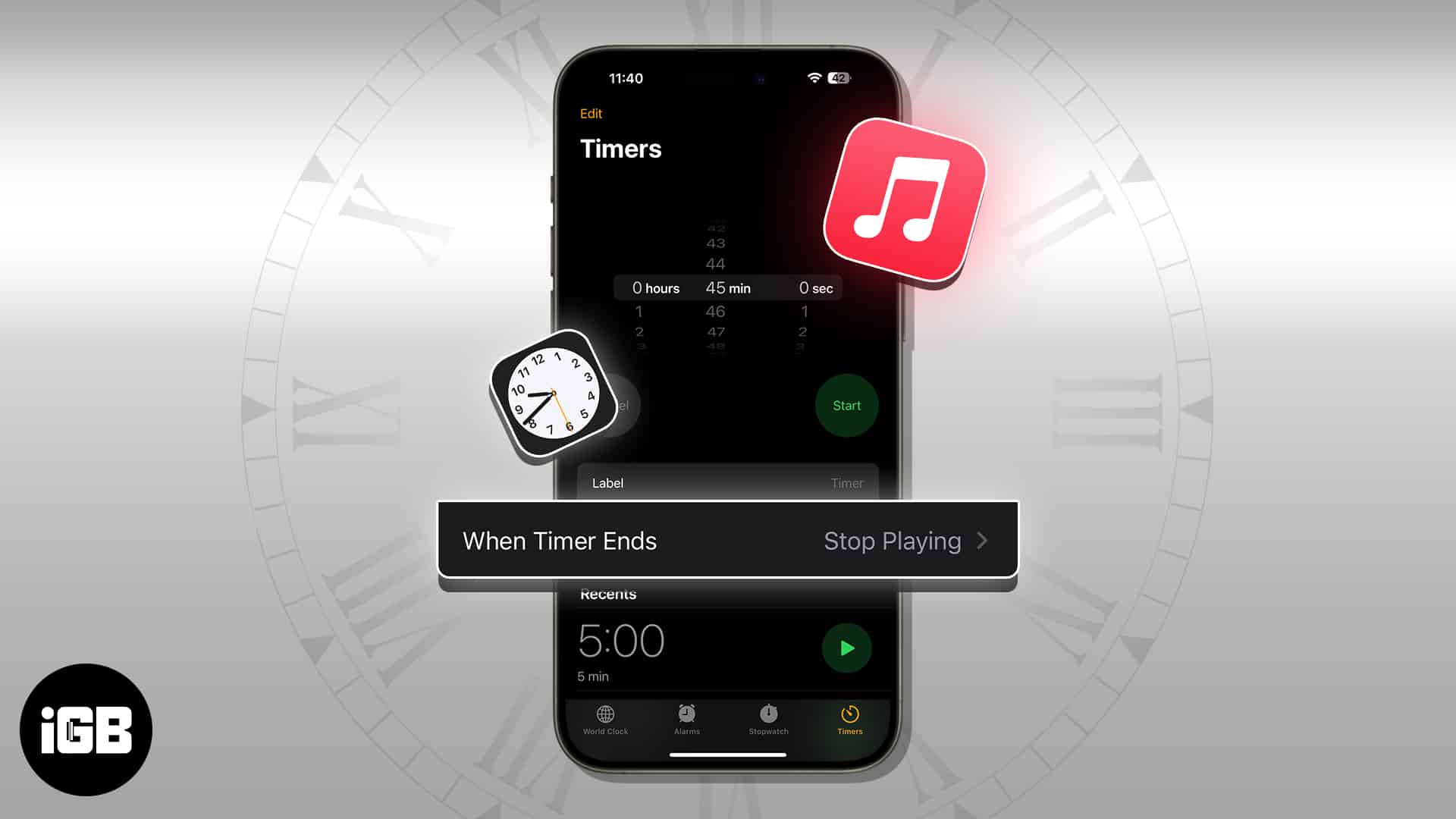
The Music app has no sleep timer of its own, so the Clock app does the job on iPhone. Here is how to set one on iPhone, Mac, and HomePod, an
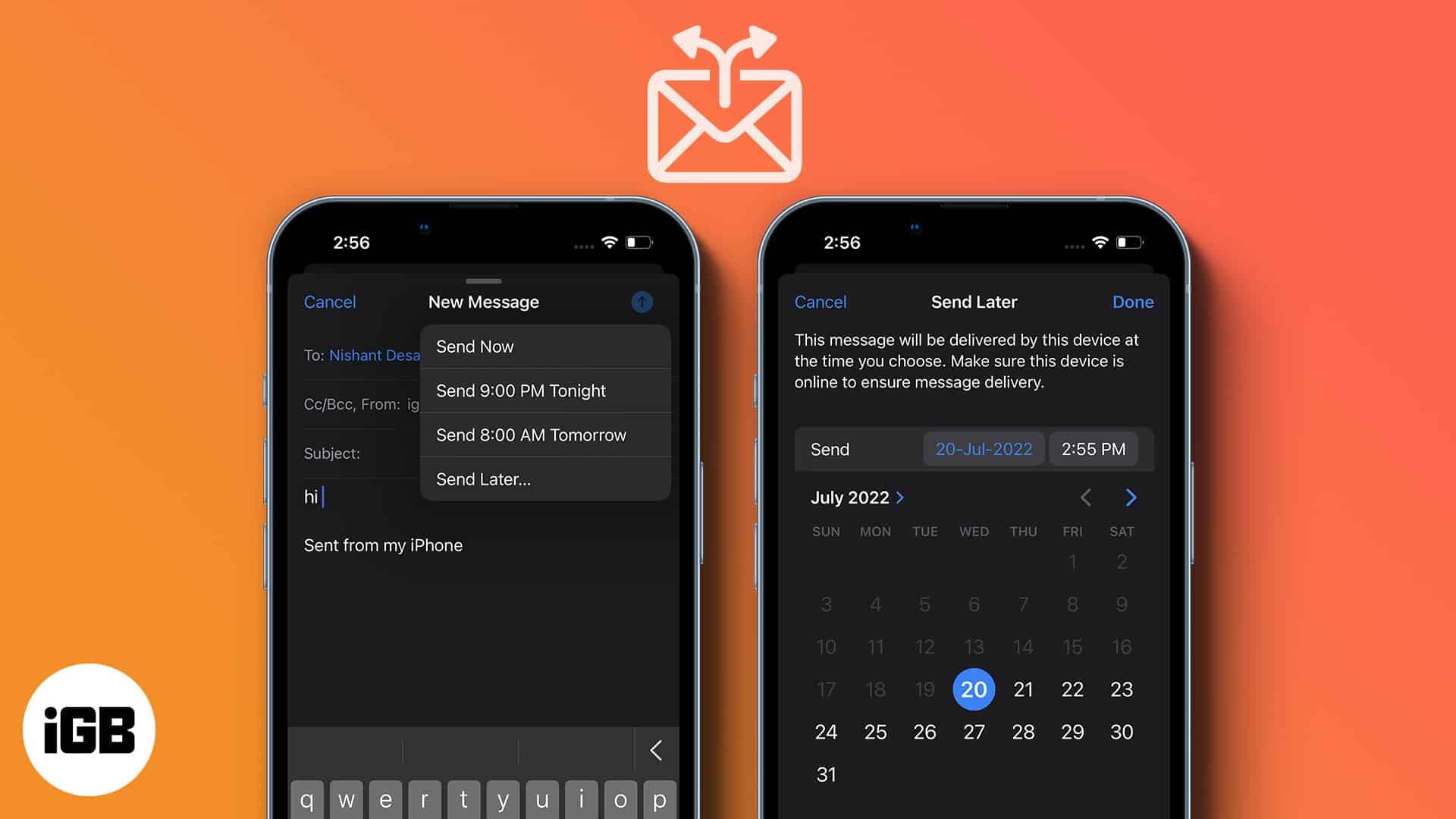
Timing changes whether an email gets read. Apple Mail can hold a message until a time you choose. Here is how to schedule one on iPhone, iPa
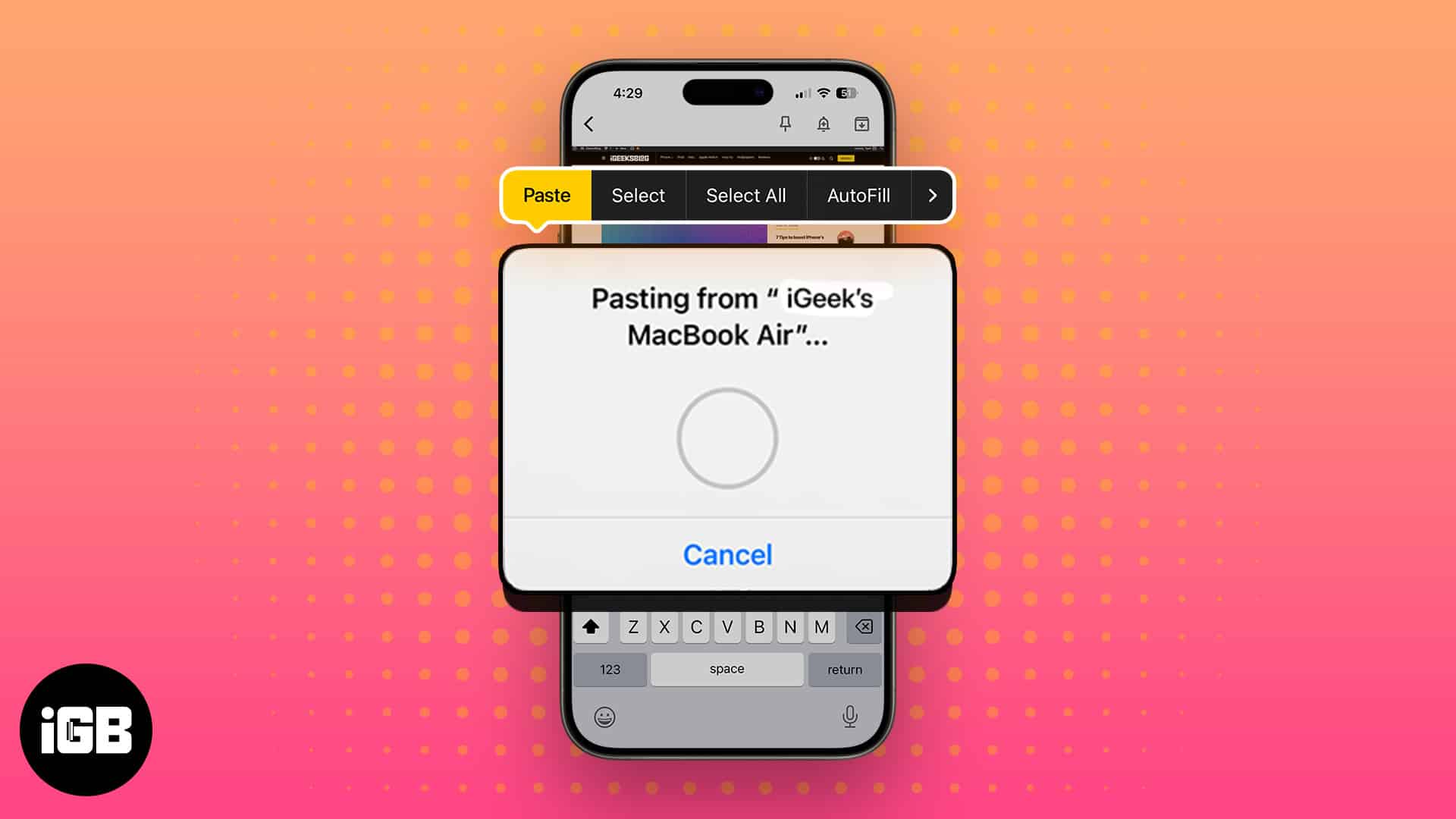
Saving a screenshot you only need to paste once just clutters your desktop. Adding Control to the usual shortcuts sends the capture to the c
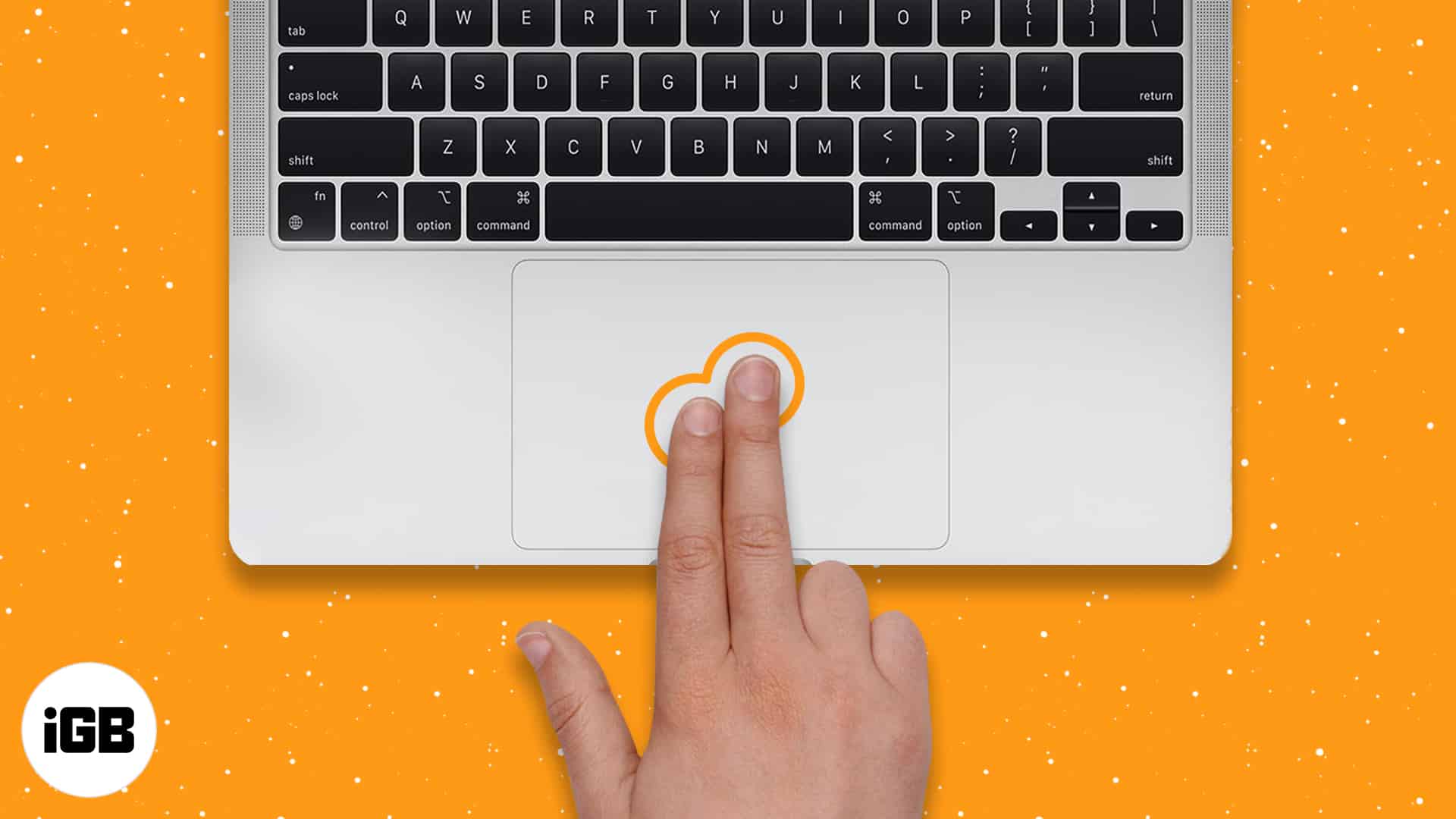
Switchers from Windows often assume Macs cannot right-click. They can, in five different ways. Here is how to do it on a trackpad, Magic Mou
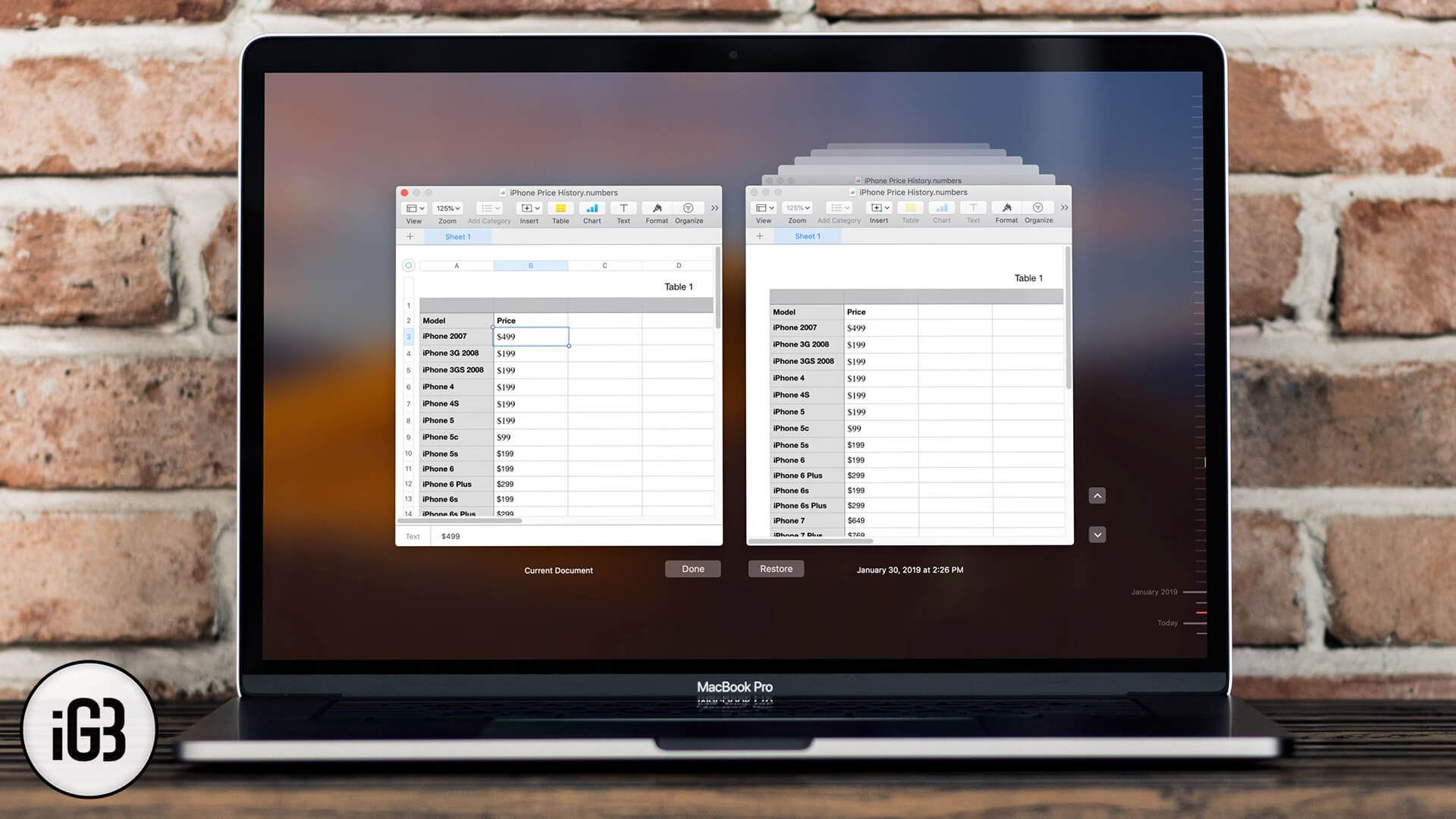
macOS quietly saves earlier versions of your documents, so a bad edit is recoverable. Here is how to browse version history and roll a file