8 Best MacOS Sequoia Features You Should Know About
macOS Sequoia added several genuinely useful additions rather than cosmetic ones. Here are the eight worth knowing, from iPhone Mirroring and window tiling to the standalone Passwords app.

macOS Sequoia added several genuinely useful additions rather than cosmetic ones. Here are the eight worth knowing, from iPhone Mirroring and window tiling to the standalone Passwords app.
Not every app supports Split View, and a couple of display settings block it entirely. Here is what to check first, plus six fixes that rest
Silent speakers usually mean audio is routing to the wrong output rather than a hardware fault. Here is how to check the output device, rule
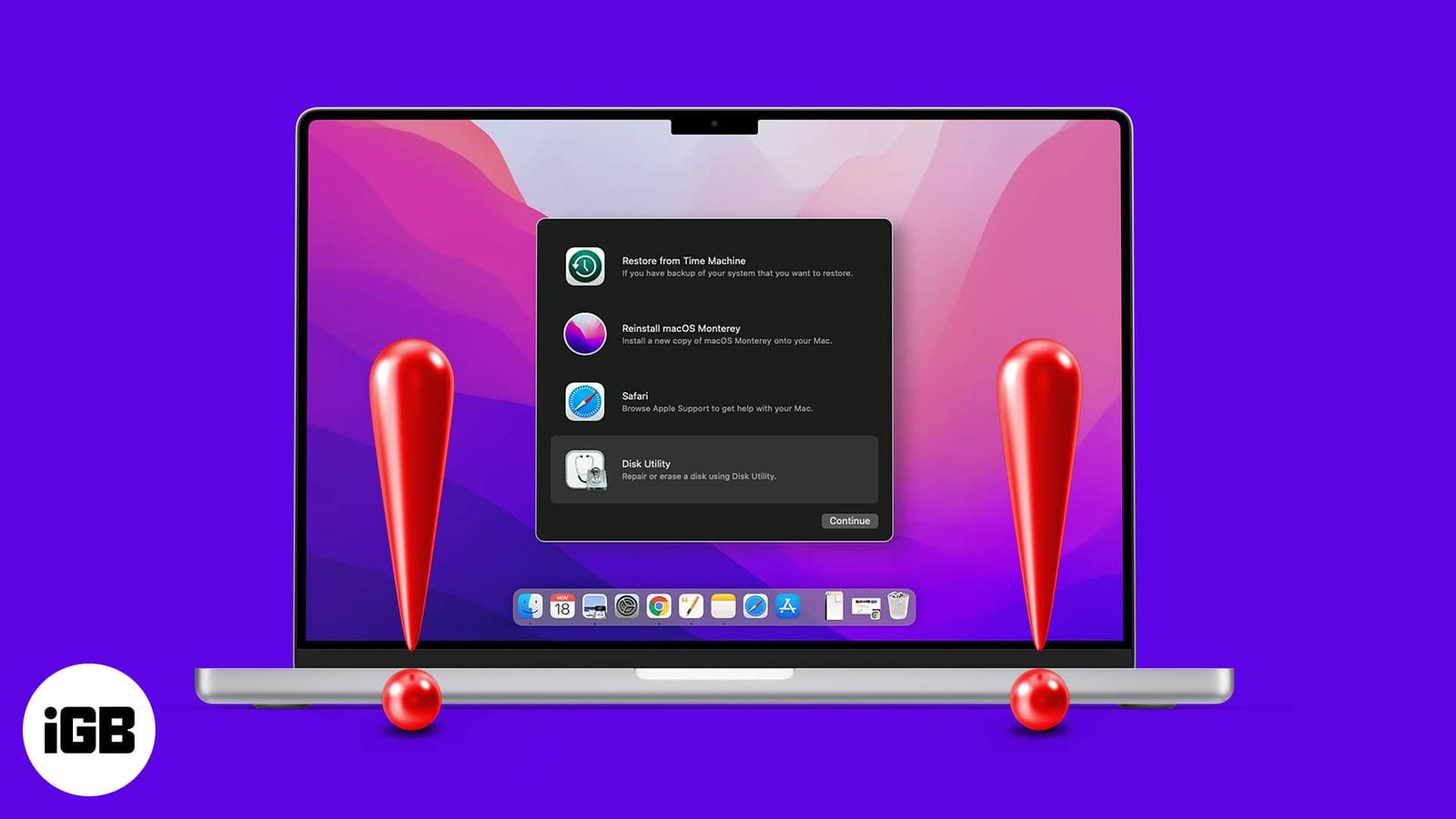
If Recovery Mode will not load, you cannot reinstall macOS or run Disk Utility. Here is why Command R fails, what to do about a deleted reco
A frozen Finder makes the whole Mac feel broken. Here is how to relaunch it without restarting, clear the preference files that cause repeat
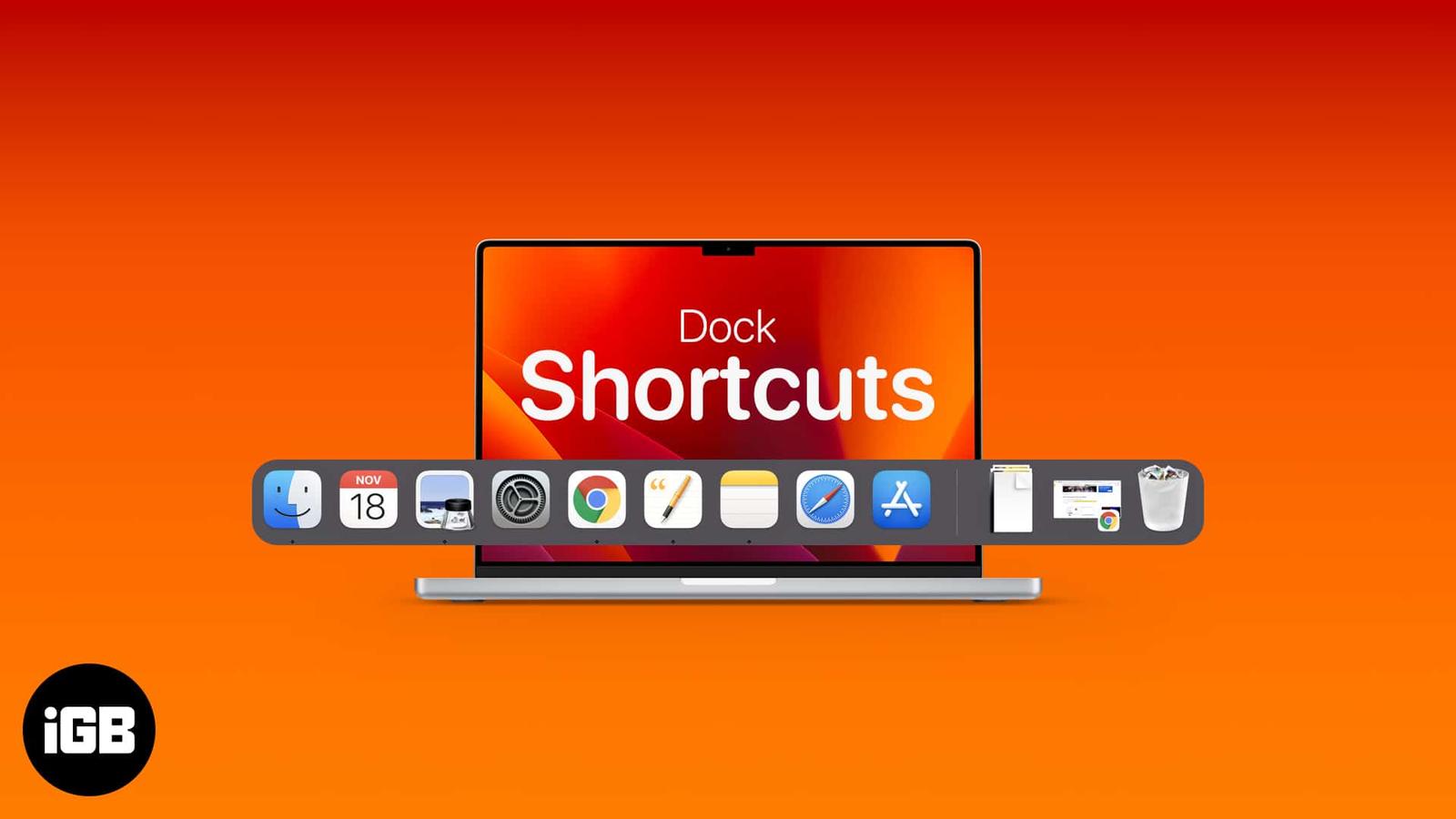
The Dock is faster than it looks once you learn its shortcuts. Here are the general and Dock-specific key combinations, plus how to add, rea

Rejoining a network every time you open the lid gets old fast. Here is why macOS drops Wi-Fi on wake and the network settings and power opti
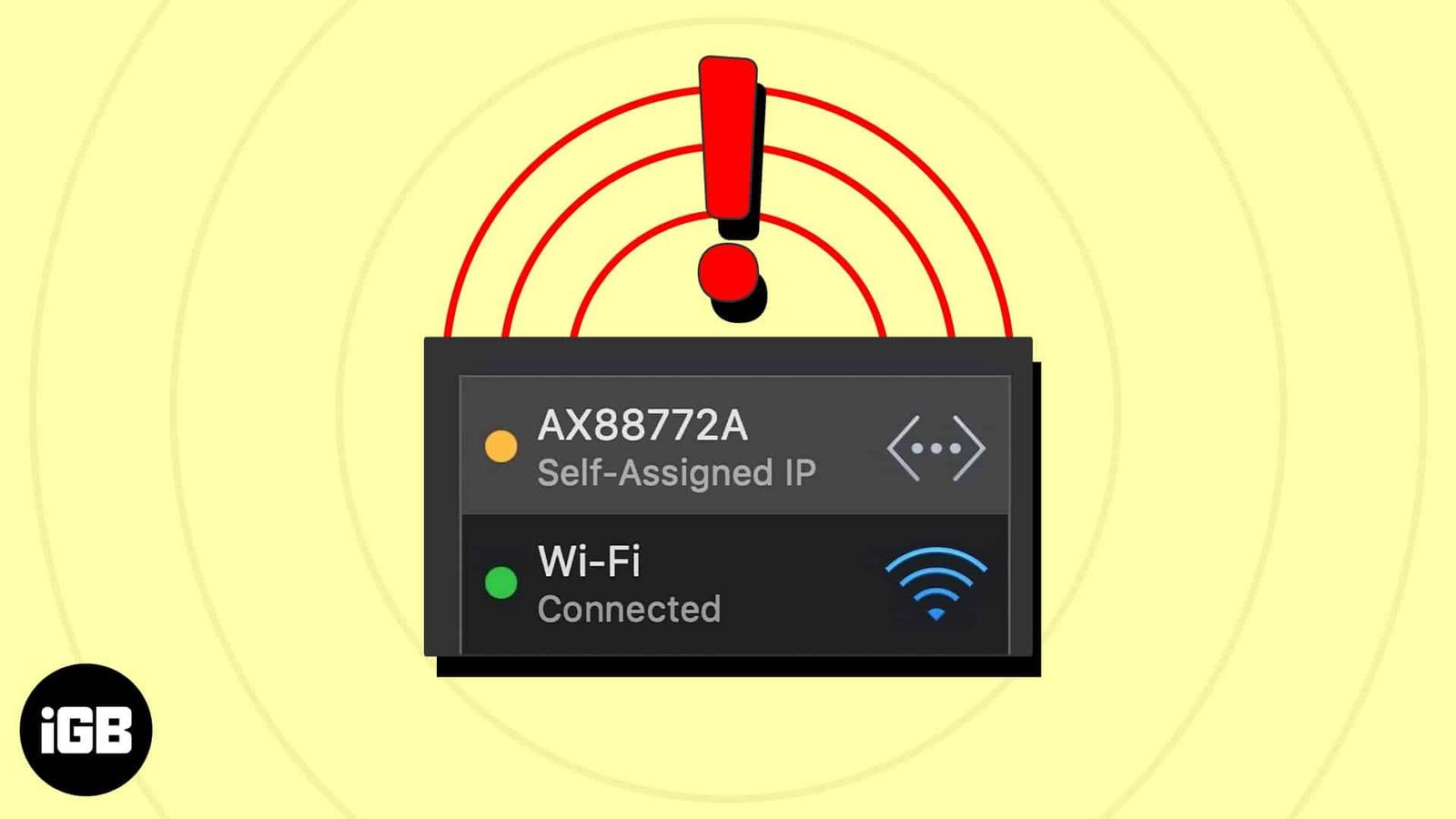
This error means your Mac gave itself an address because DHCP failed, leaving you offline. Here is what causes it, the fixes that restore co
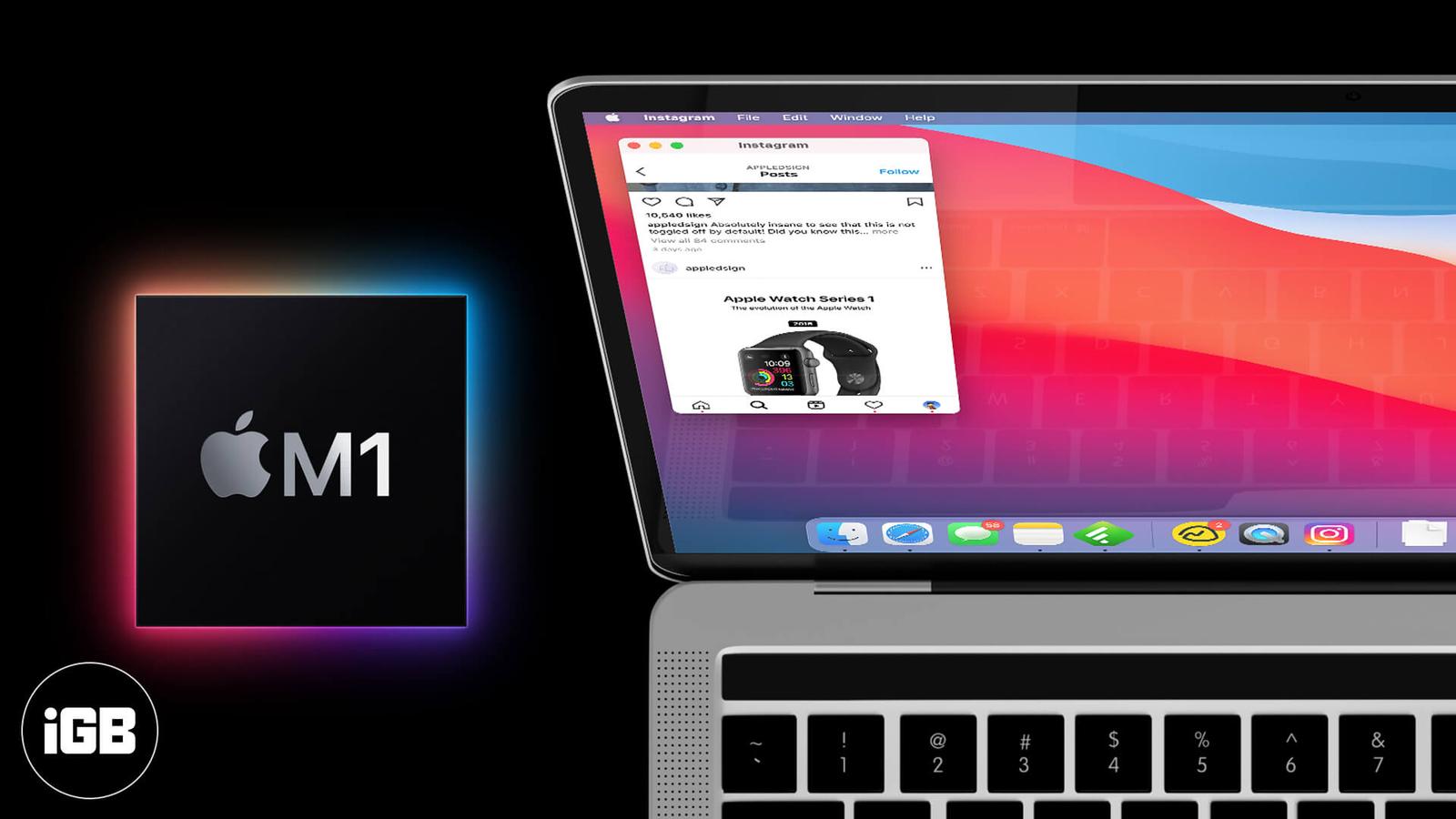
Apple Silicon Macs run iOS apps natively, but developers can hide them from the Mac App Store. Here are three ways to install iPhone and iPa
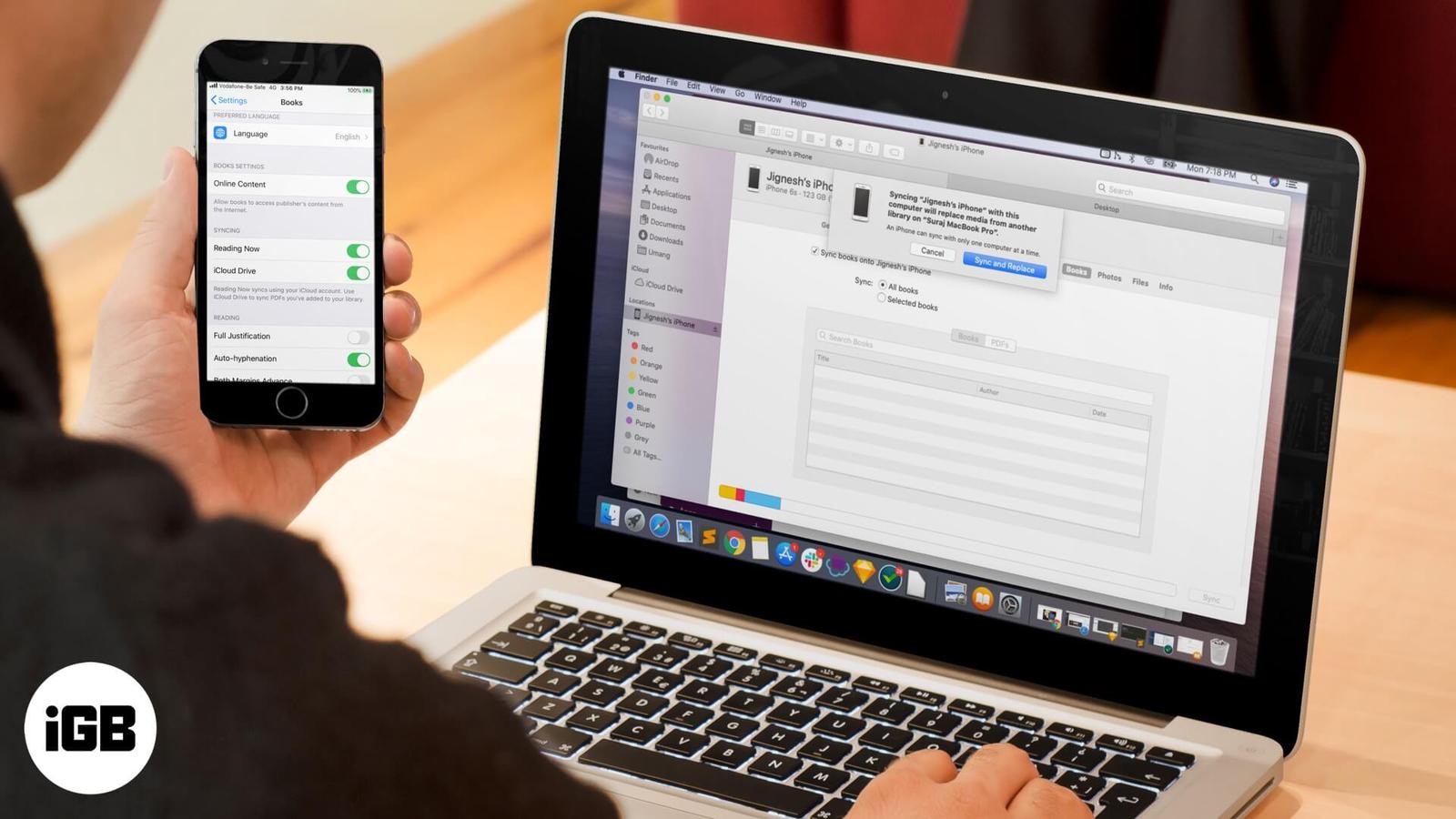
A library that differs on every device defeats the point of Apple Books. These fixes cover iCloud sync toggles, Apple ID mismatches, hidden
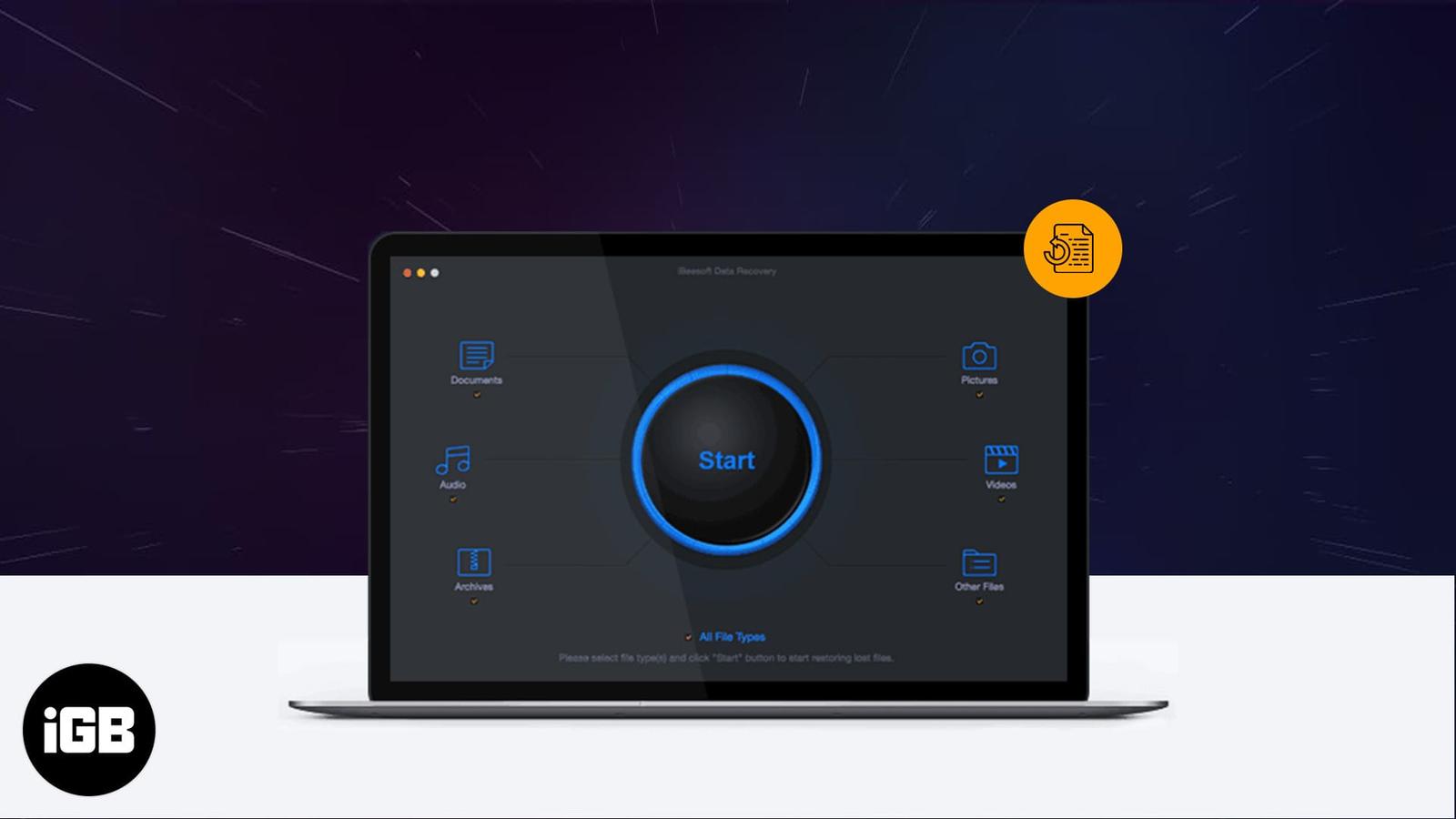
Accidental deletion happens to everyone eventually. iBeesoft scans drives and cards for recoverable files. We cover its feature set, system