
#macos sequoia
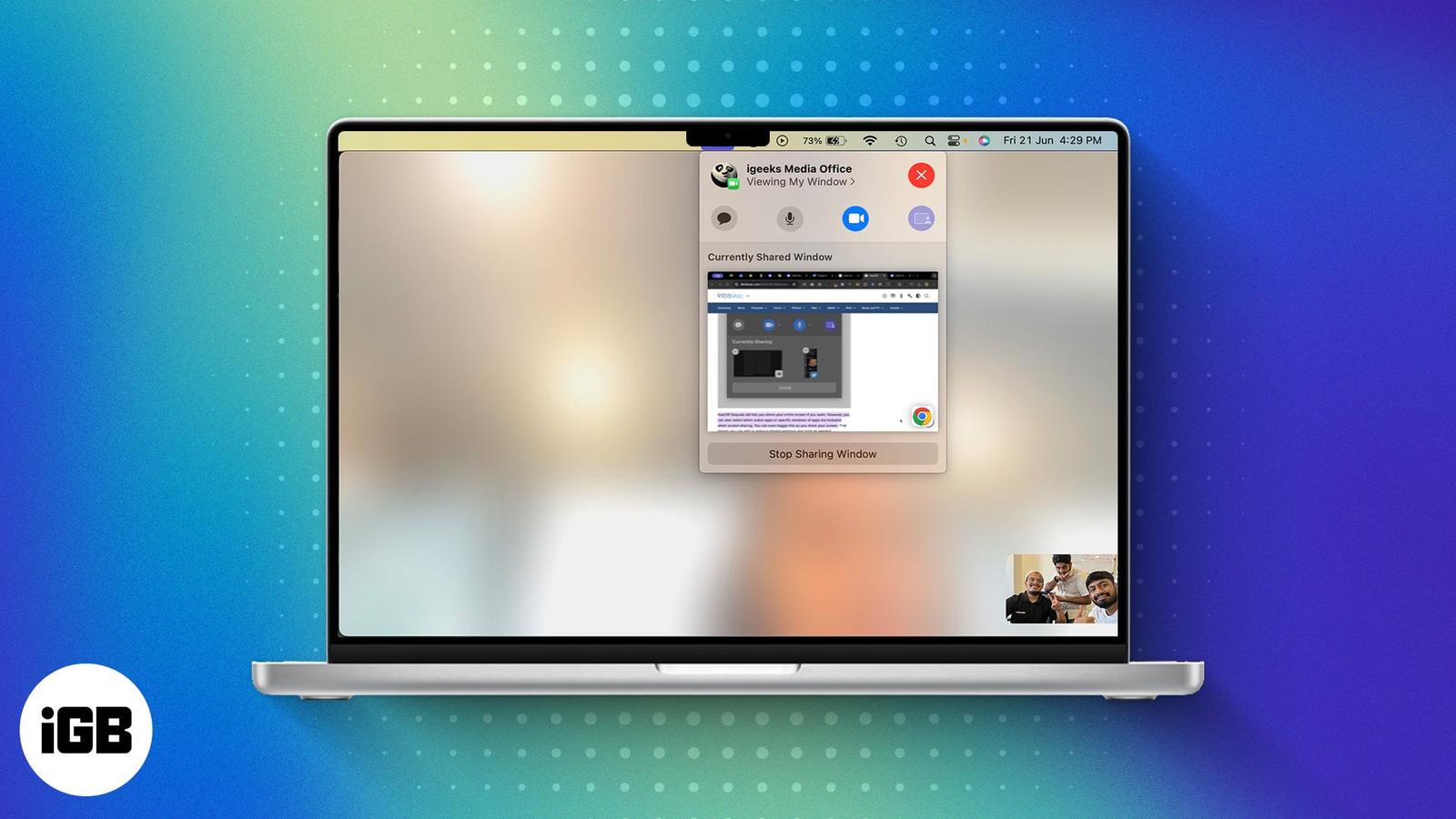
Latest in macOS Sequoia
How to Use Safari iCloud Tabs on iPhone, iPad and Mac
iCloud Tabs helps you continue browsing websites across multiple devices. Here’s how to setup and use iCloud Tabs on iPhone, iPad and Mac.
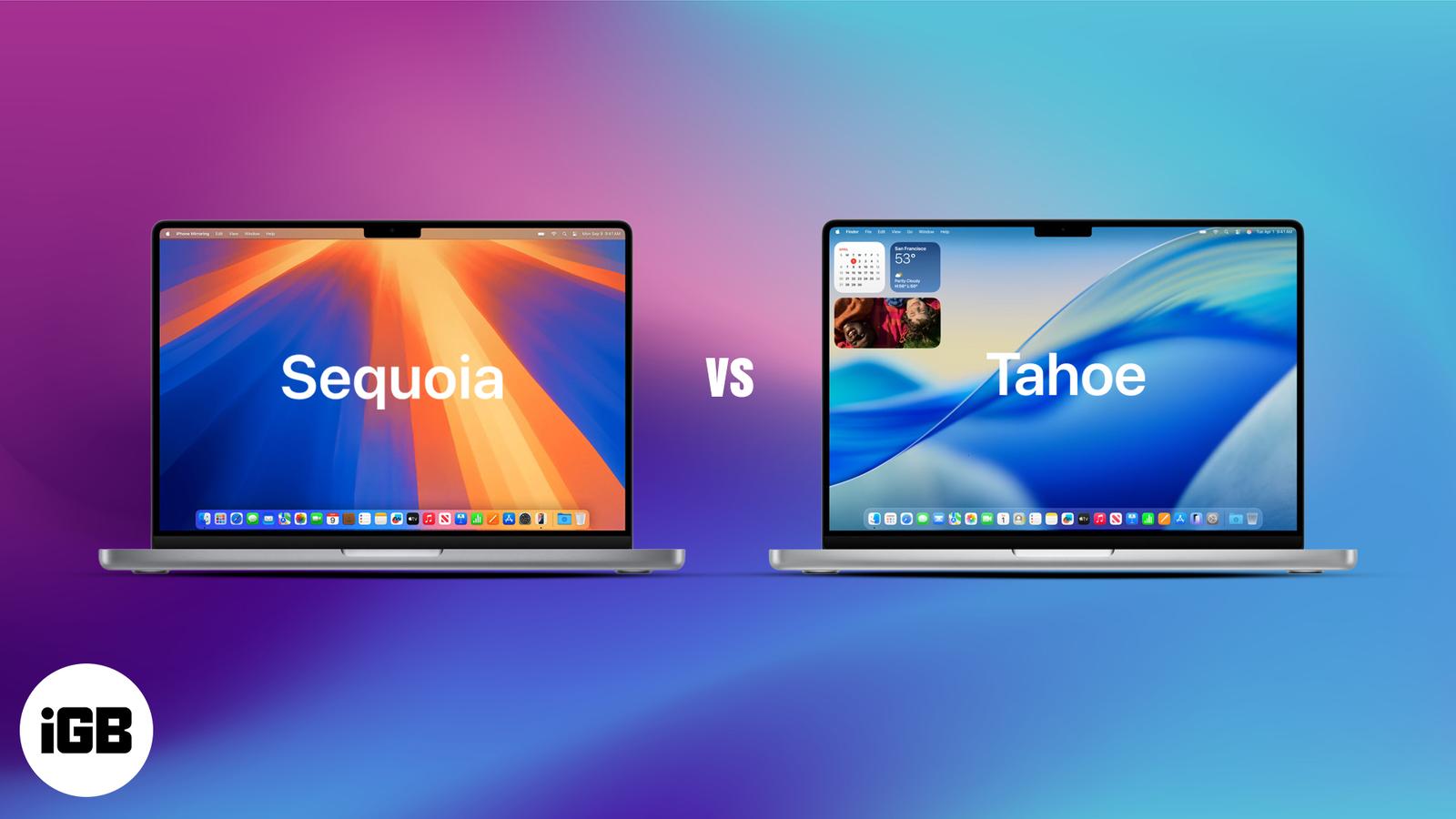
macOS Tahoe vs Sequoia: All the Big and Subtle Changes You Need to Know
macOS 26 Tahoe gives your Mac a fresh look, smarter tools, and iPhone-style upgrades. See what’s new and why it’s a big step up from Sequoia
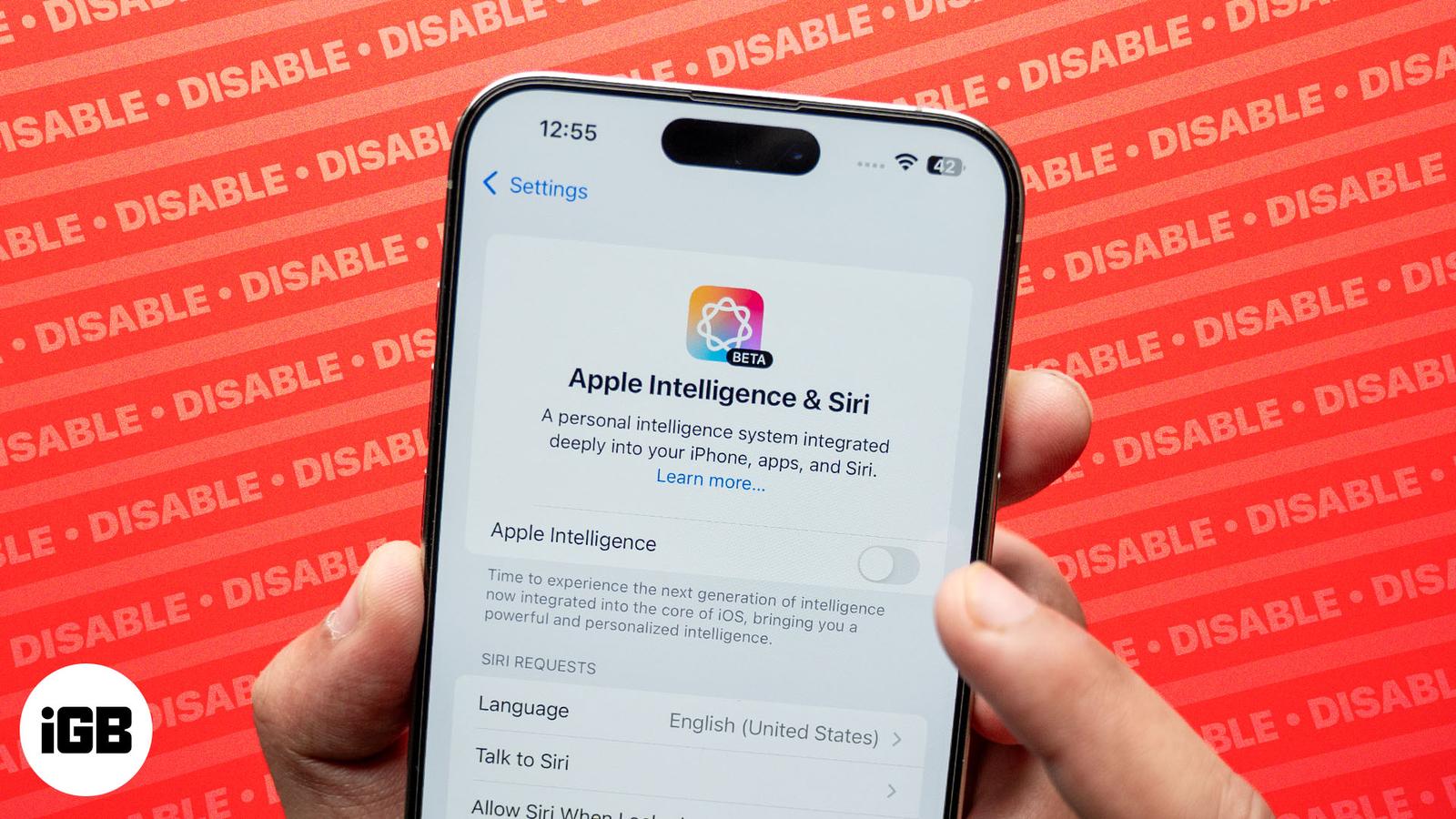
How to turn off Apple Intelligence on iPhone, iPad, and Mac
You can disable Apple Intelligence altogether or just the features you find unuseful.
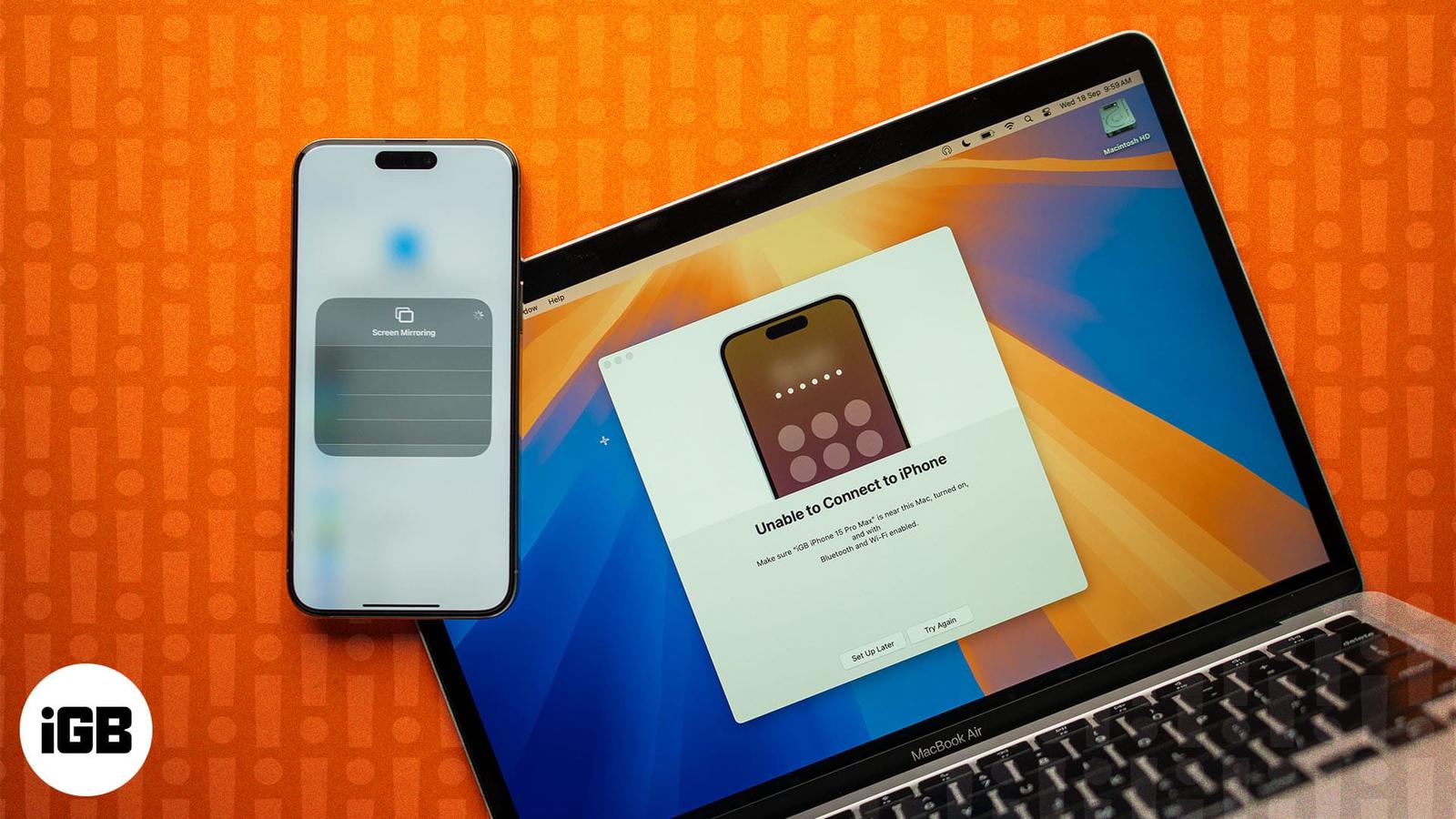
iPhone Mirroring not working on Mac? Try these fixes now
Tried and tested ways to fix iPhone Mirroring not working problems.
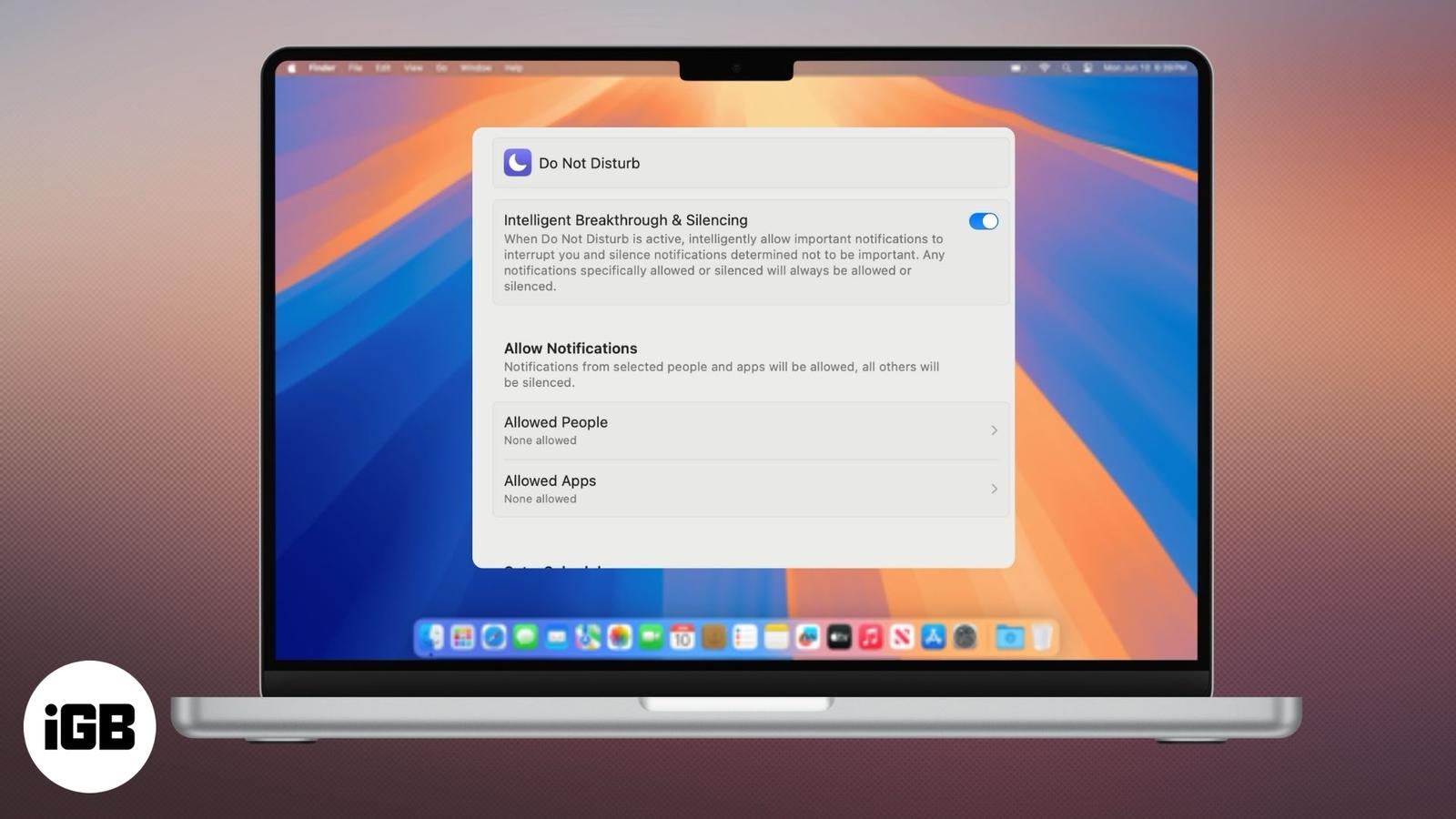
Do Not Disturb on Mac: A complete guide on how it works
Stay productive and eliminate distractions.
How to import passwords from other apps into new Apple Passwords
Here’s how to secure your passwords the Apple way and ditch the third-party password managers.
How to recover deleted passwords in Keychain on iPhone, iPad, or Mac?
Find out how to restore deleted passwords in Keychain across your Apple devices in a few steps.
macOS Sequoia compatibility: which Macs will run Sequoia
At WWDC 2024, Apple unveiled the latest version of the Mac operating system, called macOS Sequoia. This version offers a host of new improve
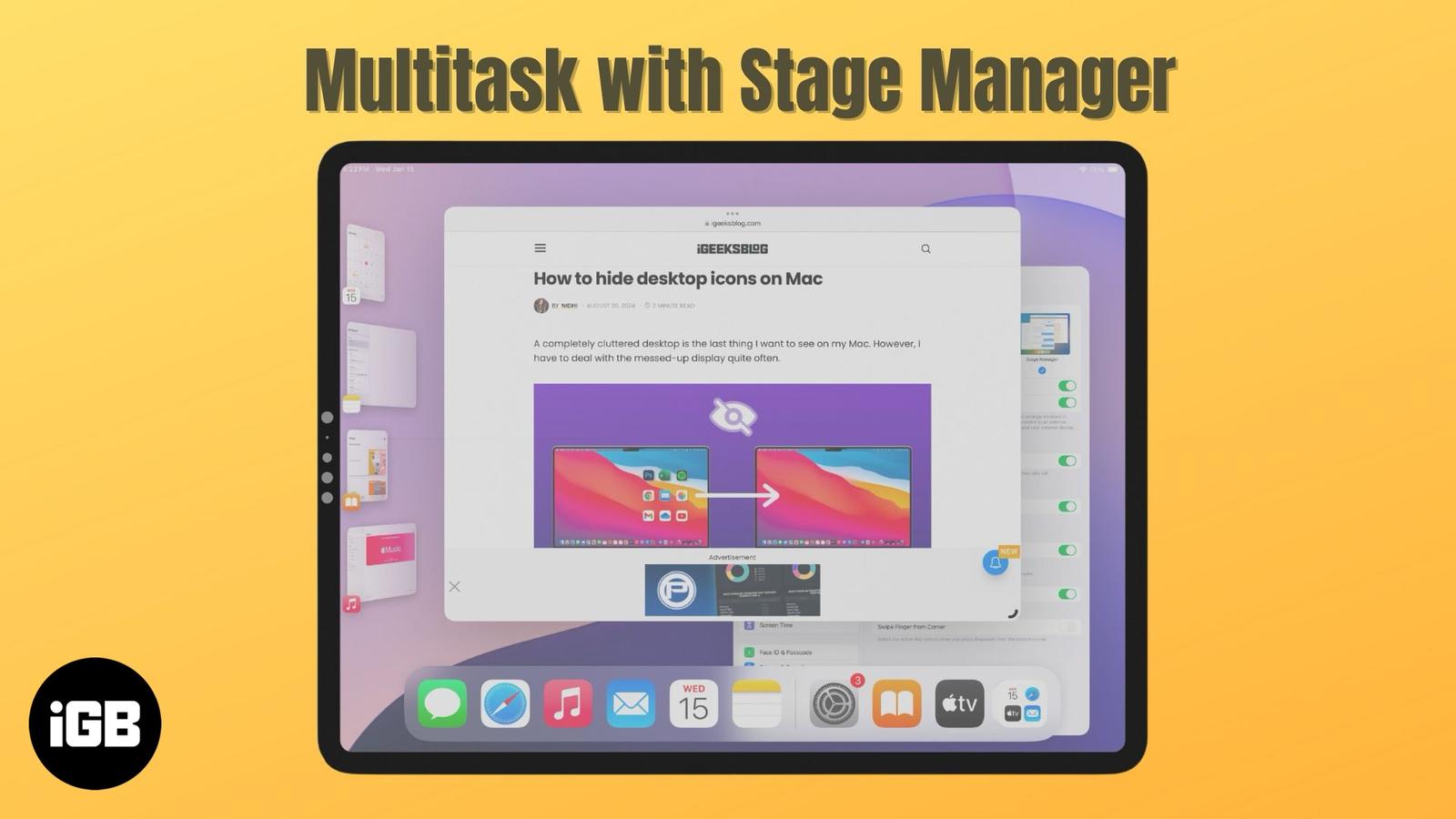
How to use Stage Manager on iPad and Mac
Become a multitasking pro with Stage Manager on your iPad and Mac.
How to Use and Customize Control Center on Mac (macOS 26 Included)
Master your Mac with the all-new Control Center in macOS 26—customizable, powerful, and just a click away.