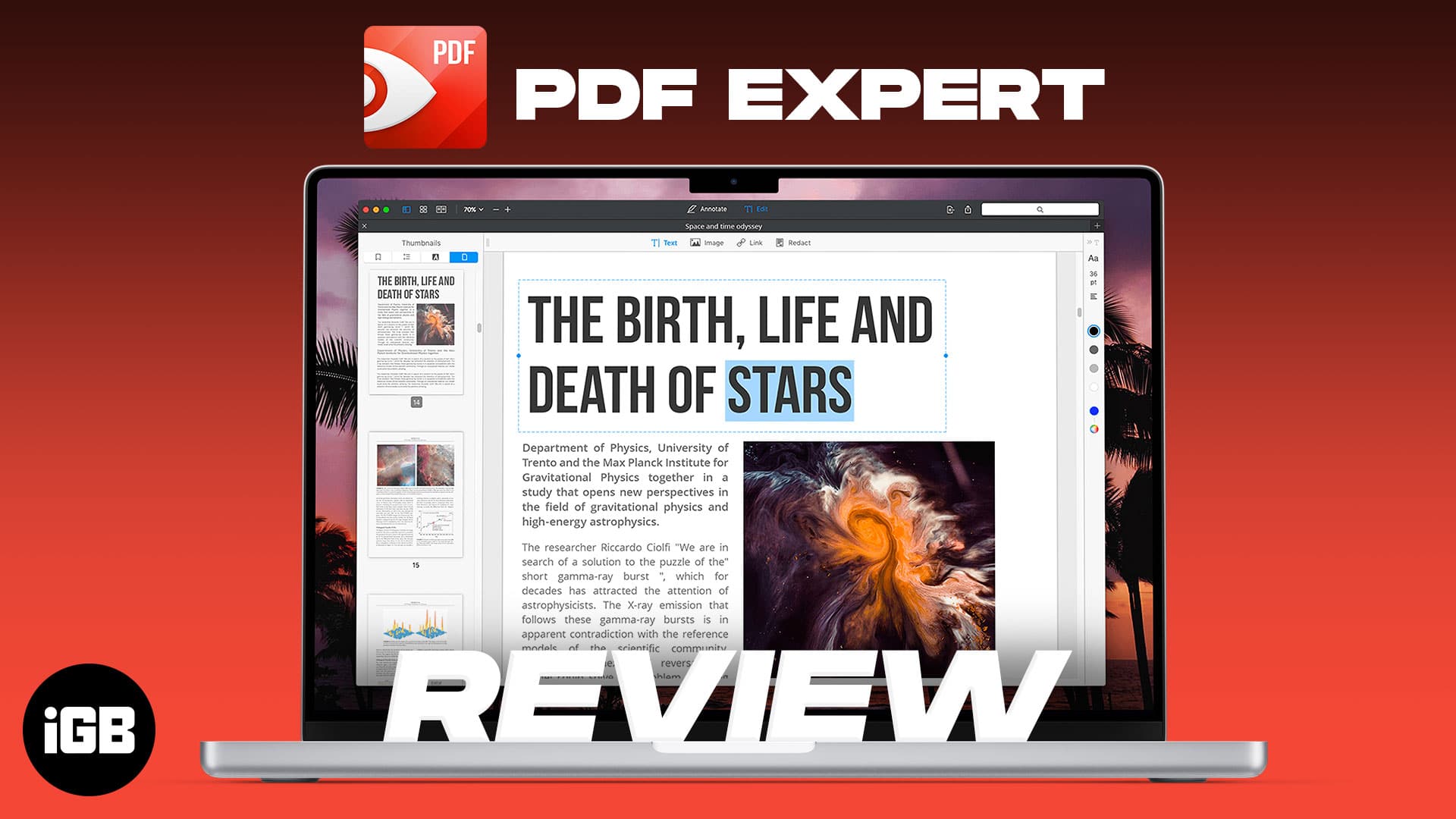
PDF Expert for Mac – Fastest PDF Editor
PDF Expert is built for speed on large documents where Preview struggles. We look at its editing and annotation tools, form handling, interface, and whether it justifies the upgrade.

PDF Expert is built for speed on large documents where Preview struggles. We look at its editing and annotation tools, form handling, interface, and whether it justifies the upgrade.
A camera that shows a black screen usually means an app has claimed it or permissions are denied. Here is what causes it, how to fix the bui

A Mac that never sleeps wears its battery and wastes power. Here is how to find what is keeping it awake, from Bluetooth accessories and sha
A dead USB port is often a software issue rather than a broken connector. Here is how to test the drive and port, check System Information,

Not every app supports Split View, and a couple of display settings block it entirely. Here is what to check first, plus six fixes that rest
Silent speakers usually mean audio is routing to the wrong output rather than a hardware fault. Here is how to check the output device, rule
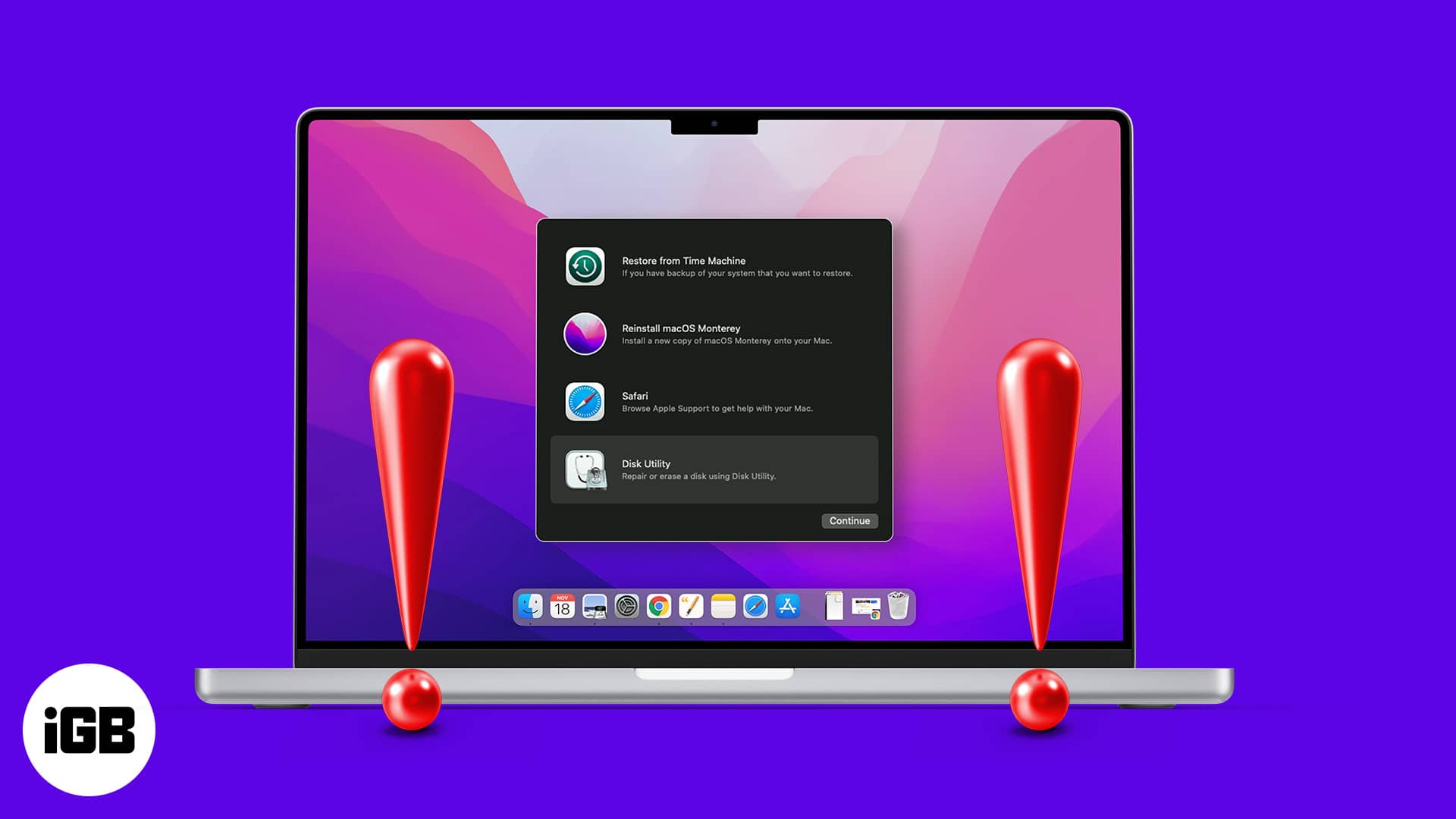
If Recovery Mode will not load, you cannot reinstall macOS or run Disk Utility. Here is why Command R fails, what to do about a deleted reco

A frozen Finder makes the whole Mac feel broken. Here is how to relaunch it without restarting, clear the preference files that cause repeat

The Dock is faster than it looks once you learn its shortcuts. Here are the general and Dock-specific key combinations, plus how to add, rea

Rejoining a network every time you open the lid gets old fast. Here is why macOS drops Wi-Fi on wake and the network settings and power opti
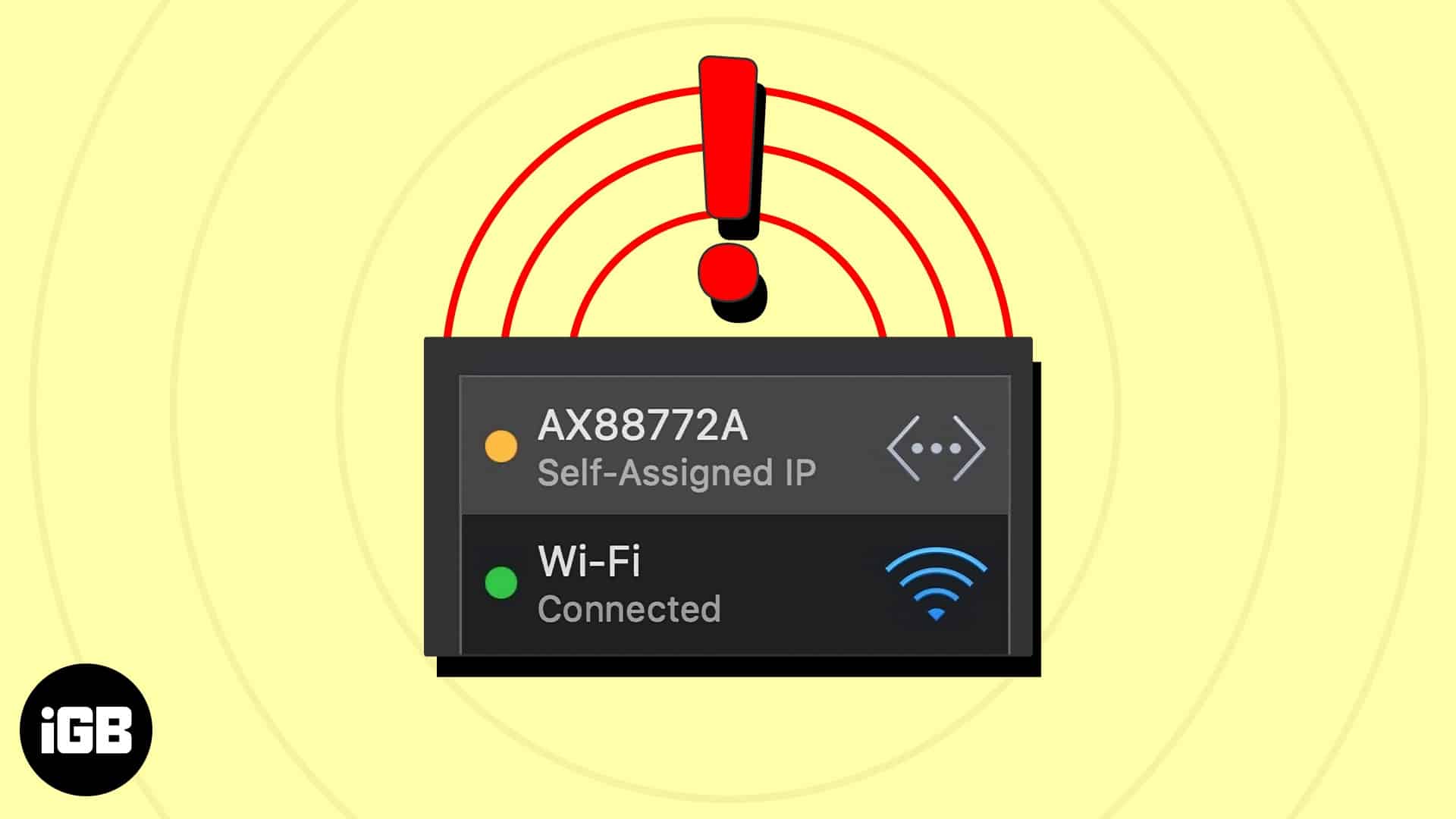
This error means your Mac gave itself an address because DHCP failed, leaving you offline. Here is what causes it, the fixes that restore co