
#mail app
Latest in Mail App
iOS 27 Mail app: All the new features explained
Apple is giving the Mail app one of its biggest updates yet in iOS 27. From smarter search and Siri AI to contextual actions and Apple Intel
How to save an email as a PDF on iPhone, iPad, and Mac
Email communication is crucial in both personal and professional settings. Moreover, saving important Apple Mail conversations as PDF files
How to Sign Out of Mail on iPhone: Easy Steps for All Accounts
Learn how to sign out of the Mail app on your iPhone, whether you’re temporarily disabling Mail, removing accounts, or managing Gmail separa
40 expert tips to master Apple Mail on your iPhone
Maximize efficiency and productivity in the Apple Mail app on your iPhone with these pro tips.
Apple Mail Drop: What It Is and How to Use It (Complete Guide)
Mail Drop lets you send large videos, photos, and documents by uploading them to iCloud and sharing a secure link. It sidesteps email size l
How to change signature in Mail app on an iPhone and iPad
Key Takeaways Apple lets you remove the default “Sent from my iPhone” email signature and add a custom one. To change the email signature on
How to set up auto-reply in Apple Mail on iPhone, iPad, and Mac
In this guide, I’ll demonstrate the ways to configure this on iPhone, iPad, and Mac.

How to Create an iCloud Email Account?
This post details how to create iCloud email on an iPhone, iPad, or Mac and why you should consider using it.
Images not loading in Mail app on Mac? 9 Ways to fix it!
Are you facing issues with loading images in the Mail app on your Mac? If so, you’re not alone. Recently, I faced email attachment issues wh
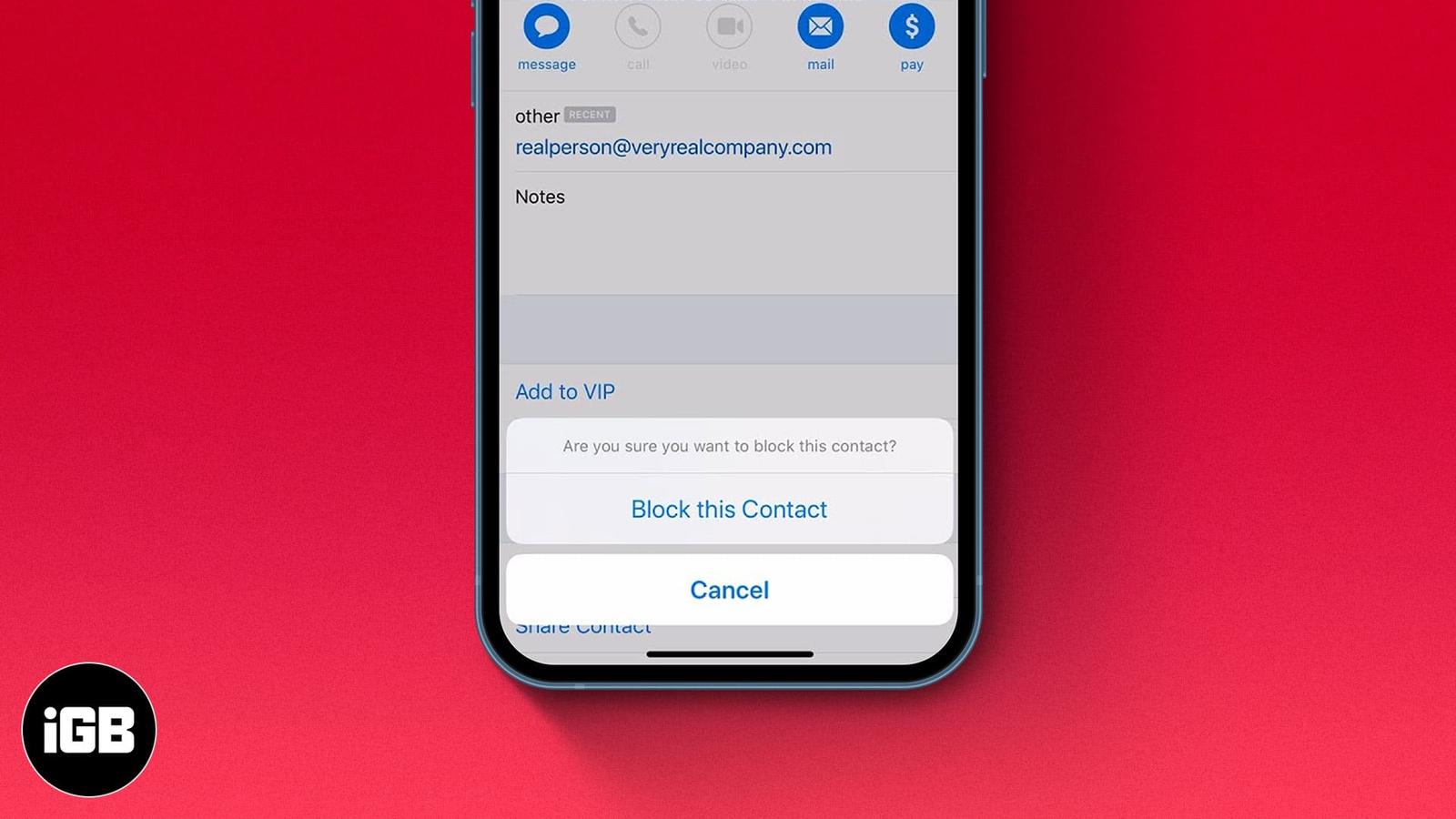
How to block unwanted emails on iPhone, iPad, and Mac
While you don’t see spam emails in your primary mail directory or receive notifications for them, some emails evade spam detection and land