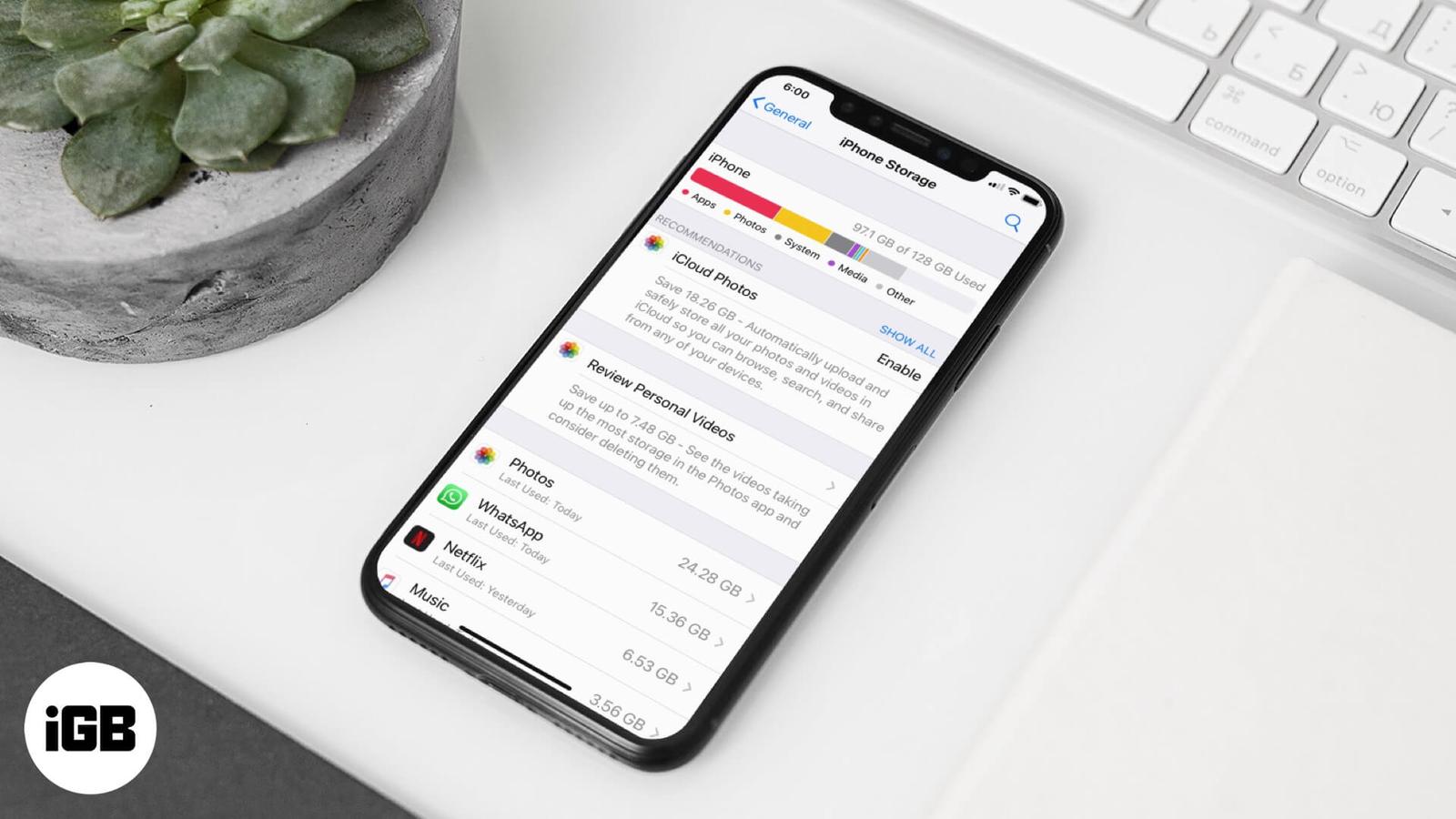
How to delete Documents and Data on iPhone and iPad
Documents and Data is cached app content that quietly consumes gigabytes. This guide explains why apps cache, how to see what each one stores, and the safest ways to clear it on iPhone and iPad.

Documents and Data is cached app content that quietly consumes gigabytes. This guide explains why apps cache, how to see what each one stores, and the safest ways to clear it on iPhone and iPad.

Photos lets you drag the slo-mo markers to restore normal speed without re-recording. Here is the fast method, plus how to use iMovie when y

Continuity Camera needs both devices on the same Apple ID with Wi-Fi and Bluetooth on. These fixes work through every requirement plus the s
A phone that will not appear in iTunes is usually a driver or trust-prompt problem, not a cable fault. These six fixes cover drivers, the Lo
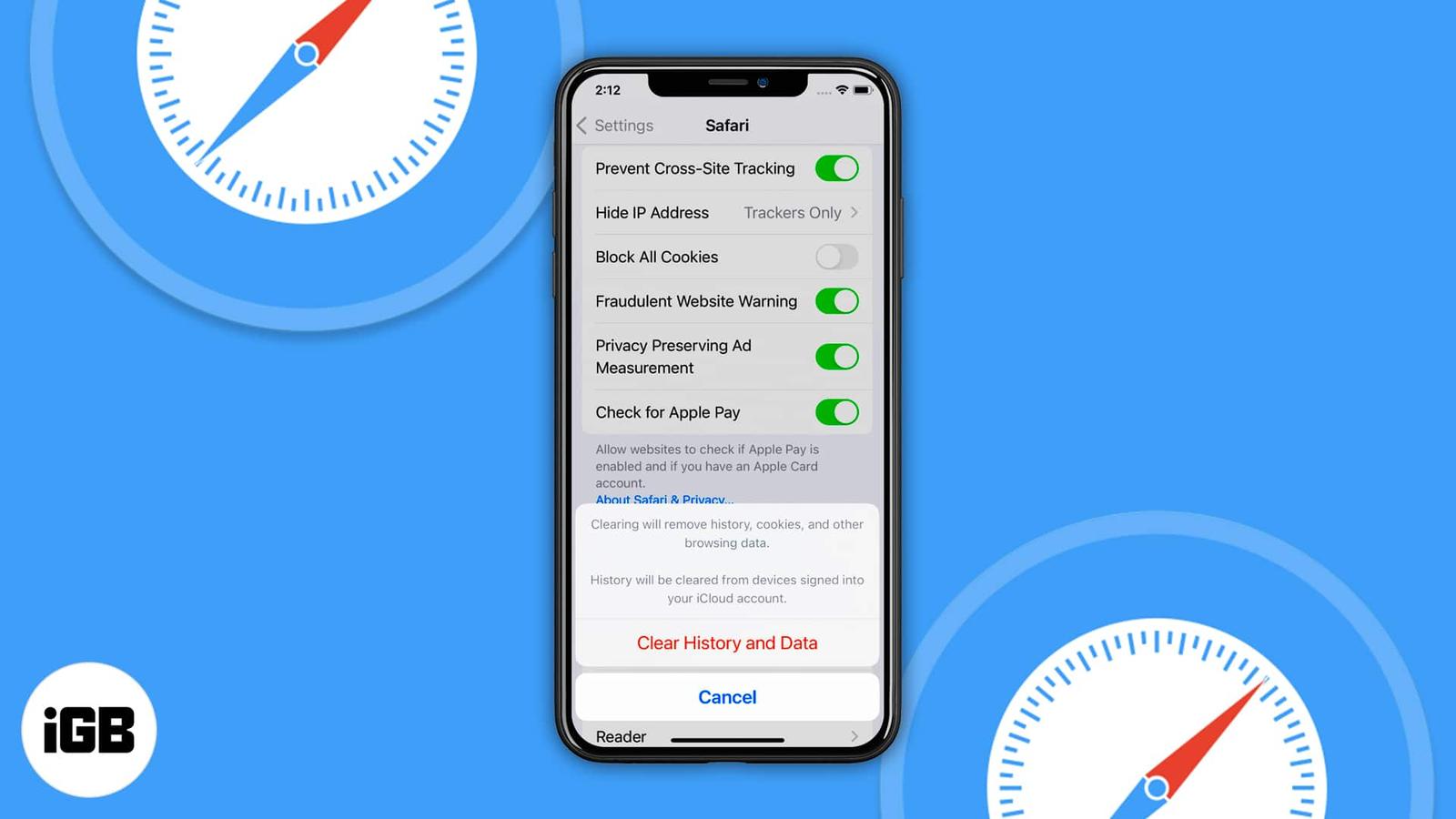
When Clear History and Website Data is dimmed, a Screen Time web content restriction is nearly always the cause. These four fixes cover rest
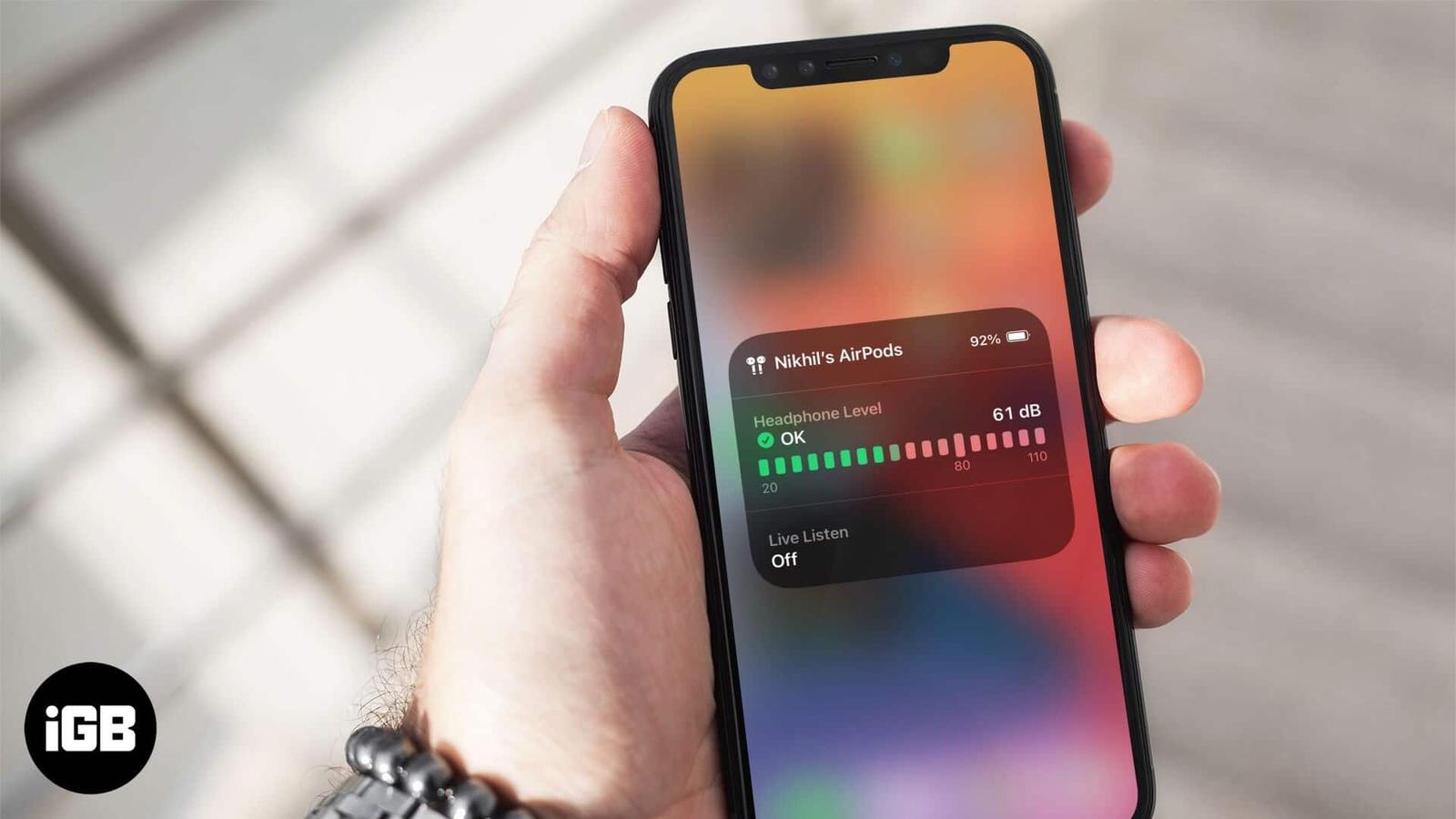
Sustained volume above 80 decibels damages hearing over time. iPhone can measure headphone levels live. Here is how to add the Hearing contr
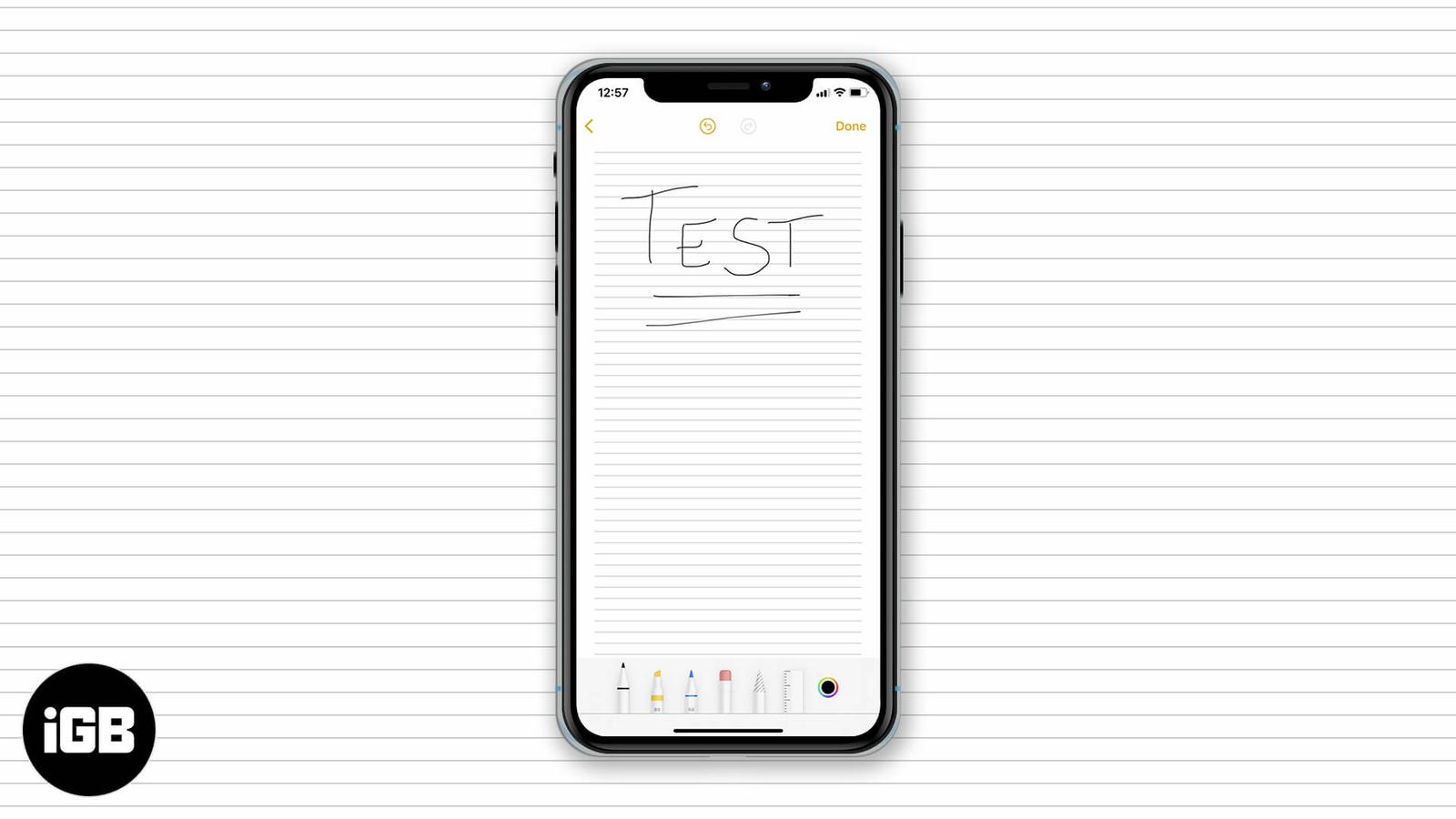
Lined and grid backgrounds make handwritten notes far neater on iPad. Here is how to apply a paper style, remove it from an existing note, a

Memoji customization goes well beyond hair and eyes. This short guide shows exactly where the clothing options live in Messages and how to c

Siri can learn which music service you prefer, so requests route to Spotify or another app instead of Apple Music. Here is how to set it, an

AirDropping a saved password requires iCloud Keychain, the right AirDrop visibility, and the recipient in your contacts. These nine fixes wo

An upside-down camera preview is a software glitch, not a hardware fault. These solutions cover force quitting the app, orientation lock, re