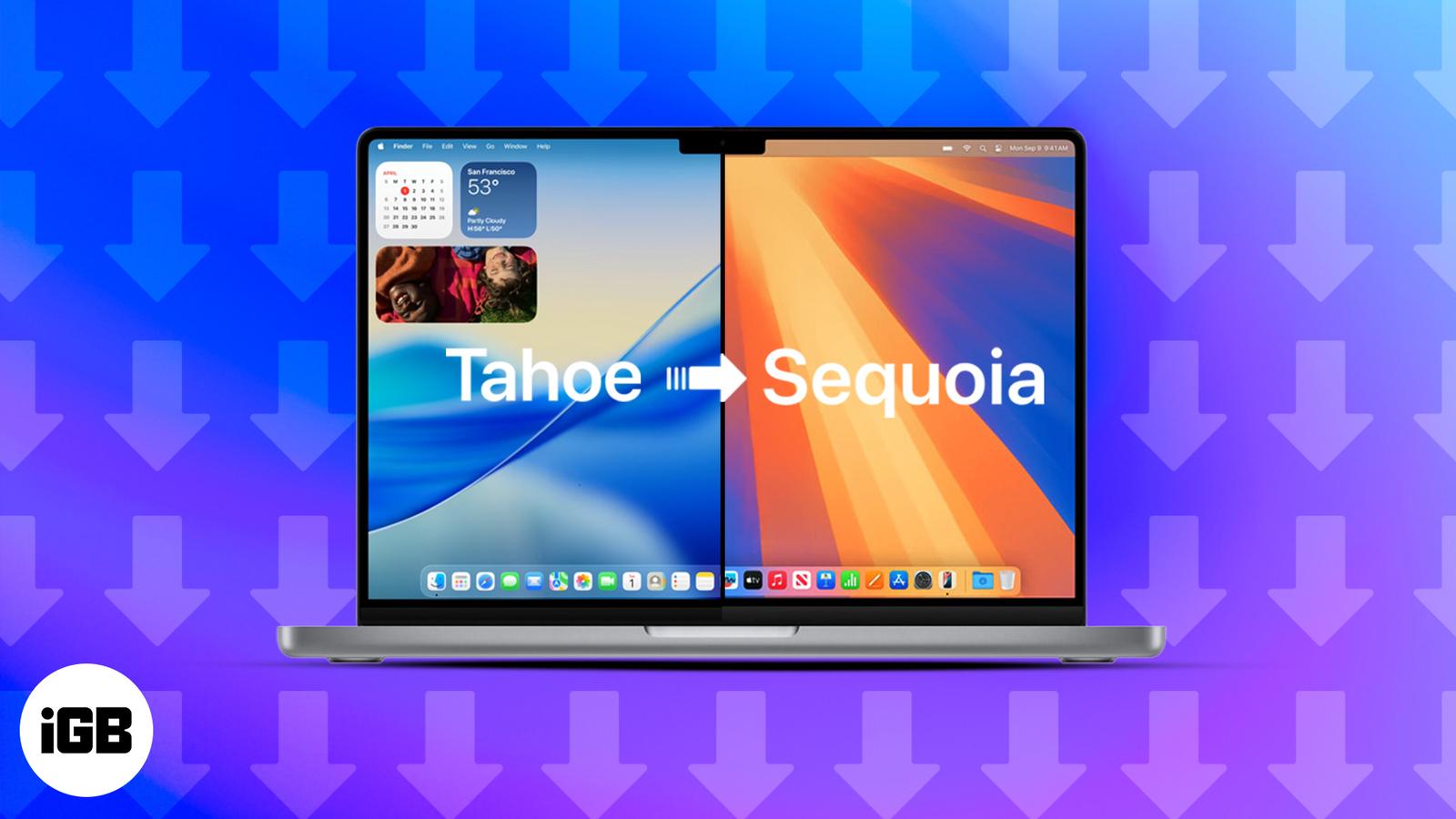
How to Downgrade macOS 26 Tahoe Beta to macOS Sequoia Without Losing Your Data
This guide walks you through the step-by-step process of safely downgrading from macOS 26 Tahoe Beta to the stable macOS 15 Sequoia without losing your data.

This guide walks you through the step-by-step process of safely downgrading from macOS 26 Tahoe Beta to the stable macOS 15 Sequoia without losing your data.
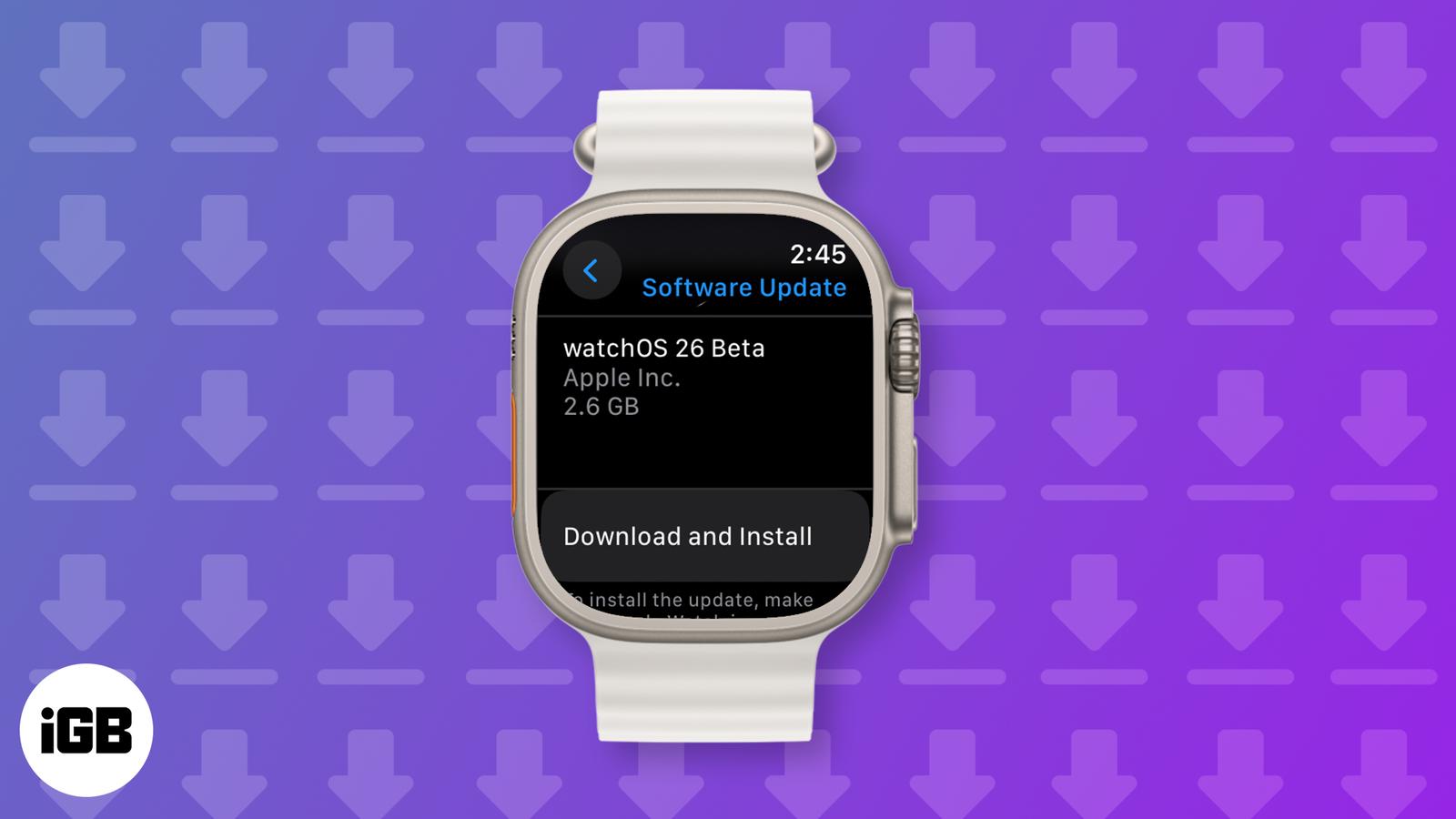
Try watchOS 26 early! Follow this quick guide to download the developer beta on your Apple Watch and explore the latest features before anyo

Here’s everything we know so far about Apple Music Replay 2025.
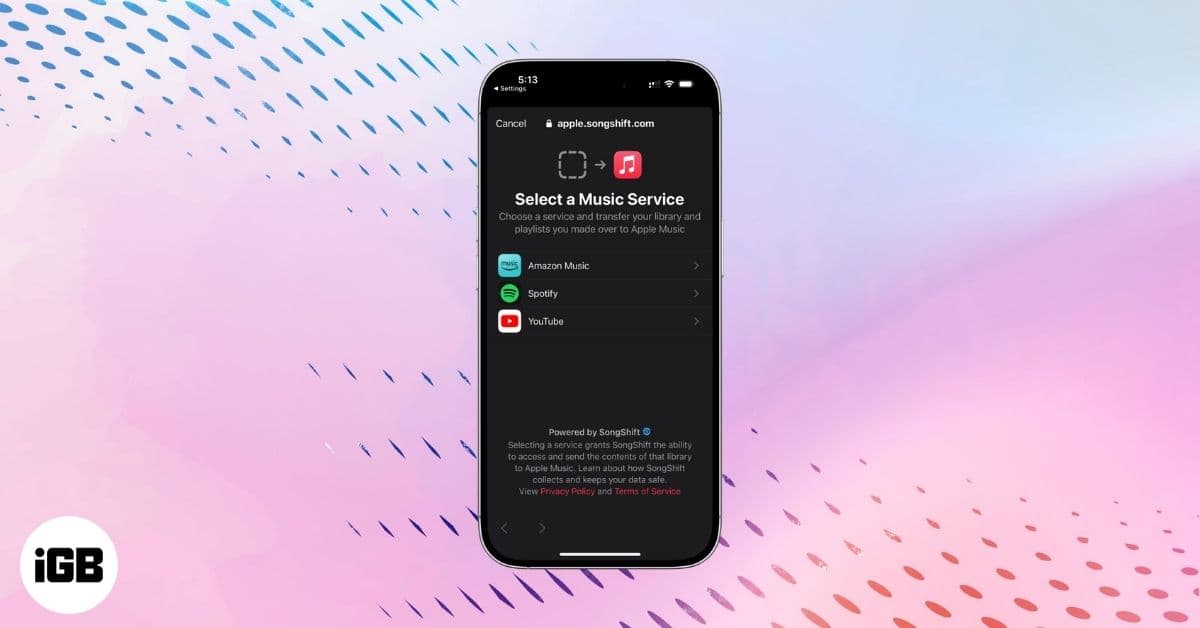
Move your favorite Spotify playlists to Apple Music in a few quick steps. This guide shows you how to sign in, select your playlists, and tr

Learn how to create a Smart Playlist in Apple Music and automatically organize your favorite songs for effortless listening.
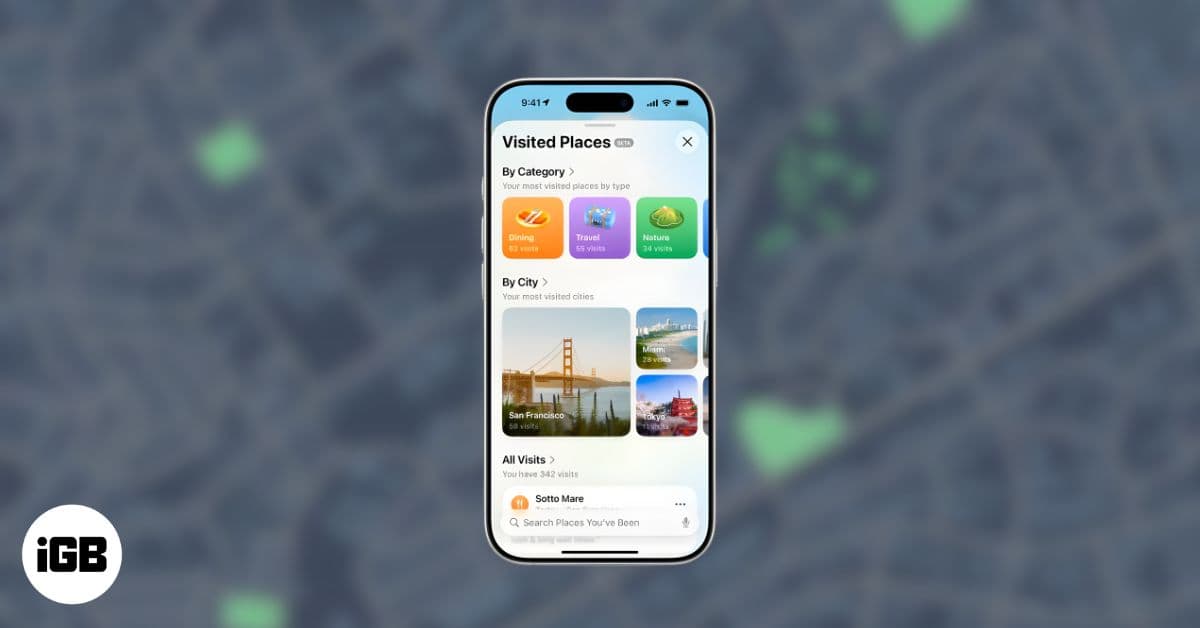
Apple Maps’ Visited Places logs your trips, helps you revisit spots, and gives you privacy controls to turn it on or off anytime.

Here are some hidden Apple Maps tips and tricks to help iPhone users navigate smarter…
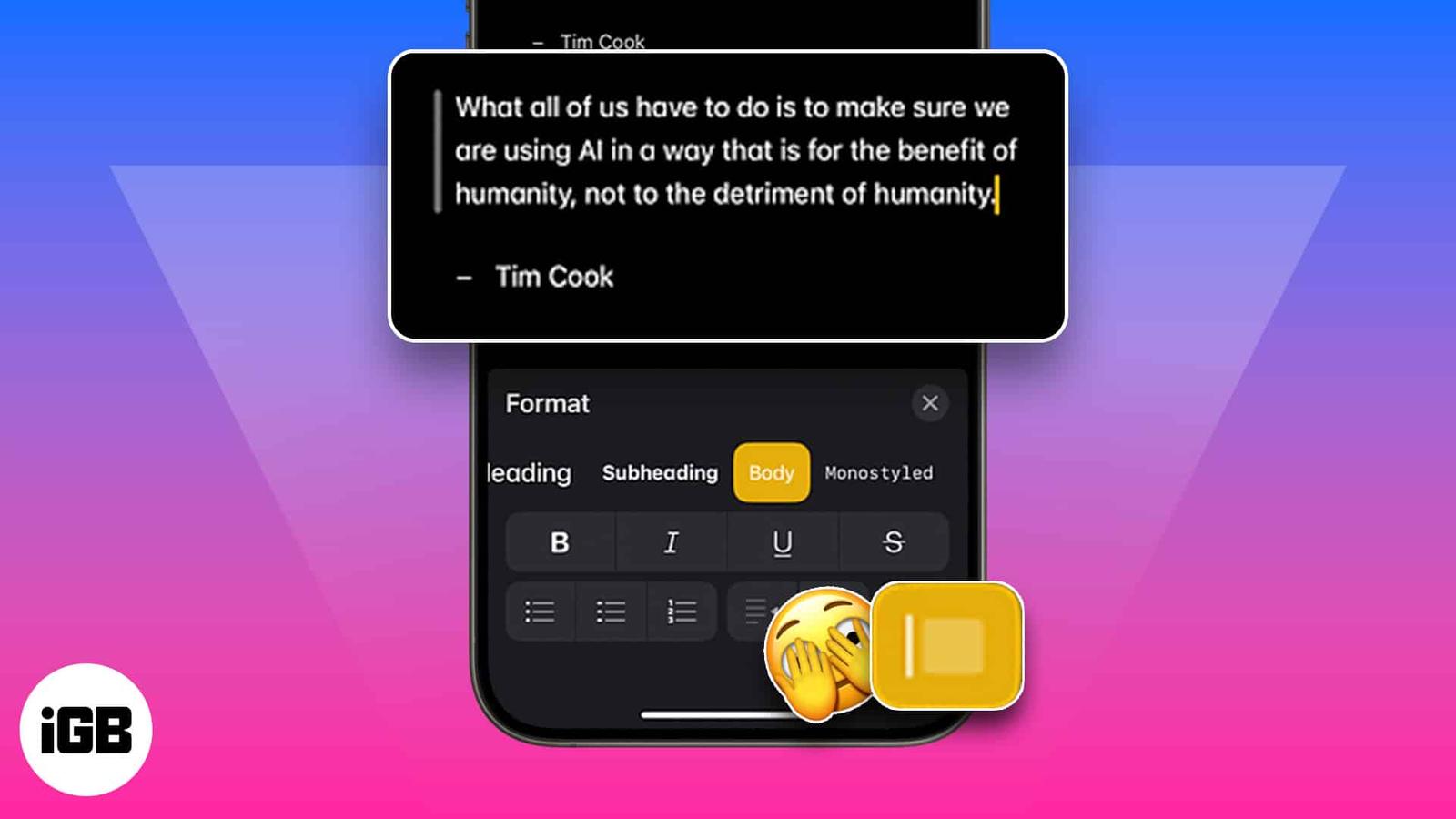
If you want to cite a paragraph or two in your note, you can use the block quote feature in Apple Notes. Block quote is one of the new featu
Change the default Notes account for seamless syncing across devices.
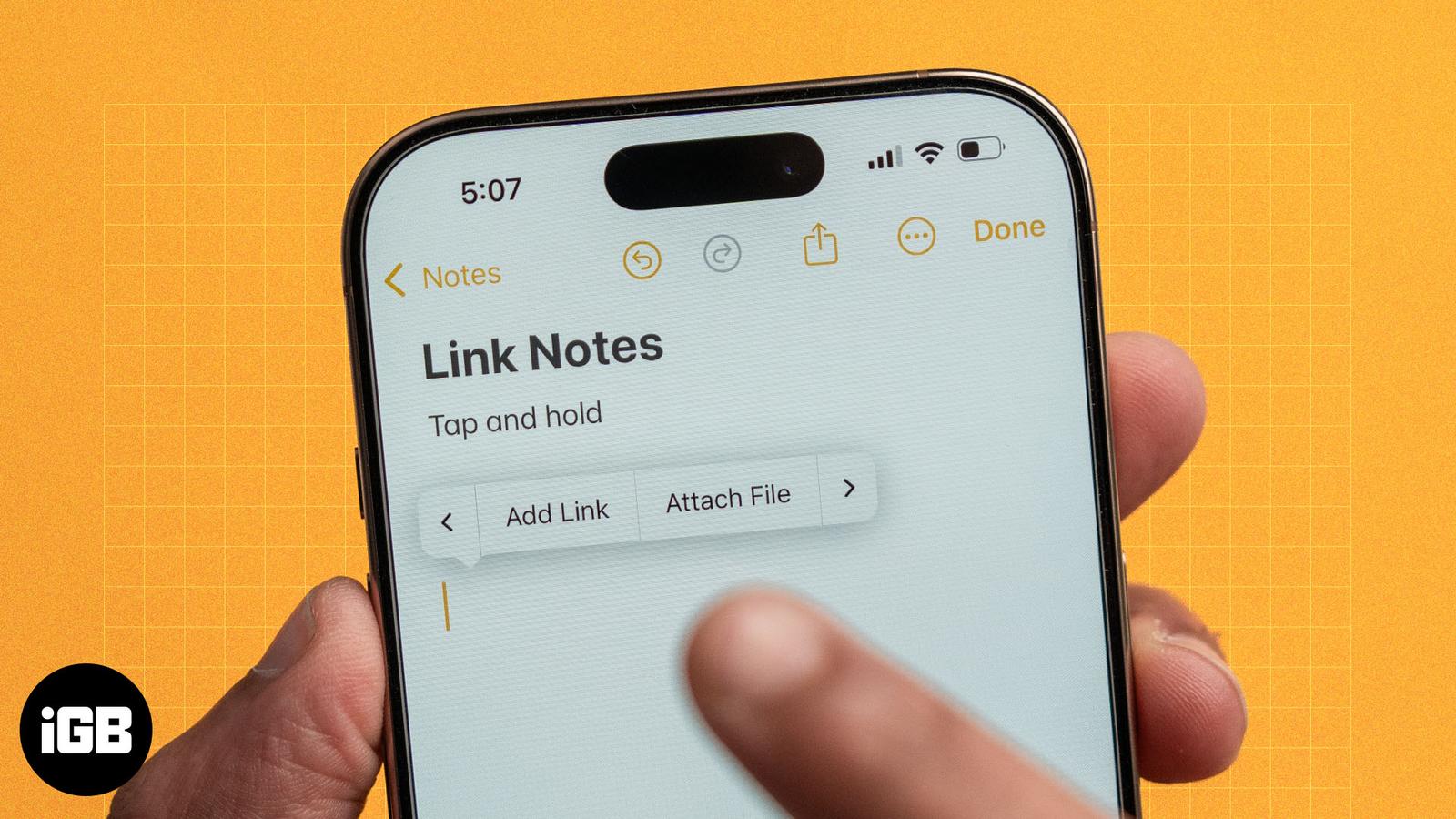
Apple’s Notes app allows you to create links between notes. Learn how to link notes in Apple Notes on iPhone and Mac, and explore the benefi
uick, step-by-step fixes to get Apple Notes syncing again — from toggles and storage checks to network resets and sign-in troubleshooting.