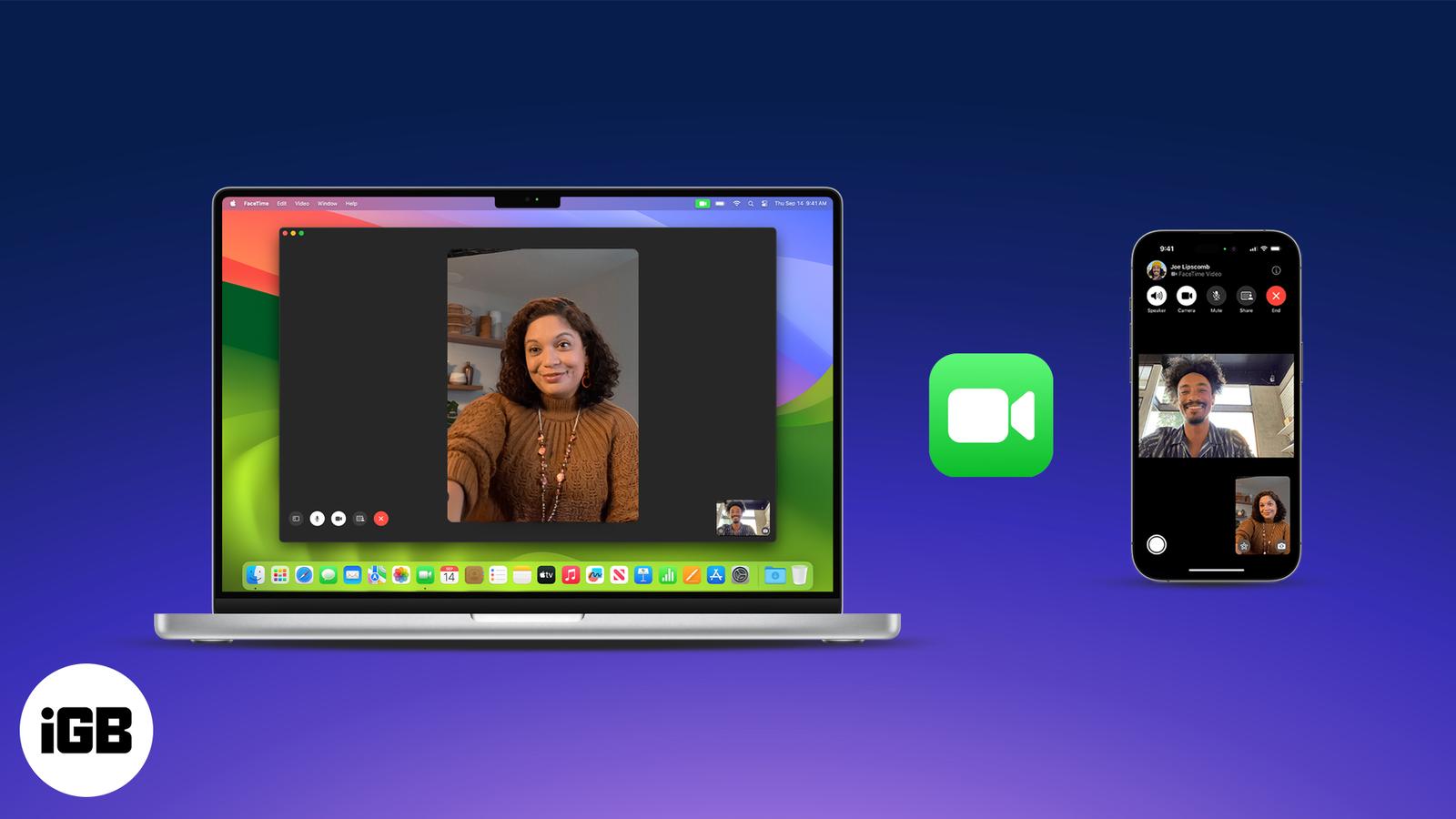
How to Use FaceTime on iPhone, iPad, and Mac?
Master FaceTime on iPhone, iPad, and Mac, from setup to group calls, screen sharing, and pro tips in one easy guide.

Master FaceTime on iPhone, iPad, and Mac, from setup to group calls, screen sharing, and pro tips in one easy guide.
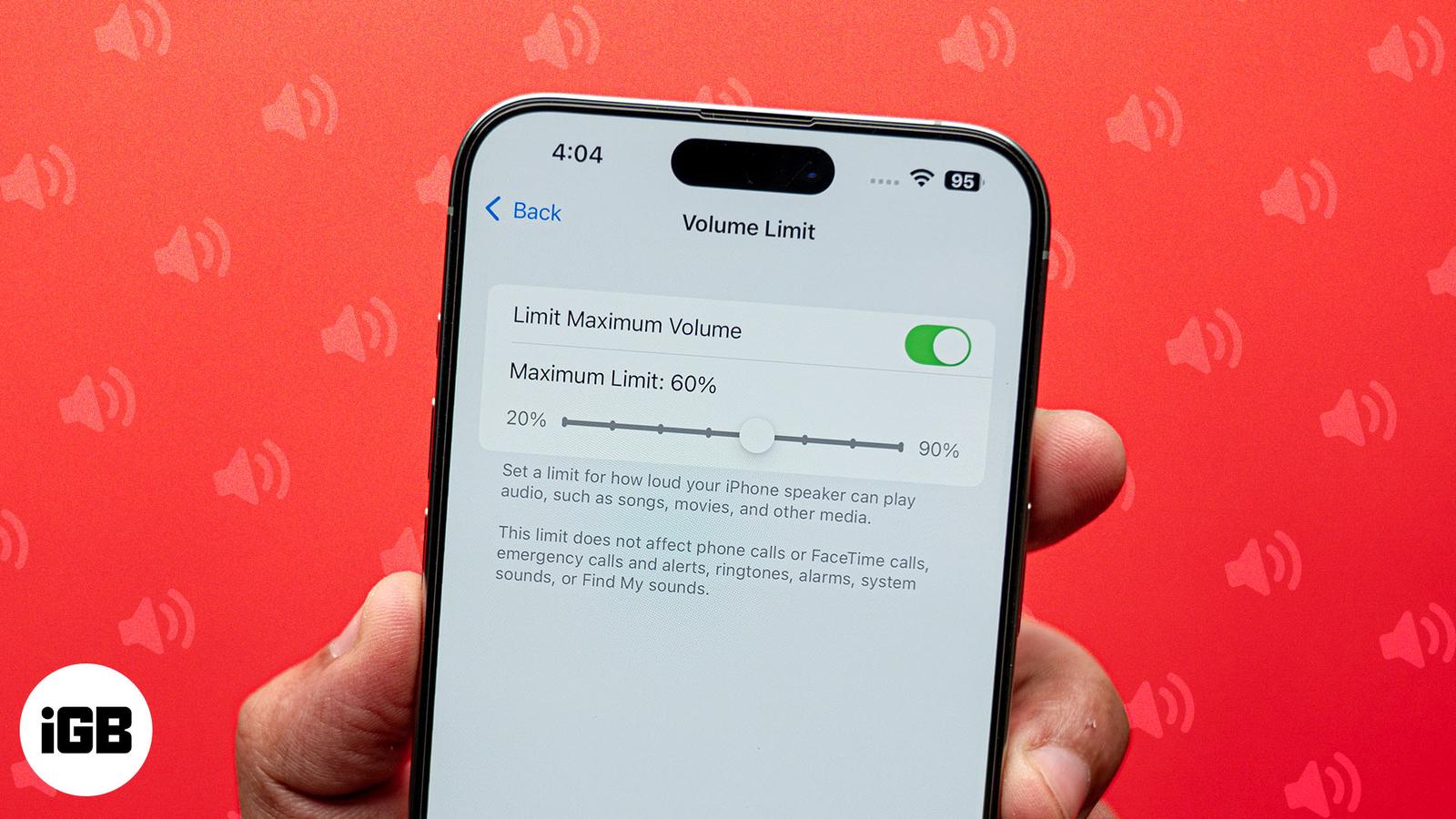
Want to save the embarrassment of having your iPhone play loud audio in public? The Volume Limit feature lets you set your iPhone’s speaker
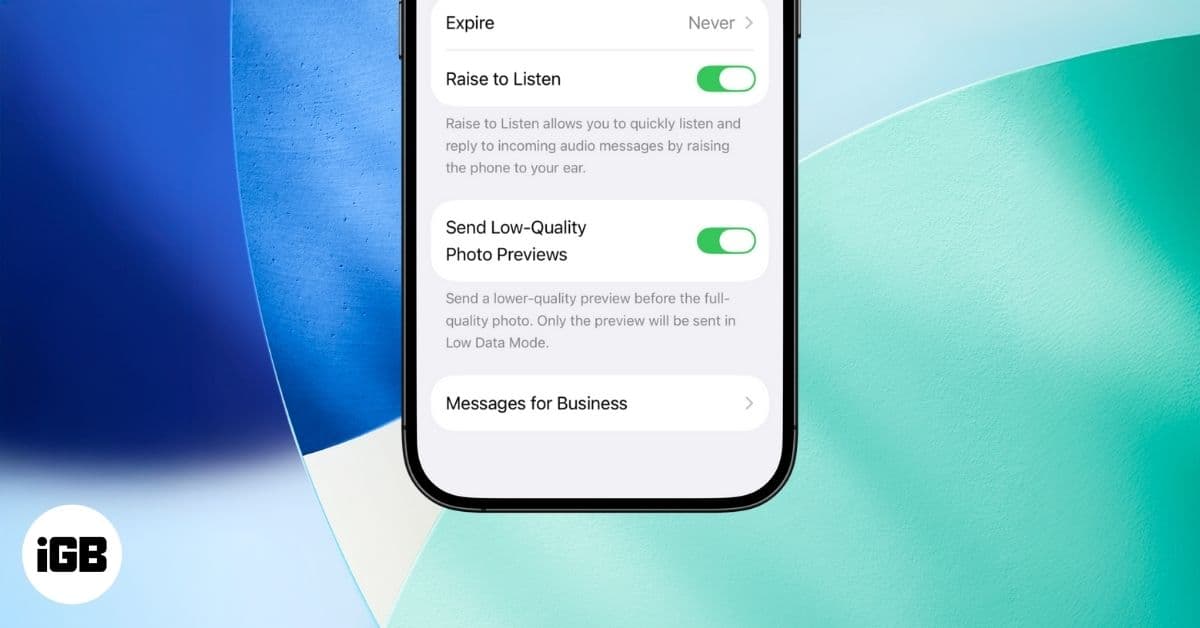
iOS 26 hides a clever toggle in Messages that speeds up photo sharing by sending a quick preview first. Here’s how it works and why you’ll w
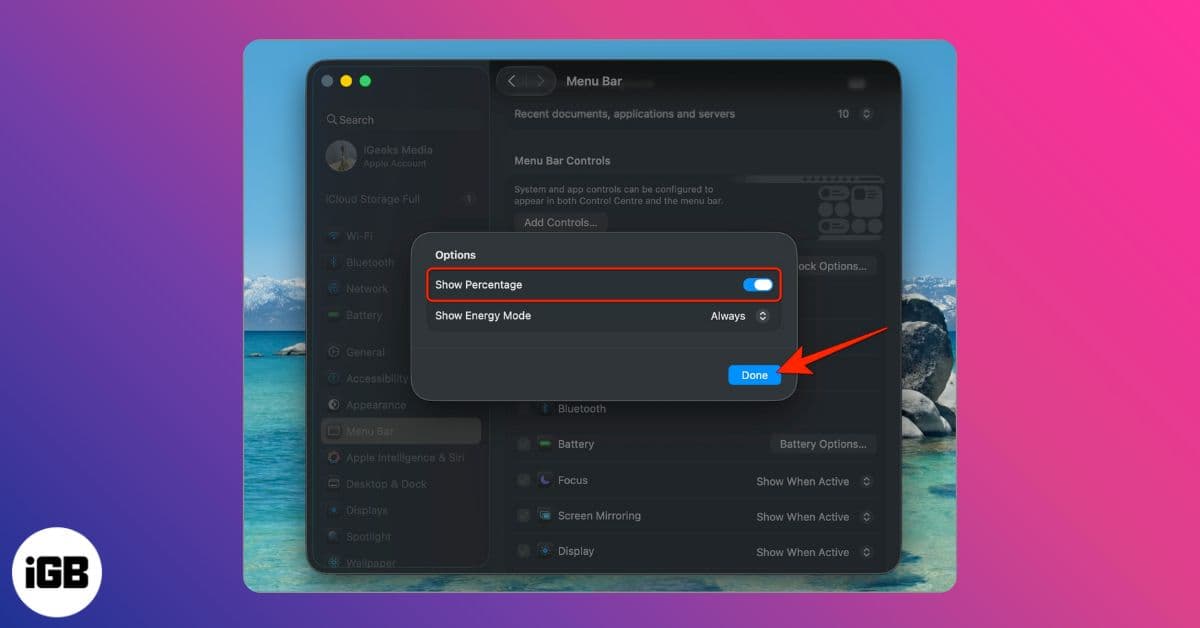
Want to see your Mac’s exact battery level? Here’s how to enable battery percentage in the menu bar on macOS Tahoe, Sequoia, Monterey, and o
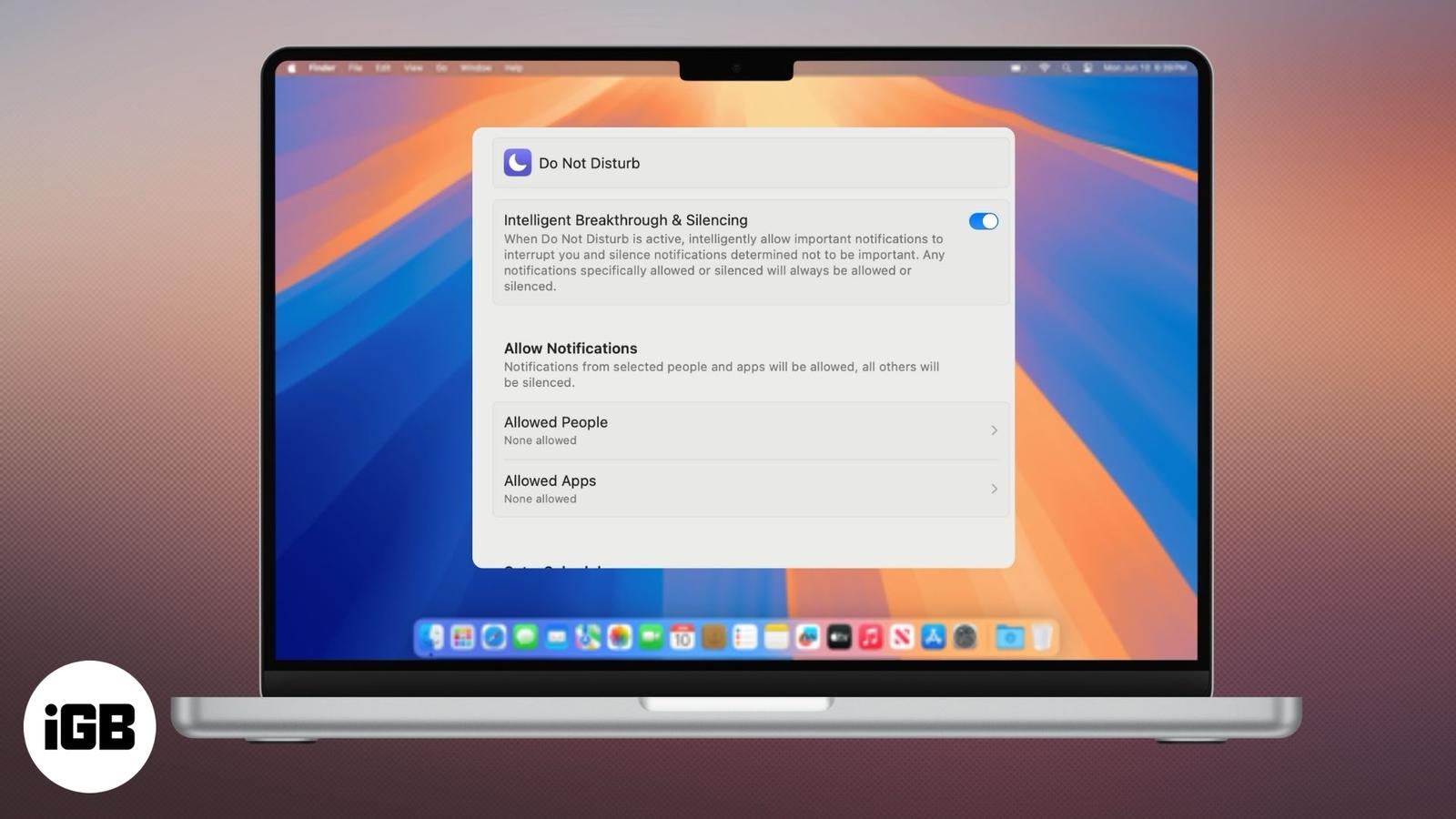
Stay productive and eliminate distractions.
Boost MacBook Pro performance for intensive tasks with High Power Mode. Here’s how to use it.
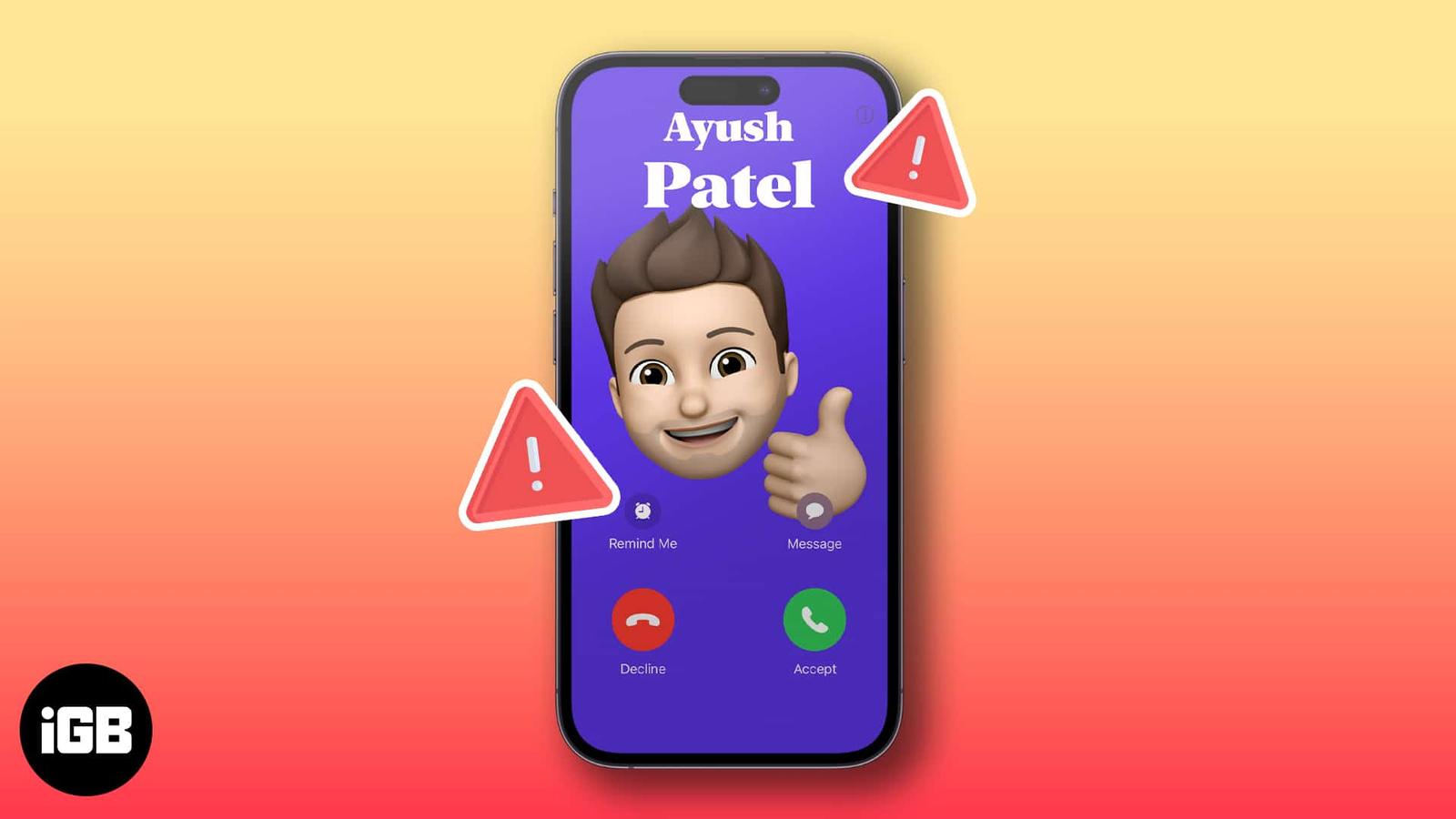
Having trouble with your Contact Poster not working? Read to learn how to fix the issue of your contact poster not working on your iPhone.
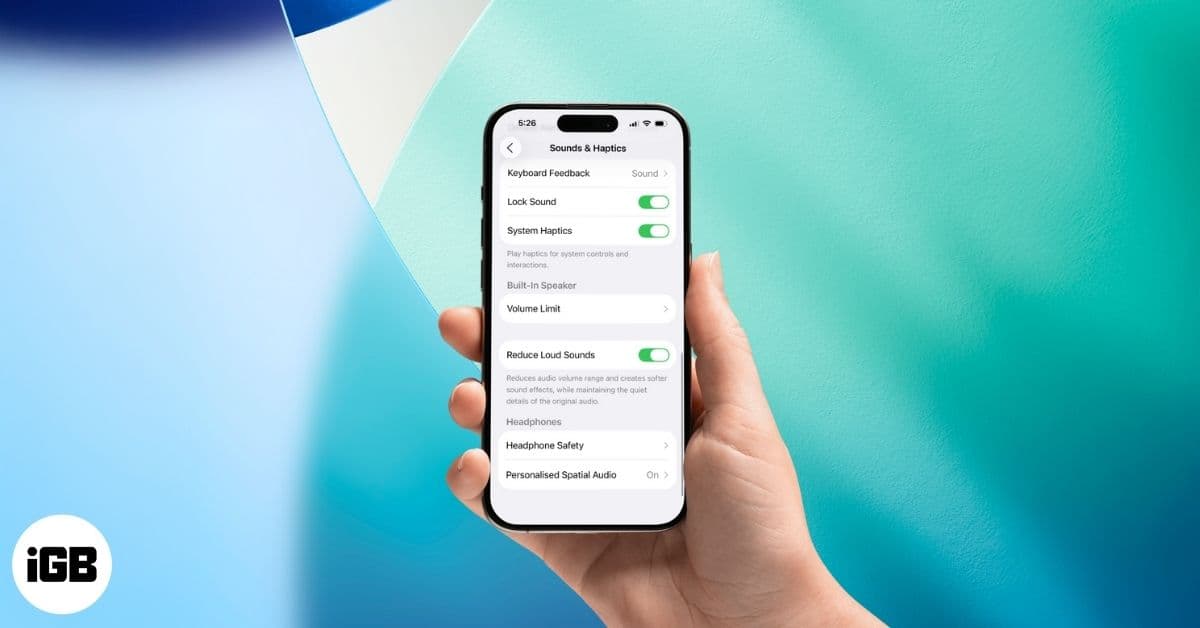
Keep your iPhone from startling you. With iOS 26’s Reduce Loud Sounds, sudden spikes get softened for safer, more comfortable listening.
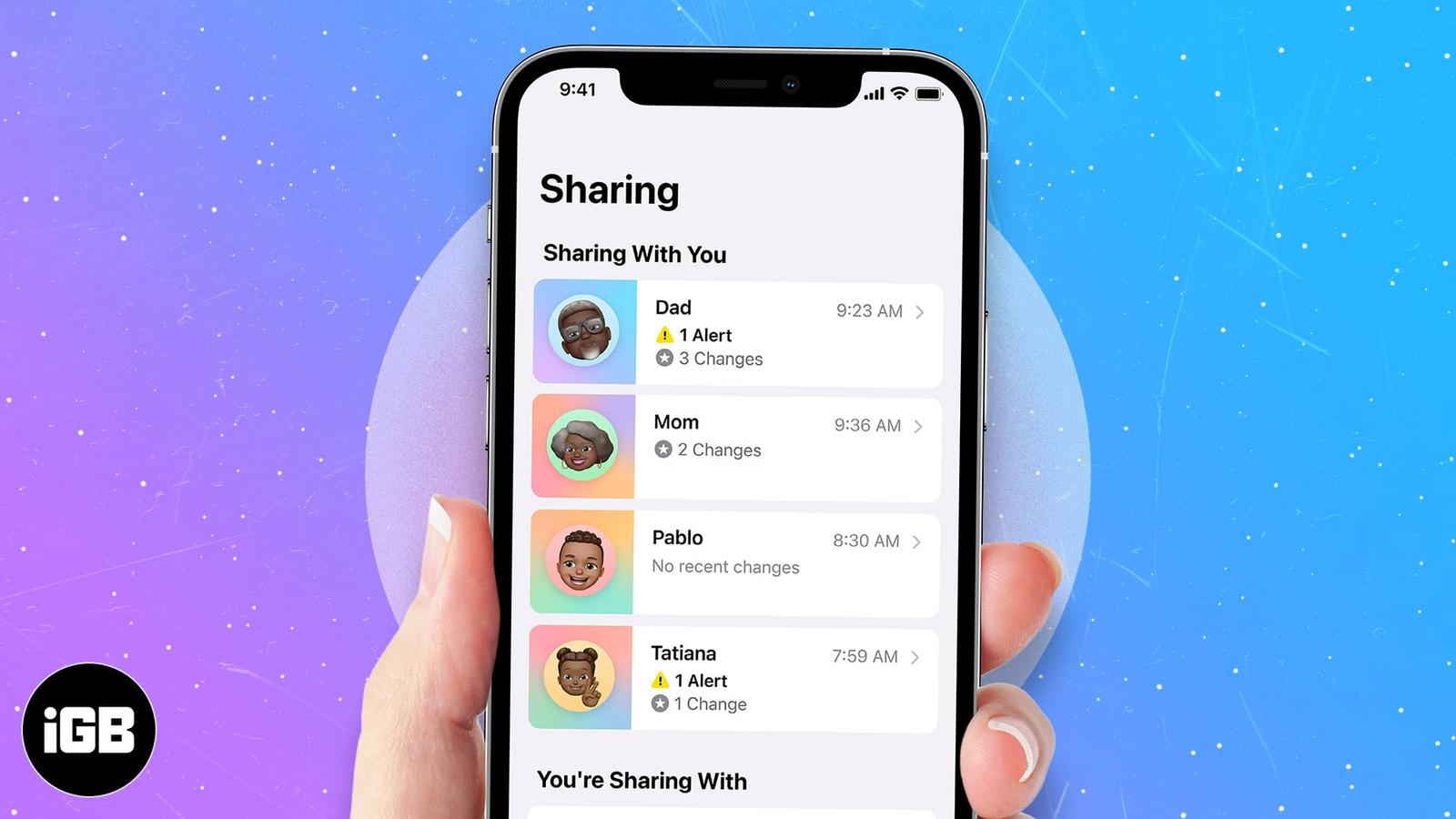
Apple released a feature called Shared With You to help you find shared media more easily. Learn what this feature is on your iPhone and how

Running iOS 26 beta on your iPhone? Now that Apple has released the stable iOS 26 update, it’s time to switch. Here’s how to remove the beta
Is your flashlight not working after the iOS update? Here are effective ways to troubleshoot and fix the iphone flashlight not working issue