FaceTime Like a Pro
Get our exclusive Ultimate FaceTime Guide 📚 — absolutely FREE when you sign up for our newsletter below.

FaceTime Like a Pro
Get our exclusive Ultimate FaceTime Guide 📚 — absolutely FREE when you sign up for our newsletter below.


 BySanuj


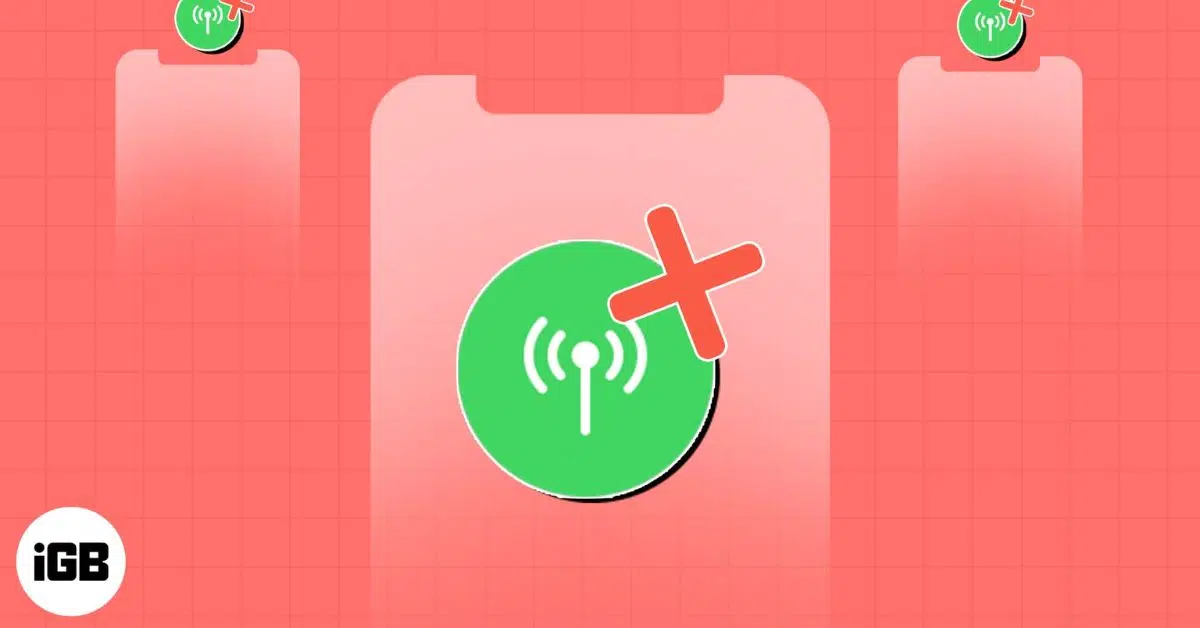
If you got your new AirTag and found that the Precision Finding feature isn’t working on it, you are not the only one. This issue affects both the original AirTag and the newer second‑generation AirTag, with many Reddit users complained about not being able to use the feature or that it’s stuck at ‘Directions.’
In the article, I have listed all the possible fixes to get AirTag Precision Finding up and running for you. Before going ahead, let’s learn more about Precision Finding and its requirements.
This AirTag feature lets you see the exact distance and the direction you should move in to find your misplaced AirTag. It makes use of Apple’s proprietary Ultra-wide-band tech, AR, and a bunch of other sensors like a gyroscope, accelerometer to determine the distance of your iPhone to the AirTag.
The feature is also compatible with VoiceOver, so the users who are visually handicapped can use it, and their iPhone will provide directions like “AirTag is 9 feet away on your left.”
Here’s how to use Precision Finding on your iPhone or iPad.


Ultra Wideband is not available in all countries or regions. Due to international regulatory requirements, Apple is required to disable Ultra Wideband in certain locations. When this happens, Precision Finding will not work even if your iPhone and AirTag are fully compatible.
Ultra Wideband is currently unavailable in the following countries or regions:
If you are in one of these regions, Precision Finding may stay stuck on “Directions” or may not appear at all in the Find My app.
AirTag works with most iPhones, but Precision Finding needs Apple’s U1 ultra wideband chip. This feature only works on iPhones that support Ultra Wideband.
Precision Finding is compatible with the following models:
Older models like iPhone XS, iPhone X, and earlier do not support Precision Finding.
AirTag as a product line requires iOS 14.5 or later to work. This applies to the original AirTag and basic Precision Finding features.
However, newer AirTag models and upgraded Precision Finding features introduced in recent years may require newer versions of iOS. If you are using a newer AirTag with a newer iPhone, some features may only work on iOS 26 or later.
As a rule of thumb:
Go to Settings > General > Software Update and install the latest version of iOS available for your device.
If you’re unable to connect to your AirTag, even when you have a compatible iPhone running the latest iOS update, make sure that the proper settings are enabled.
To use this feature, Precise Location has to be enabled in your iPhone’s settings. Head over to Settings → Privacy → Location Services → Find My → toggle on the Precise Location, if not already.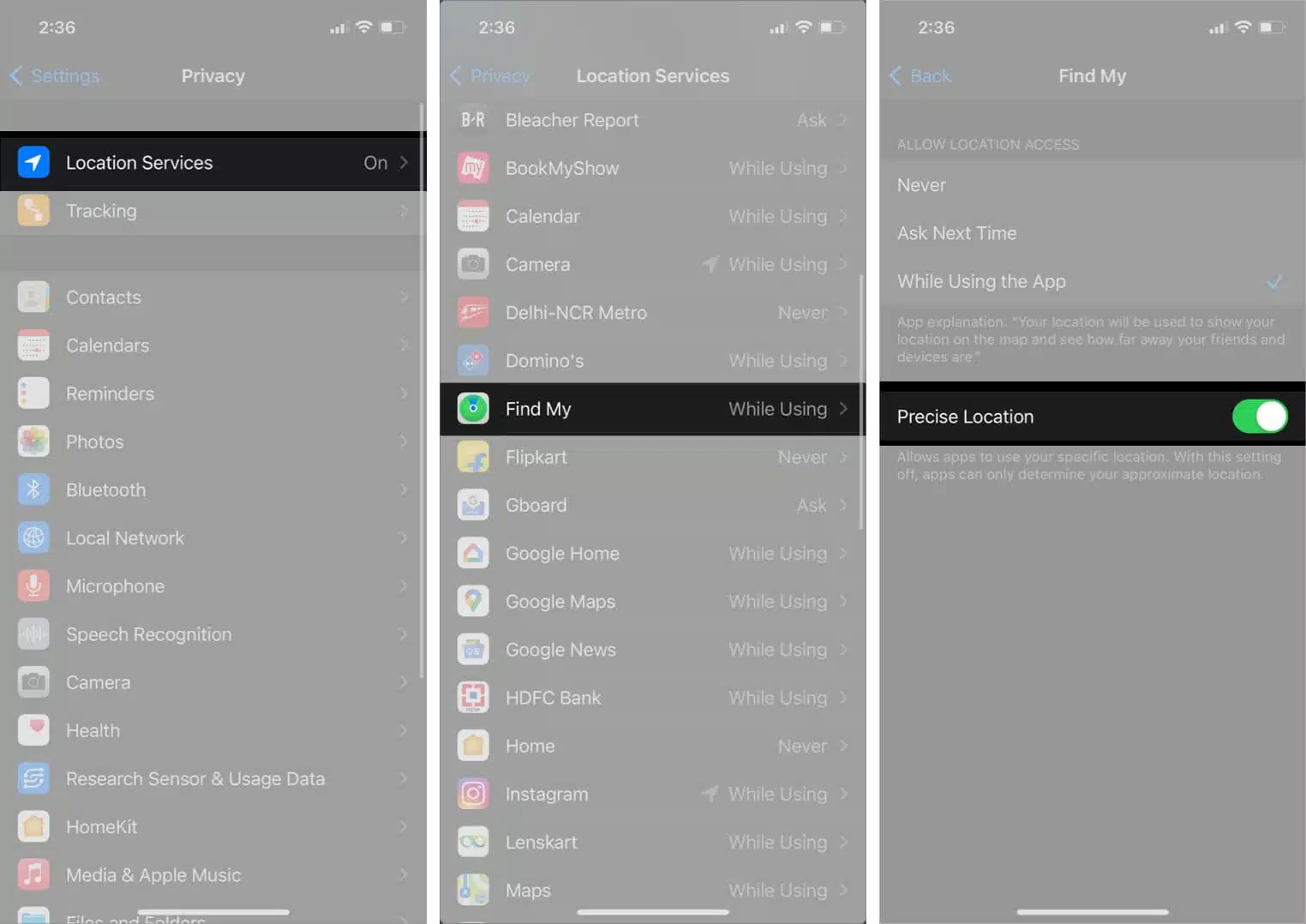
Apple now sells two generations of AirTag. The original AirTag and the second‑generation AirTag announced in January 2026 use different Ultra Wideband hardware, which affects Precision Finding range.
If you are using a first‑generation AirTag, limited range is normal behavior. If you are using the newer AirTag, make sure your iPhone and iOS version support the upgraded Precision Finding features.
If the AirTag is outside Precision Finding range, you will only see its general location in the Find My app.
In some cases, AirTag might not connect properly to your iPhone if it has been under a jerk or a fall. To take out its battery, wait for a minute or two, and then plug it in again, and check if you’re able to use the item tracker.
To take out AirTag’s battery:
Now, insert the battery again and check if your iPhone connects to the AirTag.
In some cases, Precision Finding might not work even after trying all the fixes listed above. It might be due to connection problems between your iPhone and your AirTag or even a buggy firmware update. But fret not! Read our explainer on how you can easily reset your AirTag.
I hope this guide helped you fix the Precision Finding problem. If you any queries or questions, share them in the comments below.
Other posts on AirTags: