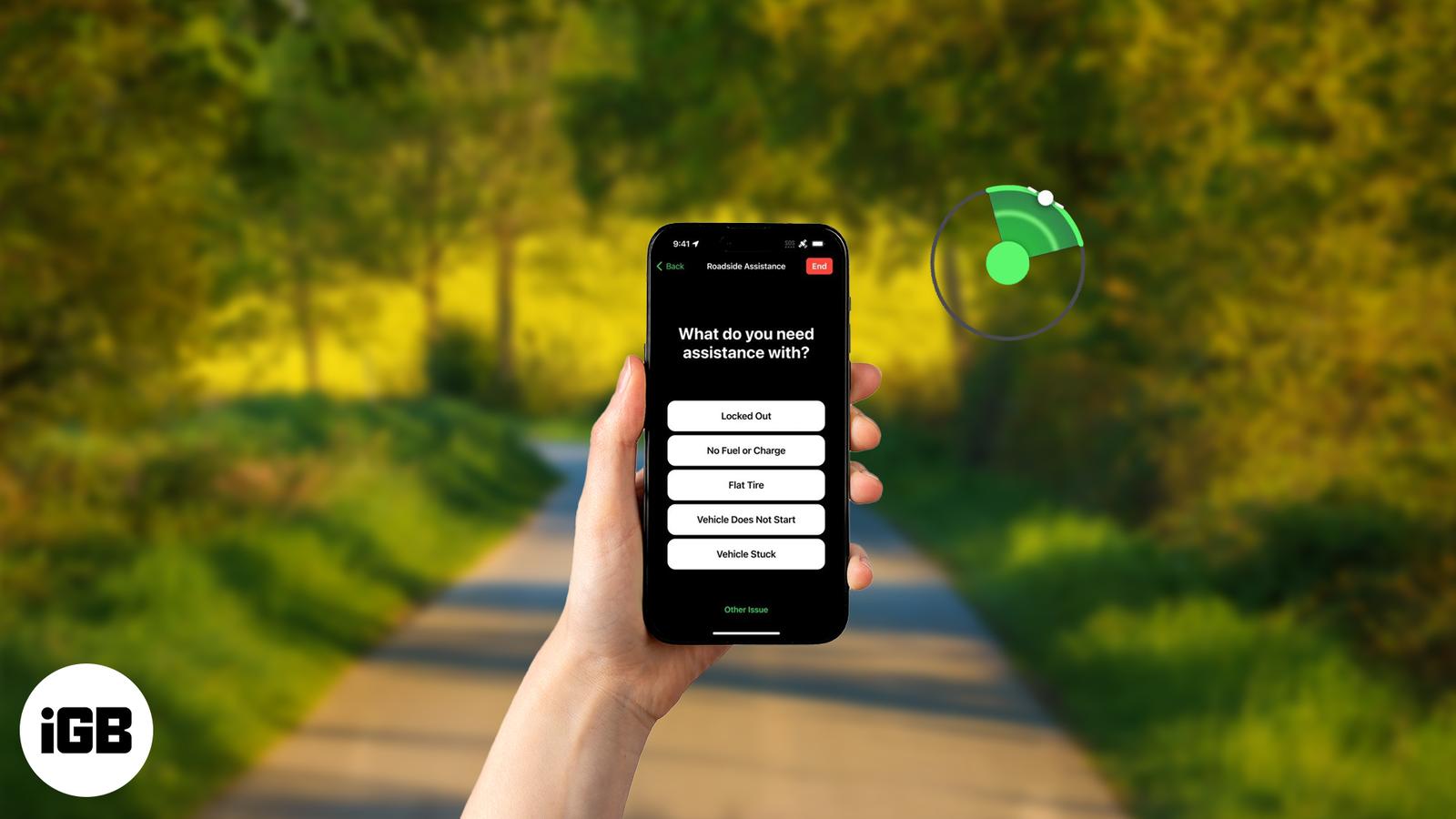
iPhone Roadside Assistance via Satellite: How It Works and How to Use It
Stranded with no signal? Your iPhone has your back. With Roadside Assistance via satellite, you can summon help even when you’re off the grid—no bars, no problem.

Stranded with no signal? Your iPhone has your back. With Roadside Assistance via satellite, you can summon help even when you’re off the grid—no bars, no problem.

Want to keep certain photos and videos private? Learn how to hide and lock sensitive media on your iPhone, iPad, or Mac using Apple’s built-
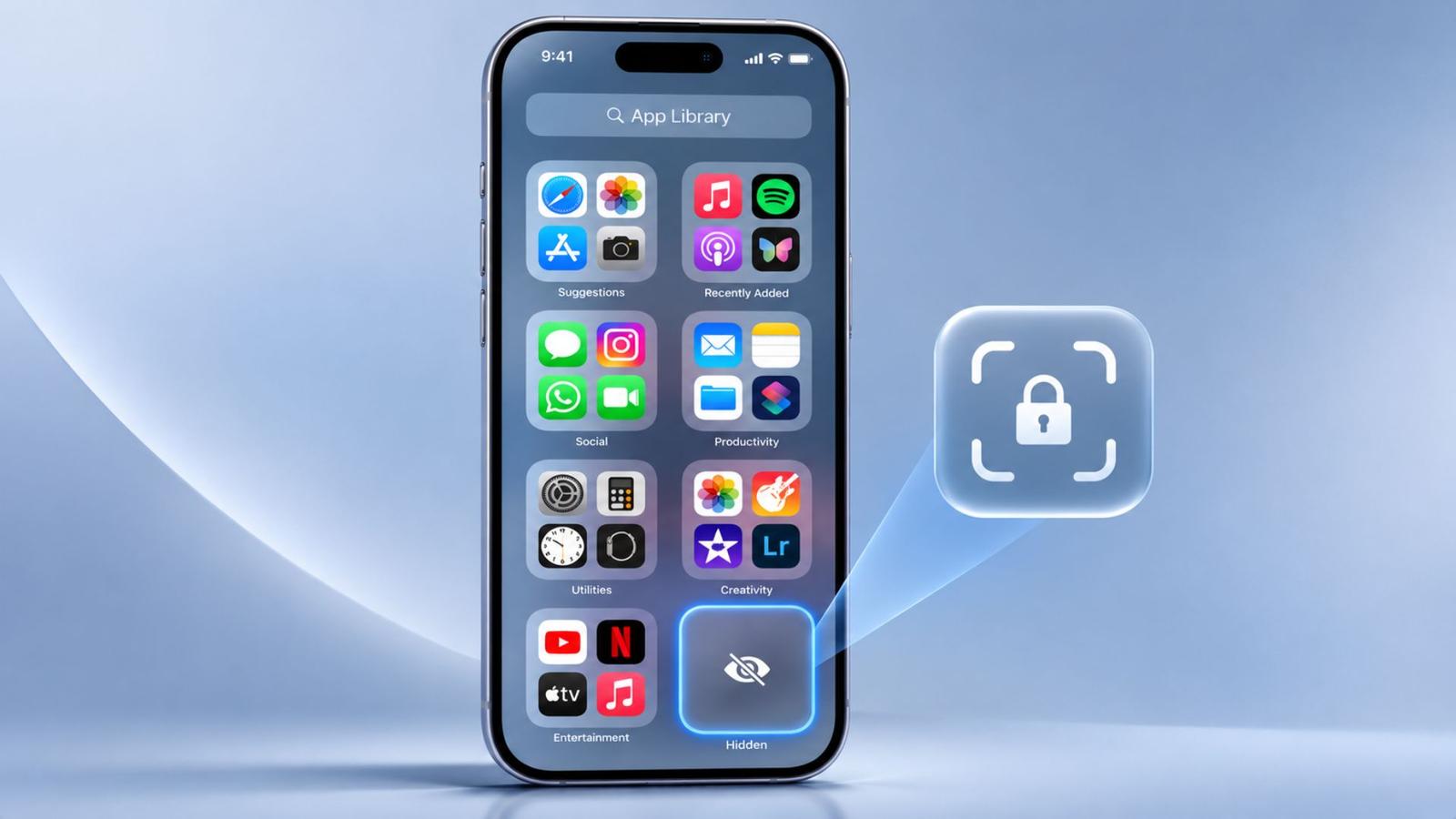
Can’t find an app on your iPhone? Here’s a simple guide to find hidden apps on iPhone and iPad across recent iOS updates.
Unable to make or receive FaceTime calls? Try these proven methods to fix FaceTime issue on your iPhone.
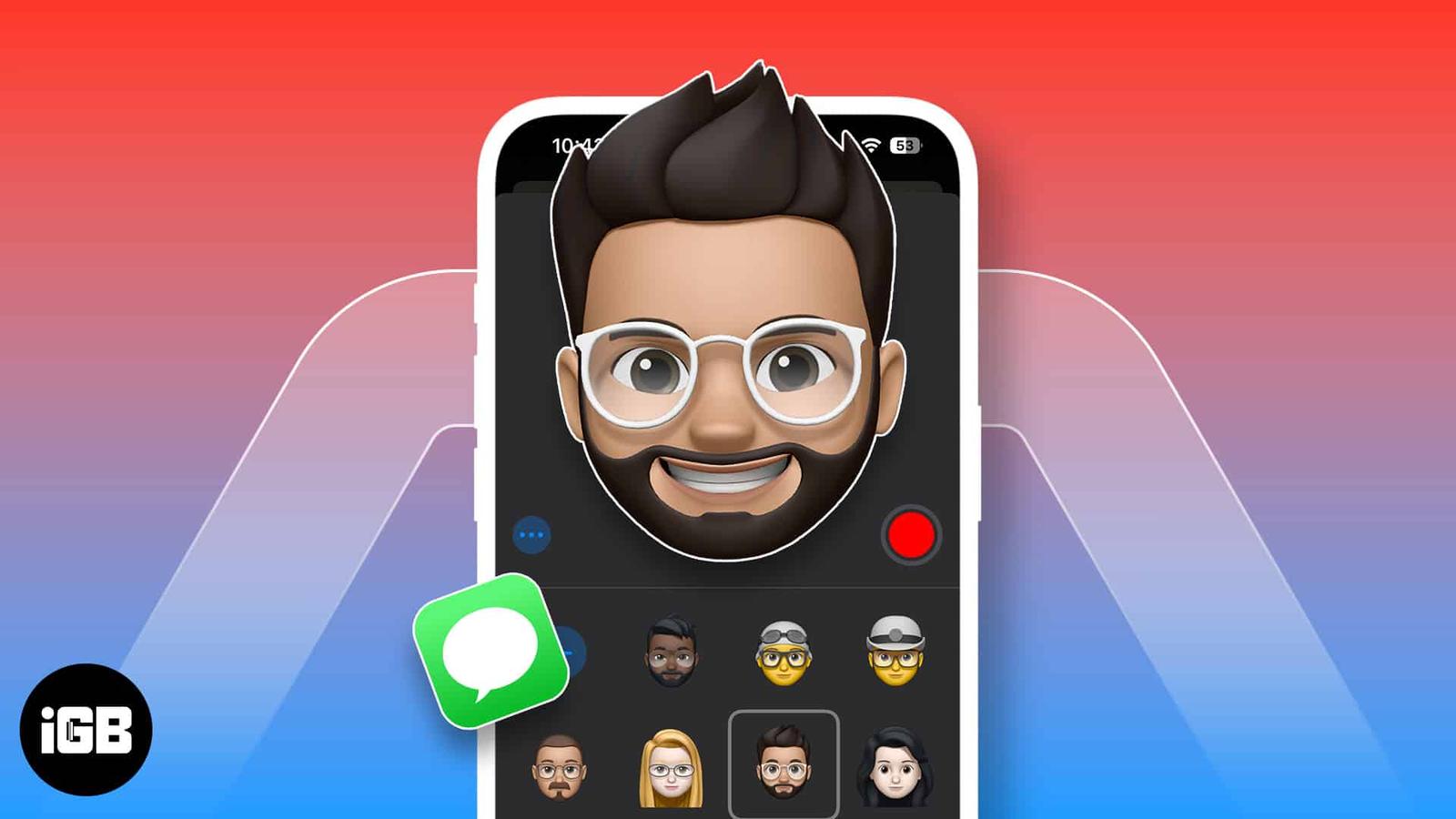
Want to make conversations interesting using Memojis but don’t know how to create one? Follow this guide to learn how to create and use Memo
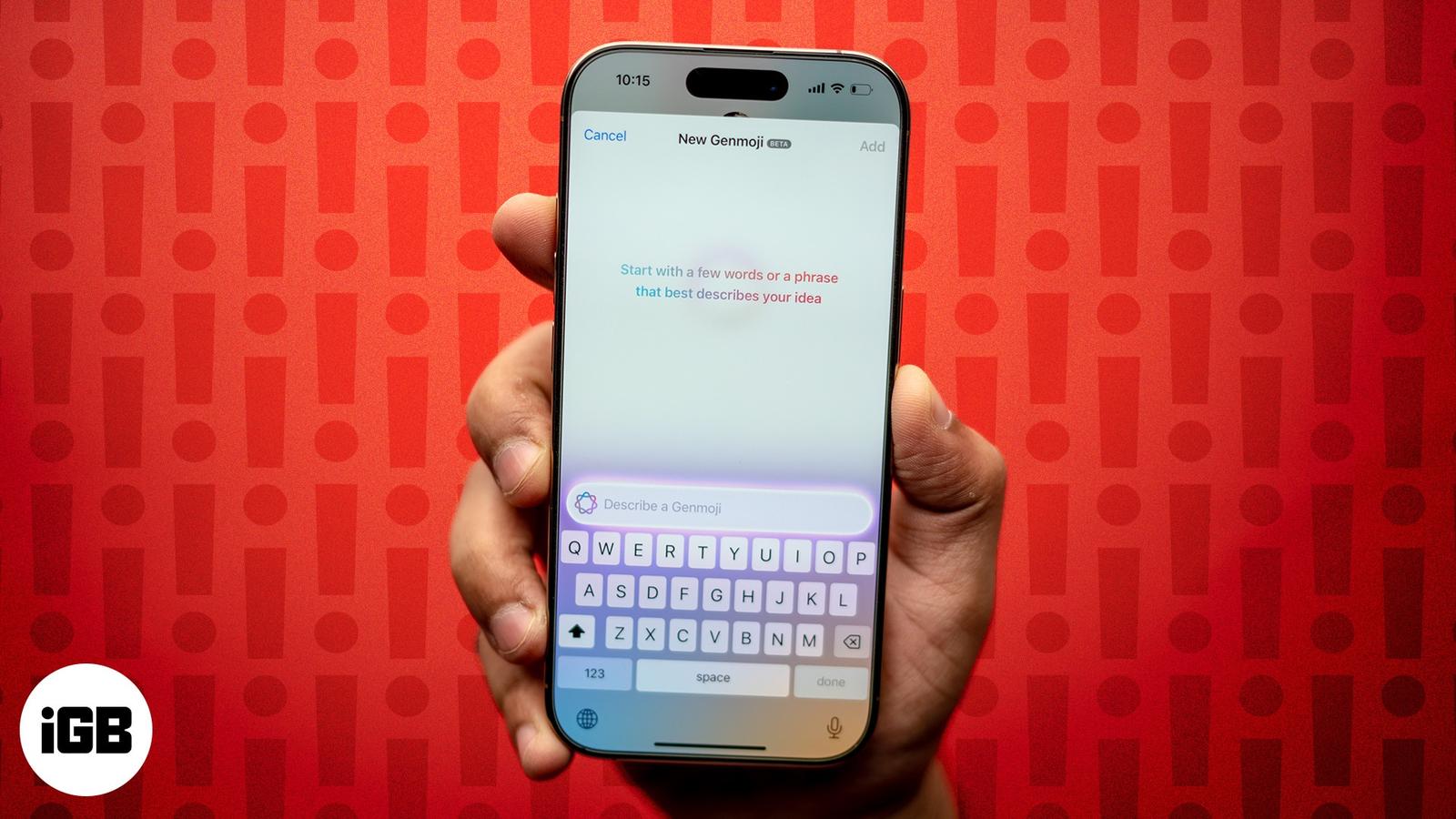
Genmoji not working on your iPhone? You’re not alone. Here’s why it’s happening and 6 proven ways to fix the issue fast.
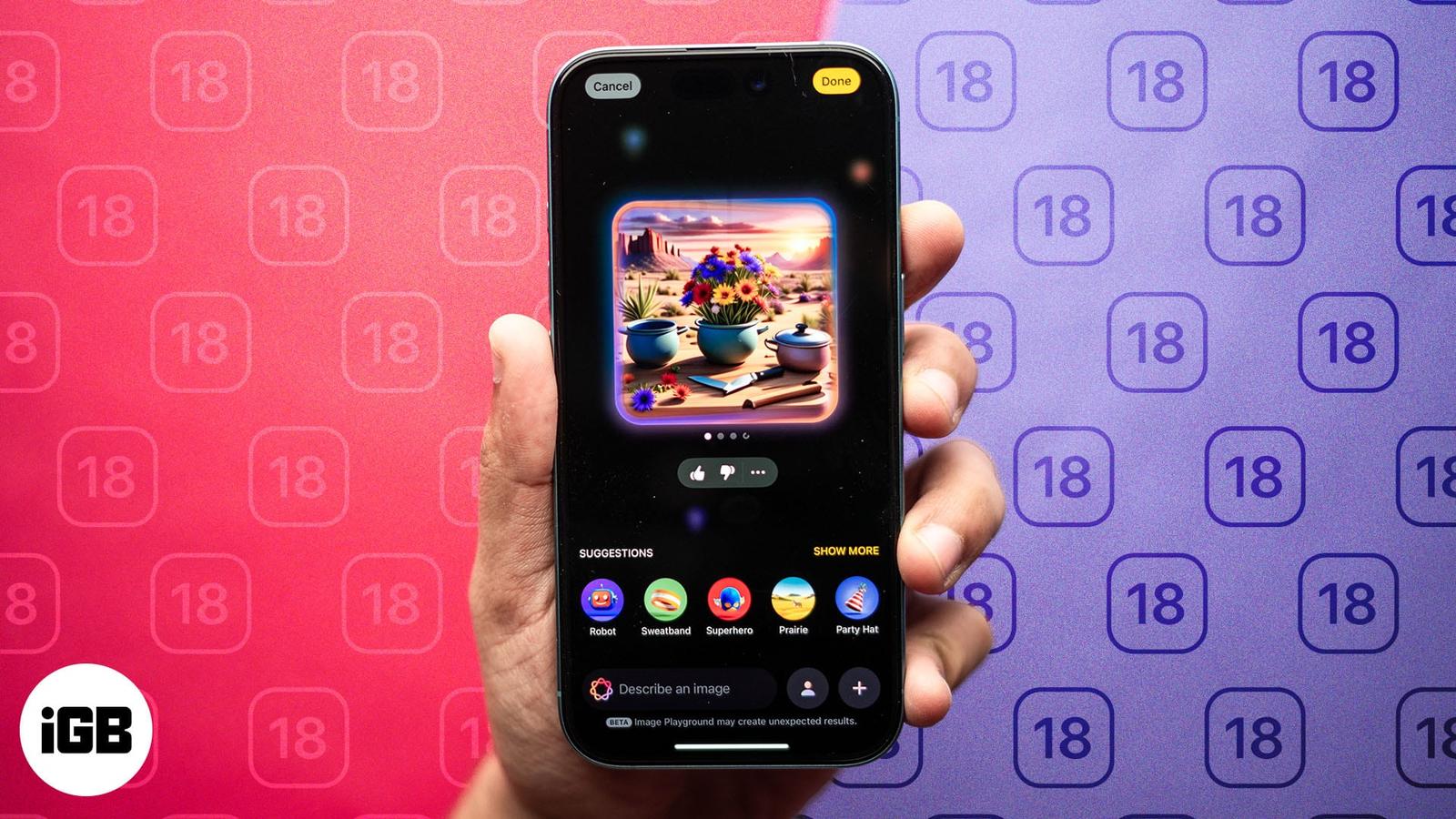
Create fun, original AI images on your iPhone with Apple Image Playground—from avatars to Genmoji.
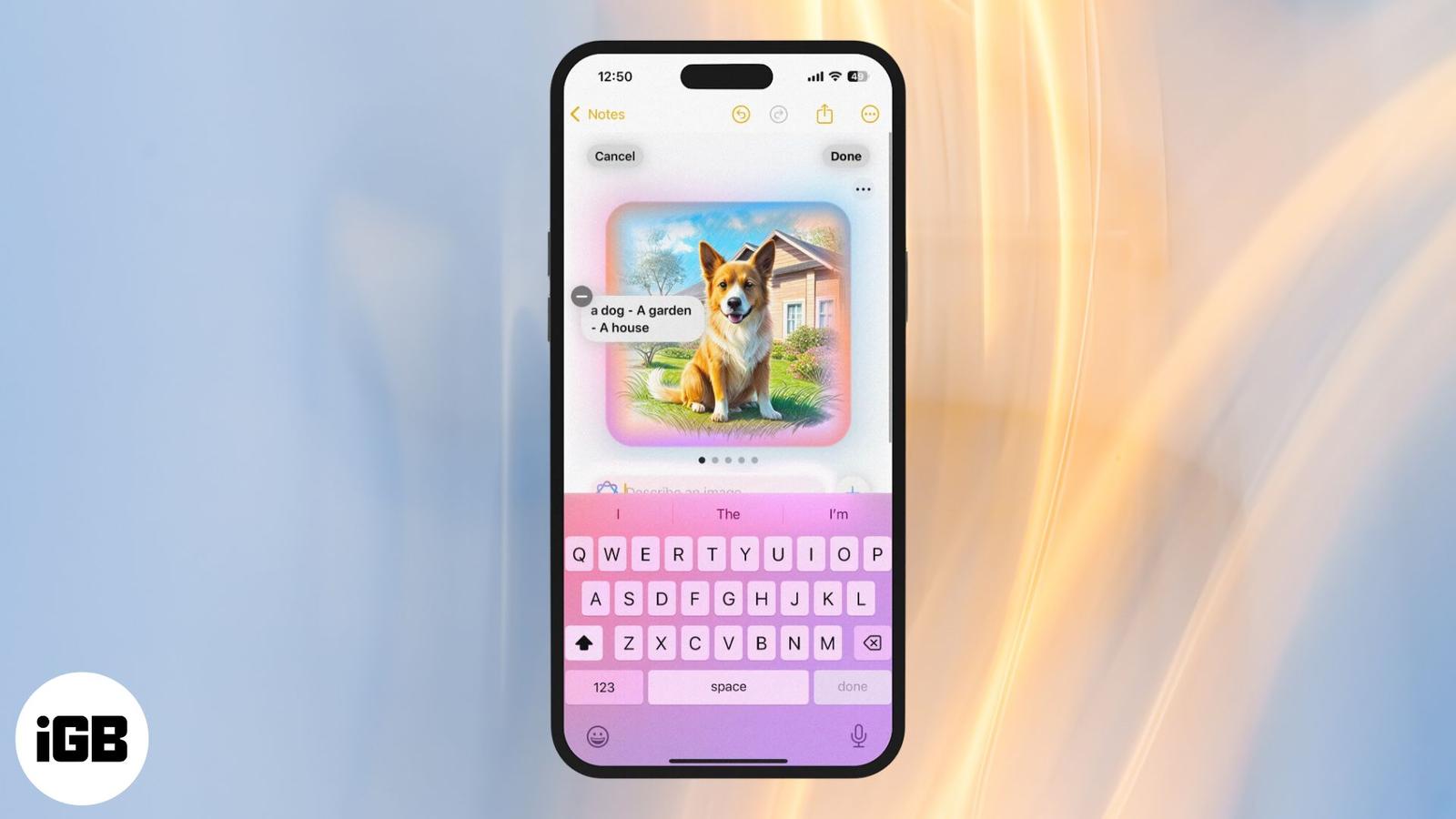
Transform your rough sketches into AI-generated visuals using Image Wand.
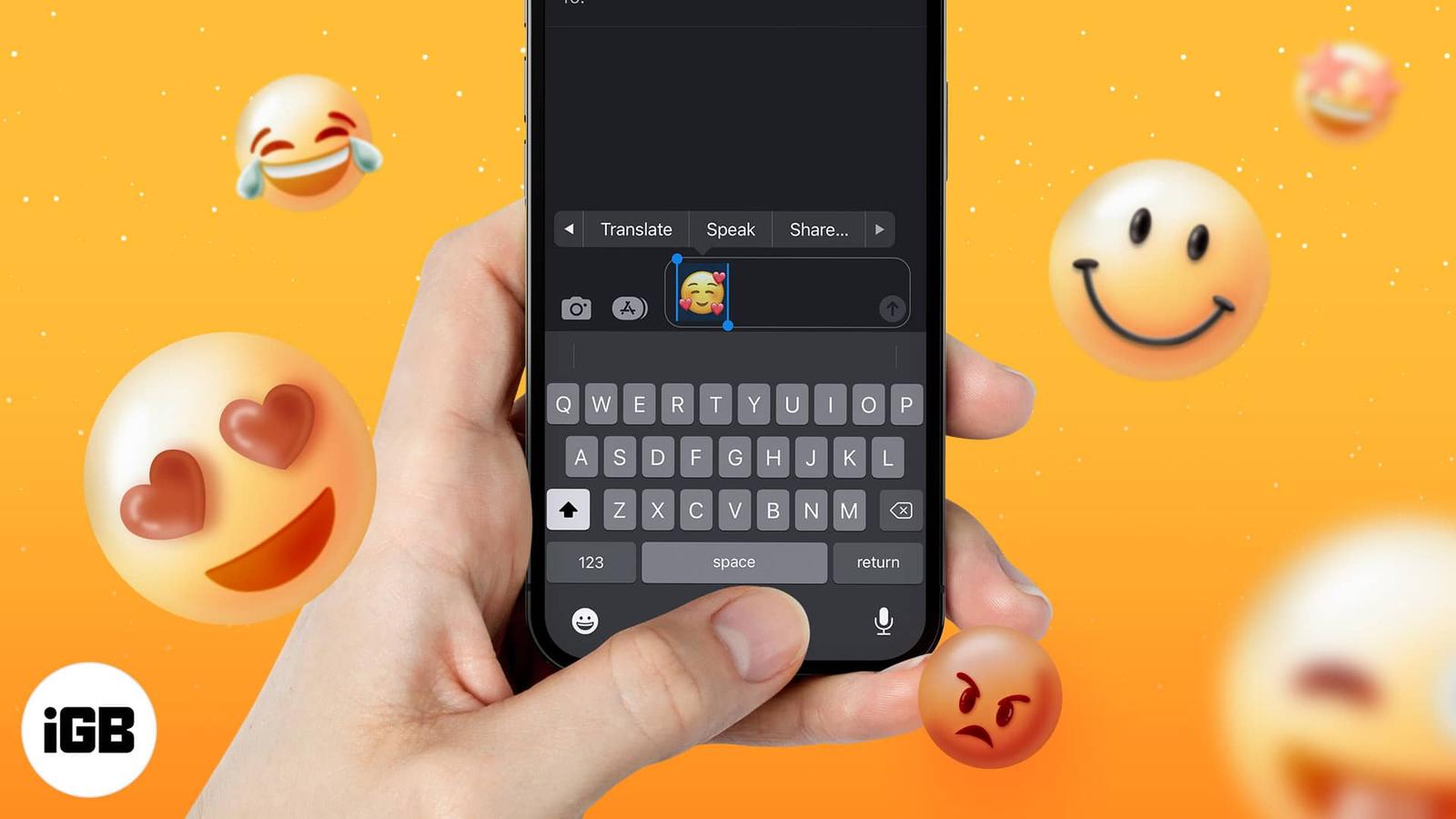
Learn what your favorite emojis mean! Follow these simple steps to quickly find out exactly what each emoji is about.
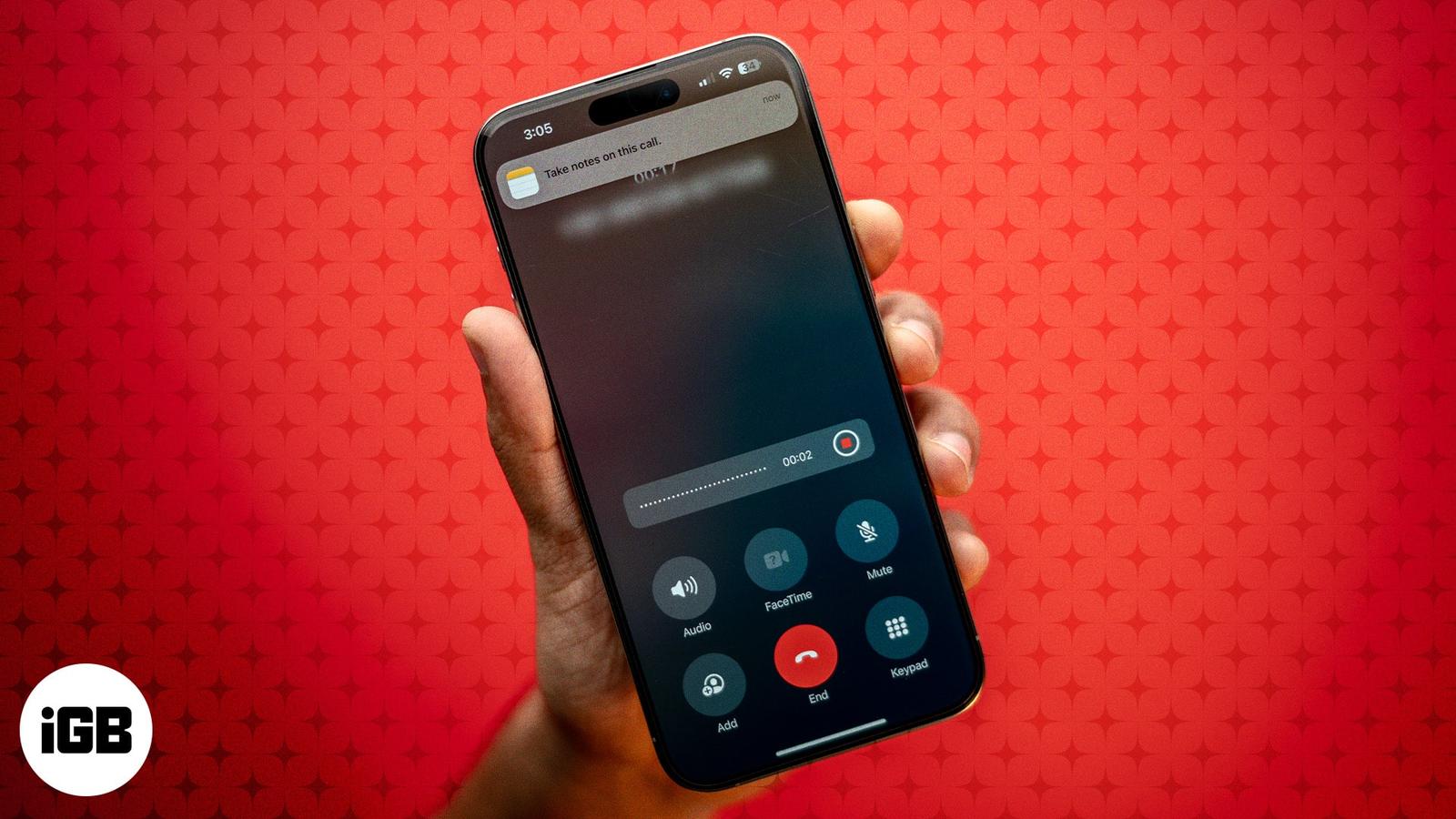
You can now record and transcribe phone calls right in the Phone app on supported iOS versions, no third-party apps required.
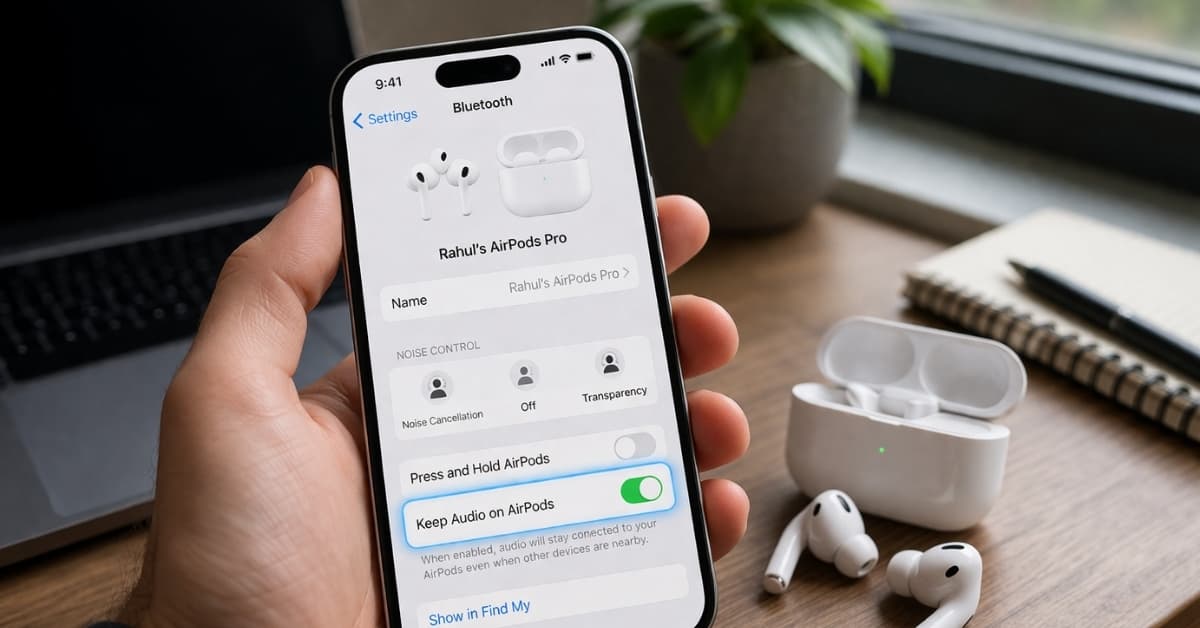
Tired of your iPhone switching audio to your car speakers? This simple iOS setting keeps your AirPods connected and your audio exactly where