
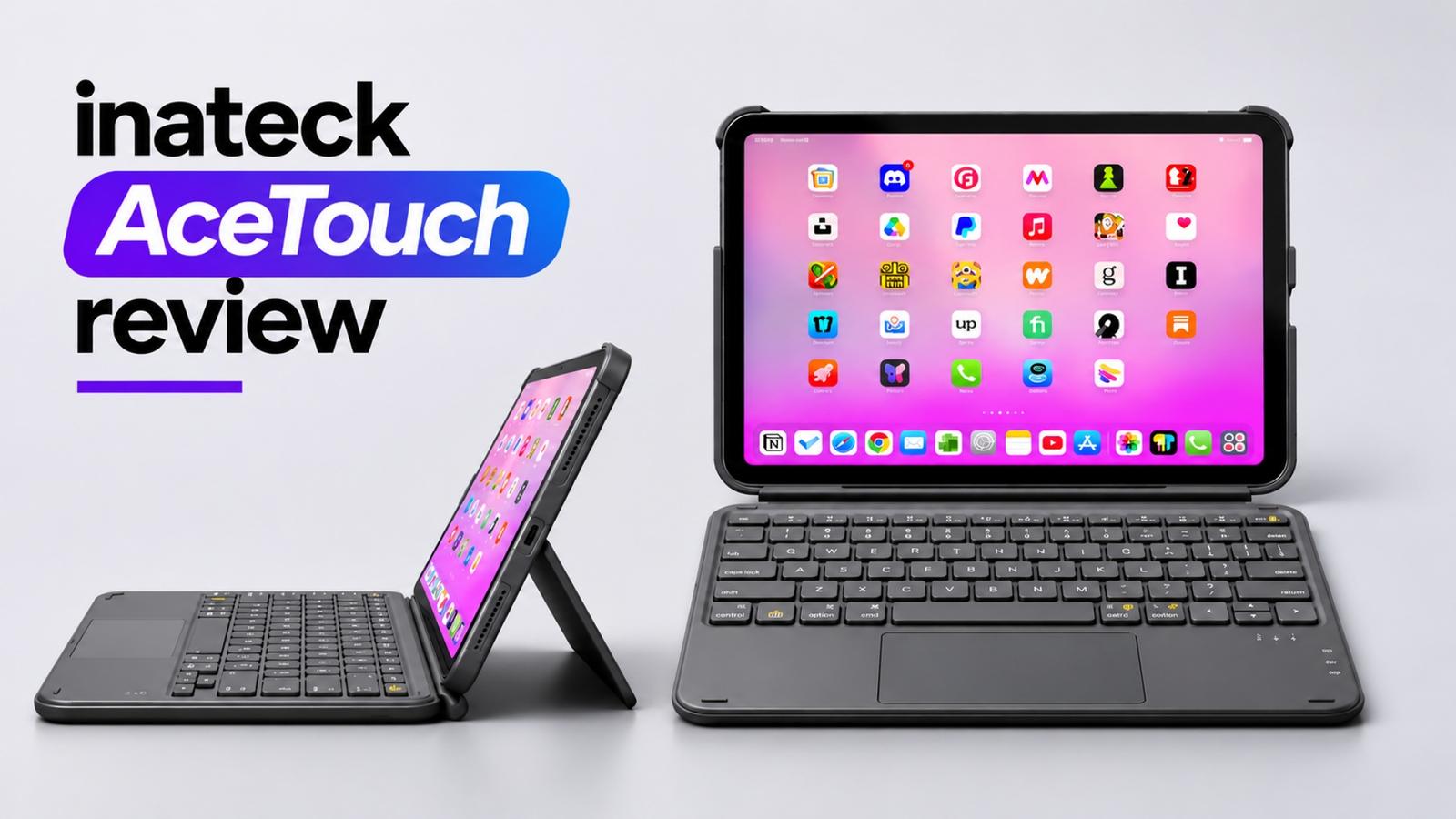
Typing on an iPad screen is awkward, so I wanted to know whether a keyboard case makes the iPad feel more like a laptop. For more than a week, I used the inateck AceTouch iPad keyboard case (model KB04122) with my iPad Air 5.
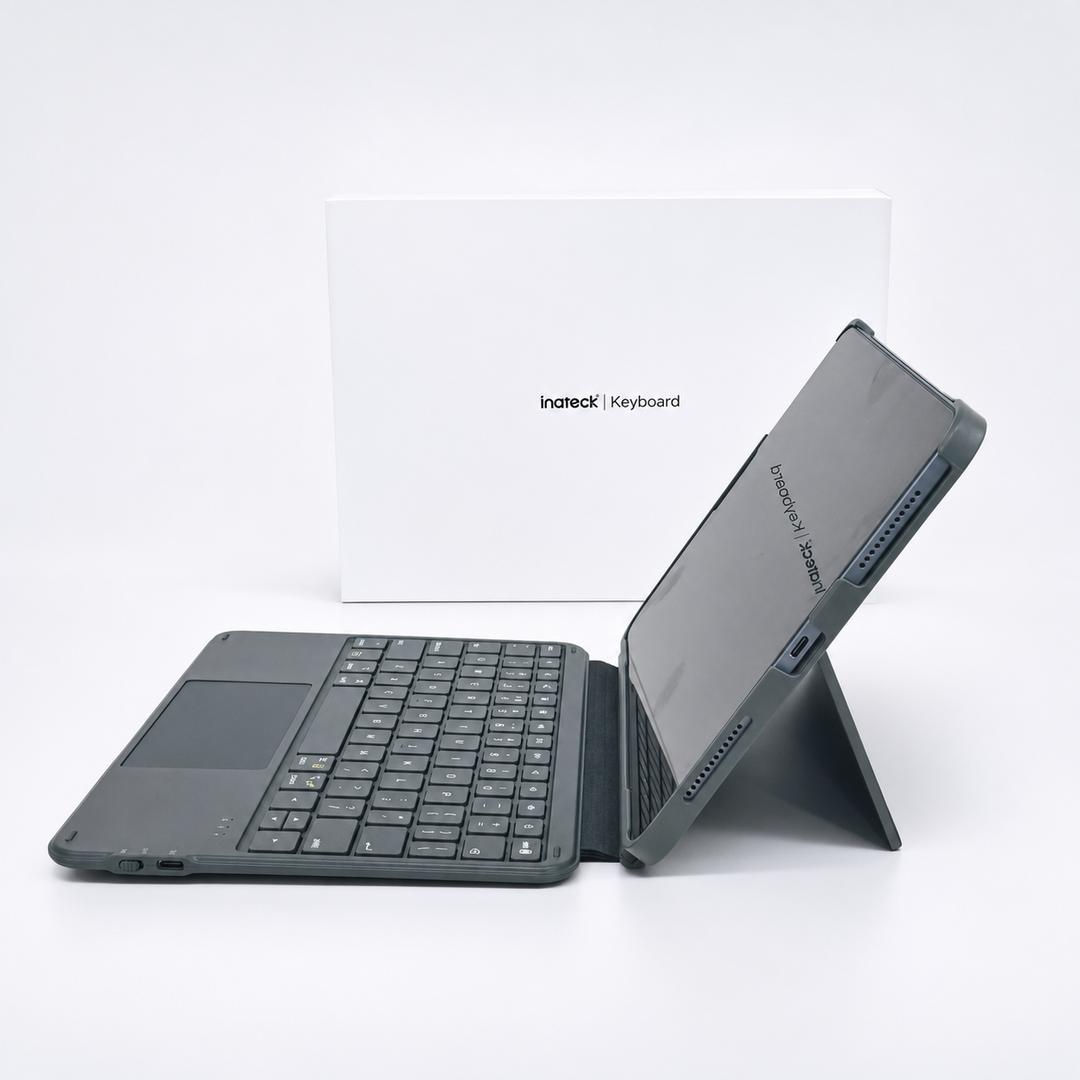
The keyboard was the easy win. Typing on it is clearly better than using the on-screen keyboard, and it still works after you pull the keyboard off, because it connects wirelessly over Bluetooth.
The stand was the surprise. Once it’s open on a desk, the iPad stays steady even when I tap the screen.
inateck AceTouch iPad Keyboard Case Specifications
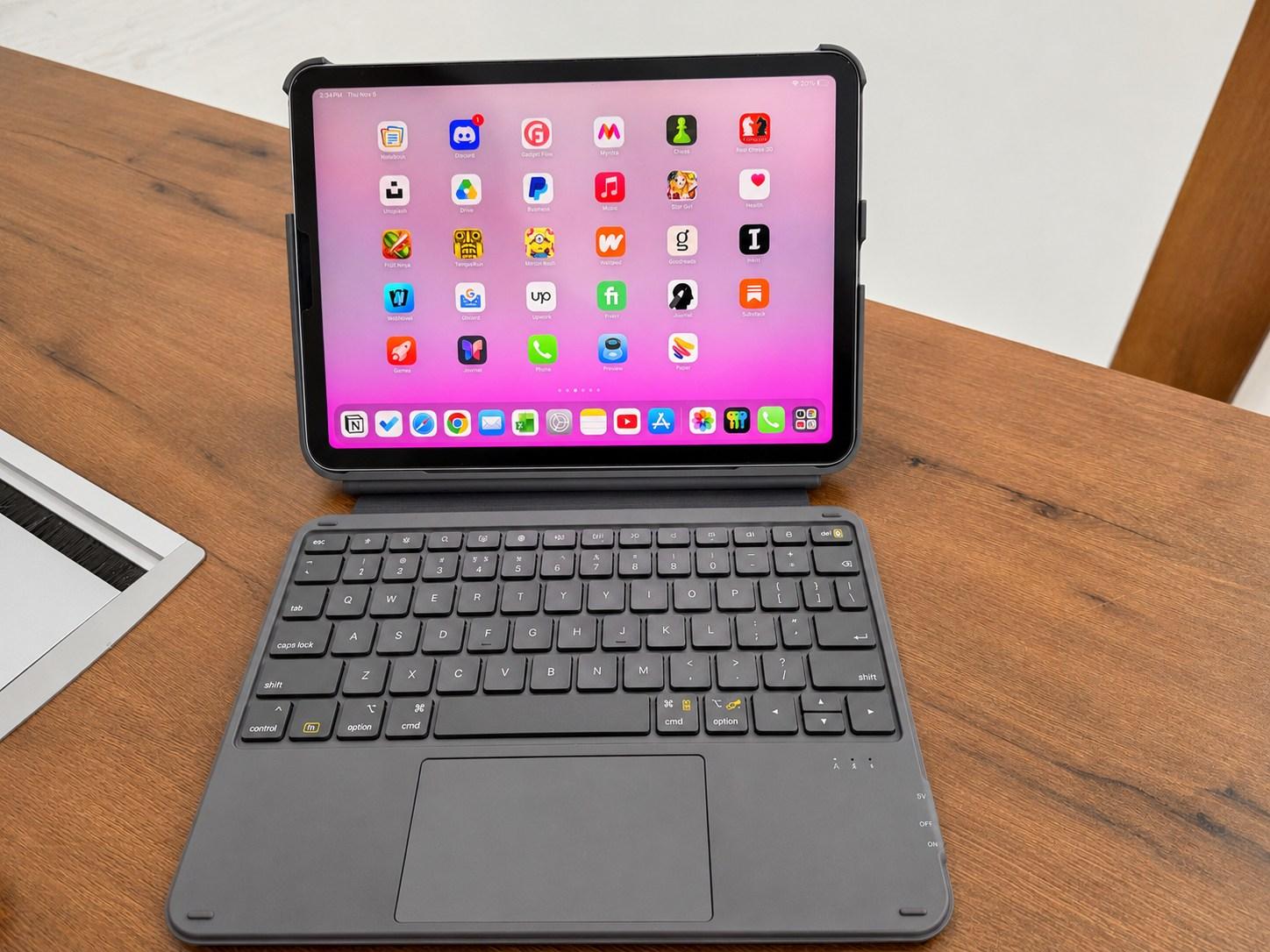
Here are the specifications for the gray US model.
| Specification | Detail |
|---|---|
| Model | AceTouch KB04122-G-US |
| Keyboard | 78-key US QWERTY, scissor switches |
| Key travel | 1.3-1.5 mm |
| Connection | Bluetooth, with magnetic keyboard attachment |
| Trackpad | Multi-touch with palm rejection |
| Stand positions | Portrait and landscape |
| Weight | 450g |
| Material | Plastic |
| Power | Separate keyboard battery |
| Minimum software | iPadOS 16 |
Before you buy, check that the case fits your iPad. The KB04122 is compatible with the iPad Pro 11-inch (4th, 3rd, 2nd, and 1st generation), the iPad Air 11-inch (M4 2026, M3 2025, and M2 2024), the iPad Air (5th and 4th generation), and the iPad (11th generation A16 2025, and 10th generation 2022). It does not fit the 11-inch iPad Pro M4 or M5, the 12.9-inch and 13-inch iPad Pro, the iPad mini, or the 10.2-inch iPad. For those iPads, there are other AceTouch versions:
- KB04122-11 for the 11-inch iPad Pro (M5 2025 and M4 2024): KB04122-11 on Amazon
- KB04122-13A for the 13-inch iPad Air (M4 2026, M3 2025, and M2 2024) and the 12.9-inch iPad Pro (6th, 5th, 4th, and 3rd generation): KB04122-13A on Amazon
- KB04122-13P for the 13-inch iPad Pro (M5 2025 and M4 2024): KB04122-13P on Amazon
You can find your iPad’s model number under Settings → General → About. It starts with an A.
The keyboard is comfortable; the trackpad clicks on part of its surface
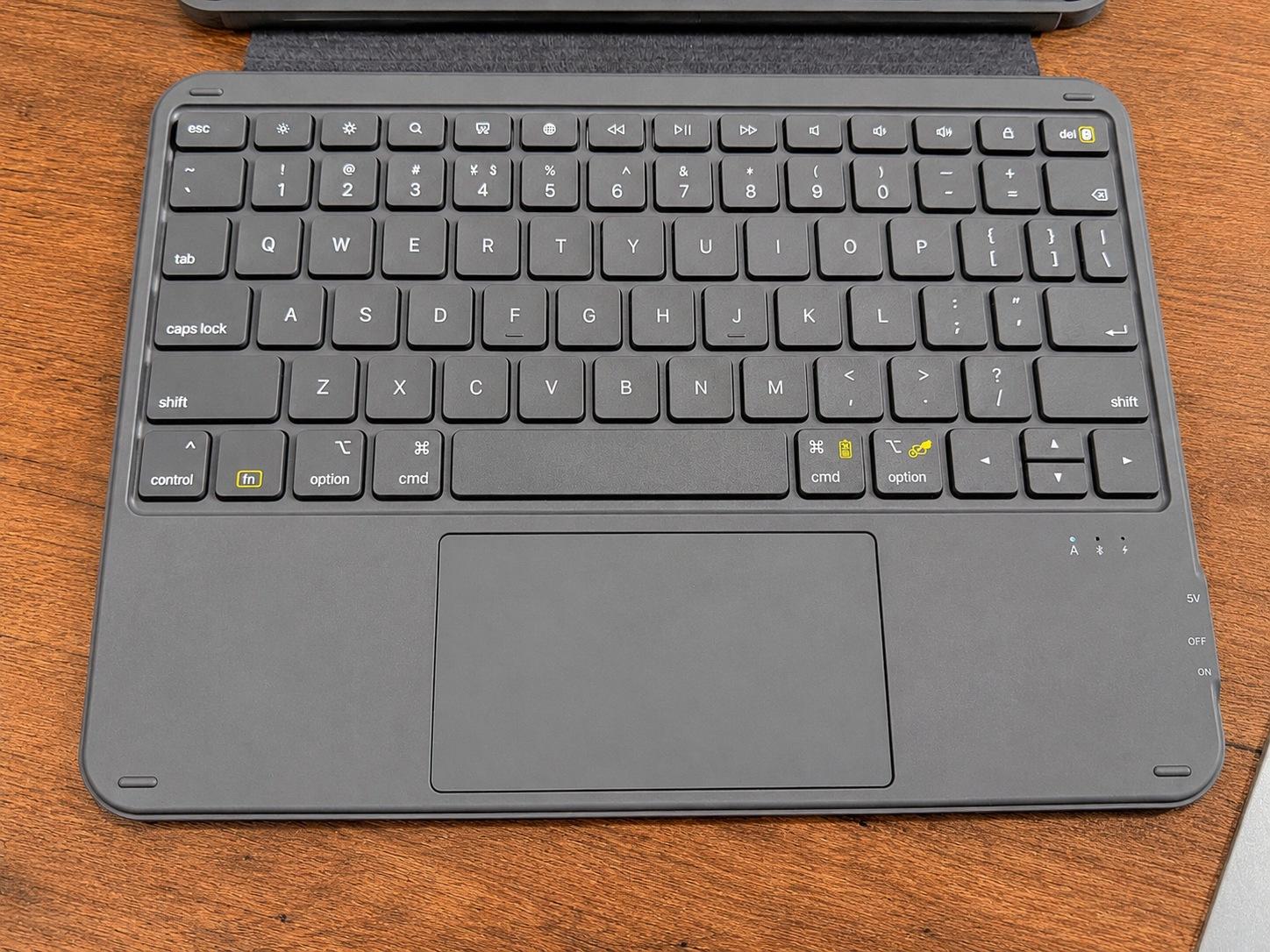
Typing is clearly better than the iPad’s screen. The keyboard has a full-size, six-row layout with 14 dedicated shortcut keys and 1.3-1.5 mm of key travel. Apart from the keyboard having to fit within the iPad’s width, you won’t have much of an issue with it, especially if you already use a MacBook-style keyboard.
The case is 160g lighter than traditional full-function keyboard cases, and it turns your iPad into a travel-ready laptop for work anywhere, anytime.
You don’t need to keep the iPad attached to use the keyboard. It has a small battery and Bluetooth support, so you need to charge it separately over USB-C. The battery can last weeks to months, so you are not forced to keep the keyboard and iPad attached.
If you write on your iPad a lot, a few iPad keyboard shortcuts for switching apps, copying, and pasting mean you reach for the screen less.
The trackpad is a different story.
No matter how much I changed the pointer settings on my iPad, I never found a setup that felt clean. That is mostly down to iPadOS, not this case. The software limits pointer control on any trackpad or mouse, so many people will run into the same problem. The trackpad itself does its job well. It supports iPadOS gestures, has palm rejection, and performs very well for everyday use compared with other products in the same price range. Its one quirk is that it does not click across its entire surface. If you want to fine-tune it, the tracking speed and tap-to-click settings in iPadOS may help. Even so, I mostly reach for the iPad screen rather than the trackpad.
The stand is excellent
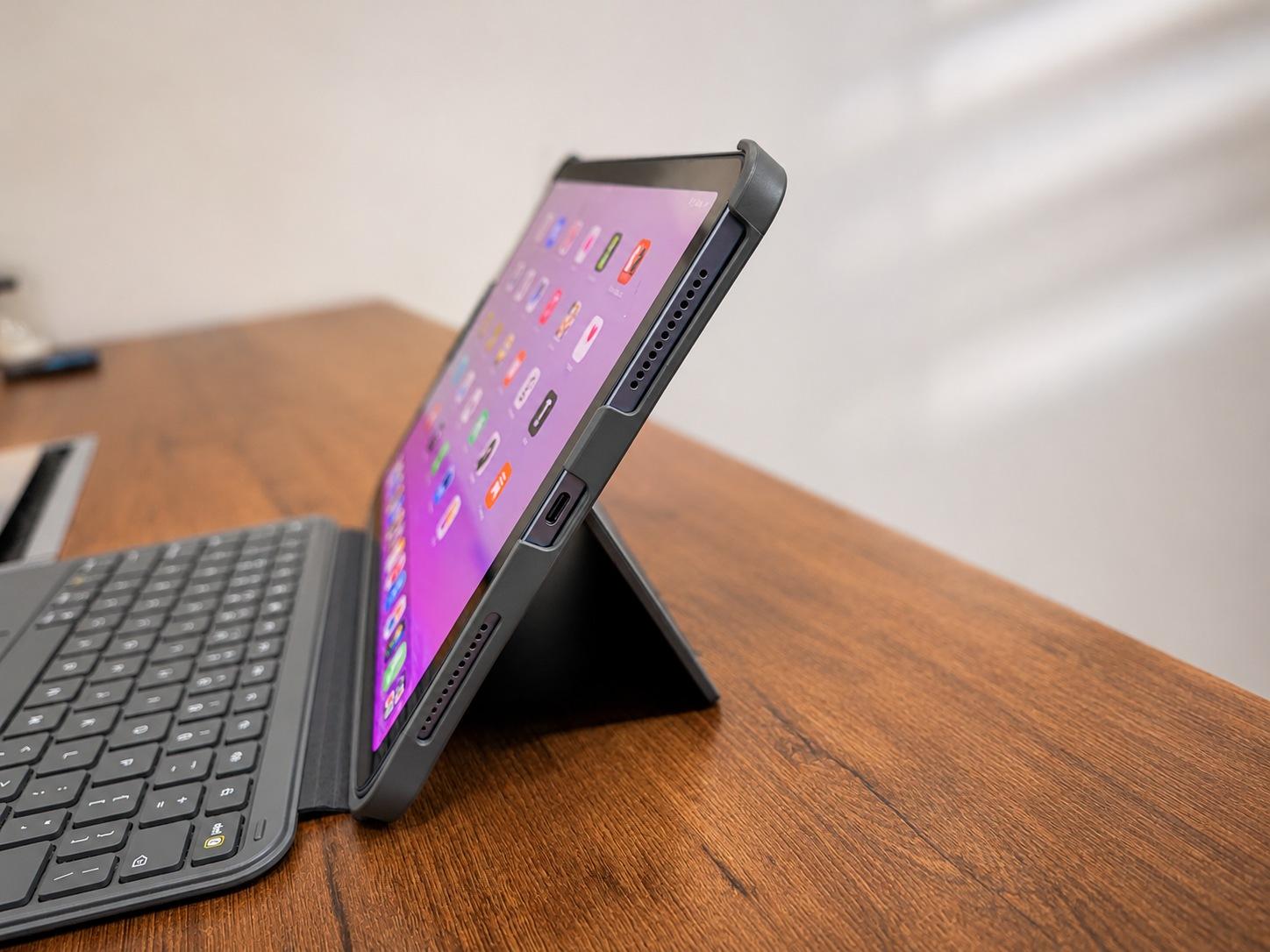
The rear stand is surprisingly sturdy. Once I set the iPad on a desk, I could use the touchscreen without the whole setup wobbling. You can set it at various angles, and it stays put where you set it. The 20-70° adjustable kickstand supports horizontal and vertical viewing, and strong magnets keep it steady.
The magnets align and snap into place in about one second, and the stand opens smoothly once they are properly aligned. To open it, lift the stand from its edge and apply force at the magnetic detachment point, not from the middle.
Once it’s open, the stability is excellent. It also works in both portrait and landscape modes.
Apple Pencil charging works without removing the case
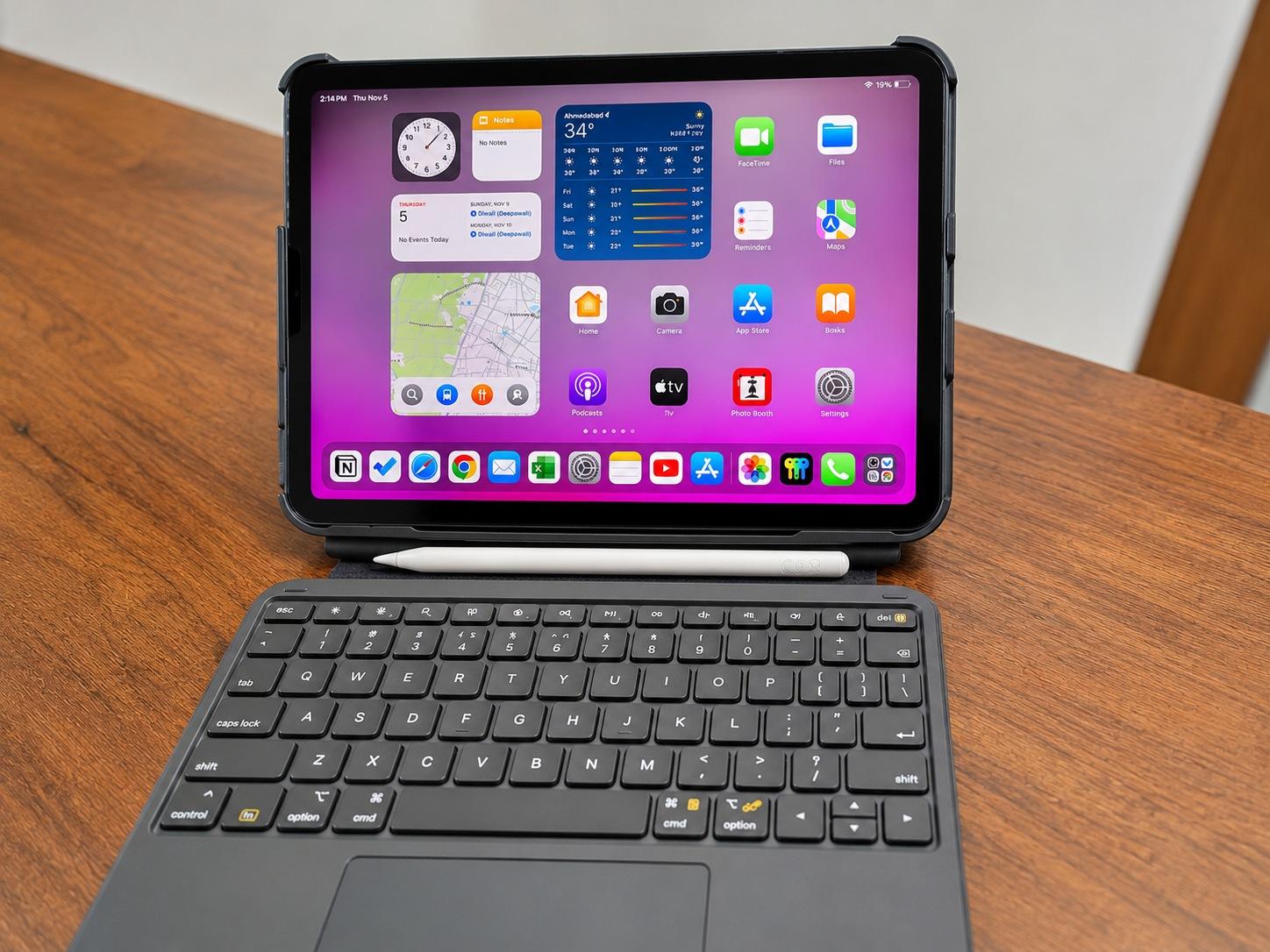
The case leaves the Apple Pencil charging area open, so the Apple Pencil 2 can charge without removing the case.
If you’re setting up an Apple Pencil for the first time, our guide on how to pair and charge an Apple Pencil covers the basics.
Should you buy the inateck AceTouch iPad keyboard case?
The keyboard and the stand are the real strengths here. The trackpad is the weak spot, mostly because iPadOS limits what any trackpad can do, so expect some rough edges. In practice, you may end up using your iPad more like a touchscreen laptop, typing on the keys and tapping the screen.
The inateck AceTouch iPad keyboard case is a lightweight, colorful keyboard designed for younger users, with a modern minimalist look, premium colors, and nine color options. Attach it for laptop mode, and detach it for tablet mode. It suits students, light office workers, and anyone always on the go, whether that means studying in class or at the library, working from a dorm, traveling for business, or working on the move. Its tagline sums it up: “Connect effortlessly. Type naturally. Create freely.”
If you want real keys, a keyboard you can detach, and a stable stand without giving up the tablet experience, I’d happily recommend this case for your iPad Air.
The gray model costs $59.99 on inateck’s US store at the time of writing. Amazon’s price may differ, so check before you buy.
Check the inateck AceTouch KB04122 on Amazon
Black Friday Deal: The inateck AceTouch is available on Amazon with discounts ranging from 33% to 50% off, depending on the variant. Check the current price before you buy.