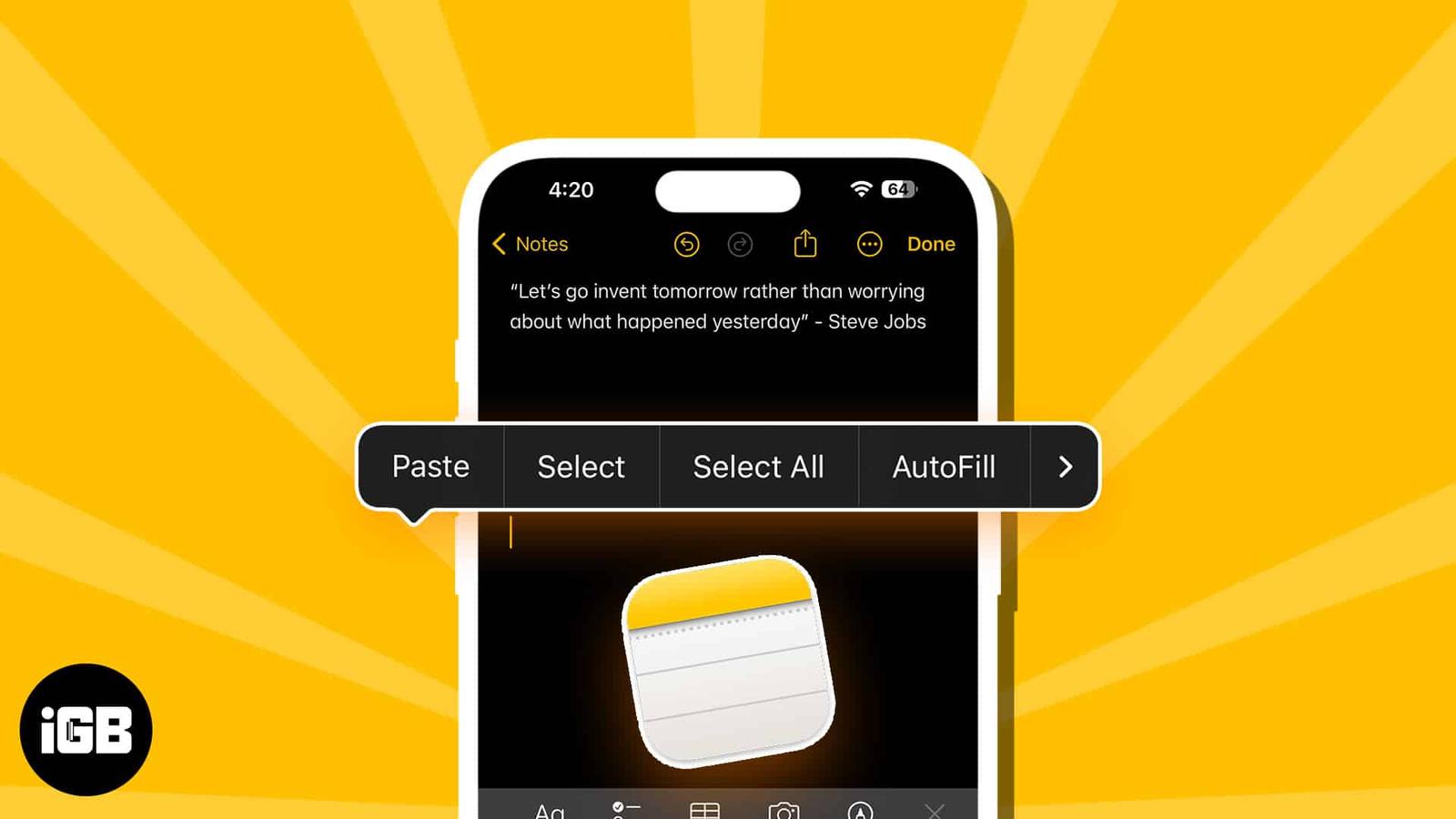
How to access clipboard on iPhone
Learn how to access your iPhone clipboard. Use the Notes app to paste content, the “Adjust Clipboard” shortcut, or third-party keyboards like SwiftKey.

Learn how to access your iPhone clipboard. Use the Notes app to paste content, the “Adjust Clipboard” shortcut, or third-party keyboards like SwiftKey.
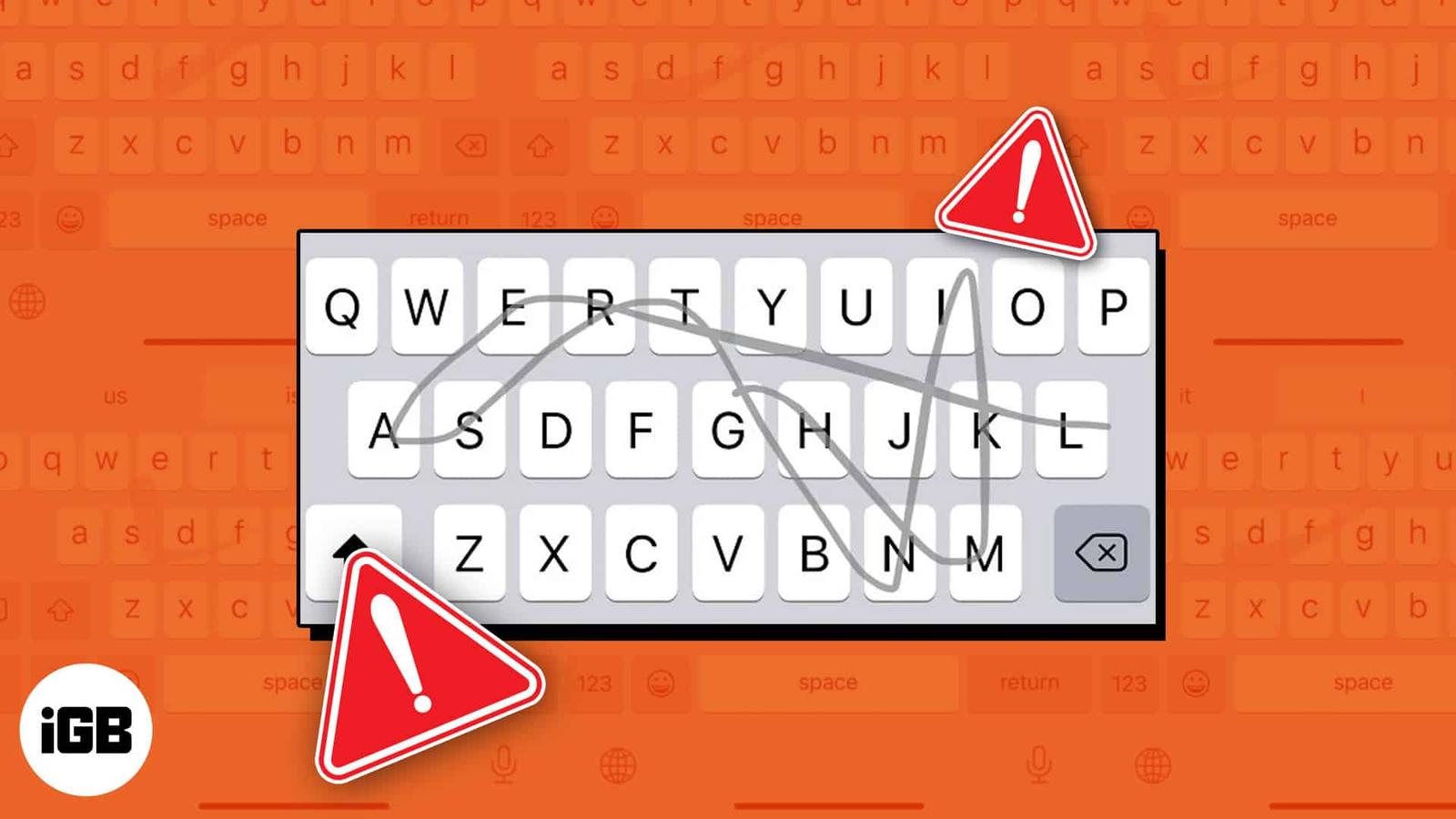
The Slide to Type or QuickPath feature on iPhone allows you to swipe your finger over a series of letters on the keyboard to type a word qui
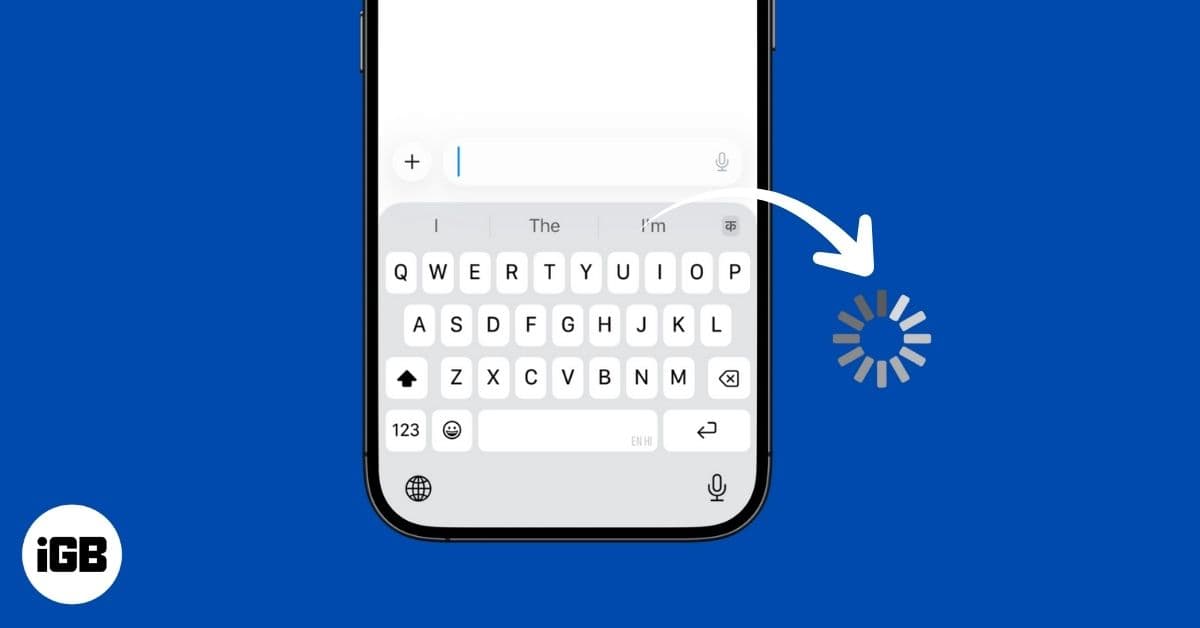
If your iPhone keyboard feels slow or unresponsive, don’t worry. Here are easy fixes to solve keyboard lag and get back to smooth, fast typi
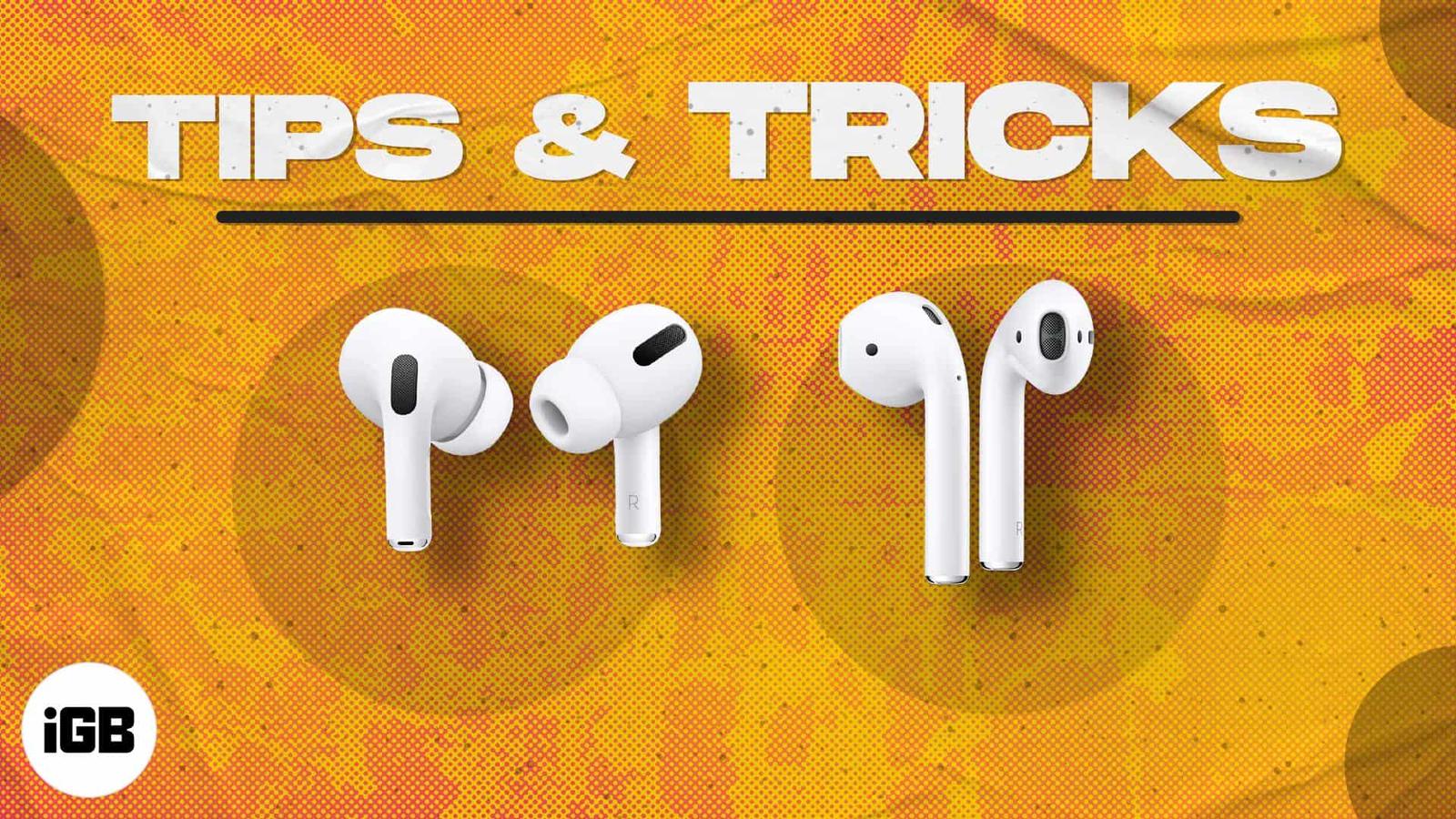
Get the most out of your earbuds with these essential AirPods tips and tricks. Learn how to customize controls, improve battery life, and us

OpenAI’s ChatGPT service has made its way to iOS. With this handy tool’s artificial intelligence, you can get answers to questions, receive
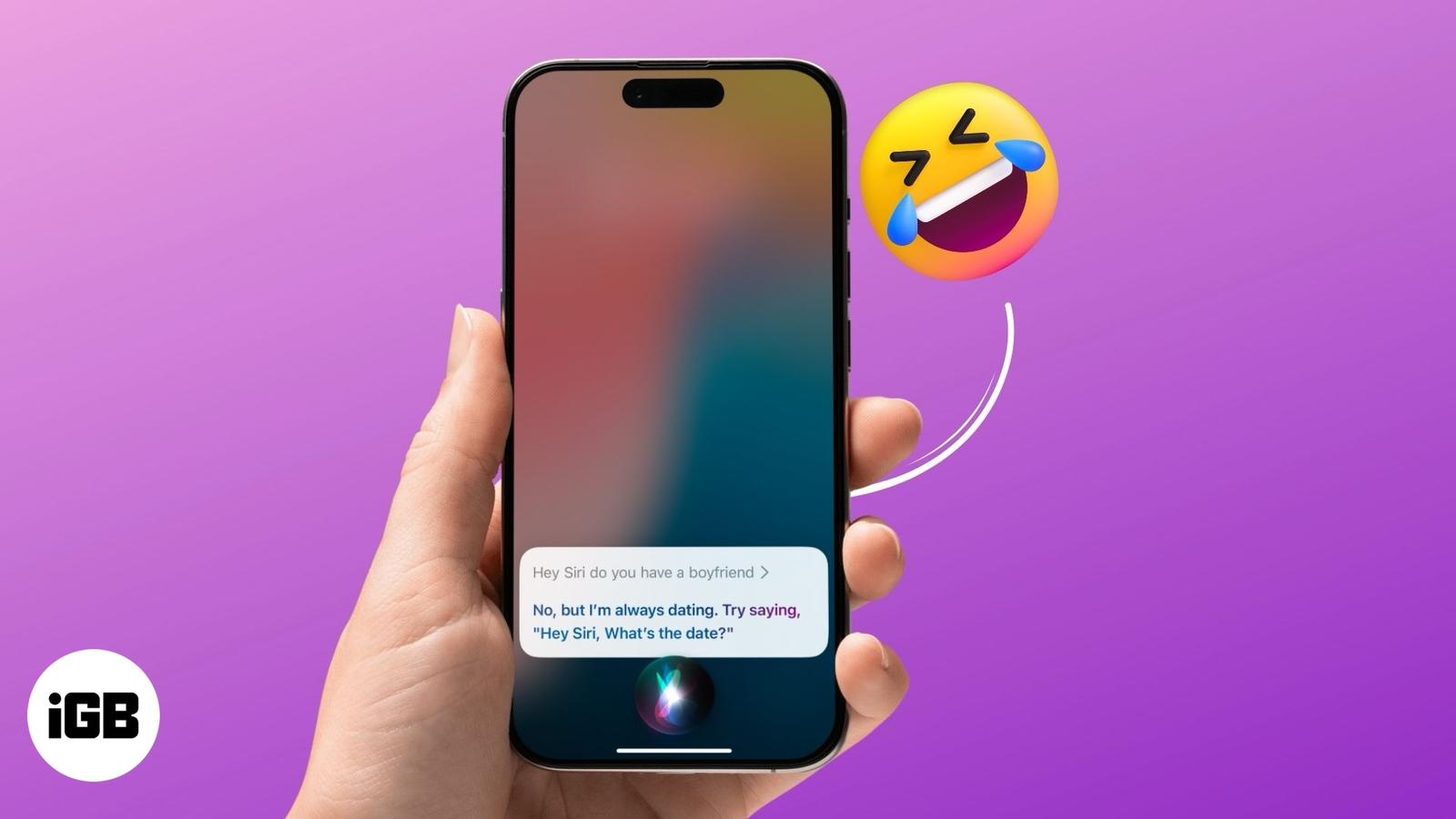
Discover Siri’s witty side with amusing questions and sarcastic replies.
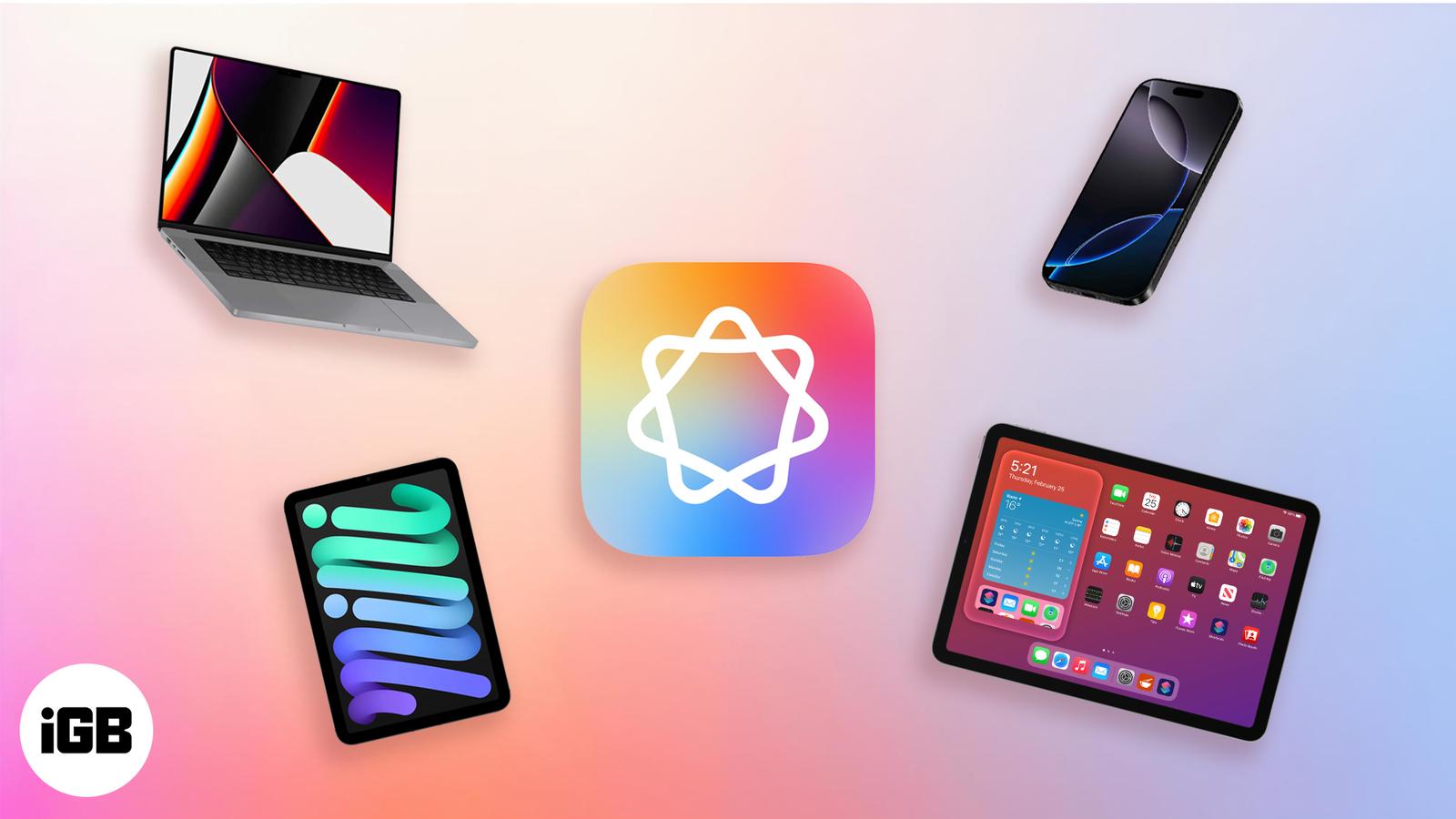
Apple Intelligence brings AI to iPhone, iPad, Mac, and Vision Pro with smart features like Writing Tools, Genmoji, and Photo Clean U – Here’
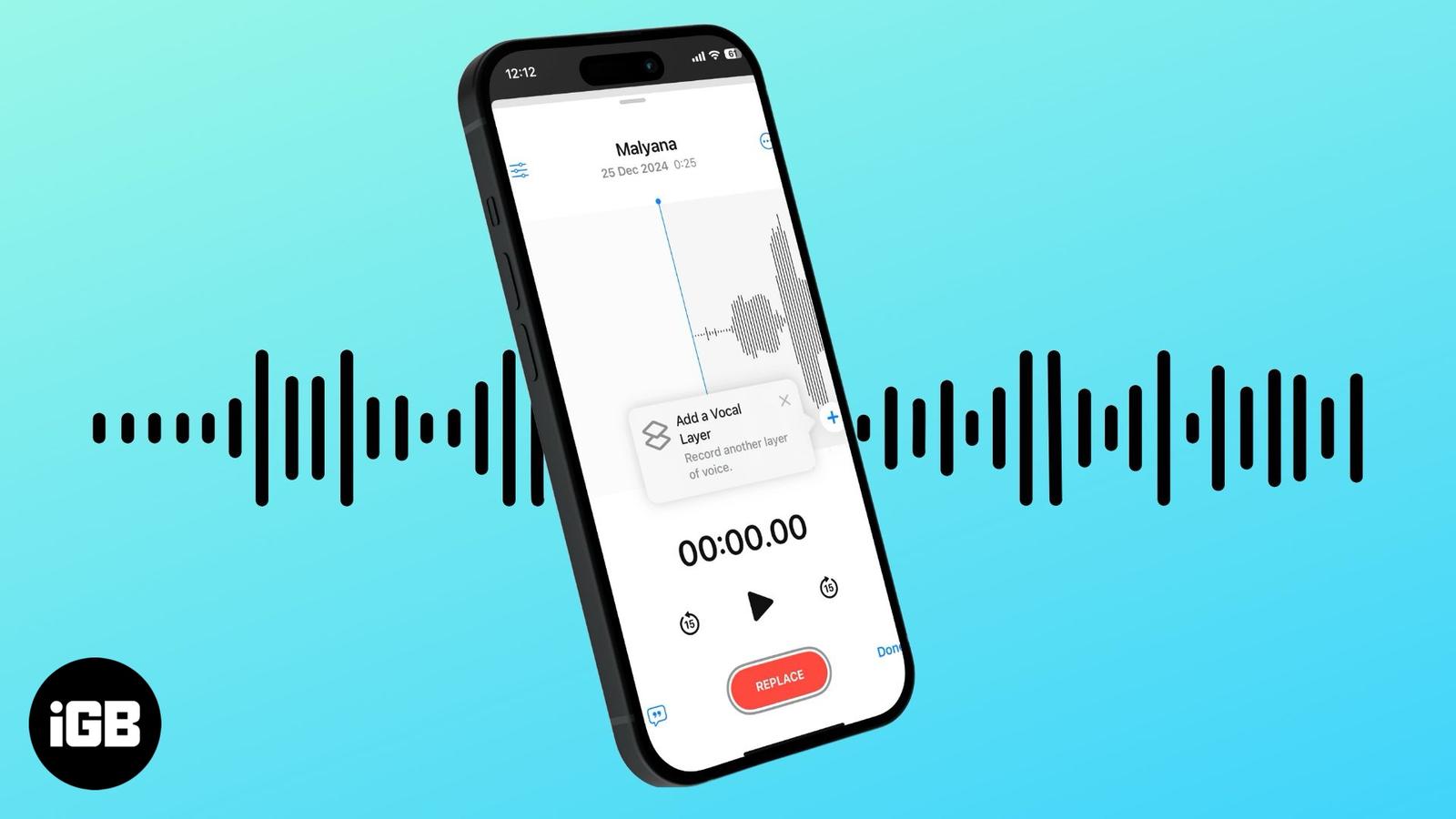
With iOS 18.2 Apple introduced layered Voice Memos recordings on iPhone, enabling musicians to create dual-layered tracks easily.
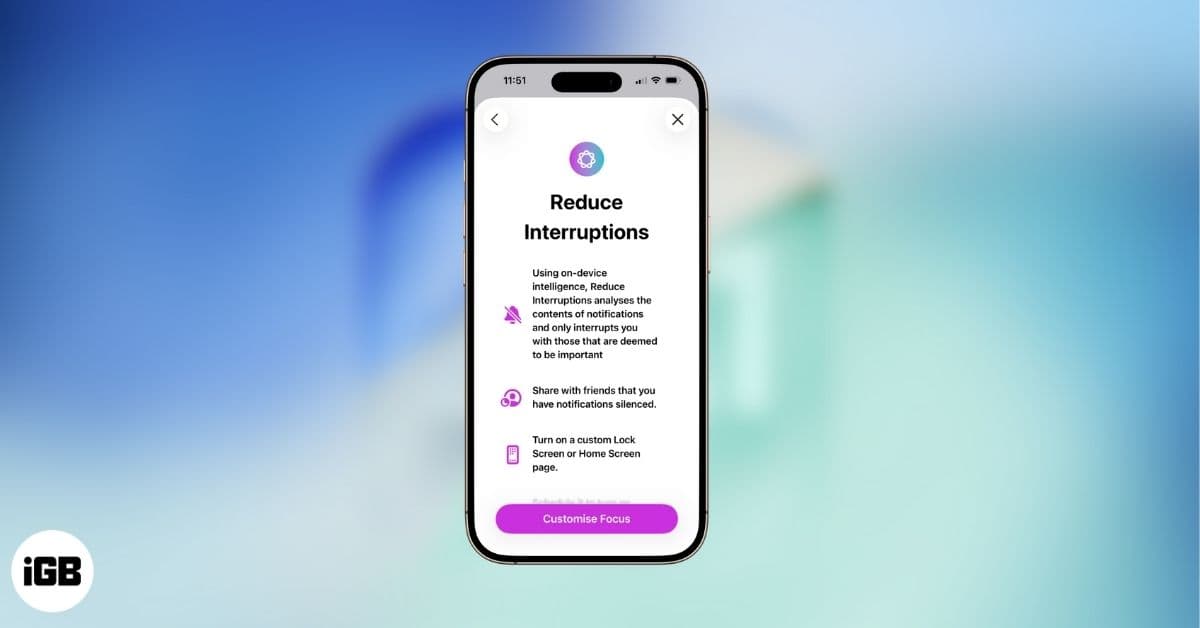
Stop notification overload on your iPhone. Set up and use Reduce Interruptions Focus to let Apple Intelligence handle the filtering.

Starlink now works with iPhone—here’s what that means and how it works.
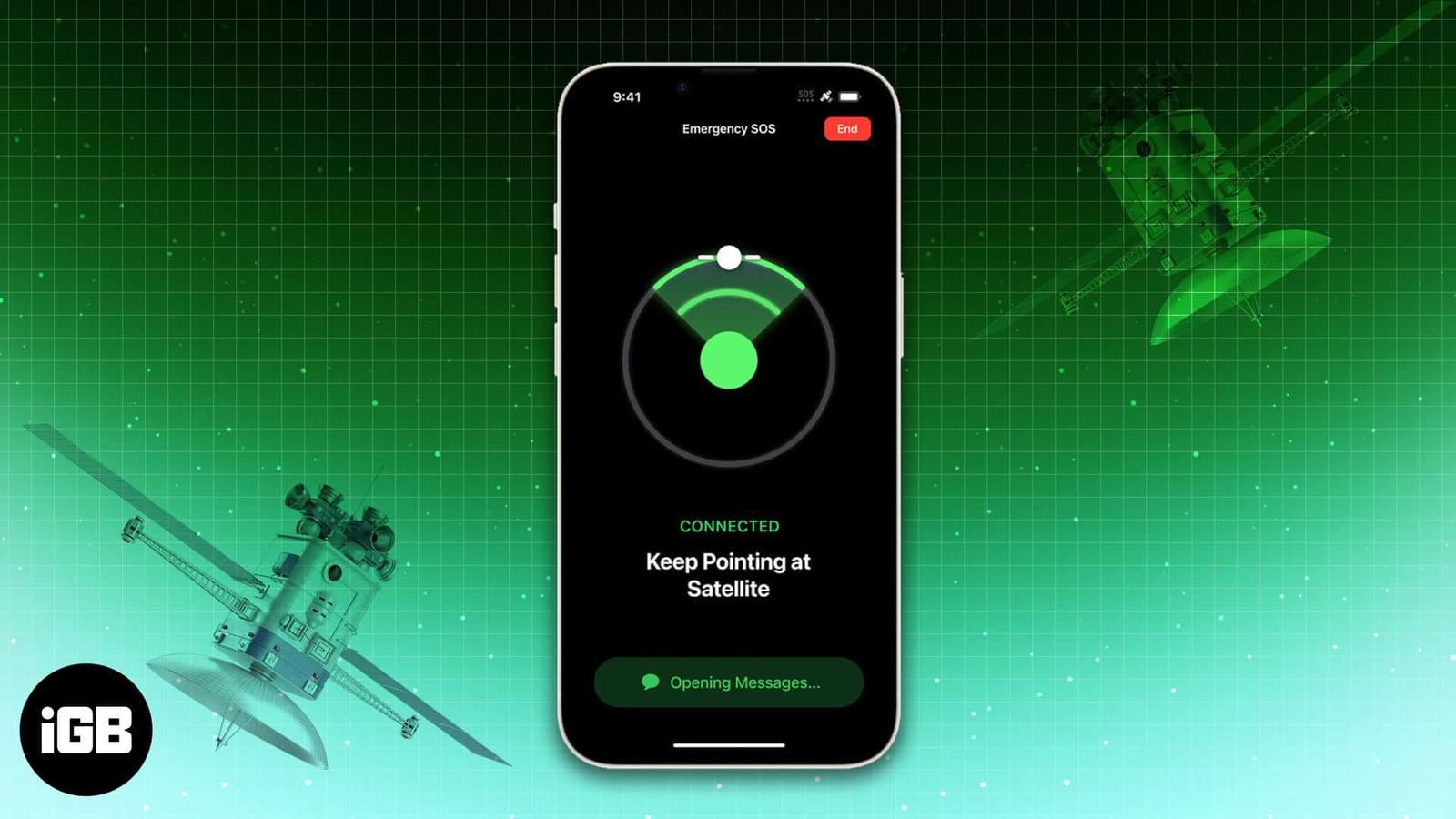
The emergency SOS via satellite feature was unveiled during the launch of the iPhone 14 lineup. And the feature is now available on iOS 16.1