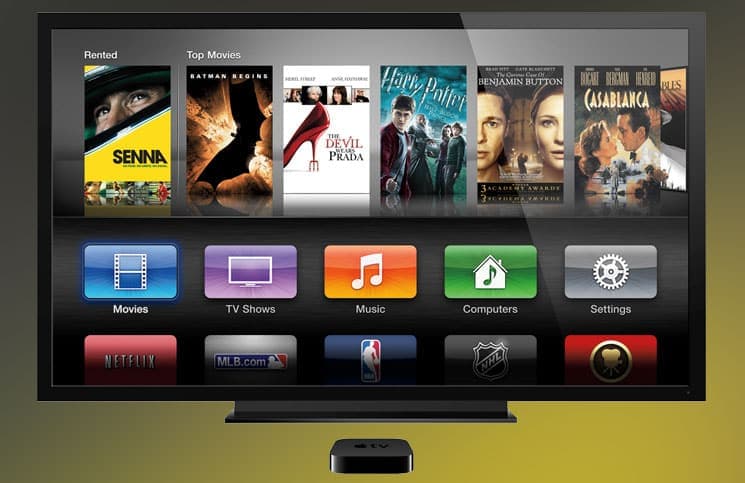
How to take a screenshot on Apple TV using Mac
tvOS has no built-in screenshot function, so the capture happens on a connected Mac. Here is how to do it with QuickTime Player, and the Xcode method for older Apple TV software.

tvOS has no built-in screenshot function, so the capture happens on a connected Mac. Here is how to do it with QuickTime Player, and the Xcode method for older Apple TV software.
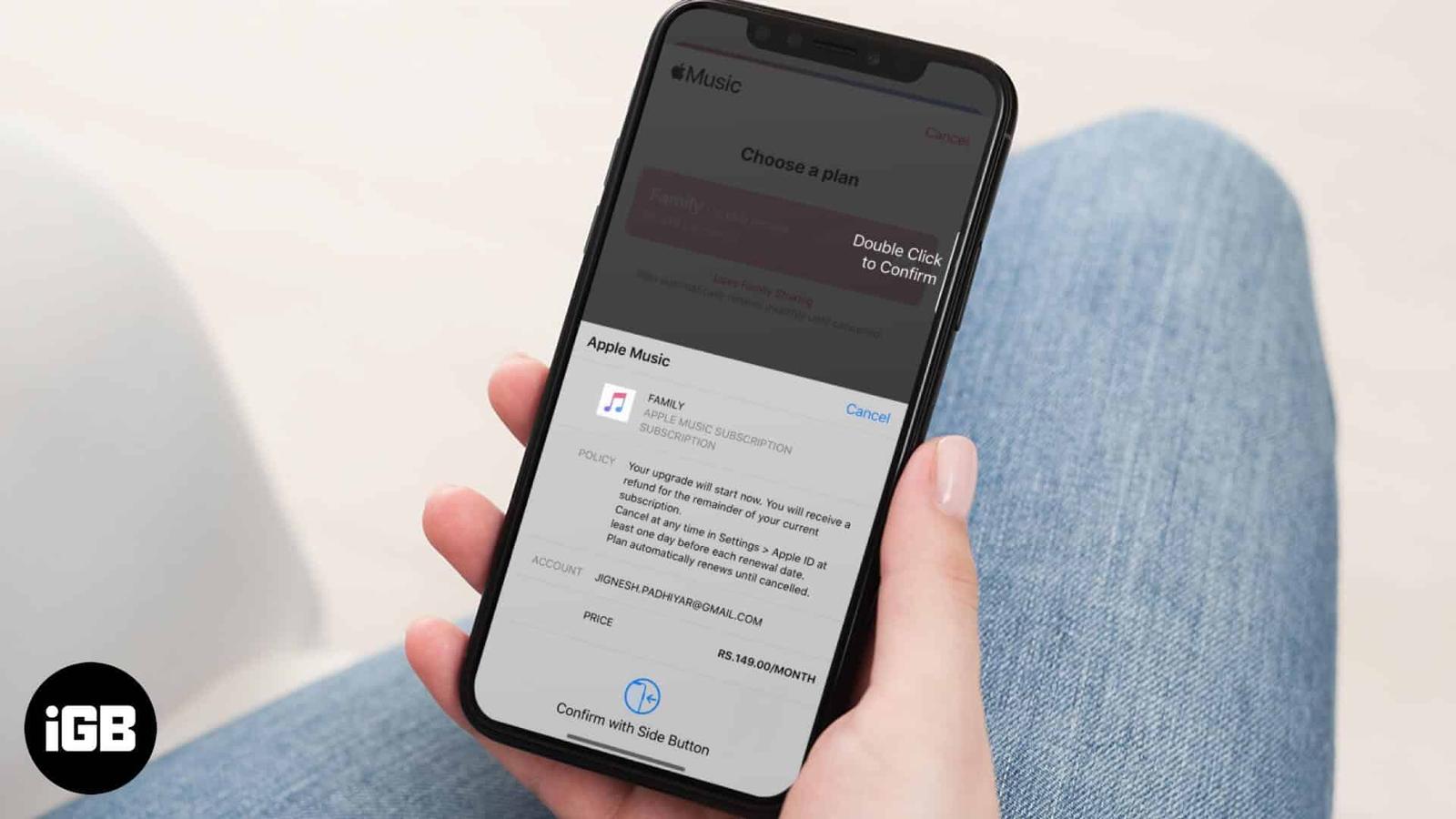
Changing plans is straightforward once you know where the setting lives. Here is how to move from Individual to Family, back again, or leave
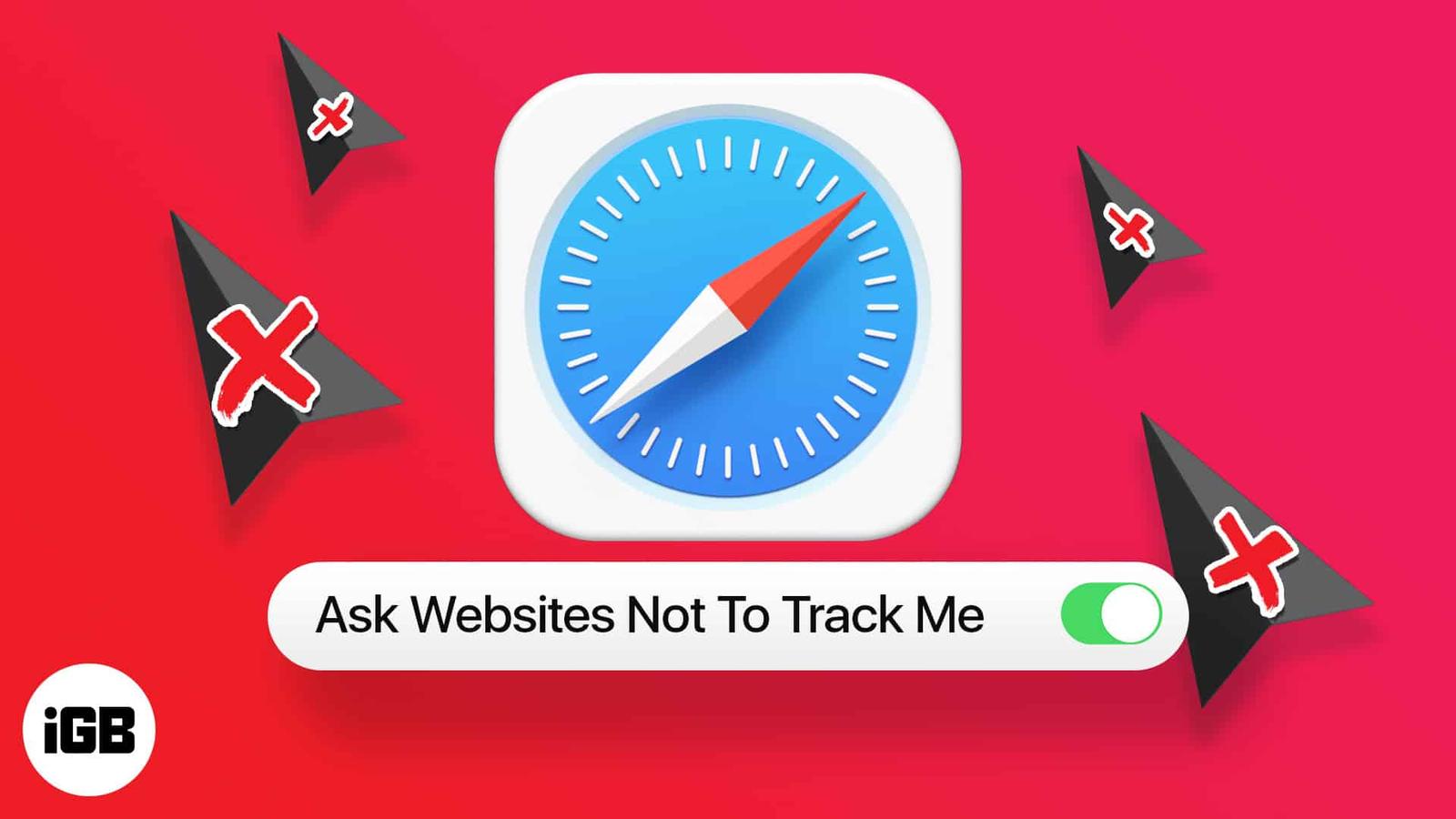
Safari blocks cross-site trackers by default, but several settings go further. Here is how to tighten tracking prevention, deny location acc
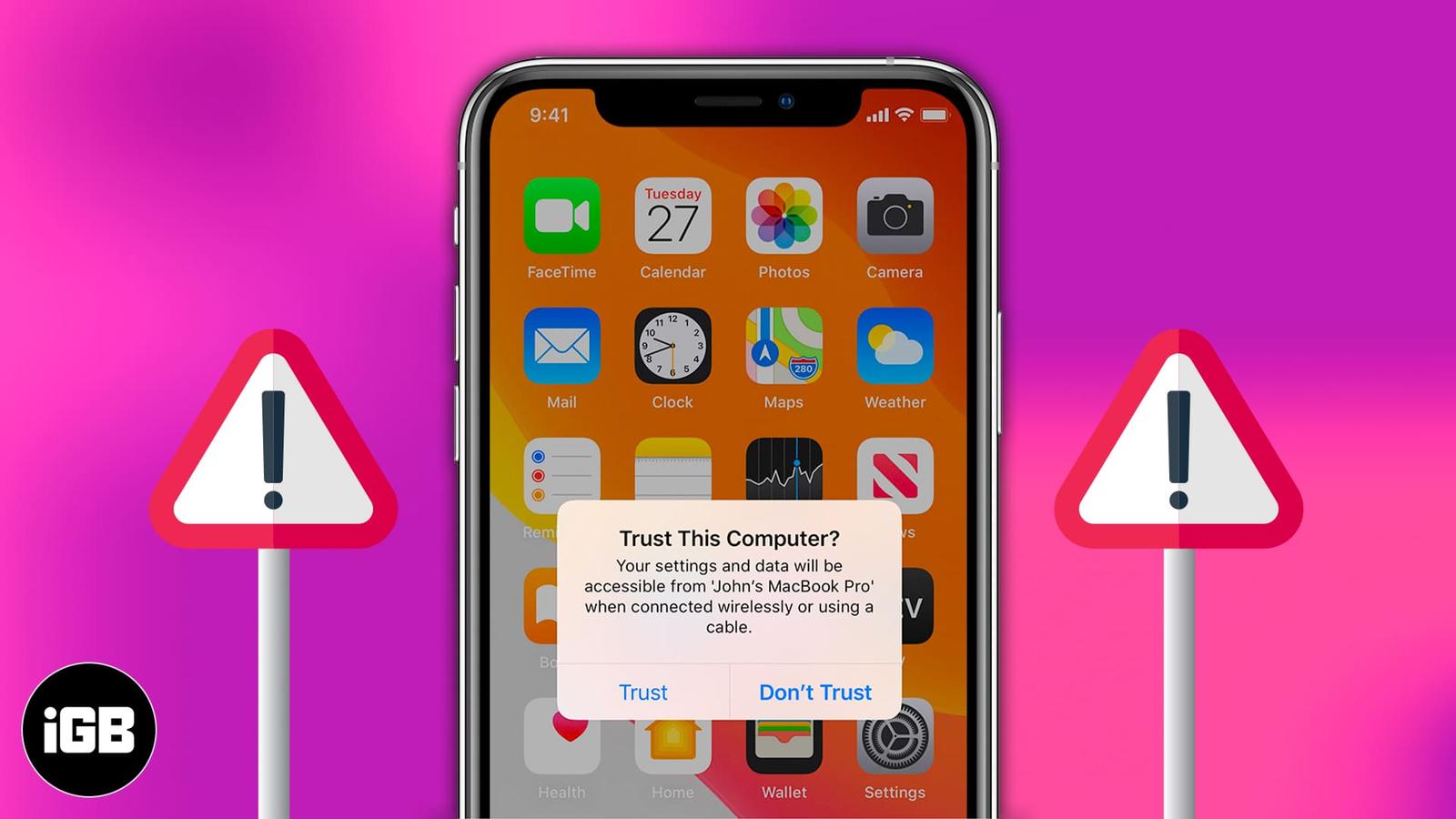
The trust prompt is a security feature, but a repeating one signals a problem. Here is why it keeps appearing on iPhone and iPad and how to
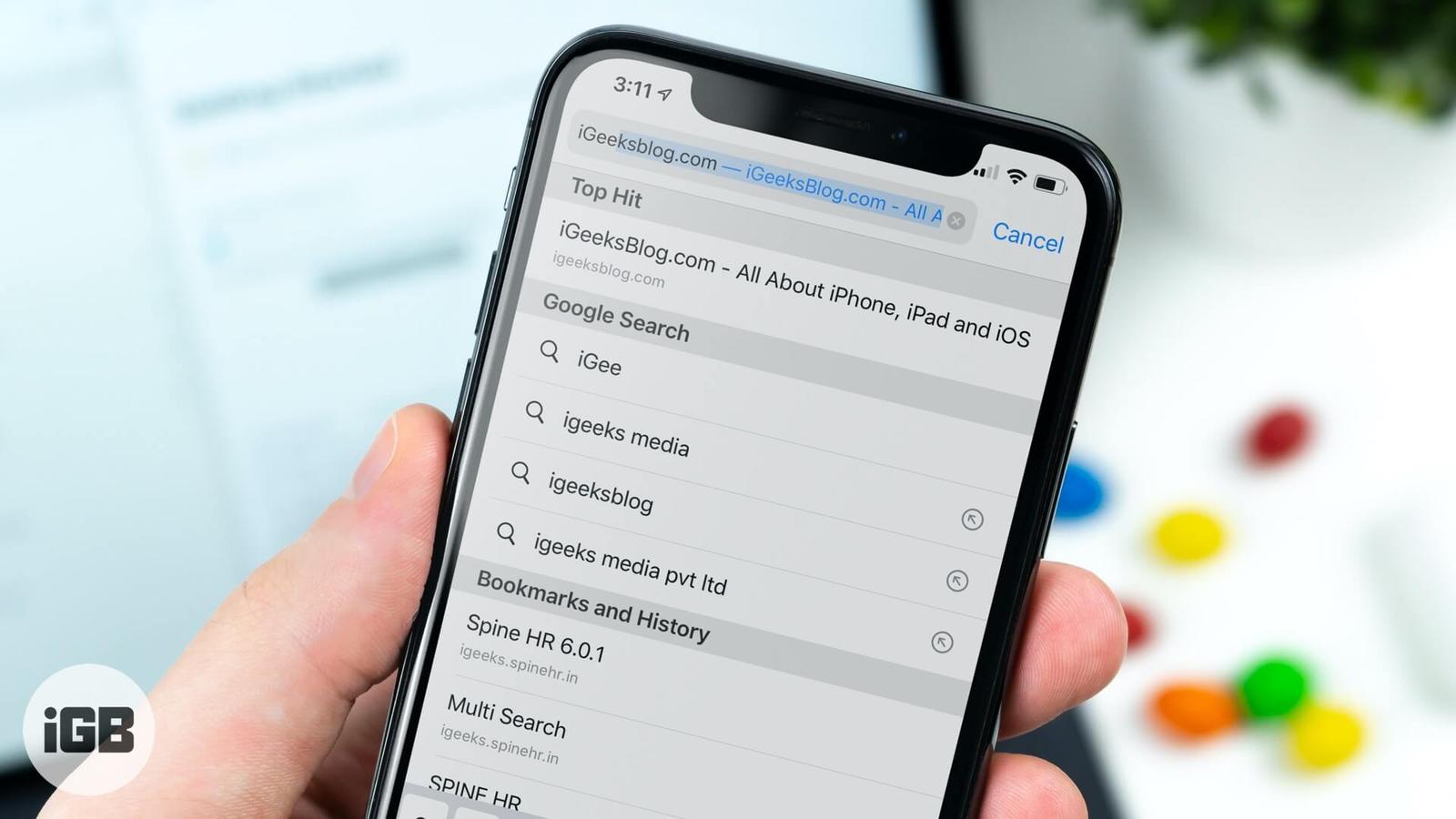
Safari fetches its top search result before you tap it, burning data on pages you never visit. Here is how to turn off Top Hit preloading on

Music that starts the moment you plug in is a persistent annoyance. These fixes cover Handoff, force quitting the app, your car stereo setti
Recovery Mode is where you reinstall macOS, run Disk Utility, and fix a Mac that will not boot. The steps differ between Apple Silicon and I
A large music library will not fit on a small SSD. Here is what splitting a library means, why it helps, how to move part of it to another d
An aging Apple Watch bogs down under accumulated apps and background activity. These 15 tips cover the settings and habits that restore resp
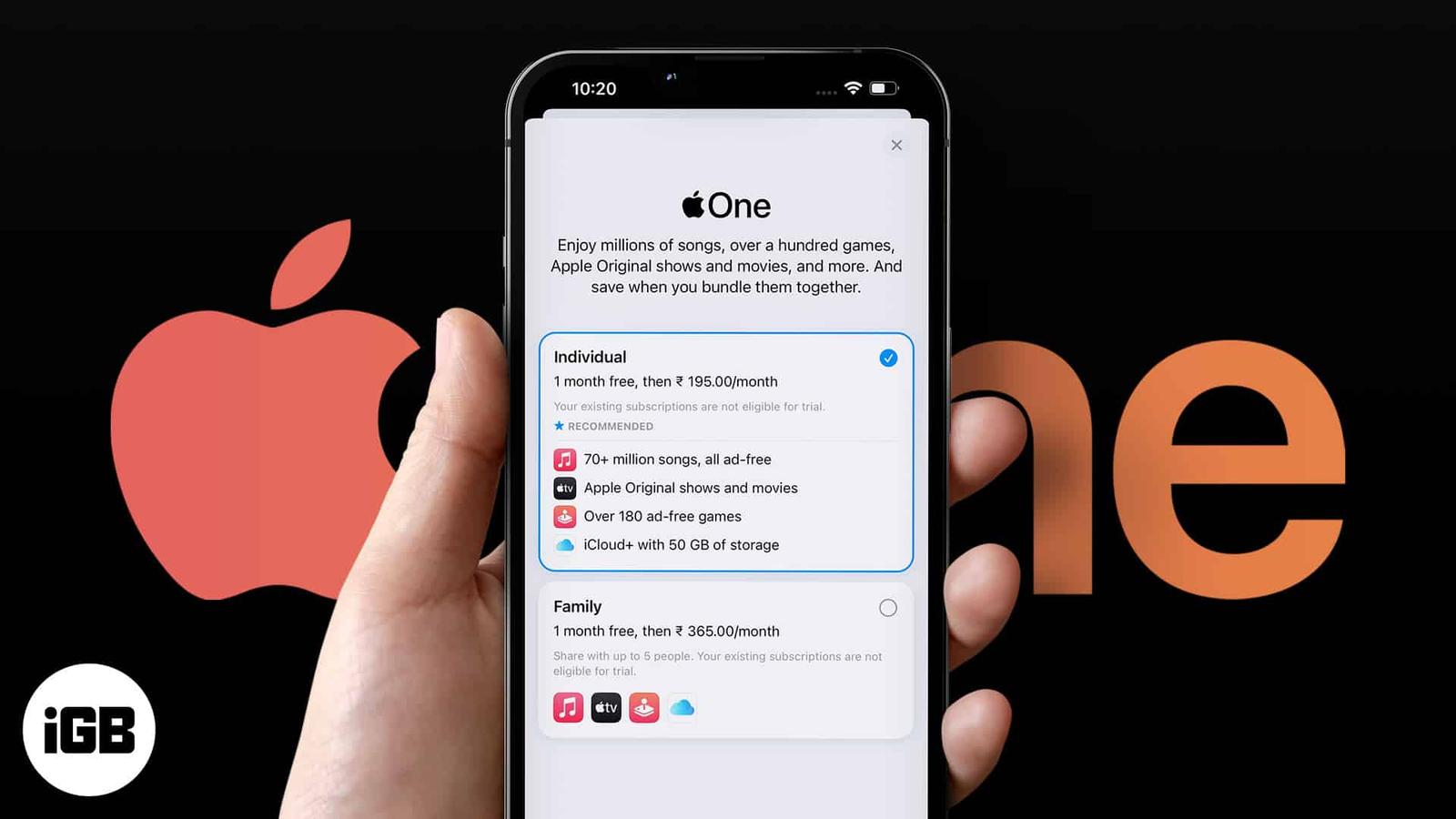
Apple One bundles Music, TV Plus, Arcade, and iCloud storage at a discount. Here is what each tier includes, where to subscribe, how to chan
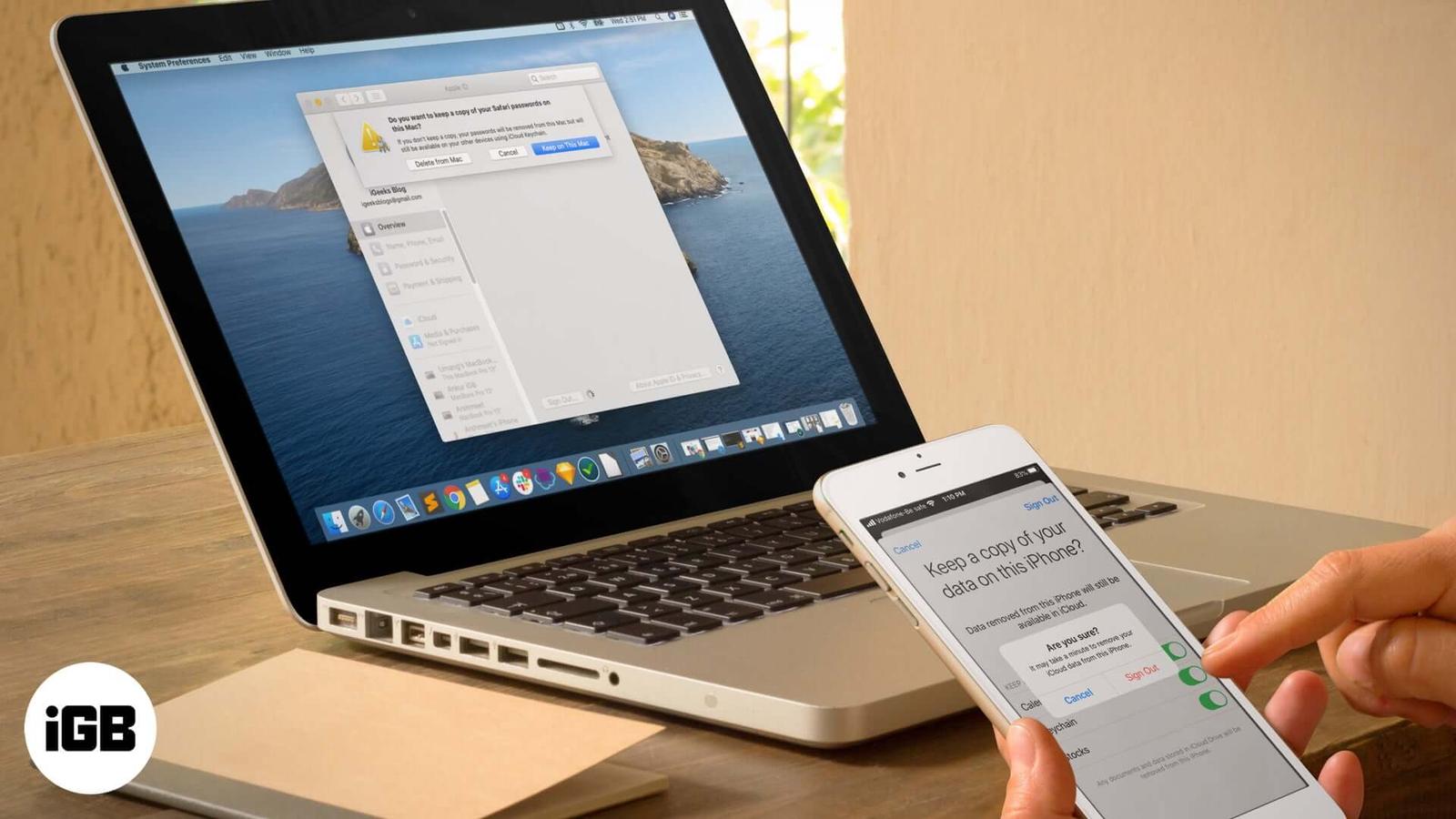
Signing out disables Find My and can remove locally stored data. Here is why you might want to, exactly what you lose, and how to sign out s