
How-to
How to use Type to Siri on iPhone, iPad and Mac (Apple Intelligence)
Control Siri without using your voice or pressing the power button.
Migration Assistant not working on Mac? 8 Ways to fix it!
Apple’s Migration Assistant is a lifesaver for transferring data from an old Mac, Windows PC, or an existing backup to a new Mac. However, i
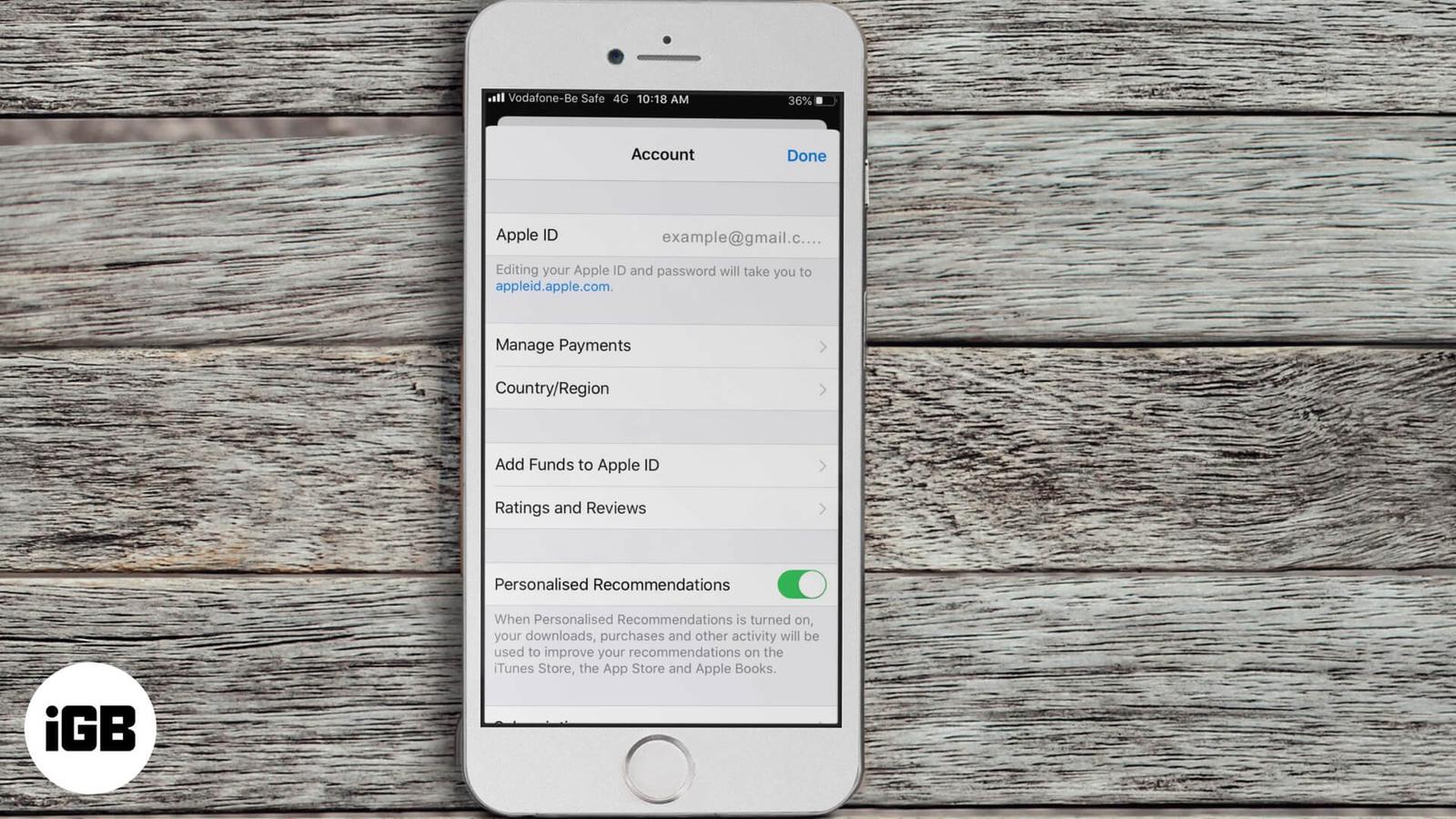
Can’t Purchase Apps on iPhone or iPad? Tips to Fix!
Not able to purchase or download apps on iPhone? Here are some solutions to fix the issue of unable to purchase apps in iOS 13 and iPadOS.
How to send multiple photos on WhatsApp for iPhone
Learn simple methods to send multiple images at once on WhatsApp.
How to record WhatsApp audio and video calls on iPhone
WhatsApp doesn’t have call recording, but here’s how to record audio and video calls on your iPhone.
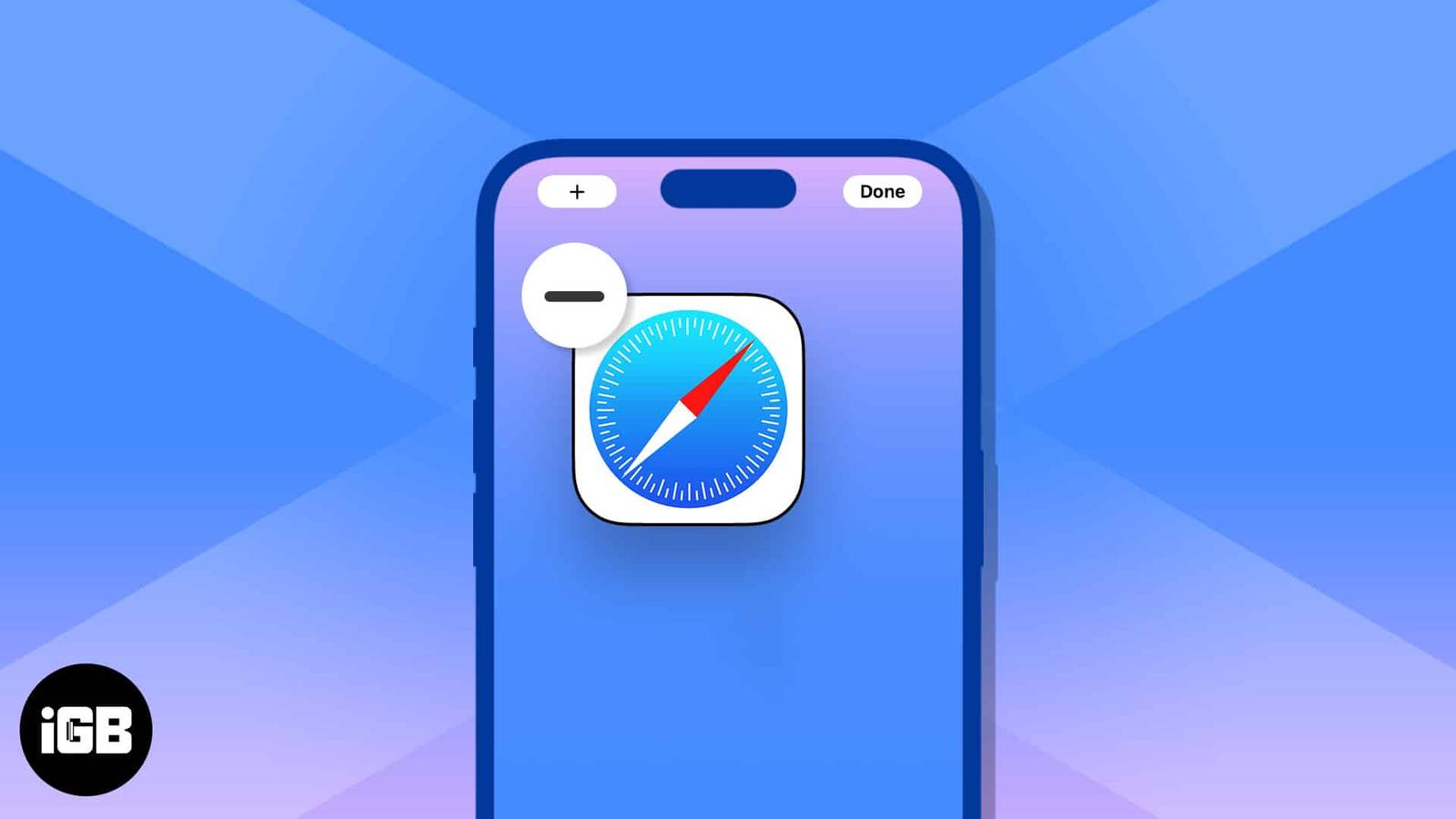
How to disable or remove Safari on iPhone
Safari is the browser that comes with your iPhone — and all Apple devices, for that matter. But what if Safari isn’t quite your cup of tea?

How to fix it when Find My iPhone isn’t working
Get Find My iPhone working perfectly again with these simple fixes.
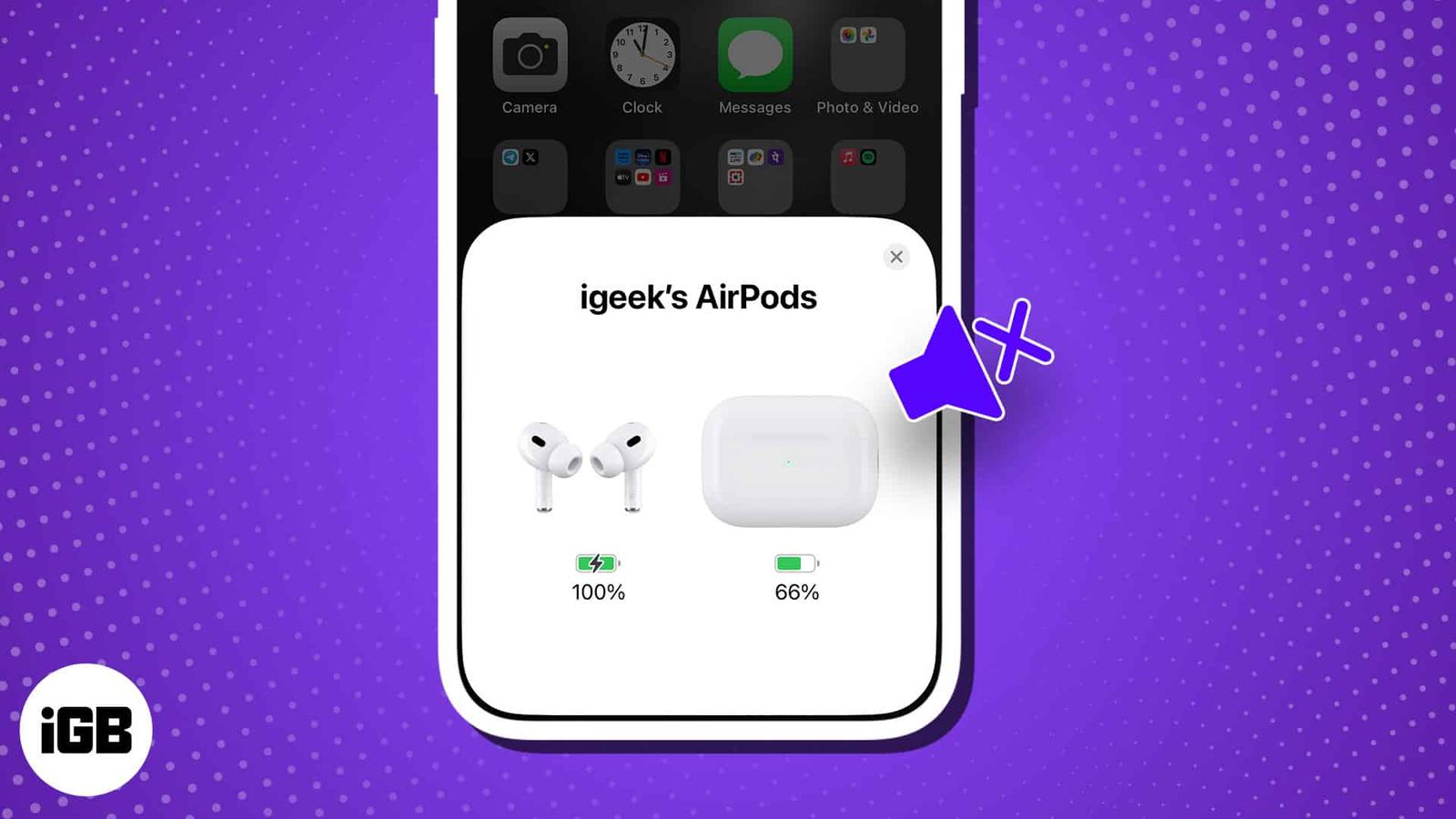
AirPods connected but no sound? 15 Ways to fix it!
Apple’s AirPods are known for their versatility and innovation, making them a premium choice in the earbuds market. Given the hefty price ta
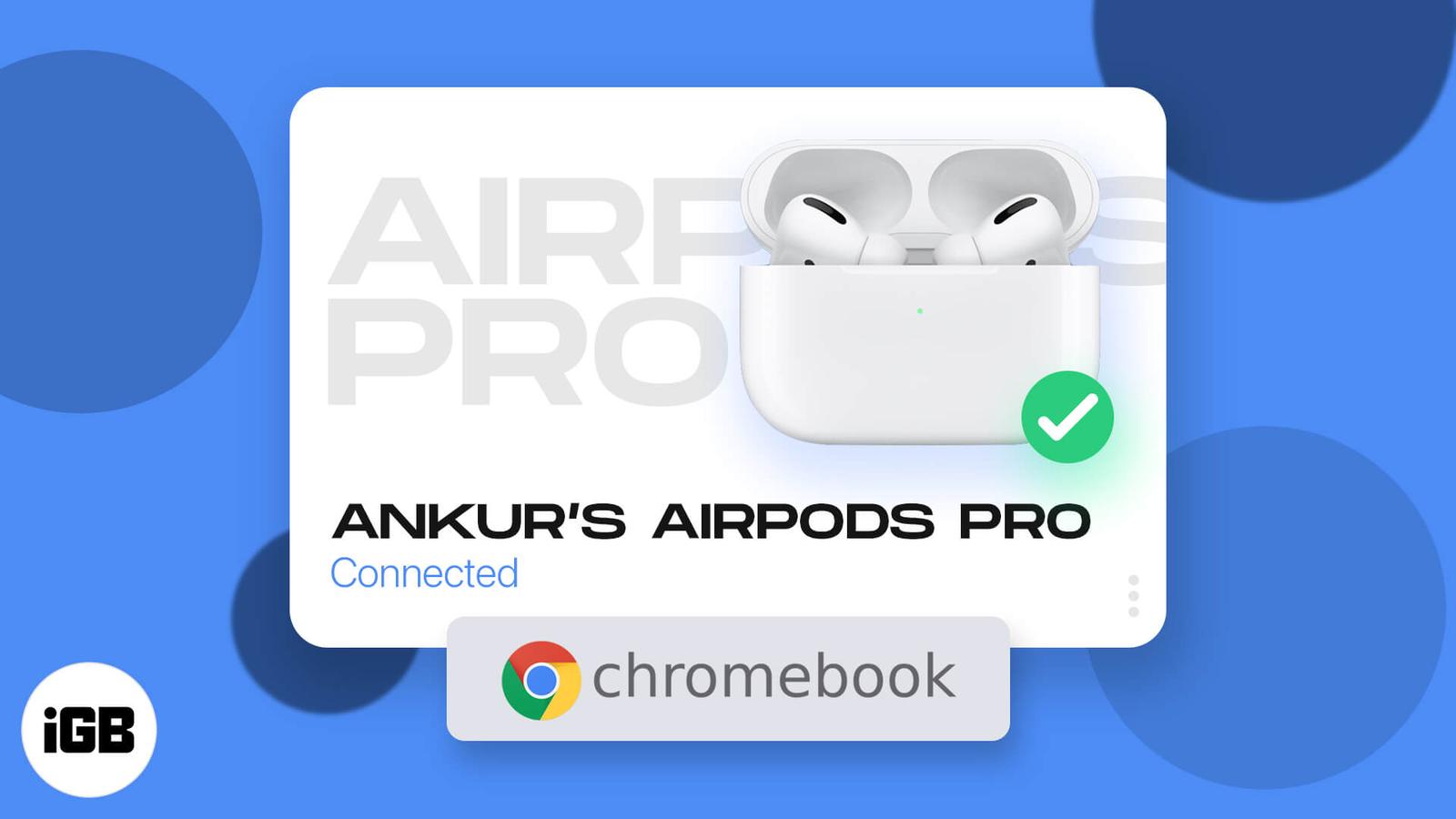
How to connect your AirPods to Chromebook easily
Effortless steps to pair your AirPods with a Chromebook.
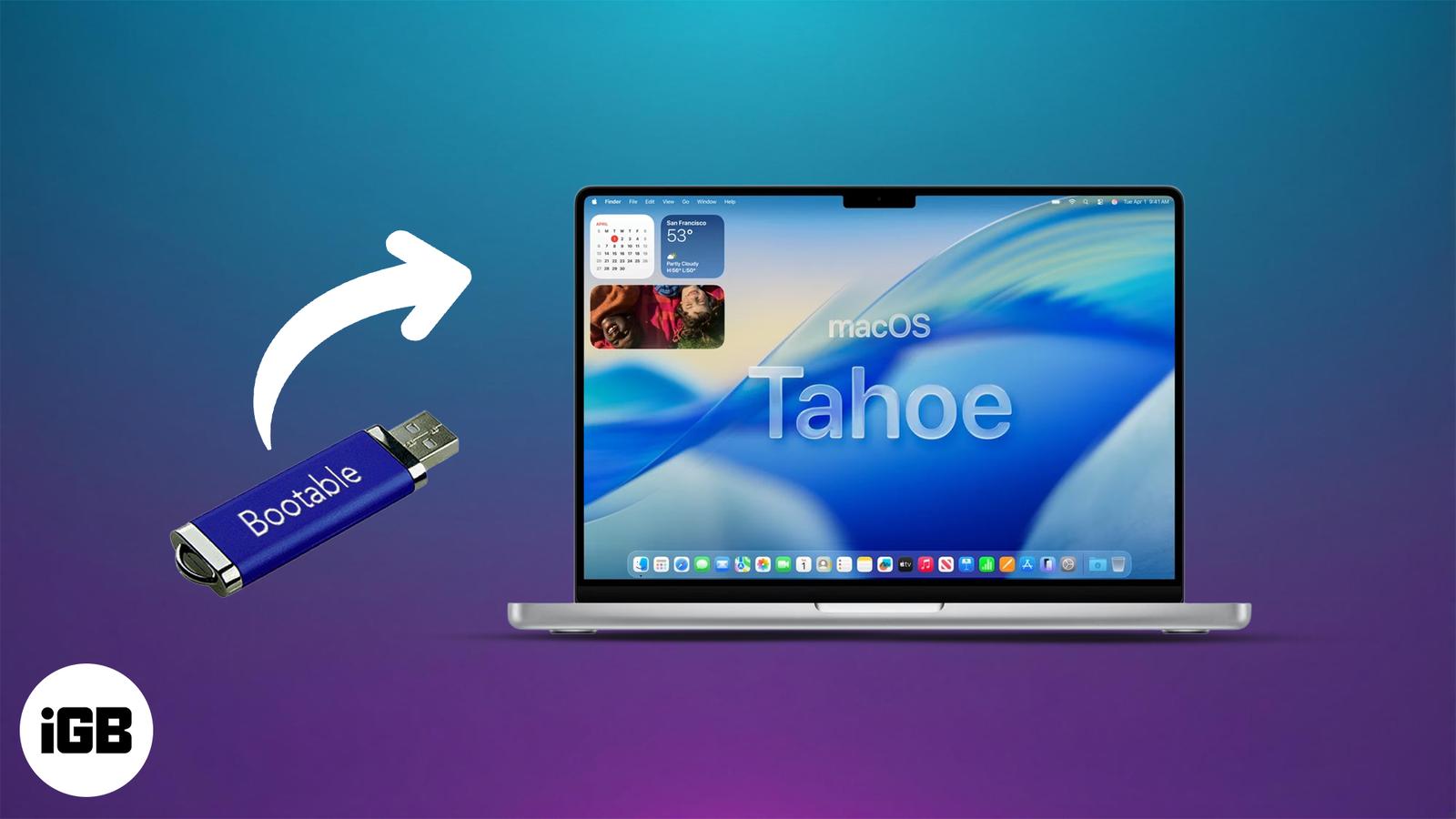
How to Create a Bootable USB Installer for macOS Tahoe 26
Want to install or test macOS Tahoe 26 on your Mac? This guide shows you how to create a bootable USB installer for clean installs, recovery