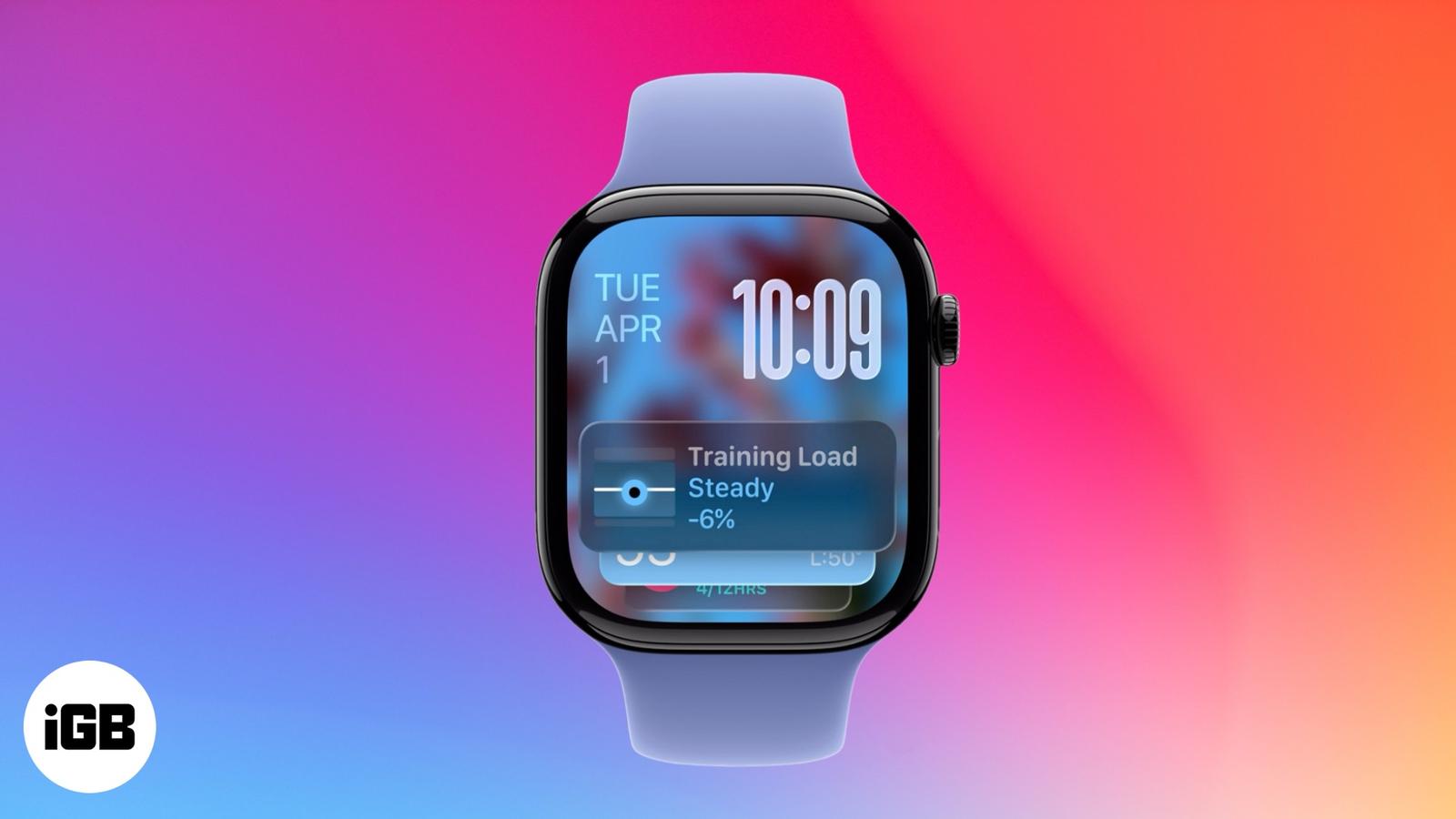
Smart Stack on Apple Watch: Your Wrist’s Smartest Upgrade Yet
Smart Stack on Apple Watch shows personalized widgets based on your activity, time, and location – Keeping you informed without cluttering your watch face.

Smart Stack on Apple Watch shows personalized widgets based on your activity, time, and location – Keeping you informed without cluttering your watch face.
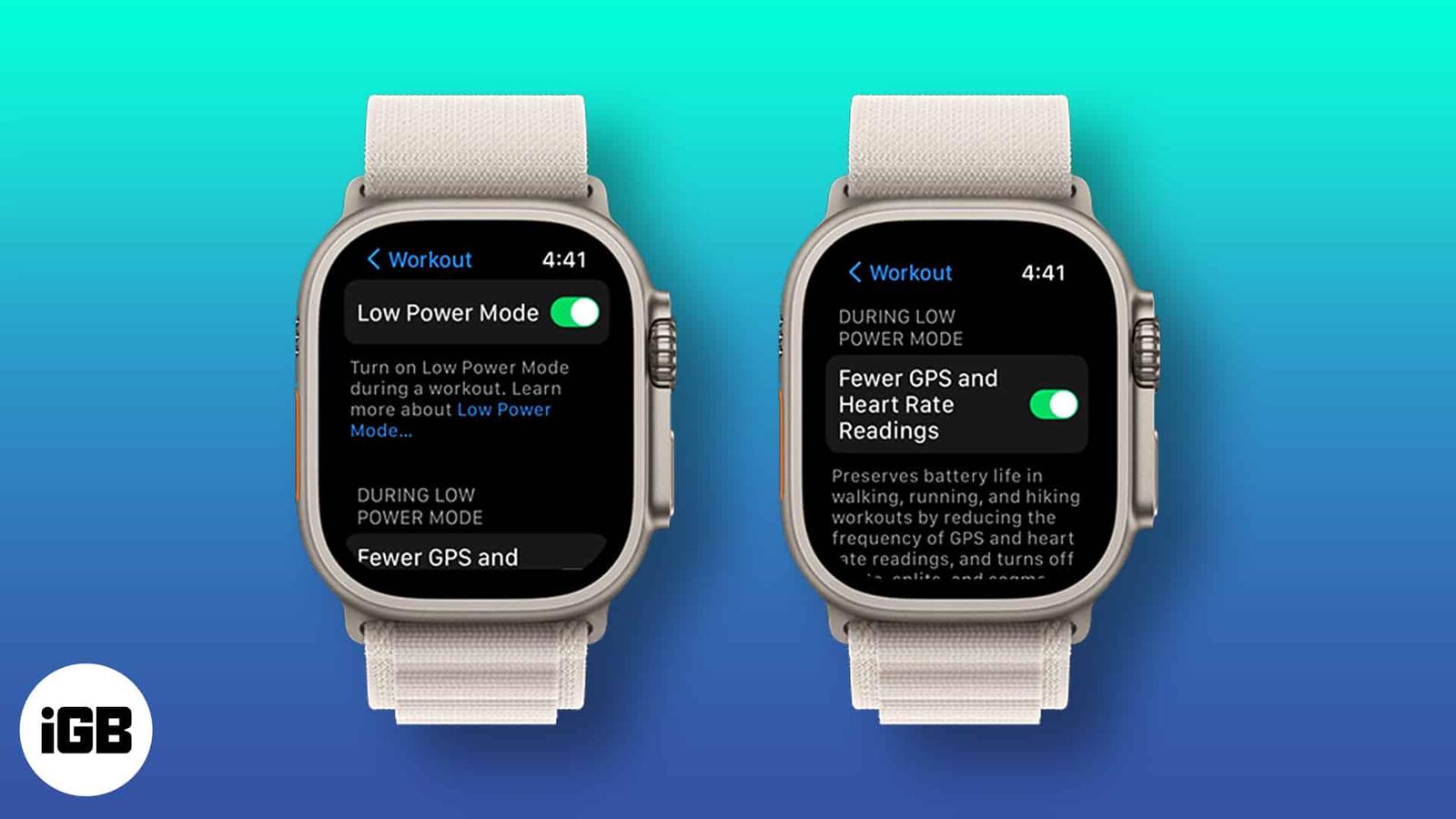
Things to know: To get 60 hours of battery life, you need to update your Apple Watch Ultra to watchOS 9.1. From Apple’s current smartwatch
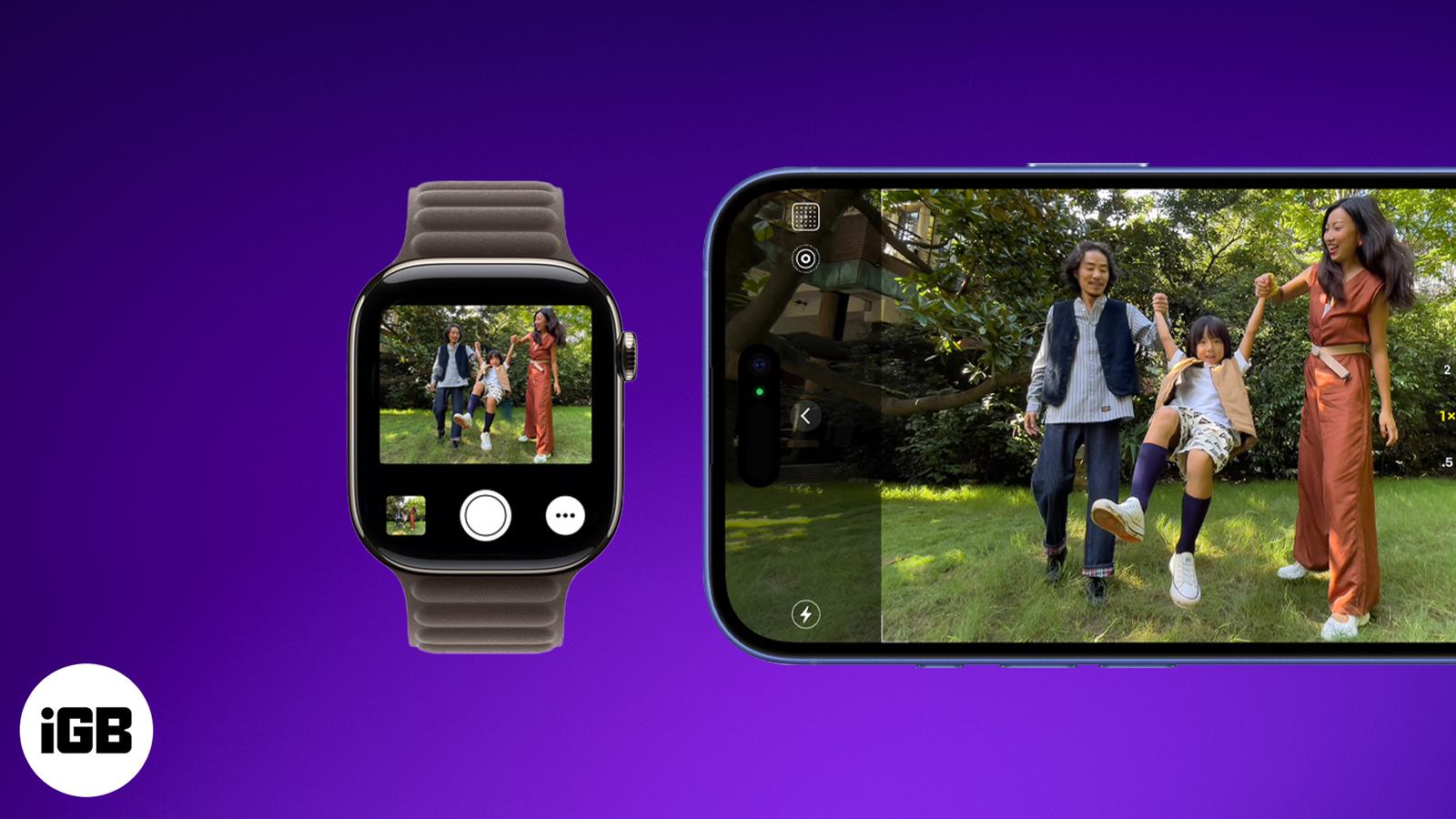
Your wrist, your shutter—snap perfect shots and hands-free videos with the Camera Remote app on Apple Watch.
One of the most basic activities tracked by an Apple Watch is the step count. However, quite often, your Apple Watch might fail to track ste
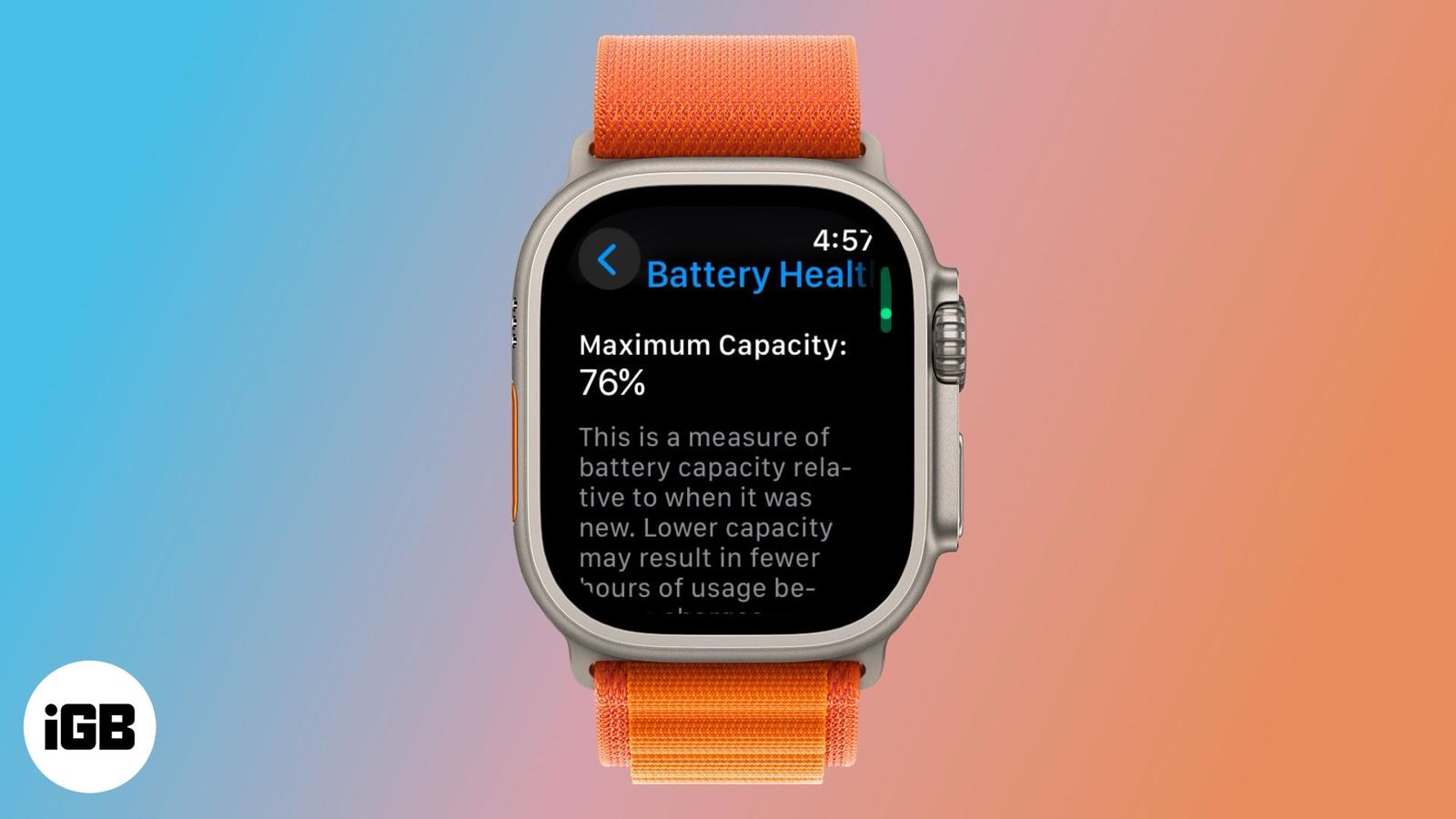
Apple Watch battery draining fast? Learn how to check its health and when to replace it.
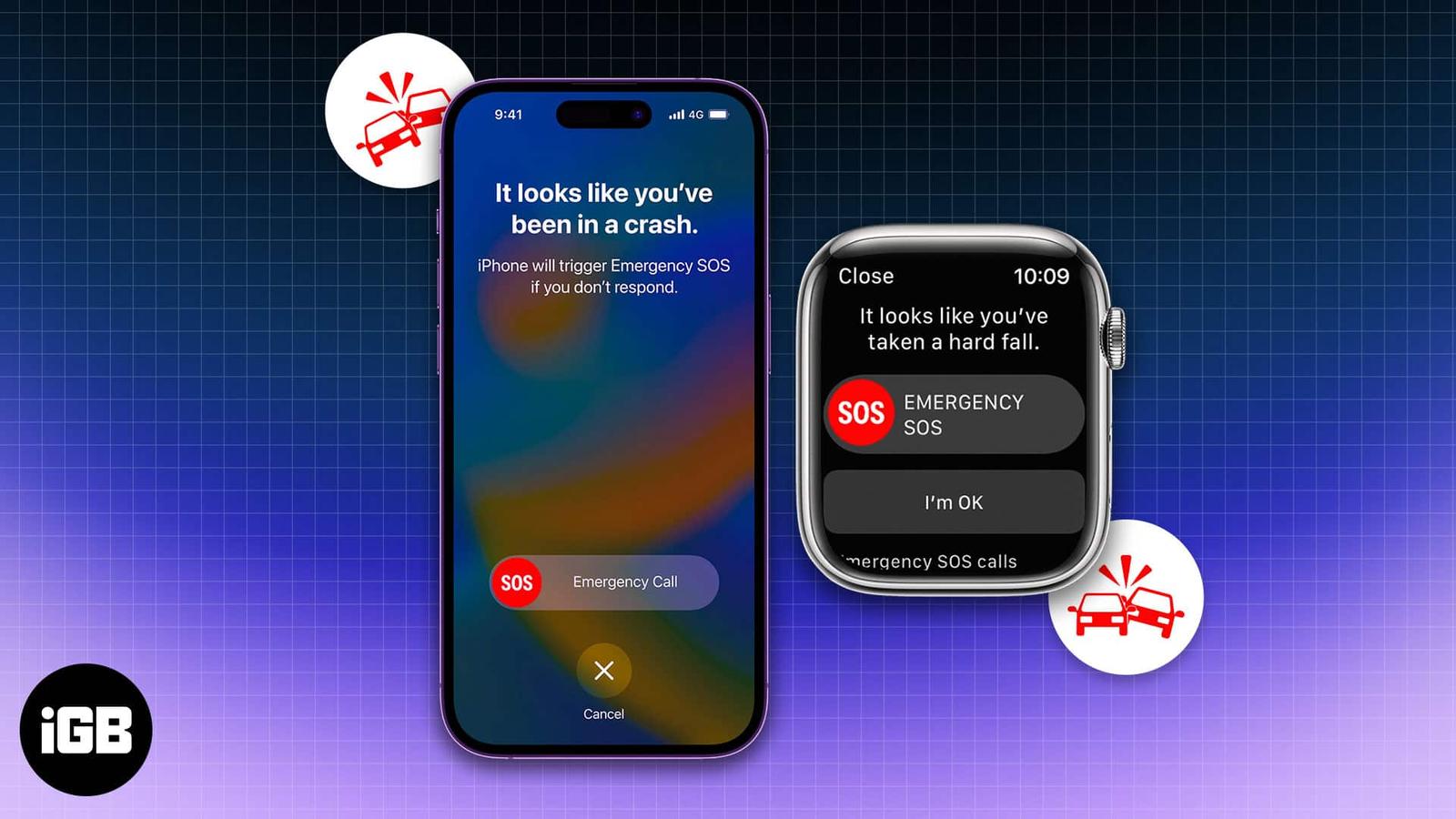
Tired of hearing about the same old smartwatch features? Apple’s Crash Detection on iPhone and Apple Watch changes the game. This life-savin
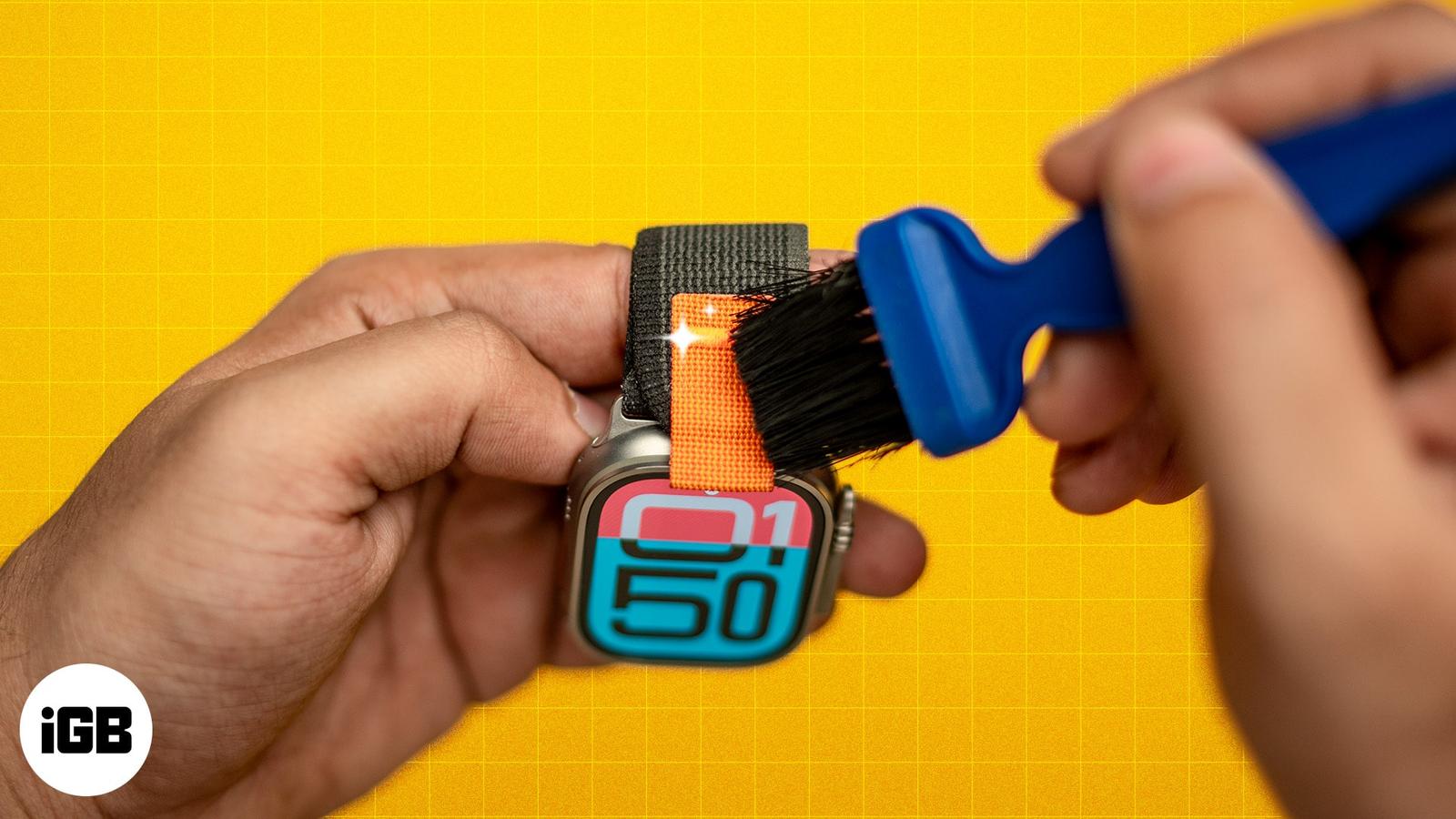
Remove dirt and stains from your Apple Watch strap with these tips.
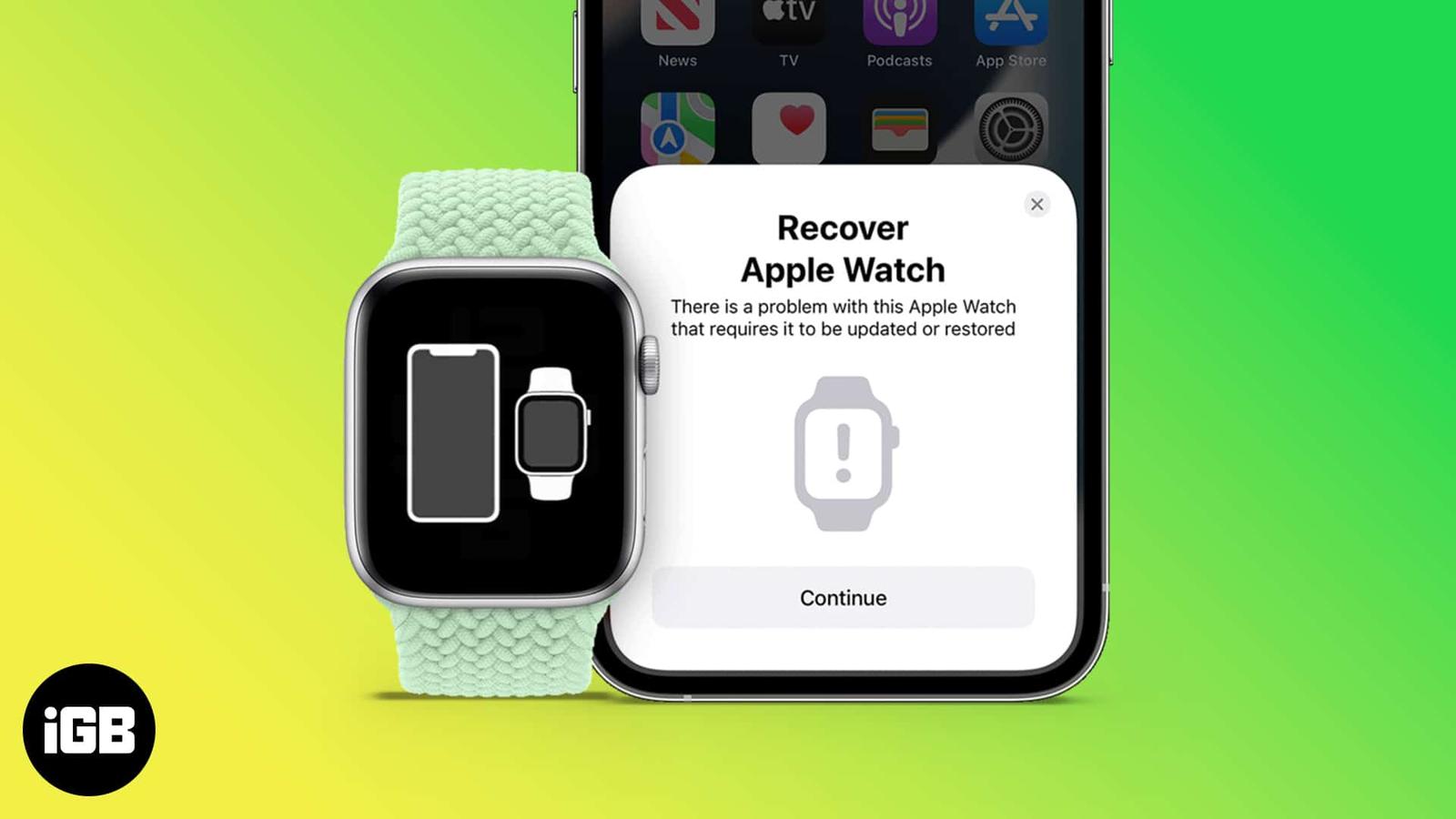
When your iPhone or Mac isn’t working, we put it in recovery mode. But how do you recover your Apple Watch when it is not working? Earlier,
At WWDC 2024, Apple released the new iteration of watchOS for the Apple Watch, watchOS 11. As always, this new watchOS update also includes
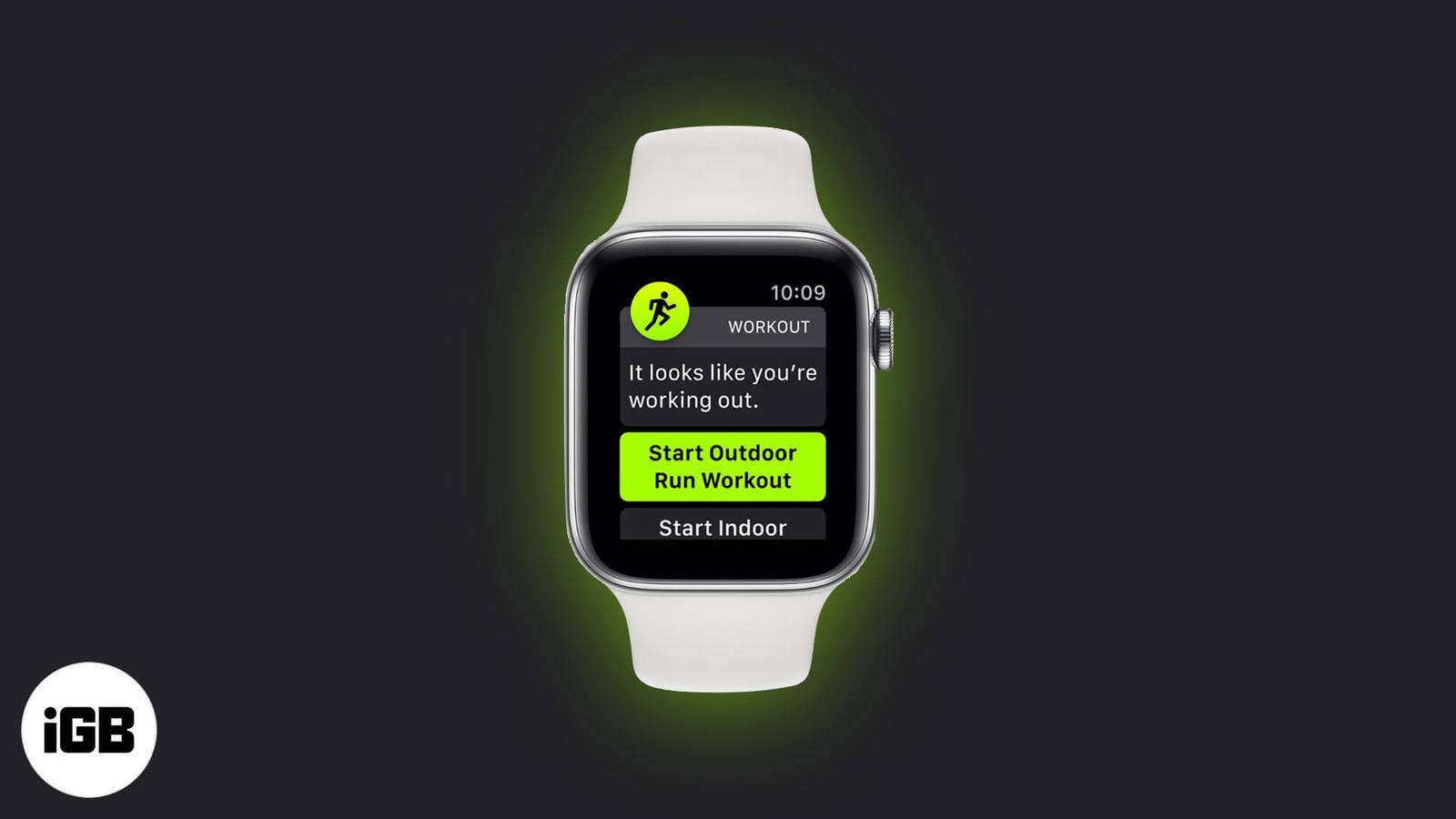
Auto Workout Detection on Apple Watch tracks workouts automatically. Learn how to turn it on or off easily.
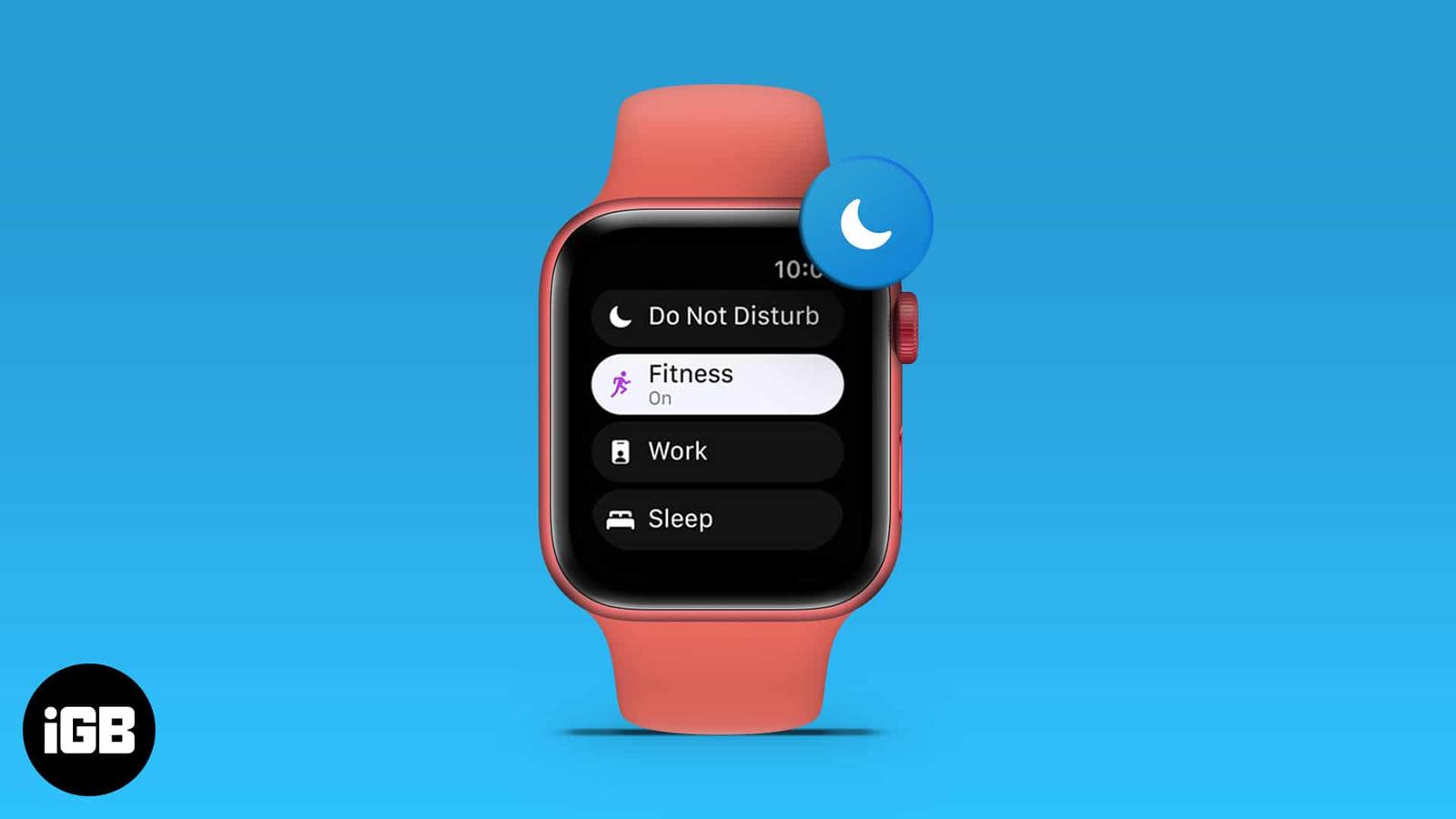
I’m sure you’d agree that the utility the Apple Watch provides is unmatched, but it is a tool of distraction in numerous instances. Apple of