
Apple’s new MacBook Pro with PROLED XDR is an interesting upgrade. It brings tandem OLED technology, touchscreen support, Dynamic Island, a redesigned body, and several smaller improvements. However, there’s one detail that makes the upgrade harder to recommend: both models use the same M5 Pro and M5 Max chips.
Therefore, what exactly does this $400 additional cost bring? For starters, a nicer display, touchscreen, and a lighter design. That’s a considerable premium for a laptop that does not provide faster performance or more battery life.
I’ve broken down the differences to help you decide whether the PROLED XDR MacBook Pro is worth buying or whether the standard model is the smarter choice.
MacBook Pro PROLED XDR vs Standard mini-LED: What’s the difference?
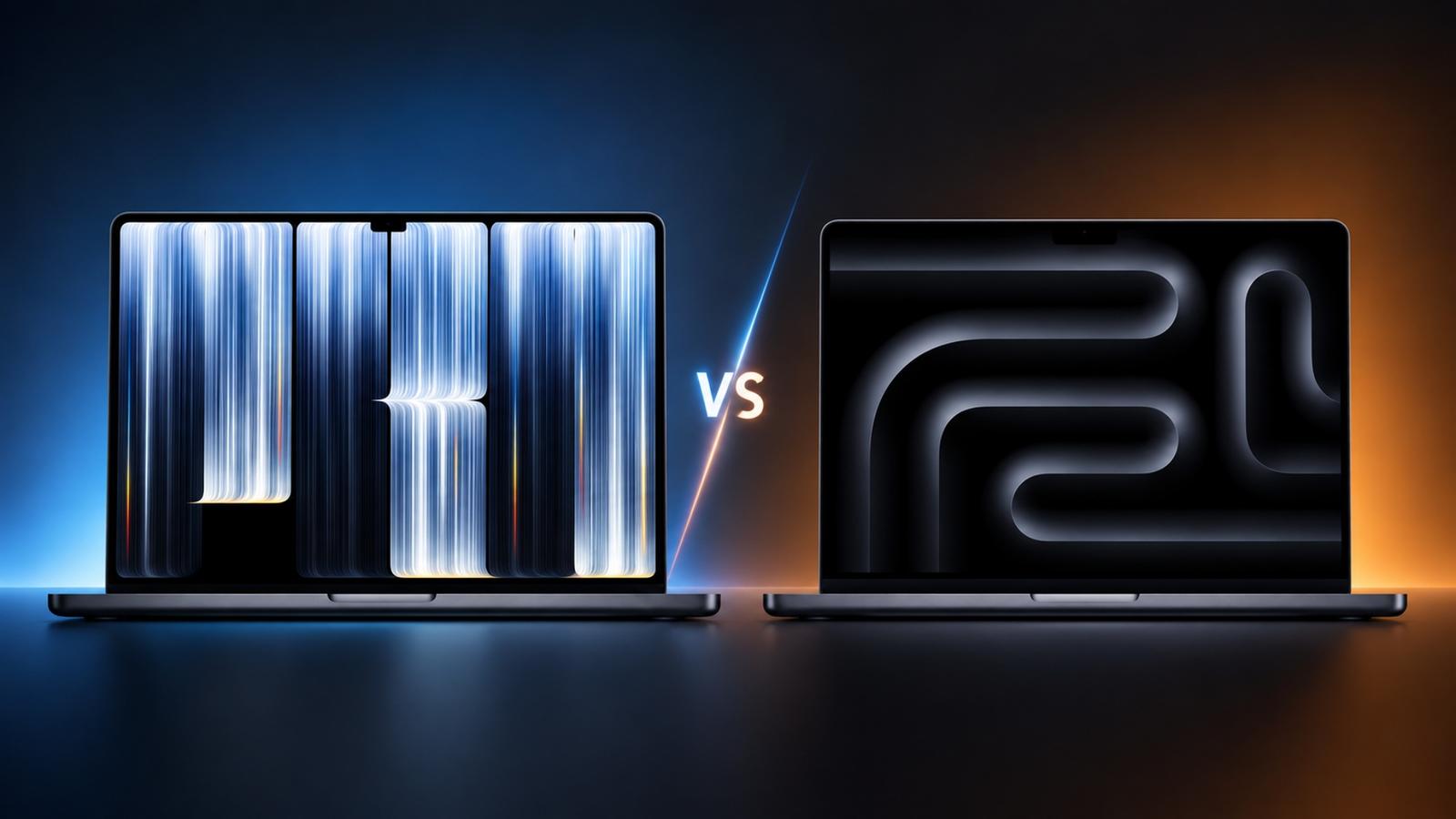
Both MacBook Pro models share Apple’s M5 Pro and M5 Max processors, but their displays, designs, and a few hardware features set them apart.
Here’s a quick comparison:
| Feature | PROLED XDR | Standard |
|---|---|---|
| Display technology | Tandem OLED | Mini-LED |
| Display size | 14.2 / 16.3 inches | 14.2 / 16.2 inches |
| Touchscreen | Yes | No |
| Peak brightness | Up to 2,000 nits | Up to 1,600 nits |
| Display cutout | Dynamic Island | Notch |
| Processor | M5 Pro / M5 Max | M5 Pro / M5 Max |
| Maximum memory | 128GB | 128GB |
| Maximum storage | 16TB | 8TB |
| 14-inch weight | 3.0 lbs | 3.5 lbs |
| 16-inch weight | 4.0 lbs | 4.7 lbs |
| Battery life | Up to 22–24 hours, depending on configuration | Up to 22–24 hours, depending on configuration |
| Starting price | $2,899 | $2,499 |
Display: Is tandem OLED really worth upgrading from mini-LED?
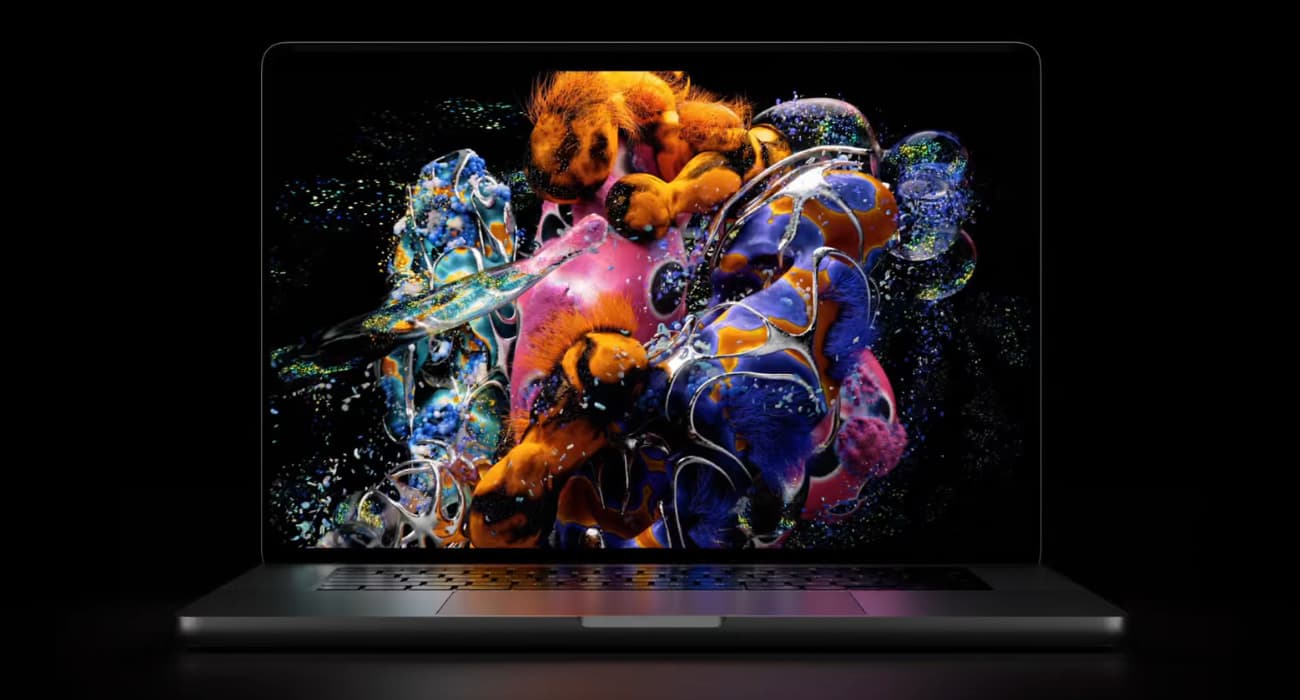
The display is arguably the strongest reason to consider the PROLED XDR MacBook Pro. Apple says it is “the world’s best laptop display.”
The new model brings tandem OLED technology with a dedicated display engine. Unlike mini-LED, which uses a backlight and local dimming zones, OLED controls each pixel individually. This allows it to produce deeper blacks and better contrast. For movies, HDR content, and creative work, I noticed a more true-to-life color palette.
Apple has also increased peak brightness from 1,600 nits to 2,000 nits. Another important addition is Adobe RGB support and professional reference modes. Photographers and designers working on color-sensitive projects may appreciate the extra flexibility.
Then there’s Dynamic Island. Apple replaces the traditional notch with an interactive cutout to show Spotlight, Live Activities, and Siri AI. Of course, the major improvement is the touchscreen itself. The new MacBook Pro lets you interact directly with the display, with macOS 27 introducing touch optimizations.
However, don’t expect it to replace your iPad. It’s still a traditional MacBook where the keyboard and trackpad play the key role in its operation. If you prefer using your fingers to navigate the screen, then it is going to be useful. Otherwise, you might rarely use it.
Design and portability: The PROLED XDR MacBook Pro is thinner and lighter
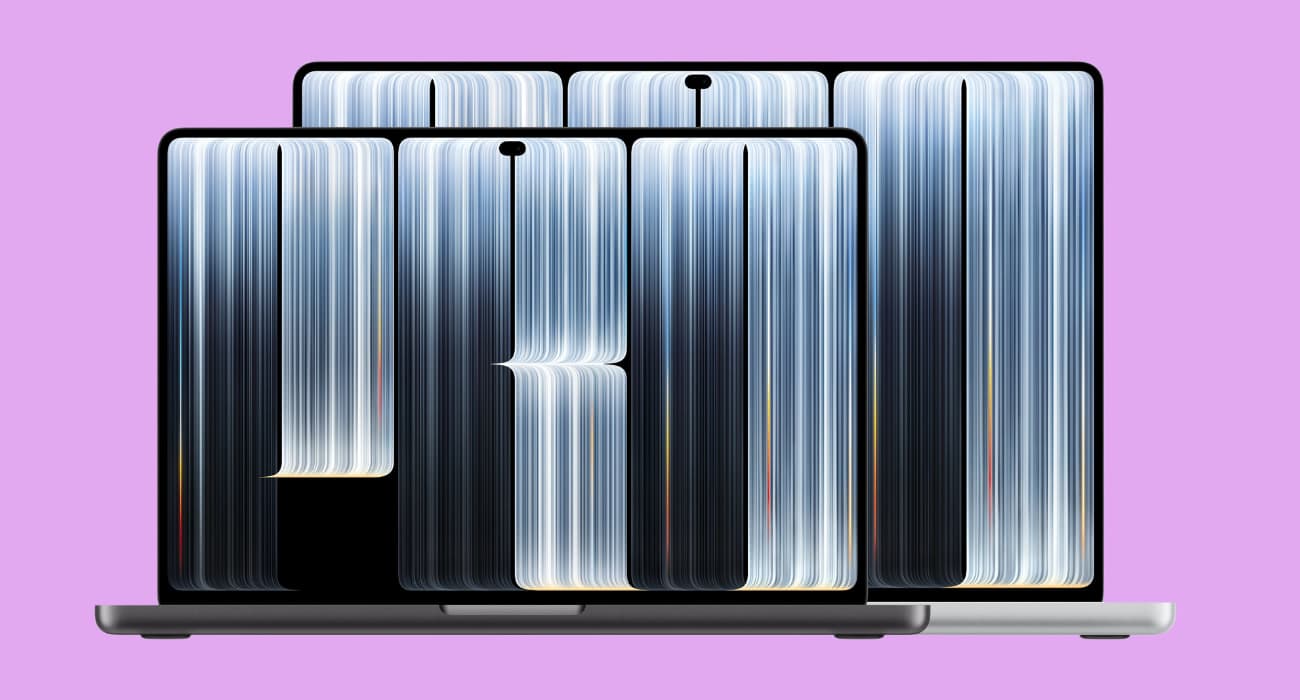
Apple has also redesigned the MacBook Pro’s chassis, making it thinner and lighter. The design overhaul was long overdue since 2021.
| Model | PROLED XDR | Standard |
|---|---|---|
| 14-inch weight | 3.0 lbs | 3.5 lbs |
| 16-inch weight | 4.0 lbs | 4.7 lbs |
The 14-inch model loses half a pound, while the 16-inch version is 0.7 pounds lighter. That’s a meaningful improvement if you regularly carry your MacBook to work or travel with it.
The redesigned hinge adds stability, while the return of the glowing Apple logo gives the laptop a nostalgic touch. Personally, I’d value the reduced weight more than the cosmetic changes. A lighter laptop makes a difference every time you put it in your backpack.
Performance: Do you get more power for your extra $400?
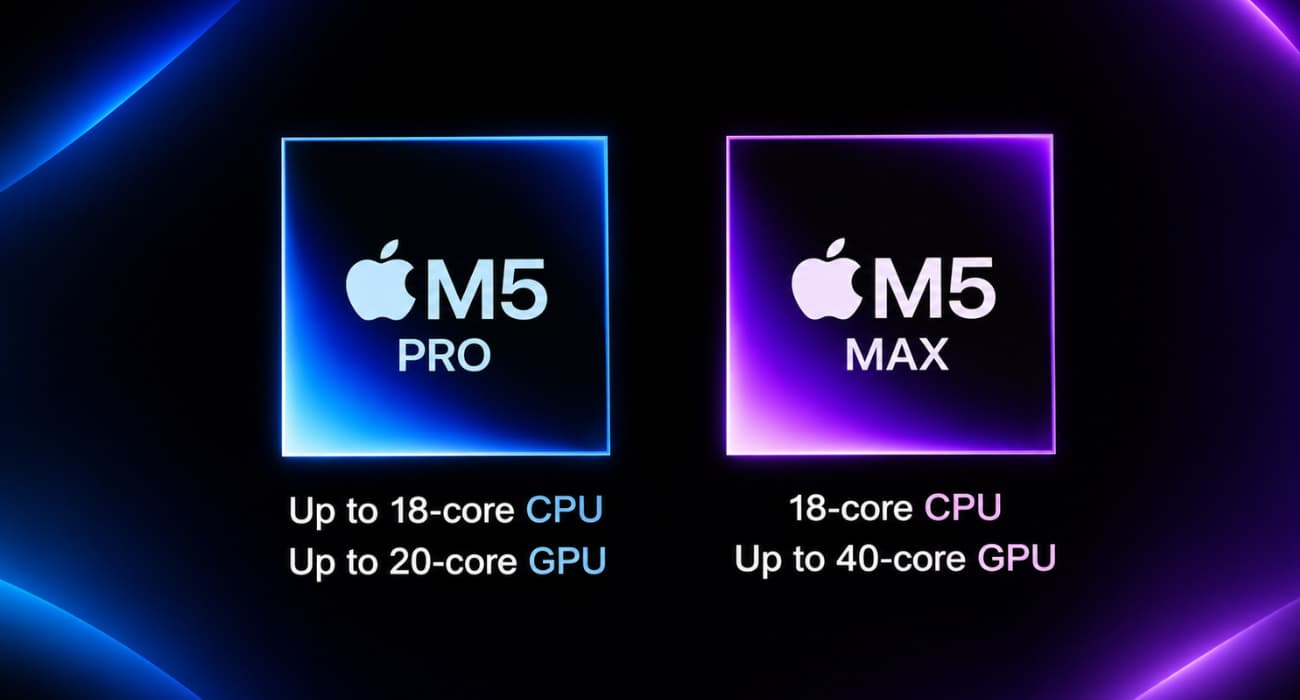
Here’s where the PROLED XDR model becomes harder to recommend.
Both versions use the same M5 Pro and M5 Max chips, so the extra $400 doesn’t buy you a faster processor or additional graphics performance on paper. The memory configurations are also identical across both models.
The M5 Pro starts with 24GB of unified memory, with options to upgrade to 48GB or 64GB. The M5 Max starts at 36GB and offers 48GB, 64GB, and 128GB options. This gives buyers plenty of flexibility for any workload.
The redesigned chassis includes a new thermal architecture that redirects warm air away from the display. It could also influence sustained performance.
If performance is your primary reason for buying a MacBook Pro, I’d save the extra $400. You’re essentially paying for a better display, touchscreen, and design rather than a more powerful computer.
Storage, battery life, and charging: Are there any meaningful changes?
Storage is one area where the PROLED XDR model has a genuine advantage. The new M5 Max configuration supports up to 16TB of internal storage, double the standard model’s 8TB maximum.
With the M5 Pro, you get 1TB of storage as the starting configuration, with options to upgrade to 2TB or 4TB. The M5 Max starts at 2TB and offers 4TB, 8TB, and 16TB options.
That’s useful for professionals working with large video libraries, high-resolution footage, and extensive project files. Most everyday users, however, probably won’t need that much internal storage.
Battery life remains unchanged.
| Configuration | Advertised battery life |
|---|---|
| 14-inch M5 Pro | Up to 22 hours |
| 14-inch M5 Max | Up to 20 hours |
| 16-inch M5 Pro | Up to 24 hours |
| 16-inch M5 Max | Up to 22 hours |
Despite the switch to tandem OLED and the thinner chassis, Apple hasn’t increased its advertised battery life. Both models also support fast charging, reaching up to 50% in approximately 30 minutes. However, Apple recommends a minimum of 94W charging for the 16-inch M5 Max PROLED model, compared to 70W for the standard one.
So, if you’re hoping the more expensive MacBook Pro will last longer between charges, there’s little reason to upgrade.
Camera and speakers: Small upgrades that improve the experience
Apple hasn’t changed everything with the PROLED XDR MacBook Pro. Both models feature the same 12MP Center Stage camera with Desk View support, 1080p HD video recording, and an advanced image signal processor with computational video.
However, the touchscreen model gets one additional camera feature: Advanced Video Stabilization. Since you can now touch the display for inputs, Advanced Video Stabilization helps account for those interactions and keeps the video experience stable.
The speakers also get an upgrade. Apple has redesigned the six-speaker system with new woofers and tweeters, claiming 50% deeper bass and improved sound clarity. There’s also dedicated audio tuning for closed-lid use, which should benefit people who connect their MacBook to an external monitor.
These are welcome improvements, particularly if you often use your MacBook to attend meetings, watch movies or create content on the go. However, the standard model already offers excellent speakers, so I wouldn’t upgrade just for better audio.
Ports and connectivity: Almost everything stays the same
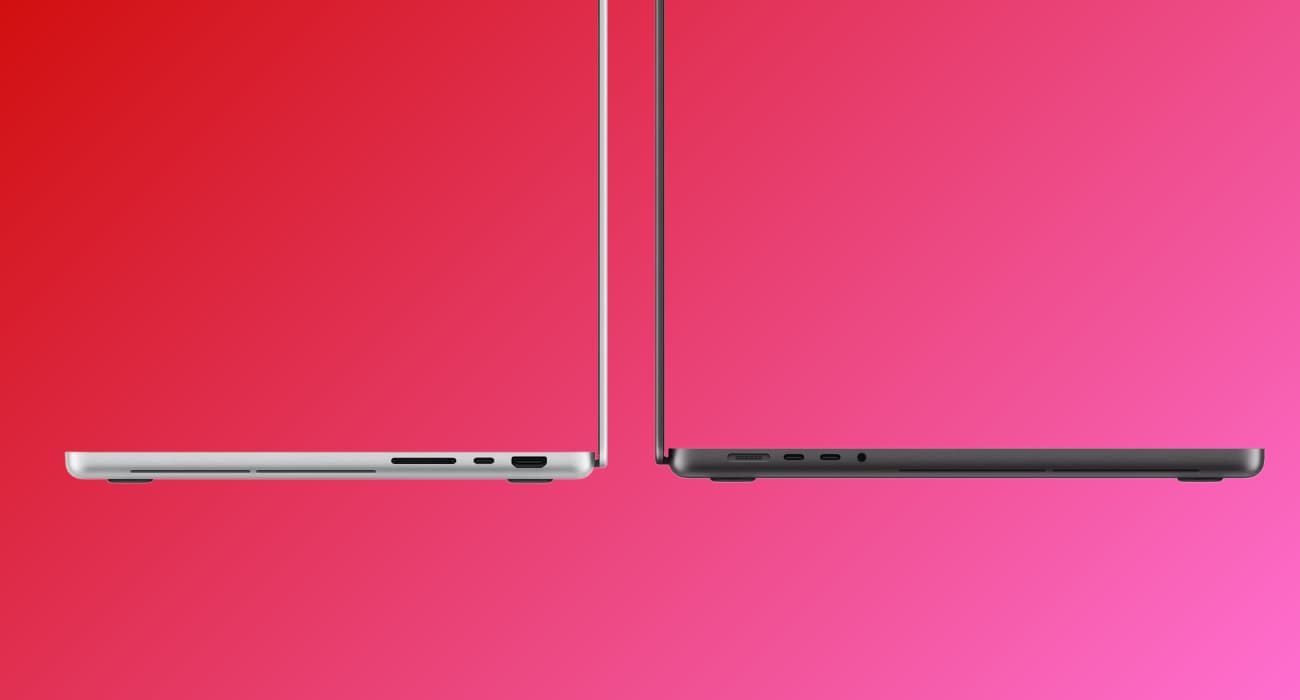
Apple hasn’t sacrificed connectivity to make the new MacBook Pro thinner.
Both models retain:
- Three Thunderbolt 5 (USB-C) ports
- MagSafe 3 charging
- HDMI
- SDXC card slot
- 3.5mm headphone jack
Additionally, the PROLED XDR model adds Genlock support through Thunderbolt 5, which is particularly useful for professional video production workflows. Apple also upgraded the external display refresh rate to 165Hz.
For everyday users, connectivity stays largely the same. In my opinion, it is nice that Apple has kept the HDMI and SD card slots. A professional laptop shouldn’t require a docking station or adapters just to connect basic accessories.
MacBook Pro PROLED XDR vs Mini-LED: Is the $400 price difference justified?
The PROLED XDR MacBook Pro is clearly the more advanced model, but that doesn’t automatically make it the better purchase.
Here’s the current pricing for both models:
| Model | Liquid Retina XDR | PROLED XDR |
|---|---|---|
| 14-inch M5 Pro | $2,499 | $2,899 |
| 16-inch M5 Pro | $2,999 | $3,399 |
| 14-inch M5 Max | $4,099 | $4,499 |
| 16-inch M5 Max | $4,399 | $4,799 |
I’d recommend spending the extra $400 if you:
- Want a touchscreen MacBook and will actually use it.
- Work with photographs, video, or color-sensitive content.
- Prefer OLED’s deeper blacks and higher contrast.
- Regularly work with HDR content.
- Want a thinner and lighter laptop for everyday carry.
- Need the new 16TB storage option.
However, I’d stick with the standard Liquid Retina XDR MacBook Pro if you:
- Primarily write, browse, code, or handle everyday productivity tasks.
- Don’t care about touchscreen functionality.
- Are already happy with display quality.
- Prioritize processing power over display improvements.
- Don’t need more than 8TB of internal storage.
The distinction is simple: the PROLED XDR model improves the overall experience, while the standard model delivers the same core performance for less money.
Which MacBook Pro I’d buy
If I were spending my own money, I’d choose the standard Liquid Retina XDR MacBook Pro. Paying $400 extra $400 when both models offer the same M5 Pro and M5 Max chips, memory options, and advertised battery life is hard to justify.
I like what Apple has done with the PROLED XDR model. Tandem OLED, touchscreen support, Dynamic Island, better speakers, and the lighter chassis make it a more exciting laptop.
For creative professionals who can benefit from the improved display, higher storage option, or genlock support, the extra cost is worth it. Buyers upgrading from an M1-, M2-, or M3-generation MacBook Pro can also consider it.
But the standard mini-LED model is the smarter buy for most people. If you want to buy now, look for discounts and put the extra money toward more RAM or a better chip configuration.
What matters more to you in your next MacBook Pro: a better display and touchscreen or more performance for your money? Let me know in the comments below!