
FaceTime Like a Pro
Get our exclusive Ultimate FaceTime Guide 📚 — absolutely FREE when you sign up for our newsletter below.

FaceTime Like a Pro
Get our exclusive Ultimate FaceTime Guide 📚 — absolutely FREE when you sign up for our newsletter below.



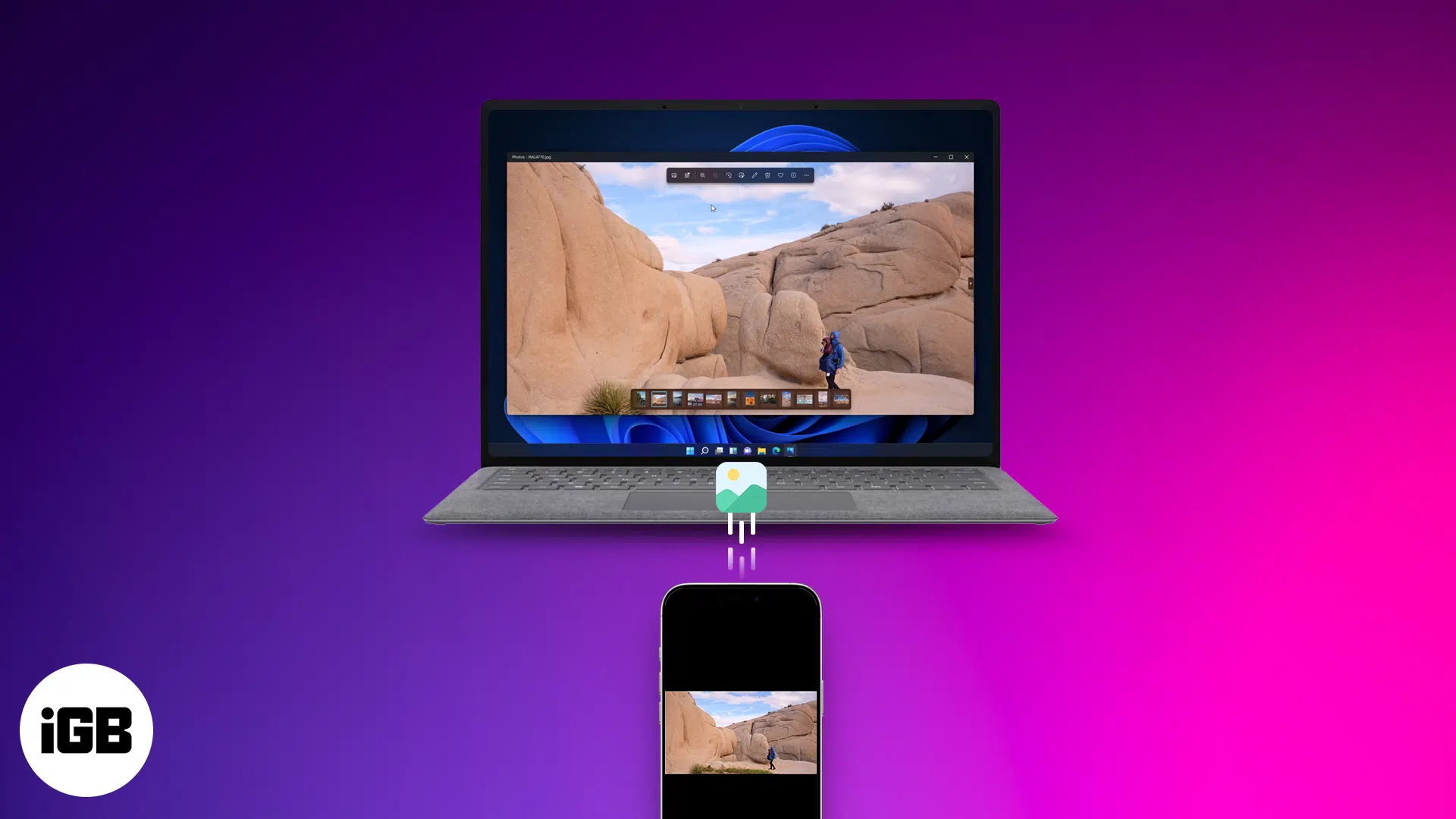
Free up space and relive memories—learn smart ways to transfer your iPhone photos and videos to your Mac or PC in just a few clicks!
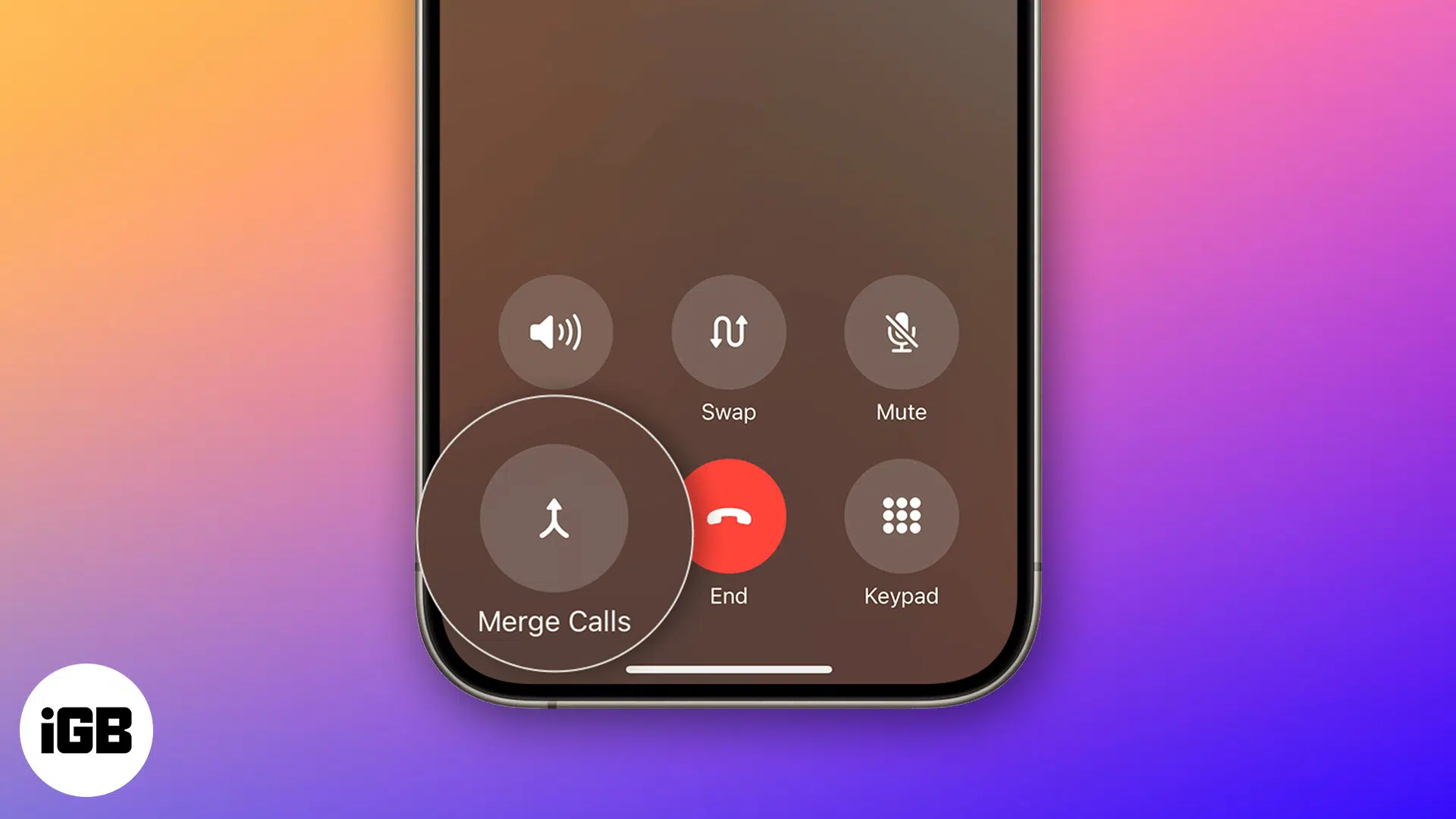
Learn how to make a conference call on your iPhone with this step-by-step guide. Discover new iOS 26 features, tips, troubleshooting fixes, and more.
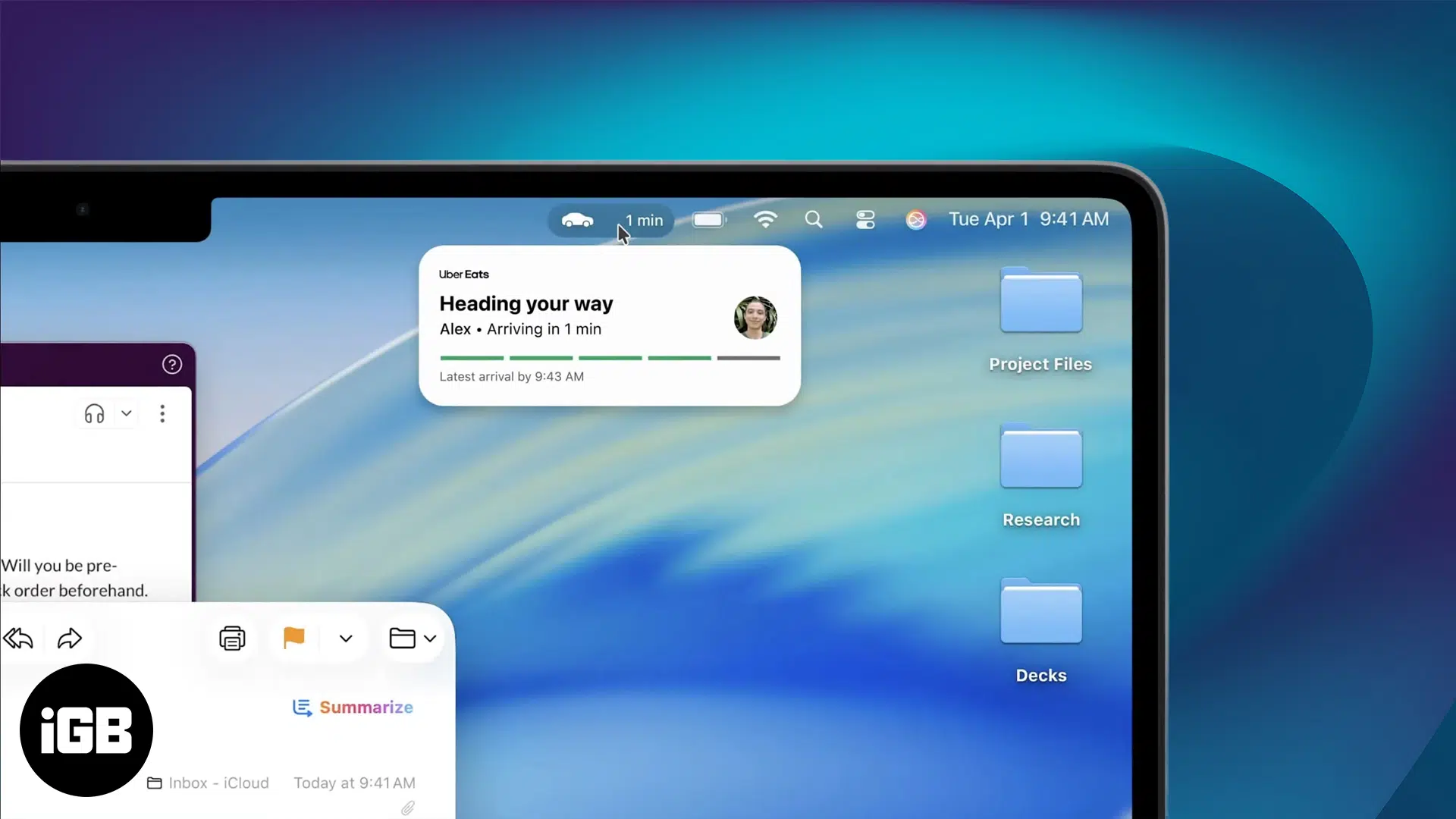
iPadOS 26 and macOS 26 bring Live Activities for real-time updates - Track tasks, timers, and deliveries without missing a beat.
Quickly access powerful features on your iPhone or iPad with a simple gesture using Accessibility Shortcuts.
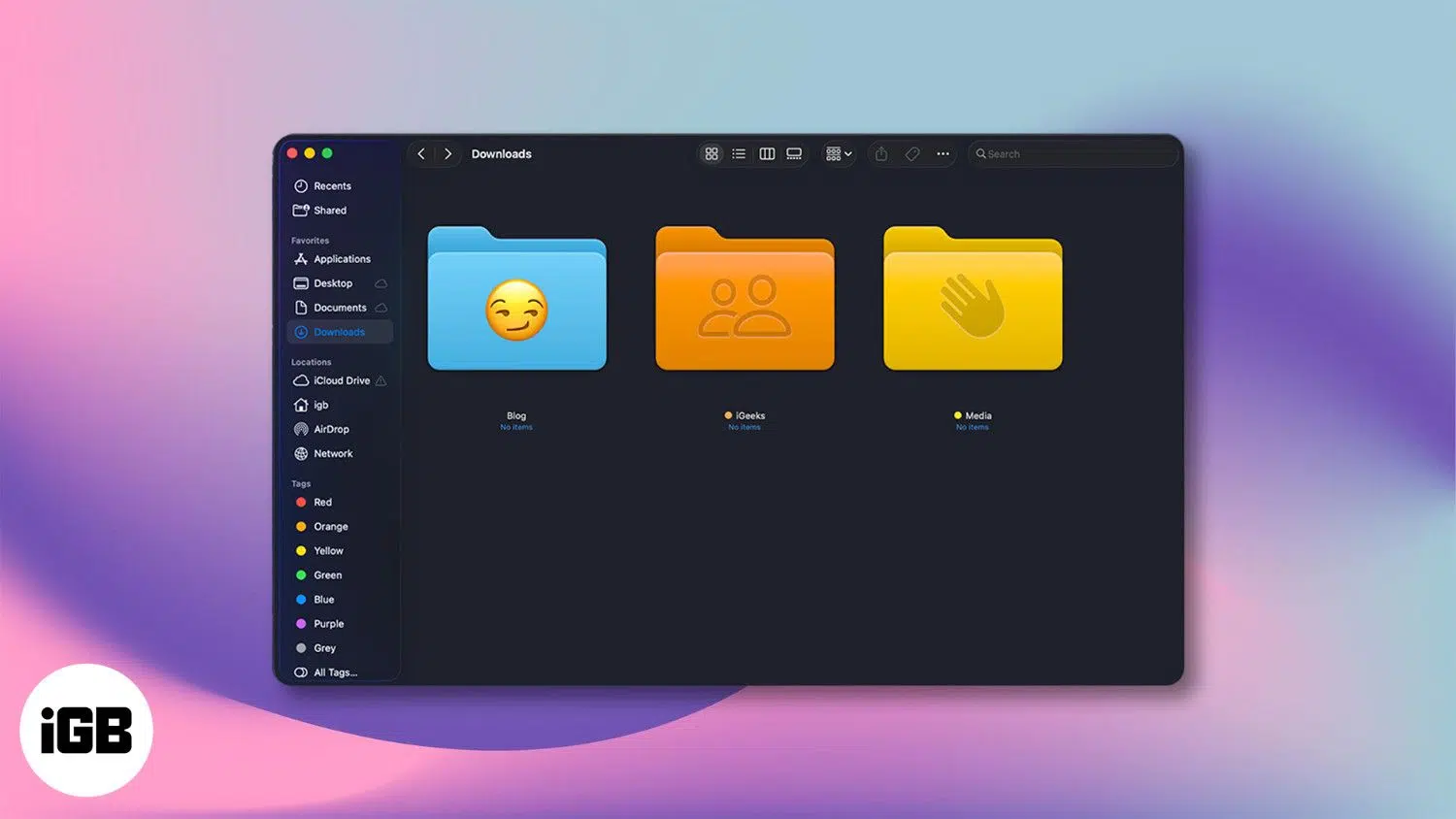
Customize folder icons in macOS 26 Tahoe with emojis, symbols, or colors—no apps needed. Here’s how to do it in a few easy steps.
Want to personalize your iPhone? This complete guide shows you how to change font style, adjust text size, and install custom fonts - No jailbreak required.
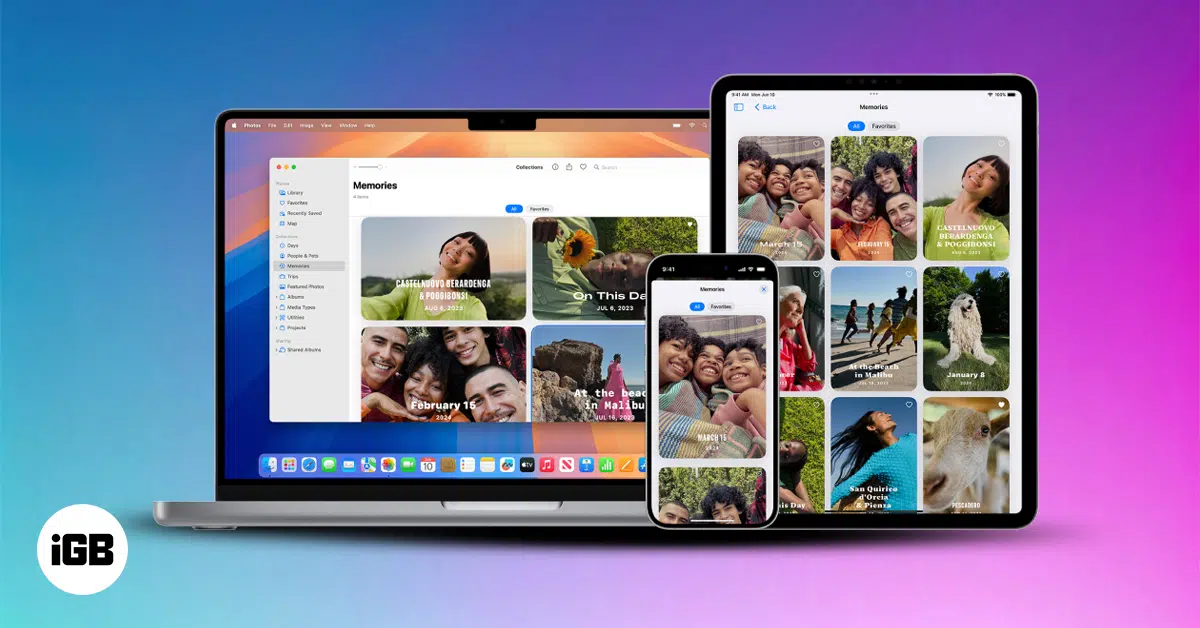
iCloud Shared Photo Library makes it easy to share and manage photos with up to five others. Learn how to set it up, use it, and stay in sync across devices.
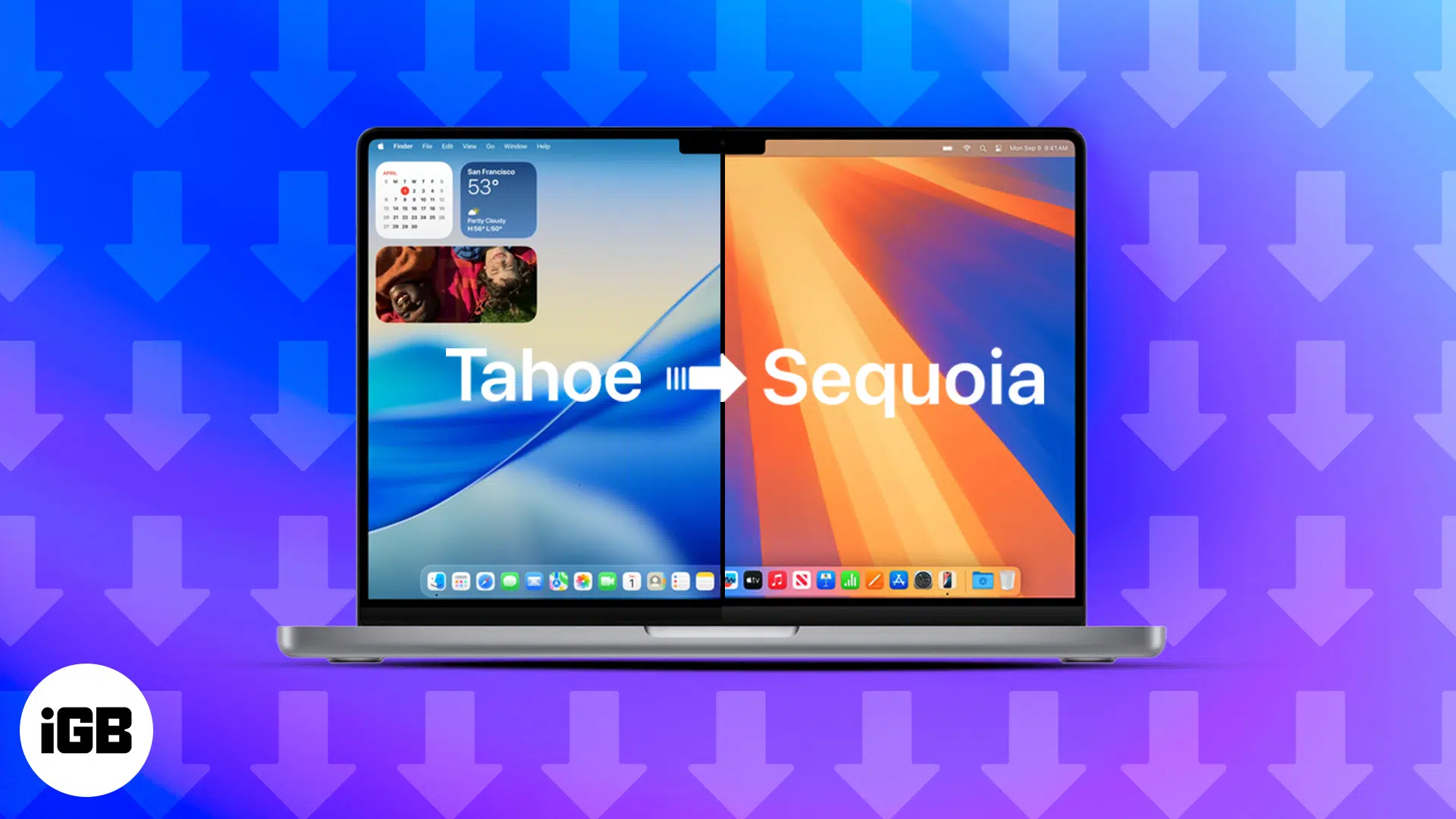
This guide walks you through the step-by-step process of safely downgrading from macOS 26 Tahoe Beta to the stable macOS 15 Sequoia without losing your data.
Wondering how to restore your Mac? Whether you’re using Time Machine, iCloud, or have no backup, this guide walks you through every recovery method.

Apple's iOS 26 introduces 12 stylish new CarPlay wallpapers in vibrant colors, each available in light and dark modes.
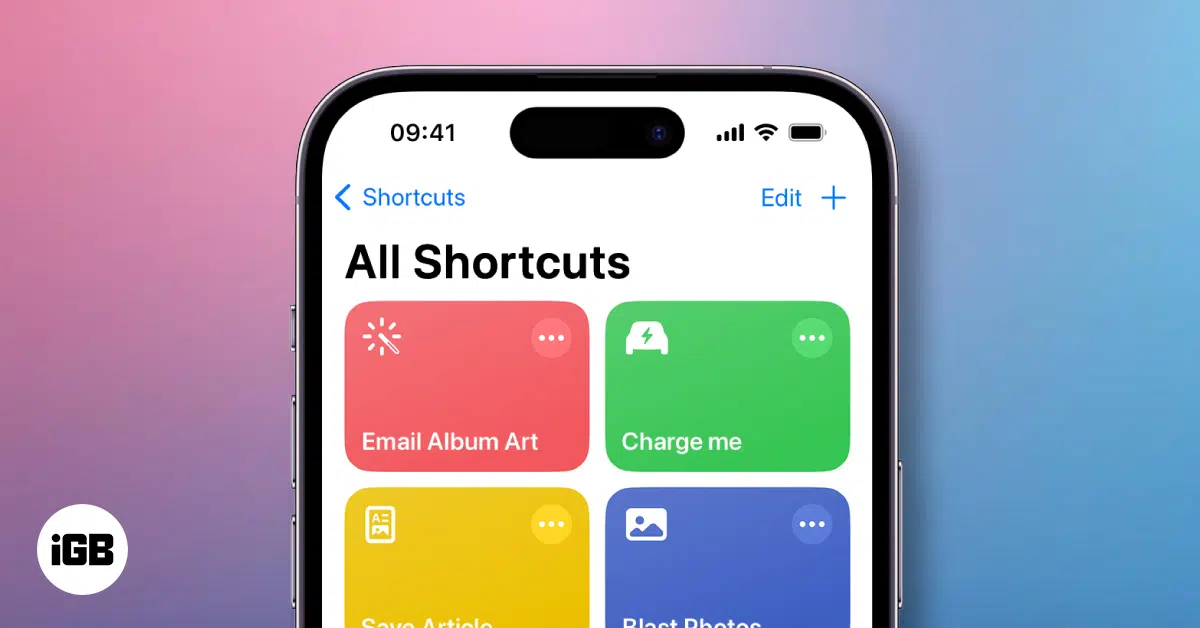
Unlock the magic of automation on your iPhone with Shortcuts! Create custom actions, run routines with Siri, and boost productivity in seconds.

Get the trendy Labubu wallpapers for your iPhone to add a cute and quirky vibe.
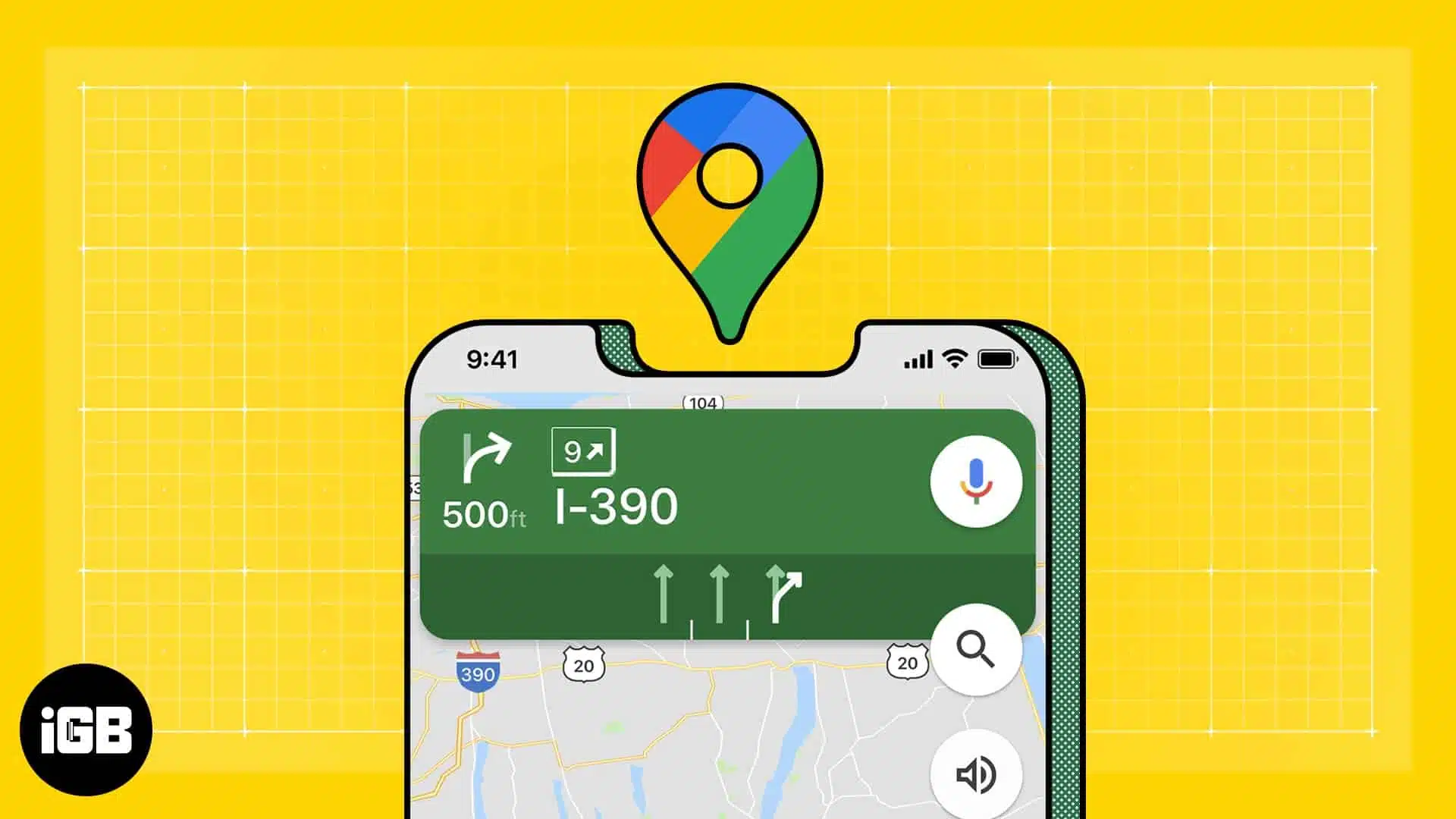
Learn how to use Google Maps as the default navigation app on your iPhone with a simple Gmail and Chrome workaround.
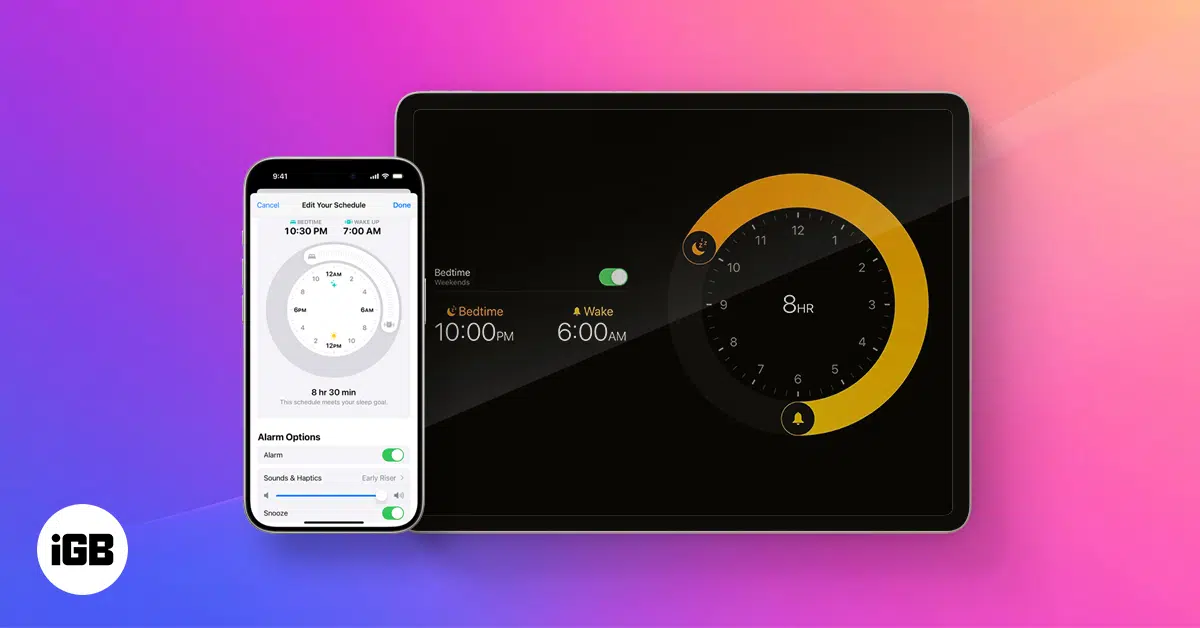
Sleep Focus on iPhone helps you monitor your sleep patterns and achieve your sleep goals. Learn how to make the most of it!
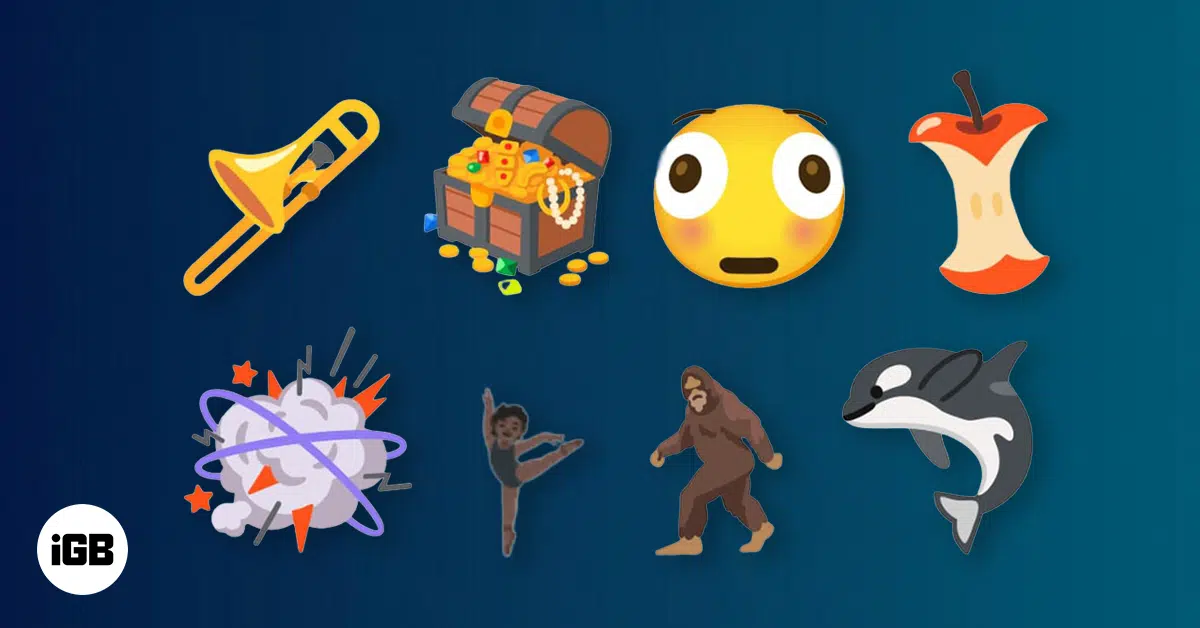
Unicode has announced a new set of emojis on World Emoji Day, likely to be coming on iOS 26.
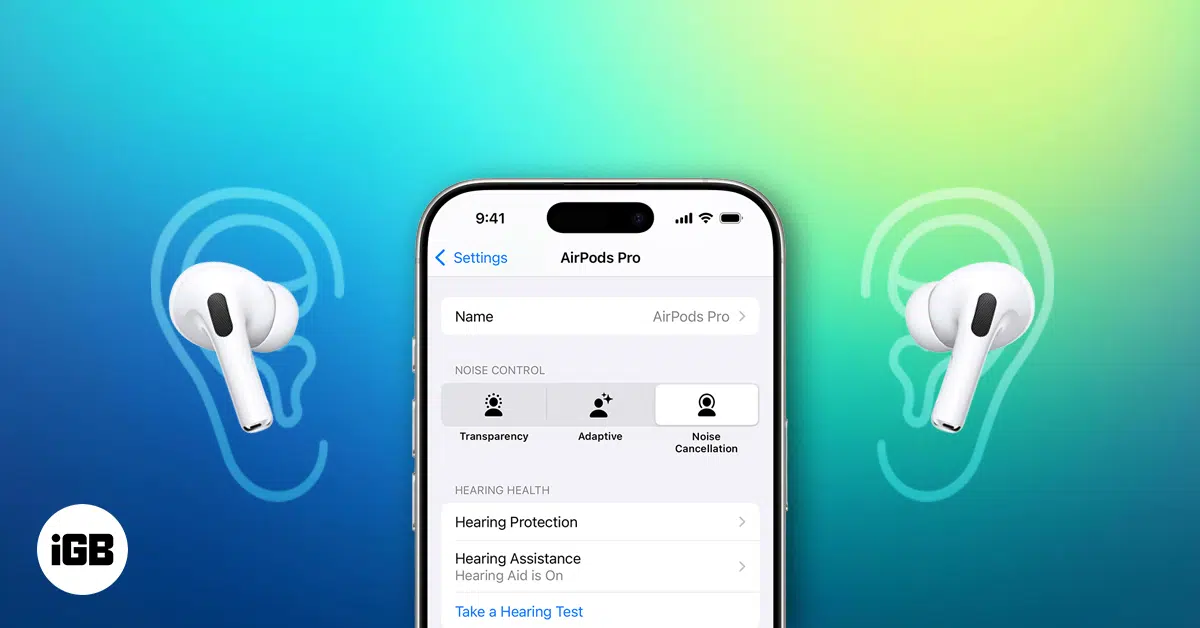
Turn your AirPods Pro 2 into personal hearing aids, using your iPhone’s built-in features for clearer hearing.
Unified Memory isn't just smarter RAM. It’s a breakthrough built into Apple Silicon that powers faster performance, smoother multitasking, and longer battery life across today's Macs.
Bored of plain wallpapers? Add humor and style to your iPhone with these funny 4K wallpapers—free to download!
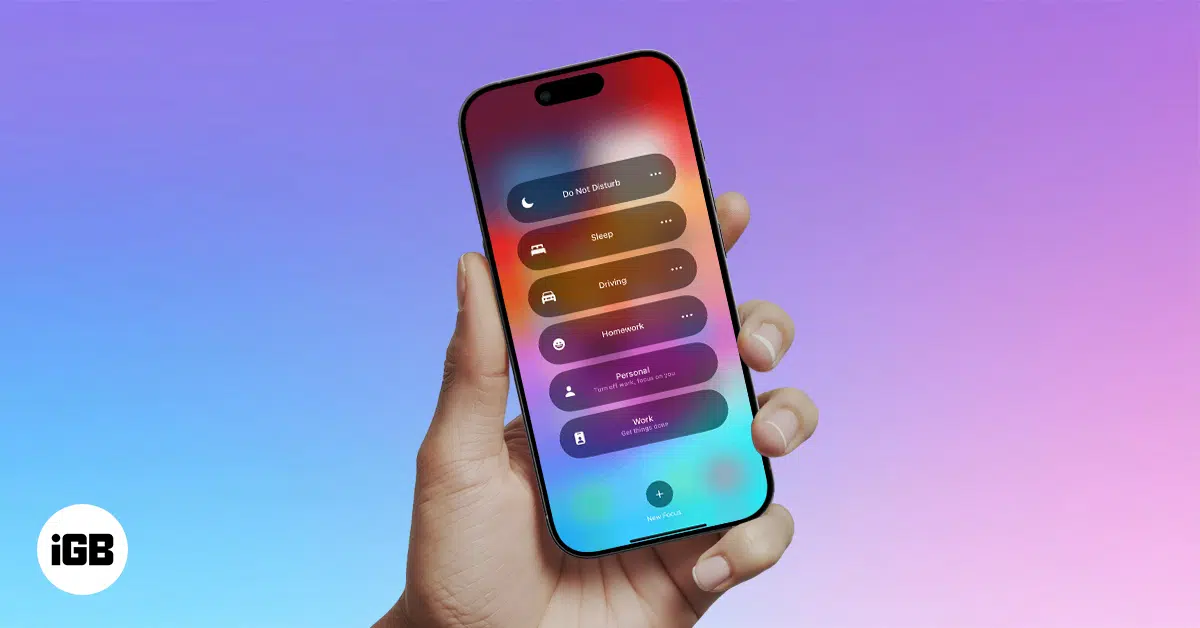
Focus Mode on your iPhone helps you minimize distractions by customizing notifications and app access. Learn how to make the most of it!
Apple ended its Pay Later service but now offers a new "Buy Now, Pay Later" option. Explore how it works!
Looking for a sleek way to carry your cards with your iPhone? These top MagSafe wallets combine secure magnetic attachment, smart features, and standout style.
Struggling with Live Voicemail on your iPhone? Here’s a simple guide to fix it quickly and get real-time transcriptions working again.

Learn how to turn on or off Professional Mode on Facebook and use its tools to grow your profile and reach more people using your iPhone.
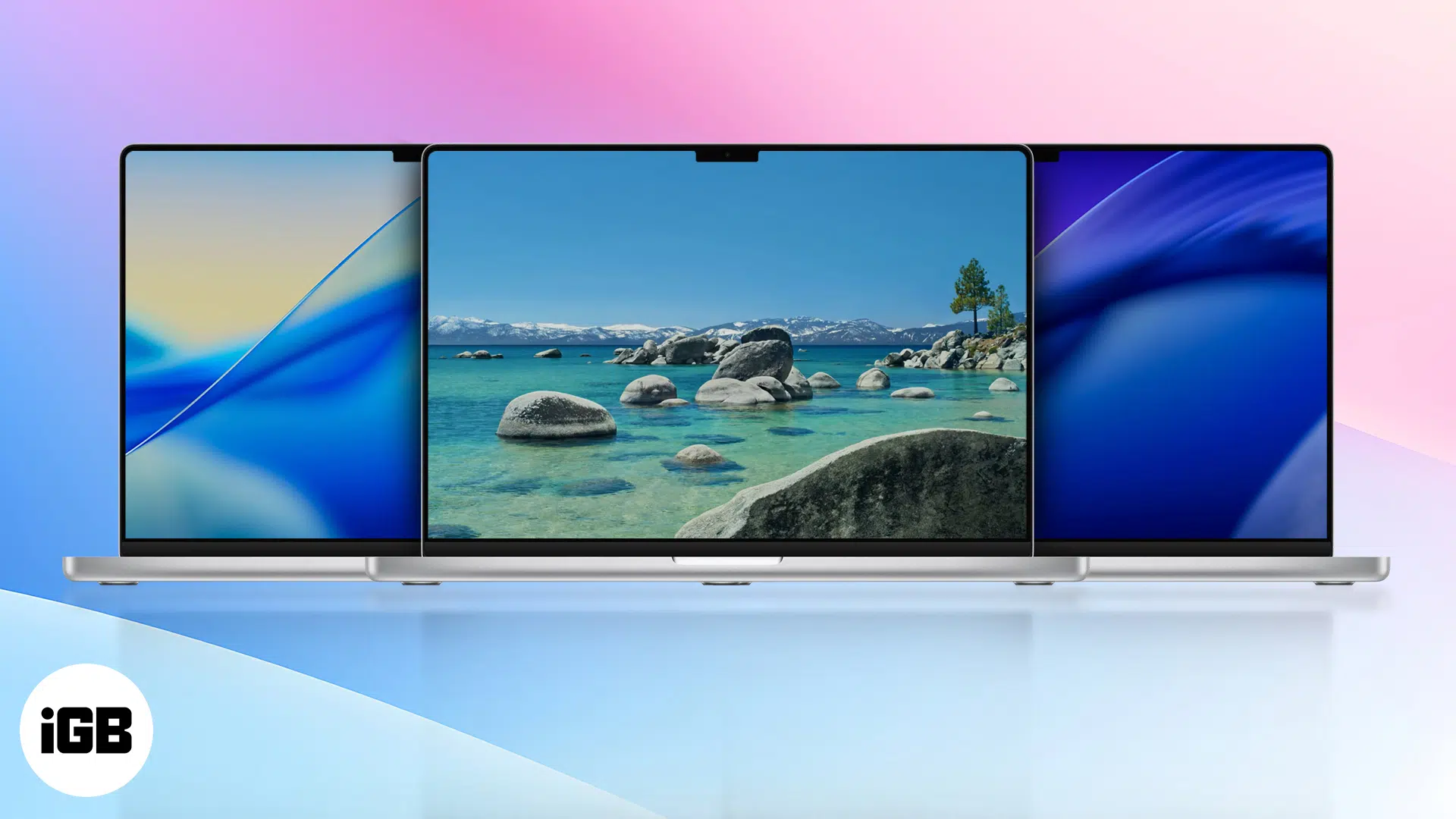
Download the official macOS 26 Tahoe wallpapers in 4K. Inspired by Lake Tahoe and Apple’s Liquid Glass design, they refresh your desktop in Light or Dark mode.
Browse smarter and stay private—discover how Apple’s Privacy Preserving Ad Measurement works on iPhone and Mac to keep your data safe and ads relevant.
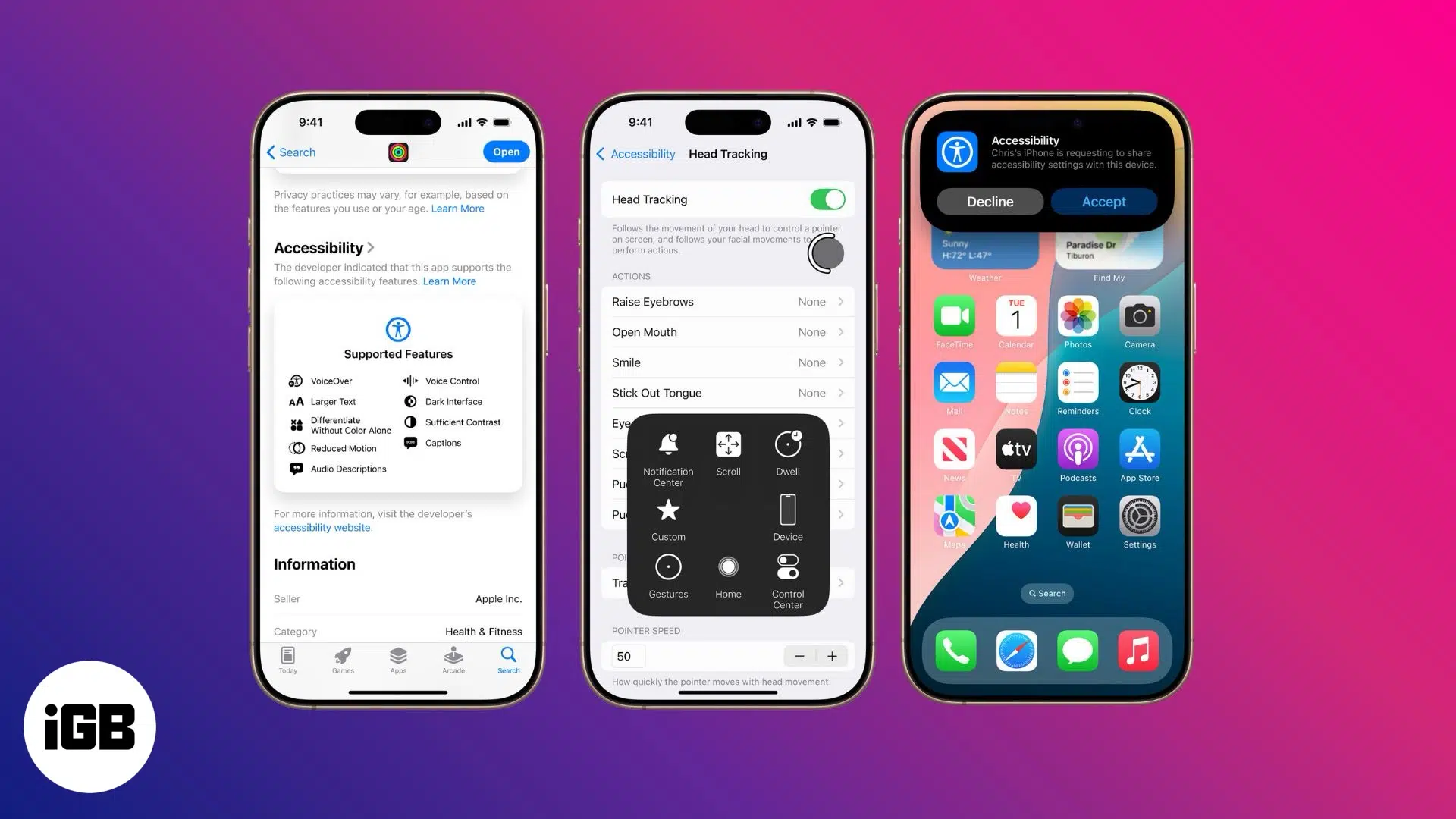
Explore hidden accessibility features in iOS 26 and macOS 26 that empower every user. Coming Fall 2025.
Learn how to contact Apple Support through live chat, phone, or in-store appointments. Get expert help for any Apple device or service issue, fast.
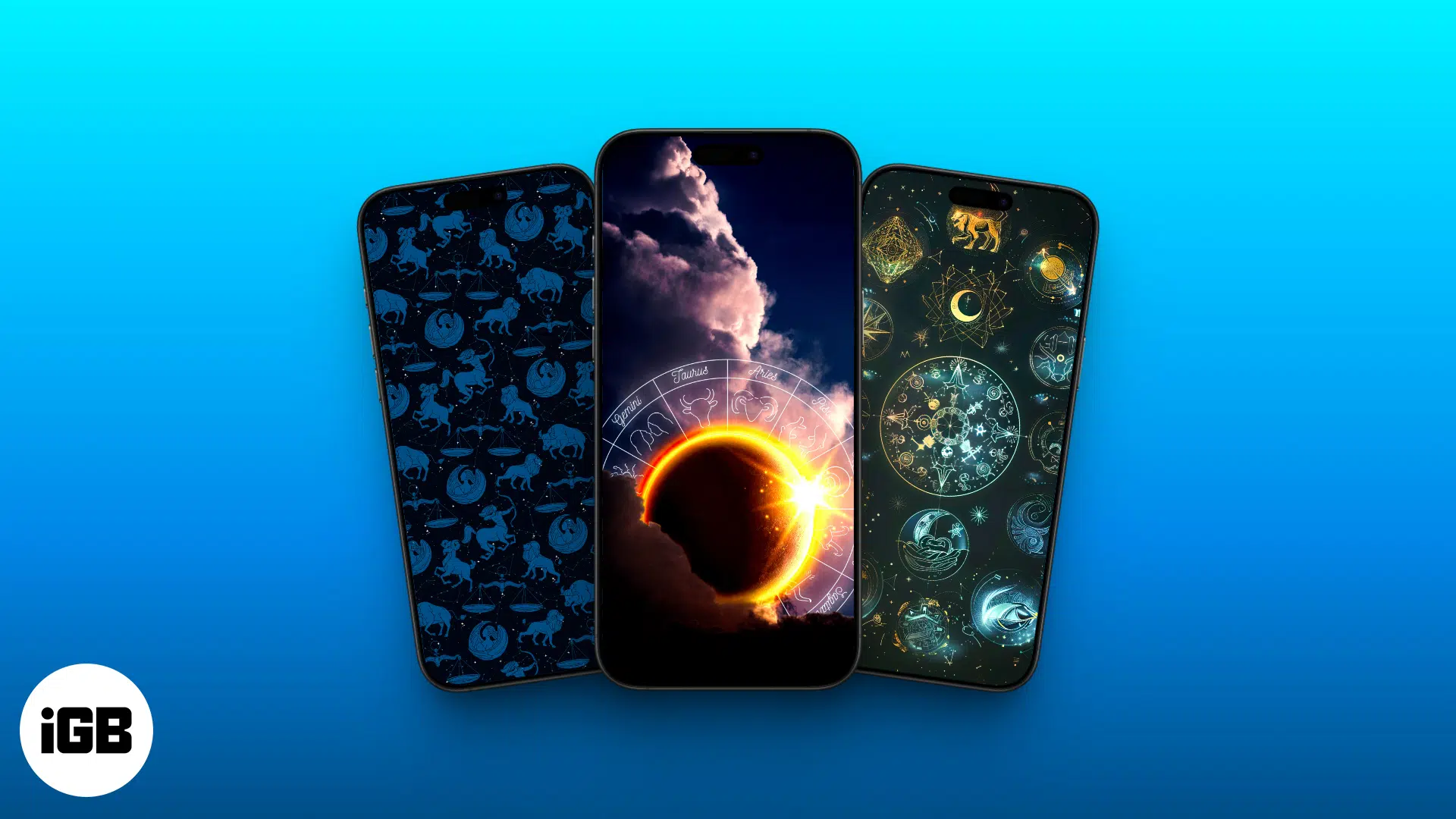
Explore our curated collection of stunning zodiac-themed wallpapers to add a mystical touch to your iPhone’s screen.
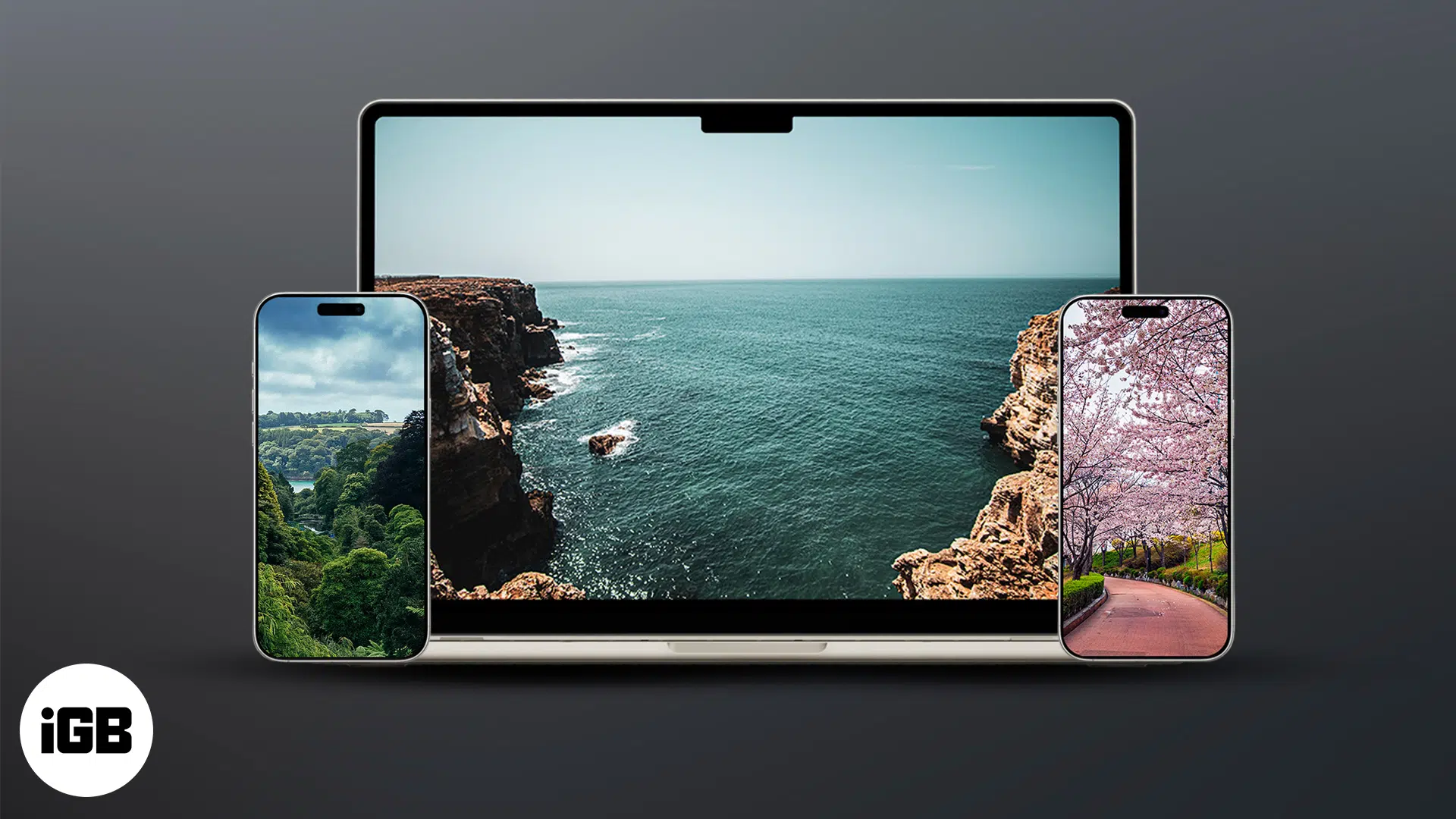
Download stunning 4K nature wallpapers for your iPhone and desktop to refresh your screen with calm and beauty.
With iOS 26, Apple has introduced a digital passport, AI-powered order tracking, smarter boarding passes, and more in the Wallet app. Explore the key features here.