

How-to
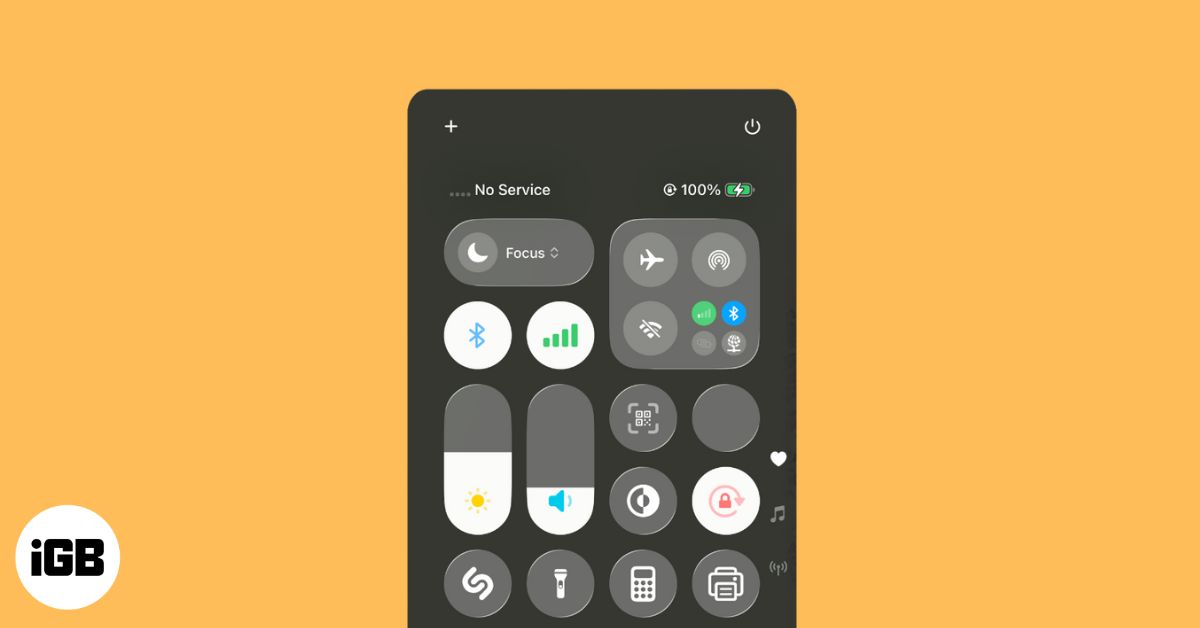
How to Fix “No Service” on iPhone (Quick and Proven Solutions)
7 min read•October 14, 2025
I have been a tech enthusiast for as long as I can remember. I enjoy explaining tech to the internet and doing this since I was old enough to understand mathematics. At iGeeksBlog, I will be guiding the internet in solving some common issues with their iPhone, iPad, Mac, AirPods, and Apple Watch. When not writing, you can find me preparing for my debut standup show or roaming around with my camera in the whole city.
Employer
iGeeks Media Private Limited
A quick and clear guide to ending or pausing your Apple ID account.
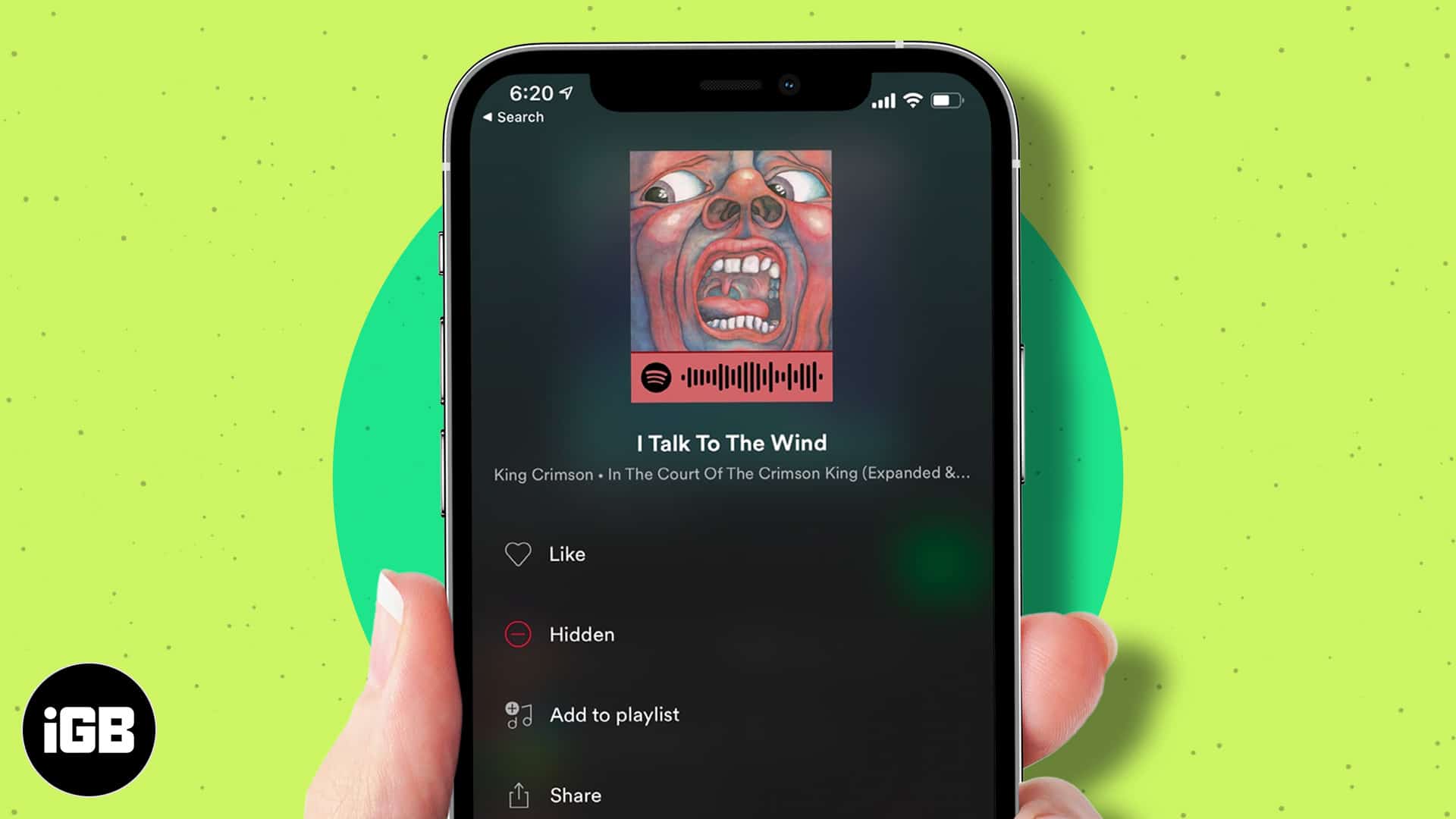
Tired of skipping songs? Learn how to hide and unhide tracks on Spotify to take control of your playlists.
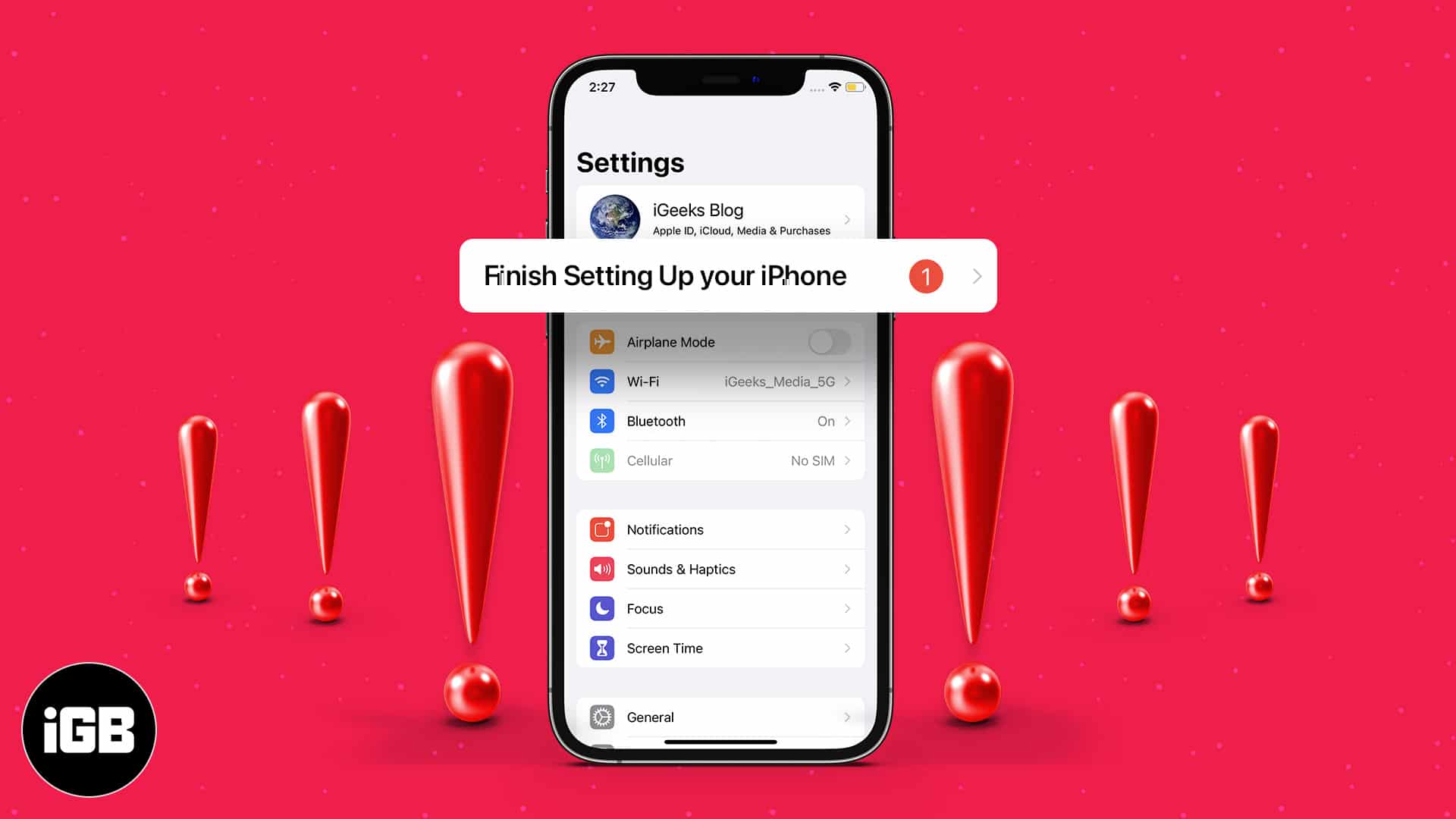
Learn how to fix and remove the “Finish Setting Up Your iPhone” alert with simple, effective solutions.
Forgot your Snapchat password or got hacked? Here’s a complete guide to help you recover your Snapchat account and keep it safe from future
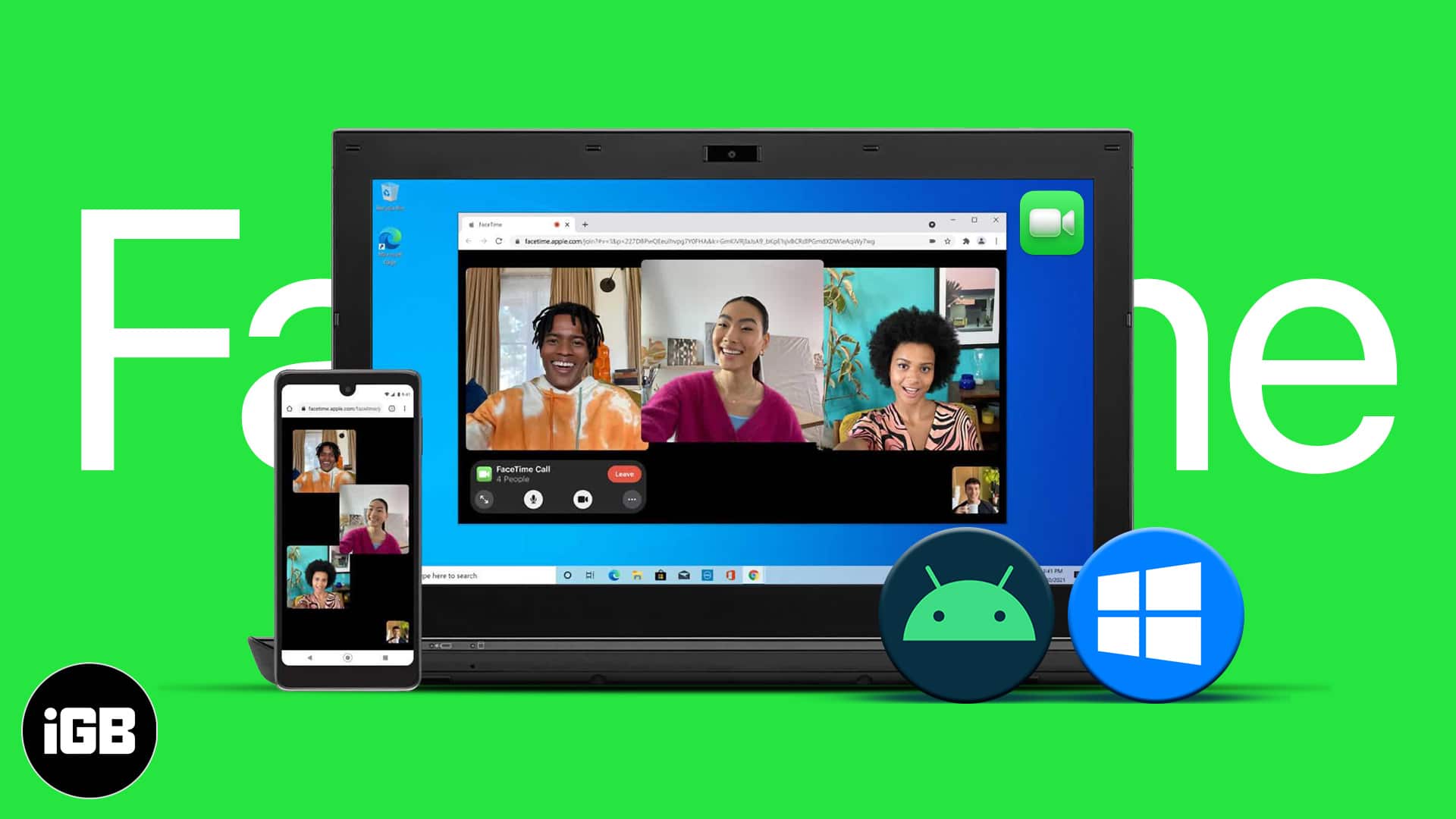
Apple has been more generous in recent updates, allowing better interaction between iOS, macOS, Android, and Windows. With iOS 18, Apple ena
Spotlight Search is one of the handiest features on our iPhones. We often rely on it to quickly search and access contacts, text, or other c
Are you bored of the iPhone’s default ringtone? Here’s the good news: you can make a voice memo ringtone on your iPhone without using a comp
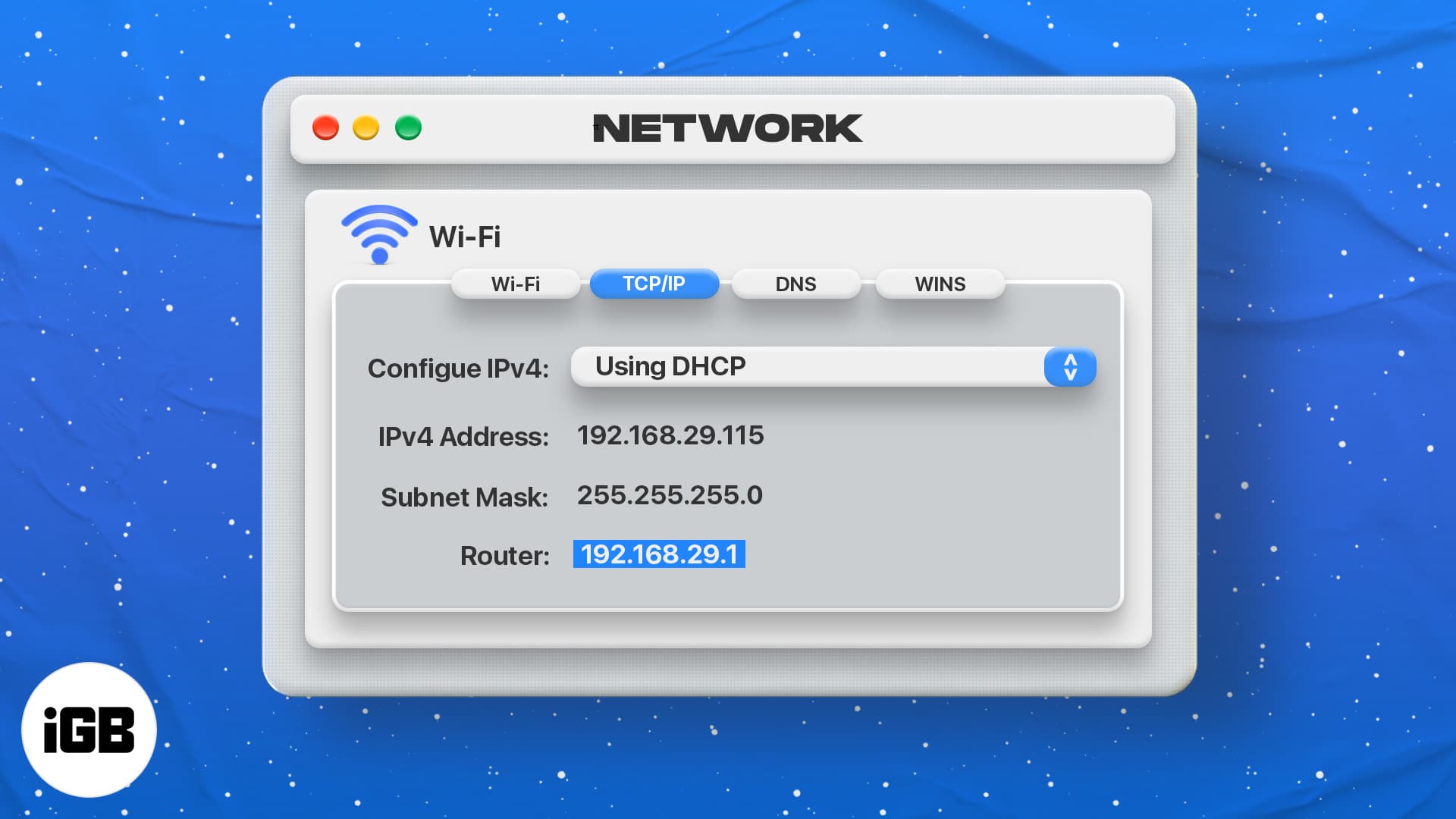
Key Takeaways IP address is a unique address or identifier used to identify a device on the internet or a local network. To find your router
A few years ago, Instagram provided users with an option to easily share their Instagram posts to their Facebook account using the ‘Post to
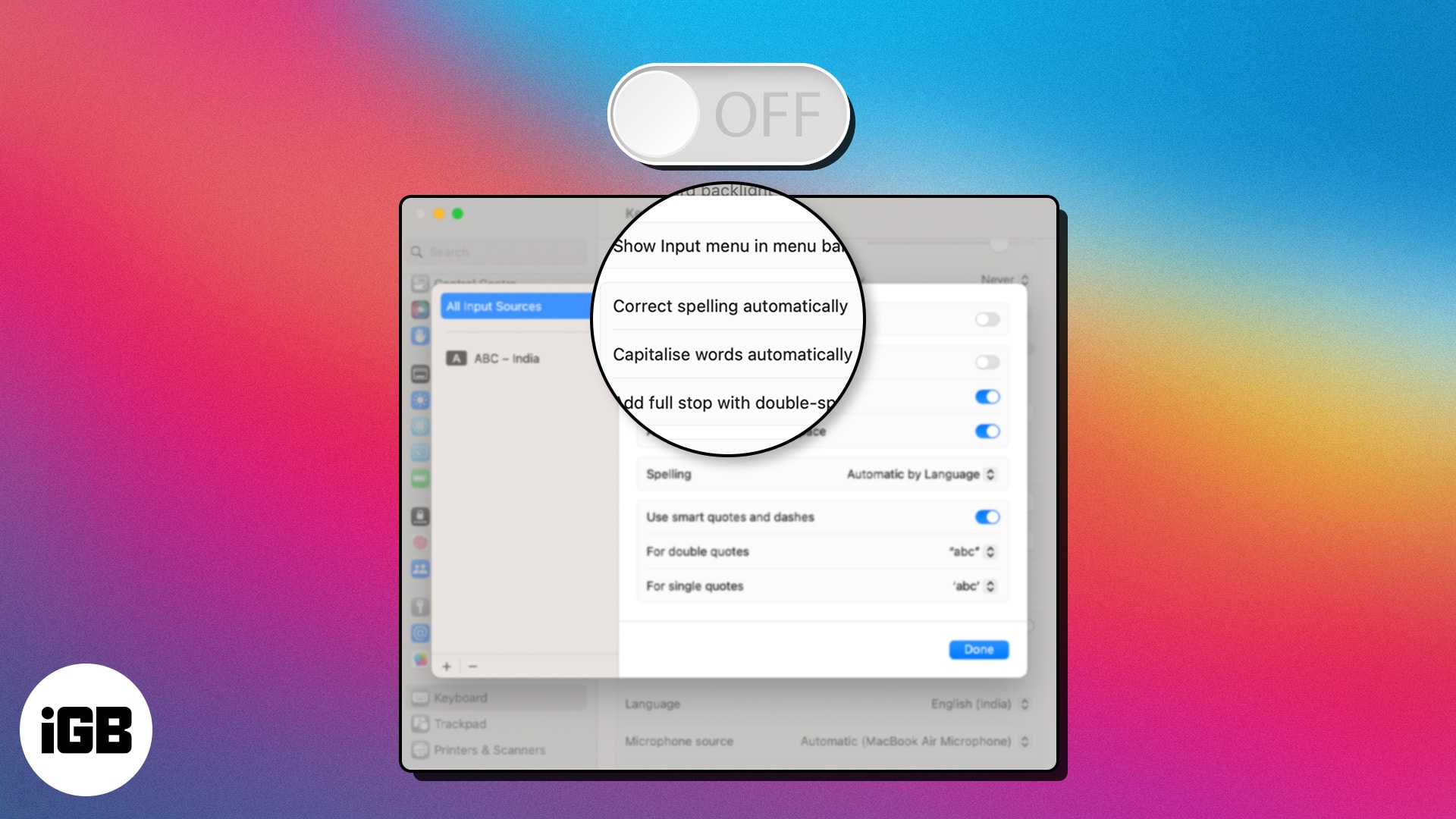
We all make mistakes while typing, especially when typing fast. While auto-correction on Mac is a handy tool, it is not completely reliable.
By default, the Mac will identify your Magic Mouse as ‘Name’s Magic Mouse,’ making it easier to recognize. However, if you don’t like its cu
Buying a new smartphone? Congratulations! But which one – iPhone or Android? The iPhone vs. Android debate is as old as time and isn’t phasi
Came across a great tweet on Twitter and want to share it with your friends on Instagram? We bet you are tired of taking screenshots every t
Apple Pencil has become an integral part of the ecosystem and is one of the best styluses for iPad users. It offers ease of use and helps yo
Macs are pretty reliable laptops. However, like any electronic gadgets, they are prone to occasional hiccups. If your Mac is acting funny, u