
iPhone won’t go into sleep mode? 8 Fixes to resolve it
A screen that stays on drains the battery fast. These eight fixes cover Auto-Lock settings, Attention Aware Features, AssistiveTouch, Raise to Wake, and a full settings reset.

A screen that stays on drains the battery fast. These eight fixes cover Auto-Lock settings, Attention Aware Features, AssistiveTouch, Raise to Wake, and a full settings reset.
A monochrome screen is almost always an accidental Grayscale or color filter toggle. These eight fixes locate the setting responsible and st
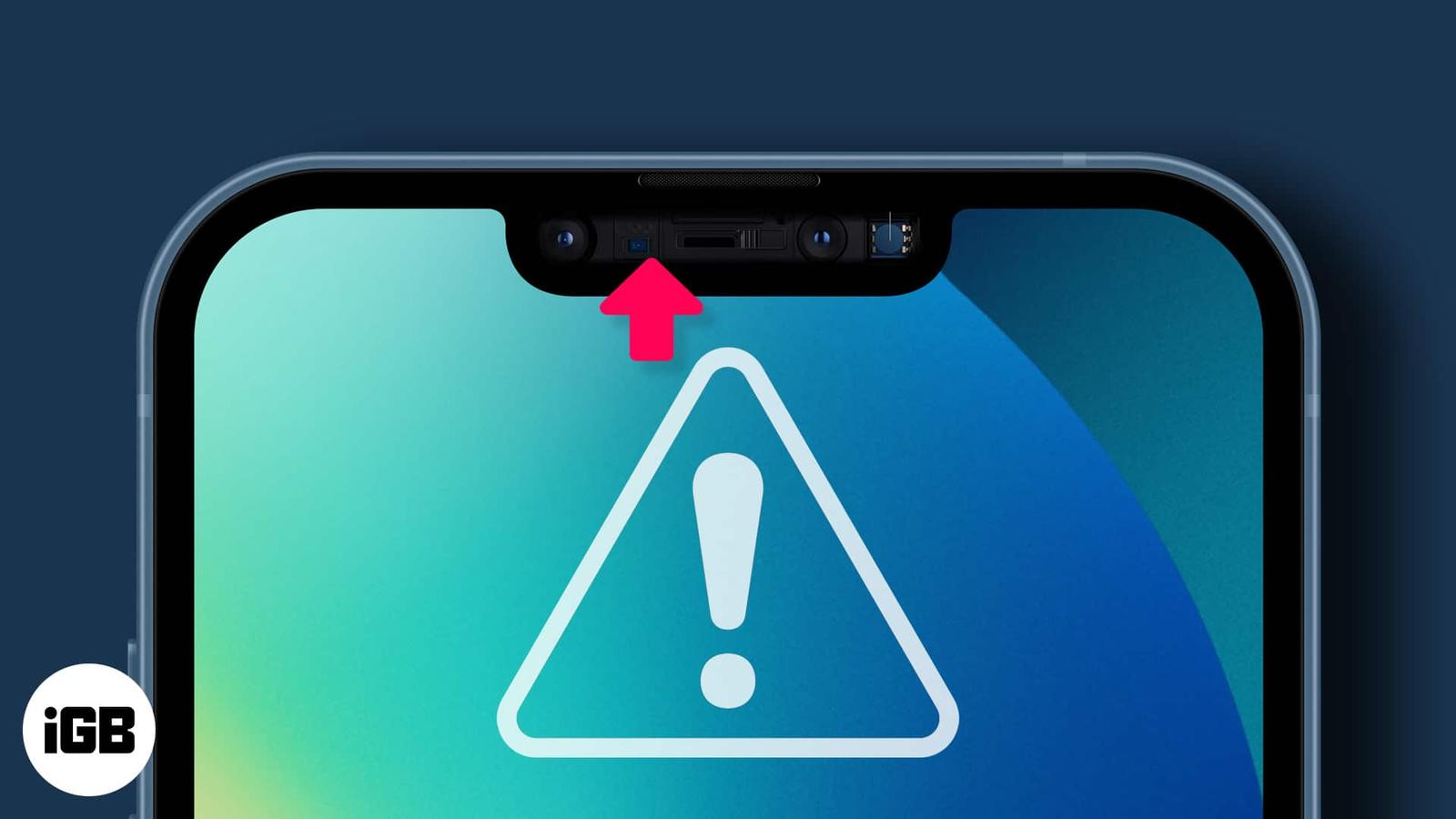
When the proximity sensor fails, your cheek starts pressing buttons mid-call. Here is what the sensor does, why it stops working, and the fi
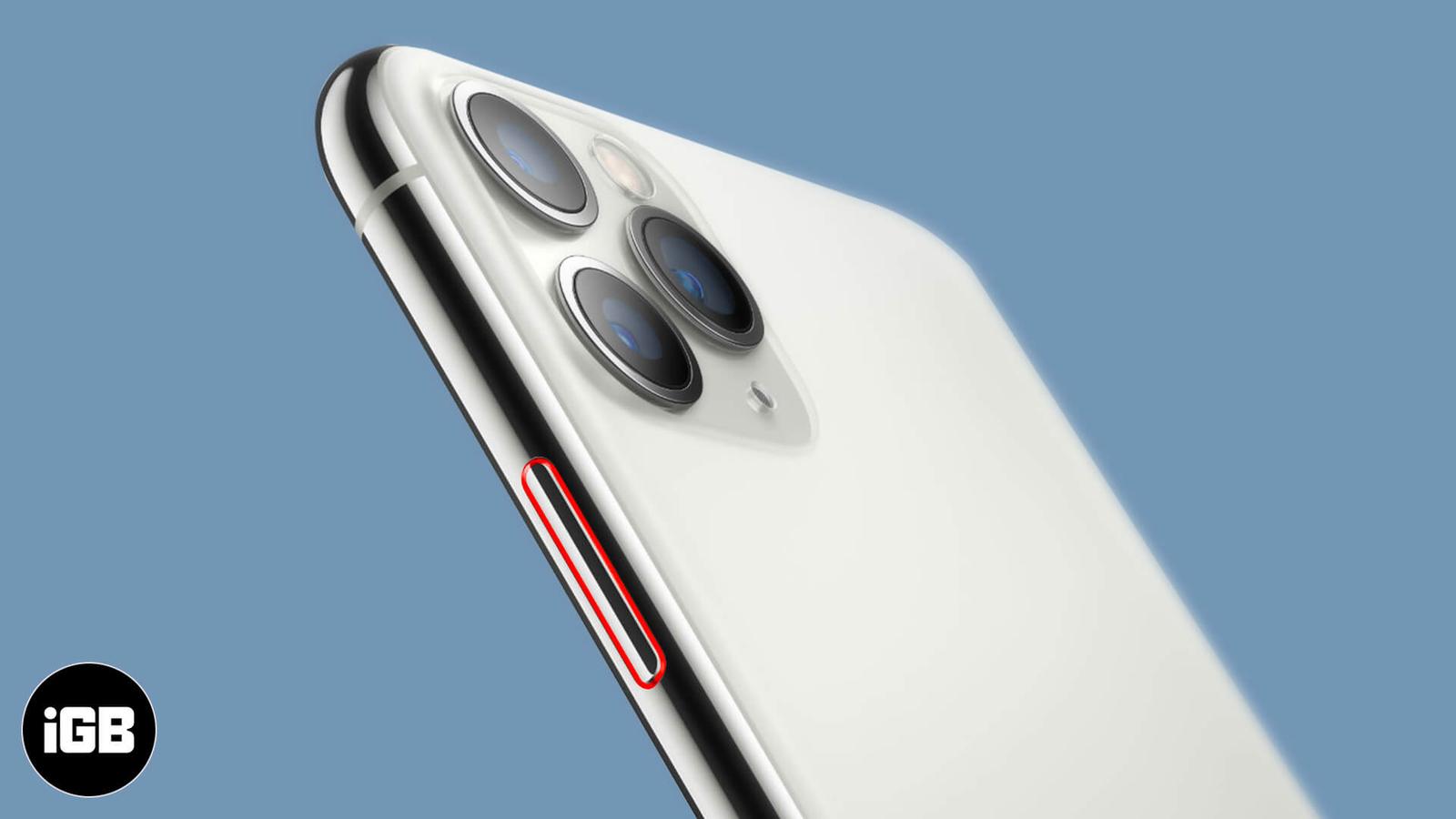
A stuck power button is often dust or a tight case rather than a broken switch. Here is how to keep using your iPhone with AssistiveTouch, a
A silent Taptic Engine usually means a setting rather than a fault. These nine fixes cover the vibration toggles, accessibility options, cas
A dead iPhone is often a software hang rather than a hardware failure. Here is how to force restart it, rule out charging problems, use reco
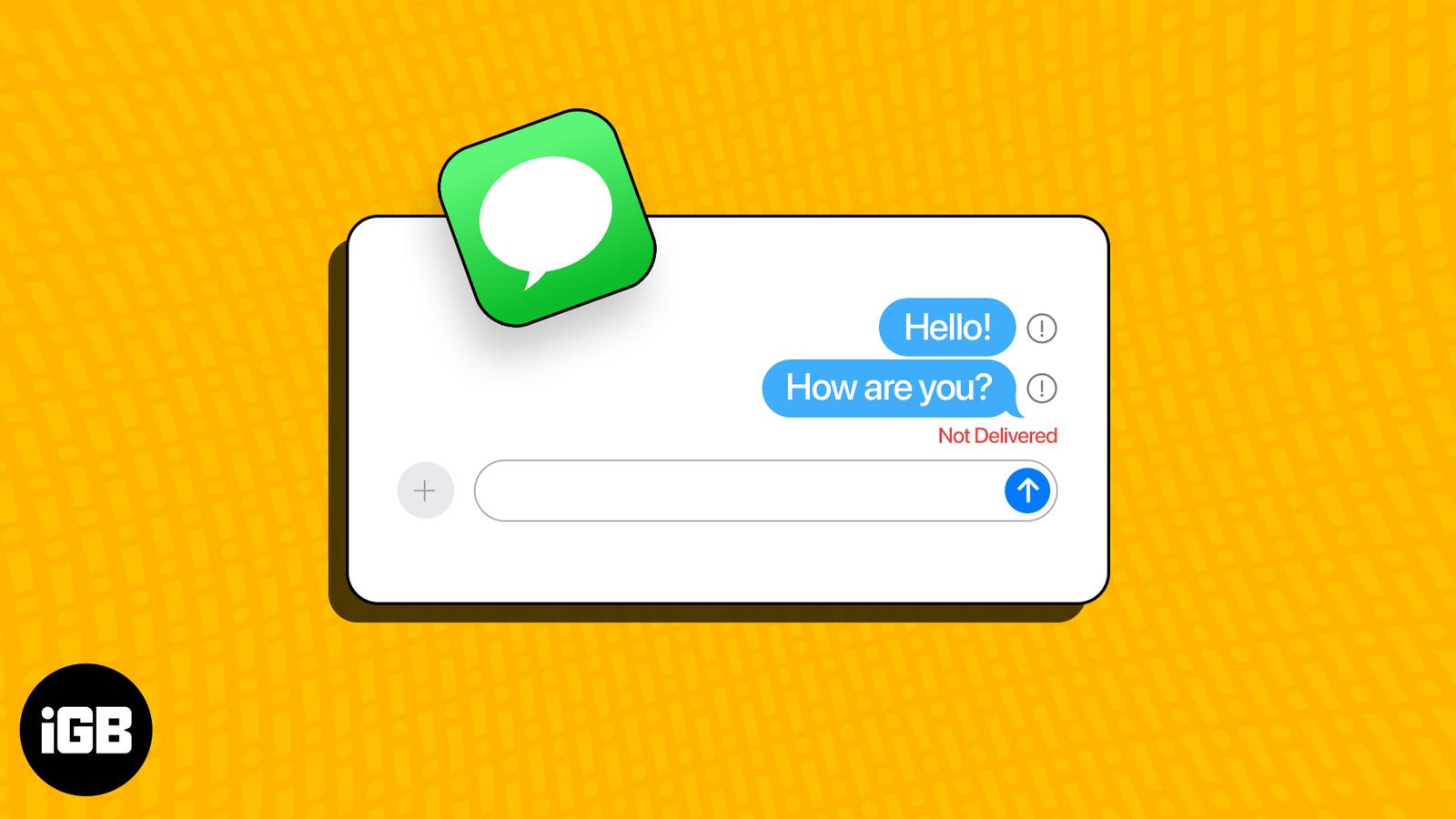
Texts that will not send point to SMS settings, signal, or a stalled iMessage registration. Here are the fixes that get messages moving agai
Photos fail to send when MMS is off, data is restricted, or iMessage cannot reach Apple. These 15 fixes work through every setting that bloc

Contacts disappear when they are saved to the wrong account or iCloud sync stalls. Here is why it happens and four fixes that make new entri
Missing calls when your phone is locked is a genuine problem. These 12 fixes cover the silent switch, volume, Focus modes, custom ringtones,
Charging failures are usually lint in the port or a damaged cable, not a dead battery. These nine fixes start with the cheap checks and esca