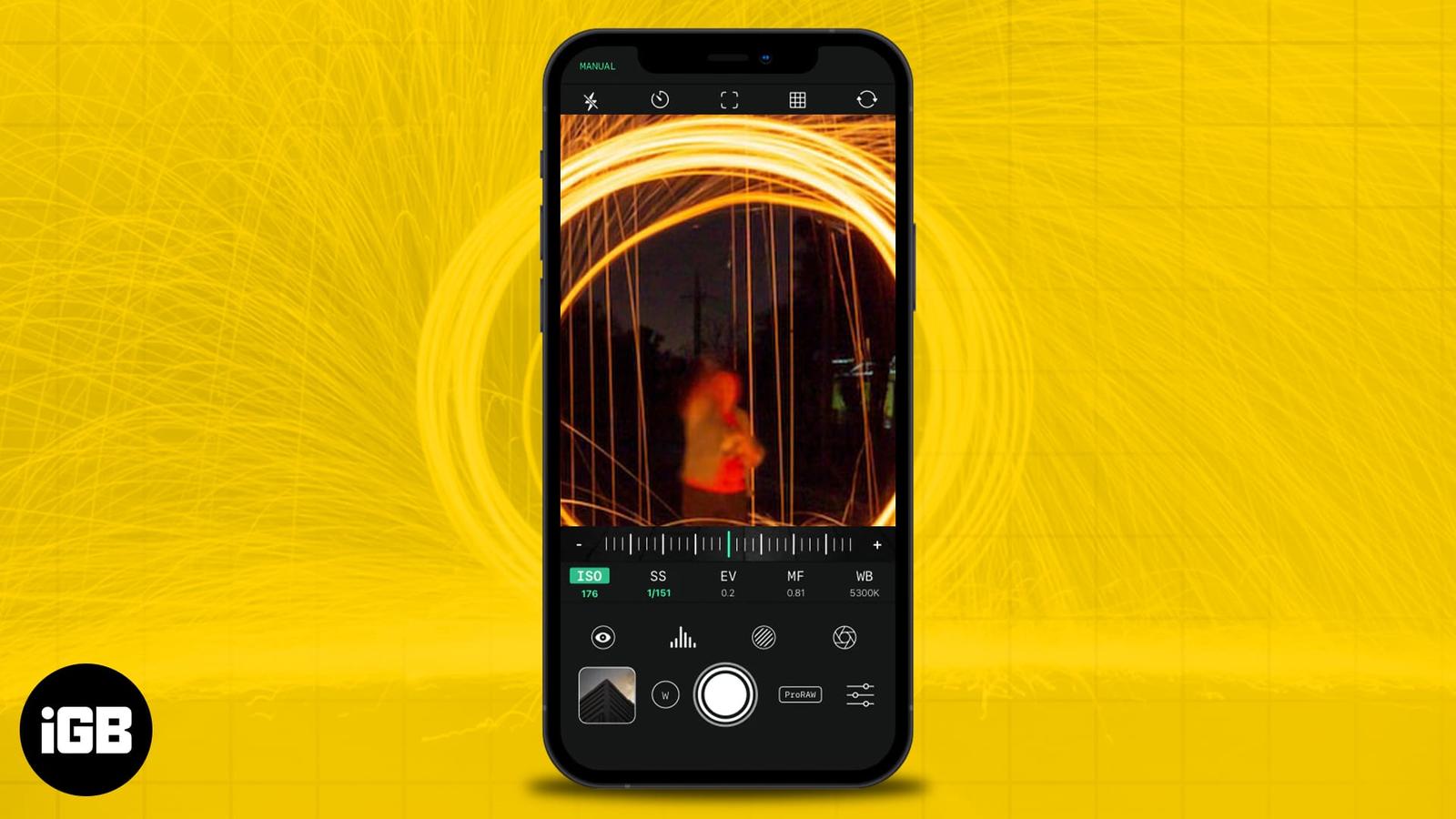
iPhone Camera Exposure: How to Brighten or Darken Photos
Adjust iPhone exposure with a quick tap and slide to brighten or darken your shot for clearer, balanced photos in any lighting.

Adjust iPhone exposure with a quick tap and slide to brighten or darken your shot for clearer, balanced photos in any lighting.
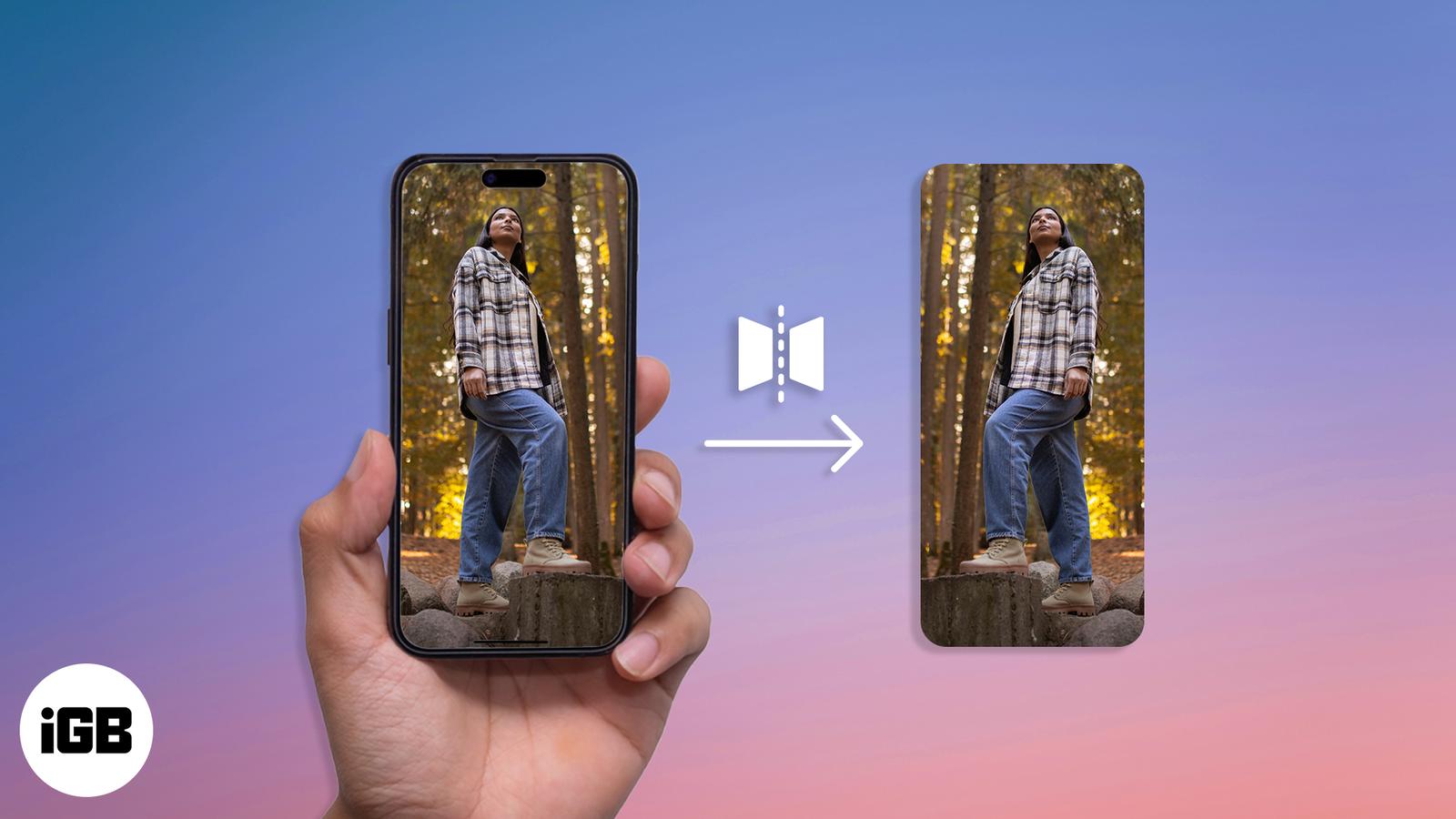
Learn how to flip photos and selfies on your iPhone in just a few taps.
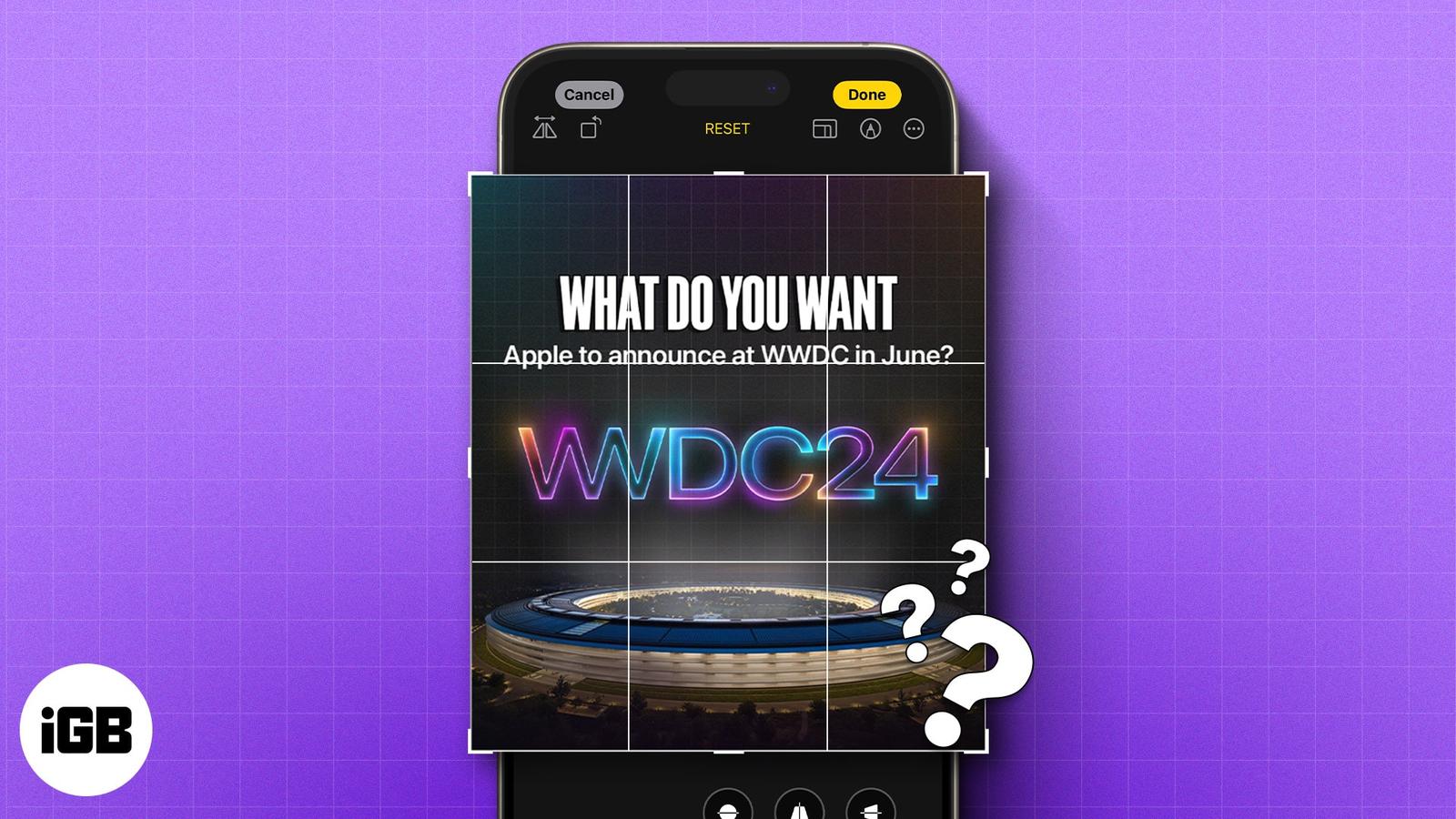
Zoom into the subject or cut out the distracting item from your photos
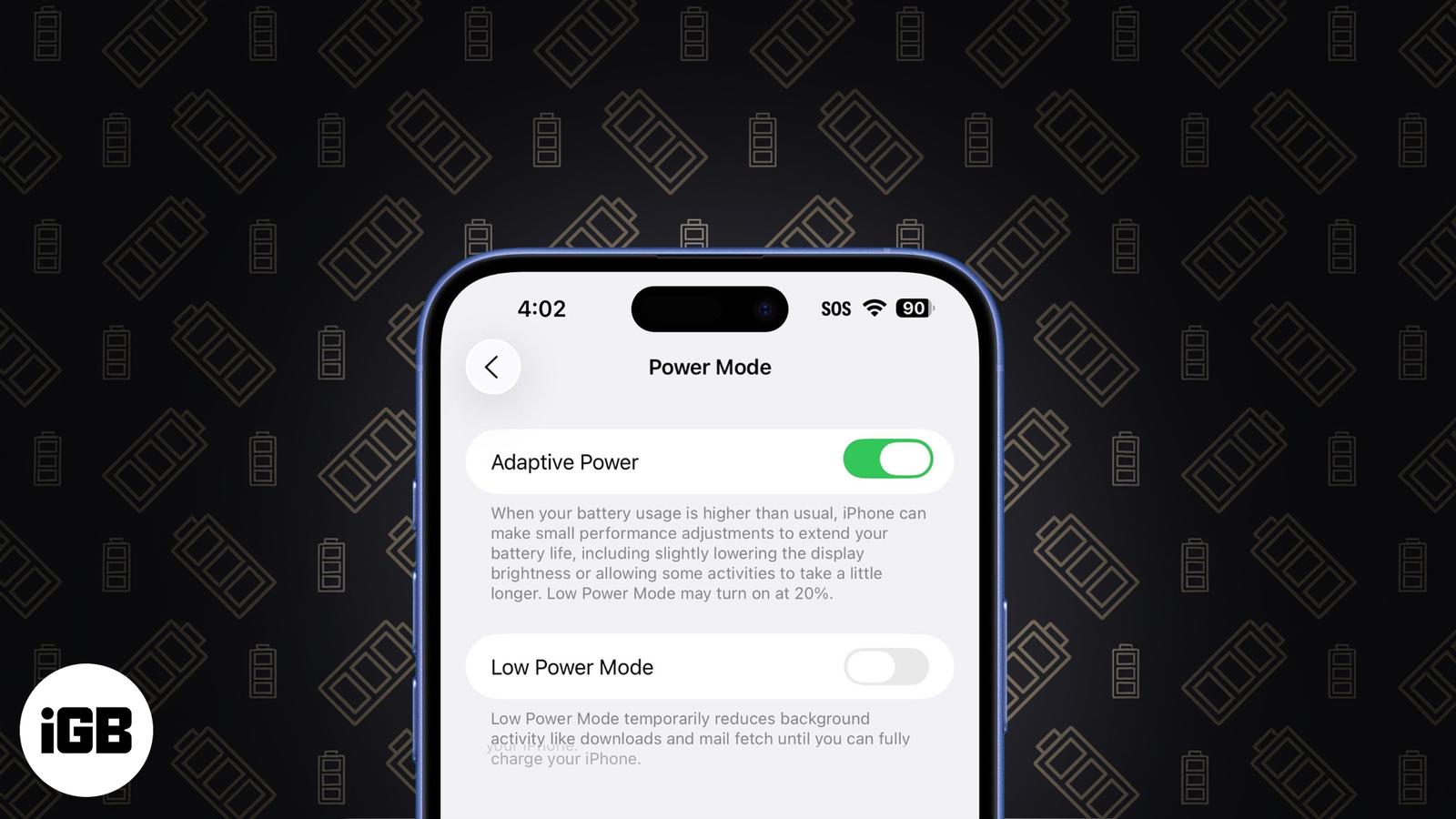
iOS 26’s Adaptive Power saves battery for you—smartly and silently. Here’s how it works and which iPhones support it.
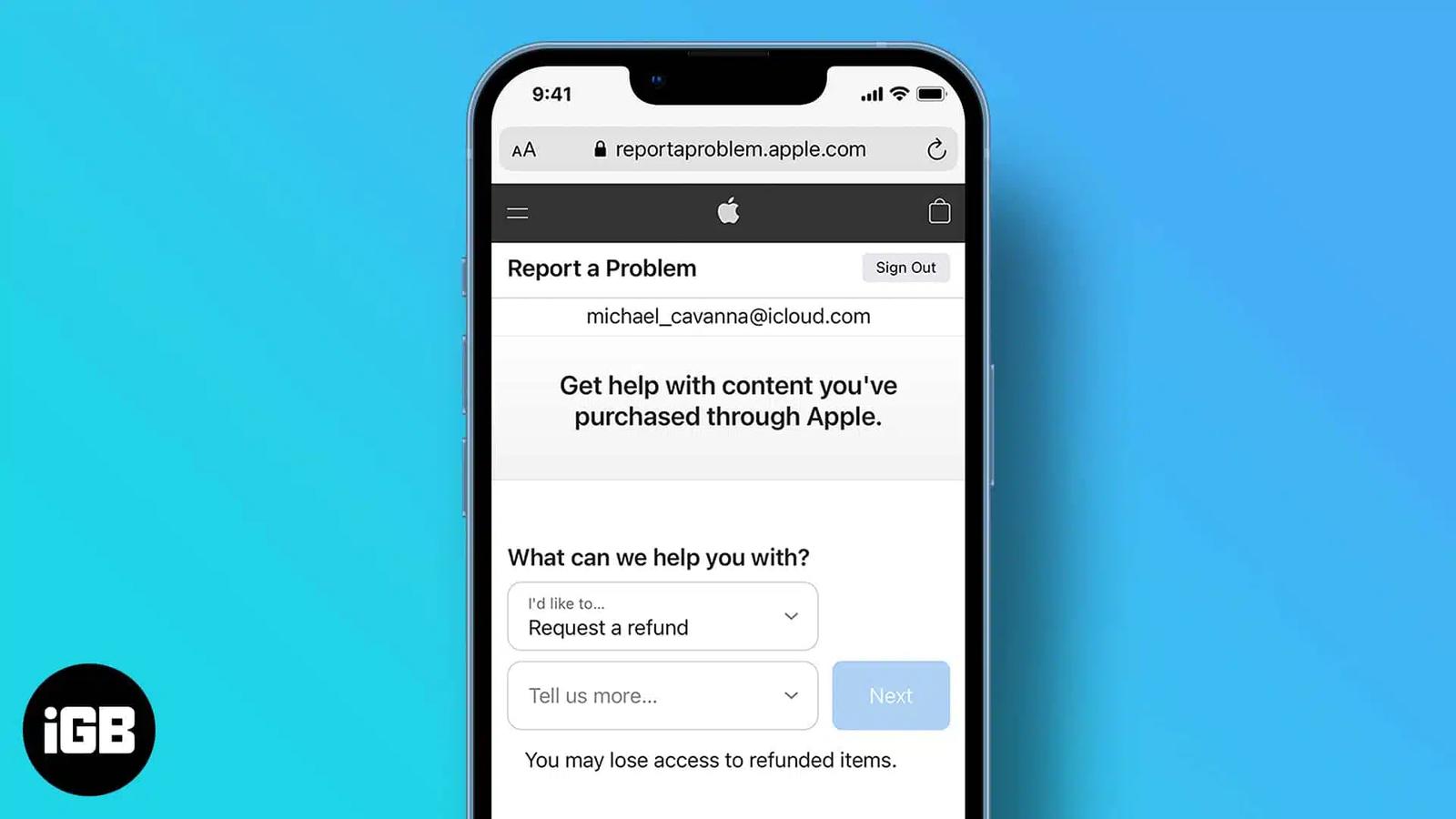
Easily get your money back for accidental or unwanted purchases on the App Store.
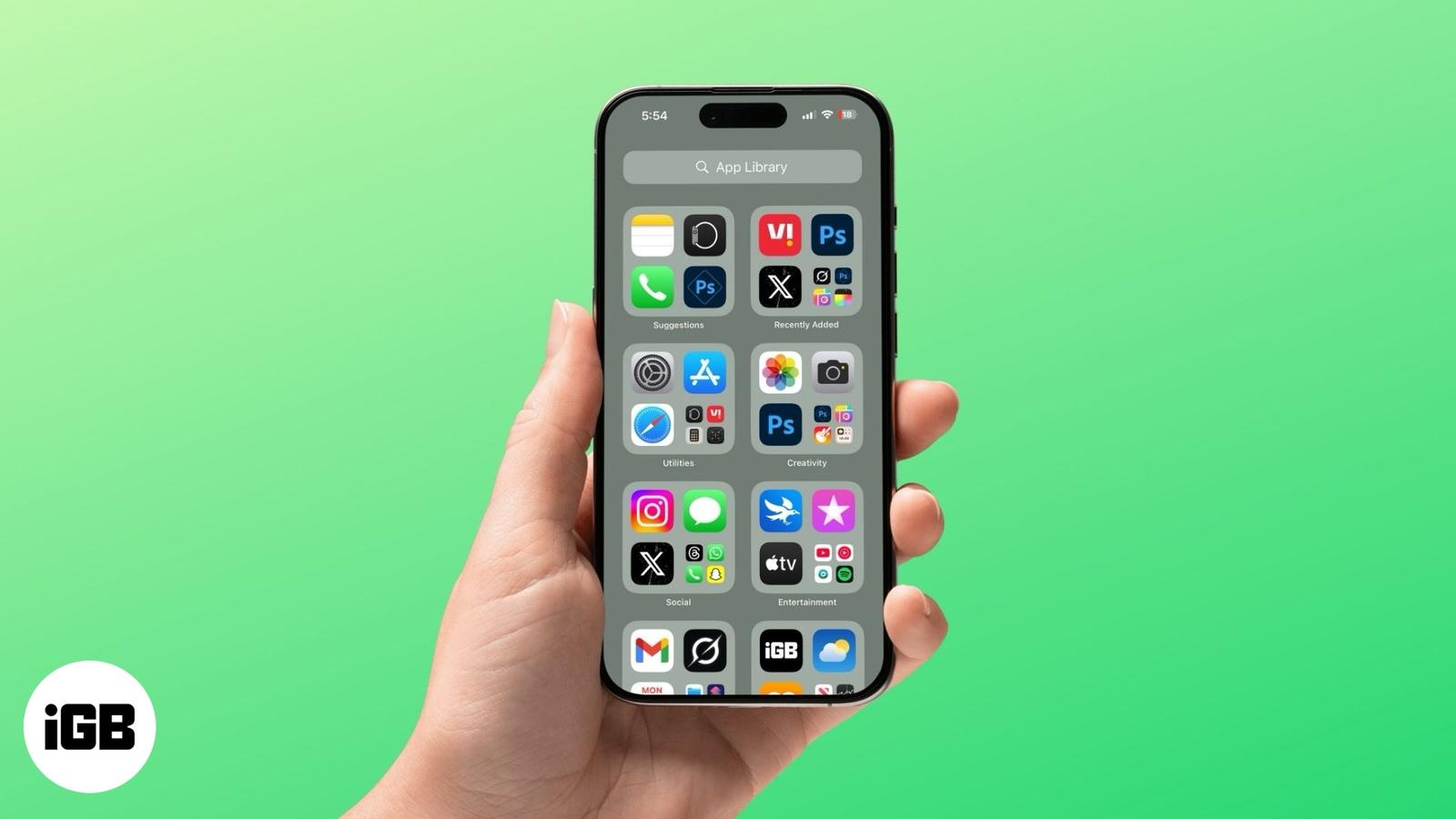
Simplify, organize, and find your apps with ease in App Library.
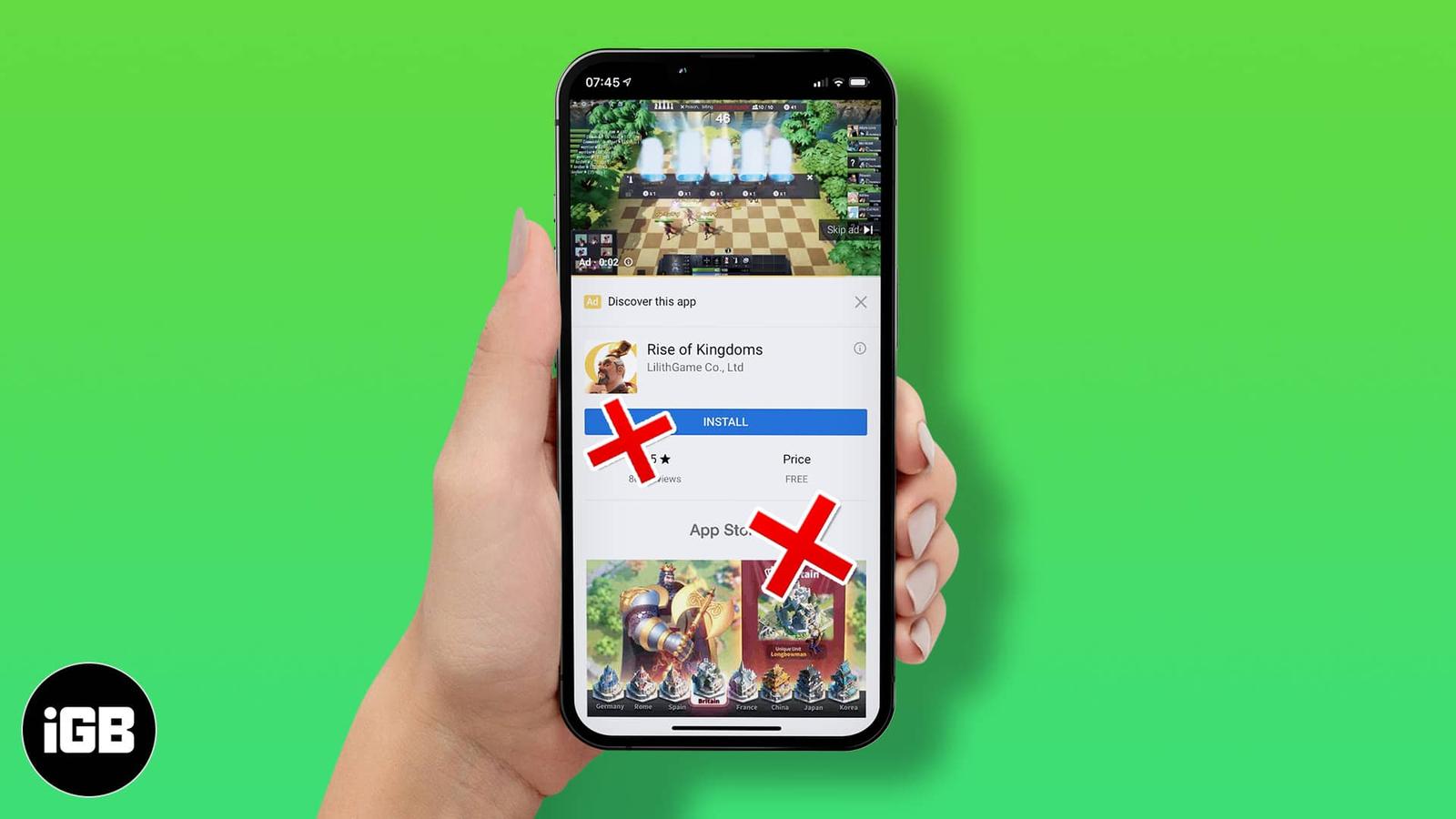
Step-by-step guide on how to block ads in iPhone and iPad apps or games for smoother, ad-free usage and fewer interruptions
Key Takeaways You can choose to update the Vision Pro software either manually or automatically. Furthermore, you can install beta updates o
Protecting our personal information and private conversations while using messaging apps like WhatsApp is crucial. Thankfully, WhatsApp roll
WhatsApp recently experienced a data breach that affected 500 million users, leading to increased fraud and scam calls. WhatsApp responded p
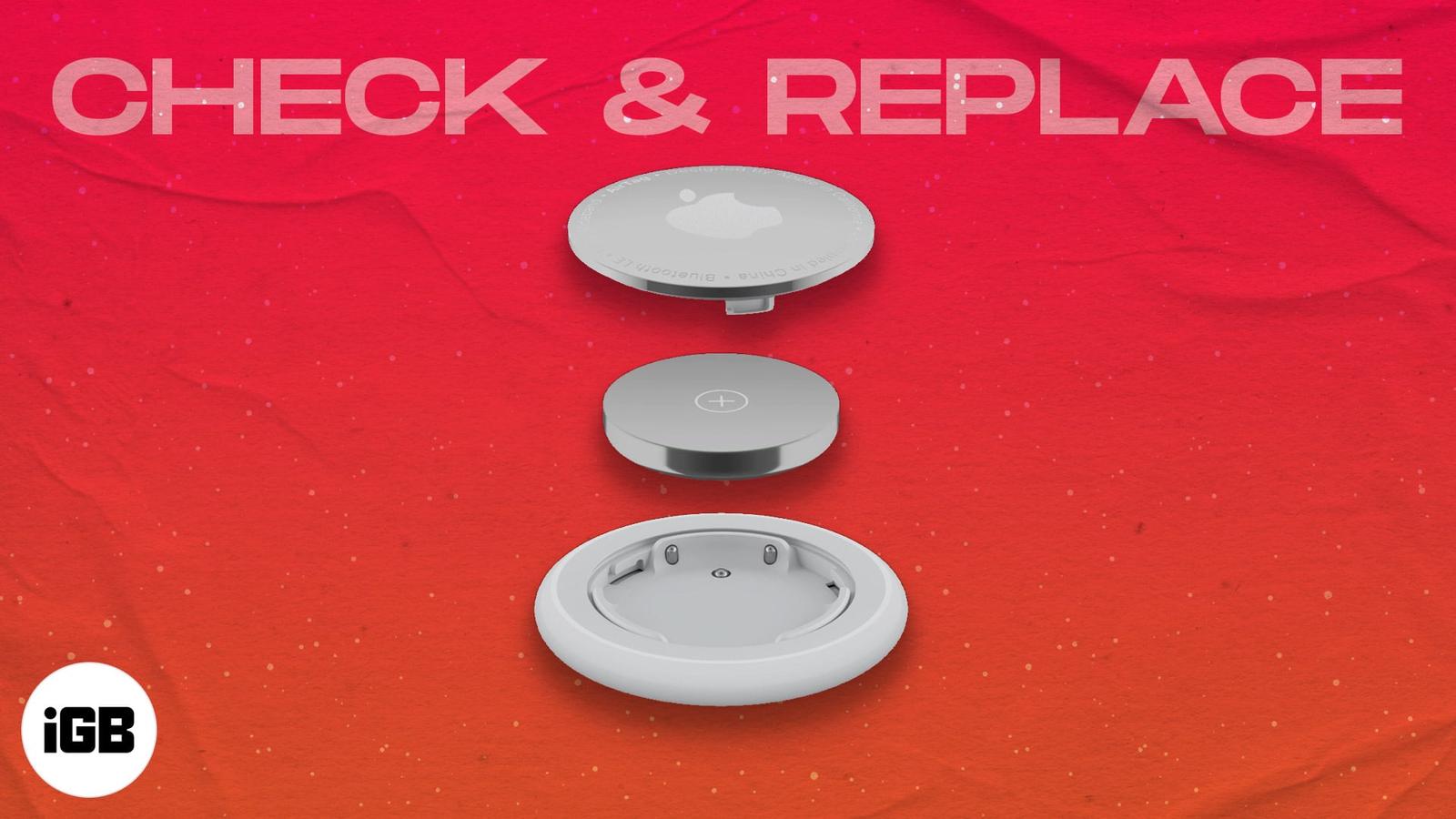
Learn how to replace your AirTag’s battery in just a few steps.