How to Use Accessibility Shortcut on iPhone and iPad
Quickly access powerful features on your iPhone or iPad with a simple gesture using Accessibility Shortcuts.

Quickly access powerful features on your iPhone or iPad with a simple gesture using Accessibility Shortcuts.
Getting started with Copilot on your Mac.
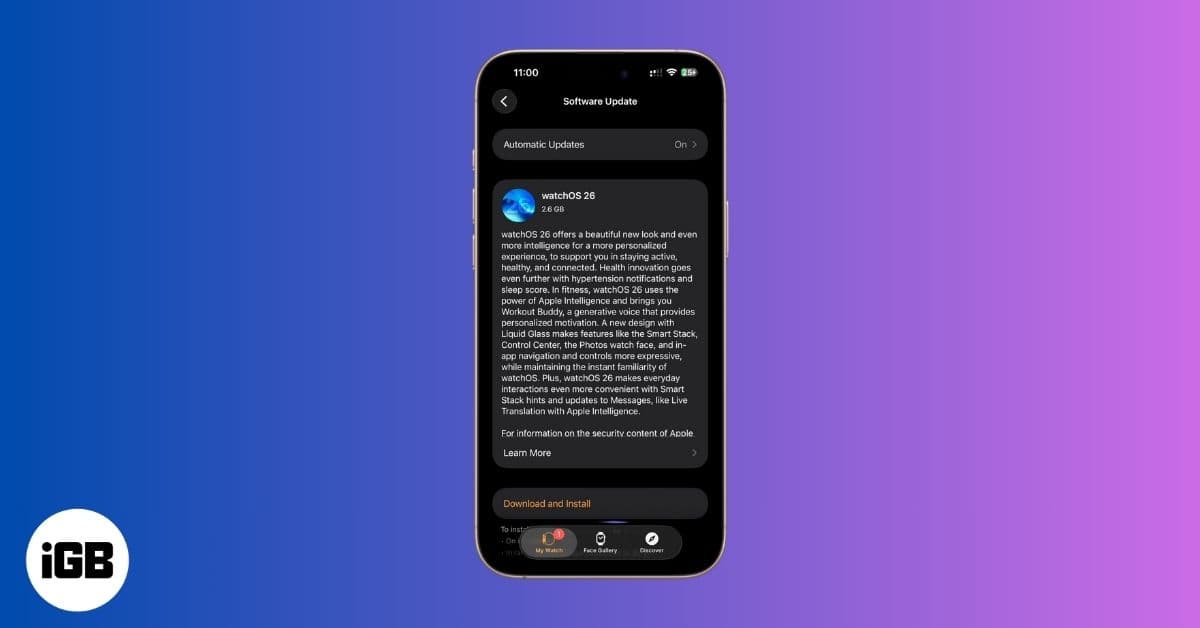
If your Apple Watch won’t update to watchOS 26, here’s how to fix it and install the latest features quickly.
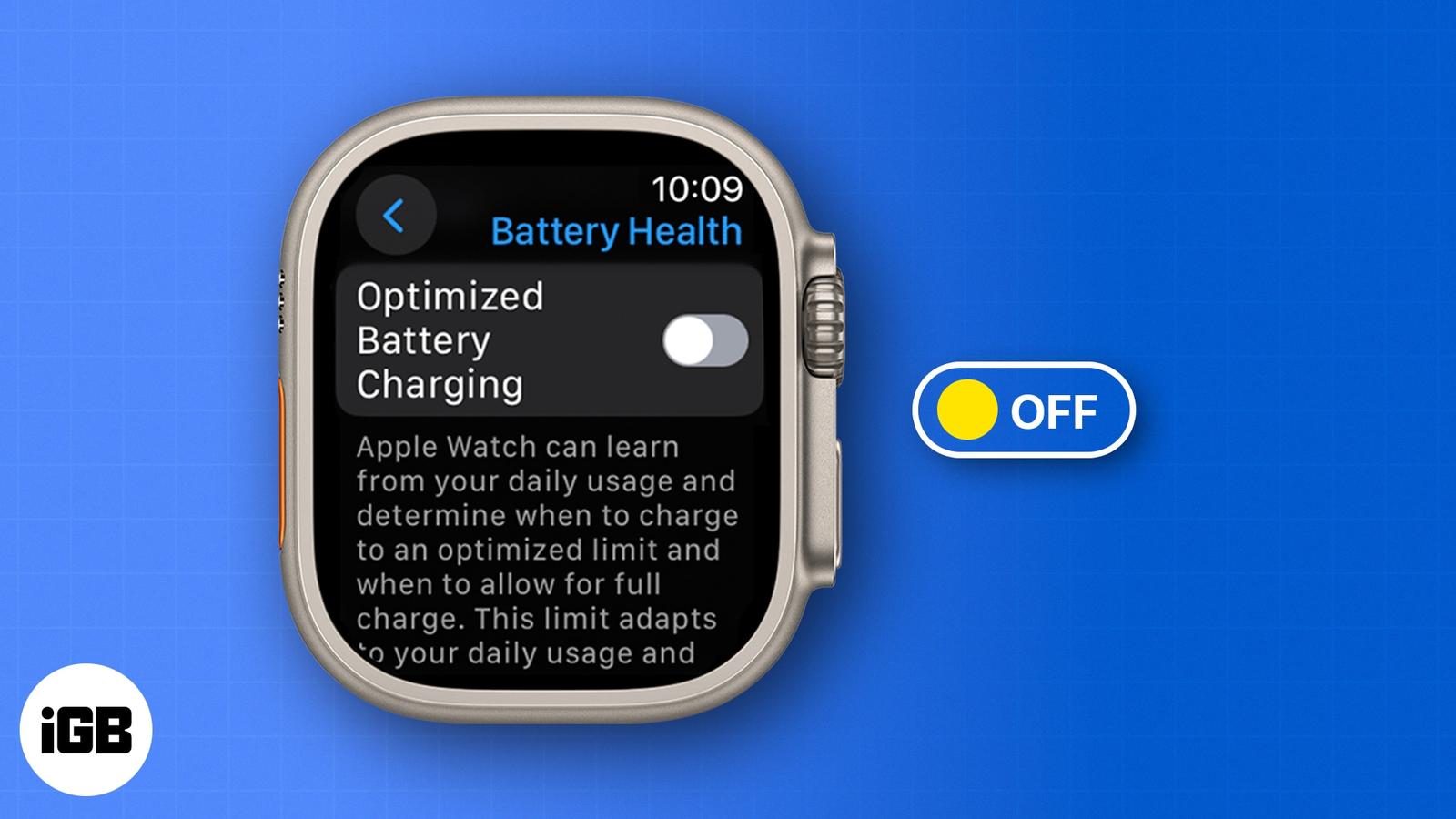
Get your Apple Watch to 100%—fast. Learn how to turn off Optimized Battery Charging in seconds.
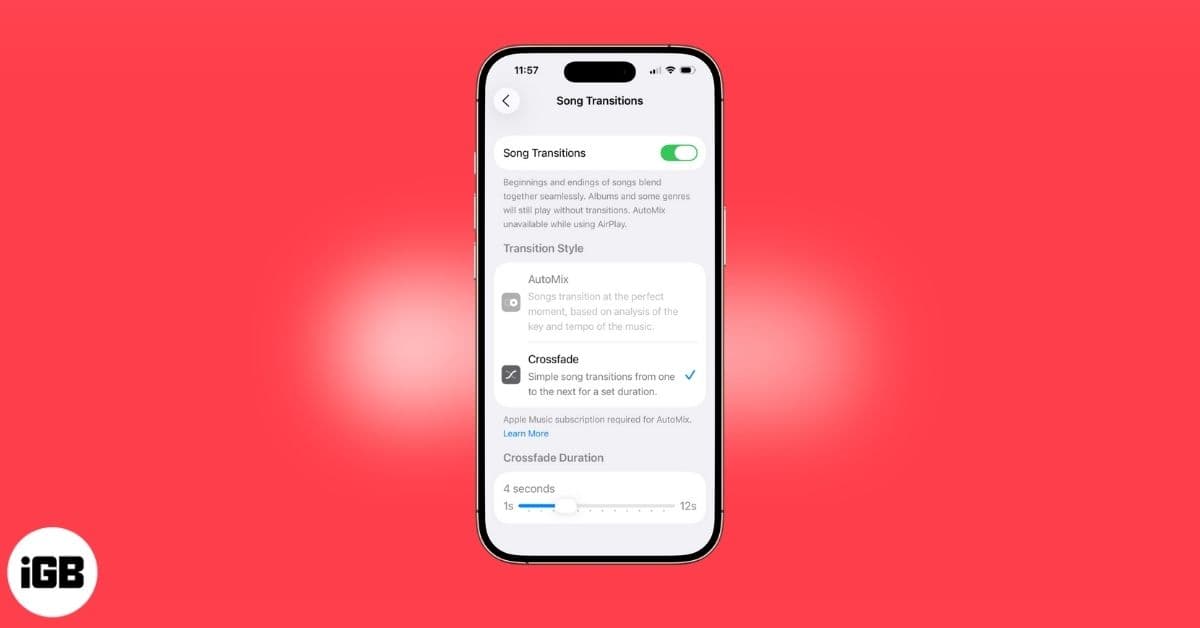
Apple Music’s Crossfade feature seamlessly blend songs for smoother transitions in your playlists. Here’s how!
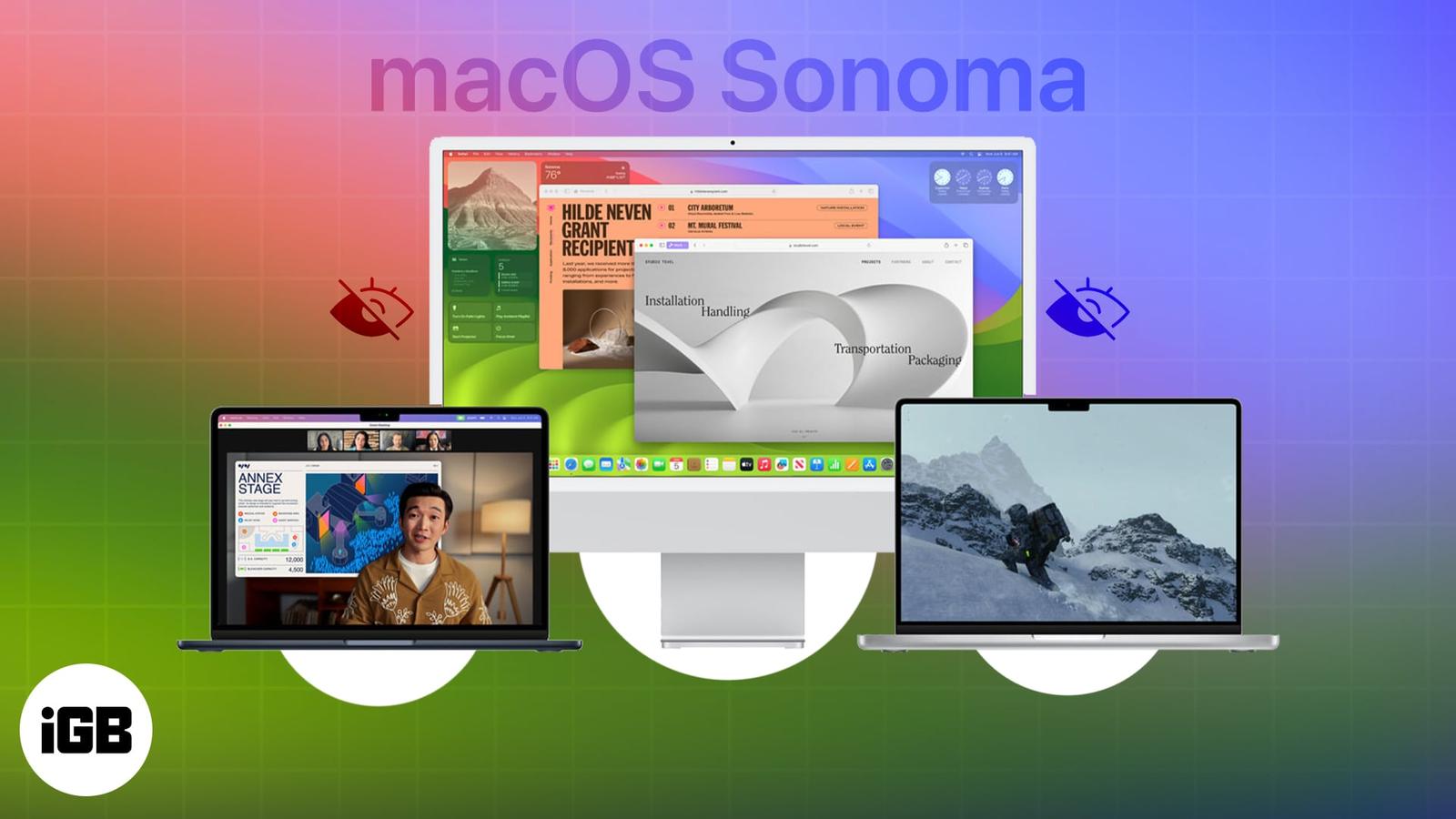
From making your work easier to providing user-friendly tools, macOS Sonoma has been carefully designed to empower you in ways you might not
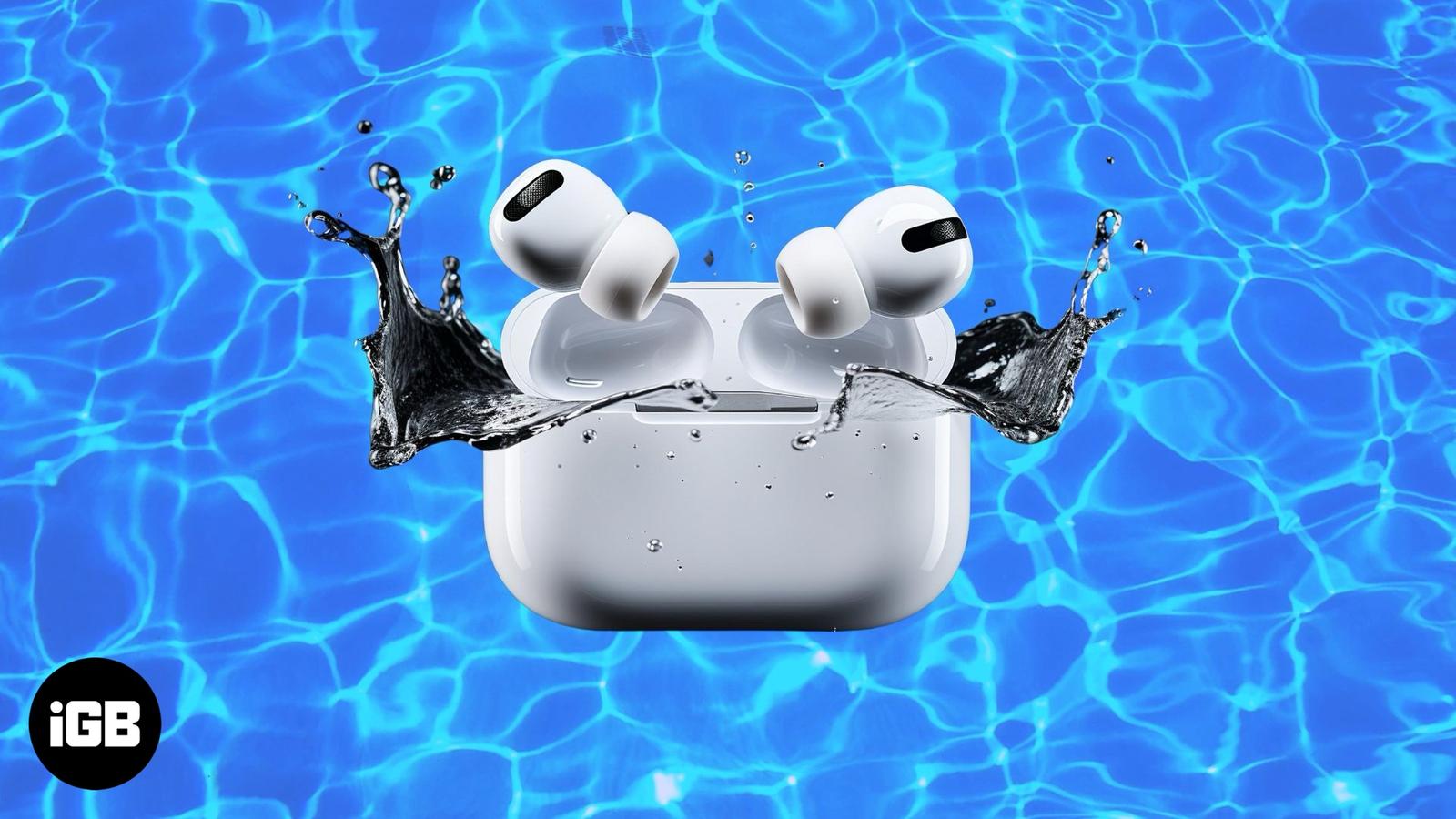
Are AirPods waterproof or water-resistant? Find out how much moisture they can handle to prevent damage.
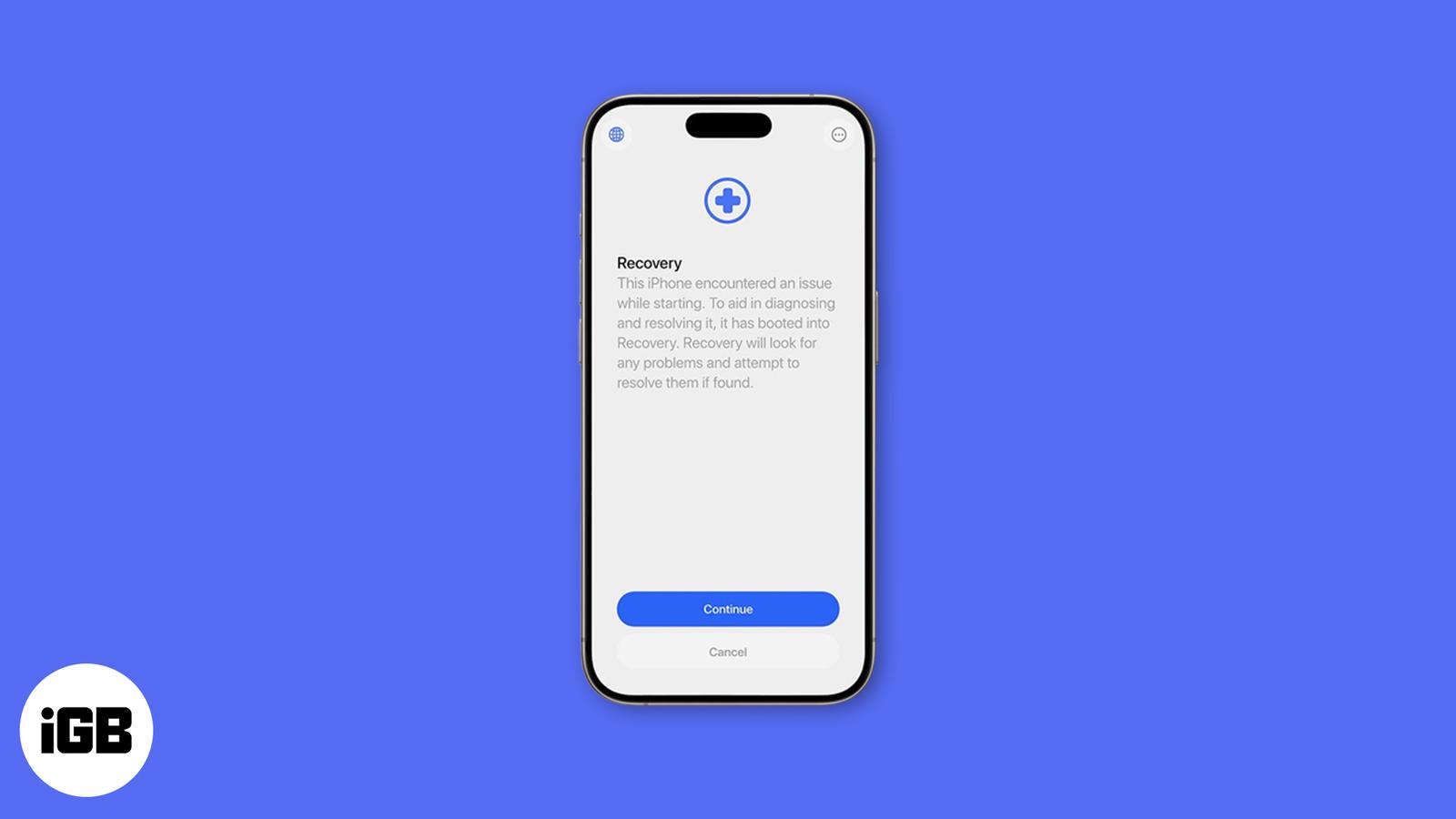
Apple’s new Recovery Assistant in iOS 26 and macOS Tahoe can fix iPhone, iPad, and Mac startup issues automatically — often without a comput
Seeing “iPhone is Disabled, Connect to iTunes” can be stressful, but you’re not stuck forever. Here’s how to unlock your iPhone safely and r
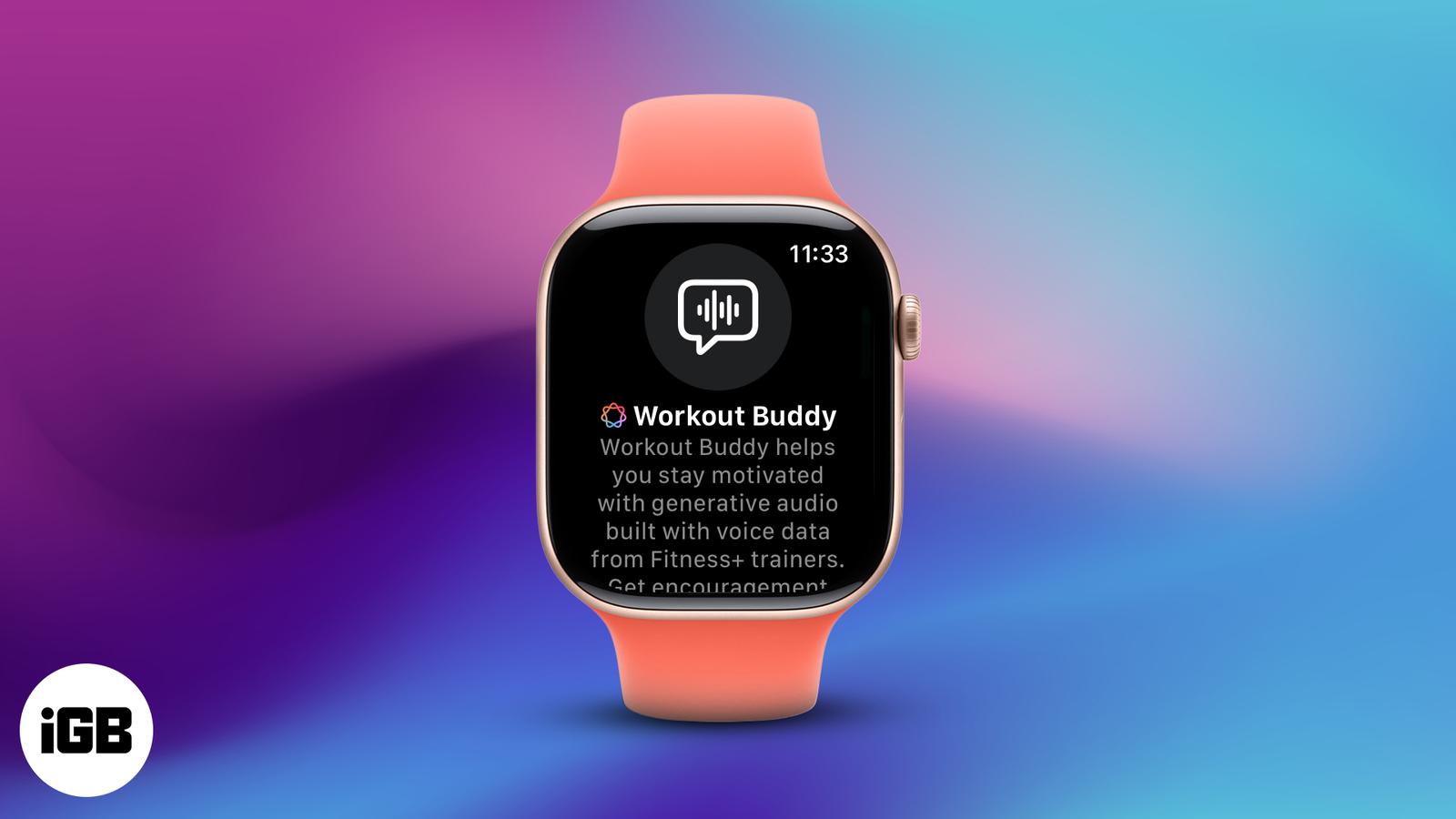
Turn your Apple Watch into a personal AI coach with Workout Buddy in watchOS 26—motivation, stats, and feedback, all in your ear.
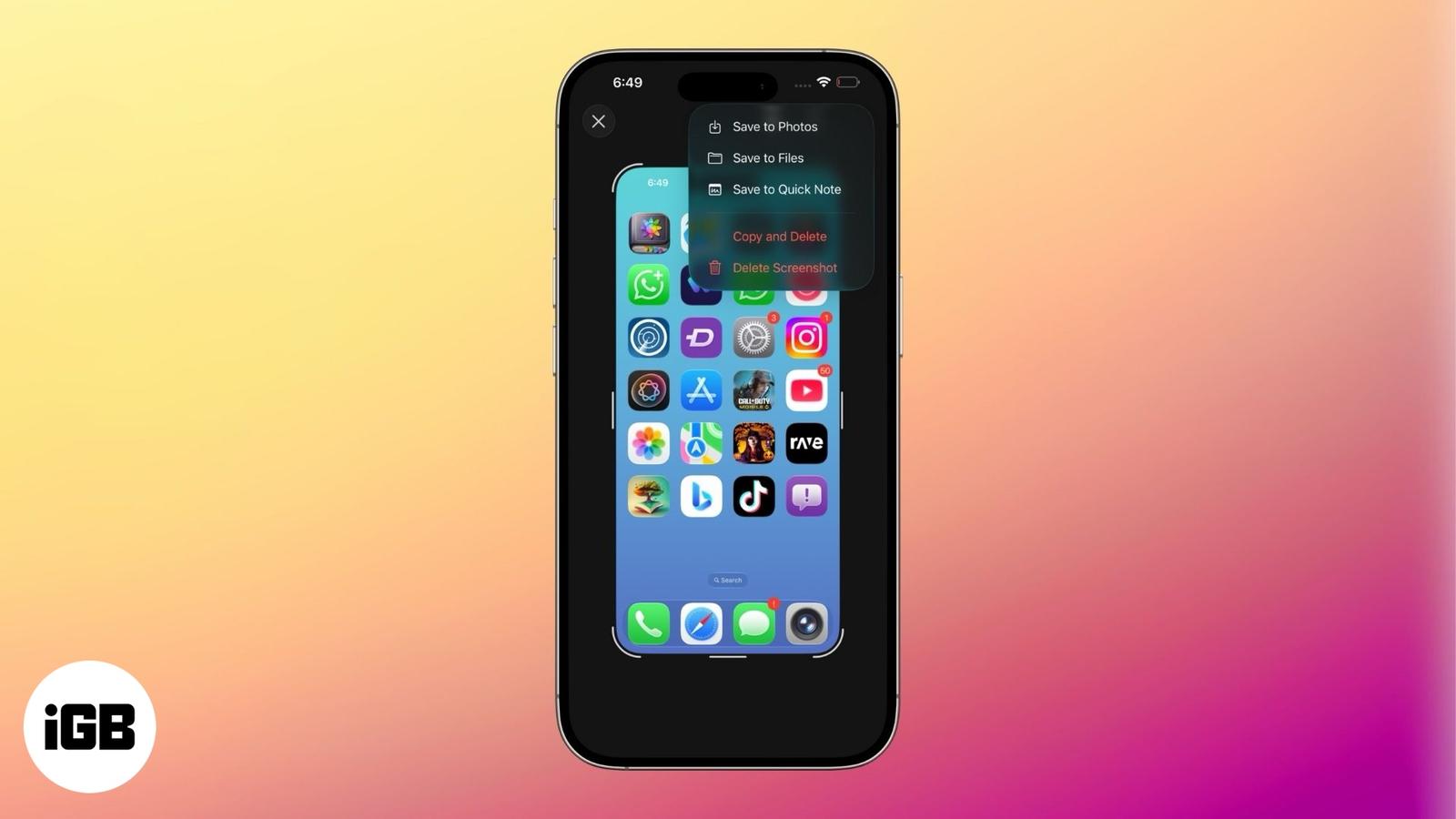
iOS 26 shows screenshots in full-screen by default. Learn how to switch back to the thumbnail view and customize screen capture settings on