How to compress a PDF on Mac
Large PDFs bounce off email limits and eat storage. Here are four ways to compress one on Mac, with notes on how much quality each method costs you.

Large PDFs bounce off email limits and eat storage. Here are four ways to compress one on Mac, with notes on how much quality each method costs you.
Autoplaying video ambushes you in a background tab. Here is how to mute an individual Chrome tab on Mac and Windows, and how to restore its
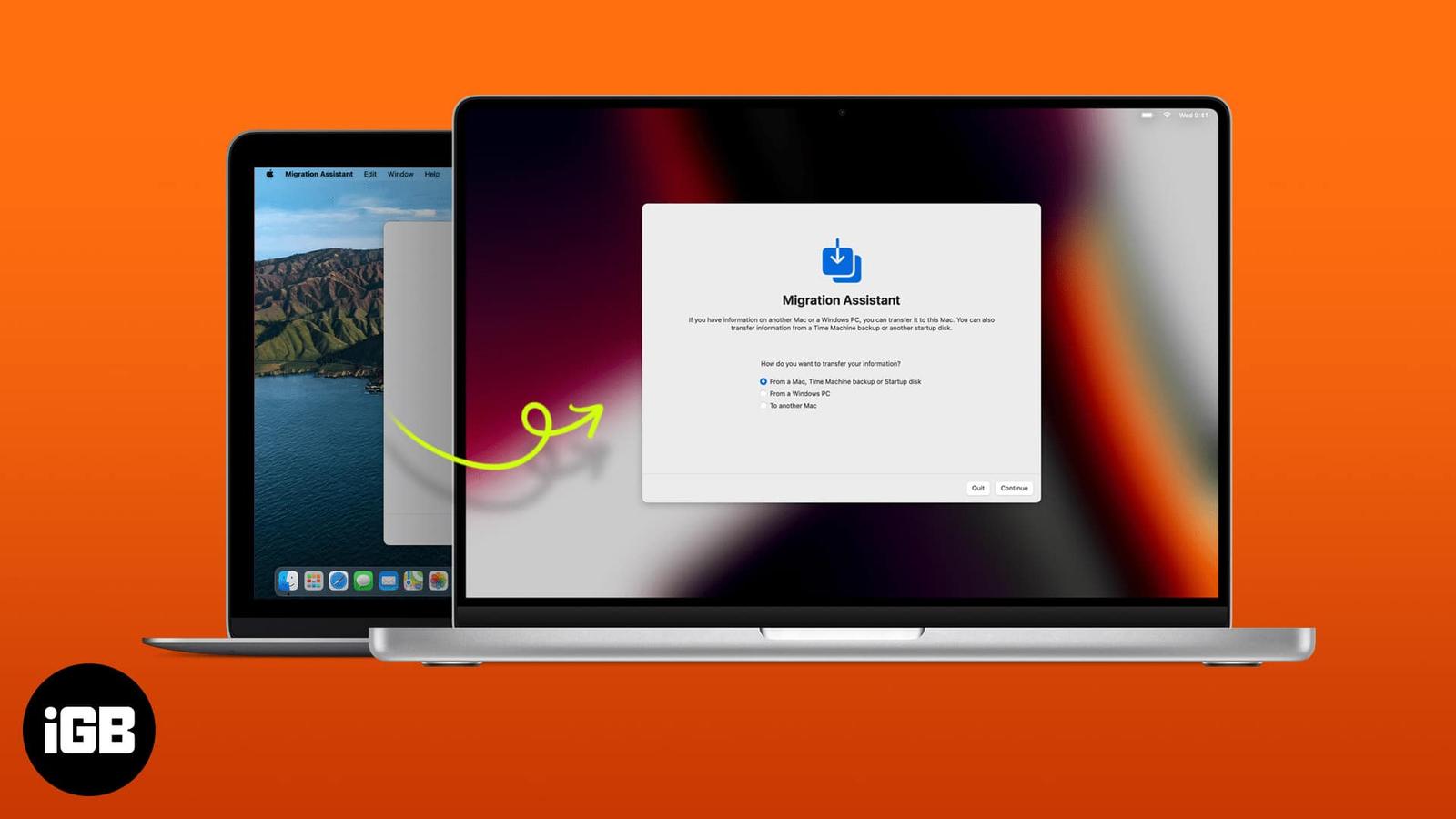
A botched migration means redoing hours of setup. Here is what to prepare first, how to run Migration Assistant properly, and when using iCl
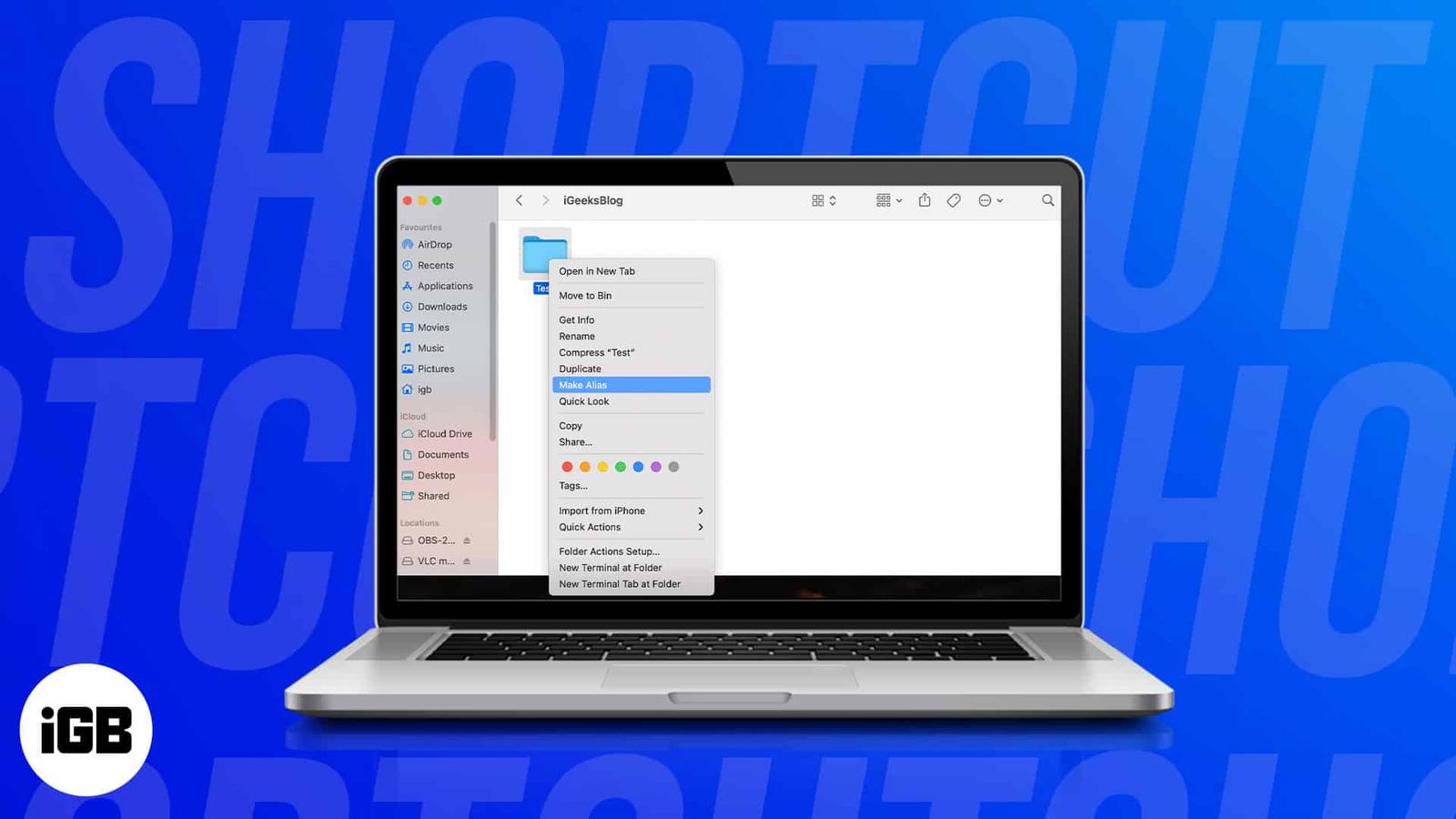
macOS does not create desktop shortcuts automatically the way Windows does. Here are four ways to make your own for apps, files, folders, an
Audible has no dedicated Mac app, which trips up plenty of listeners. Here is how to play your library in a browser, import titles into Appl
A Mac too old for current macOS can still run Chrome OS comfortably. Here is why it is worth doing, what you need before starting, and the f
Small Finder text is a strain on any large display. Here is the quickest way to increase the font size for file and folder names on Mac, and
Apple Diagnostics tests memory, storage, and logic board hardware in minutes. Here is how to run it on modern and pre-2013 Macs, what the co
Your IP address reveals your rough location and links your browsing together. Here is why hiding it matters, and how to do it in Safari usin

Instagram follows the system appearance rather than offering its own switch on iPhone. Here is how to force dark mode from iOS Settings, and
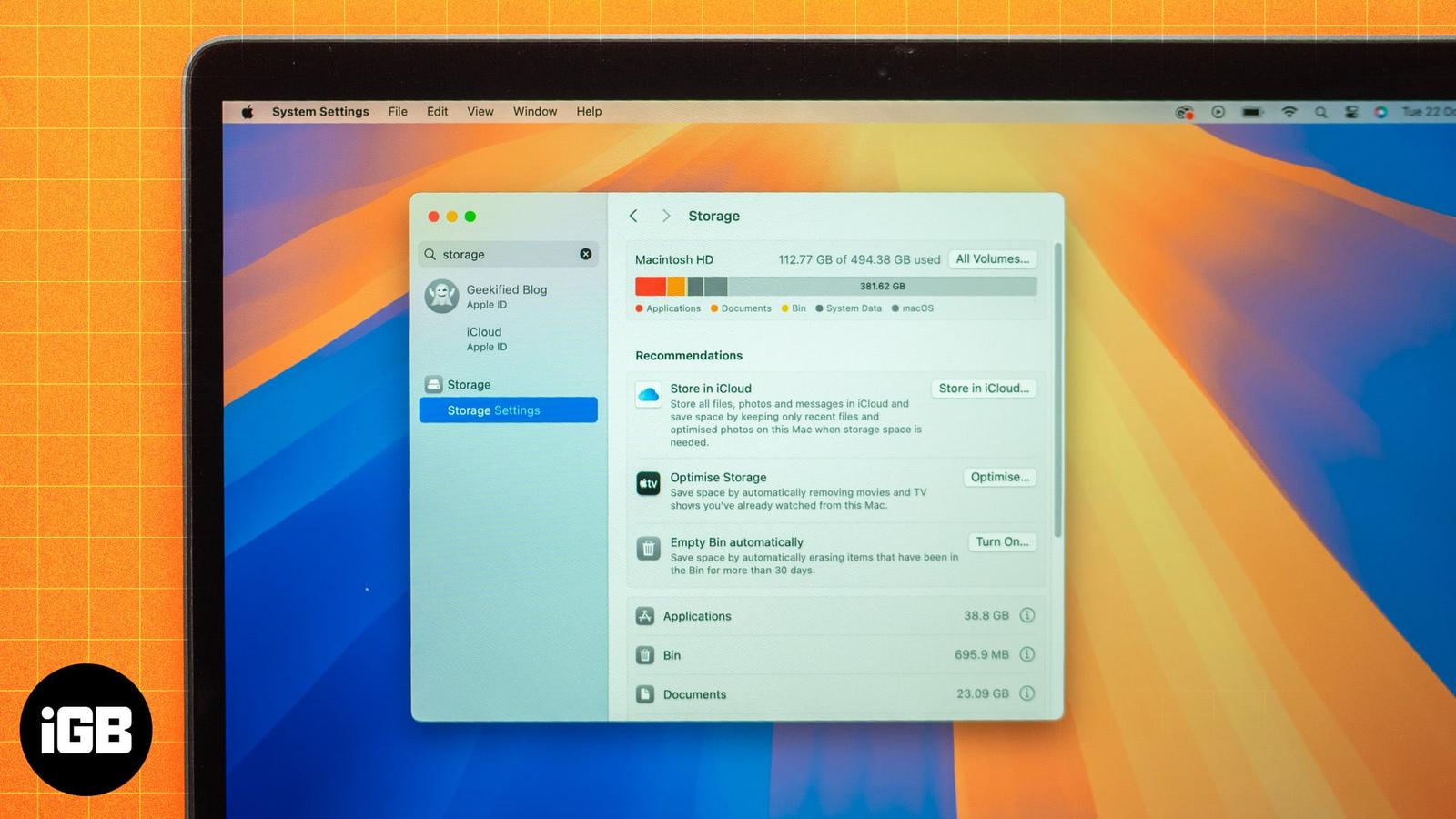
A full Mac slows down and blocks updates. Here is how to see exactly what is consuming your disk, then nine ways to reclaim space without de