How-to
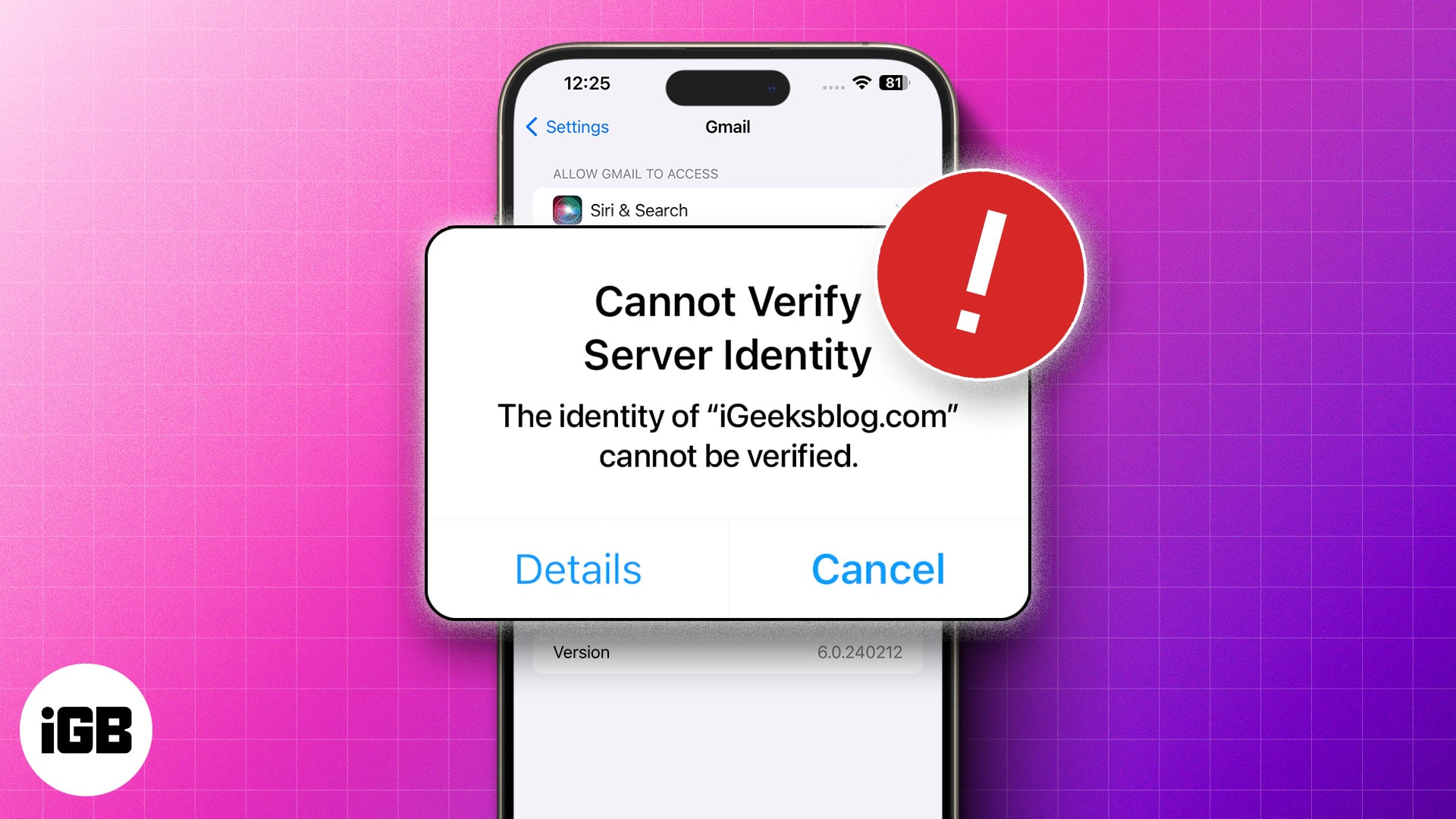
iPhone Showing “Cannot Verify Server Identity”? Here’s How to Fix it Fast
September 30, 2025


Editor
Expertise
"Yash is a tech journalist and writer based in India. He has five years of experience writing features, how-tos, and reviews for various online publications. As an editor at iGeeksBlog, Yash's job is to ensure the articles are polished and suitable for publication. You can also read his work on How-To Geek, MakeUseOf, and TechPP."
Yash ventured into journalism in 2018 after spending a few years working as a front-end developer. Since then, he has worked with multiple publications where he's written and edited hundreds of articles. Currently, Yash also contributes to How-To Geek, MakeUseOf, and TechPP. He also has experience with reviewing consumer tech products.
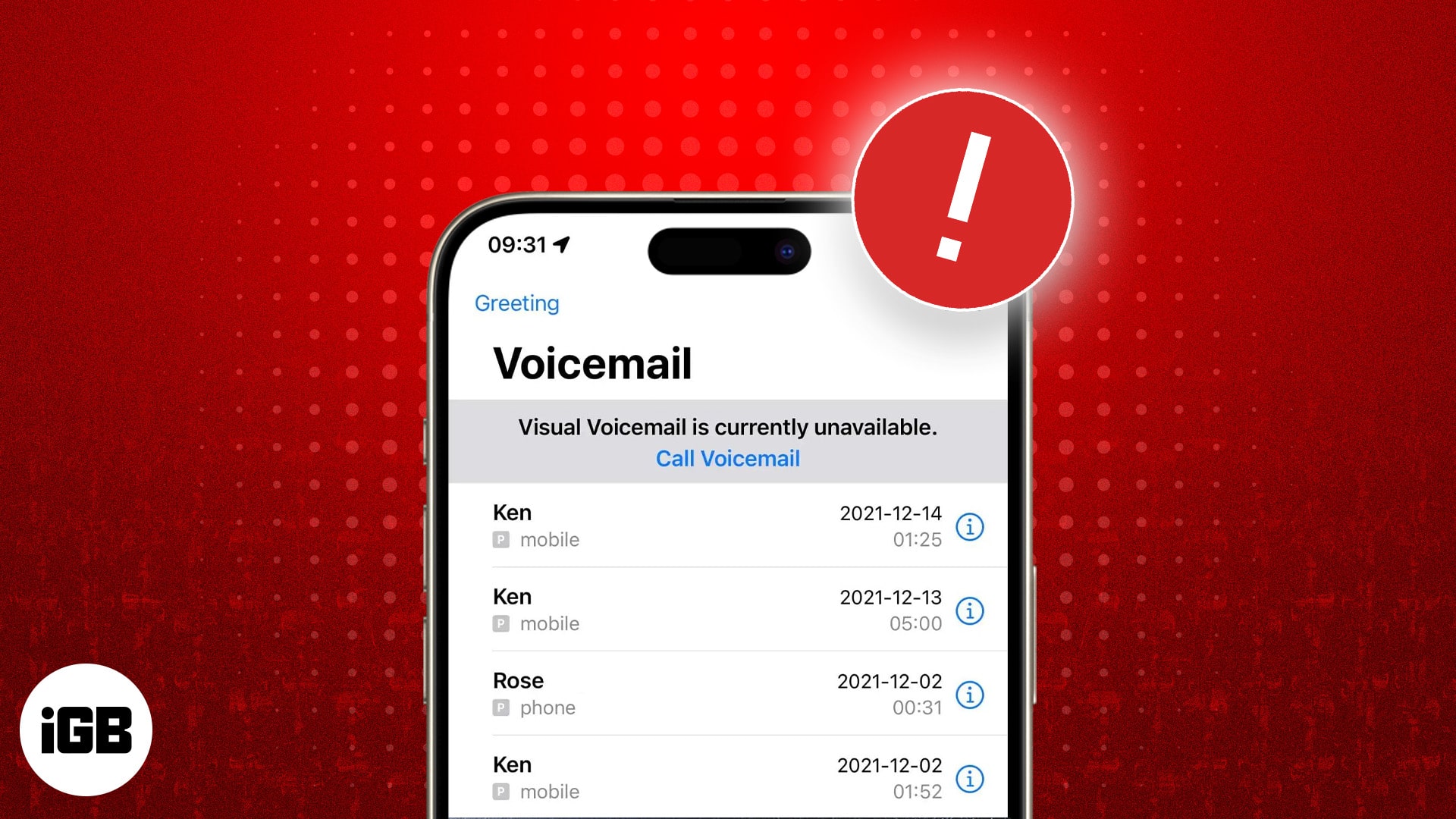
Voicemail breaks after iOS updates and carrier changes more often than anything else. These eight fixes cover setup in Phone settings, carri
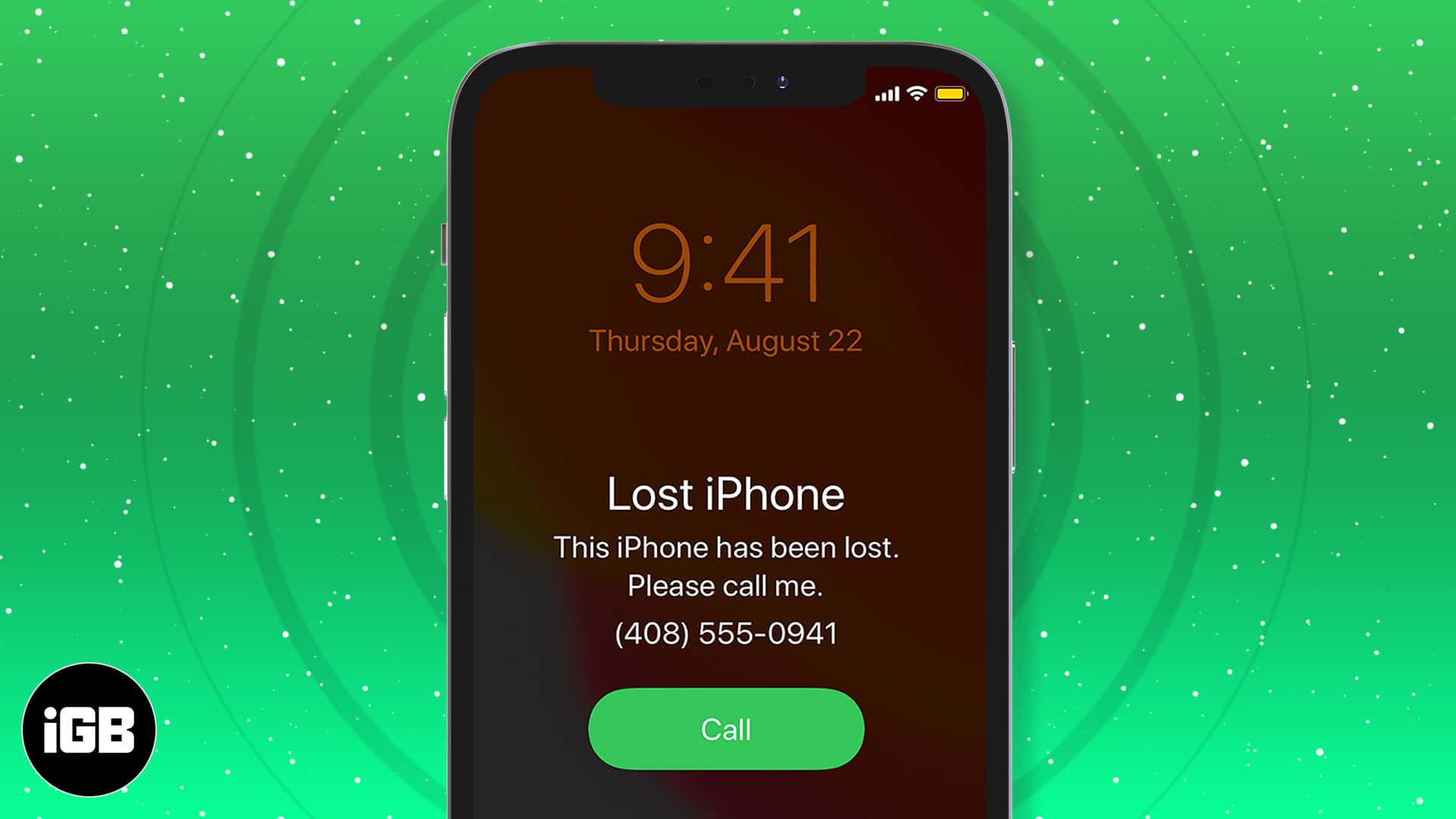
The first hour matters most. Here is how to locate your iPhone with Find My, put it in Lost Mode, erase it remotely if needed, secure your a
What are the new accessibility features in iOS 18? This article will answer this question and explain how to use them.
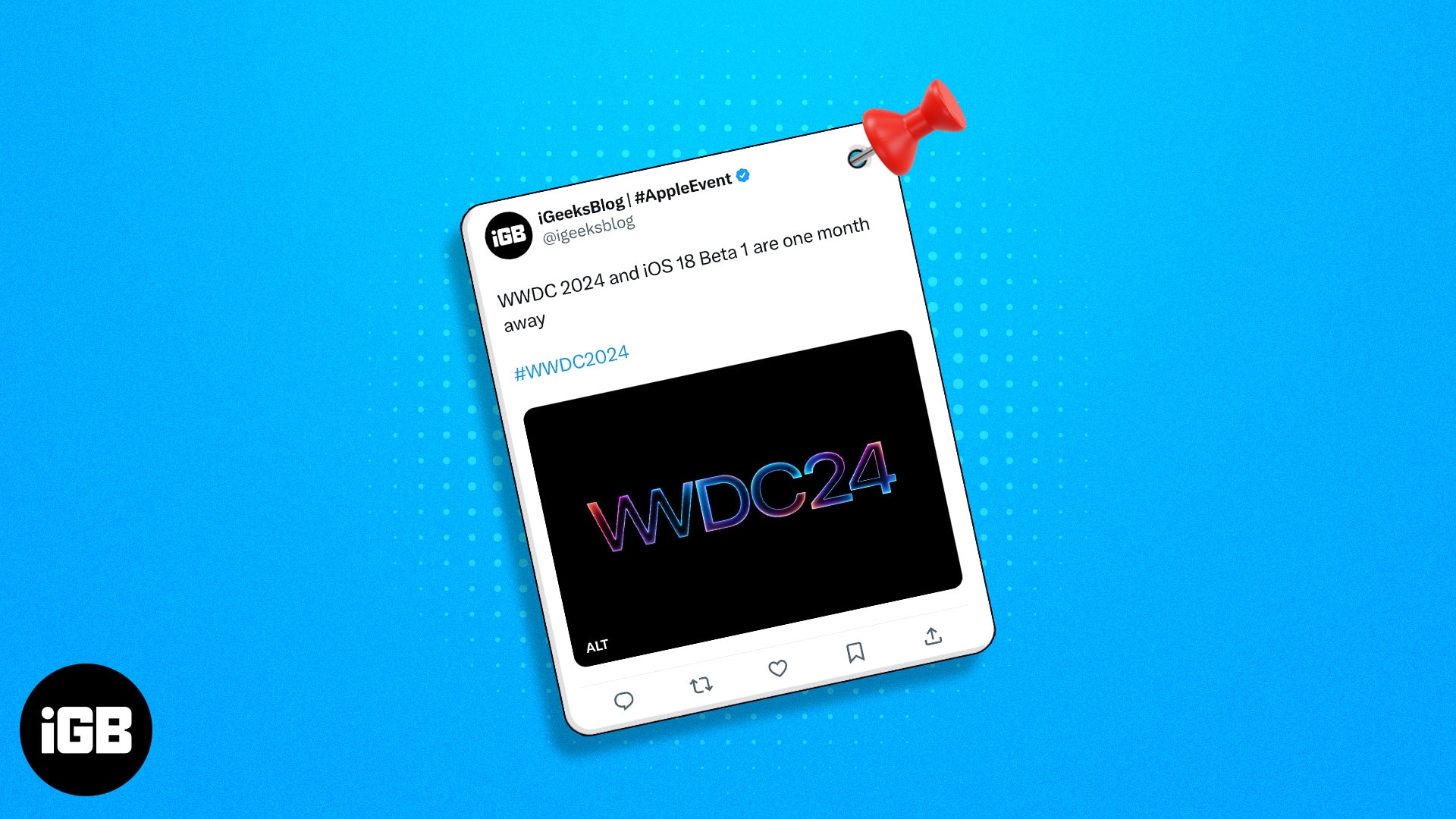
A pinned post is the first thing visitors to your profile see. Here is how to pin and unpin your own posts on X across every device, and how
Preview merges PDFs natively, so third-party tools are rarely necessary. Here is how to combine multiple documents on Mac, rearrange the pag
Wondering what Cancelled Call means on your iPhone? This guide explains the cancelled call meaning, why it happens, and how to fix it easily
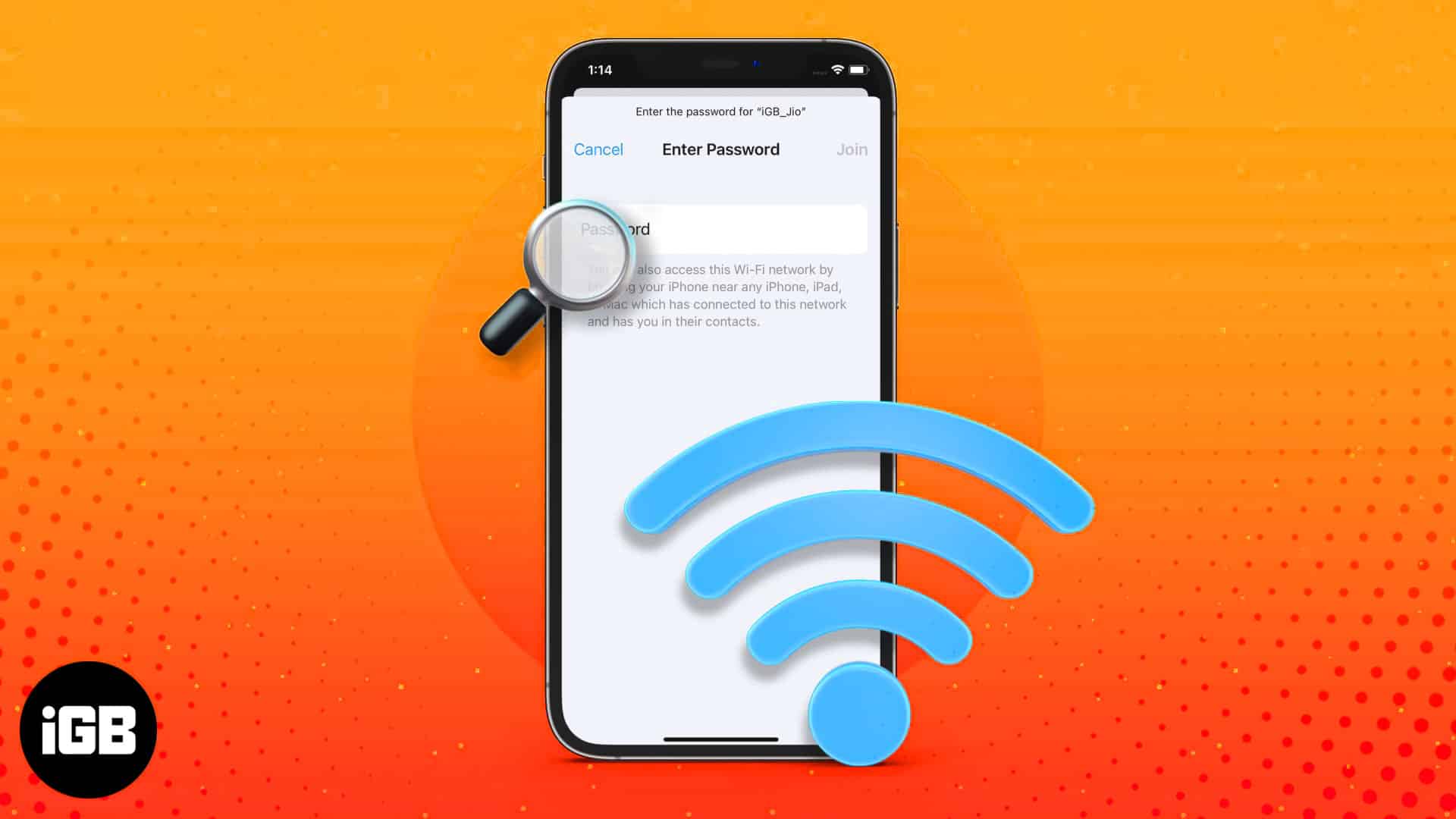
iOS finally lets you read saved Wi-Fi keys rather than just share them. Here is where to find them in iOS 18, the older iOS 17 method, and h
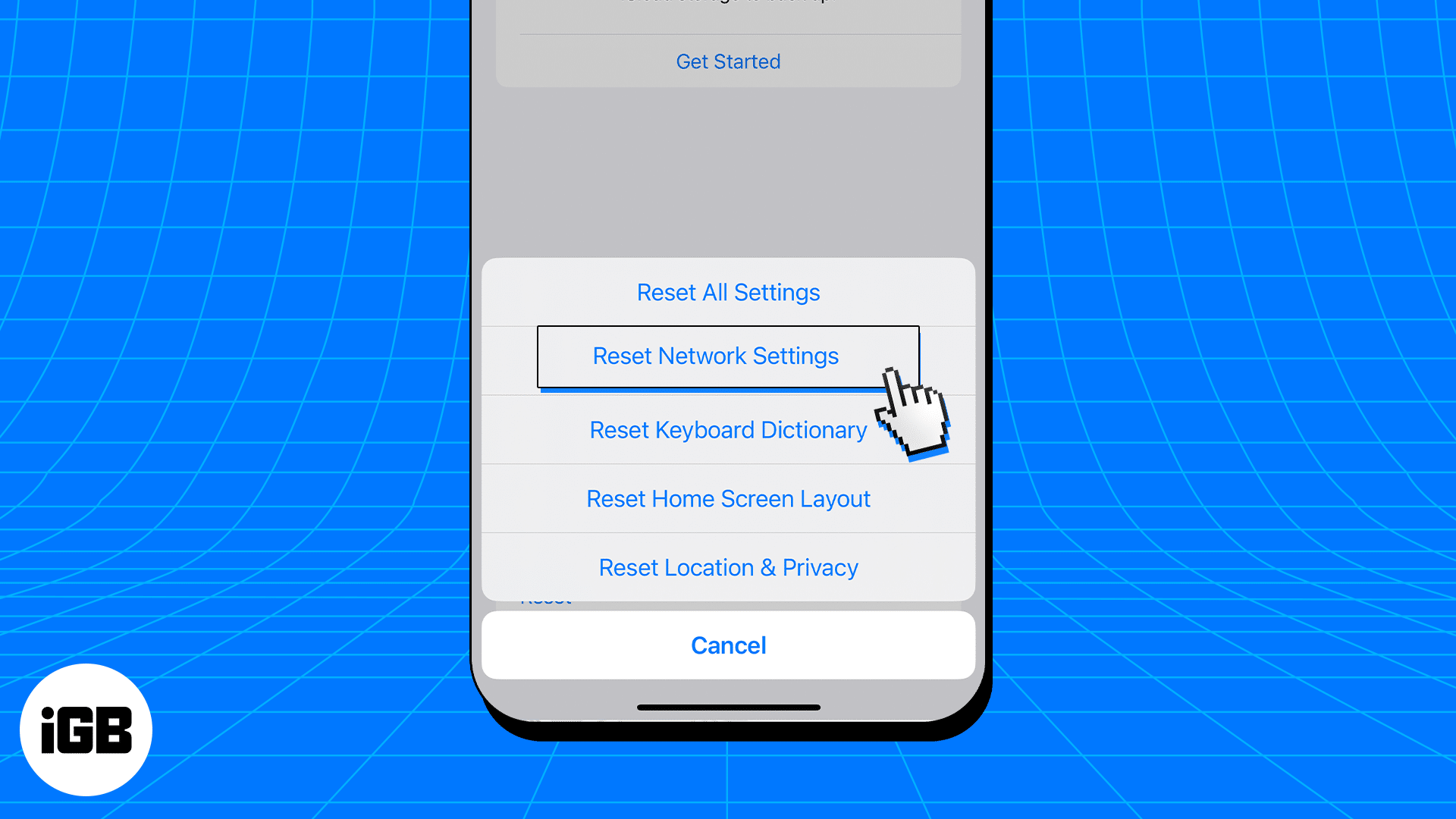
A corrupted DNS cache sends your browser to stale addresses, causing pages to fail for no obvious reason. Here is what the cache does, how t

Apple’s new Invites app lets you design beautiful event invitations, track RSVPs, and collaborate on music and photos all from your iPhone.
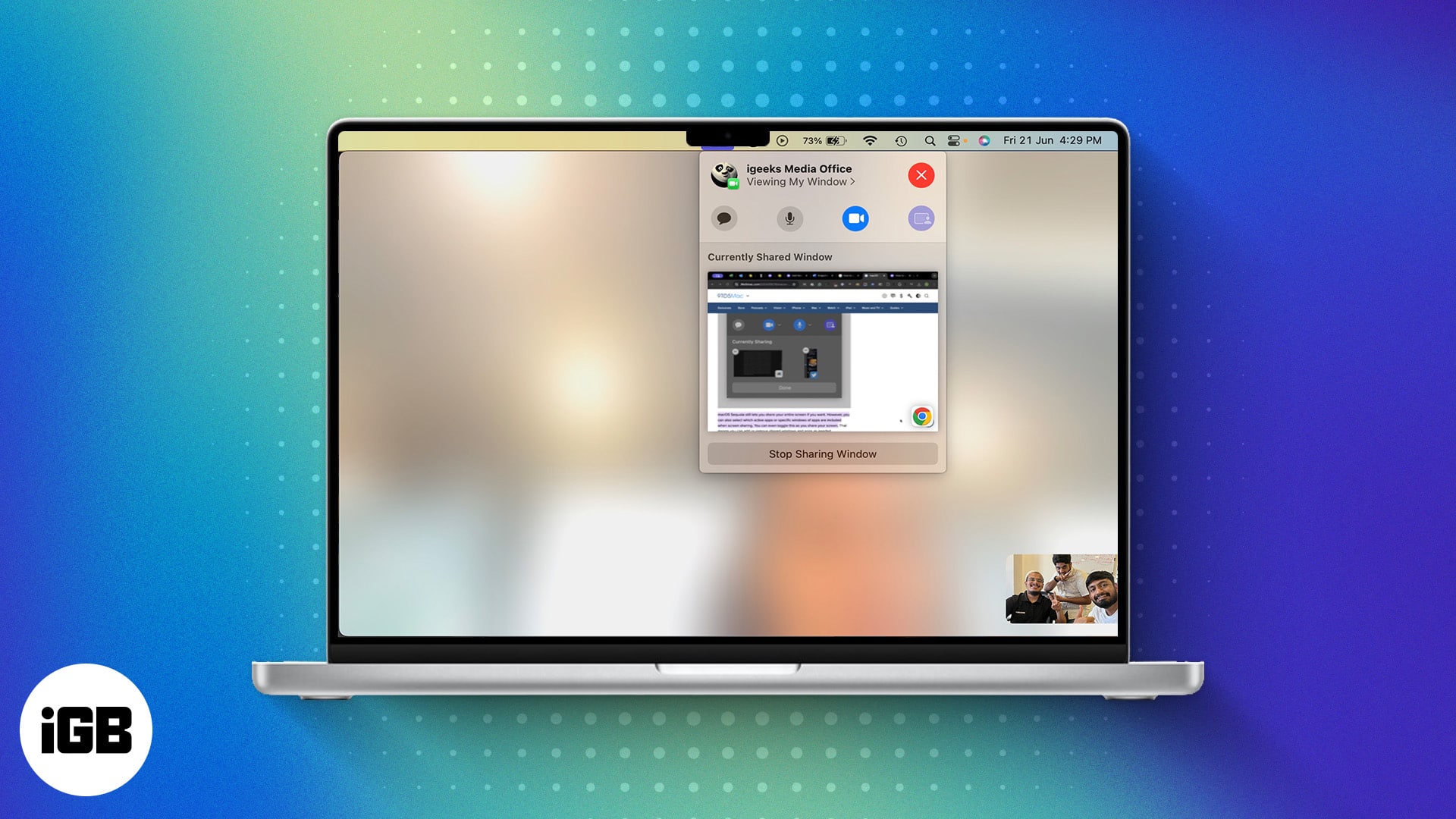
Sequoia lets you preview a window before sharing it and swap your video call background. Here is how to use Presenter Preview and background
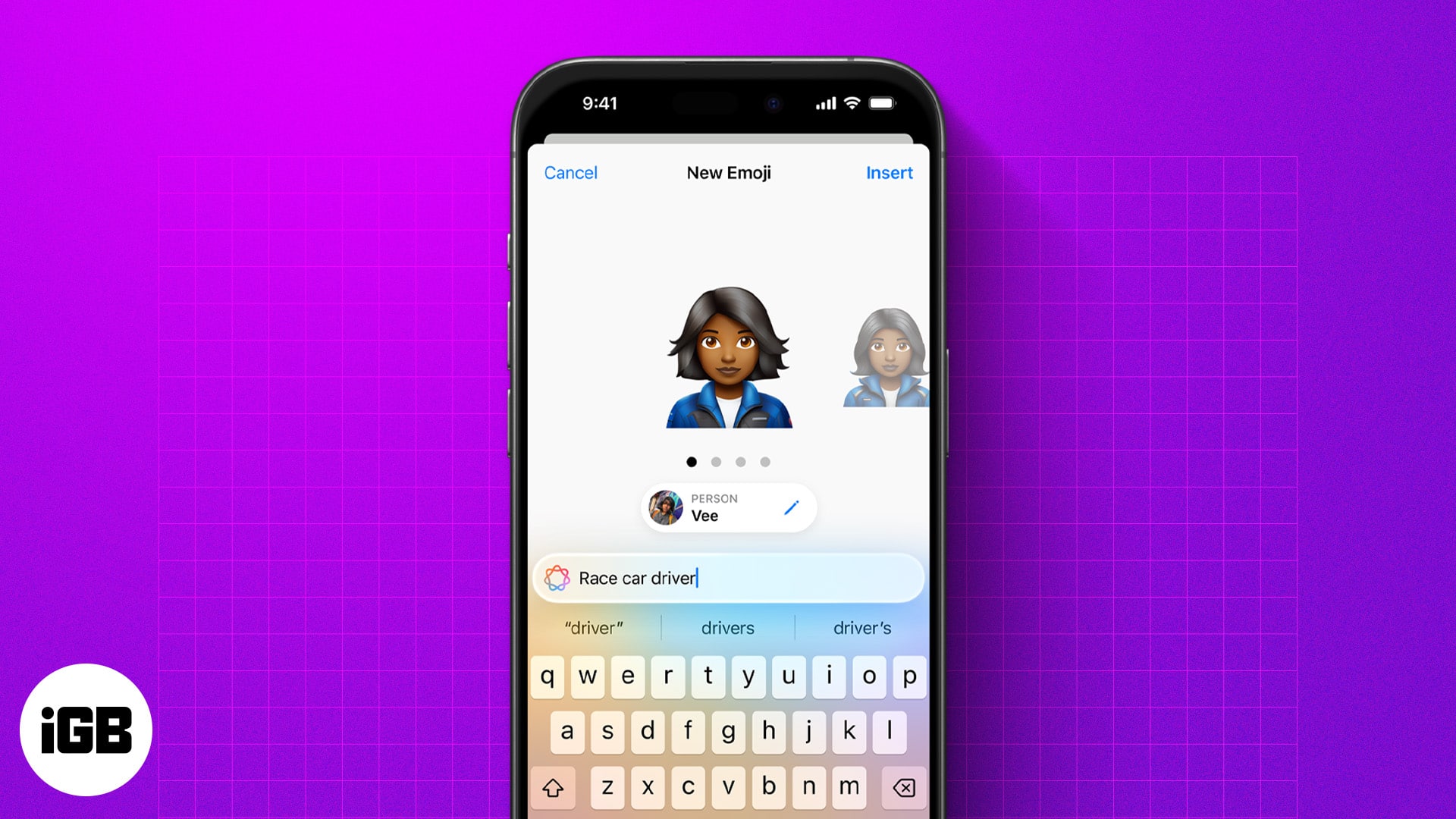
Genmoji lets you create custom emojis from text, emojis, or photos. Here’s how to use, customize, and share them on your iPhone.
Your Mac’s gone silent—right when you need it most. Don’t worry, we’ve got the fixes to get your mic talking again in no time.
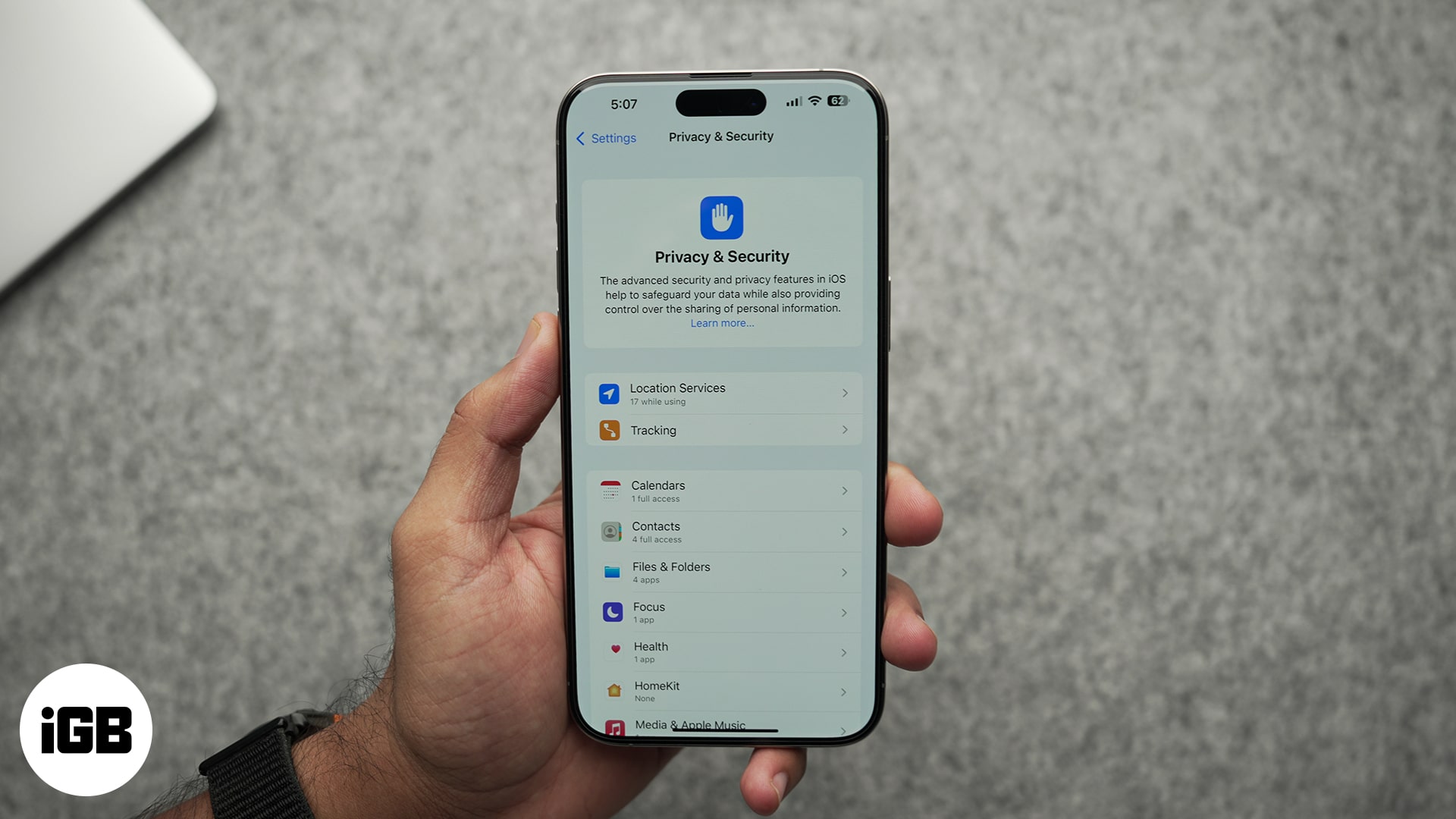
Here’s how to block apps from tracking your activity across other apps and websites.

RSS readers pull every site you follow into a single timeline with no algorithm in between. These eight iOS apps are compared on sync servic

Markup is built into Photos, Mail, Files, and Safari but easy to miss. Here is which apps include it, what you can annotate with it, and how