
How-to
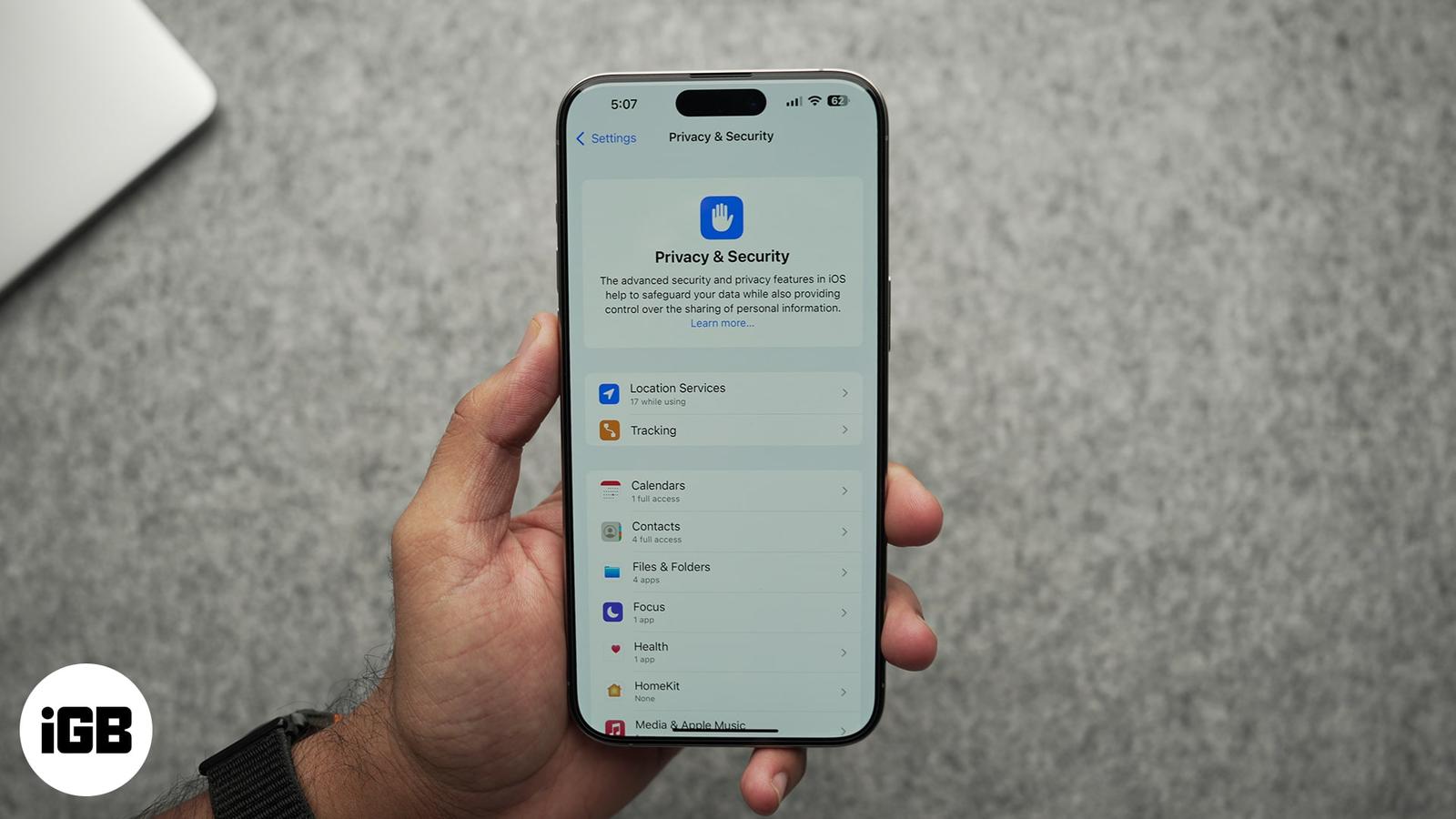
How to stop iPhone apps from tracking you
September 30, 2025

I have been an Apple user for over seven years now. At iGeeksBlog, I love creating how-tos and troubleshooting guides that help people do more with their iPhone, iPad, Mac, AirPods, and Apple Watch. In my free time, I like to watch stand up comedy videos, tech documentaries, news debates, and political speeches.
Employer
iGeeks Media Private LTD.
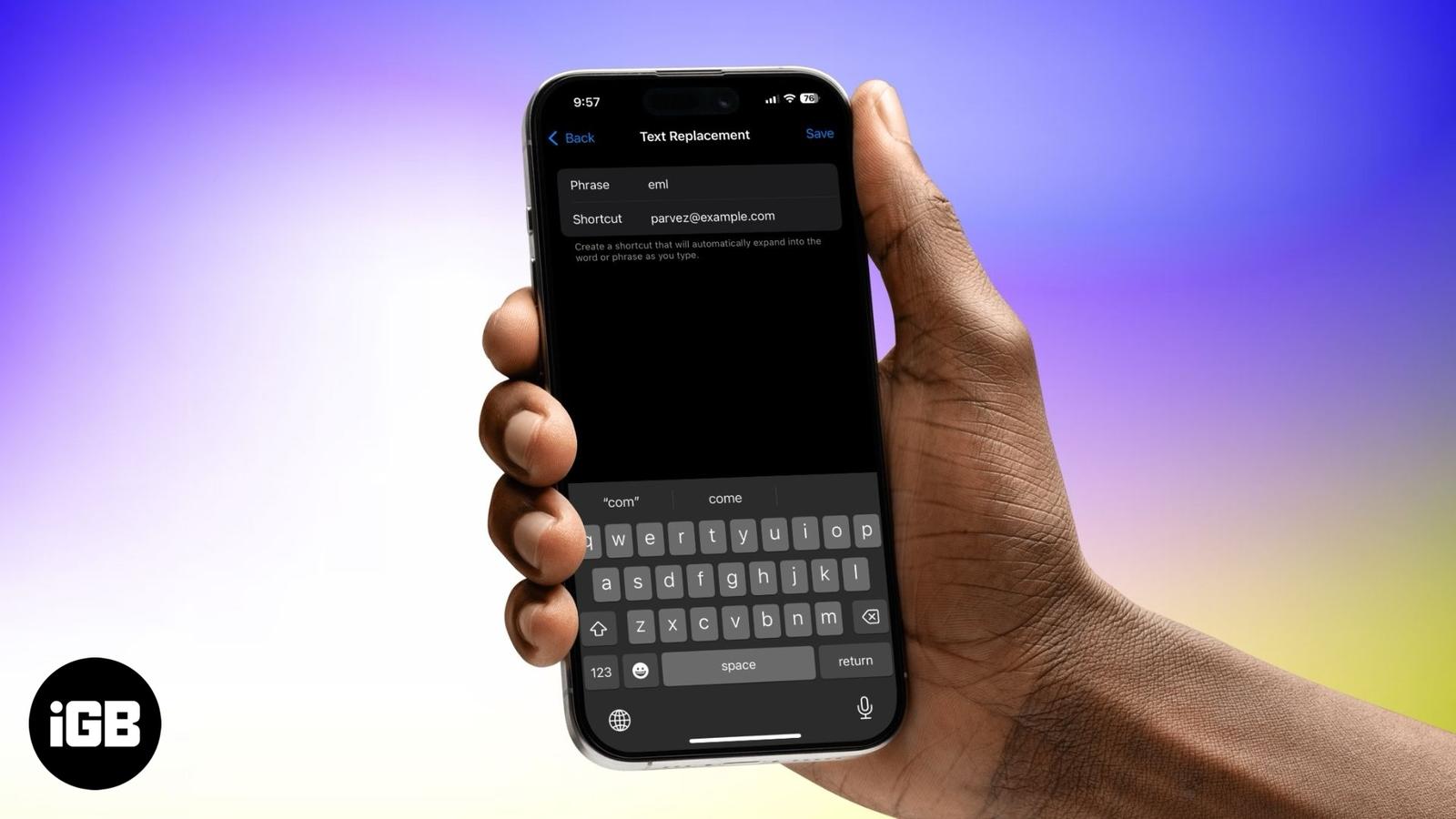
Type faster and smarter with text replacements on your Apple devices.
Speed up your Mac by finding and removing duplicate files.
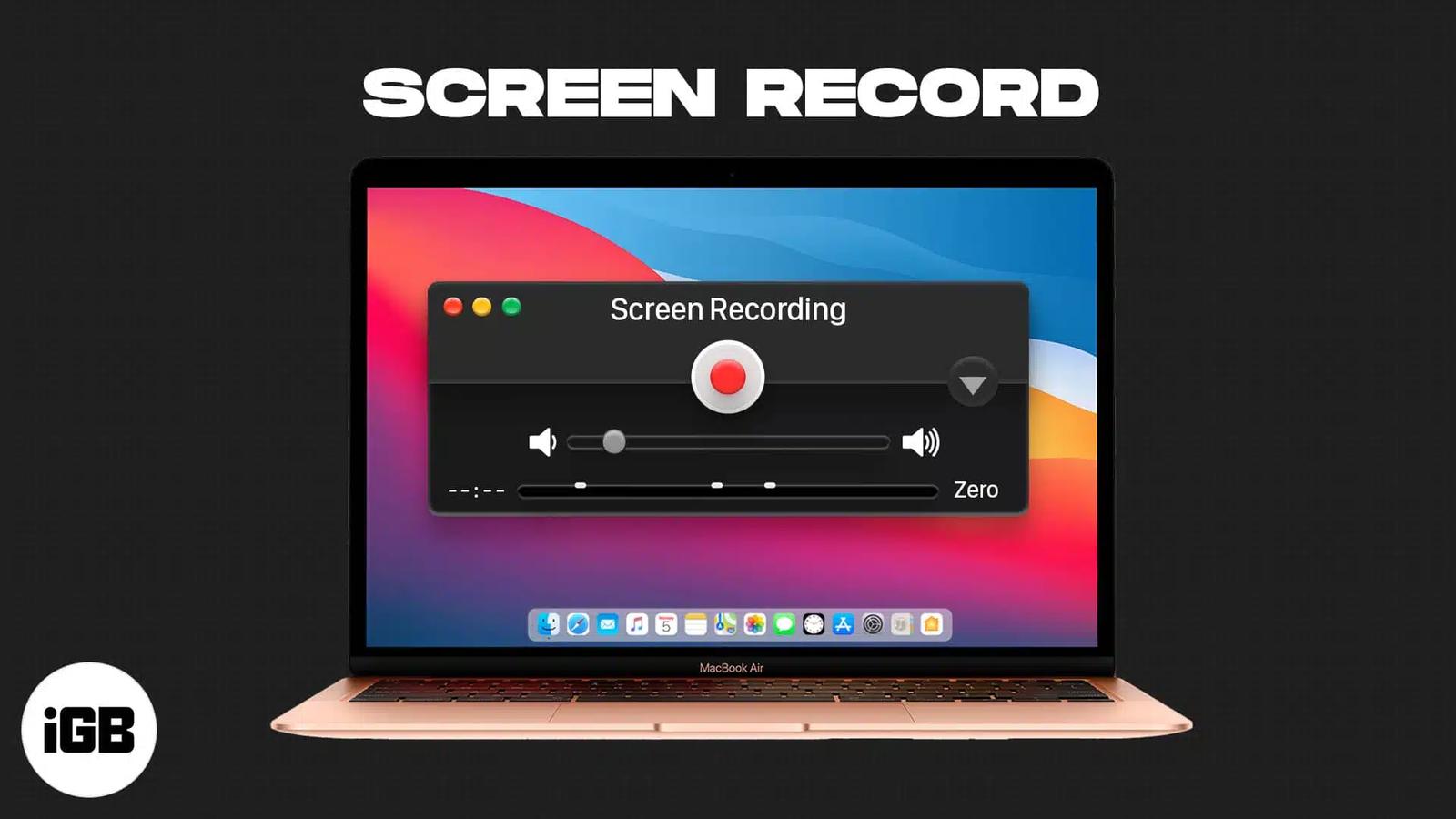
Master the built-in tools and pro tips to record your Mac screen effortlessly.
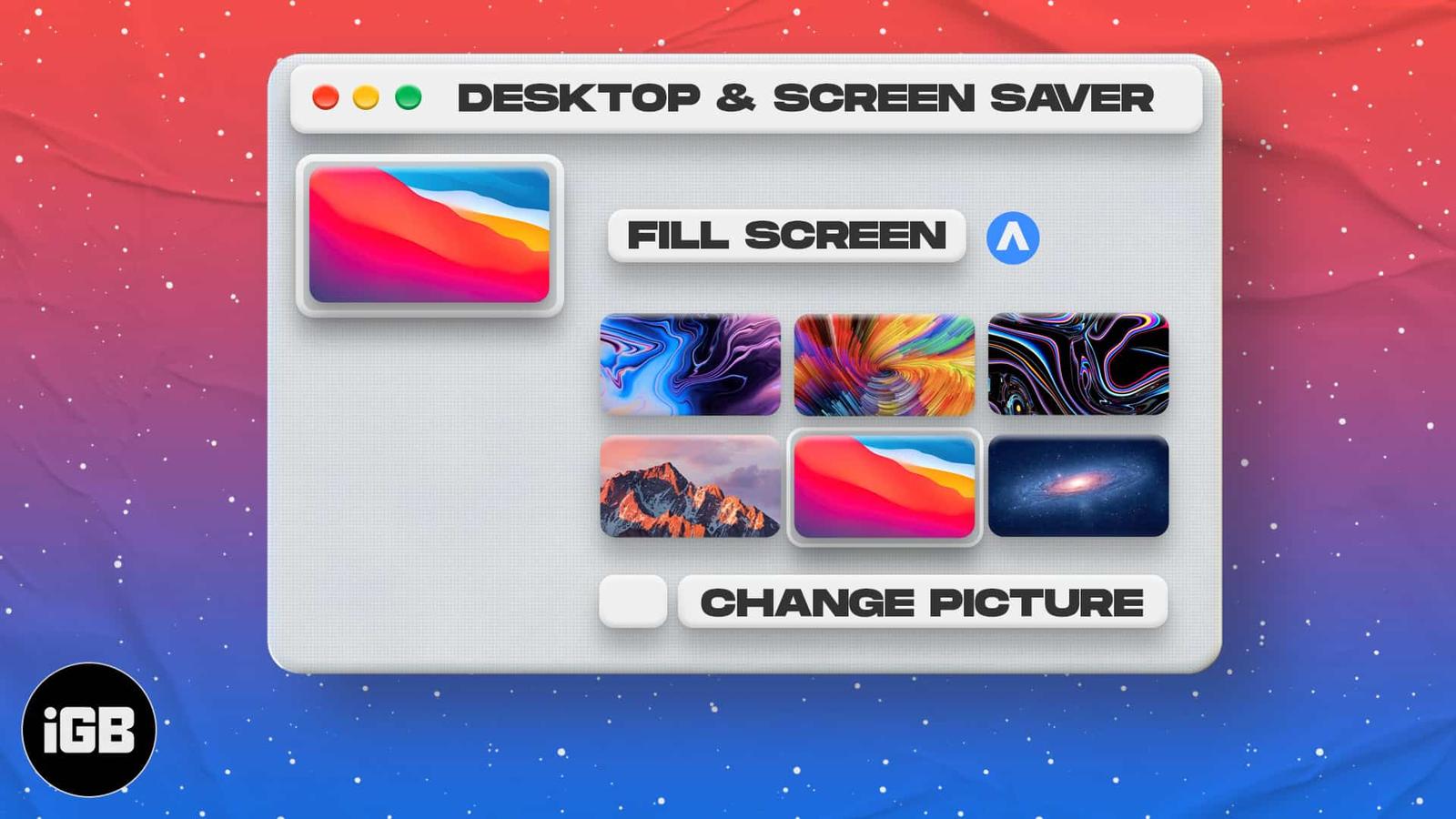
Customize your Mac with Apple’s built-in wallpapers or your own photos—and even set them to change automatically!
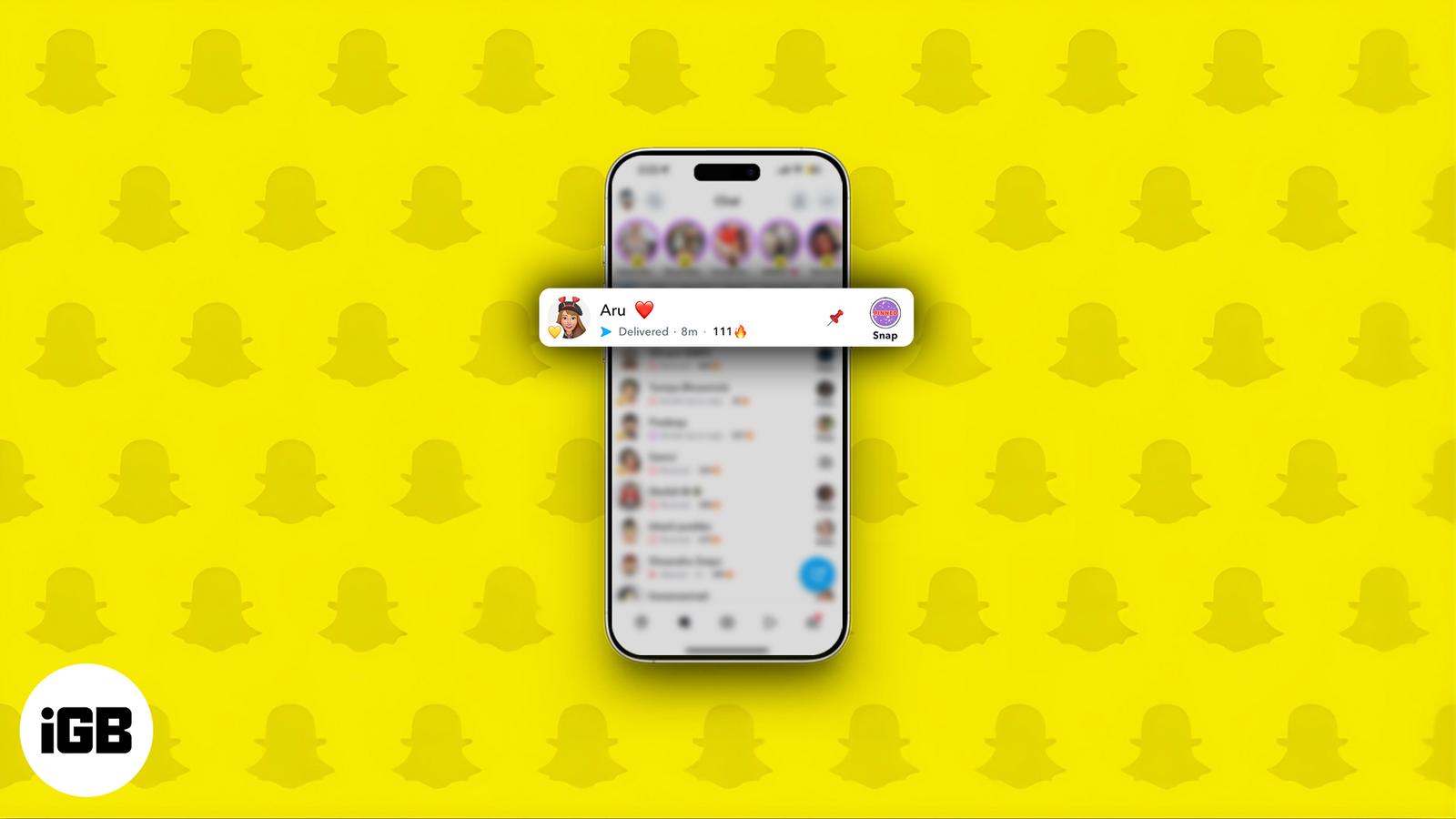
Pin chats on Snapchat to keep key conversations at the top on iPhone or Android.
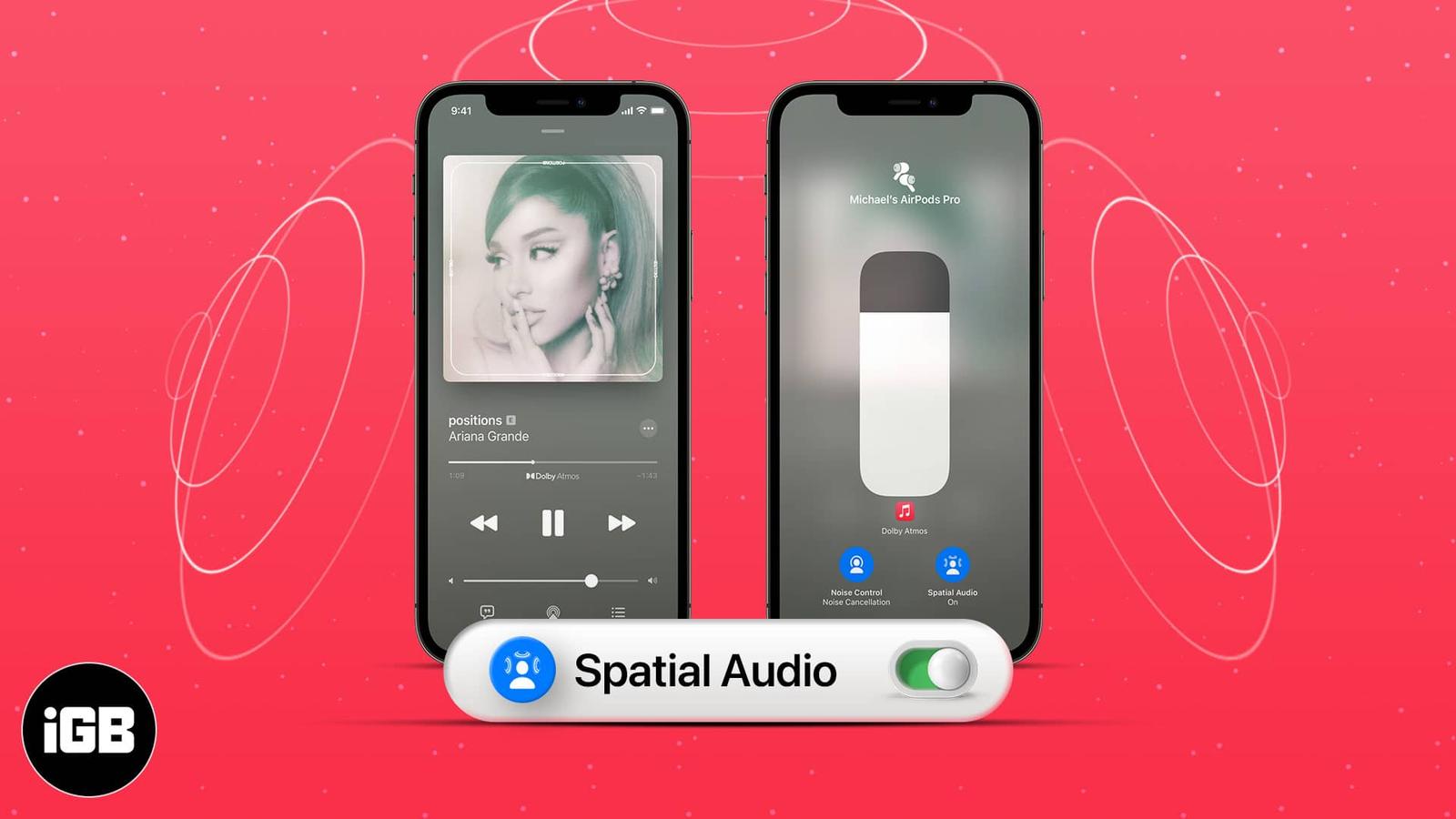
Set up Spatial Audio on your iPhone for immersive 3D sound with supported Apple devices.
Learn how to sign out of the Mail app on your iPhone, whether you’re temporarily disabling Mail, removing accounts, or managing Gmail separa
Add a little mystery to your messages! Learn how to use Invisible Ink in iMessage on iPhone and iPad to send texts that reveal themselves wi
Want to personalize your iPhone? This complete guide shows you how to change font style, adjust text size, and install custom fonts – No jai
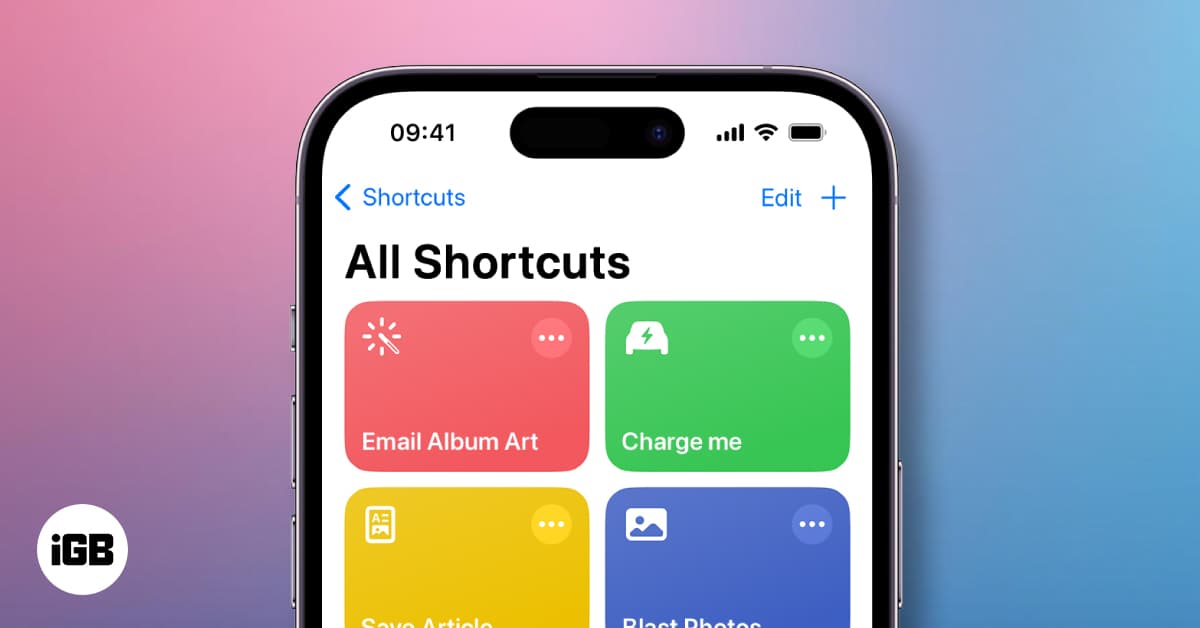
Unlock the magic of automation on your iPhone with Shortcuts! Create custom actions, run routines with Siri, and boost productivity in secon
Is your iPhone stuck on the charging screen and refusing to boot up? This guide walks you through simple checks and advanced fixes to get it
Learn how to contact Apple Support through live chat, phone, or in-store appointments. Get expert help for any Apple device or service issue
Master your Mac with the all-new Control Center in macOS 26—customizable, powerful, and just a click away.
iPhones are secure, but not immune. If your iPhone acts strangely—battery issues, pop-ups, or unknown apps—this guide shows how to remove vi
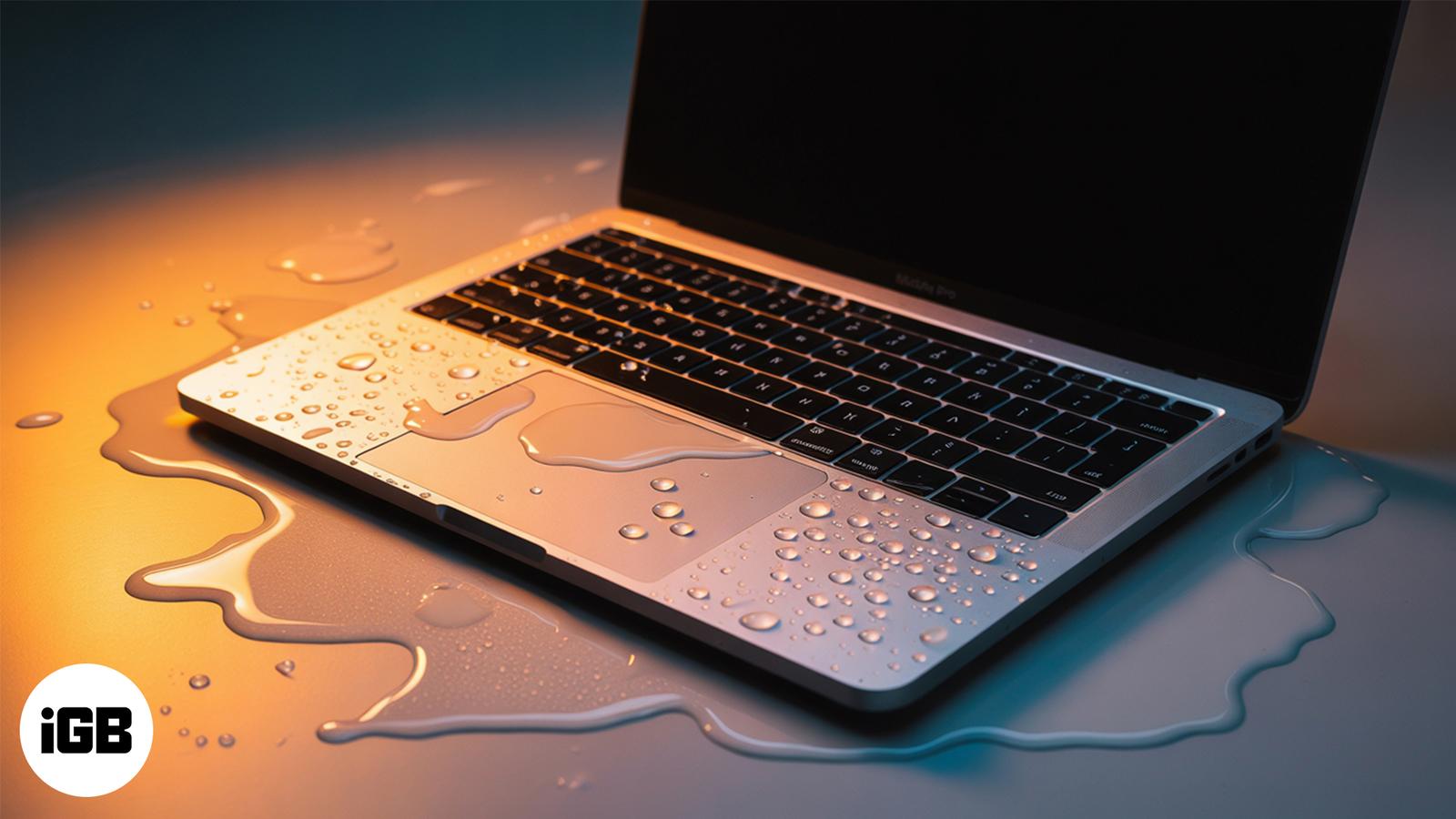
Accidentally spilled water on your MacBook? Don’t panic. This quick guide walks you through exactly what to do—and what to avoid—to protect