
#mac
Latest in Mac
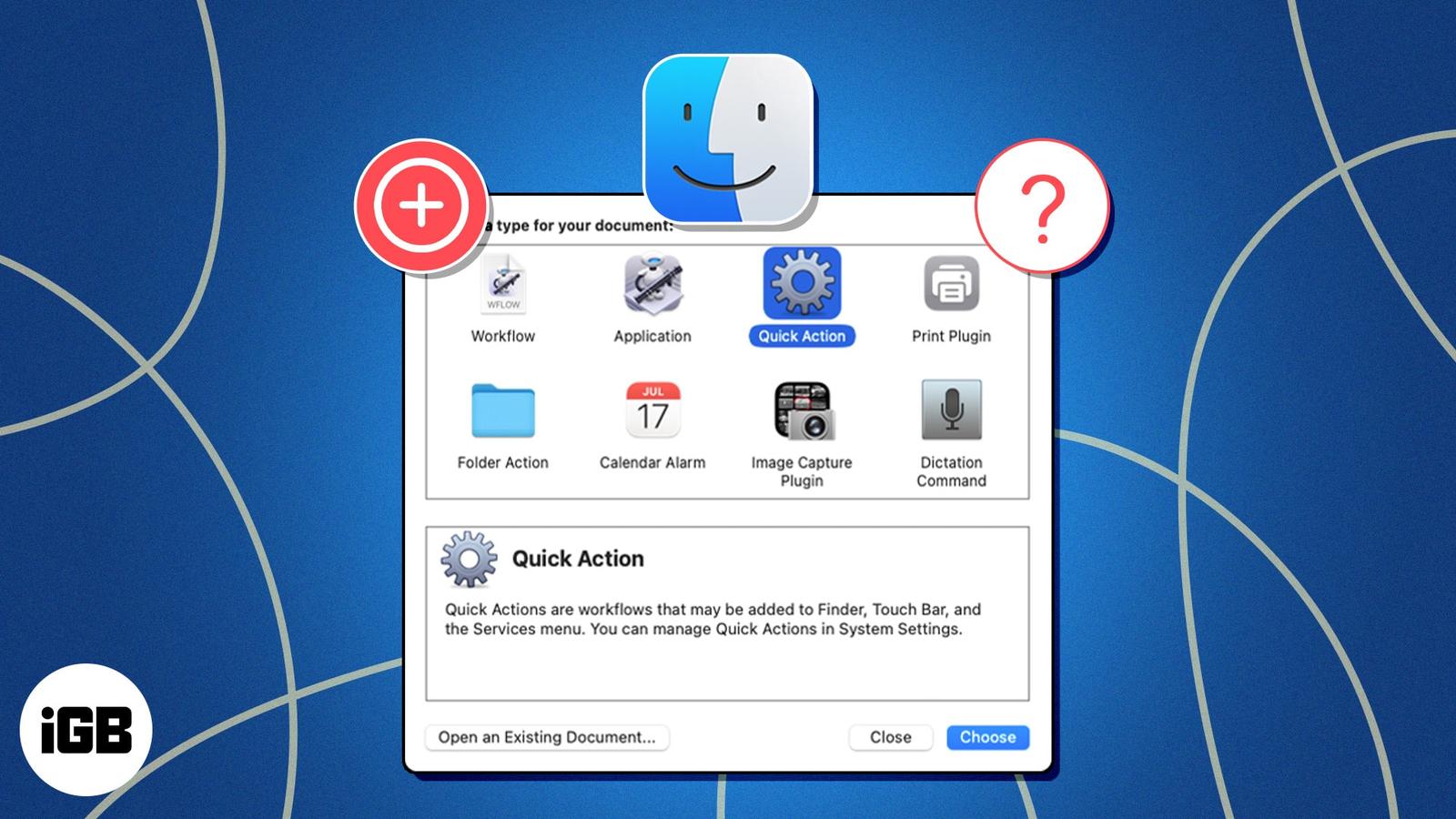
How to Add and Use Quick Actions in Finder on a Mac
Quick Actions on macOS allow you to automate and speed up many tasks on your Mac. Learn how to use a Quick Action in Finder on a Mac.
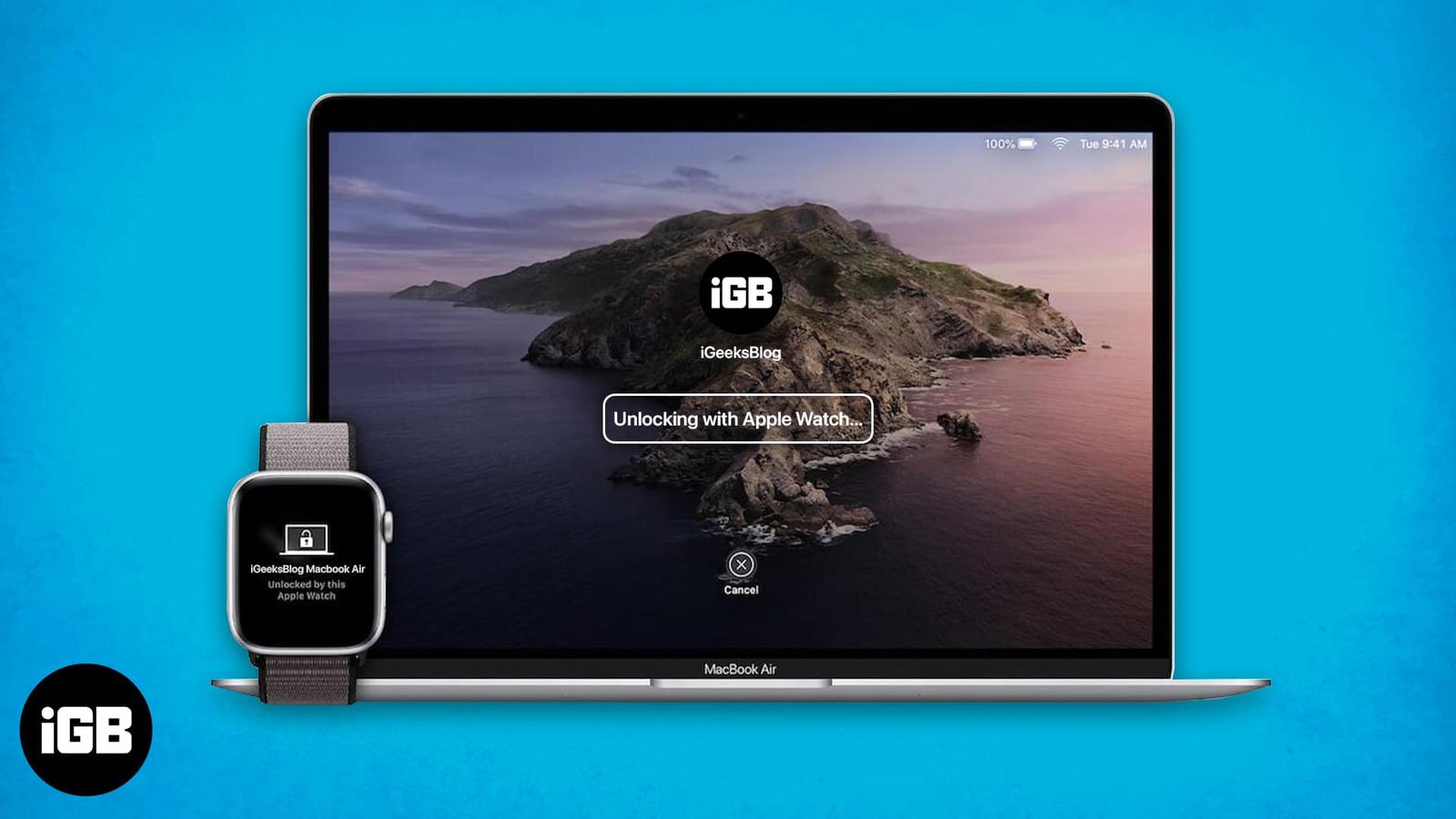
Unlock Your Mac in Seconds: The Step-by-Step Guide to Apple Watch Auto Unlock
Unlock your Mac instantly with your Apple Watch using Apple’s Auto Unlock feature. Learn setup, requirements, troubleshooting tips, and secu
How to set up auto-reply in Apple Mail on iPhone, iPad, and Mac
In this guide, I’ll demonstrate the ways to configure this on iPhone, iPad, and Mac.
Migration Assistant not working on Mac? 8 Ways to fix it!
Apple’s Migration Assistant is a lifesaver for transferring data from an old Mac, Windows PC, or an existing backup to a new Mac. However, i
What is CCXProcess on Mac, and how to remove it?
Your Mac has a multitude of apps and processes running in the background at any given time, and CCXProcess is one such process that stems fr
How to open task manager on Mac (Activity Monitor)
For seasoned Windows users, it’s common to launch Task Manager and close apps and background activities to speed up the system. But if you h
VPN not working on Mac? 10 Ways to fix it!
In today’s pulsating world of digital technology, VPNs, which provide online privacy and security, are more popular than ever. With the VPN
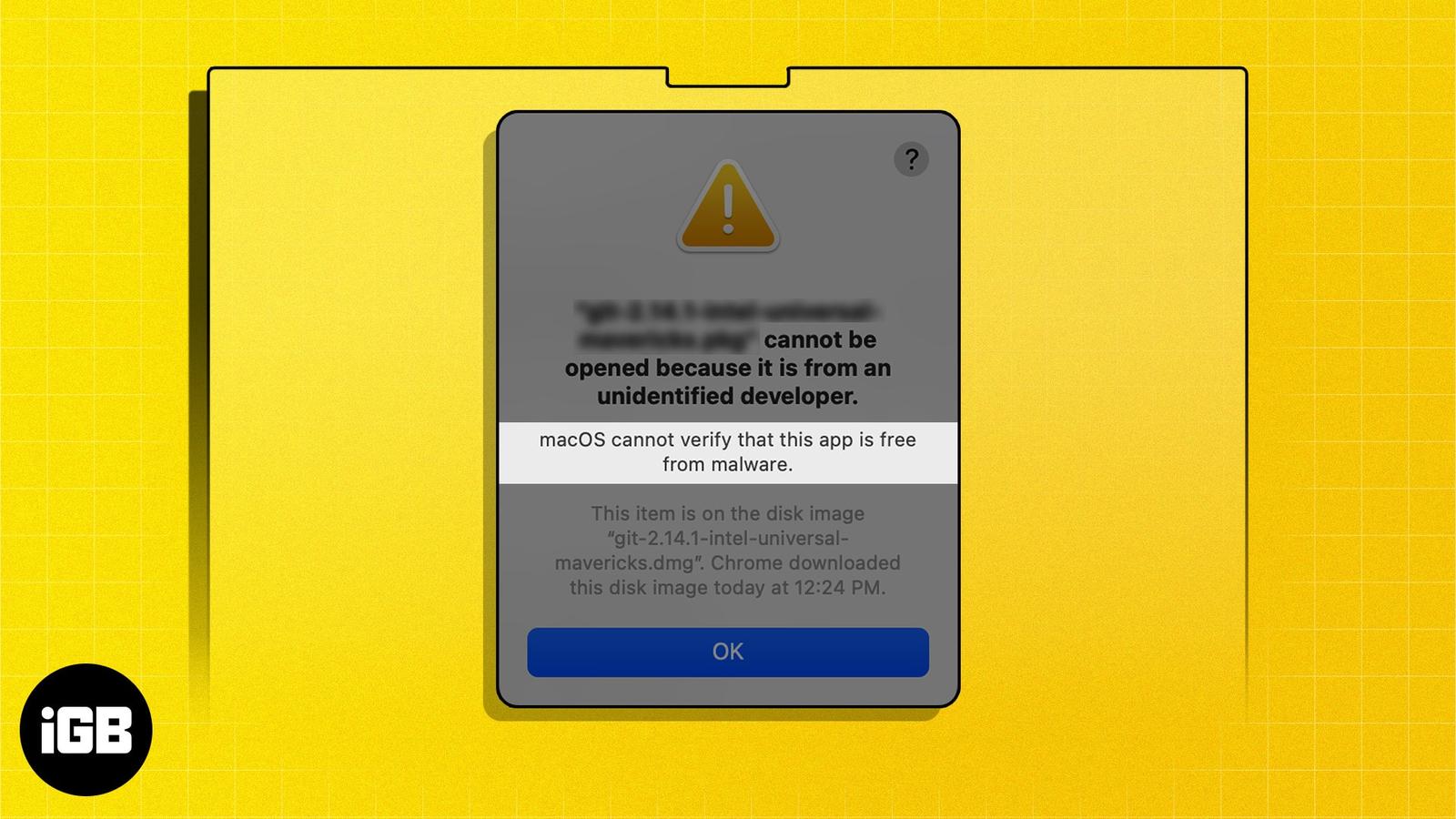
How to fix “macOS cannot verify that this app is free from malware” error
Key Takeaways The “macOS cannot verify that this app is free from malware” error generally occurs when you try to install apps downloaded fr
How to access iCloud Mail on iPhone, iPad, and Mac
As a power Apple user, having seamless access to your important emails across your iPhone, iPad, and Mac is necessary to stay on top of your

How to use F keys on Mac
Key Takeaways You can use the F keys on Mac to perform the actions printed on them. You can also assign customized functions to them. To use