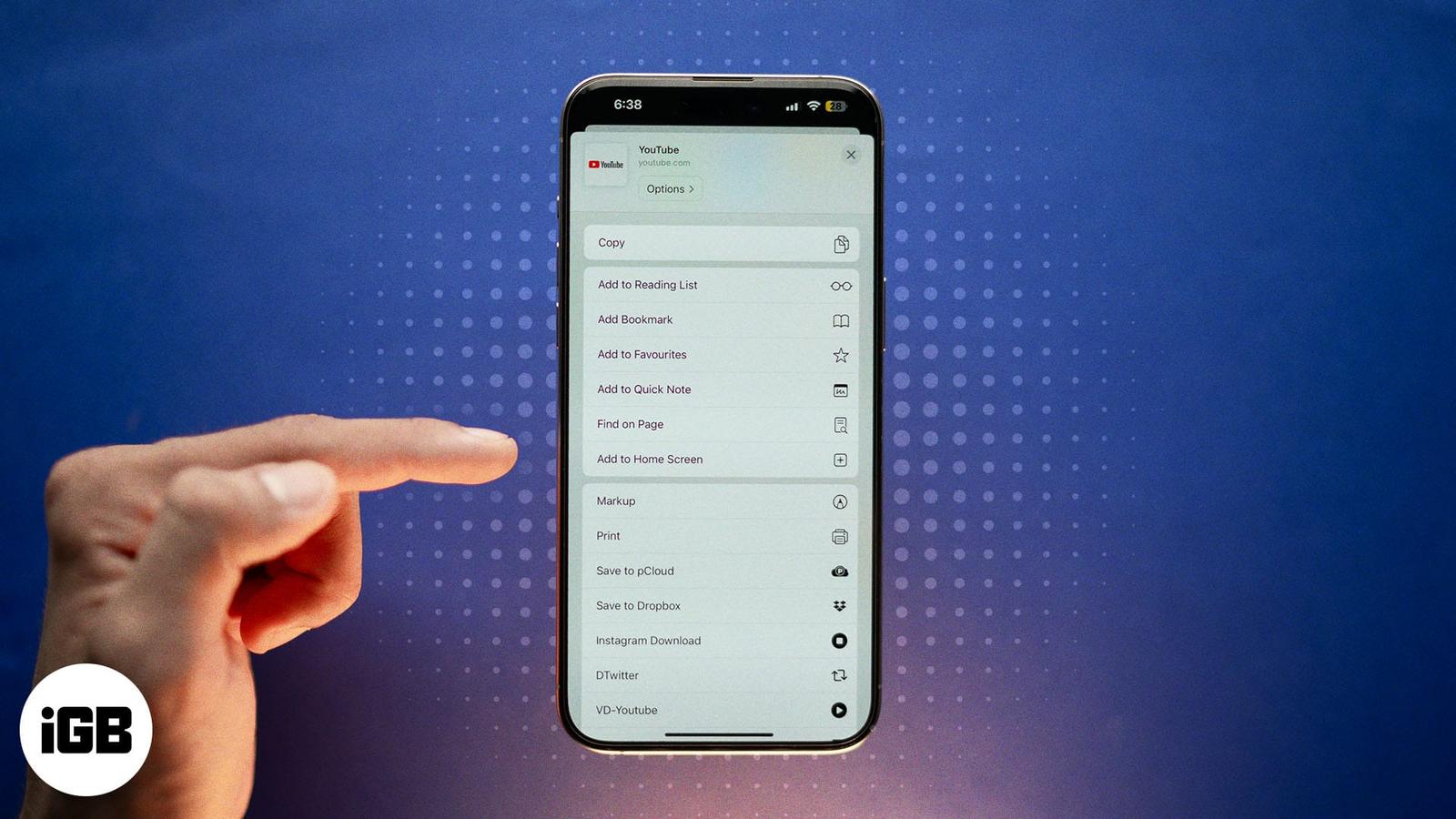
How to Add Any Website to Your iPhone Home Screen (Step-by-Step Guide)
Quickly add websites to your iPhone Home Screen for instant, app-like access. Works with Safari, Chrome, and Firefox, plus tips to organize shortcuts.

Quickly add websites to your iPhone Home Screen for instant, app-like access. Works with Safari, Chrome, and Firefox, plus tips to organize shortcuts.
Want to save a funny or trending GIF from Twitter (X)? Here’s how you can download GIFs on iPhone, iPad, or desktop with ease.
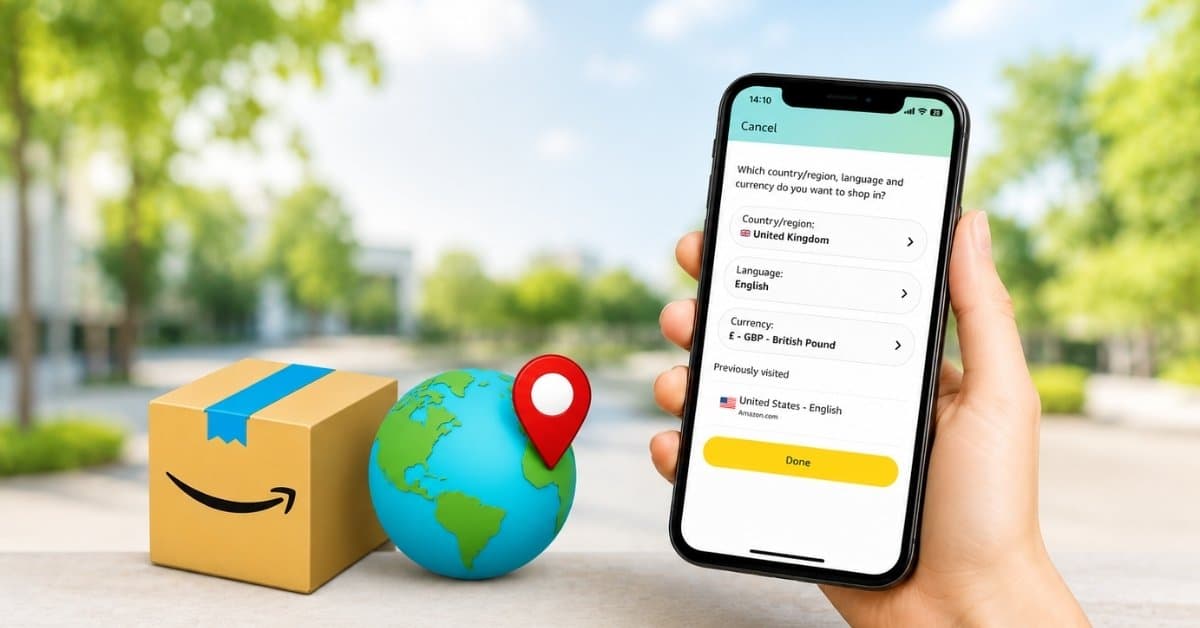
Shop Amazon like a local—anywhere in the world. Here’s how to switch your country in a snap!
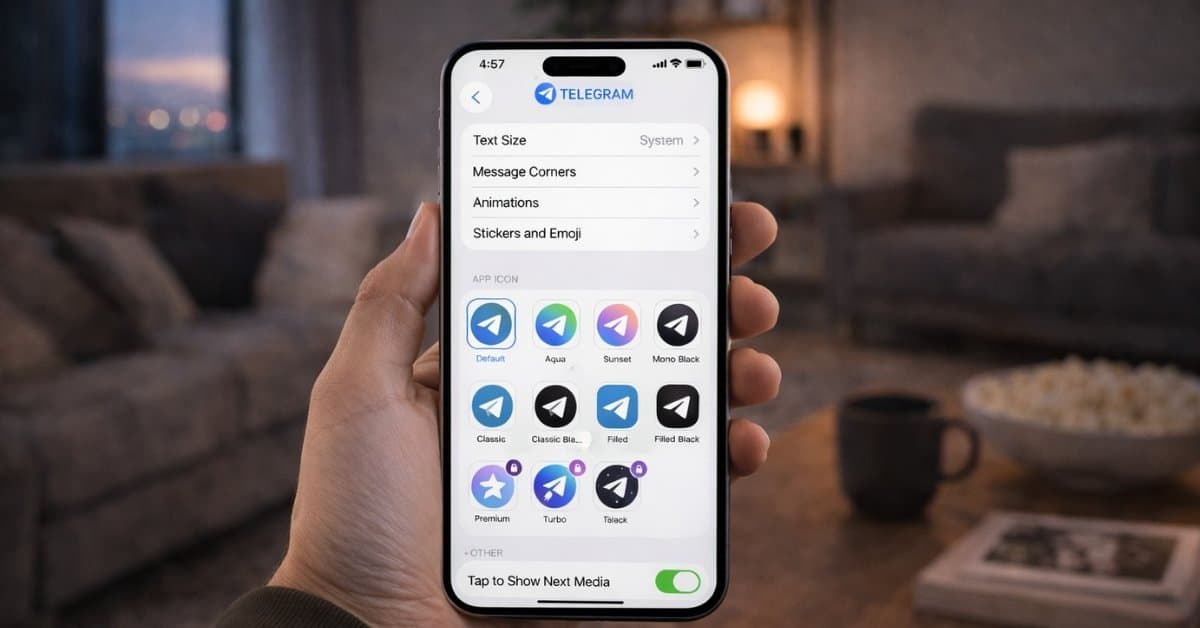
These Telegram tips and tricks helped me organize chats, save time, and use the app more efficiently every day.
Google Maps lets iPhone users share their live location in real time, making meetups, travel, and safety updates easier and more accurate.

Learn how to keep your iPhone protected with proxies — hide your IP, boost online privacy, and browse securely while avoiding tracking.
Easy fixes to restore cannot get mail error on your iPhone.
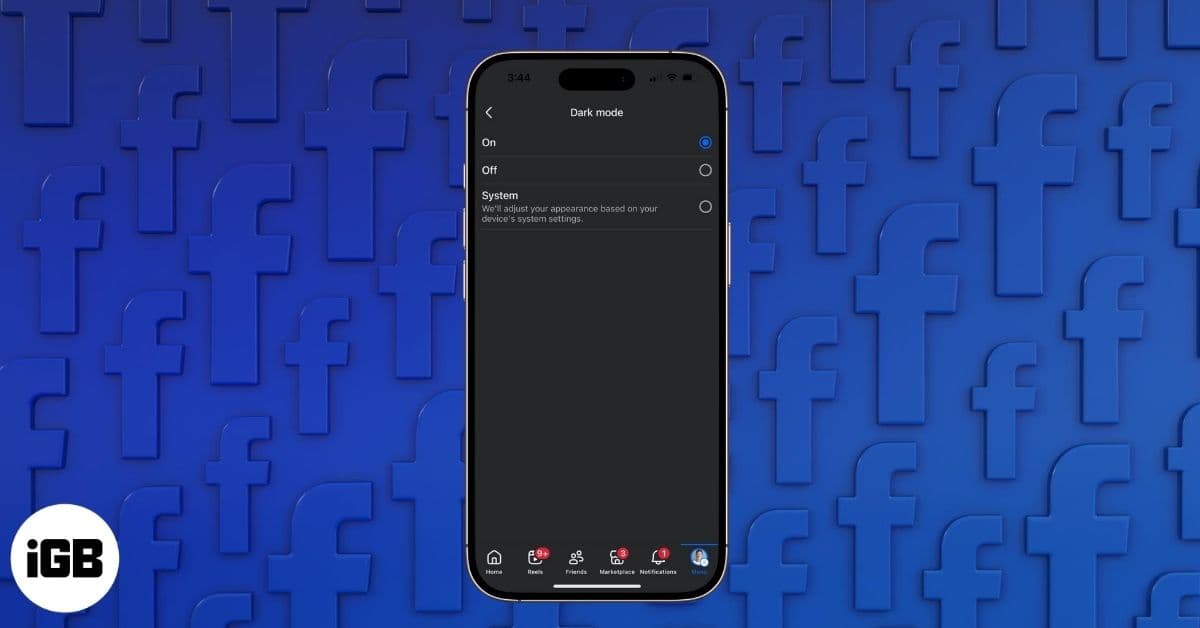
Scrolling Facebook in the dark? Switch to dark mode for a stylish, eye-friendly feed. Here’s how to enable it on iPhone, Android, desktop, a
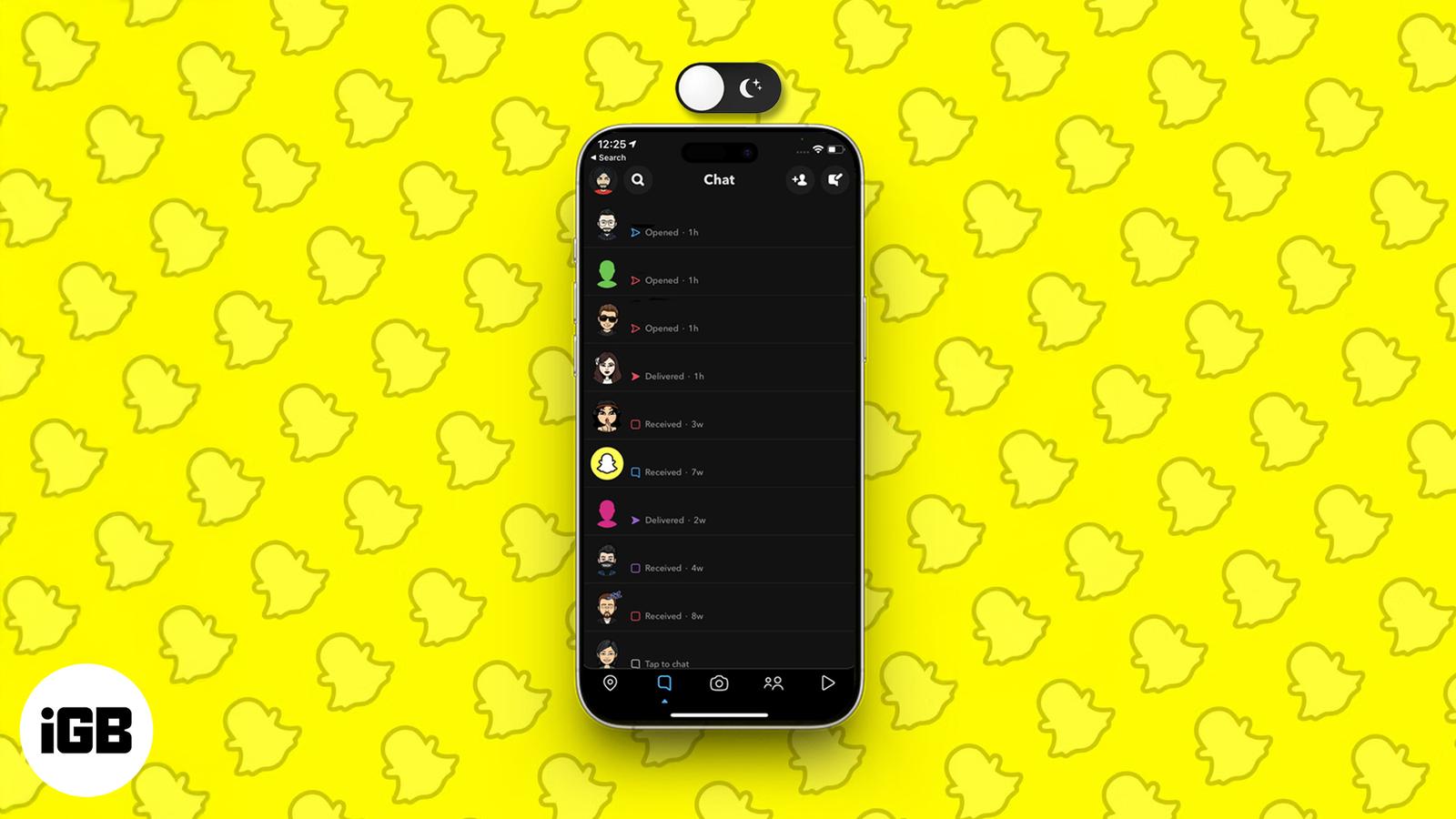
Go easy on your eyes—here’s how to snap in style with Dark Mode on any device.
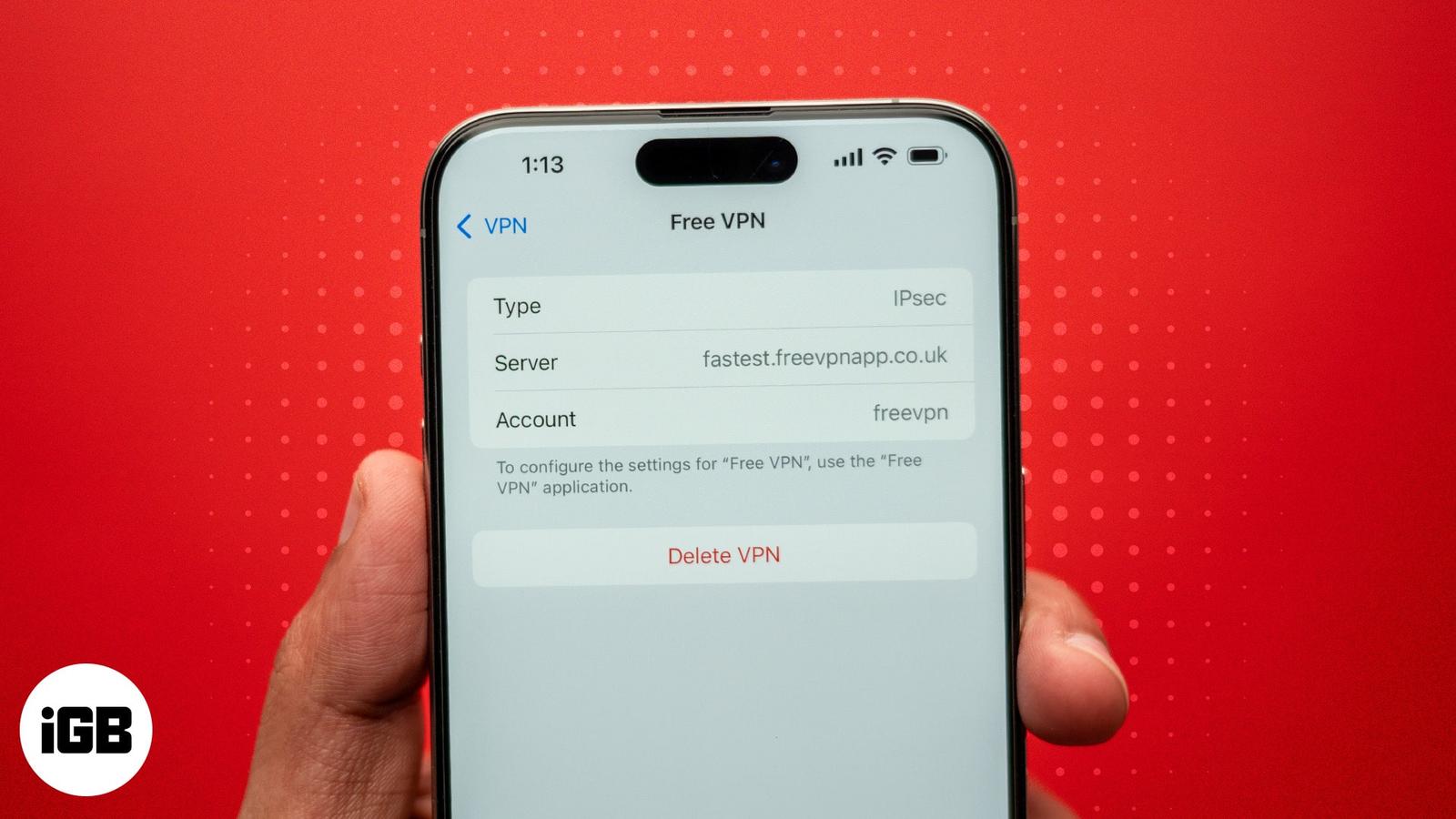
Key Takeaways While your iPhone asks for your consent to install certificates/profiles, you may want to remove the ones you’ve unknowingly a
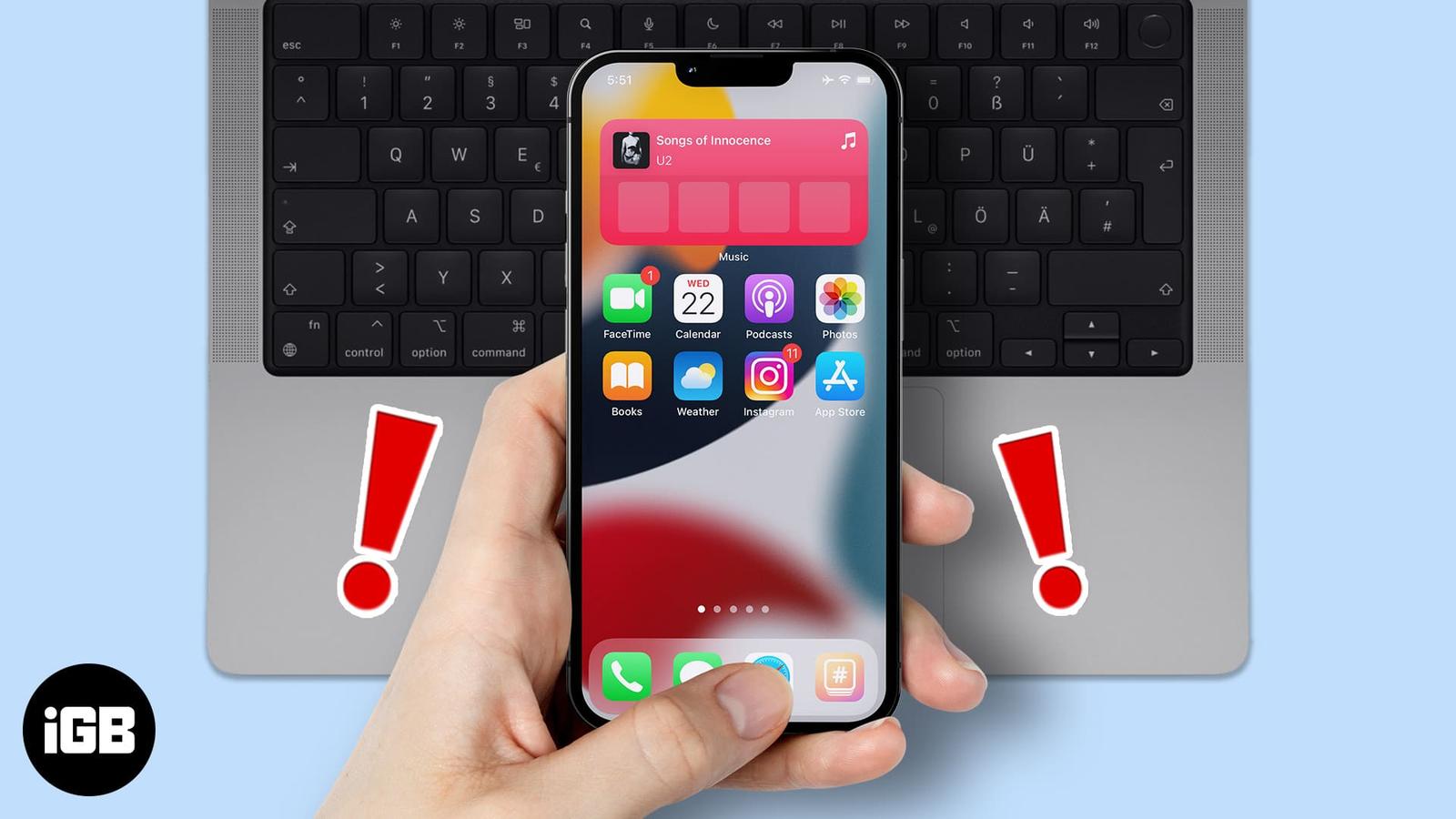
Being invested in the Apple ecosystem has its advantages. All devices can seamlessly interact with each other. But what if your iPhone keeps