
Apple Watch
How to fix Apple Watch not getting notifications issue
March 27, 2026

Vikhyat has a bachelor’s degree in Electronic and Communication Engineering and over five years of writing experience. His passion for technology and Apple products led him to the tech writing space, where he specializes in writing App features, How-to guides, and troubleshooting guides for fellow Apple users.
Vikhyat embarked on his journey in consumer technology writing in 2019, driven by his passion for technology. He has sharpened his skills through associations with Smartprix and Beebom, where he extensively tested and reviewed various gadgets, focusing mainly on smartphones. Currently, Vikhyat specializes in crafting How-to and troubleshooting guides for the Apple ecosystem at iGeeksBlog. When not typing away on his MacBook Air, he loves exploring the real world.
Employer
iGeeks Media Private LTD.
A dead Delete key can be a stuck switch, a Slow Keys setting, or a software conflict. Here is how to diagnose it, plus shortcuts that let yo
Learn how to remove the grey home bar on iPhone with simple steps so your screen looks cleaner and distraction-free.
No matter how advanced the Mac is as a computing device, it can sometimes experience issues like any other tech product. One such issue that
iMessage effects make messaging on a Mac far more fun and expressive. You can now add emphasis, personality, and emotion to any conversation
While there is no doubt that Soap2Day offers free access to otherwise paid streaming content, this notorious website has gained much attenti
For seasoned Windows users, it’s common to launch Task Manager and close apps and background activities to speed up the system. But if you h
Whether you have misplaced or lost your iPhone or want to keep tabs on your family members’ location, knowing how to track an iPhone’s locat
As a power Apple user, having seamless access to your important emails across your iPhone, iPad, and Mac is necessary to stay on top of your
After sending a text message from your iPhone, do you find yourself anxiously wondering whether the recipient has read it? Well, you are not
There is no denying that the iPhone is considered the best when it comes to user privacy. However, even the best piece of tech can fall prey
If you are using two or more Apple Watches with the same Apple ID, all of those will appear under the same name on your paired iPhone. Thus,
Is your iPhone struggling to connect to Wi-Fi signals or establish a stable cellular connection? Resetting Network Settings on your iOS devi
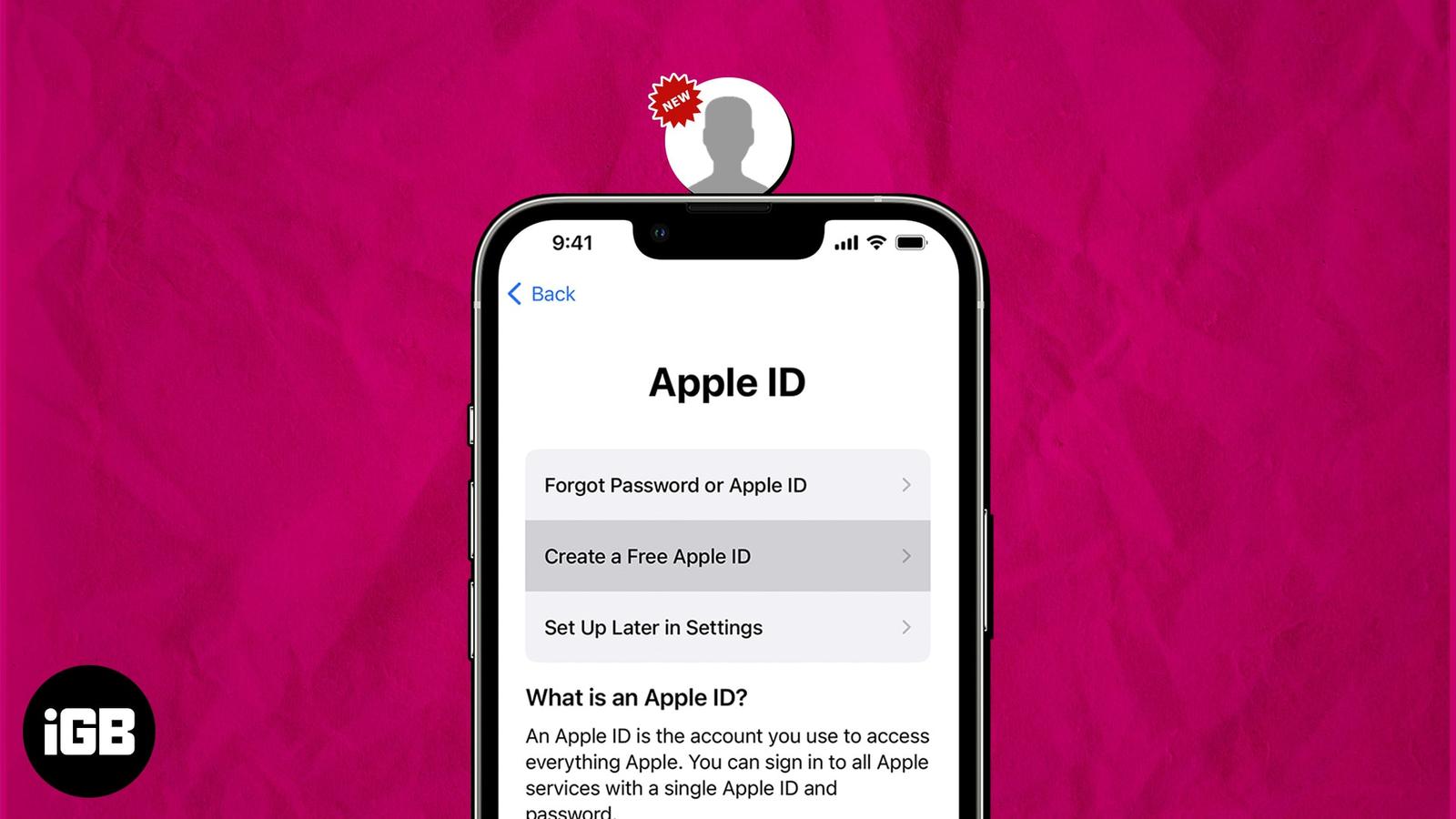
If you are a pro Apple user, you might already have an Apple ID. But if you are someone who is not well-versed with the ecosystem and just w
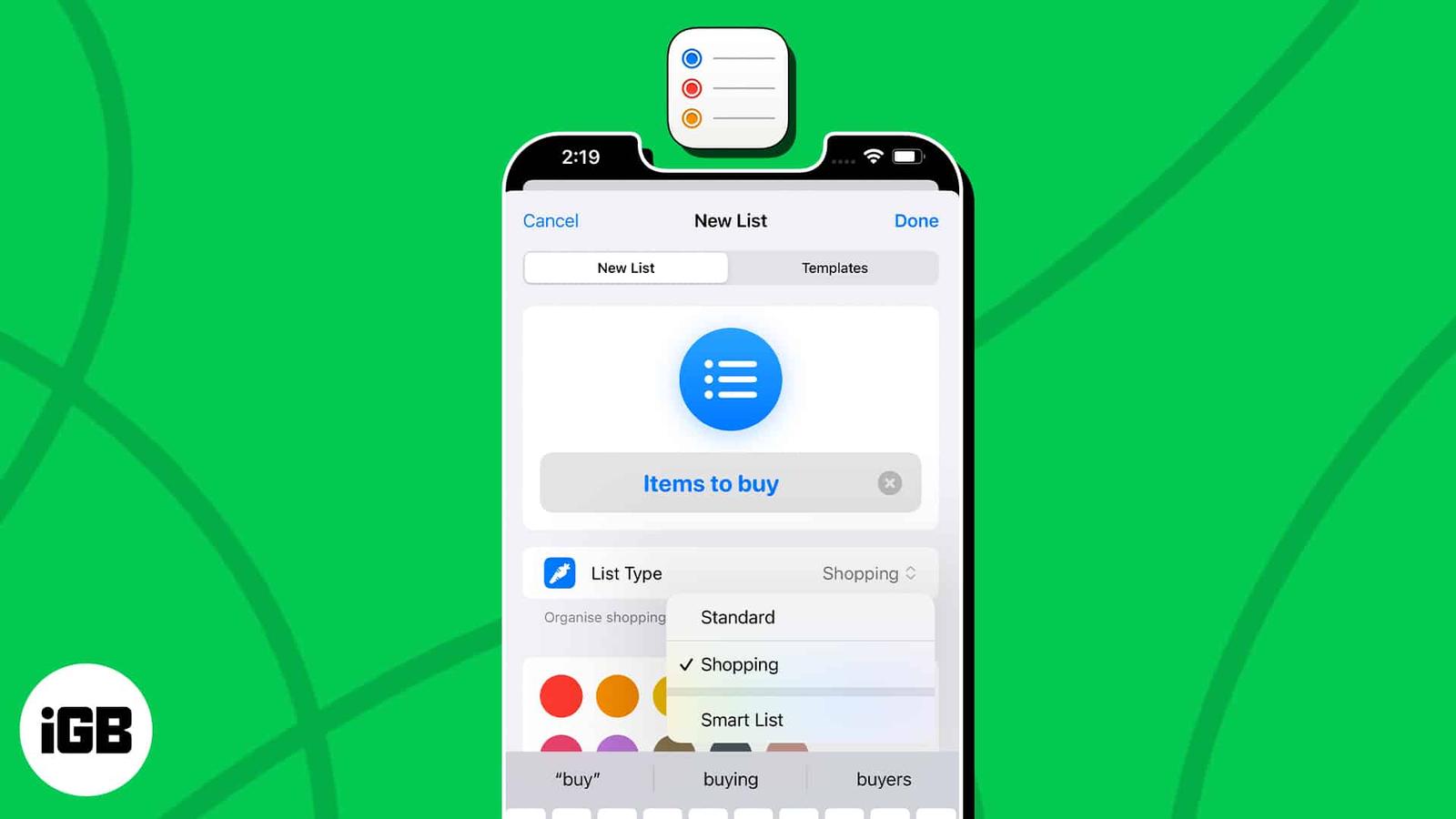
Get ready to master the art of task management. With iOS 17 and macOS Sonoma, Apple has blessed us with auto-categorization in the Reminders
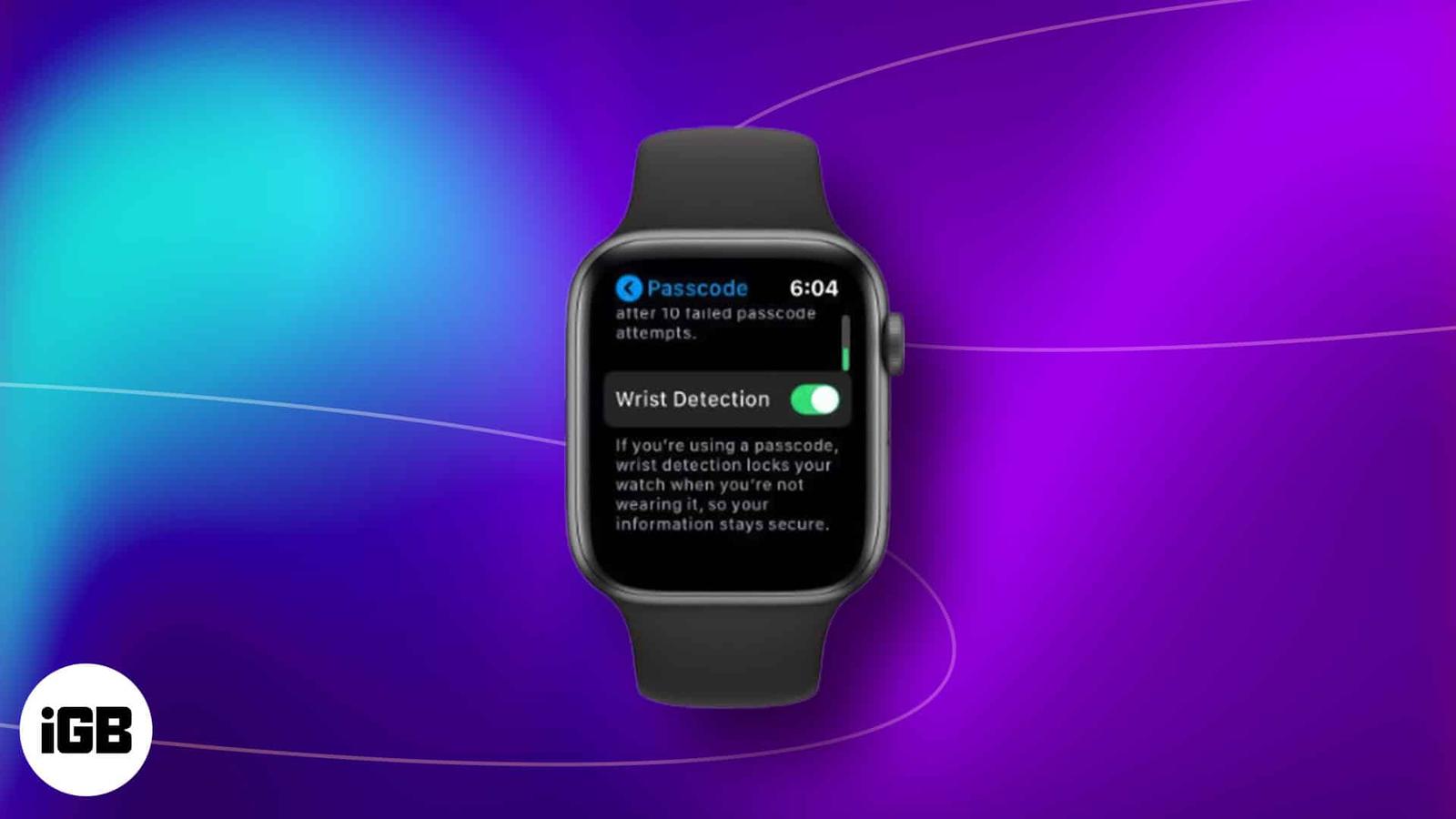
Apple Watch is undoubtedly one of the best wearable devices available in the market today. It enchants its user with convenience and innovat