
It seems like there’s no stopping Minecraft updates (Minecraft 26.4 Snapshot 5), and this time, Bedrock is getting its own share of new content! That’s right, Minecraft Bedrock 26.60 is finally out, bringing a new biome, mobs, fresh effects, and a ton of gameplay changes and fixes that’ve flipped the script upside down.
So, let’s take a complete look at Minecraft Bedrock 26.60 and explain everything you need to know about the update.
Minecraft Bedrock 26.60 at a glance
| Feature | Details |
|---|---|
| New Biome | Ice Cave |
| New Mob | Forstbite |
| New Blocks | Icicles and Ice Crystals |
| New Effect | Freezing |
| Bug fixes | 600+ |
All new features in Minecraft Bedrock 26.60
1. Ice Cave Biome
Itching to explore some new areas in Minecraft? Well, Bedrock 26.60 brings Ice Caves. This is a brand-new biome that can be found beneath the colder regions of the Overworld. This icy underground location features a terrain that’s made up of Calcite and Packed Ice, with patches of snow scattered across the ground. Players can also discover various ores hidden inside deep pockets of Deepslate and Stone.
2. Ice Crystals & Icicles Blocks
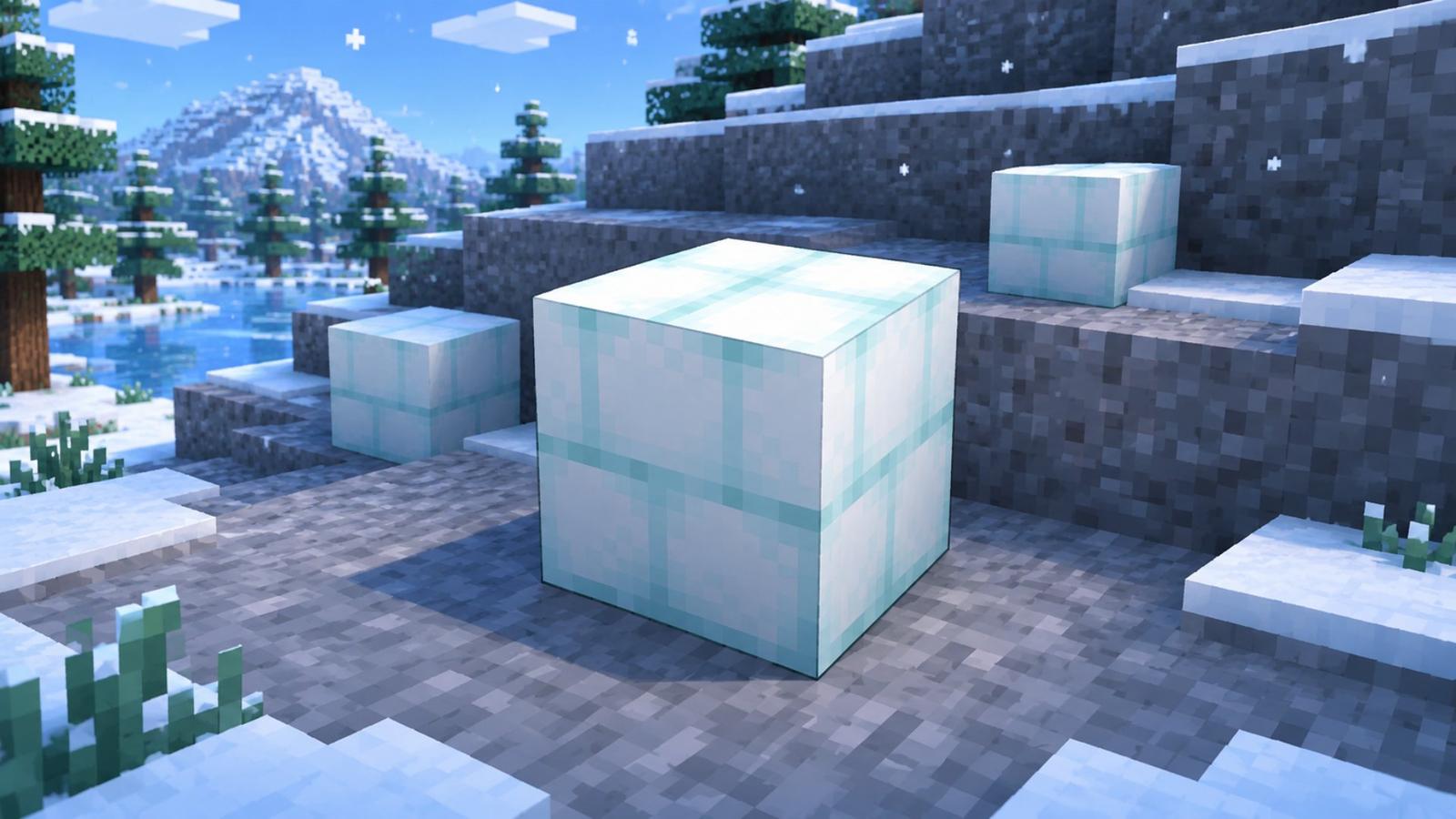
With a new biome comes a bunch of new blocks to discover. First up are Ice Crystals, which naturally spawn on the ground inside Ice Caves and give off a faint glow. You can also place them on the sides of blocks, which makes them a great decorative piece for all winter-themed builds. Then we have Icicles, which are sharp, spike-like blocks that generate along Ice Cave ceilings and floors. These blocks can gradually grow over time and deal damage to players and mobs if they fall.
3. Frostbite Mob
Be careful while exploring Ice Caves, as you might come across the Frostbite. These hostile mobs are basically zombies that have adapted to the chilly environment. Their weapon of choice is Iceballs, which cause a freezing effect. Frostbites are themselves immune to freezing and can walk across Powder Snow without getting slowed down, which makes these mobs a dangerous threat.
4. Freezing Effect
Minecraft Bedrock 26.60 brings a new Freezing effect that can affect both players and mobs. Once inflicted, the target gradually freezes and takes damage over time, while their jump speed and movement are nerfed. Players can apply this effect by brewing a Potion of Freezing, which requires an Awkward Potion and an Ice Ball. The update also adds Arrows of Freezing, which apply the same on-hit effects when they get hit with them.
All bug fixes in Minecraft Bedrock 26.60
1. Gameplay fixes
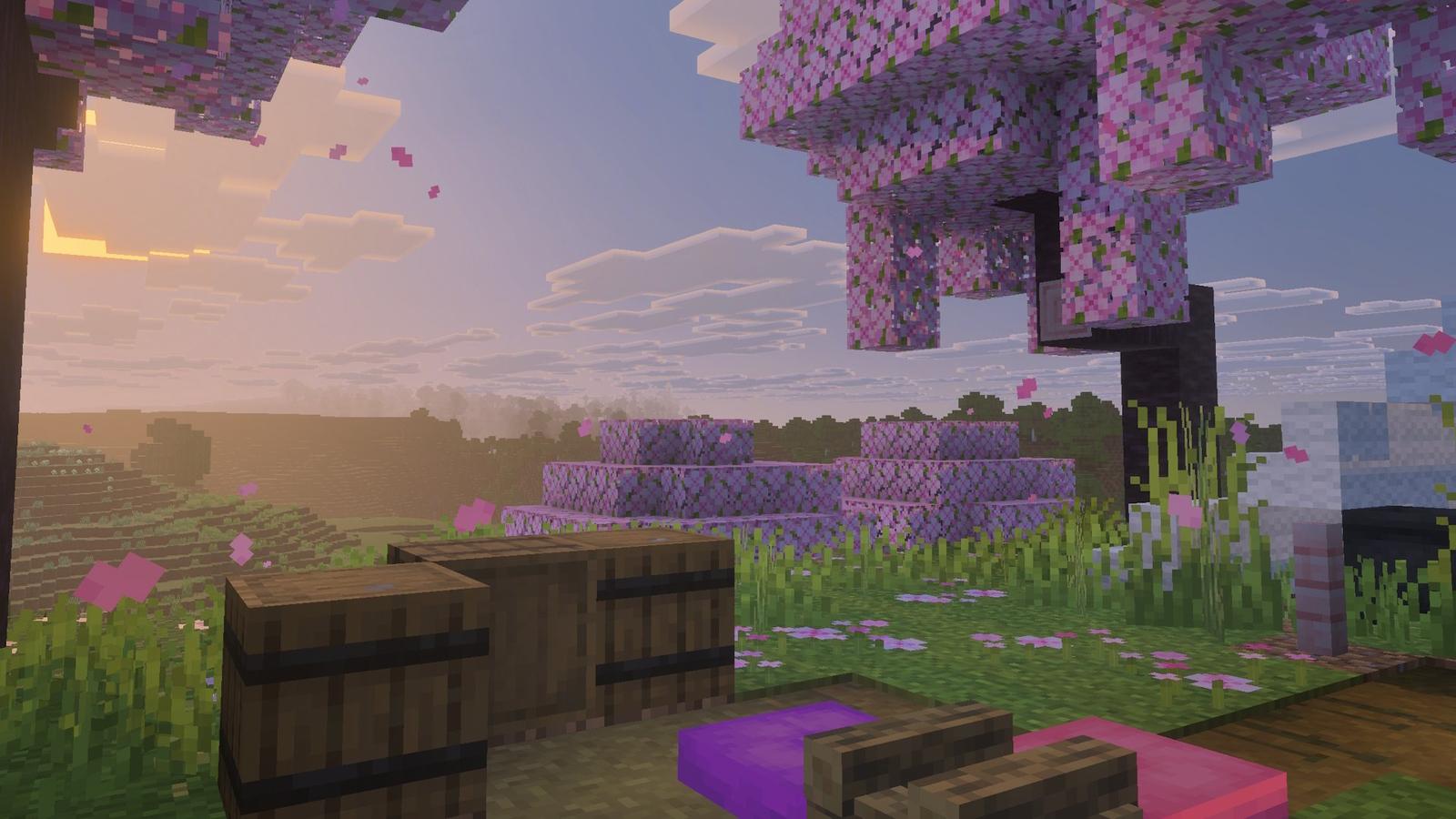
Minecraft Bedrock 26.60 isn’t just about new content additions, as the update also brings several gameplay fixes and improvements across exploration, survival, and everyday activities. Lush Caves will now generate in humid regions, while Swamp Caves will no longer spawn Mycelium or isolated Corallium Dirt blocks. Placing Snow Blocks will also produce vibrations that Sculk Sensors can detect. Several in-game maps have been updated to make destinations easier to identify, and Cushions placed in unloaded chunks will no longer disappear.
2. Redstone and block
Redstone enthusiasts will be happy to know about Minecraft Bedrock 26.60 as it addresses multiple connectivity and rendering issues. Redstone dust will now visually connect properly with certain custom blocks, and the issue that prevented upward connections from appearing correctly when connecting to another wire has been resolved. Wool and Concrete blocks will also now play their intended instrument sounds when used with Note Blocks. On top of that, players can no longer place Straw Beds on blocks occupied by entities.
3. Mobs and Combat fixes
The update also brings a handful of changes related to mobs and combat. The bugs affecting Slimes and Sheeps have been addressed, along with a rare issue where healing a mob could kill it. Tambed baby mobs can restore their health when fed food, and Armour Stands have received equipment swapping fixes that allow players to change items reliably.
4. Commands, Visuals, UI and & Stability
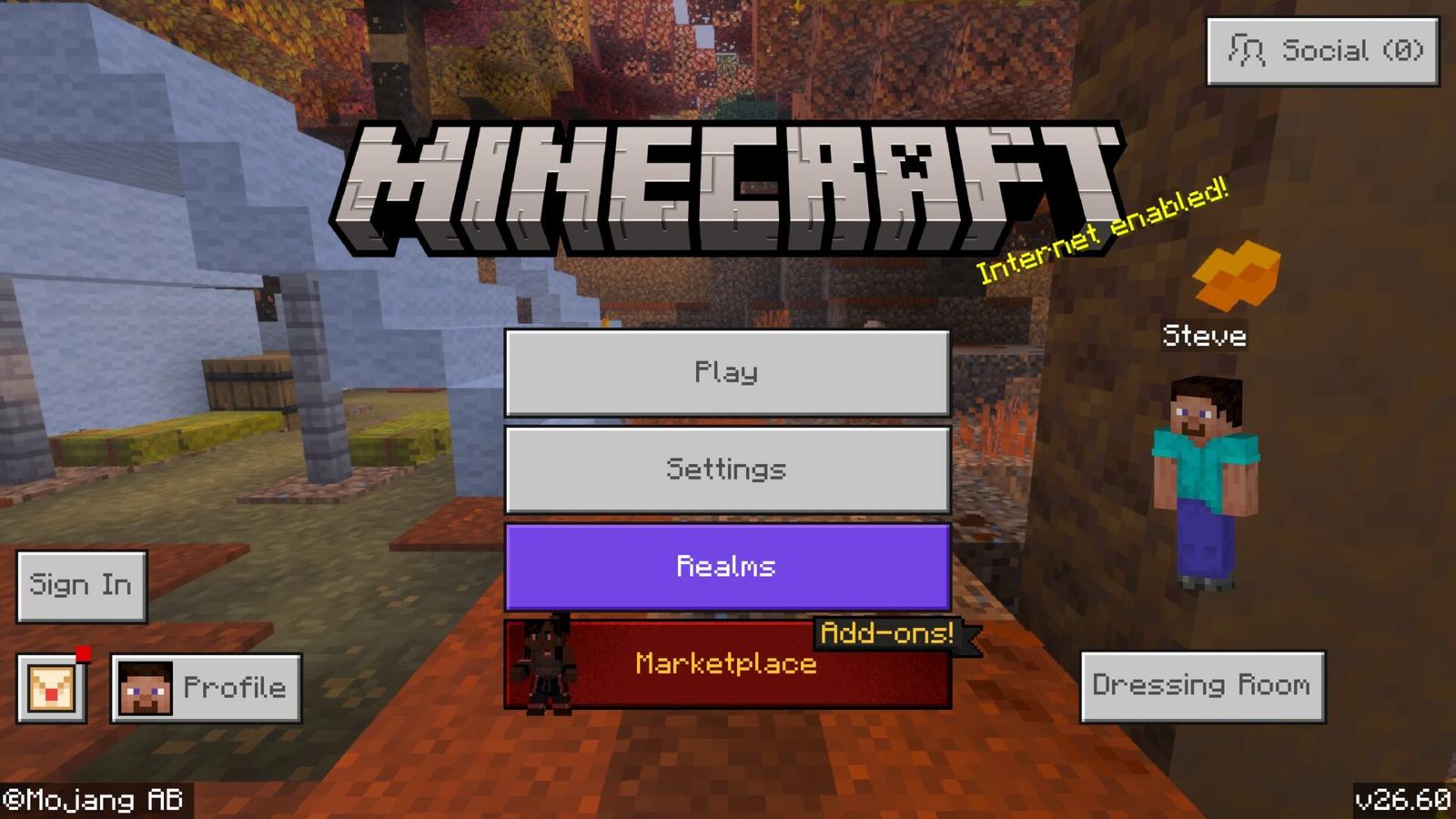
Players who regularly use Minecraft commands or create automated builds will see several improvements. Minecraft Bedrock 26.60 fixes multiple issues related to block selection, visual glitches, and crashes when changing the render resolution on PlayStation consoles. The Marketplace and Minecraft Realms have also seen multiple improvements. Navigation across menus, settings, and multiplayer features has also been refined to make the overall experience smoother. Finally, performance improvements across supported platforms should help make the game more stable and reduce crashes.
How to download Minecraft Bedrock 26.60
You’ll be glad to know that Minecraft Bedrock 26.60 is available across all supported platforms. However, the steps to download it can depend on your device. Here’s how you can get it:
Windows
- Open the Microsoft Store.
- Go to Library.
- Select Get updates.
You can also launch Minecraft Launcher and check for updates directly.
Android and iOS
- Open the Google Play Store or Apple App Store.
- Search for Minecraft.
- Select Update if the update is available.
Xbox
- Open My games & apps.
- Select Manage.
- Choose Updates.
- Find Minecraft and install the update.
PlayStation
- Highlight Minecraft on the home screen.
- Press the Options button on your controller.
- Select Check for Update.
Wrapping up
Minecraft Bedrock 26.60 adds experimental content from Drop 4 of 2026, including Ice Caves, Frostbites, Ice Crystals, Icicles, and the Freezing effect. Alongside these additions, the update delivers more than 600 bug fixes and improvements. Keep in mind that the new content is experimental and requires the relevant experimental settings to be enabled.