
How-to
How to sync Apple Books between iPhone, iPad, and Mac
April 7, 2025


Summary
Sandy relishes crafting how-tos, listicles, and explainers, empowering others to unlock the full potential of their Apple devices. She joined iGeeksBlog in 2023, and her decade-long experience in tech writing shines through, starting with Apple products in 2015 and further enriched by collaborations with prestigious publications like Lifewire, How-To Geek, Digital Trends, iDownloadBlog, MakeUseOf, groovyPost, and AppleToolbox.
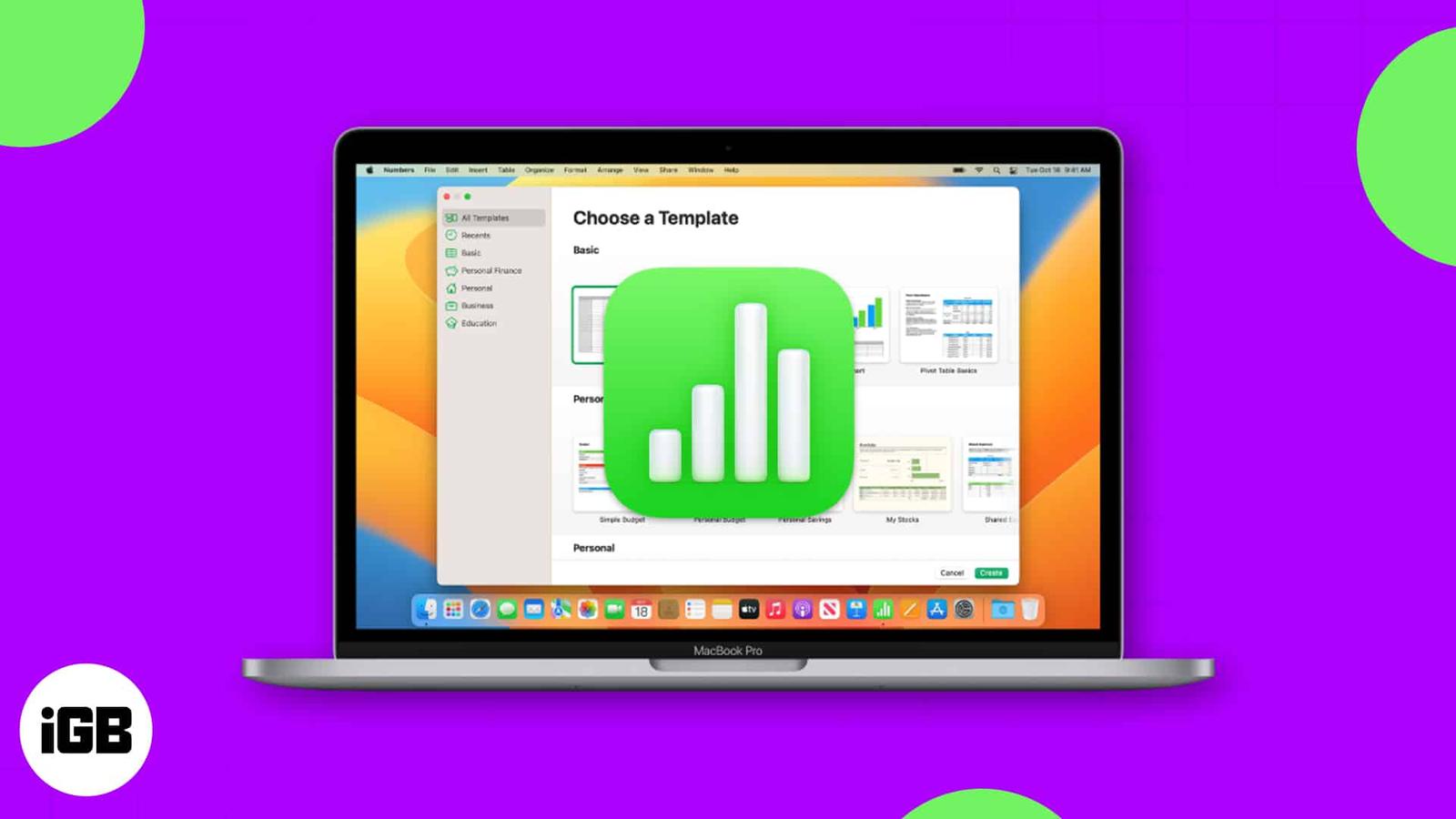
Not sure how to get started in Apple Numbers on Mac? For business and personal use, Numbers is a handy spreadsheet application that comes wi
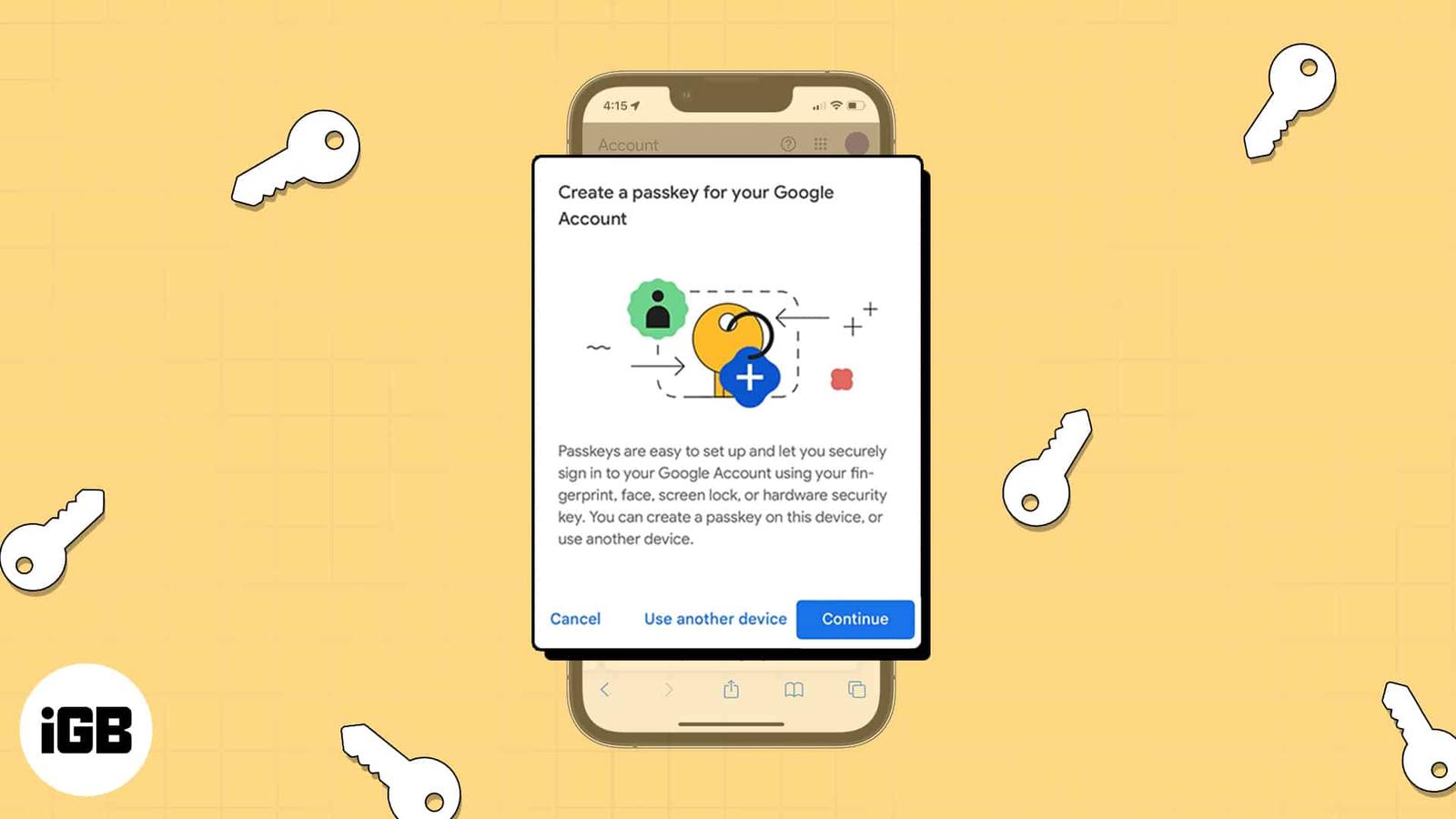
If you use Face ID or Touch ID to sign in to your account on iPhone, iPad, and Mac, then you’ll appreciate this method for logging in to you
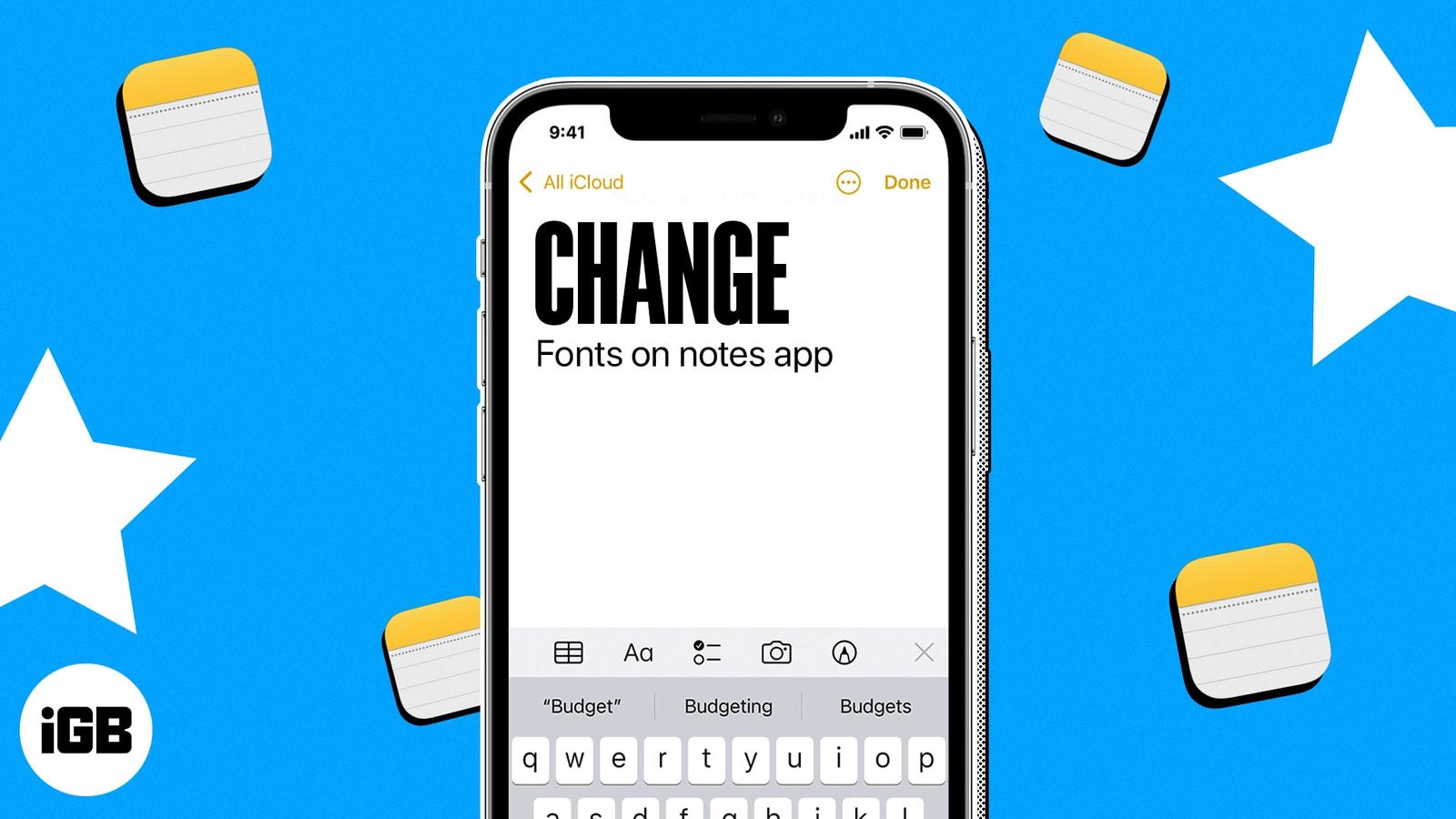
You can do much more with the Apple Notes app than many people think. Of course, it is a terrific note-taking tool, but you can also create
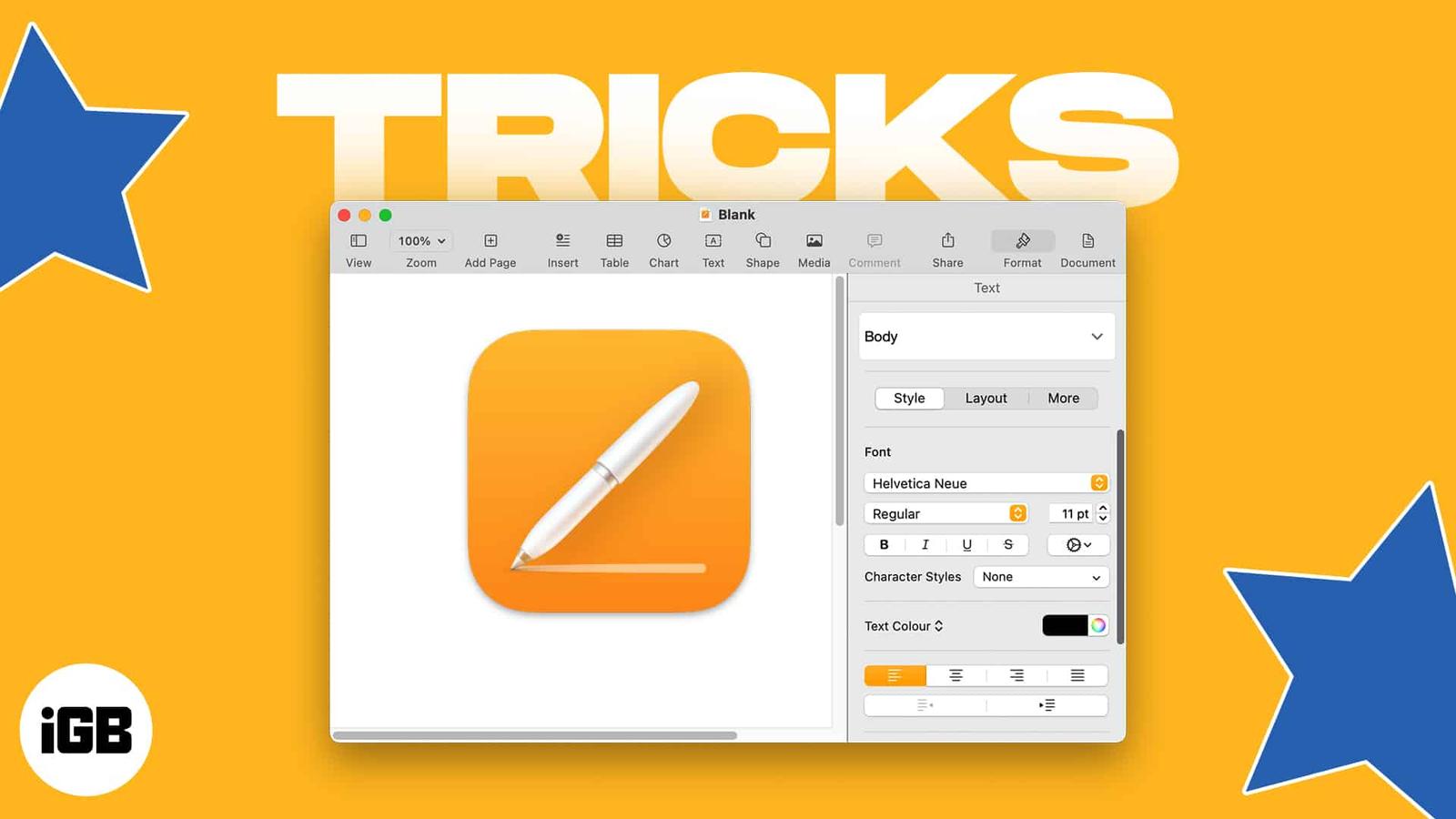
New to Apple Pages or simply looking for different things to do with the app on Mac? We’ll walk through several tips for using the app that’

Along with creating, editing, and reading text documents in TextEdit on Mac, you can work with HTML files. From creating a new one to always
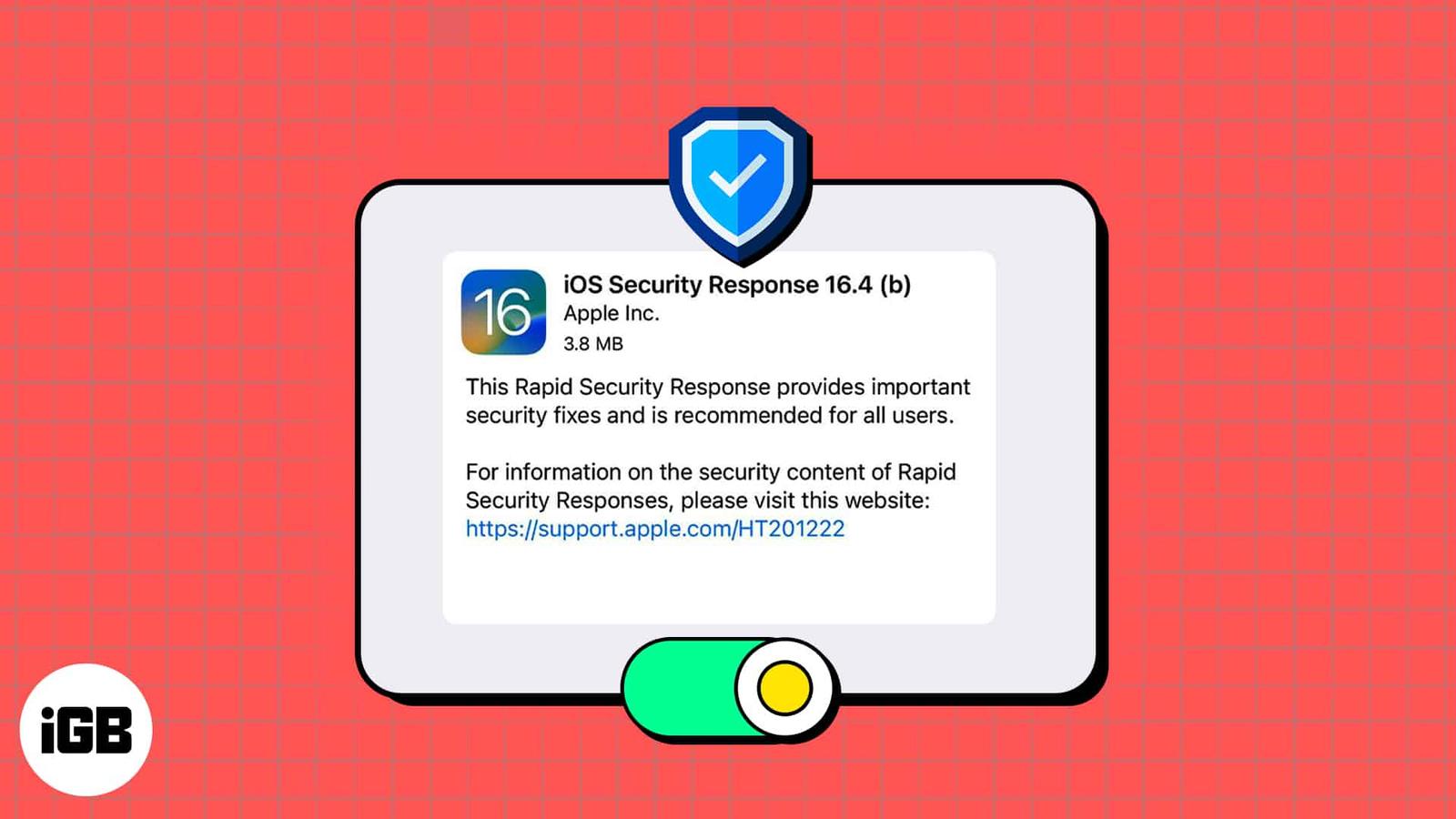
Have you heard rumblings about a new Apple feature for security updates on iPhone, iPad, and Mac? Called Rapid Security Response, this featu
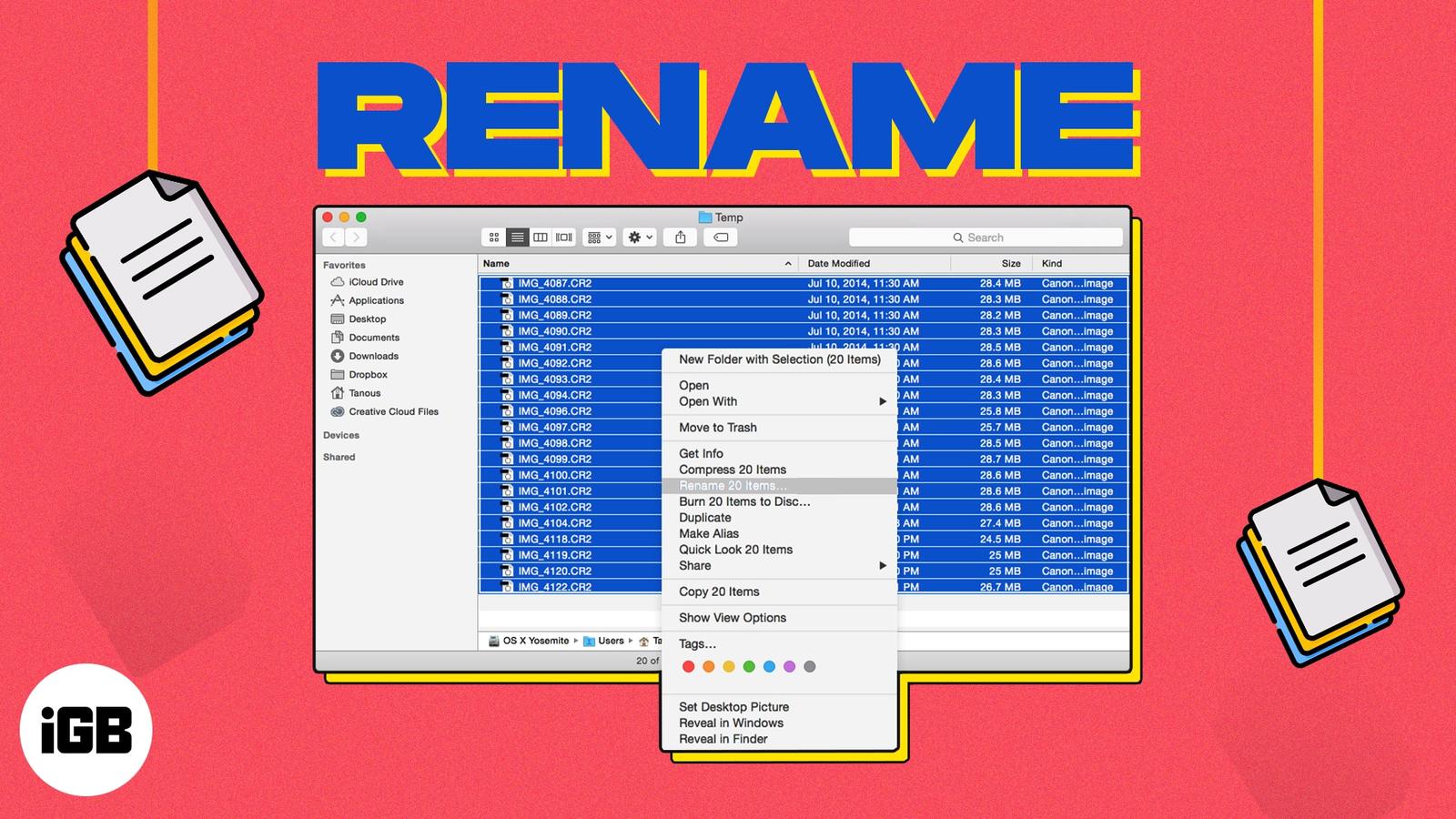
On your Mac, giving your files recognizable names makes it easier to find the one you need when you need it. If you have items like screensh

If you have a smart home setup and use your HomePod along with the Home app and Siri to manage it, you’ll love the climate feature. You can
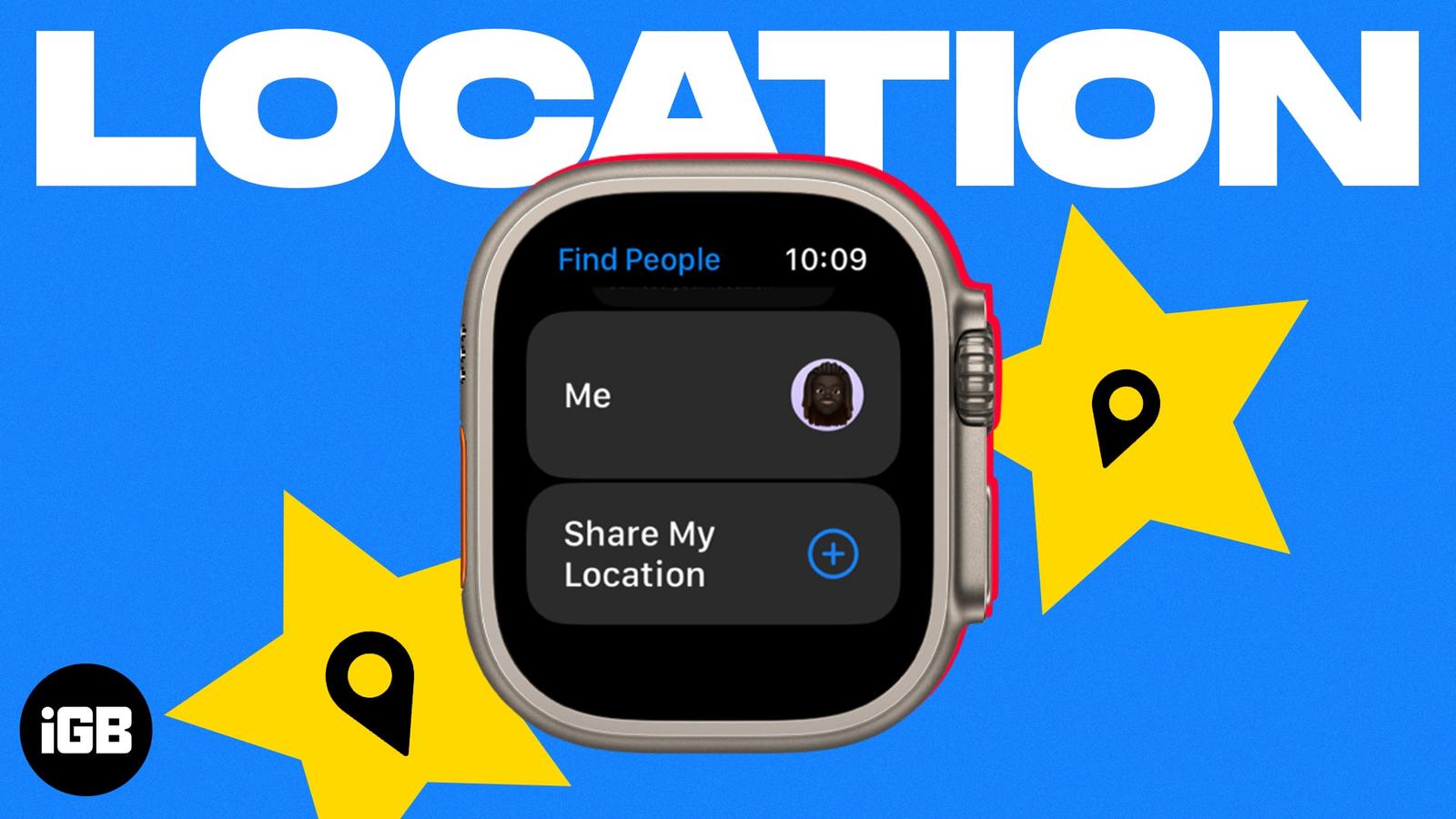
Sharing your location from your wrist is faster than reaching for a phone. Here is how to enable location sharing on Apple Watch, send it th

Do you find yourself reusing the same lists in the Reminders app? Maybe it’s a grocery, packing, or back-to-school list. You can avoid creat

Whether you’re planning a weekend getaway or a lengthy vacation, you likely want to find places to visit while you’re there. Using Guides in

Have you been working with multiple tabs in Safari and suddenly hearing a sound coming from an unknown source? With the autoplay feature in

Whether you’re learning a new language or frequently visit sites that display in another dialect, you can translate a web page in Safari on

When you purchase products from Apple, whether a new MacBook or an Apple Watch band, you likely want to keep an eye on your order. Has it be
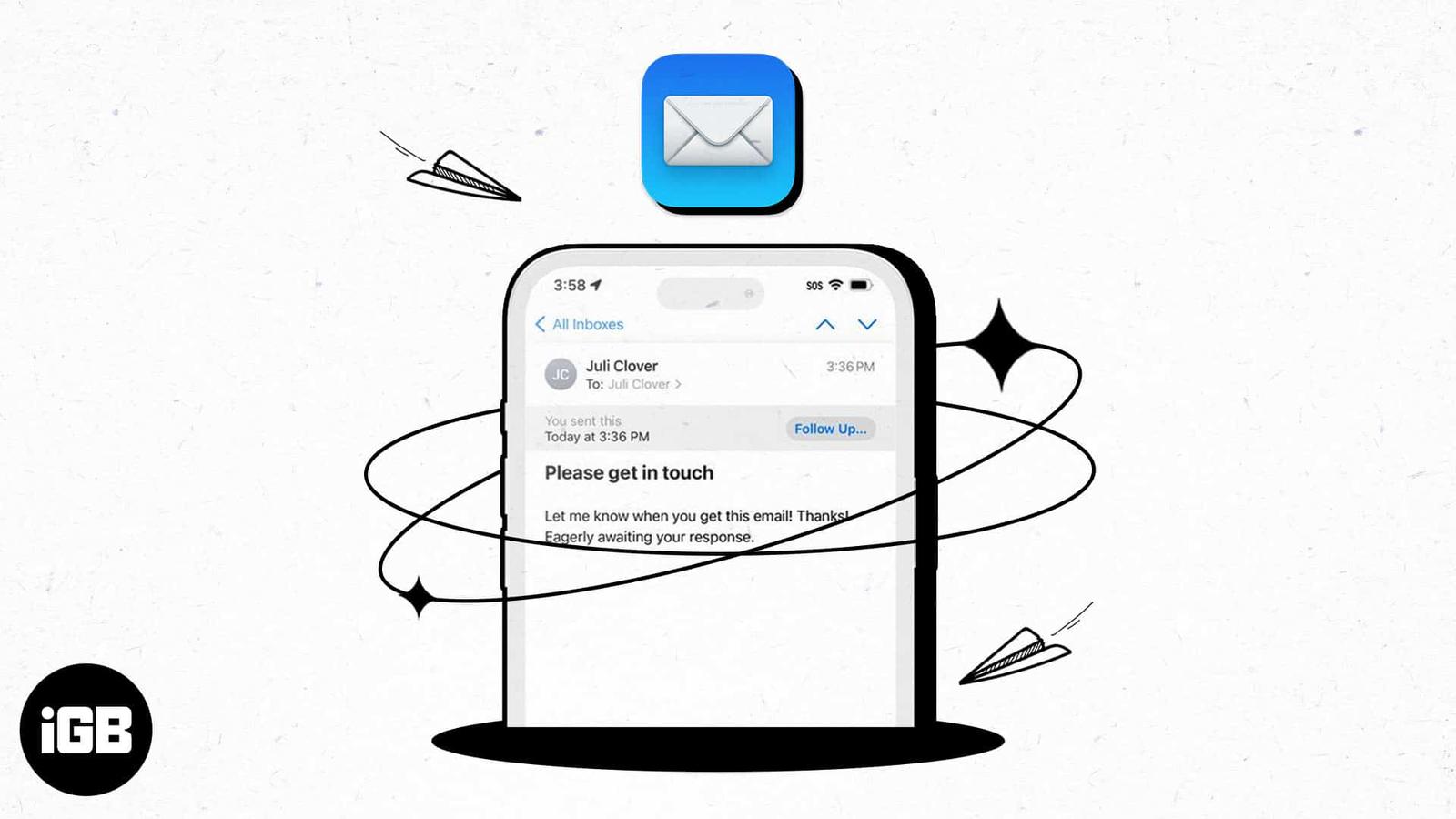
With the number of emails we send these days, it can be hard to keep up with whether or not we receive responses to them all. As a reminder,