
#how to guide
Latest in how to guide
How to Print Double-Sided on Mac With Any Printer
Have trouble printing double-sided on your Mac? Learn how to print your documents double-sided on a Mac with any printer and save paper.
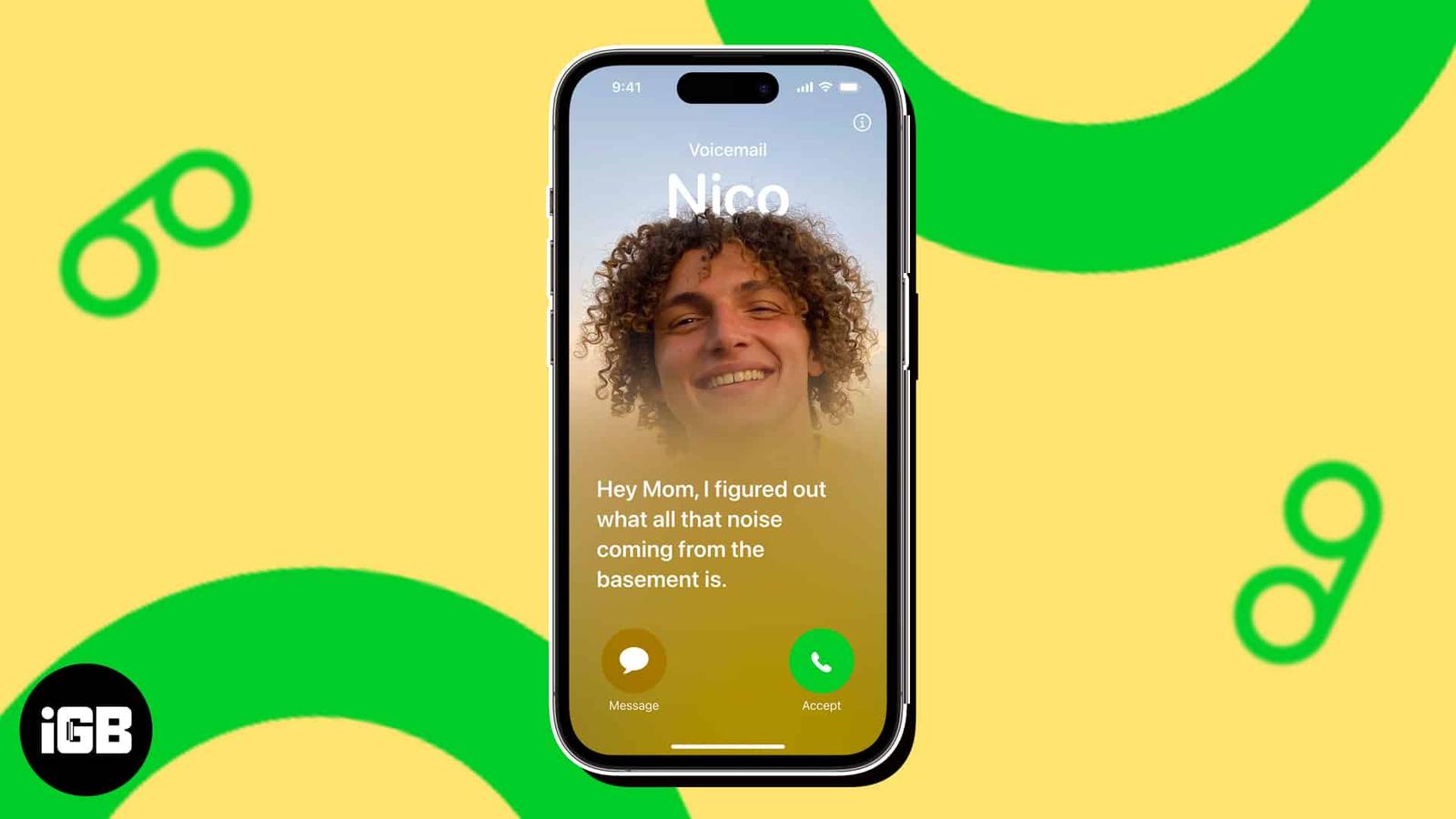
How to Use Live Voicemail on iPhone
Live Voicemail on iPhone lets you read a real-time transcription of a caller’s message. Here is how to turn on and use Live Voicemail on you
How to Use Namedrop on iPhone
NameDrop lets you share contact information with just a tap of two iPhones. This article explains how NameDrop works on iPhone and how to us
How to Clear Safari Cache, History and Cookies on iPhone or iPad
Stuck in login loops that refuse to clear, pages half loading, spinner just sitting there? The fix is simple, clear Safari browsing data on
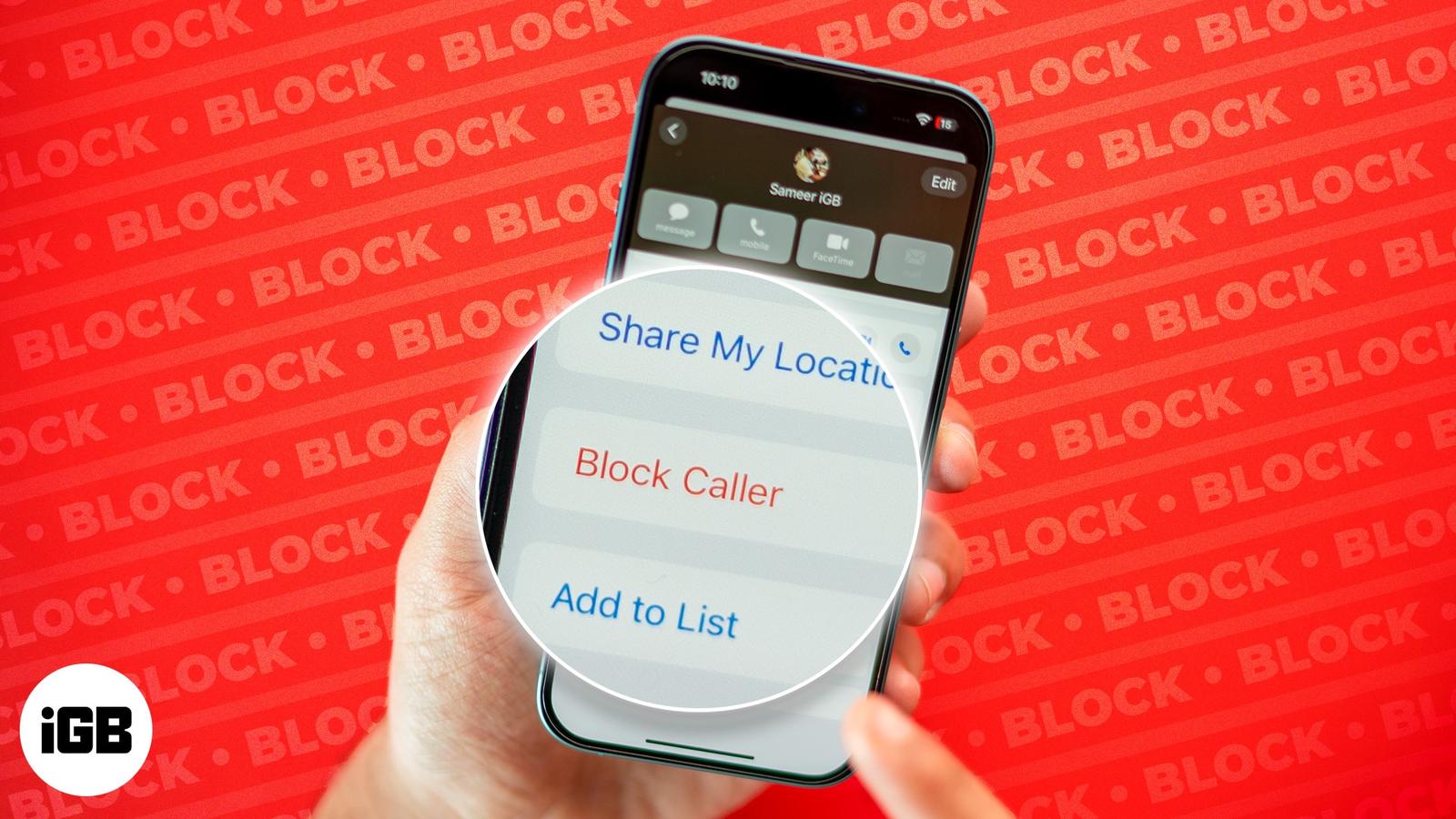
How to Block Text Messages on iPhone or iPad
Block unwanted text messages on your iPhone or iPad, filter messages from unknown senders, and report spam to keep your inbox clutter-free.
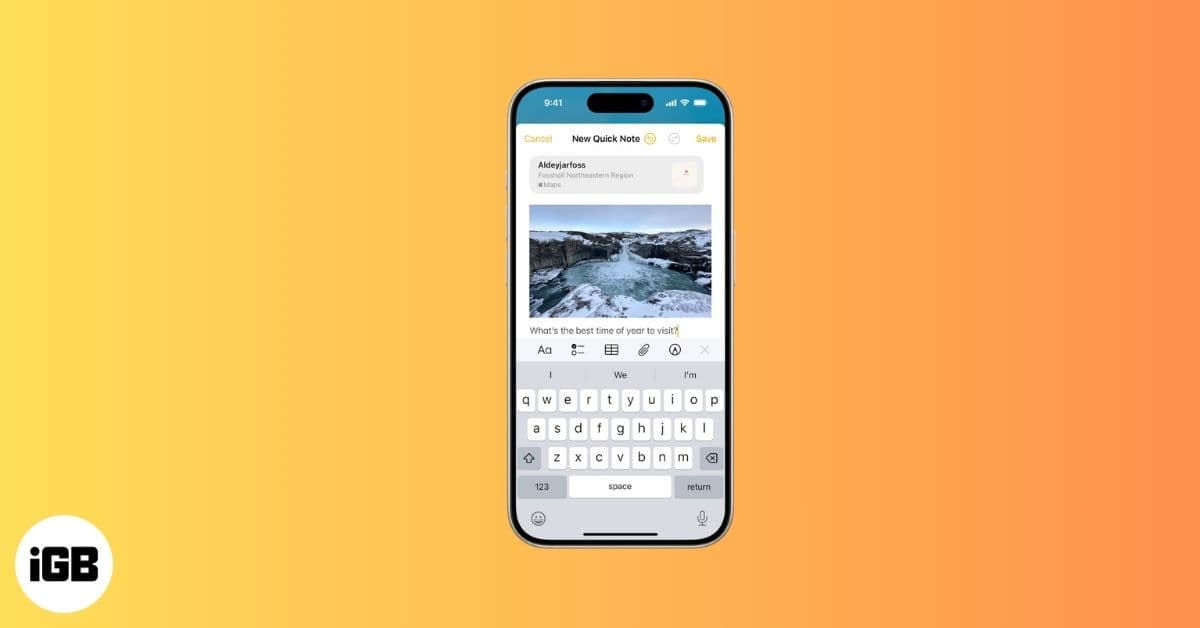
How to Create and Use Quick Notes on iPhone
Quick Notes on iPhone let you capture ideas in seconds, from links and reminders to thoughts, without breaking your flow.
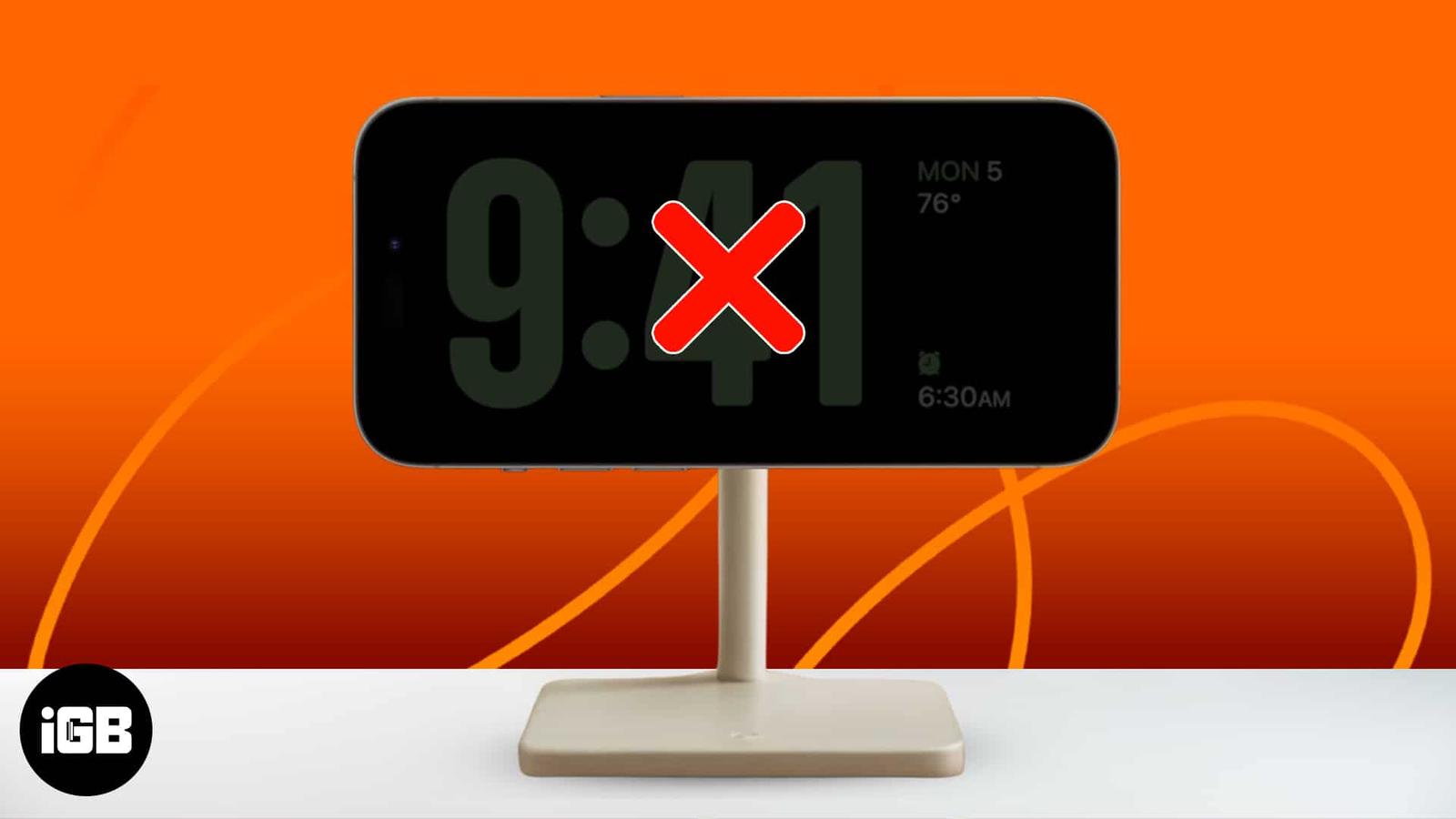
How to Fix iPhone Standby Mode Not Working
Is iOS StandBy mode not working? Here are nine ways to get the StandBy feature to work for you again.
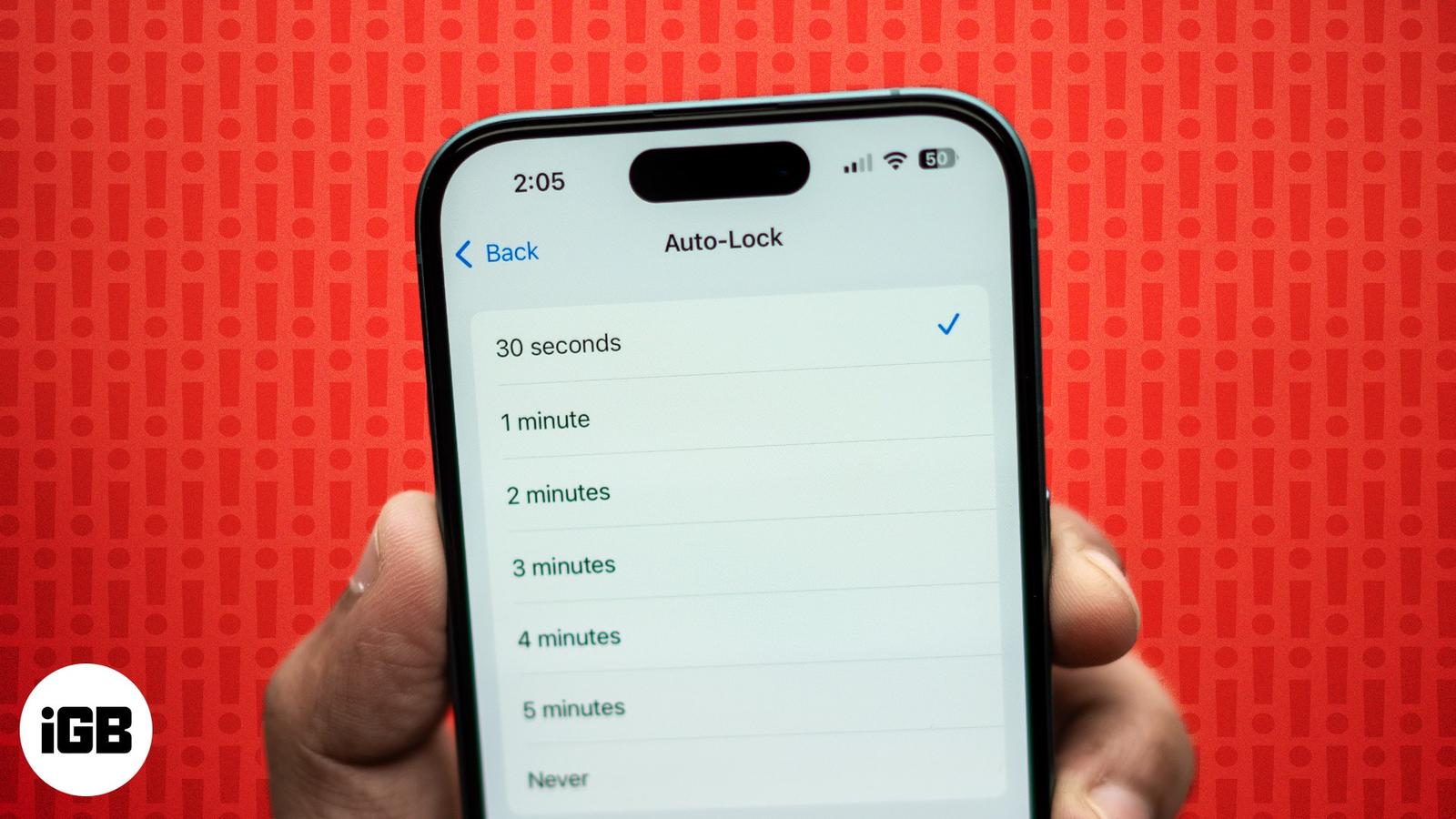
How to Fix iPhone Auto-Lock Not Working
Learn how to fix iPhone Auto-Lock not working with this troubleshooting guide. Easily resolve the issue with some quick steps.
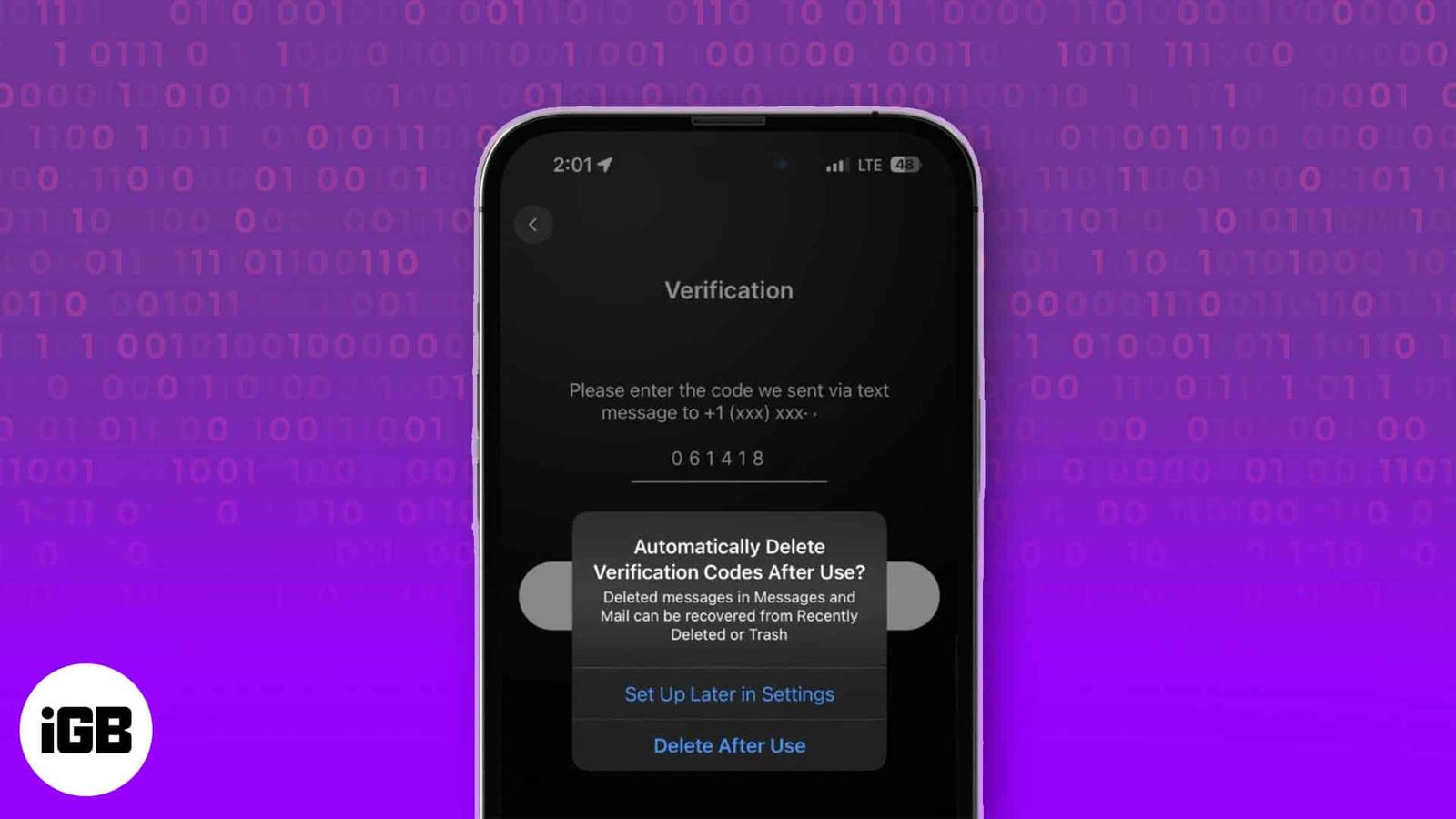
How to Automatically Delete Verification Codes on iPhone
Apple lets you automatically delete OTPs or verification codes on your iPhone. Learn how to enable this auto-delete feature.
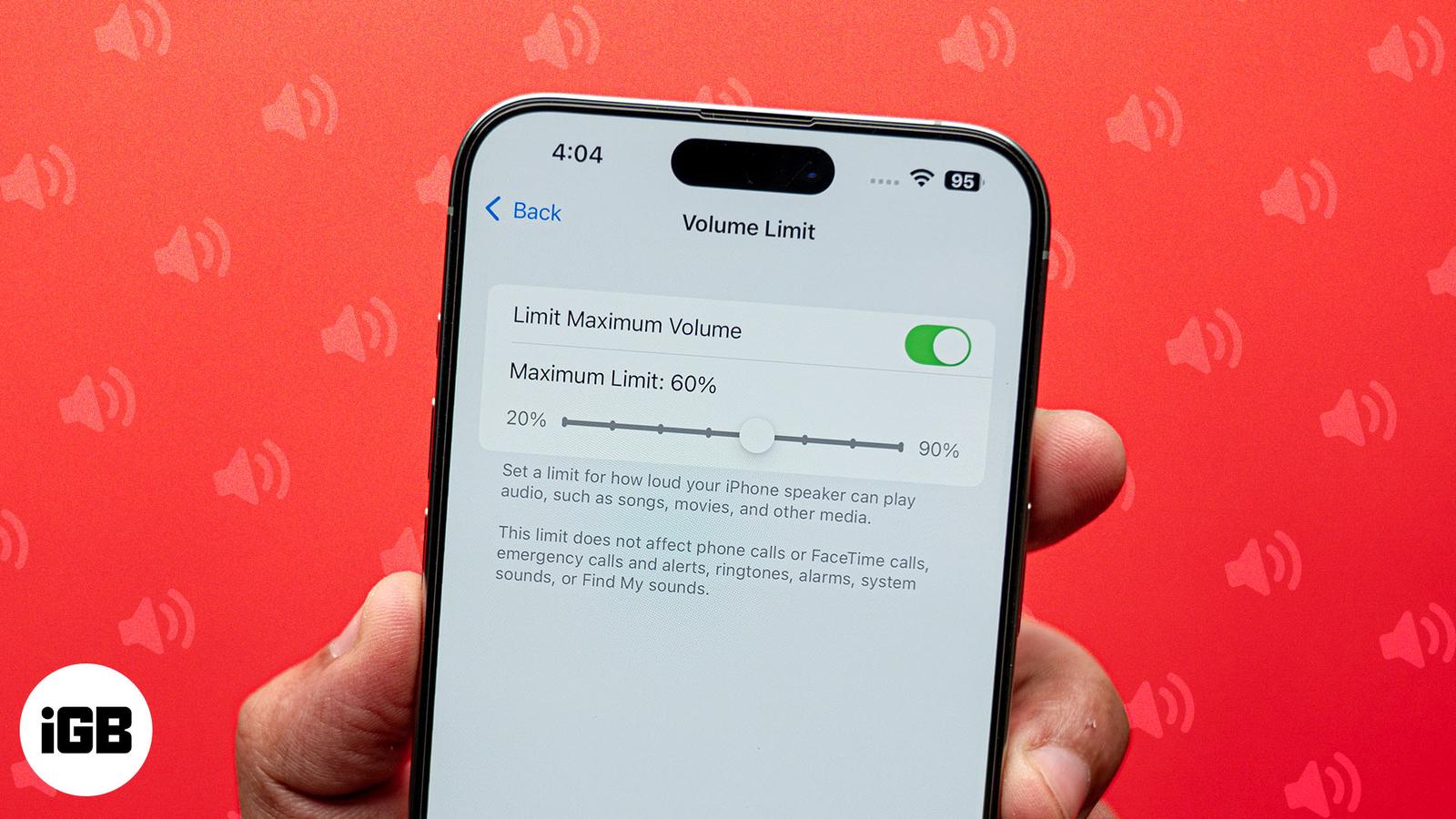
How to Limit Your iPhone’s Speaker Volume
Want to save the embarrassment of having your iPhone play loud audio in public? The Volume Limit feature lets you set your iPhone’s speaker