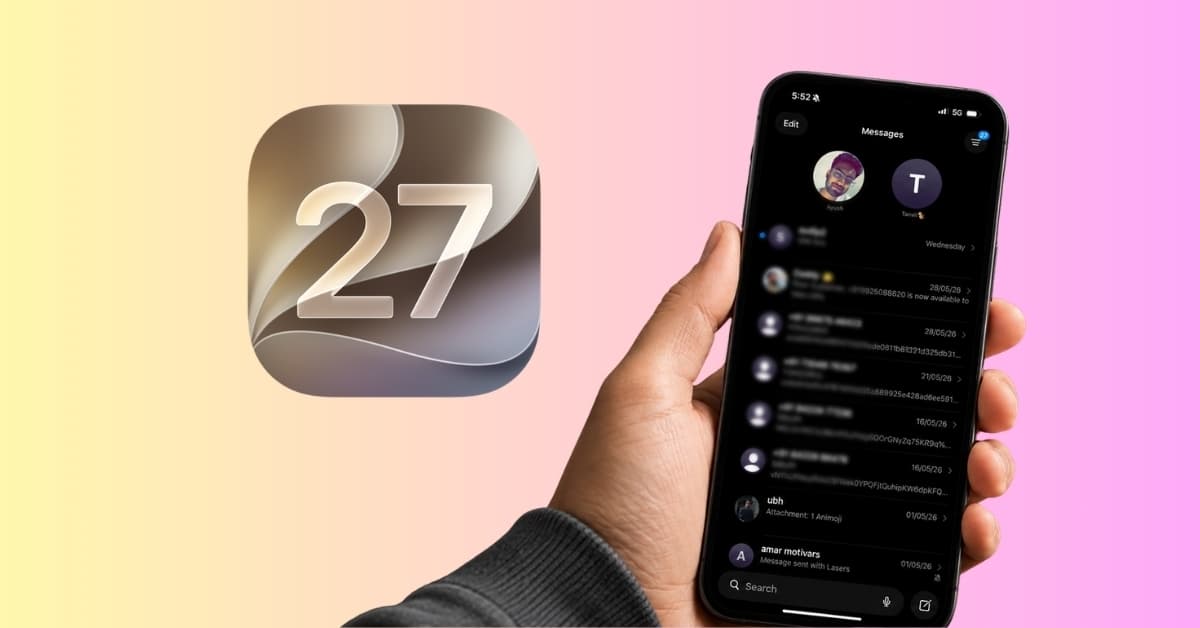
Apple has announced iOS 27 with some of the long-requested features like Siri AI, Liquid Glass refinements, more system-integrated Apple Intelligence capabilities, and updates to native apps. While most of the attention has been focused on AI, Apple’s Messages app is also getting a handful of quality-of-life upgrades.
The biggest changes include one-tap suggestions, a new drawing app, faster media sharing, and improved child safety protections. While testing, I found some additional improvements as well. Here are all the new features coming to Messages in iOS 27.
1. One-tap suggestions make conversations faster
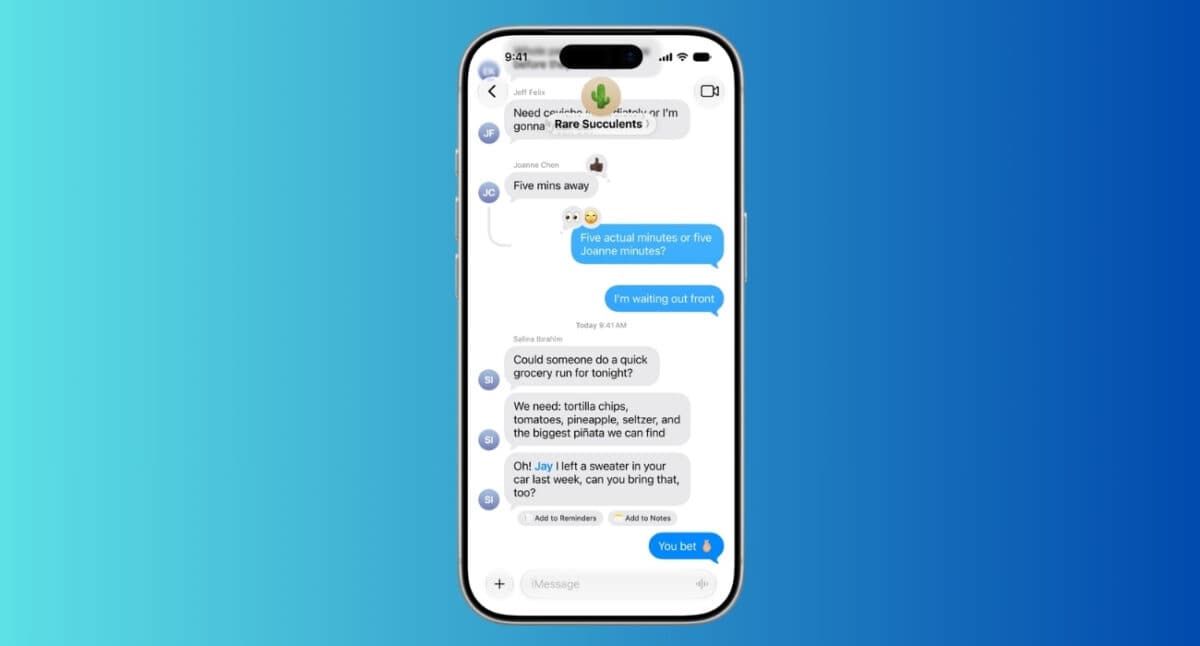
With iOS 27, Messages is starting to understand what you’re trying to do.
Now Apple Intelligence can surface one-tap suggestions directly inside conversations. If someone asks you to remember something, Messages can suggest creating a reminder or adding a note. If a friend asks for photos from a recent trip, the app can automatically find relevant images based on people, locations, and keywords.
I recently got an invitation to an event, and an Add to Calendar suggestion popped up under the text. Additionally, based on the discussion, Messages recommends what Genmoji I would like to create.
That matters because we make plans, share information, organize trips, and manage our lives inside chat threads. Until now, every action required jumping between apps. Apple is trying to let you do the required action without leaving the chat.
2. Messages get a new drawing and image creation experience
Apple also added something unexpected: a dedicated Drawing app inside Messages. Simply tap the plus icon next to the text box and select Drawing. It shows the familiar Markup tools that allow you to draw, annotate, or doodle and send it directly.
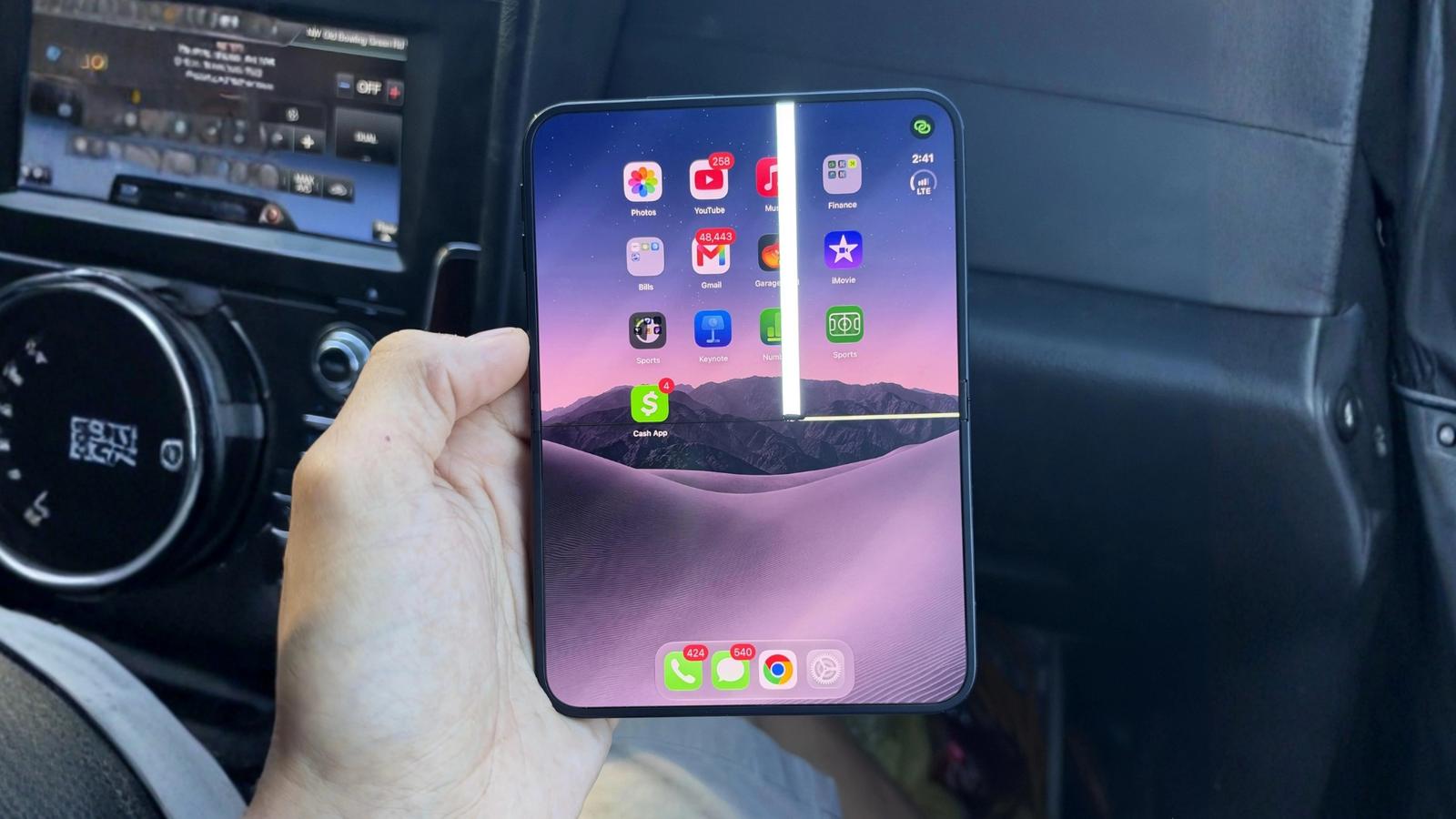
At first glance, this feels oddly niche. But look closer, and it starts making sense. Apple is clearly preparing for a larger-screen foldable iPhone Ultra and stylus-based interaction.
Apple is also expanding image-generation capabilities through Apple Intelligence and Image Playground, making it easier to create and share AI-generated visuals across conversations.
3. Write with Siri in Messages
One standout feature is Write with Siri inside Messages. Instead of manually typing every reply, you can ask Siri to draft an entire message, proofread text, or give feedback on a message based on a simple prompt. From iOS 27, a dedicated Write with Siri button appears above the keyboard.
For example, I asked Siri to write a polite message explaining that I’d be 20 minutes late for dinner. Within seconds, it generated a well-written text that sounded conversational rather than robotic. If the wording didn’t feel quite right, I could tweak it before sending. It felt much more natural than the older dictation feature.
What impressed me most was how Siri AI empowers Smart Reply suggestions to adapt more closely to your personal writing style for each recipient, making the responses more natural. In addition, Siri can now help you locate images, videos, links, addresses, phone numbers, etc. in the Messages app.
4. Continuous sending of photos and videos
This might be the most underrated upgrade in iOS 27.
Apple says Messages now supports continuous sending of photos, videos, and texts in the background. If you have just captured an image or clip, it appears in a second in the Messages media picker. No need to wait.
In addition to this, failed messages, even with media attachments, can automatically retry to deliver once connectivity is re-established. It seems like Apple has finally recognized that speed and reliability matter more than flashy effects. Honestly, it took longer than it should have.
5. Better protection for children
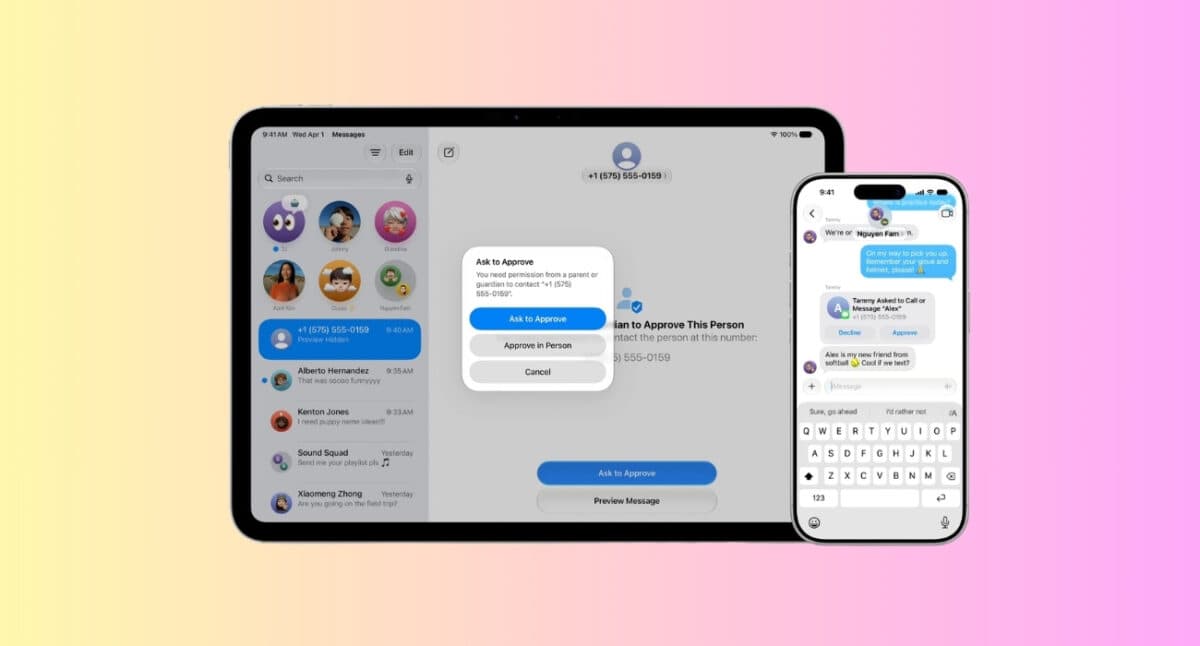
This is one area where Apple put a major highlight at the WWDC keynote.
For child accounts, Messages can now automatically detect and block violent or gore content shared through images and videos. That expands on Apple’s existing Communication Safety tools, which already warn children about nudity and sensitive content.
Parents are also gaining more control over who their children can contact through Messages, FaceTime, and Phone. New communication requests can require parental approval before a child connects with someone new.
The broader Screen Time overhaul in child safety features introduces additional controls, including website approvals, app category limits, and more flexible access scheduling.
6. View offloaded media
One of the most frustrating experiences in Messages happens when older photos and videos have been offloaded to save local storage. You can see the conversation, but the media feels like it has vanished, as only generic placeholders were shown.
iOS 27 addresses this problem by showing visible preview thumbnails for offloaded media so you can easily recognize them. Moreover, Search can surface those photos and videos more easily inside conversations.
It’s the kind of feature that sounds small, but users end up appreciating it every time they need to find a photo from years ago.
7. Inline replies to iPhone-to-Android RCS chats
The latest iOS 27 adds support for inline replies in RCS conversations. This means iPhone users can now reply directly to a specific message when chatting with Android users, just like they already can in iMessage conversations.
If you’ve ever been part of a busy group chat, you’ll know how easy it is to lose track of which message someone is responding to. With inline replies, you can simply press and hold a message and choose Reply. Your response is then attached to that specific message, making the conversation much easier to follow.
This update also has another improvement for making iPhone-to-Android chats better. In iOS 27, tapaback emoji reactions appear properly on photos and videos in cross-platform conversations, instead of text descriptions.
Keep in mind that inline replies require RCS to be supported by both devices and carriers involved in the conversation.
8. Updated Genmoji
Apple is giving Genmoji a meaningful upgrade in iOS 27. You can now change individual elements and refine an existing Genmoji instead of generating a brand-new one whenever you want a small tweak. If an emoji is close but not quite right, I simply use the new Describe a change interface to create a better version.
Genmoji can even handle multi-step requests to generate more detailed emojis. For example, I could start with a smiling cat, then ask it to wear sunglasses, hold a coffee cup, and stand on a beach. The interface even suggested possible follow-up edits, making it easy to keep refining the design until it matched what I had in mind.
Apple has also improved the quality and consistency of the generated emojis. Compared to iOS 26, the results looked much closer to Apple’s native emoji set, with a polished 3D, cartoon-like appearance by default. If that style isn’t what you’re after, you can now request a different look, such as a hand-drawn illustration or a pencil sketch.
Hidden Messages features you might miss
I found several smaller changes in the iOS 27 Messages app that could end up having a surprisingly large impact:
- Multiple tapback reactions are consolidated into fewer notifications, reducing alert overload in busy group chats.
- You can customize or completely remove the audio button next to the text box from Settings > Apps > Messages > Show in Text Field and choose between Record Audio, Start Dictation, or None. Selecting None prevents you from sending accidental recordings.
- Search can now find conversations using phone numbers or saved nicknames. So, you don’t need to remember the exact contact name.
- Large chats with extensive history and attachments now load and scroll more smoothly.
- Messages, read receipts, reactions, and attachments sync faster and more reliably across all your Apple devices to improve continuity.
Collectively, all these features make the Messages app feel more polished than it has in years.
Which iPhones support the new Messages features?
The good news is that iOS 27 supports iPhones going back to the iPhone 11 and includes iPhone SE 2nd gen and later. That means you can access the Drawing app, hide the audio button, get consolidated tapback notifications, and other performance updates after installing iOS 27.
However, the one-tap suggestions and personalized Smart Replies rely on Apple Intelligence. It will work on iPhone 15 Pro and later lineup models with Siri and the device language set to English as of now.
In other words, everyone gets the update, but not everyone gets the full experience.
Messages are finally catching up to WhatsApp and Telegram!
For the first time in a while, I think Apple is asking the right question. Instead of asking, “What new feature can we add?” Apple seems to be focusing on “What makes messaging annoying?”
The answers are obvious: failed uploads, too many notifications, hard-to-find media, repetitive actions, and safety concerns. iOS 27 tackles all of those.
Do Messages suddenly leapfrog WhatsApp and Telegram? Not yet. Telegram still dominates with its power-user features. WhatsApp remains the global messaging giant. Signal still owns the privacy conversation. But Apple no longer looks like it’s standing still. And that’s the biggest change of all.
Which iOS 27 feature are you most excited about? Let us know in the comments below!