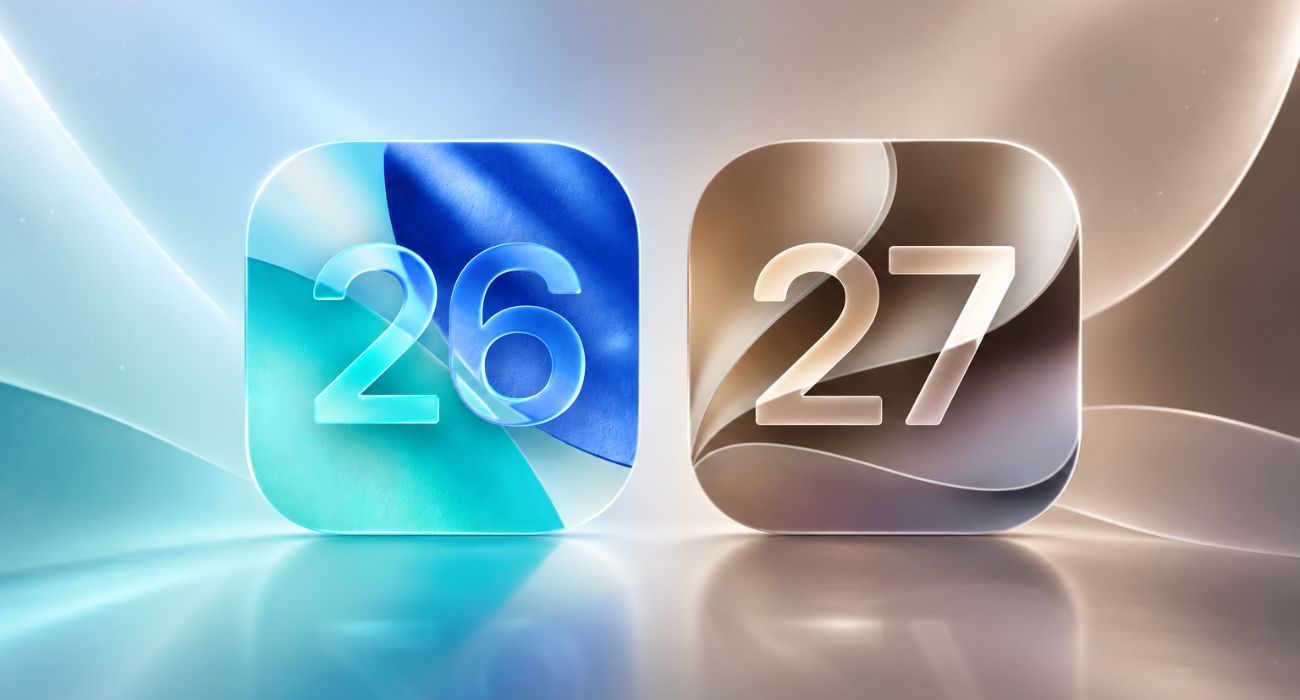
iOS 27 is not another iOS 26-style makeover. iOS 26 changed how the iPhone looked with Liquid Glass. iOS 27 keeps that design, cleans up some of its rough edges, and puts most of the attention on Siri AI, Apple Intelligence, performance, and parental controls.
The short version: iOS 26 was the visual reset. iOS 27 is the smarter and more practical follow-up, but its best AI features still depend on your iPhone model, language, and region.
iOS 27 vs iOS 26 at a glance
If you only want the quick difference, this is the simplest way to read the update.
| Area | iOS 26 | iOS 27 |
|---|---|---|
| Design | Introduced Liquid Glass across iPhone apps and system screens | Refines Liquid Glass with better contrast, readability, sharper icons, and a transparency slider |
| Siri | Older Siri experience with some Apple Intelligence support | New Siri AI with richer conversations, personal context, onscreen awareness, app actions, and a dedicated Siri app |
| Apple Intelligence | Writing Tools, Genmoji, Image Playground, Live Translation, Visual Intelligence updates, and AI actions in Shortcuts | Deeper AI across Siri, Photos, Safari, Passwords, Shortcuts, Messages, Mail, Camera, and calls |
| Photos | Clean Up and Apple Intelligence photo search/editing features | Adds Spatial Reframing, Extend, and improved Clean Up |
| Safari | Liquid Glass redesign and regular browser improvements | Can organize tabs by topic and watch pages for changes with Notify Me |
| Passwords | Standalone Passwords app experience from recent iOS versions | Can help update weak or compromised passwords with less manual work |
| Performance | Stable public release with iOS 26 feature set | Apple claims faster app launches, Photos loading, and AirDrop transfers |
| Compatibility | Runs on iPhone 11 and later | Runs on the same broad iPhone lineup, but AI features need newer models |
Design: iOS 27 fixes the iOS 26 look instead of replacing it
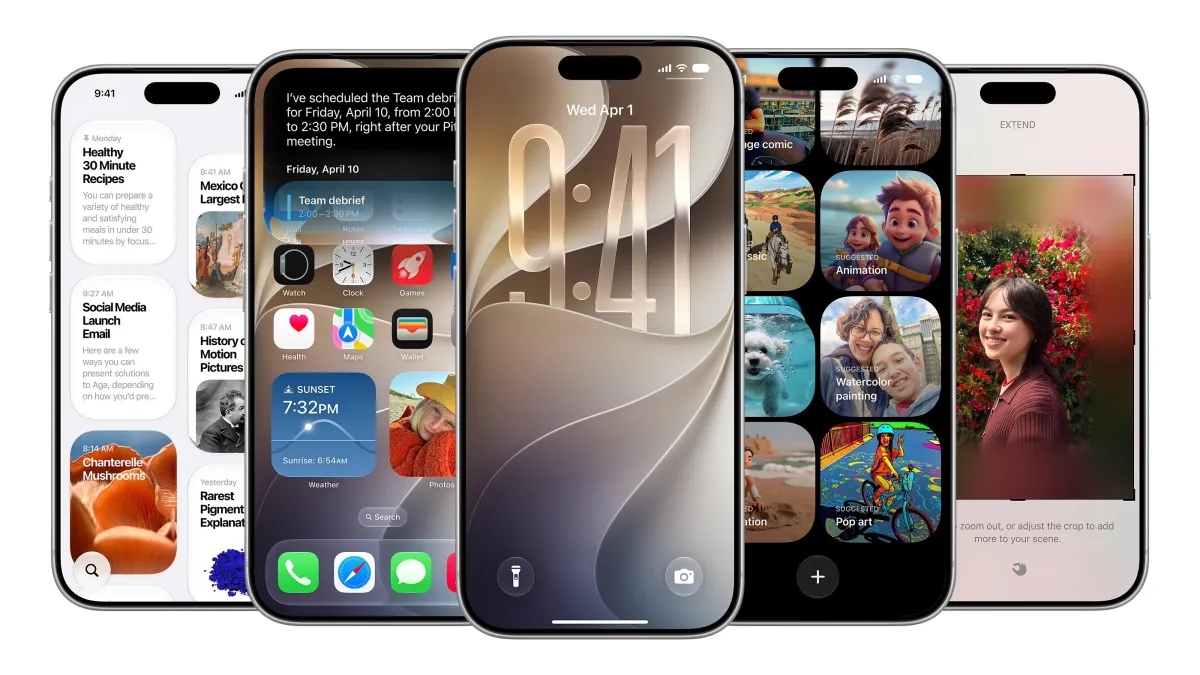
iOS 26 brought Apple’s Liquid Glass design to the iPhone. It changed controls, tab bars, app icons, widgets, the Lock Screen, Home Screen, notifications, Control Center, and several Apple apps.
iOS 27 does not throw that away. It makes Liquid Glass easier to live with. Apple says the update improves readability, contrast, and icon detail, and adds a slider that lets you adjust how clear or tinted the glass effect looks.
That matters because iOS 26’s redesign was the kind of change everyone noticed, even if they did not care about new features. iOS 27 is more about making that look less distracting day to day.
Siri AI is the biggest iOS 27 upgrade
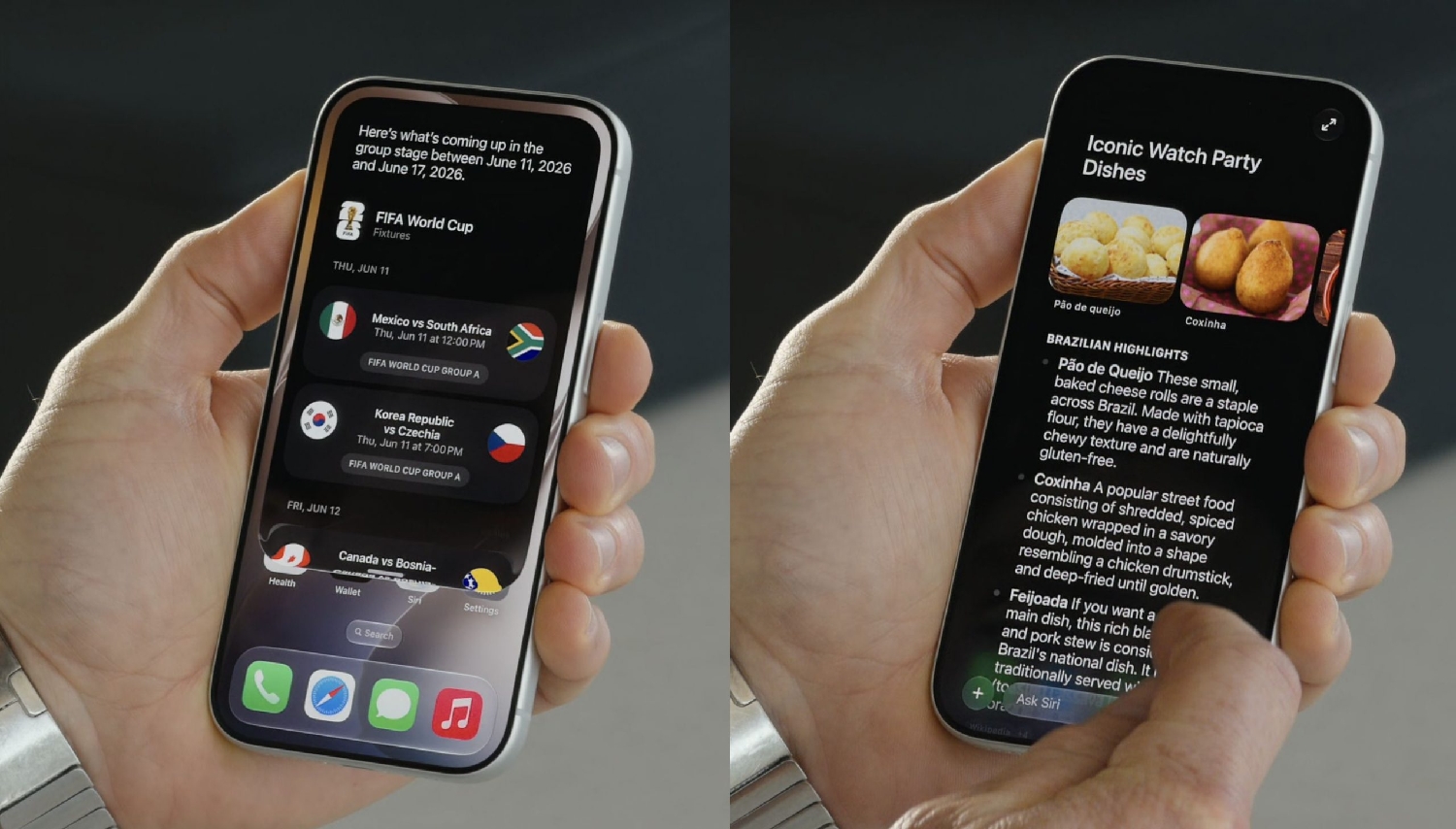
The main reason iOS 27 feels different from iOS 26 is Siri AI. Apple has rebuilt Siri with Apple Intelligence so it can handle richer conversations, understand personal context, answer questions about what is on your screen, and take actions across apps.
In normal use, that means Siri should be able to find a detail from Messages or Mail, understand a photo or webpage you are viewing, draft or edit text, and continue a longer conversation in the new Siri app. Siri also gets a Camera mode, so you can point your iPhone at something and ask questions about it.
Apple Intelligence goes from separate tools to everyday apps
iOS 26 already had Apple Intelligence features such as Writing Tools, summaries, Genmoji, Image Playground, Live Translation, Visual Intelligence updates, and AI actions in Shortcuts.
iOS 27 pushes that further into apps people use every day. Photos gets better AI editing tools. Safari can group tabs and monitor webpages for changes. Passwords can help fix weak or compromised logins. Shortcuts can be created from plain language. Messages and Mail can suggest useful actions from context. Calls can surface relevant information when you need it.
If you want the full feature breakdown, see our list of new Apple Intelligence features in iOS 27. For this comparison, the important point is simple: iOS 26 introduced more AI tools; iOS 27 tries to make them feel connected.
Performance should feel better on supported iPhones
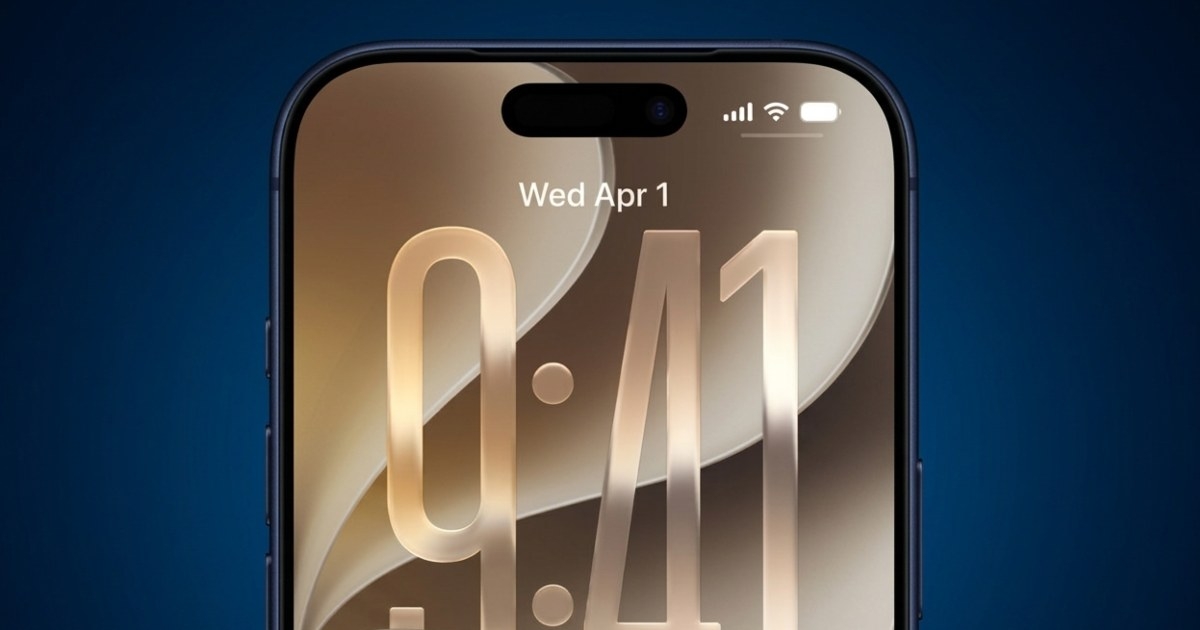
iOS 27 is also a performance update. Apple says app launches are up to 30% faster, new photos load in Photos up to 70% faster, and AirDrop transfers are up to 80% faster in its testing.
Those numbers will vary by iPhone, battery health, storage, and how you use the device. Still, the direction is useful. iOS 27 is not just adding AI features on top of iOS 26; Apple is also trying to make the system feel faster and smoother.
If you are on an older supported iPhone, this may matter more than Siri AI. A speed and reliability improvement is useful even when the newest AI features do not reach your model.
Compatibility: same iPhones, different feature limits
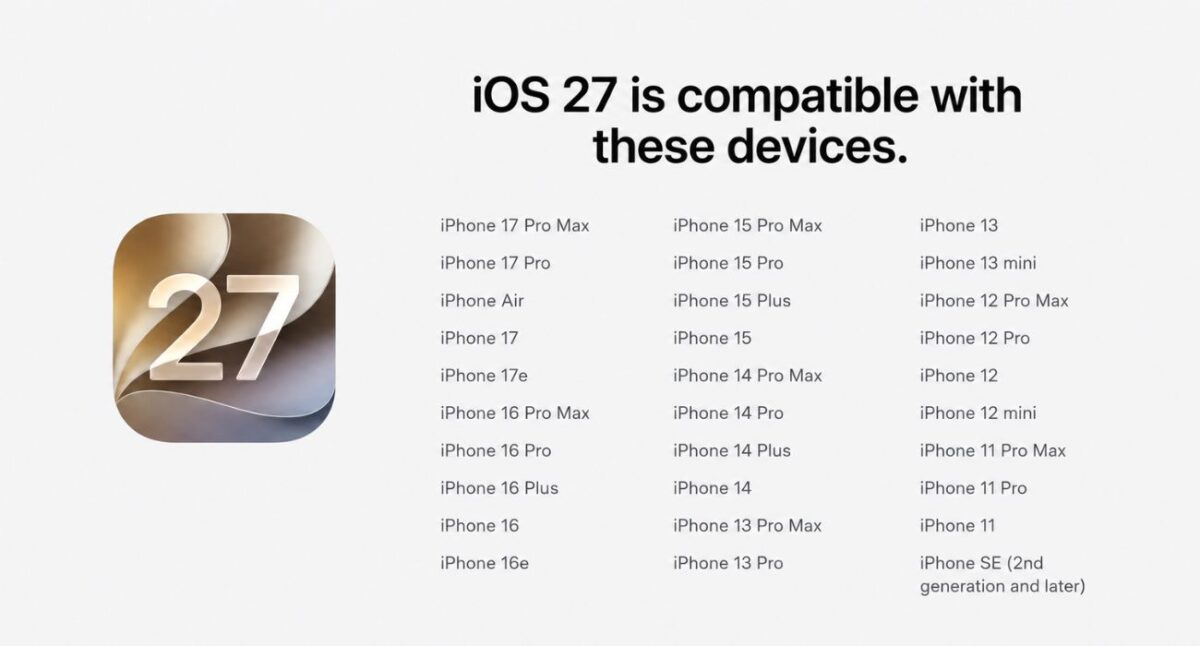
Apple lists iOS 27 support for iPhone 11 and later, including newer iPhone SE models. That is good news if your iPhone already runs iOS 26.
But do not confuse iOS support with Apple Intelligence support. Many iPhones can install iOS 27 without getting the full AI experience. Apple Intelligence in iOS 27 works on iPhone 15 Pro, iPhone 15 Pro Max, and iPhone 16 models or later.
So the practical split looks like this:
- iPhone 11, 12, 13, 14, and regular iPhone 15 models: You should get iOS 27, but not the full Apple Intelligence package.
- iPhone 15 Pro, iPhone 15 Pro Max, and iPhone 16 or later: You are in the main Apple Intelligence group.
- EU or China users: Some new Siri AI and Apple Intelligence features may be delayed or unavailable at launch.
Check the iOS 27 supported devices list before updating if a specific feature matters to you.
Should you install iOS 27 or stay on iOS 26?
Stay on iOS 26 for now if your iPhone is your main device and you’d rather wait for early bugs to be fixed. Apple offers iOS 26.7 alongside iOS 27, so you can keep getting security fixes without upgrading.
Install iOS 27 if your iPhone is supported (iPhone 11 or newer) and the new features are useful to you. The update is most exciting if you have an iPhone 15 Pro or newer, because Siri AI, Photos, Safari, and Shortcuts get the biggest changes. The Passwords app’s auto-fix feature is coming in a later update.
If you already installed iOS 27 and regret it, you can downgrade iOS 27 back to iOS 26 while Apple still signs iOS 26, but it requires erasing and restoring your iPhone.
Final verdict
iOS 27 is better than iOS 26 on paper, but it is not better for everyone on day one.
If you have a newer iPhone and want Apple Intelligence, iOS 27 is the update to watch. Siri AI, natural-language Shortcuts, smarter Safari, better Photos tools, and Passwords improvements make it a meaningful step forward.
If you have an older iPhone, iOS 27 is more of a polish update: better performance, refined Liquid Glass, and some non-AI improvements. That is still useful, but it is not the same upgrade Apple is selling to iPhone 15 Pro and newer users.
Also read: