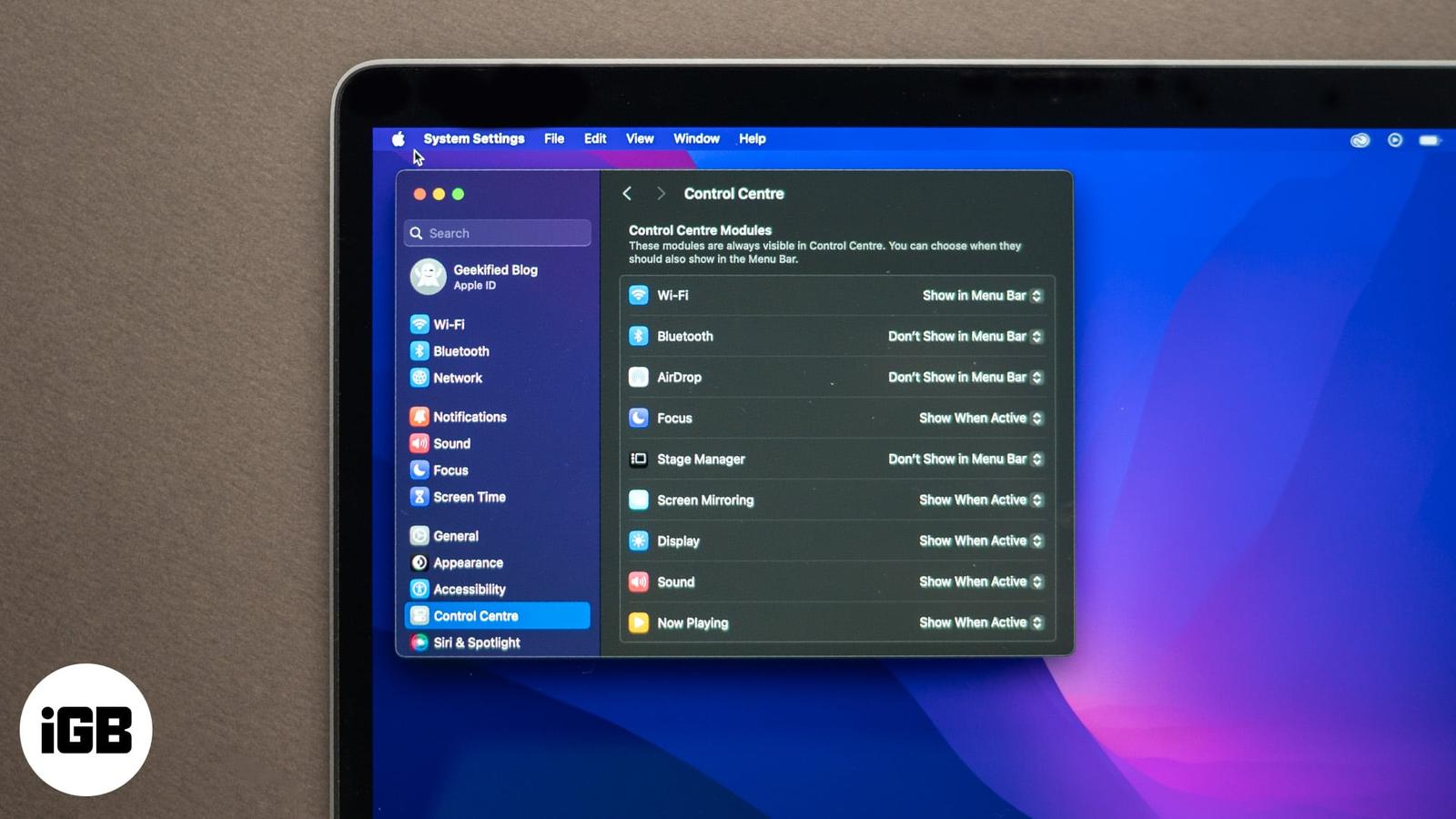
How to Use and Customize the Menu Bar on Your Mac
Learn how to customize your Mac’s menu bar by adding, removing, and rearranging icons for a more efficient and personalized experience.

Learn how to customize your Mac’s menu bar by adding, removing, and rearranging icons for a more efficient and personalized experience.
Quick fixes for MacBook Bluetooth not available issue.

Reduce flashing visuals for a calmer, more comfortable viewing experience.
Tired of seeing the same default device name? With a few taps, you can give your iPhone, iPad, or Mac a fresh Bluetooth identity that actual
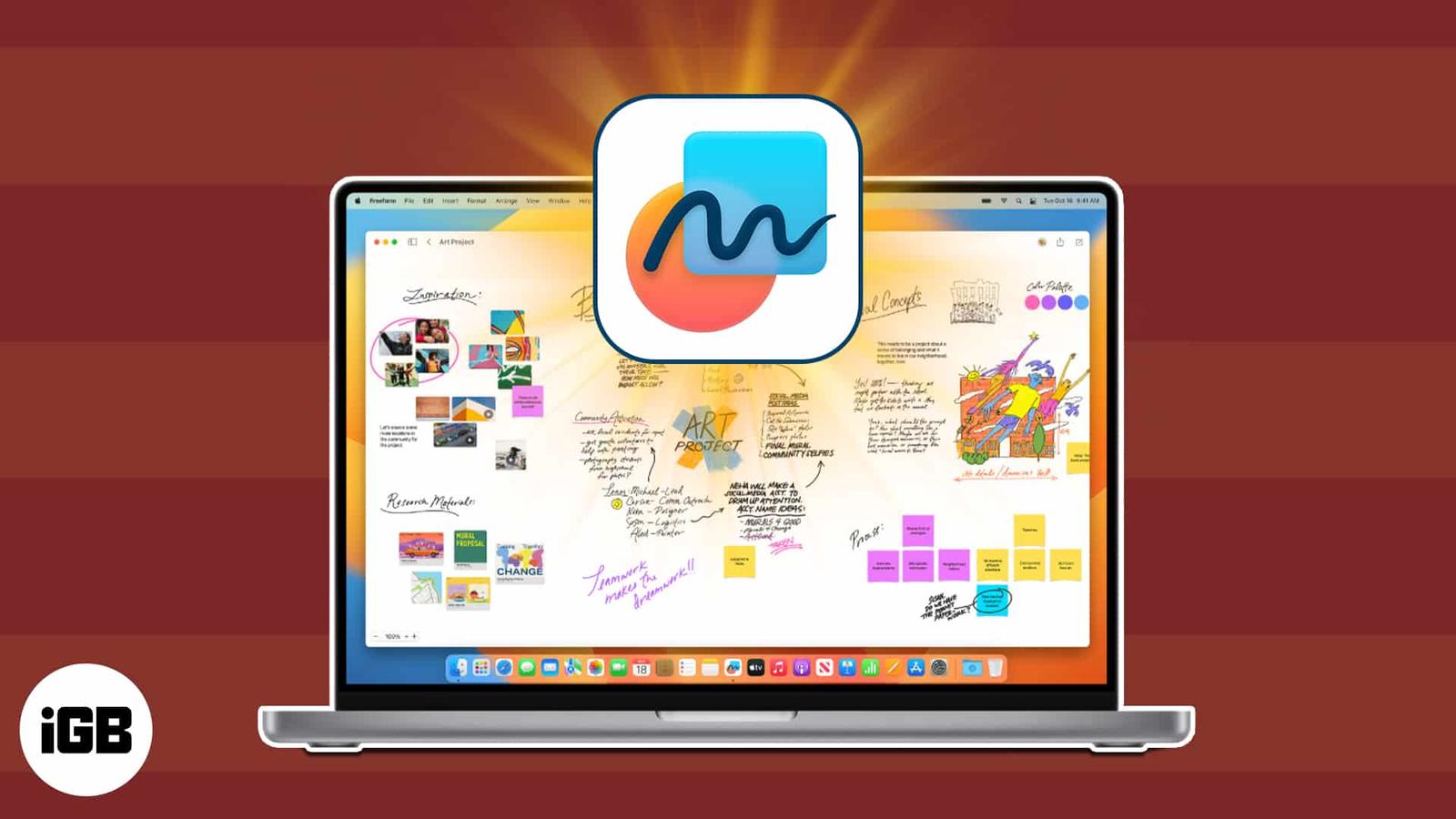
Your all-in-one guide to using Apple Freeform for creativity, organization, and collaboration.
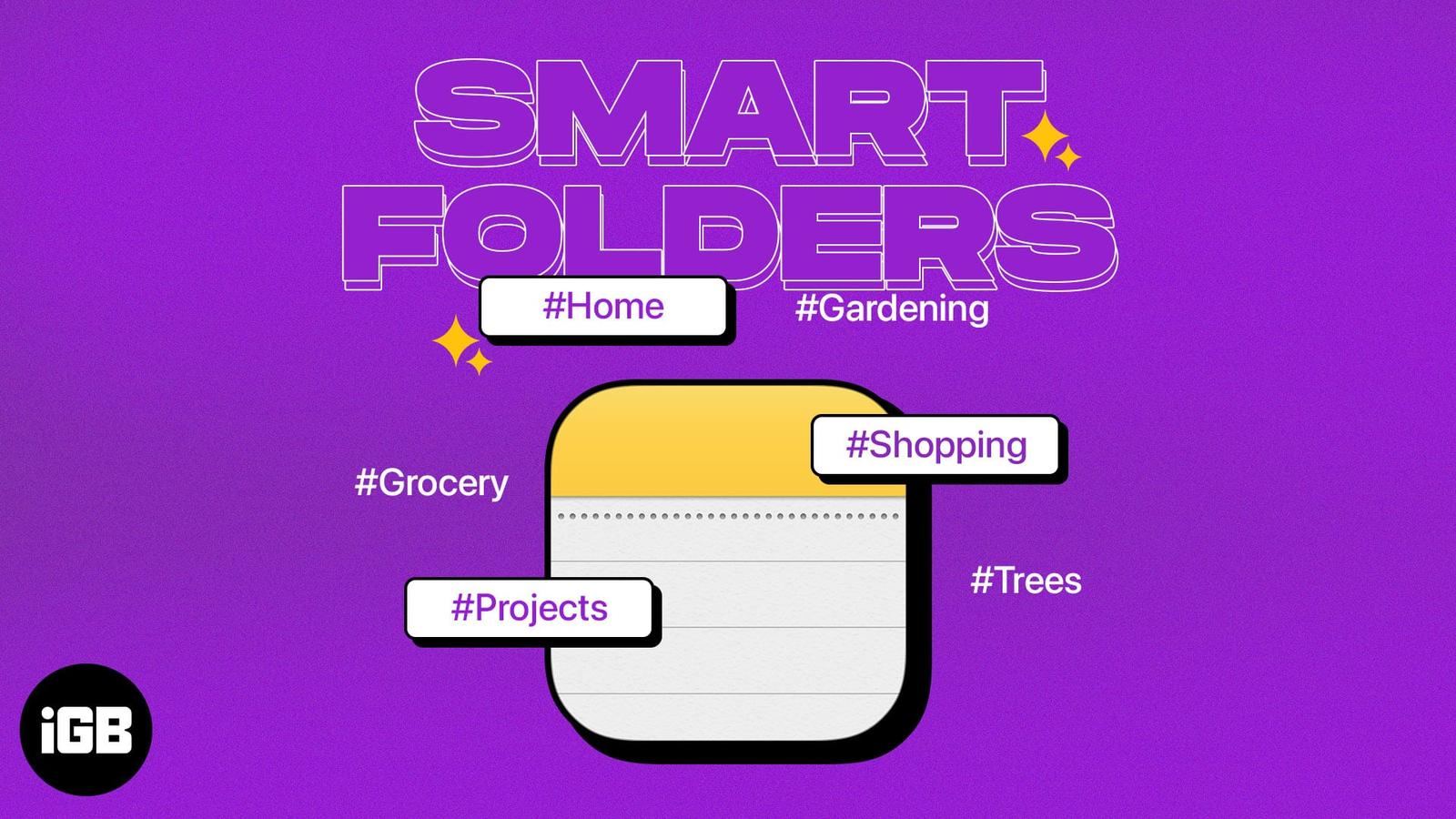
Having trouble organizing or finding the notes you need? With Smart Folders in Apple Notes, you can set up folders that automatically includ
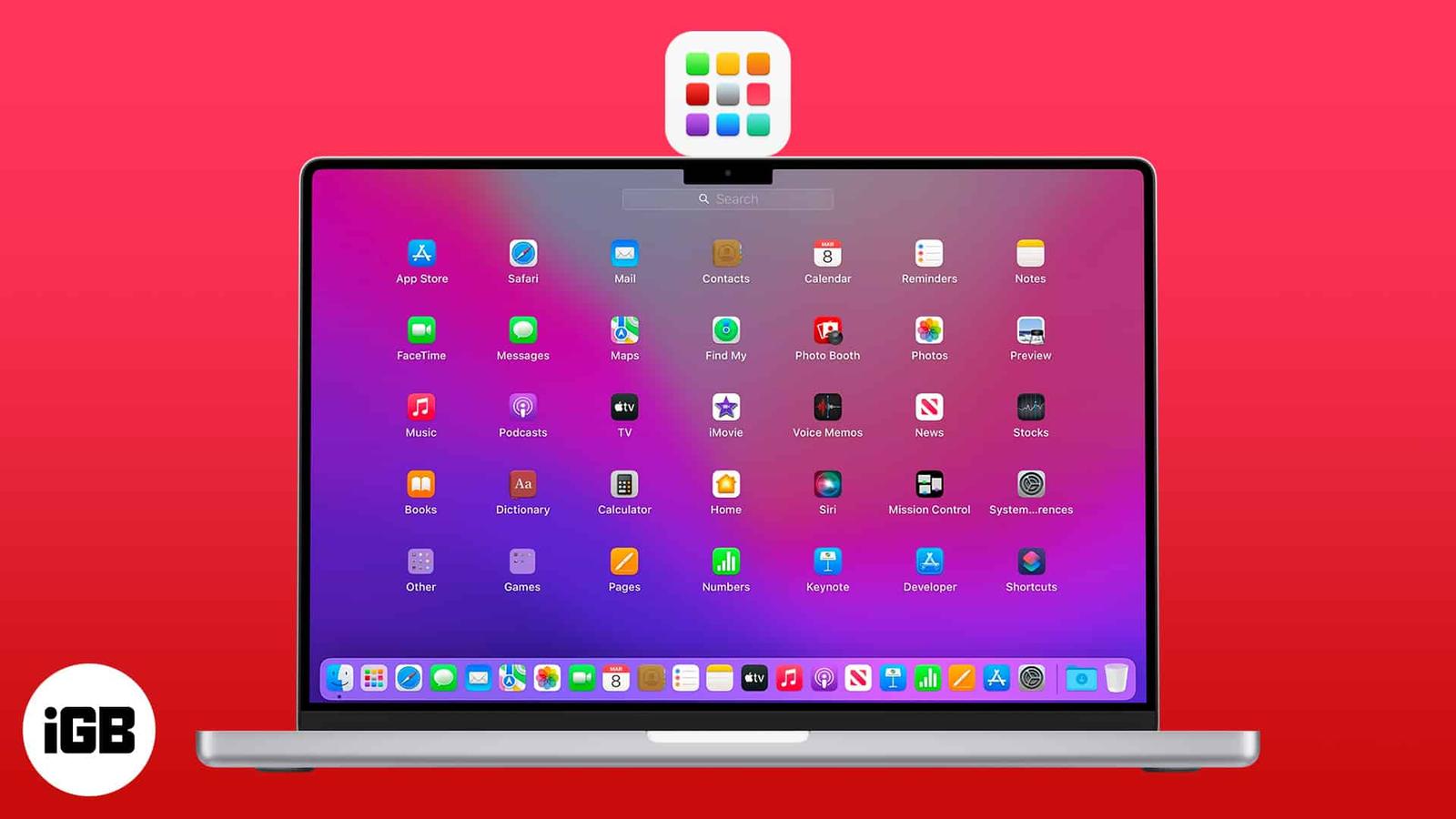
Whether pre-installed or downloaded, apps make lives easier and workflows more seamless. To make things smoother, Apple has made Launchpad a

The Notes app is a very useful tool that allows you to take notes, jot down ideas and make lists. The app also comes with a tagging feature,
Lock notes on your Mac with Touch ID or a password and keep your private info secure in macOS Tahoe.
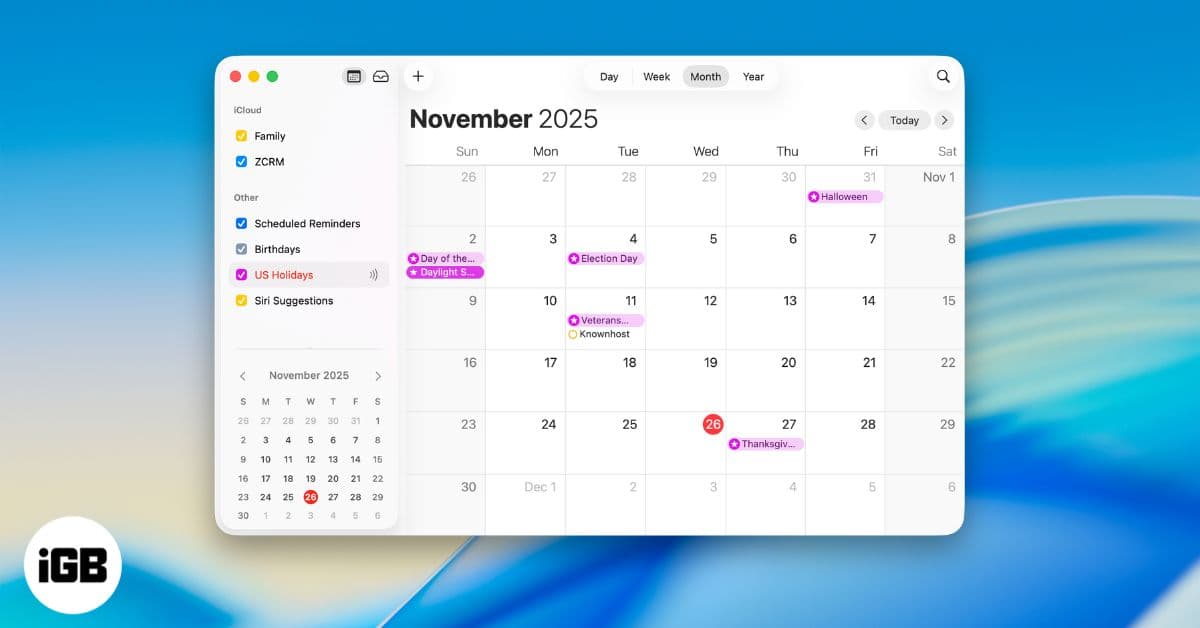
Get more out of Apple Calendar on Mac with essential tips. Learn how to plan your day, organize events, and use powerful built-in tools.
Touch ID acting up on your MacBook can be frustrating. Here are quick and reliable fixes to get your fingerprint sensor working smoothly aga